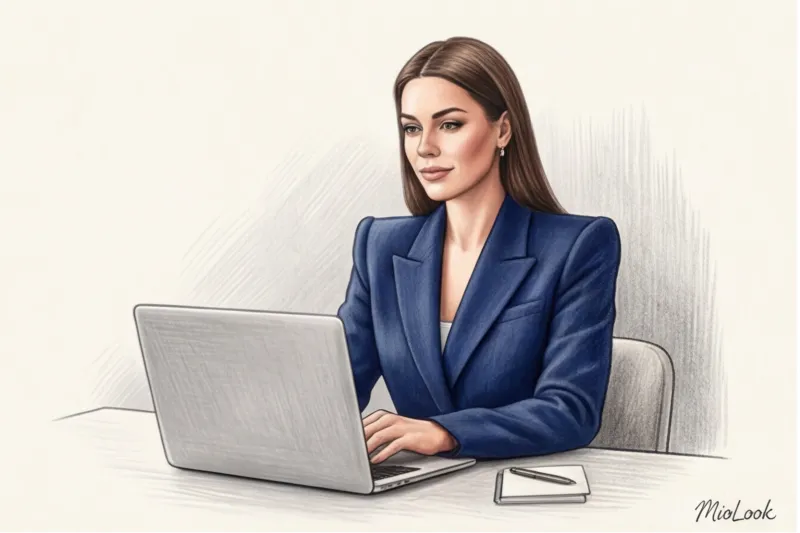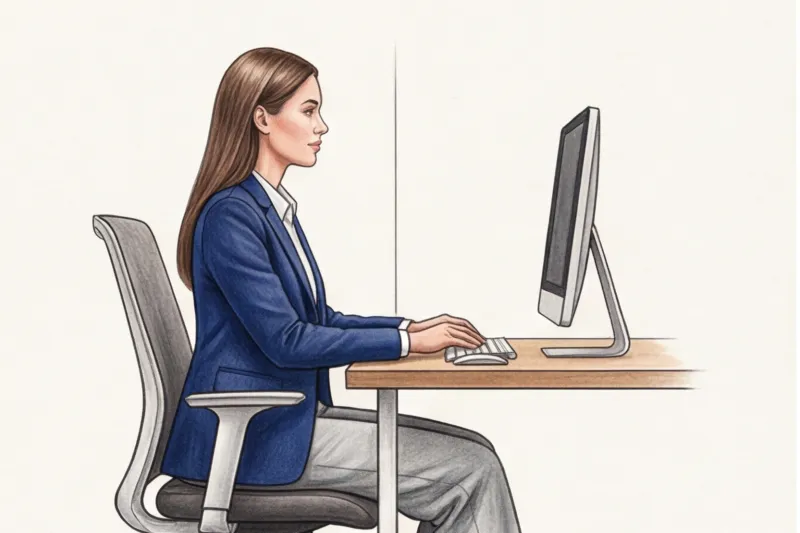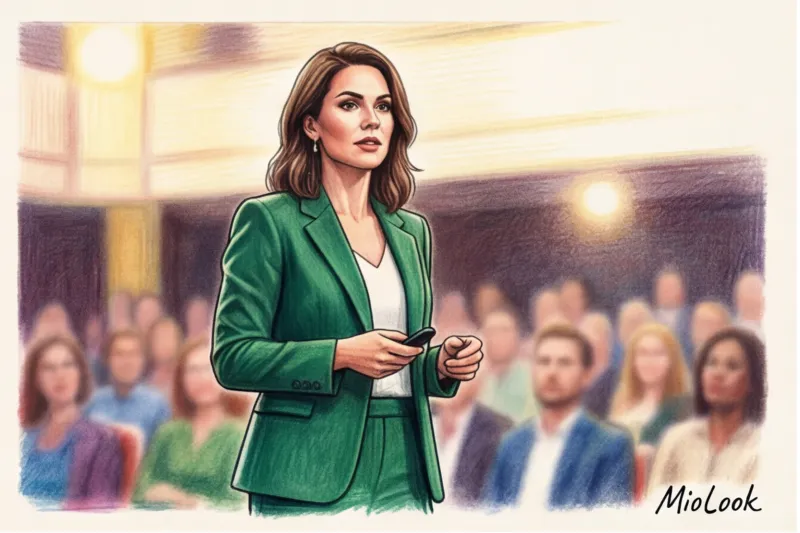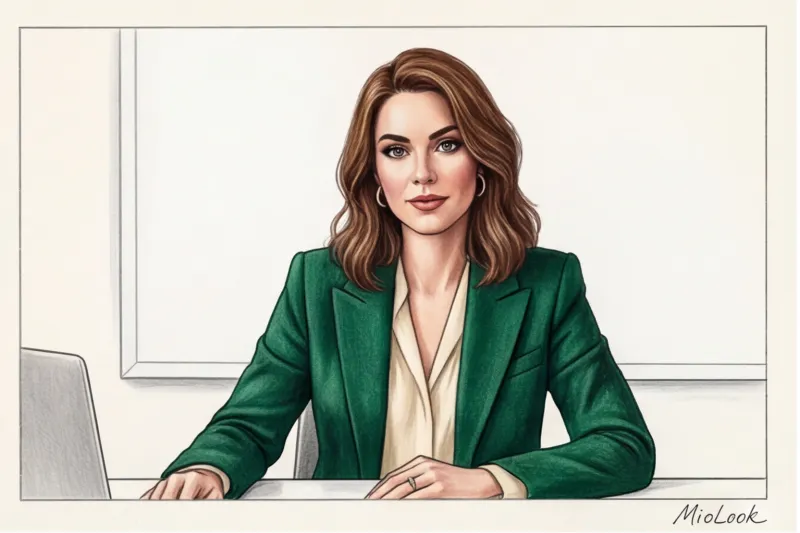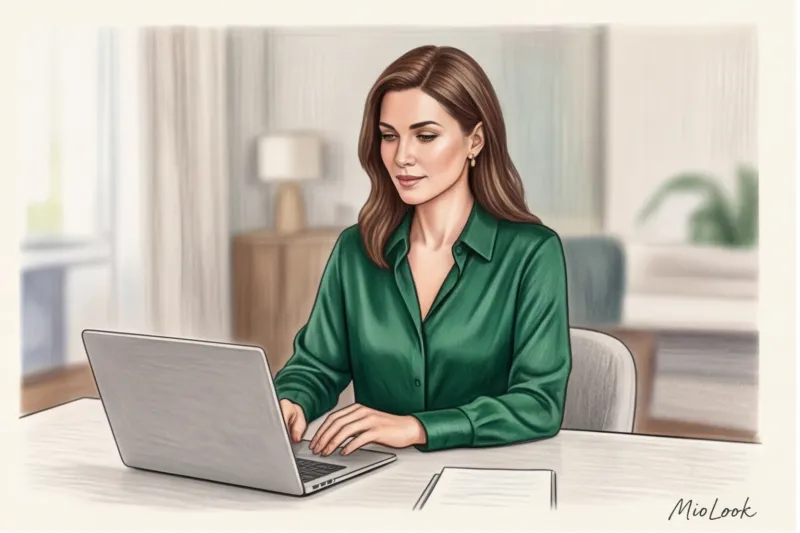
Psychology and technology: why screen style is radically different from real life
In 2021, my client, a top executive at a fintech company, was preparing for a crucial pitch to investors. We picked out an impeccable Jil Sander pantsuit made of the finest wool... which, on screen, turned her into a shapeless gray blob against the white wall of her office. It was a harsh but very useful lesson. When you think about... How to dress for a webinar , forget everything you knew about the classic office dress code.
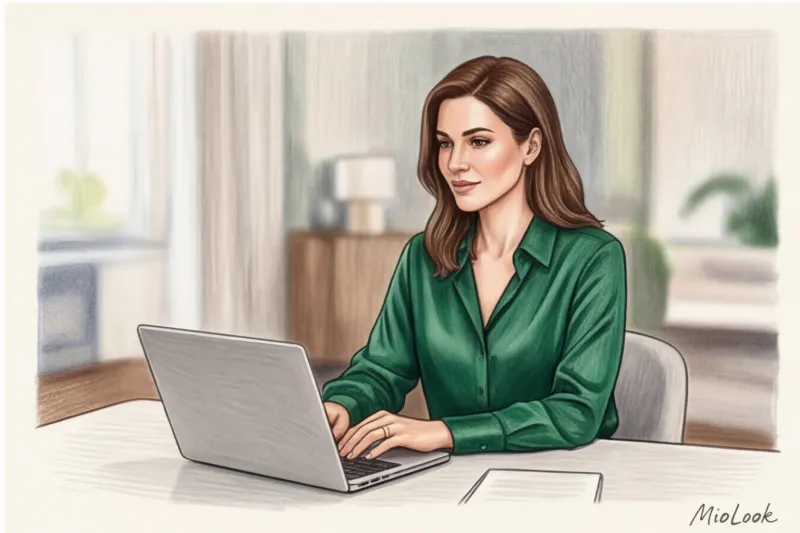
According to behavioral psychology research (specifically, the 2023 Science of People reports), viewers make decisions about a speaker's competence and status within the first seven seconds of a broadcast. And online, this critically important verdict is made solely based on your profile picture. You don't have the chance to impress with a confident gait or a firm handshake.
Welcome to the era of "keyboard dressing." In real life, your style is defined by movement: the way fabric flows as you move, the way light plays on texture, the way your body language works from head to toe. In the digital space, these tools have been mercilessly taken away from you.
The rigid 16:9 frame limitation means that 80% of your body simply doesn't exist for the audience. The lack of full body language—we don't see your legs, your full posture, or gestures below chest level—redirects 100% of the viewer's attention to a narrow rectangle from the top of your head to your collarbone. You're no longer a person in a three-dimensional room; you're a two-dimensional image on a flat monitor.
Add to this the harsh technical aspect. Video compression algorithms in Zoom, Google Meet, and streaming platforms are merciless when it comes to subtle nuances of style. The average webcam (even an expensive external model with a 4K sensor) reduces its bitrate at the slightest drop in internet speed. As a result, these algorithms distort proportions, "eat up" the fine texture of expensive fabric, and turn intricate designer cuts into a flat color wash. The camera doesn't see your premium cashmere or intricate drapery—it sees only a jumble of pixels. What looked like refined minimalism in the mirror can easily be transformed by the compression algorithm into pajamas.
And finally, the spatial context. Offline, you move around the room, your background changing. Online, your outfit must work in a rigid, static connection with the background, creating a contrasting effect. If you're sitting against beige wallpaper in a cream blouse, you literally disappear into space. Contrast is critical here: the camera sensor must clearly detect the boundary between your silhouette and the background, otherwise the autofocus will start to wander, periodically blurring your face.
The talking head effect and focus of attention
In a confined frame, speakers often encounter "talking head" syndrome—an optical illusion in which the face appears disconnected from the body and unnaturally large. To avoid this, we need to consciously guide the viewer's gaze by creating the right facial architecture.
The key here is the geometry of the neckline. A crew neck or a turtleneck that hits just below the chin visually shortens the neck on camera and makes the face appear wider. A V-neck, the top buttons of a heavy shirt, or the extended lapels of a jacket create diagonal lines. These vectors elongate the silhouette and direct the focus directly to your face, creating the correct proportions. In my 12 years as a stylist, I've seen hundreds of times how simply swapping a basic T-shirt under a jacket for a V-neck top instantly makes a spokesperson appear slimmer on screen.
The second ironclad rule of online photography: layering always works better than a flat silhouette. A plain, plain sweater or a basic long-sleeved top looks like a flat, boring blob of color on a webcam. The viewer's eye has nothing to focus on, and their attention begins to wander.
But add structure—wear a thick shirt over a T-shirt, drape a contrasting cardigan over your shoulders, or use a soft fabric jacket—and depth appears. Layering creates natural shadows around the neck and shoulders. These shadows trick the camera's flat sensor, restoring three-dimensional volume, dynamism, and that expert air of status that's so difficult to convey through a lens.
How to Dress for a Webinar: Basic Rules of "Belt Wardrobe"
When we decide how to dress for a webinar, we're essentially working on portrait architecture. The screen mercilessly flattens the image, so facial geometry becomes your primary tool for directing the viewer's attention.
Let me share the results of my personal crash test. A couple of years ago, I spent three hours recording test videos on Zoom, deliberately positioning the laptop camera just below eye level—the most common and most insidious mistake my clients make when working from home. The results were astounding. At this angle, a crew neck visually shortened the neck by several centimeters and created a shadow that mimicked a double chin. A V-neck, on the other hand, worked as an optical illusion: it elongated the oval of the face, directed the viewer's gaze toward the center, and completely compensated for the distorted perspective.
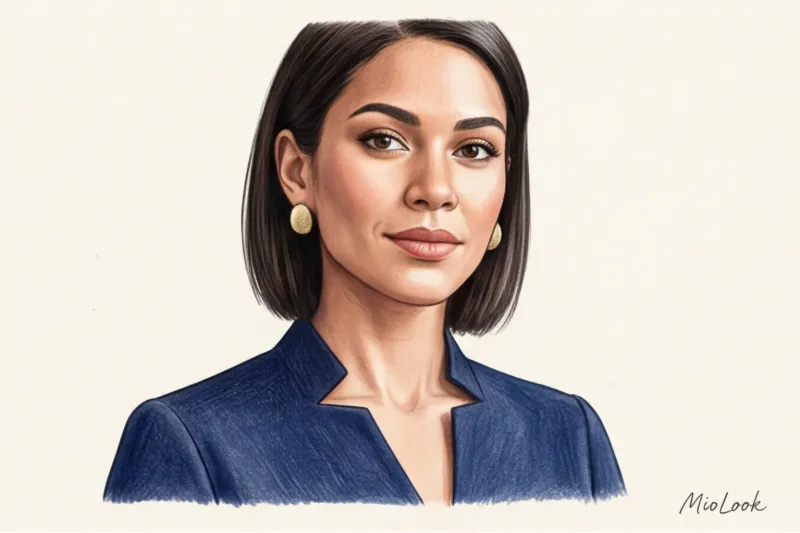
Other shapes are no less interesting. Mock necks are great for pulling together an image, conveying expertise and formality. But they have a tricky quality: they require impeccable posture. Slouch slightly over the keyboard, and your head will appear sunken into your shoulders. If you have narrow, sloping shoulders, a bateau neckline is your salvation—it creates the necessary horizontal line, harmoniously balancing your proportions in the frame.
The second fundamental rule is a strict limit on accents. Eclecticism may look stylish offline, but the screen doesn't forgive visual overload. The One Accent Detail Rule The rule is: never combine complex, jingling earrings, a vibrant print on a blouse, and bright lipstick. In the limited space of a broadcast, such a combination turns into visual noise. The human brain, already suffering from "Zoom fatigue" (a term officially coined by Stanford researchers in 2021), begins to be distracted from the meaning of your words and focus on details. Choose one of the following: either sculptural hoop earrings with a minimalist top, a rich wine-colored lipstick, or an interesting architectural collar.
Now about the less obvious—textures. Classic style courses often teach that silk adds status to an image. Forget this advice unless you have professionally set studio lighting. Under a regular ring light or under tricky sidelight from a window, natural silk, satin, or sateen begin to glare unattractively. A webcam sensor reads this sheen as cheap synthetics, and random light reflections in the folds look like damp sweat stains. Your choice for your screen is solely matte, light-absorbing fabrics Thick crepe, high-quality viscose, fine suit wool, or matte Tencel always look expensive and elegant on camera.
And finally, volume control. Romantic blouses with exaggerated, voluminous puff sleeves or gigot sleeves may garner compliments in the office, but they're a no-no online. In a rectangular frame with a 16:9 aspect ratio, such sleeves uncontrollably widen your silhouette horizontally. You start to take up too much width, making your head appear disproportionately small and your figure appear bulky. A set-in sleeve with a clear, structured shoulder line is the perfect way to achieve the right geometric shape.
To avoid wasting my morning hours trying on clothes in front of the monitor, I digitized my wardrobe a long time ago. MioLook app I simply tag tried-and-true matte tops and jackets with the right cuts with the tag "webinar." This saves a ton of energy: the algorithm itself shows me which win-win upper-body combinations I can try today.
Access to MioLook for €0.99 — one-time payment
A smart AI stylist will select the perfect look.
Get access — €0.99 onceColor Palette for Zoom and Live Streaming: A Technical Approach
Have you ever noticed how your skin looks fresh and rested on one call, but takes on a sallow, dull tint on the next, even though you're sitting at the same desk? It's not due to fatigue or poor makeup, but to the primitive algorithms of your webcam. Most built-in laptop lenses automatically adjust exposure and white balance based on the largest spot of color in the frame. On a 16:9 screen, that dominant spot is always your clothing.
It's this technical peculiarity that makes some of our most common, basic features downright dangerous for video conferencing. Let's take a look at the main enemies of the portrait zone:
- Snow-white color: When you put on a crisp white shirt, you force the camera sensor to panic and darken the frame to avoid overexposure. The result? The shirt looks fine, but your face turns into a dark, underexposed blob with harsh shadows under your eyes.
- Jet Black: produces the exact opposite effect. The camera tries to "stretch" the dark area, mercilessly overexposing your face. Meanwhile, the black itself, on cheap sensors, eats up all the details of your silhouette—you appear flat, two-dimensional, without shoulders or volume.
- Neon and acid shades: They act as colored reflectors. Bright fuchsia or lime green will create a harsh, unnatural reflection right on your chin and lower neck.
According to TV broadcaster technical guidelines (in particular, the BBC 2023 Studio Filming Standards), a camera sensor, unlike the human eye, cannot adapt to high-contrast scenes. What appears as elegant monochrome in real life is perceived by the camera as a critical lighting error.
The ideal colors for screen use are in the medium to high saturation spectrum, but with a muted undertone. My absolute favorites, which save any broadcast, are: deep blue (navy), emerald, wine, terracotta and dusty rose They have enough color density to help the camera focus on you, but aren't so aggressive that they throw off your white balance settings.
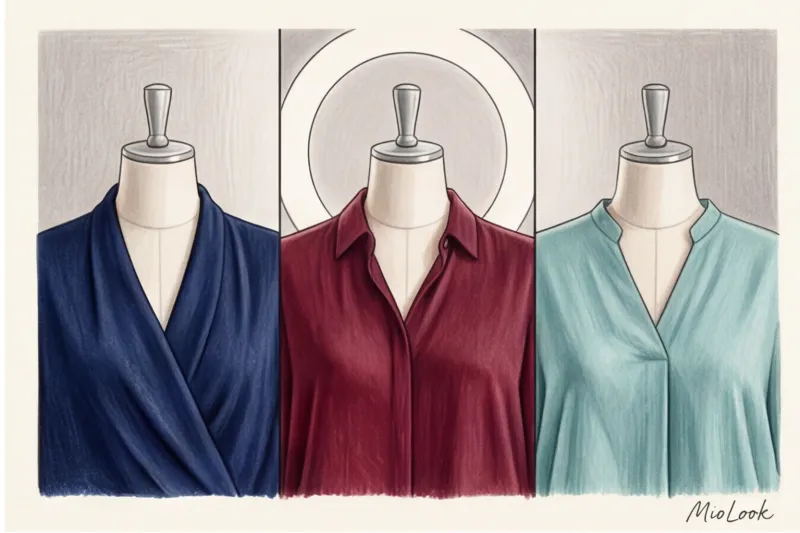
However, choosing a specific hue from this safe list should strictly depend on the temperature of your light source. This rule is often ignored, although it makes all the difference. If you're using a cool ring light (with a temperature between 5000K and 6500K), it will inevitably "freeze" the image, making skin appear pale. In this case, a terracotta jumper or dusty rose blouse will act as a color compensator and bring back warmth to the face. If your main light source is a warm window at sunset or an incandescent lamp (around 3000K), a deep blue or cool emerald will perfectly balance the excessive yellowness of the frame.
To avoid stress-testing my wardrobe every time before a broadcast, I've long since automated this process. In the app MioLook I filtered my clothes by these "screen-safe" shades and created a separate capsule. Now, when I need to decide what to wear for a webinar with cool studio lighting, I simply open the saved selection of warm tones on my smartphone. It takes exactly 15 seconds and guarantees that in the recording I'll look professional, not like a victim of poor color correction.
Prints and Patterns: How to Avoid Moiré Effects in Video
I recently watched a live broadcast of a major IT conference, where the speaker's jacket literally danced and shimmered on the screen, completely distracting from the brilliant presentation. It's a classic example of the moiré effect—an optical illusion that creates an unpleasant ripple or rainbow-like pattern on video.
Technically, moiré occurs when the regular pixel grid of your webcam's sensor overlaps the fine geometric pattern of fabric. Video compression algorithms—especially the standard codecs used by video conferencing platforms—can't handle such high detail, trying to compress the complex pattern, and the image becomes aggressively noisy.
TV channel technicians know a hard and fast rule that I always integrate into speaker guides: any pattern smaller than 2 millimeters is guaranteed to "float" on a standard 1080p webcam, not to mention the weaker built-in lenses of basic laptops.
Consequently, the speaker's list of worst enemies includes: pinstripes (especially high-contrast ones, like black and white), classic houndstooth, polka dots, and even textured micro-ribbing on turtlenecks or knitted sweaters. On screen, they turn into a strobe light, which subconsciously tires the viewers' eyes and reduces their concentration.
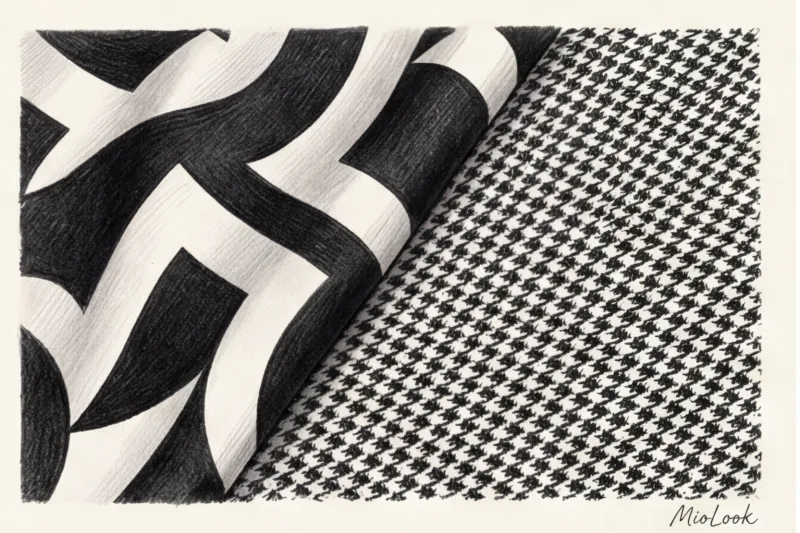
If you can't imagine your personal style without patterns, choose safe prints. Large geometric patterns, smooth abstractions, and color blocking work well in a photo. The scale of the pattern should be such that individual color elements are easily distinguishable from an arm's length.
When deciding what to wear for a webinar, remember the golden rule of online style: if you're even slightly unsure how a print will look on camera, choose a solid color. This is the safest, most prestigious, and most expensive choice for on-screen display.
Smooth, solid-color fabrics not only prevent moiré, but also don't interfere with background blur algorithms or virtual backdrops (unlike small checkered fabrics, which Zoom often mistakens for backgrounds and "erases"). To avoid putting on a problematic shirt in a hurry before an important broadcast, I use MioLook The app lets you easily filter your digital wardrobe by missing prints or pre-assemble a capsule wardrobe of tried-and-true solid colors. This completely eliminates the risk of technical defects due to clothing.
Access to MioLook for €0.99 — one-time payment
Start creating perfect images with the help of artificial intelligence
Get access — €0.99 onceThe Myth of the Tailored Jacket: Why 'Soft Tailoring' Works Better
How many times have you put on your best office blazer for an important broadcast, only to see the recording of the person looking stiff and their neck missing? It's a classic speaker trap. We tend to think that authority equates to a strict dress code, but when we're deciding what to wear for a webinar, the laws of physics dictate otherwise.
Let's break down the mechanics. A classic suit jacket is designed for an upright posture—for standing, walking, or sitting with a perfectly straight back. But the reality of online speaking is this: we inevitably lean forward, toward the laptop screen. At this point, the rigid architecture of the jacket begins to clash with your posture. The stiff shoulder pads become rigid, and the collar treacherously "slouches" upward, shortening the neck and creating the visual effect of slouching. Instead of a confident professional, the viewer sees a tense person trapped in their own clothes.
My experience shows that visual rigidity is often interpreted by audiences as psychological isolation. Last year, a client, a successful business coach, approached me. During her webinars, she always presented in tailored blazers, attempting to convey her ironclad expertise. We experimented with replacing the stiff jacket with a high-quality cashmere cardigan. According to her audience, her credibility increased significantly. The speaker no longer looked like a "person in a shell" and began to be perceived as warmer and more persuasive.
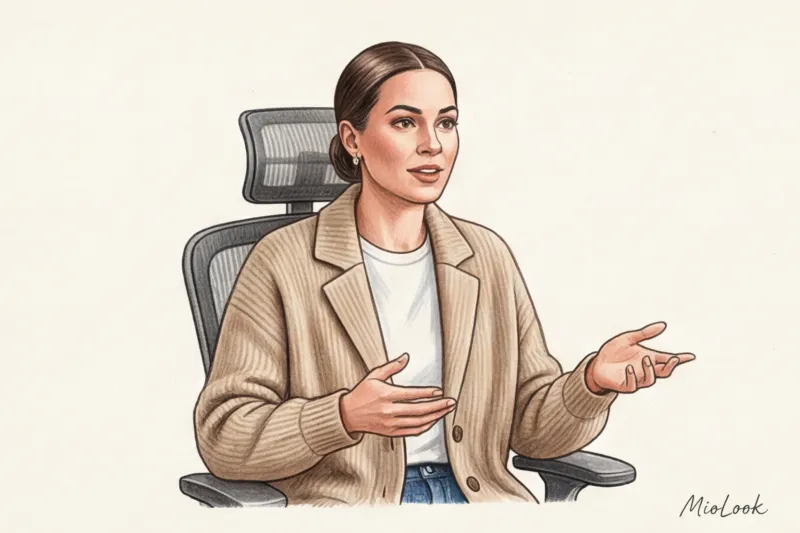
The answer to this problem was "soft tailoring"—clothing that maintains formal lines but is made from flexible materials. If you want to look classy yet modern, here are the best alternatives to the tailored jacket:
- Coatigans — a hybrid of a coat and a cardigan. The density of the yarn allows them to hold the shoulder shape without restricting movement. Excellent basic options can often be found in the collections of COS or Massimo Dutti.
- Knitted jackets — visually look like a classic (have lapels and buttons), but stretch like your favorite sweater.
- Shirts made of thick tencel or flannel - Unlike crisp poplin, they lay in soft folds and don't puff up like a bubble on your stomach when you're sitting in front of the camera.
- Structured Polos — the perfect compromise between a relaxed T-shirt and a tailored shirt, especially if you choose a model made of thick cotton pique or merino wool blend.
Switching to soft fabrics solves two critical problems at once. First, you maintain natural gestures. When the armhole doesn't dig into your armpit with every arm swing, your nonverbal communication becomes smoother, more open, and more inviting. Second, it directly reduces the speaker's stress level. The tight fit of a classic jacket often restricts diaphragmatic breathing, which is necessary for a deep and confident voice. Physical comfort normalizes your heart rate, allowing you to focus on the content rather than on tugging at a stubborn lapel.
To make your morning routine easier, I recommend separating these items into a separate mini capsule. In the appendix MioLook You can create a "soft tailoring" smart tag and link your best knit jackets and heavy shirts to it. Before your next live broadcast, you won't have to rummage through racks of suits—your smart wardrobe will automatically suggest comfortable and stylish options that will look flawless on camera.
The details that make all the difference: microphones, jewelry, and makeup
Do you know what gives away an inexperienced speaker faster than an uncertain voice? The sound of metal bracelets slamming against the table. When we think about what to dress for a webinar, the focus usually shifts exclusively to the visuals. But an online presentation is a synthesis of image and sound, where small details can ruin even the most carefully crafted portrait.
Jewelry etiquette for the digital environment dictates strict, strictly pragmatic rules. First and foremost, this means completely avoiding jingling accessories. If you're actively gesturing or typing, the sound of metal (like a popular hard nail bracelet) hitting the aluminum casing of your laptop will be transmitted directly to the ears of your listeners, causing physical irritation. Long chandelier earrings or large hoops are another absolute no-no. Not only do they draw attention away from your eyes, but they also constantly hit the earpieces or headset.
Furthermore, large, heavily cut stones disrupt webcam exposure. The autofocus algorithm begins to frantically adjust to the bright glare from the stones every time you turn your head, causing your face to periodically go out of focus. Your ideal on-screen jewelry: neat stud earrings, simple hoops (rings) up to 2 centimeters in diameter, and a watch with a leather strap, not a metal one.
Let's move on to portraiture. Webcam makeup is a separate discipline, the rules of which are closer to television makeup than to everyday, light nude. The sensors of most cameras, Zoom compression algorithms, and the bright light from a monitor mercilessly "eat" color and volume, making the face appear flat. The golden rule for makeup artists is that the camera needs exactly 20% more contrast than in real life. This means that cheekbone contouring, brow architecture, and lip contour should be worked on a little more intensely than usual. If your makeup appears a bit too bright in the mirror in daylight, on screen it will appear natural and rested.
However, herein lies the main pitfall. Adding contrast does not necessarily mean adding shine. A completely matte T-zone (forehead, bridge of the nose, chin) is a critical requirement for any broadcast. The popular "glass skin" effect, under a directed ring light, is interpreted by the sensor not as a healthy glow, but as a banal oily shine from stress. Put down the highlighter and arm yourself with HD transparent powder—it contains silicon microspheres that scatter light and create a blurring effect in video.
Clothing for a Lapel Pin: Hidden Nuances for a Speaker
If your broadcast involves professional audio recording or a performance from a fully equipped studio, your outfit should be a comfortable working environment for the sound engineer. The question "Where to attach the lapel microphone?" often triggers panic five minutes before the action. Clothes without lapels, dresses with soft swing necklines, or thin, basic T-shirts without a solid hem are a nightmare for the technical crew.
Even the smallest microphone (like a standard Rode transmitter) inevitably pulls the thin fabric downward under its weight. This distorts the silhouette, ruins the cutout geometry, and, worse, causes the microphone to wobble, changing volume with every movement.
Insider tip from sound engineers: Absolutely avoid natural silk, thin polyester, nylon, and rustling taffeta if you plan to use a lavalier microphone. With every breath or slightest movement of the body, these fabrics rub against the microphone capsule. They create deafening micronoise and crackling that are virtually impossible to remove in post-production without degrading the quality of your voice.
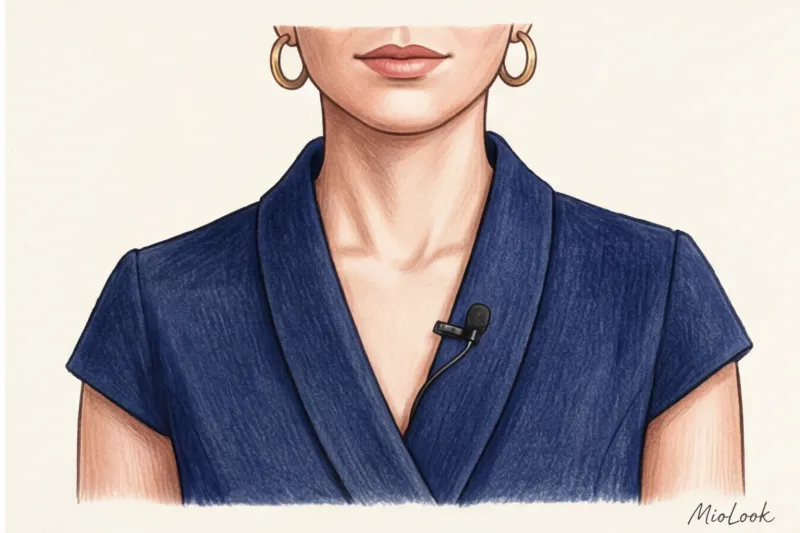
Ideal microphone clothing always has structure. Heavy cotton button-down shirts, structured cardigans, heavy pique polos, or jackets aren't just stylish, they're technically sound. A firm collar or lapel securely holds the clip in the correct position (15-20 cm from the mouth). And a button closure allows you to elegantly conceal the wires under clothing, tucking them behind your back or toward the belt where the transmitter is attached. No black cords casually crossing your light-colored blouse at a diagonal.
To avoid racking your brain over wardrobe specifications before each broadcast, I recommend digitizing this process once. In the app MioLook You can create a custom tag, such as "lapel collar" or "on-air." Assign it to shirts and jackets that have a matte finish, the right fabric density, and comfortable lapels. When you're unexpectedly invited to speak at an important stream, you won't waste time trying them on. Simply open your smart wardrobe on your smartphone, filter items by tag, and the AI assistant will suggest several technically flawless outfits.
Your ideal image begins Here
Join thousands of users who look flawless every day with MioLook.
Get access — €0.99 onceChecklist: Test-driving your look before going live
80% of visual failures during live broadcasts occur for one simple reason: the speaker assessed their outfit standing in front of a full-length mirror, not sitting in front of the camera. A hallway mirror will lie to you because you're looking at yourself from your own height and in standard lighting. A webcam will show the harsh truth.
In my practice of preparing experts for online presentations, I have a strict rule—a practical step-by-step algorithm that we run through 15 minutes before the start. The first and most important step: open Zoom (or the service where the stream will take place) and create a test conference just for yourself. Mandatory condition: Do this with the work light on. Whether it's a ring light, a professional softbox, or simply window light, lighting dramatically changes the geometry of shadows on the face and reveals the true texture of the fabric.
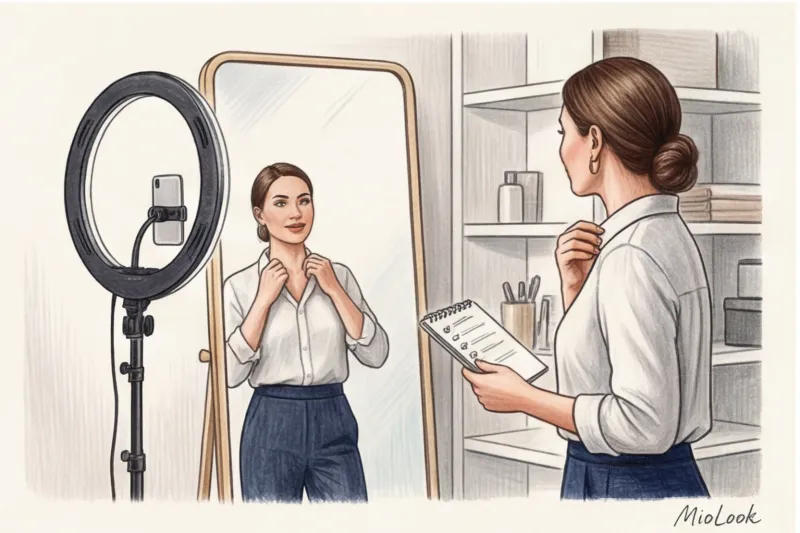
Next, check your posture. Sit up straight, just as you would during the webinar—most likely, leaning slightly forward toward the monitor. Look closely at your cleavage and stomach: is the fabric bunching up? Stiff cotton shirts often create an unsightly "bubble" on the chest, and a low neckline when leaning toward the camera can reveal more than you intended.
A static screen isn't enough—a live speaker is always moving. Press the Rec button and make a 30-second test recording with active gestures and sound. Say the opening line of your presentation, straighten your hair, and pick up a pen. Then review the file. Your goal is to monitor the dynamics: does the collar "slide" up toward your ears? Does the thick fabric rustle against the buttonhole? Does the top shift with each arm movement?
Finally, consider the contrast with the background—this is a basic rule of composition. You shouldn't blend into the wall or the back of your desk chair. If there's a light-colored shelf behind you and you're wearing a cream-colored sweater, video compression algorithms will average out the image, leaving only your "floating head" in the frame.
When deciding how to dress for a webinar, always work with contrast: a dark background requires a light or saturated portrait area, while a light background perfectly sets off deep, saturated colors of clothing. Once you find a combination that perfectly passes this crash test, I highly recommend digitizing it. Personally, I immediately save such outfits in MioLook Tagged "perfect for broadcast," it's a one-time investment that will forever save you from the five-minute panic before the camera rolls.
How the MioLook app helps you put together a wardrobe for online performances
According to Gartner's 2023 statistics, executives and experts spend an average of 15 hours a week in front of a webcam. Do you know how much time is spent pacing in front of an open filing cabinet in the morning, trying to figure out... How to dress for a webinar? About 30 minutes before each important broadcast are precious minutes that could be spent on articulation warm-ups, sound checks, or simply a quiet breakfast.
In today's wardrobe environment, physically dedicating a separate wardrobe rack to "screen clothes" is impractical. The first step to optimizing your routine is to digitize your "outer wardrobe." MioLook I teach my clients to use a smart tag system. You simply take photos of your tried-and-true matte blouses, structured polos made of thick cotton, and soft cardigans, and then assign them tags. #zoom , #webinar or #live_broadcast This allows you to separate frame-safe items from the rest of your closet with one click, instantly filtering out anything that glares, reflects, or blends into the background.
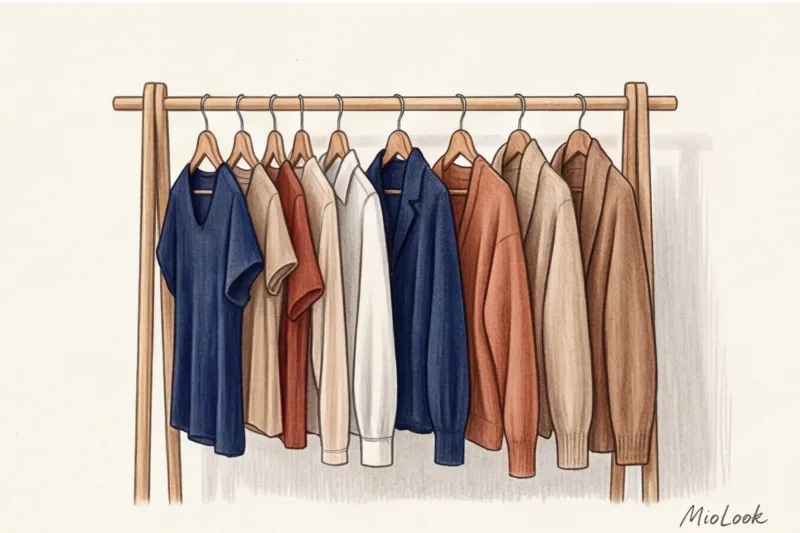
The next step, which is a game-changer, is the virtual try-on feature. As we've already discussed in previous sections, on-screen styling requires careful layering to create depth in the flat 16:9 rectangle. But trying on five different tops with one jacket ten minutes before turning on the camera is a surefire way to stress and ruin your hairstyle. Using your smartphone, you can pre-create a layered look: layer a basic top, add a knit jacket, and finish the look with the right accessory (like a simple watch or a matte brooch). You can immediately see how the neckline geometry works together, without even taking the items off the hangers.
But the real magic of automation begins when creating a webinar capsule. One of my clients, a corporate communications director, came to us with a typical problem: she felt like she looked "the same" on camera every day, even though her closet was overflowing with clothes. We loaded the app with just five basic items in the right deep shades. With the help of an AI assistant MioLook The algorithm created over 10 unique images in just a few seconds by mixing these objects together. The artificial intelligence takes into account contrast, color temperature, and textures, producing ready-made formulas that are guaranteed to work on video.
A digital wardrobe isn't just a catalog of clothes on your phone; it's your personal experience control panel. The demonstration of how technology simplifies the pre-broadcast preparation routine is astounding: this approach saves speakers up to 30 minutes before each webinar. When you know exactly what you'll wear tomorrow, your cortisol levels decrease, and your confidence in your voice increases.
Instead of reinventing the wheel every time and hoping the camera will forgive a bad print, do the following today. Choose three items (one thick top, one shirt, and one soft jacket) that have already received compliments during online meetings. Photograph them in daylight, upload them to the app, and create your first mini capsule collection. Your future speaking success and restful mornings begin with this simple digital habit.
Guide Chapters
Makeup for Video Shooting: How to Avoid Looking Pale
Webcams mercilessly eat up contrast and volume in your face. We'll explain how to use makeup to look flawless on any online call.
What clothing colors are suitable for video: stylist tips
Dressing for life and dressing for the camera are two completely different things. Learn how to choose the right colors for video calls to look professional.
7 Major Video Clothing Mistakes: How to Avoid Ruining the Shot
Zoom's algorithms mercilessly distort your look, turning prints into visual noise. Learn 7 critical mistakes when choosing clothing for online presentations.
Why do clothes appear fuzzy in videos and what shouldn't you wear?
Heading to an important online meeting or broadcast? Find out what the moiré effect is and which prints will transform your look into a pulsating spot on the screen.
Dress Code for Online Meetings: From Business to Smart Casual
A webcam doesn't understand brands; it only sees pixels and light. We'll explore how to choose the right clothes for video calls to look classy.
Portrait Mode in Clothing: Style Secrets for Zoom
Classic style rules don't always apply via webcam. We'll explore how to properly design a portrait area for online meetings.
The Perfect Hairstyle for a Video Call: Styling Secrets
Luxurious salon-style hair often looks sloppy on a laptop camera due to video compression. Learn how to style your hair properly to look flawless for online meetings.
How to Match Your Background: Video Rules
Zoom's algorithms don't care how much your jacket costs if it blends in with the wall. Learn how to create the right contrast with the background so the camera "loves" you.
Online Speaker Image: How to Build Trust Through the Screen
Why doesn't the best office attire work on Zoom? We explore how collar geometry and clothing color influence the trust of on-screen viewers.
How to eliminate glare on glasses from a lamp during online calls
Glowing circles instead of eyes on Zoom can ruin even the most polished presentation. We'll explore how to adjust lighting and choose frames from a stylist's perspective.