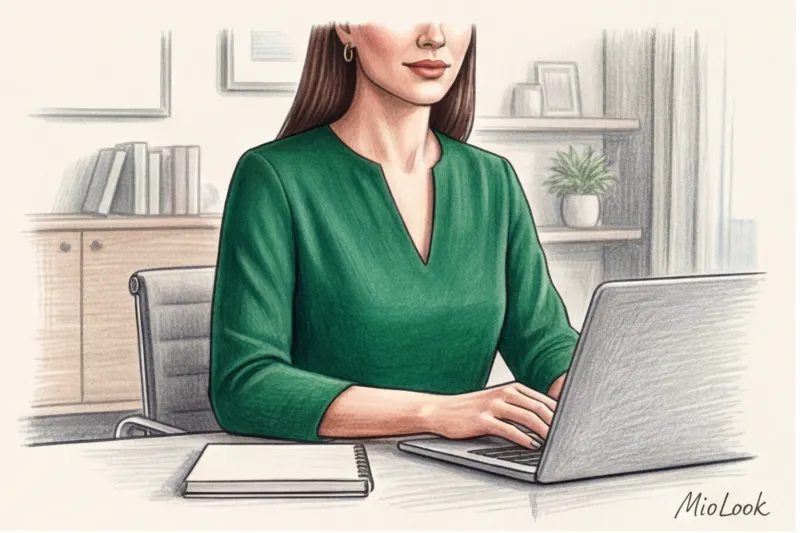
Last Tuesday, my client, the CFO of a large European company, nearly botched a major investor pitch. She'd carefully prepared and donned her favorite, perfectly tailored crisp white shirt from COS. In the office, this look looked impeccable and classy. But as soon as she connected to the stream, the webcam's algorithms went nuts: a huge white spot forced the autoexposure to dramatically reduce the frame's brightness. As a result, her face became a dark, illegible blur, and her expensive gold chains looked like dirty pixels in the video.
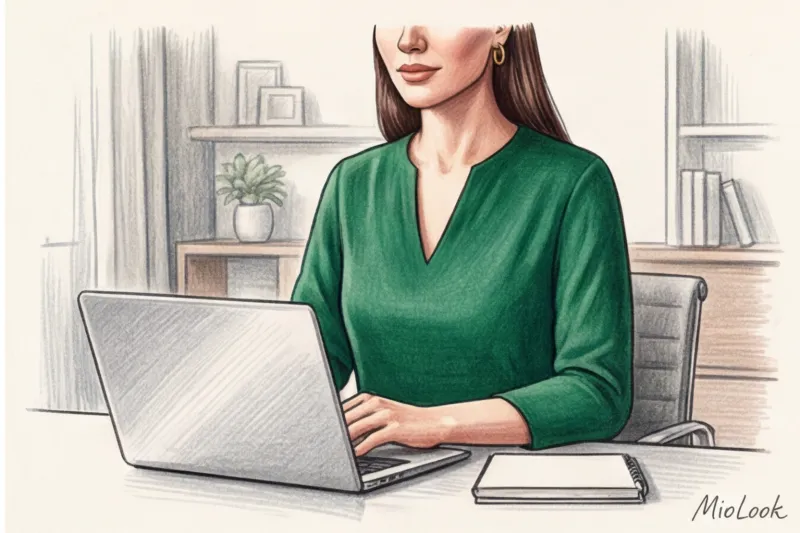
This case once again confirmed the rule that I repeat to all my clients: portrait zone in clothing Online styling operates according to the laws of optics and codecs, not the rules of classic styling. You may know your skin tone and body type perfectly, but if you don't consider the focal length of your laptop's lens, all your efforts will be wasted.
We have already discussed in more detail the basic principles of preparing for broadcasts in our The Complete Style Guide for Online Presentations Today, I'd like to take a look at your wardrobe through the eyes of a camera operator and figure out why half of the usual office rules simply don't work in Zoom.
What is a portrait zone in clothing, and why are the rules different on Zoom?
In real life, people read our entire silhouette. Online, the portrait area of clothing is compressed into a rigid rectangle from the crown of the head to the bust line. Statistically, a 16:9 crop leaves only 15-20% of your body visible. Due to the lack of body language (we don't see posture, gait, or hand gestures below the chest), the semantic load of collars, necklines, and embellishments doubles.
But the main problem lies in the technology. Most built-in laptop webcams (even premium ones) have a wide-angle lens with a focal length of around 28–30 mm. What does this mean in practice? Any photographer will tell you that such a lens inevitably distorts proportions at close range. Objects in the center of the frame (your nose) appear larger, while objects at the edges (your shoulders) appear visually stretched.
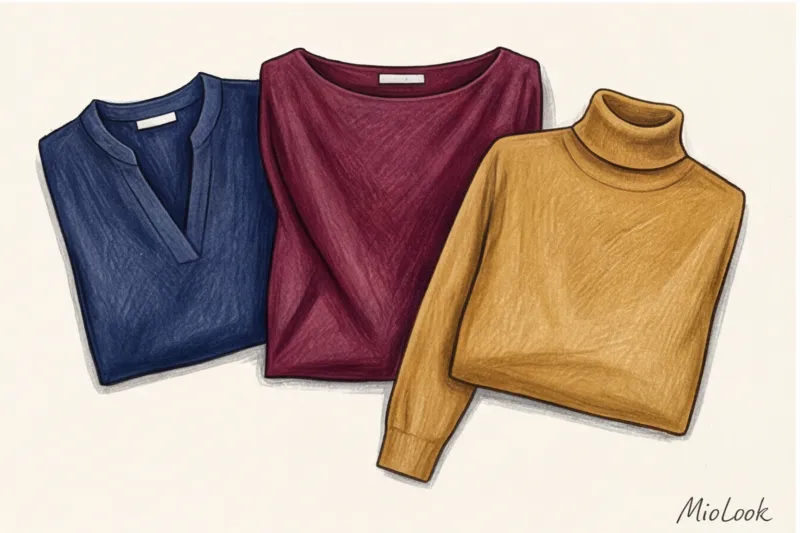
That's why your favorite real-life tricks fail here. A wide collar that makes you look fragile in the mirror will turn you into a rugby player through a 28mm lens. And a thin silk top with a small print will cause a strobing effect due to the video compression algorithms (H.264 codecs used by Zoom)—your blouse will appear to be uncomfortably "rippling" on your interlocutor's screen.
Access to MioLook for €0.99 — one-time payment
A smart AI stylist will select the perfect look for your online meetings, taking into account all technical details.
Get access — €0.99 onceFrame Geometry: How to Choose the Right Cutout for Video Conferencing
The neckline of a blouse or jacket is a frame within a frame. It shapes the composition within the rigid rectangle of the screen. Over 12 years of working as a stylist, I've noticed one pattern: the more complex the cut in the portrait area, the cheaper it looks on a webcam.
For example, asymmetry. In real life, a one-shoulder top or a blouse with a complex off-center collar from Zara looks like an interesting design statement because we see the entire outfit in motion. In a static Zoom shot, asymmetry is perceived by the other person as carelessness—as if the garment simply slipped down and you forgot to adjust it.
V-neck: a versatile soldier or a cliché?
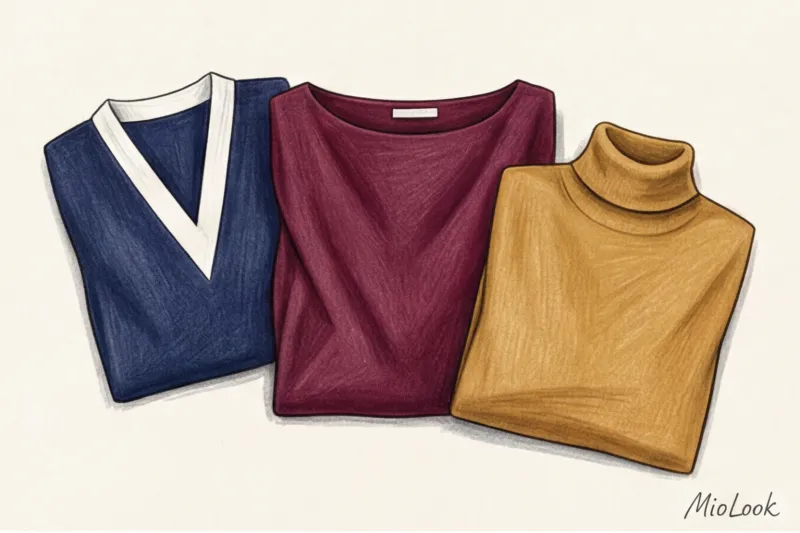
I often call the V-neck a "lifesaver" for online meetings. It's not a fashion trend, but a geometric one. It creates two diagonal lines that converge downward, creating a vector pointing directly at your face. Furthermore, a laptop camera is usually positioned just below eye level (unless you use a special stand), which visually shortens the neck. The V-neckline counteracts this effect.
But there's a clear rule of depth here. In a tight frame, a neckline that's too deep (more than 5-7 cm below the collarbone) can create the illusion that you're naked if you lean slightly toward the monitor. Safer alternatives that work just as well are a medium-depth U-shaped neckline and a subtle sweetheart neckline.
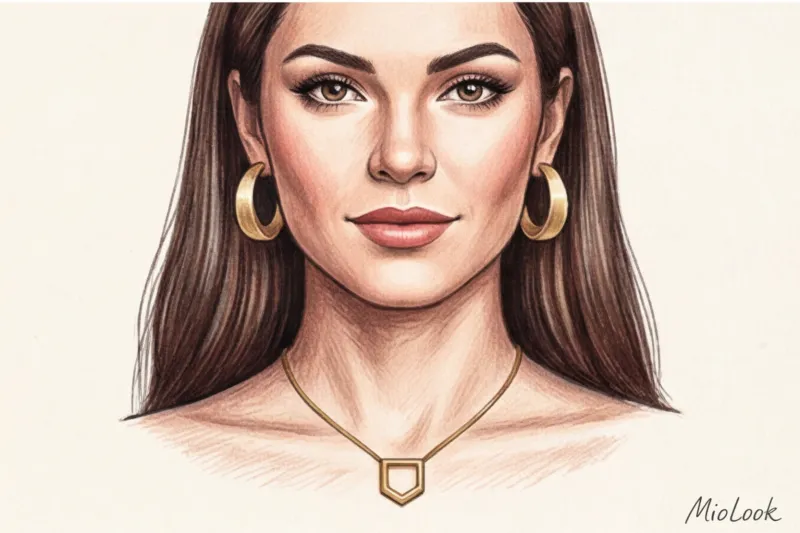
Dangerous styles: turtlenecks, pumps, and white shirts
Now, let's talk about what should be immediately removed from your "screen" wardrobe. A 2023 study by the Pantone Color Institute confirms that the perception of colors on screen differs dramatically from reality due to differences in the color rendering of color sensors. But styles are distorted even more.
- Turtlenecks (especially black ones): If you're sitting against a dark wall or in a dimly lit room, a black turtleneck will blend into the background, creating an eerie "floating head" effect. If you love a high collar, choose light or rich shades (emerald, terracotta).
- Boat neckline: Consider the distortion of a 28mm lens. The horizontal line of the boat neckline, coupled with the stretching at the edges of the frame, will make your shoulders look monumental.
- Classic white shirt: This is my favorite paradox. A white shirt is the worst choice for Zoom. Webcams have a primitive autoexposure system. When a large white spot (your shirt) appears in the frame, the camera thinks, "Wow, that's so bright, I need to darken the image!" As a result, the shirt stays white, and your face is cast into deep shadow. Instead of stark white, choose shades of ecru, dusty blue, or beige.
By the way, if you often doubt whether a thing is suitable for your figure and tasks, I recommend reading our material about How to find your clothing style — there we examine in detail the basic principles of wardrobe formation.
Facial Architecture: Choosing Jewelry to Comply with Webcam Distortions
"Precious and subtle" is a wonderful rule for offline life, but online it turns into visual junk. A delicate gold chain with a tiny diamond isn't captured by the camera. Every time you move, video compression algorithms will try to focus on this shiny object, turning it into a jumble of jumping pixels.
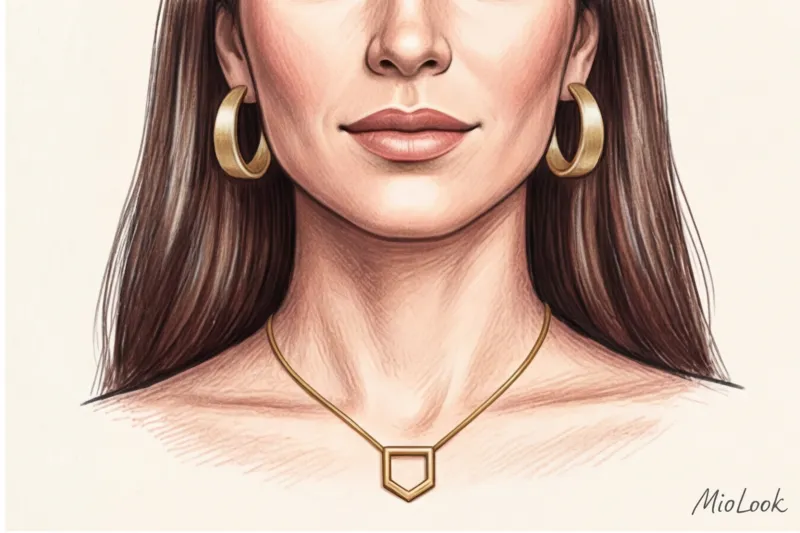
The second rule, rarely mentioned, is that matte always beats glossy. Highly polished gold or silver will catch glare from a ring light or window. These sharp flashes of light hit the lens, forcing the autofocus to constantly readjust. Your face on the screen will alternately blur and become sharp.
Your ideal image begins Here
Join thousands of users who look flawless every day with MioLook. Digitize your jewelry and create looks in one click.
Get access — €0.99 onceEarrings: Size Matters
The standard distance from your face to your monitor is 50–70 cm. To ensure your jewelry is noticeable and seen as a style statement rather than a random blot, follow the "30% rule." Your Zoom earrings should be approximately 30% larger than those you'd wear in the office.
Opt for geometric, sculptural shapes made of matte metal, smooth ceramic, or Bakelite. However, it's best to avoid long, dangling chandelier earrings. With the slightest nod or turn of the head, they begin to swing like pendulums, hypnotizing the person you're speaking to and distracting them from the meaning of your words.
Necklaces and pendants: the one-line accent rule
The shape of the necklace should match or complement the shape of the neckline. A pendant on a medium-length chain (forming a V) looks great with a V-neckline. A short, semicircular necklace complements a round neckline.
What you should definitely avoid is layering. The trend of layering three or four thin chains, so beloved by the brand &OtherStories, looks like a tangled mess in videos. Also, be careful with chokers: if the camera is low, a black velvet necklace will visually "cut off" the head from the body. If you want to organize your accessories to save time before a call, I recommend uploading them to MioLook app - this way you will immediately see which pendant matches a particular blouse.
Sound Etiquette of Jewelry (What 90% of Speakers Forget)
I was once preparing a top manager for an online interview for a major industry publication. We had chosen a great look and the perfect lighting. But the next day, she called me upset. It turned out she'd been actively gesturing and typing notes on her keyboard during the interview. She was wearing a set of three rigid metal bracelets. Every time she touched the table, a loud metallic clang erupted, which the laptop microphone picked up and amplified, drowning out her voice.
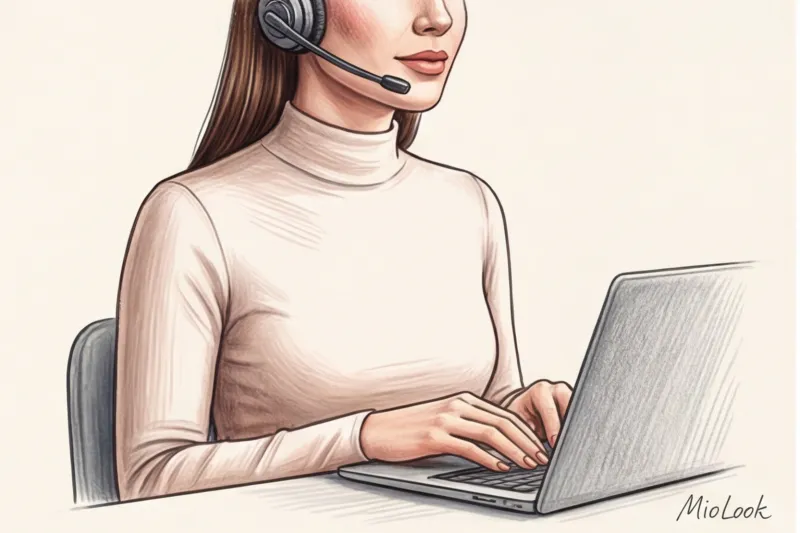
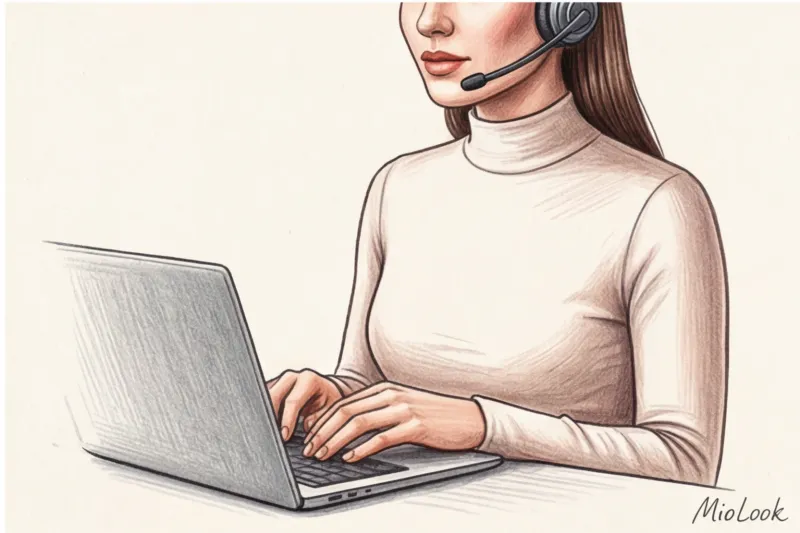
This phenomenon is called keyboard dressing—a style for working at the keyboard. And the main rule here is: the portrait area should be noiseless.
If you're using a lavalier microphone, avoid long necklaces and sautoirs. When you breathe or tilt your head slightly, the metal will rub against the microphone's plastic, creating a sound in your listeners' headphones similar to foam scraping against glass. Before an important broadcast, always put on your headphones, play a test recording in Zoom, vigorously move your head, and tap on the keyboard. Hear a ringing sound? Take off your bracelets.
Ready to get started?
Try the MioLook plan for free—no commitments required. Organize your wardrobe like a professional stylist.
Get access — €0.99 onceA stylist's checklist: auditing your portrait zone before going on air
Theory is great, but practice proves style. Here's a step-by-step algorithm I make all my clients go through 15 minutes before an important online conference. Don't look in the mirror—look only at your webcam preview.
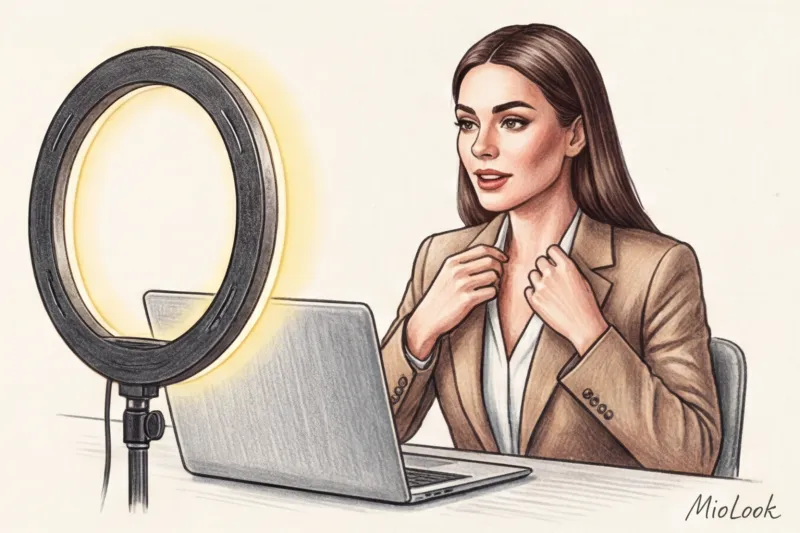
- Step 1: Check the contrast with the background. Are you blending in with the wall? If you're wearing a light beige sweater and there's a white wall behind you, you risk looking like a flat blob. Add a contrasting jacket (for example, a navy blue one made of thick viscose).
- Step 2: Auto Exposure Test. Sit up straight and look at your face on the monitor. Is it too dark? If so, you might be wearing a light-colored blouse that's stealing the light. Try layering a medium-colored cardigan over it to reduce the amount of white in the frame.
- Step 3: Check for glare. Turn on a ring lamp or desk light to the power level you'll be using. Shake your head slightly. If your earrings or glasses create harsh reflections in the lens, replace them with matte finishes.
- Step 4: Micromovement test. Raise your arm, reach for an imaginary hand, and turn to the side. Is your jacket collar billowing? Is your neckline hanging off to the side? For online wear, items made of dense fabrics (cotton from 180 g/m², heavy silk, thick suiting wool) always work better than fine knits because they hold their shape even when you move.
Your online portrait mode isn't just a reflection of your personal style. It's the interface through which you communicate with the world. When choosing clothes for Zoom, remember: you're not dressing for the room you're sitting in, or even for the people on the other side of the screen. You're dressing for the camera lens. Understand its technical limitations, and you'll always look convincing, sophisticated, and professional on camera.