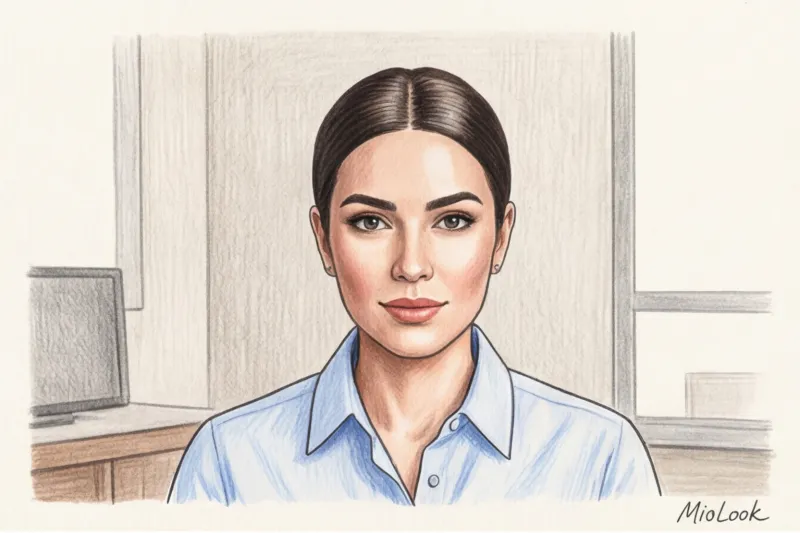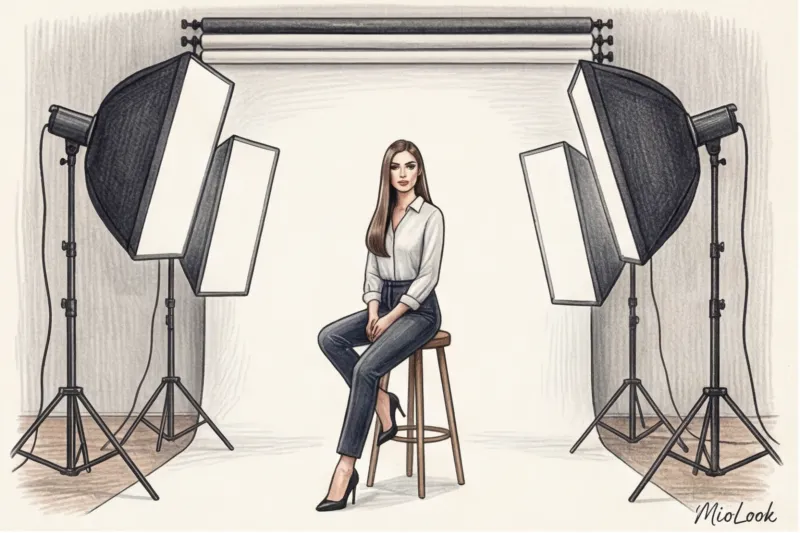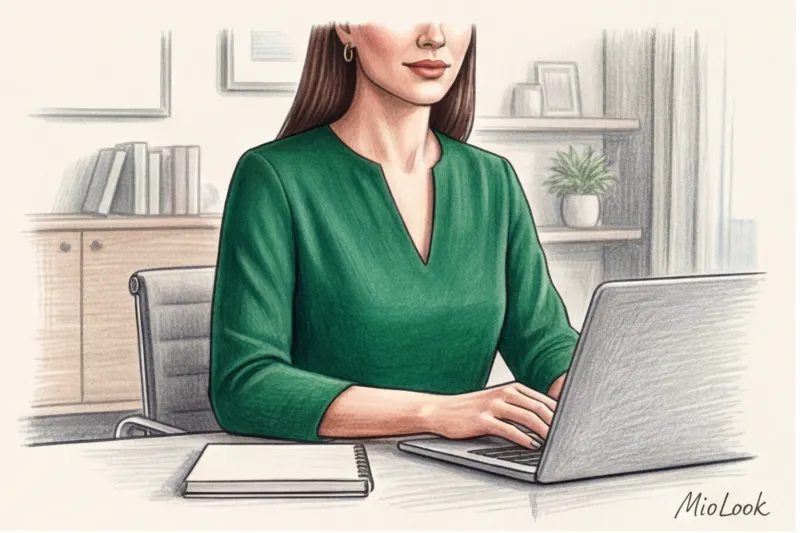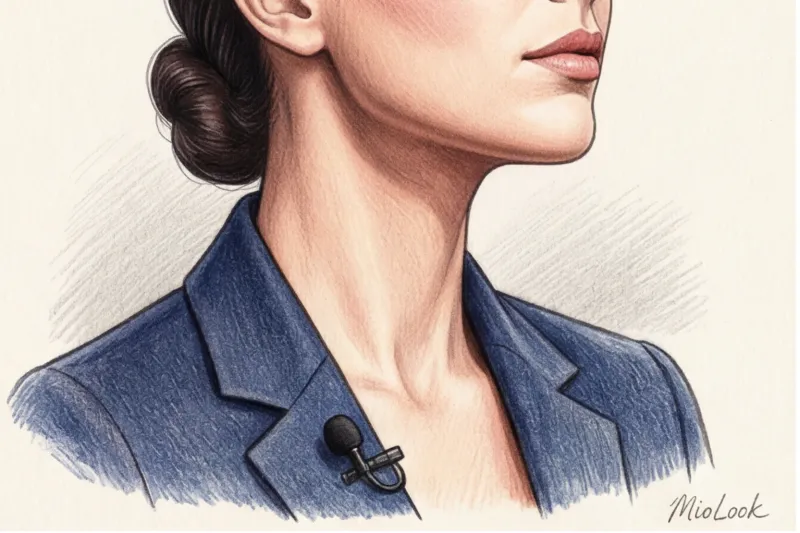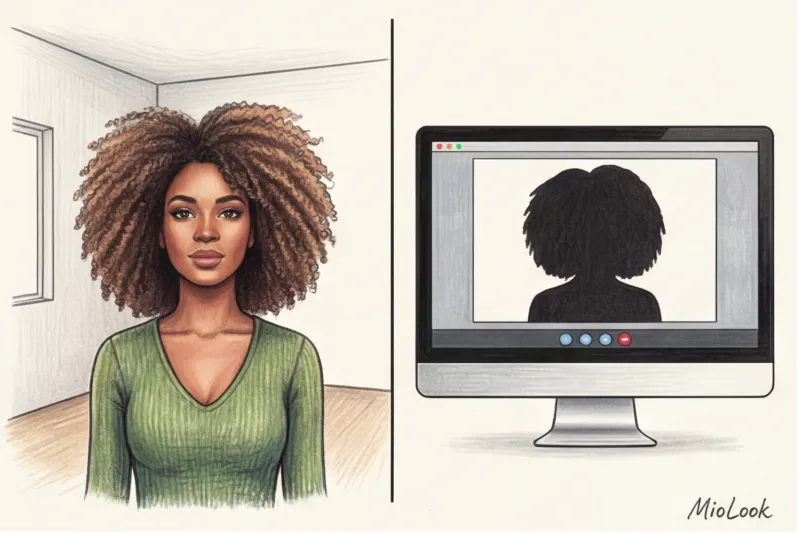
I remember one of my clients, a top manager at a major fintech startup, spending an hour creating an intricate French braid before a crucial investor pitch. She looked flawless in the mirror. But when we connected for a test call, I gasped: due to a weak internet connection and video compression algorithms, her luxurious braid had dissolved into a fuzzy, slightly sloppy mess. All the elegance of her look vanished in a second.
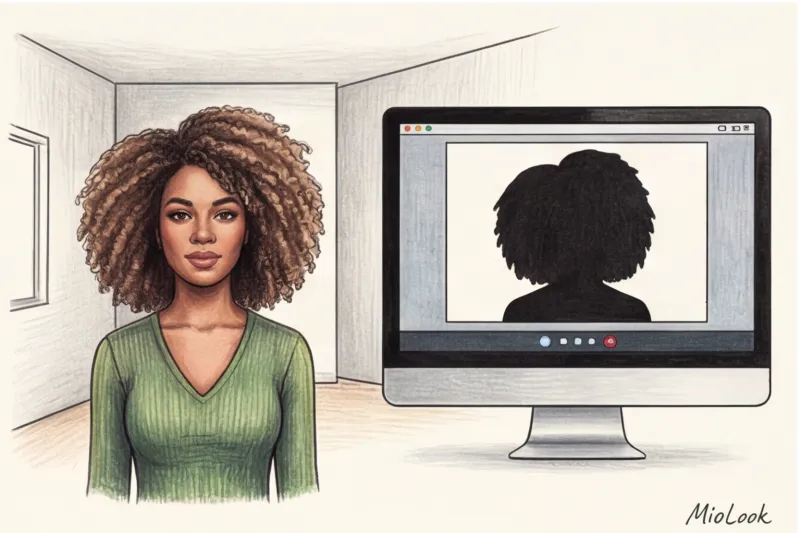
Have you ever noticed how your luxurious salon-quality hair suddenly looks like you slept face down in your pillow when you look at your laptop's camera? It's not your fault, nor is it your hairdresser's. It's simply perfect. hairstyle for a video call is built according to the laws of cinema, not everyday life.
Psychologists say there's a strict "7-second rule" in online interactions: that's how long it takes for someone to read your status and confidence based on your profile. I've covered more about how to create a complete, harmonious image for your screen in our comprehensive guide. How to Dress for a Webinar: Style for Online Presentations And today we'll talk exclusively about hair—the main accessory in the frame.
Frame architecture: why hairstyles for video calls are radically different from those for the office
When you walk into a meeting room, people see you in 3D. They read the texture, the movement of your hair, the play of color. But the moment you sit down in front of a webcam, a merciless transformation occurs.
According to digital image perception research (MIT Media Lab, 2023), when moving from a three-dimensional space to a flat 2D frame, a person's hair visually loses up to 40% of its volume. The camera lens flattens the head, making the face appear wider and the hair appear sparser.
But the main problem lies in the technology. The video compression algorithms in Zoom, Google Meet, and Teams (particularly the H.264 codec) are designed to save bandwidth. They literally "average" adjacent pixels. This turns fine details—fine curls, intricate braids, or textured strands—into digital "noise." The camera can't focus on them, and the hairstyle looks muddy.
"In the keyboard dressing concept, hair takes up up to 30% of the frame. If it looks unkempt, even the most expensive Massimo Dutti jacket won't save the situation."
Another unpleasant surprise is the "halo" effect. Those cute flyaways that lend a touching carelessness to a look in real life are backlit by the backlight from a window or monitor on an HD camera, creating the illusion of static and unkempt hair.
Access to MioLook for €0.99 — one-time payment
A smart AI stylist will create the perfect look for your online performances and help you organize your wardrobe.
Get access — €0.99 onceThe Perfect Silhouette: 3 Styling Formulas That Always Work on Screen
When preparing speakers for TEDx and large online conferences, I've developed a golden rule: Geometry is more important than texture The camera needs a clearly visible silhouette. If the outline of your hairstyle blends into the background (for example, dark hair against a dark bookcase), you become a neckless "talking head."
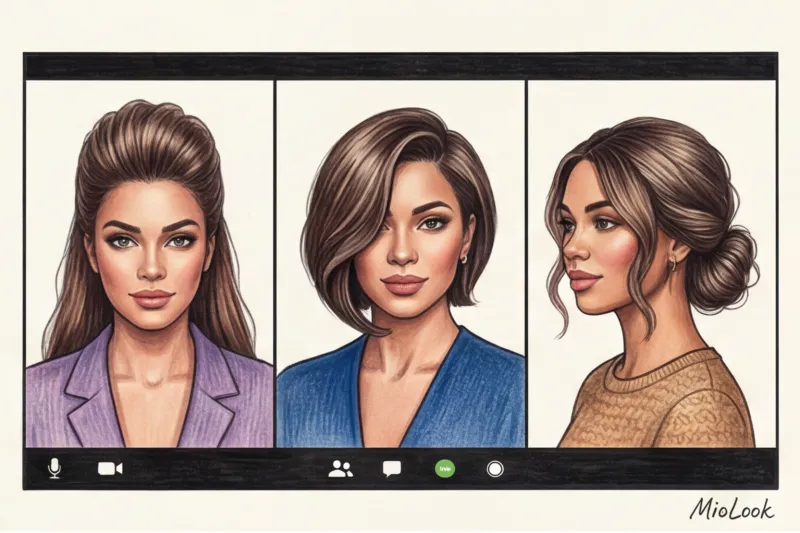
Here are three fail-safe formulas I use all the time.
Formula 1: Root volume + open face
Frontal light from a monitor flattens the face. To restore proportions, we need exaggerated root volume. What may seem "too full" to you in the mirror will simply look normal, healthy in camera.
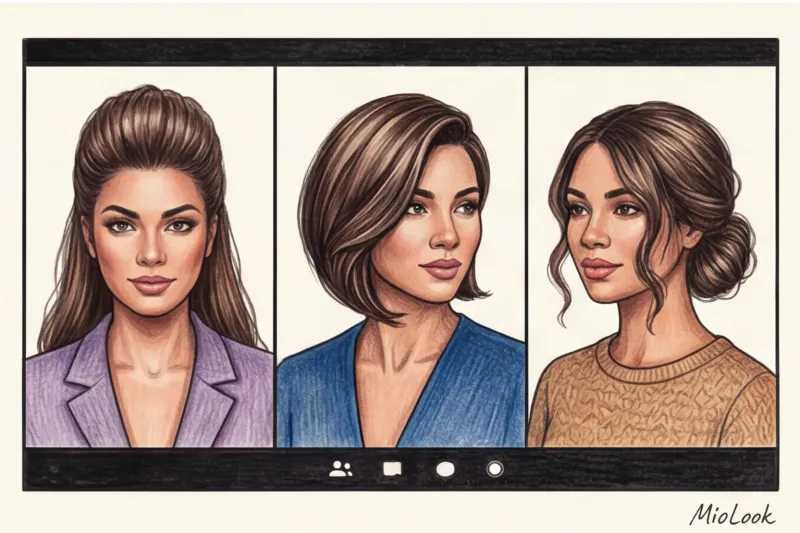
At the same time, your hair should never fall in your eyes. The psychology of online trust is built solely on eye contact. If you constantly brush your bangs, your interlocutor will subconsciously interpret this as nervousness.
Formula 2: Asymmetry + deep side parting
A static 16:9 frame is incredibly boring. A symmetrical center parting often makes the face appear wider and more severe on camera. A deep side parting breaks this symmetry, adding dynamism.
Secret trick: Flip all your hair to one side (closer to the camera). This creates a cinematic effect of thickness and reveals the graceful line of your neck on the other side. However, it's worth noting that this tip doesn't work for everyone. If you have a pronounced facial asymmetry that you prefer not to accentuate, it's better to stick with a center parting but add more volume at the crown.
Formula 3: Sleek Low Bun + Textured Face Pieces
The perfect balance between business-ready formality and femininity. But there's a crucial caveat: if you simply comb your hair back, you'll appear bald when viewed straight on in a webcam. Be sure to leave two slightly curled strands of hair near your face—they'll define your cheekbones and soften your look.
Your perfect look starts here
Join thousands of users who look flawless every day with MioLook. Plan your Zoom call looks in one click.
Get access — €0.99 onceThe Biggest Enemy on the Air: How a Ring Light Changes Your Hair
Now it's time to debunk the biggest myth of recent years: "sleek hair is status symbolism and old money." Yes, it looks chic on the red carpet or in a restaurant. But on a video call, it's a complete disaster.
When I tested styling with three different types of ring lights in the studio, the results were shocking. The harsh frontal light from the ring light reflects off glossy styling products (gels and oils) directly into the lens. As a result, sleek hairstyles look less stylish and more like unwashed hair. Furthermore, sleek hair visually reduces the volume of the skull on screen, throwing off the body's proportions (especially if you're wearing a jacket with voluminous shoulders).
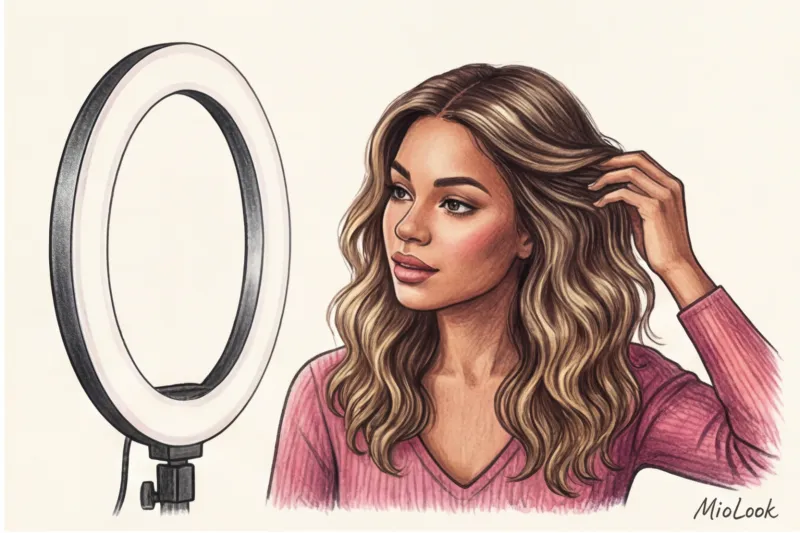
The second pitfall is the color temperature of your lamp:
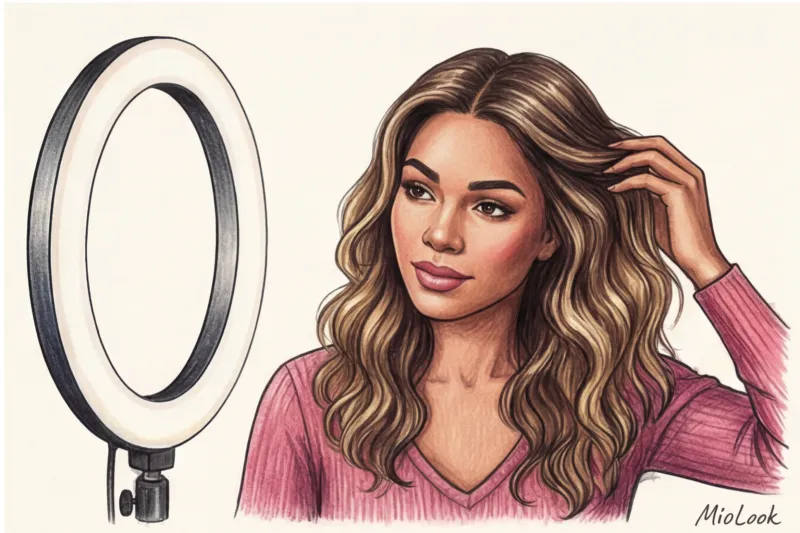
- Cold light (5600K and above): It draws out all the blue and green pigments. A luxurious warm blonde can suddenly turn ash-gray, while brunettes will develop a sickly greenish tint. Furthermore, the cool light mercilessly accentuates frizz.
- Warm light (3200K): It smooths out texture, but can make skin appear red and hair appear unnaturally yellow.
My advice: Use neutral light (around 4000-4500K) and replace all glossy spray glosses with matte texturizing pastes or salt sprays. The camera needs a matte texture to properly capture the color depth.
Common mistakes: what you absolutely shouldn't do with your hair before Zoom
Over 12 years of working as a stylist, I've compiled a list of the worst on-screen hairstyles. Avoid them if you don't want to ruin your appearance:
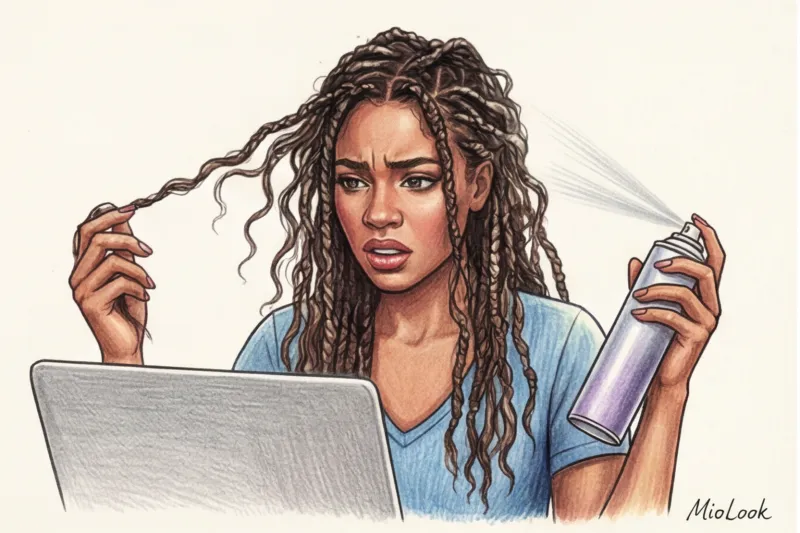
- Complex braids and small corrugated curls. As I mentioned with my client, they cause ripples on the camera's sensor. This physically strains the eyes of your interlocutors.
- Plenty of strong hold hairspray. The "hard helmet" effect, which does not move when you turn your head, looks unnatural and comical in a home or semi-formal video call setting.
- Completely closed ears. It's pure psychology. When hair falls over the face like a thick curtain and covers the ears, it's subconsciously interpreted as closed-off, an unwillingness to listen, and a lack of self-confidence.
- "Airy" hairstyles from the 80s. If your hair literally extends beyond the top or sides of the frame, you appear disproportionately large in relation to the virtual space.
Ready to get started?
Try the MioLook plan for free—no commitments required. Create your first online meeting capsule today.
Get access — €0.99 onceExpress prep: how to save your hair 5 minutes before a live broadcast
There are days when you have five minutes before an important call and no time for a full wash and style. Here's my "first aid" arsenal, which sits on the desk of every executive client of mine:
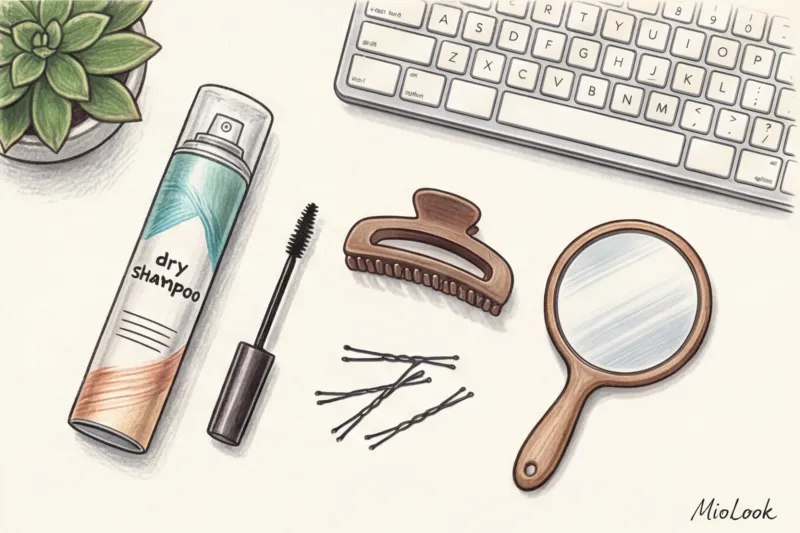
- Dry shampoo trick for clean hair. Yes, clean hair! Apply a little dry shampoo to your roots and comb through with your fingers. It works like a volumizing powder, giving that "3D density" that the camera loves so much and eliminating excess glare from the ring light.
- Secret weapon against the "gun". Take a clean toothbrush (or brow brush), spray it with medium-hold hairspray, and gently brush it along your parting. This will instantly smooth out flyaways without creating a slicked-back effect.
- Revitalizing the ends. If the ends of your hair look dry (the camera will highlight this), rub a drop of leave-in conditioner with a drop of water between your palms and comb through the ends.
- Correct invisible ones. If you need to pin back an unwanted strand, use only matte bobby pins that match your hair color. Shiny metal pins will catch glare from your monitor and distract your conversation partner.
Stylist Checklist: Final Portrait Zone Check
Never go live without a final test. What you see in the mirror doesn't matter. What matters is what the lens sees.
Open the camera app on your laptop (or start an empty Zoom meeting) and check these 4 points:
- Contrast with the background. Is your hair blending in with the wall or chair? If so, change the lighting or throw on a contrasting jacket.
- Shadows from the bangs. If you have bangs, make sure the overhead light doesn't cast a harsh shadow directly into your eyes, turning you into a panda.
- Visual noise. Consider the combination: hairstyle + blouse neckline + earrings. If you have loose, voluminous hair, avoid large hoop earrings and a complex, ruffled collar. Focus on one element at a time.
- Integrity of the image. To avoid wasting time in the morning choosing clothes for styling, I recommend my clients to use MioLook app By uploading your wardrobe, you can create "screen capsules" in advance—tested combinations of tops, jackets, and accessories that complement your face shape and typical hairstyle.
A screen isn't a mirror; it's a stage with its own technical rules. Don't try to impress your colleagues with complicated hairstyling masterpieces. Focus on a clean silhouette, confident root volume, and matte textures. Then, even with the worst internet connection, you'll project status and professionalism.