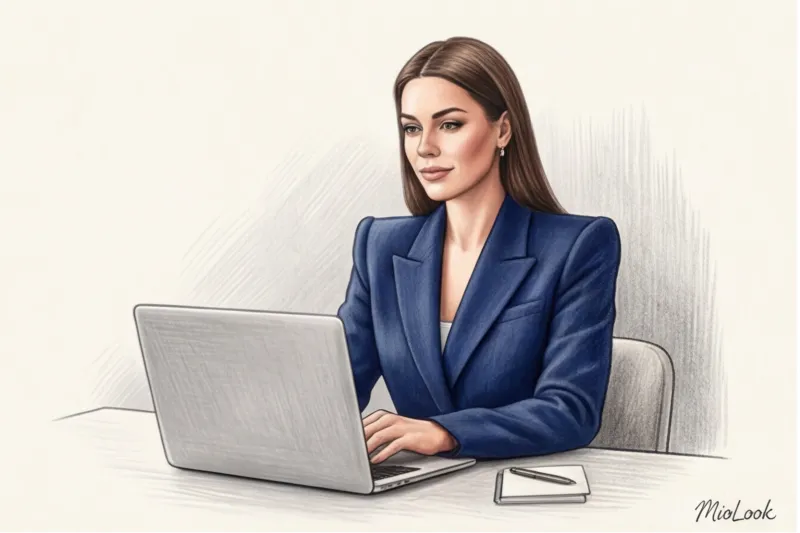
Did you know that Zoom and Microsoft Teams compression algorithms mercilessly "eat" up to 30% of your image detail, turning fine print into visual noise? According to a 2023 Science of People study, we have exactly 7 seconds to form a first impression. But when it comes to online formats, this time is cut in half. In a 16:9 frame, the viewer sees only 20% of your body, and the brain processes this flat 2D image instantly.
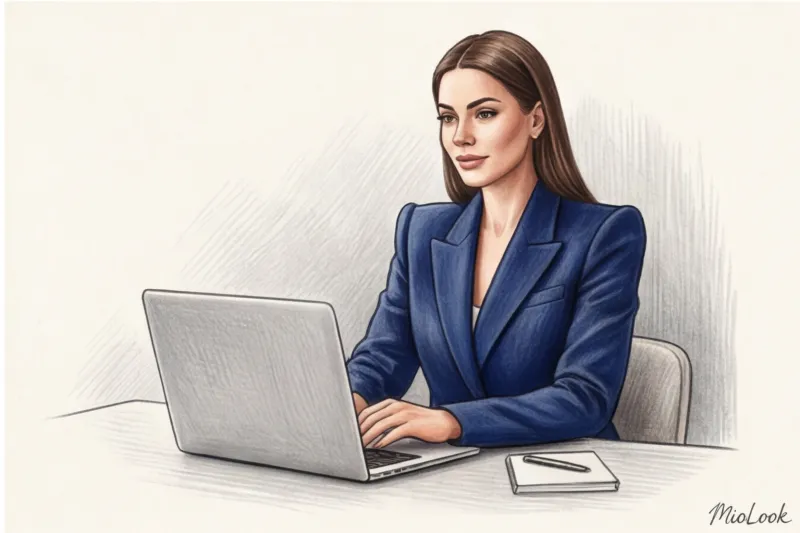
Forget the basic advice from glossy magazines like "just wear something solid." As a practicing personal stylist, I see daily how webcam algorithms and cheap ring lights distort even the most expensive pieces. Today, we'll explore the critical Clothing mistakes for videos through the prism of optics, the physics of light, and the psychology of perception. We discussed the basic principles of building such a wardrobe in more detail in our The Complete Style Guide for Online Presentations , and now let's focus on what you absolutely must not do before the "On Air" button.
Mistake 1. Oversized and Lost Architecture: Why Voluminous Cuts Don't Work on Screen
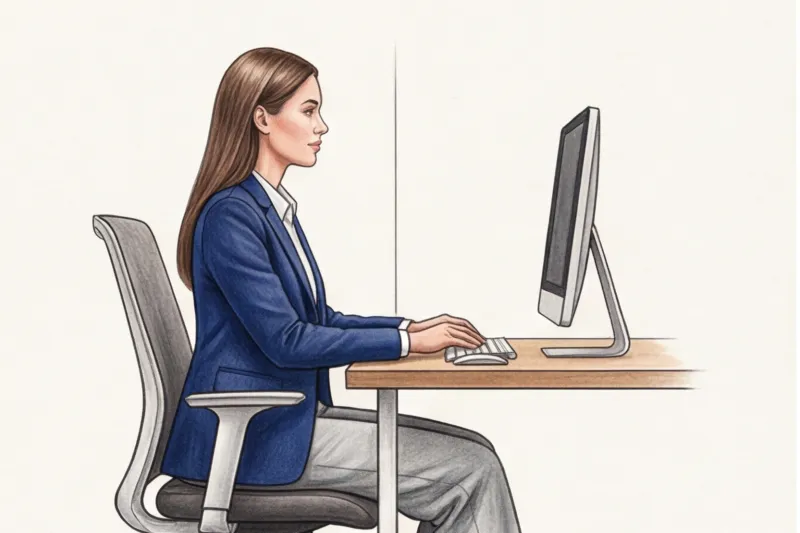
In real 3D space, a voluminous jacket or oversized shirt looks stylish: the fabric flows and moves with you, emphasizing the fragility of your figure. But a webcam is merciless. It flattens the three-dimensional world into a flat image.
On screen, any soft oversize without clear boundaries makes you look a couple of sizes bigger. You become a shapeless blob, losing not only your waist but also your professional credibility.
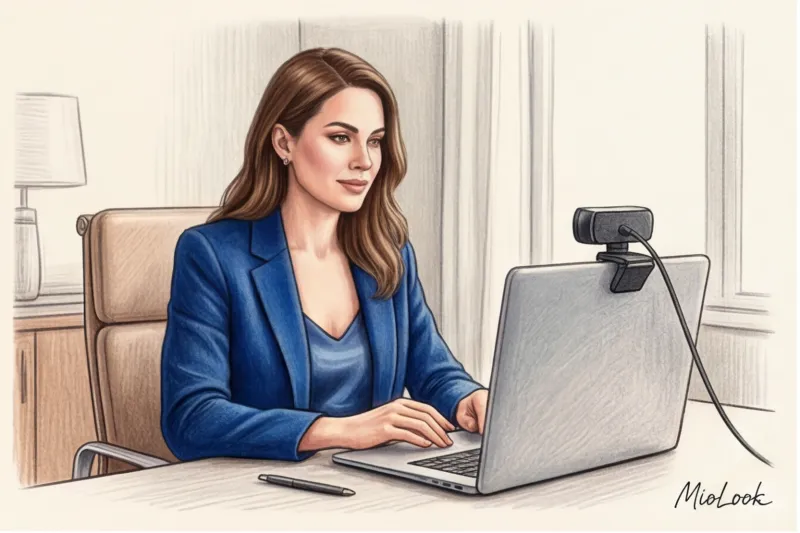
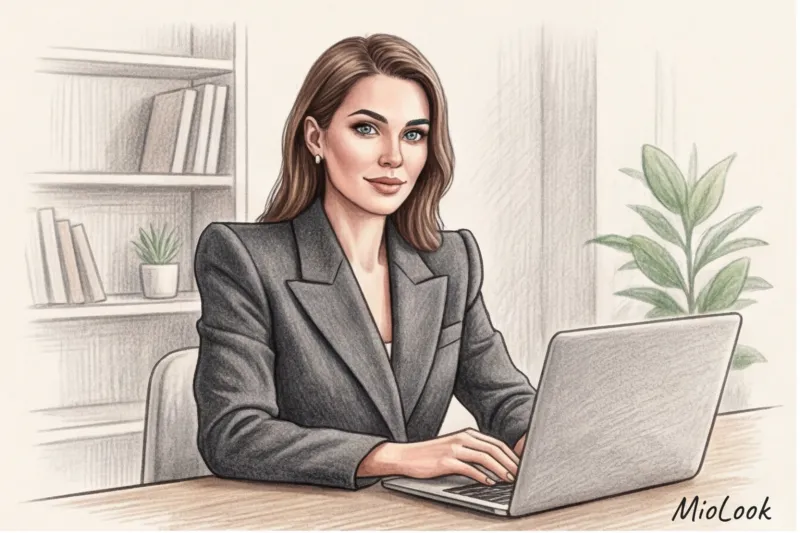
My formula for the perfect shot: A semi-fitted jacket + a V-neck or square-neck top. This is where the "hard shoulder" rule comes into play. Built-in shoulder pads and a defined armhole create an architectural frame for your face. This subconsciously conveys to the audience the composure and confidence of a leader.
"A fair point: the hard shoulder rule doesn't work for everyone. If you have a pronounced 'inverted triangle' body shape (broad shoulders with narrow hips), massive shoulder pads in a chest-high shot will make you look like an American football player. In this case, choose heavy cotton shirts that hold the collar shape but have a soft shoulder line."
By the way, to avoid wasting time searching for the right silhouette before an important call, I recommend my clients to use MioLook The app lets you pre-filter items by the "for video" tag and create a pre-tested look in seconds.
Mistake 2. The Moiré Effect: How Small Prints Drive Algorithms Crazy
Have you ever noticed how someone's pinstriped shirt on a TV or computer screen literally "dances," rippling and shimmering with strange colors? This is the stroboscopic effect, or moiré effect.
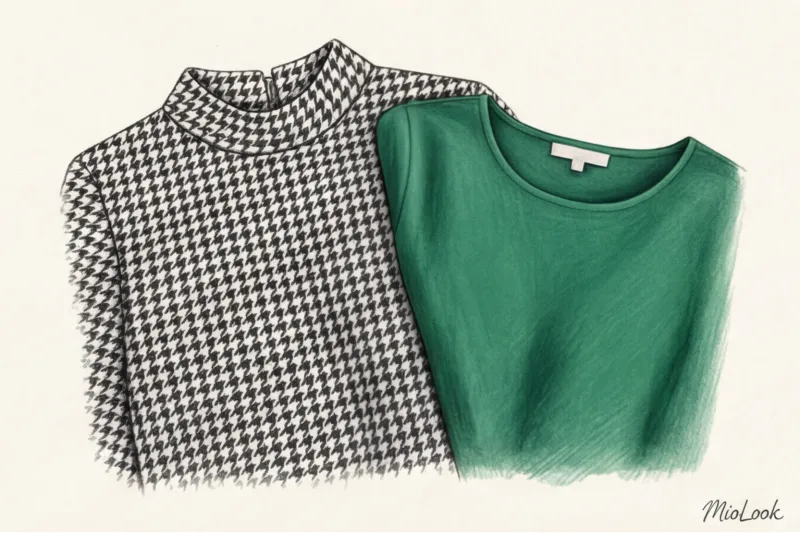
Most standard webcams have limited dynamic range. When you apply a houndstooth pattern, a pinstripe, or a polka-dot pattern, the camera's pixels can't accurately process the amount of contrast detail per millimeter. And video compression algorithms reduce the image quality while trying to optimize bandwidth.
- What to remove from the frame: Vichy check, ribbed print, pinstriped print, any print smaller than a coin.
- What to wear: large, contrasting geometry (color block) or noble monochrome.
Access to MioLook for €0.99 — one-time payment
A smart AI stylist will create the perfect look for your next online performance, taking into account all camera rules.
Get access — €0.99 onceMistake 3: Black as Salvation (The Biggest Misconception)
"Black is slimming, classy, and always appropriate." In real life, yes. On video, it's a disaster, and here's why.
I often argue with clients who try to hide behind a black jacket during webinars. The problem lies in the physics of light and your camera's autoexposure settings. Black absorbs light. On screen, it blurs into a single, flat spot, completely obliterating the cut's architectural appeal. The viewer doesn't see the lapels, darts, or texture of the expensive wool—they see a black hole.
But the worst part is how the camera reacts. Trying to pull detail out of this dark spot, the auto exposure automatically increases the brightness of the entire frame. The result? Your face becomes overexposed, loses its depth, and takes on a sickly, "pale ghost" appearance.
Mediterranean Alternative: Swap black for deep, rich shades that opticians literally "love." Deep emerald, sapphire, marsala, or terracotta offer the same level of formality but maintain dimension and make the complexion look fresher.
Mistake 4: Shiny fabrics and the illusion of cheapness
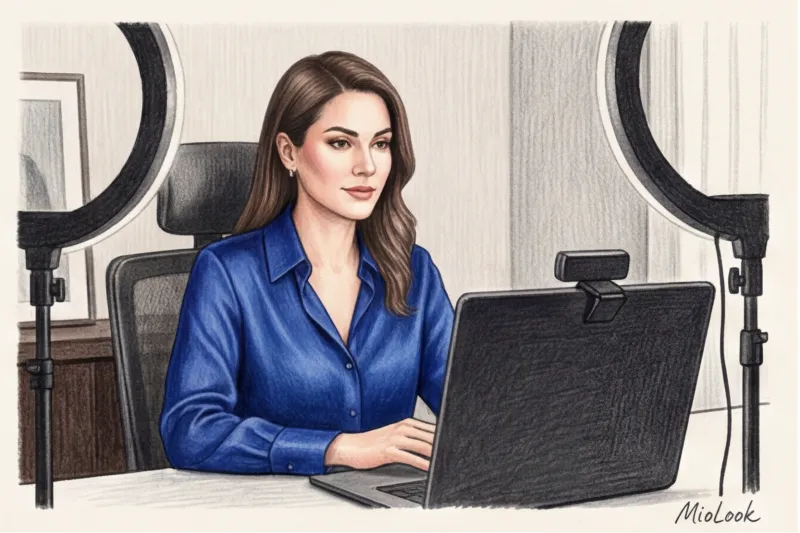
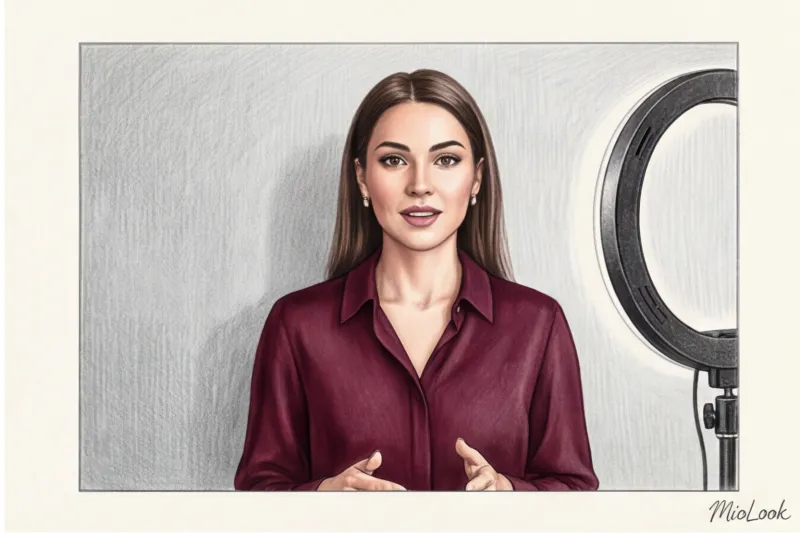
I had a particularly revealing case. One of my clients, a top manager at a fintech company, bought a luxurious silk blouse from Tom Ford for 1,200 euros for an important online interview. In the mirror, in daylight, it looked regal. But when she sat down in front of the monitor and turned on the directional ring light... it was a disaster.
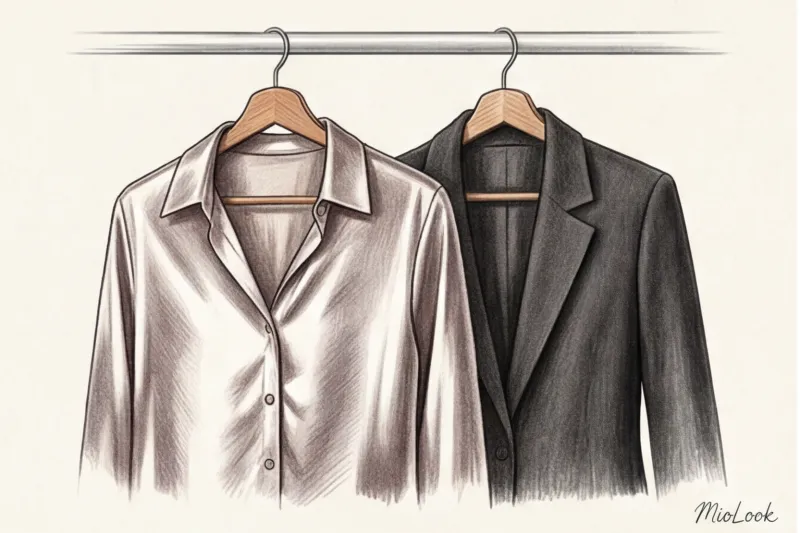
The noble shimmer of natural silk turned into a cheap, greasy sheen under the harsh artificial light of the webcam. It created the illusion that the fabric was wet with sweat, and the blouse itself became indistinguishable from a $10 synthetic.
Textures that look expensive in Zoom:
- Matte crepe
- Fine merino wool
- Heavy cotton (look for a density of 180 g/m² or more)
- Cashmere or high-quality viscose
The rule is simple: the more a fabric absorbs light (matte), the more expensive it appears on screen. The more reflective it is (satin, sequins, lurex), the cheaper it appears.
Your perfect look starts here
Join thousands of users who look flawless every day with the MioLook smart wardrobe.
Get access — €0.99 onceMistake 5: The "floating head" effect and incorrect cutout
Online cropping typically occurs at the bust line. This creates two specific optical traps.
The first is a cleavage that's too low (especially a V-neck). If the neckline extends beyond the bottom of the frame, the viewer is given the subconscious illusion for a split second that you're sitting naked in front of the camera. This instantly undermines the professional context.
The second trap is dressing in a tone-on-tone with the background. If you have a white wall and wear a white blouse, you literally blend into the decor. The psychology of on-camera perception is this: a lack of contrast with the background deprives the speaker of visual weight. You become a "floating head," which the audience subconsciously stops taking seriously.
Ideal necklines for the portrait area:
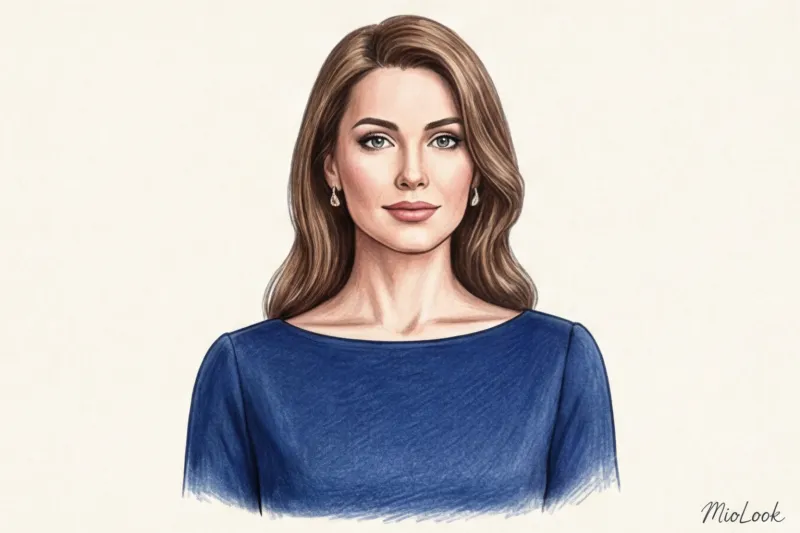
- The boat neckline broadens the shoulder line and always stays in the frame.
- Classic shirt collar sets the geometry.
- Asymmetrical cut - catches the eye and holds attention.
Mistake 6: Noisy decorations and microphone conflict
We often forget that online speaking is 70% audio. Modern laptop microphones and lavalier microphones are incredibly sensitive to high frequencies.
Chunky metal bracelets that bang against the table when you gesture, or long chandelier earrings that catch your headset, are an acoustic nightmare for your listeners. Furthermore, large, glossy stones or polished metal catch glare from your monitor, casting reflections directly into the camera lens and distracting the viewer from your eyes.
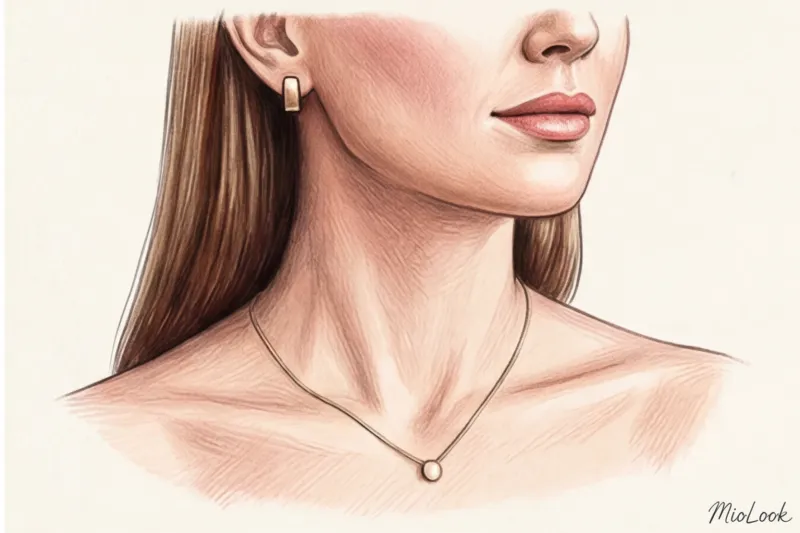
The "one accent" rule for a face: Choose simple stud earrings, matte metal jewelry, baroque pearls, or a thin chain with a pendant that sits flat on the skin rather than hanging in the air.
Mistake 7. The "pajama bottoms" syndrome (The Hidden Threat)
"Why should I wear pants if I'm only visible from the waist up?"—I hear this question regularly. And I have two answers: one practical, the other psychological.
Let me start with a personal experience. A few years ago, I was conducting an important online consultation. I was wearing a flawless Massimo Dutti jacket, a silk scarf... and some casual joggers. Halfway through the call, a delivery man started ringing the doorbell aggressively, the dog started barking, and I had to stand up abruptly to close the office door. The moment my gray sweatpants with my knees stuck out caught on camera cost me a huge amount of nerves.
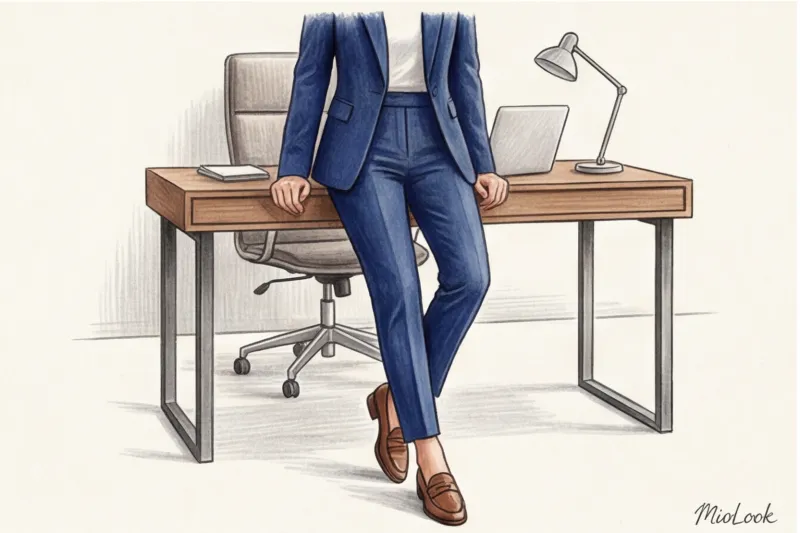
But psychology is more important. In 2012, researchers from the Kellogg School of Management coined the term enclothed cognition (embodied cognition). They proved that clothing directly influences our cognitive processes. When you put on a business suit, including shoes (yes, even at home!), your posture changes. You sit differently, your voice sounds deeper and more confident, and your gestures become clearer. Pajama bottoms relax the body, and this relaxation is inevitably transmitted through the screen.
Ready to get started?
Digitize your wardrobe and create capsules for any occasion—from home calls to international conferences.
Get access — €0.99 onceChecklist: Test-Drive Your Look Before Hitting the "Live" Button
No stylist can give you a 100% guarantee until you test the look in the real world conditions of your room and your equipment. So, 15 minutes before an important call, do the following:
- Open the camera app on your laptop. (not a mirror, but a camera!) and record 30 seconds of video.
- Check the contrast: Does your silhouette blend into the wall? Is your jacket too dark?
- Get moving: Gesture, lean toward the screen. Does the fabric rustle against the microphone? Does the "naked body" effect appear when you lean in?
- Rate the light: How does the light from a window or lamp fall on the texture of your clothes? Is there a cheap shine?
Dressing for video isn't just about "looking good." It's your attention-management tool. By removing visual noise, glare, and unnecessary volumes, you allow your audience to focus on what matters most—your ideas and your expertise. And remember: the camera favors those who know its rules.