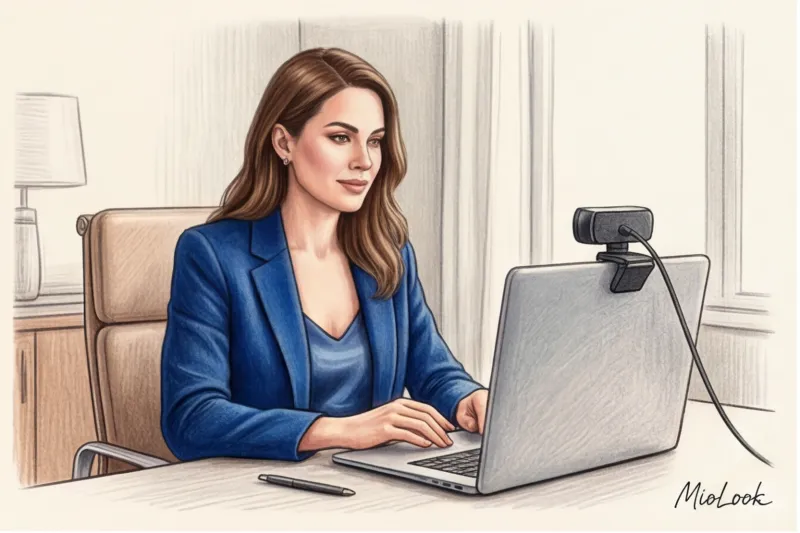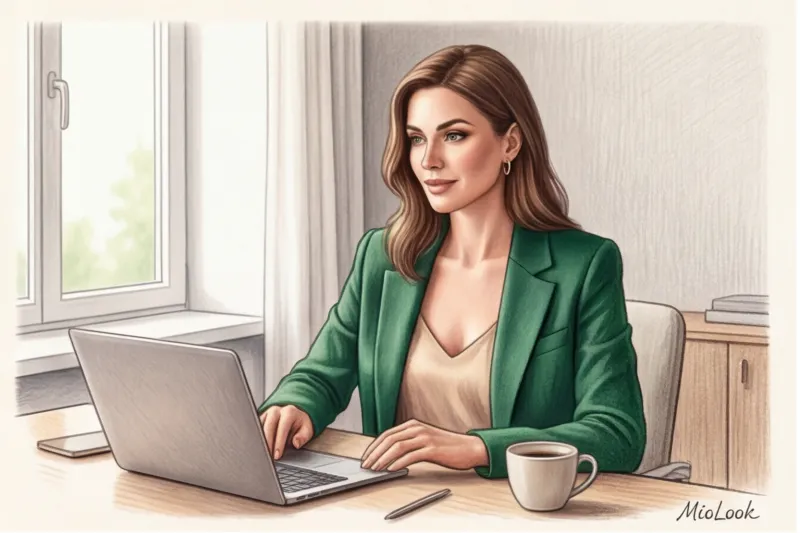
One of my clients, a brilliant corporate lawyer, bought a luxurious, soft tweed jacket at a considerable price for an important Google Meet meeting. In the daylight, it looked classy, expensive, and elegant. But when she called me for a test run, I saw a completely different picture on the screen: due to the lack of a hard shoulder line and the specific video compression, the expensive tweed had transformed into a cozy bathrobe.
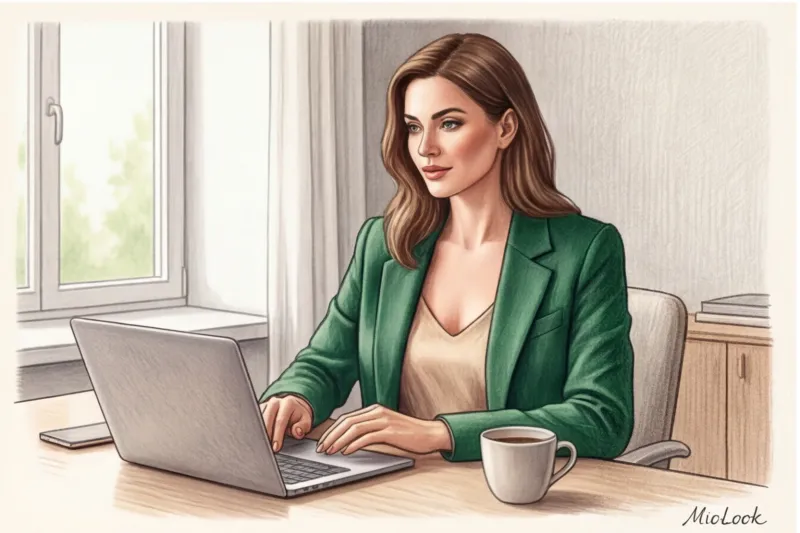
A webcam doesn't understand brands, price tags, or tactile sensations. It only understands pixels, light, and contrast. That's why the classic dress code for online meetings It's not just a simple transfer of office style to the home monitor. It's a completely new discipline at the intersection of fashion, textile physics, and optics.
We've already discussed the psychology of speaker perception on camera in more detail in our complete guide. How to Dress for a Webinar: Style for Online Presentations In this article, we'll go further and examine wardrobe from a technical perspective: how camera sensors distort silhouettes and why your favorite pieces can sabotage your professional image.
Optics vs. Reality: Why Online Meeting Dress Codes Require Different Rules
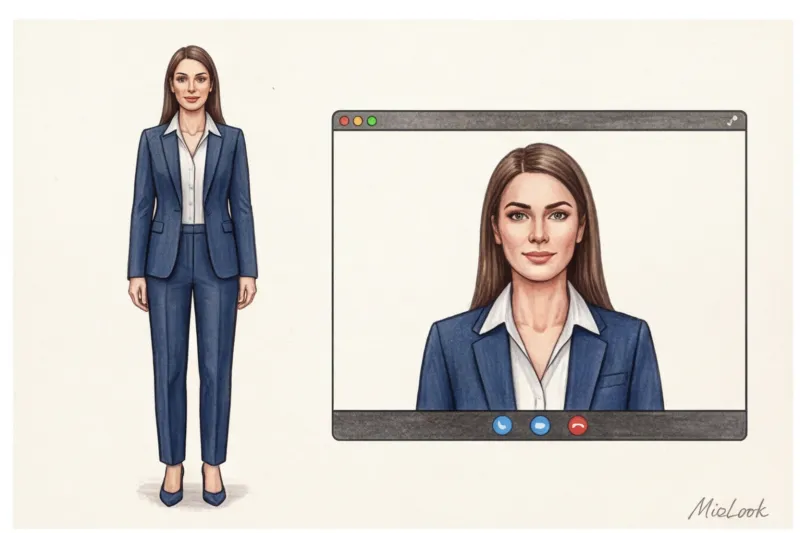
Think about the concept of "keyboard dressing." In a standard Zoom or Meet window, the viewer sees only 20% of your body—the area from the top of your head to your collarbones, and less commonly, to your solar plexus. You have just seven seconds to make a first impression, and the other person's brain reads your status solely from the cut of your clothes within this narrow frame.
The main enemies of your online style are video compression algorithms and the technical limitations of optics. A standard built-in webcam transmits images at a resolution of 72 ppi (pixels per inch). This is woefully inadequate for capturing subtle nuances. Intricate cuts, delicate embroidery, or fine wool in Super 150s turn into a blur on the screen.
"In the digital space, status is conveyed not by the quality of the thread, but by the geometry of the silhouette and the depth of color. What looks sophisticated in real life often appears flat and cheap on camera."
Furthermore, webcams' dynamic range (the ability to simultaneously capture the brightest and darkest areas) is extremely limited. While a black jacket against a dark wall might look fine in real life, a camera will blur them into a single black hole, leaving you looking like a floating head.
Levels of Formality in Zoom: Translating Classics into Pixel Language
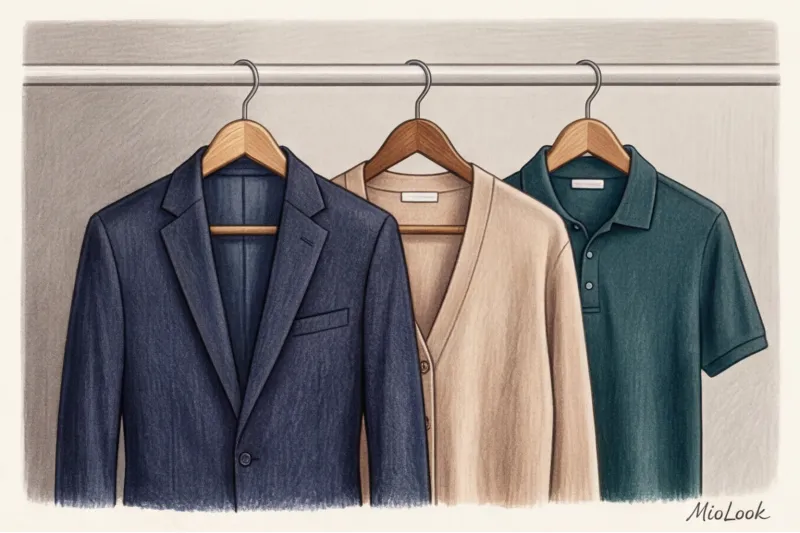
In the office, we can afford to play with undertones and complex draping. Online, the rules become more rigorous: the higher the status of the meeting, the more defined the geometry of your shoulders should be.
Strict Business (Business Formal) online
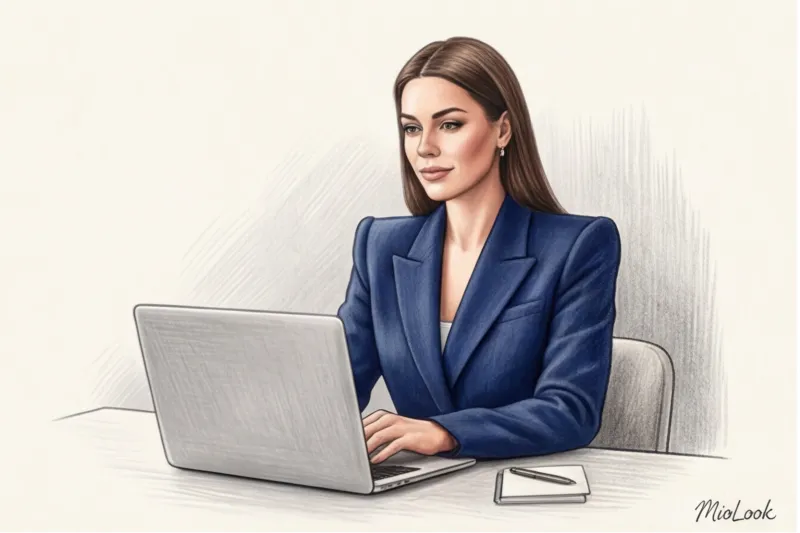
For board meetings or important client presentations, forget about black. As I mentioned, camera sensors struggle with black, rendering it dull. Your options are deep blue (Navy), rich emerald, graphite, or burgundy.
Counterintuitive fact: A classic crisp white shirt is the worst choice for a video call. Most webcams use center-weighted auto exposure. When a large, bright white spot (your shirt) appears in the frame, the camera thinks, "It's too light!" and automatically darkens the entire frame. The result is that the shirt looks normal, but your face falls into deep shadow, highlighting the dark circles under your eyes. The ideal "white" for a screen is shades of oatmeal, ecru, ivory, or light blue.
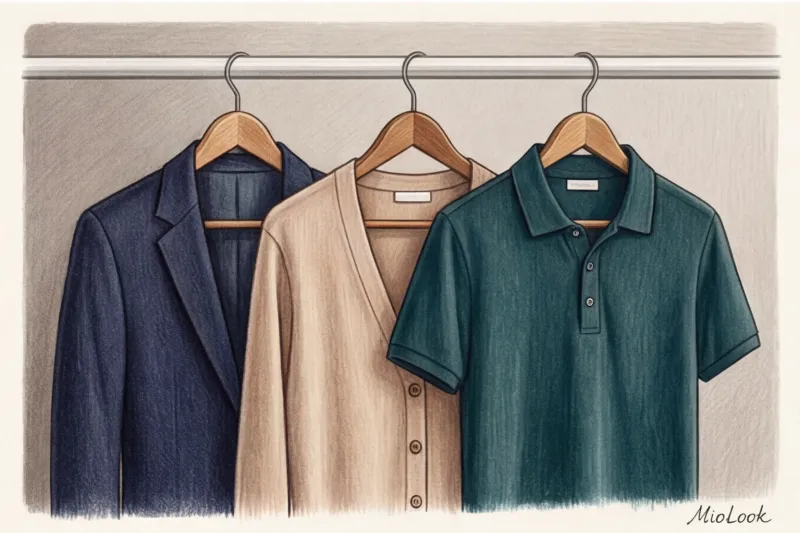
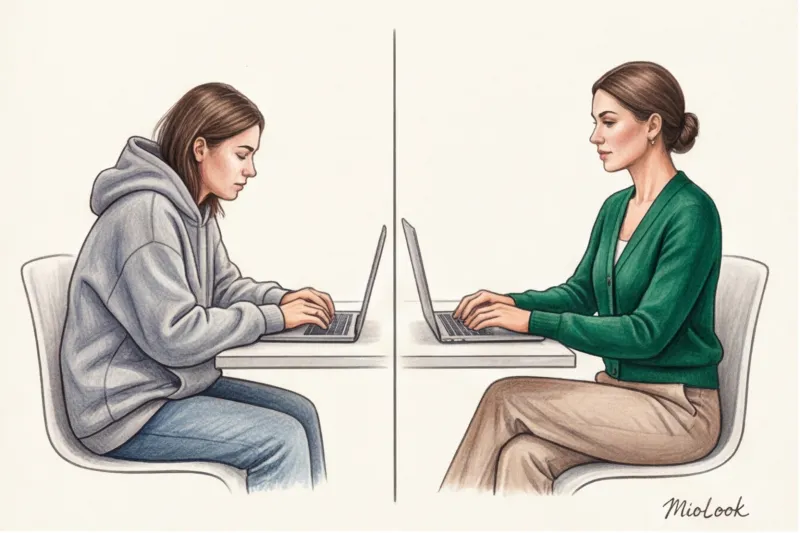
The main rule of business formal online is a strong shoulder line. If you wear a jacket, it must have defined shoulder pads. Soft cardigans are unacceptable here: they create a sloping silhouette, which subconsciously conveys insecurity.
Business Casual: The perfect balance for most calls
This is the most popular dress code for daily meetings. Here, we can soften the lines, but we must maintain structure.
- Structured bottom: Yes, no one can see your trousers. But a tight waistband on trousers or a skirt physiologically forces you to keep your back straight. Sitting in a jacket and pajama bottoms is a myth that ruins your posture and, consequently, your voice.
- Thick knitwear: Choose items that hold their shape. High-quality merino or organic cotton with a weight of at least 180 g/m² is ideal.
- Layering: A 16:9 frame is a flat, 2D space. To add volume, use layers. A jacket over a silk top or a thick cardigan over a shirt creates shadows that the camera captures beautifully, making the look more expensive.
Your perfect online wardrobe
Tired of wondering what to wear to your next meeting? MioLook's smart AI stylist will analyze your clothes and create the perfect on-screen outfits.
Get access — €0.99 onceSmart Casual: When You Can Relax (But Not Completely)
Even if you work at an IT company where the CEO wears a T-shirt, it's important to know the line. Soft hoodies and stretched-out T-shirts are a no-no for important meetings. Hoodies create excess bulk around the neck, visually shortening it and making the figure appear hunched.
What can replace relaxed items?
- A polo shirt made of thick knitwear (it has a collar, which already sets a frame for the face).
- Shirts made from eco-friendly Tencel are flowy but have a collar and button placket.
- Structured cardigans with a large but dense knit.
At Smart Casual, we offset relaxed tailoring with deep, rich colors. A terracotta, mustard, or sapphire top without stiff shoulders will look more flattering than a pale gray T-shirt.
Textiles in the Webcam Spotlight: Choosing Fabrics
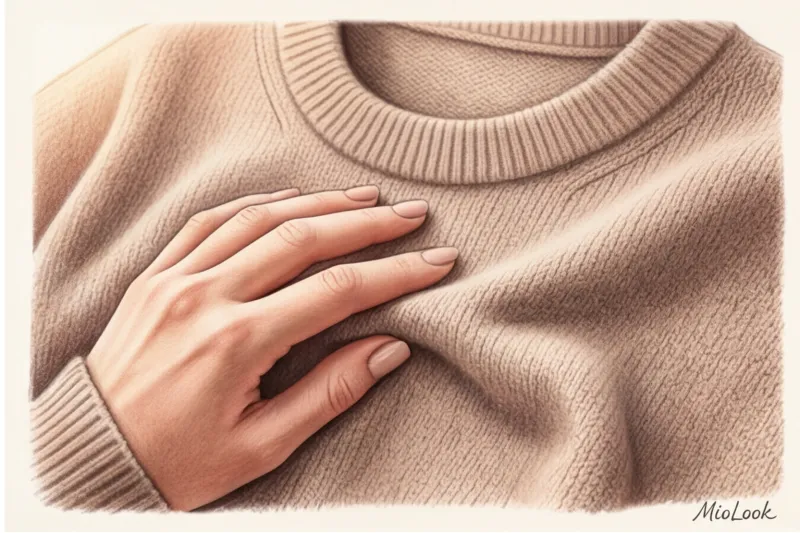
Over my 12 years as a stylist, I've conducted numerous experiments, but one of the most revealing happened recently. I tested 20 different eco-friendly fabrics under a standard ring light to understand how they reflect light. The results forced me to reconsider many of my recommendations.
Matte vs. Shiny: Natural silk and satin are wonderful fabrics for evening wear. However, under direct light from a ring light, they begin to glare relentlessly. On screen, this looks not like a luxurious shimmer, but rather like a greasy, shiny fabric. Choose only matte textures: EcoVero viscose, matte silk (crepe de Chine), or high-quality cotton.
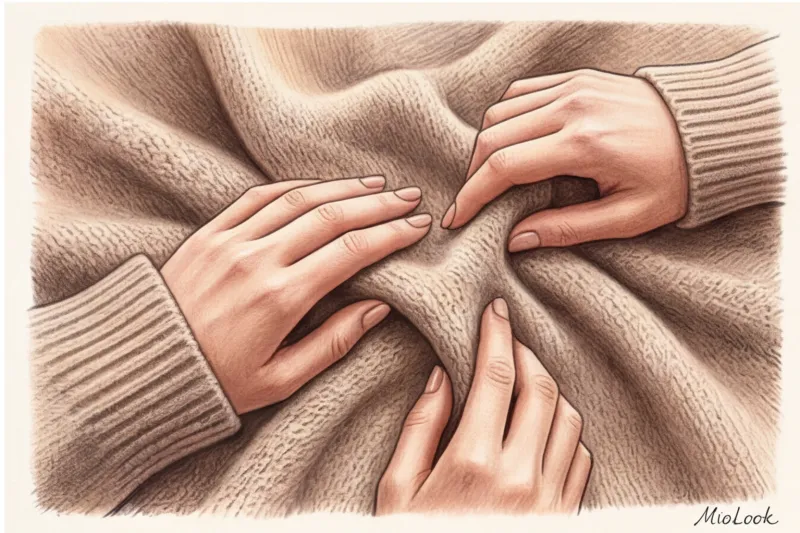
Breathability: Public speaking (even online) is stressful, which raises your body temperature. Add to that the heat from the lighting fixtures. Synthetic polyester will turn your online meeting into torture. I highly recommend absorbent eco-fabrics: hemp, linen with added viscose (to reduce wrinkling), or lyocell.
Texture: Absolutely smooth matte fabrics can look too flat on video. The camera needs something to hold onto. A moderate texture—ribbing, tight twill, or light bouclé—will add depth to the look.
Portrait Zone Architecture: Collars and Necklines
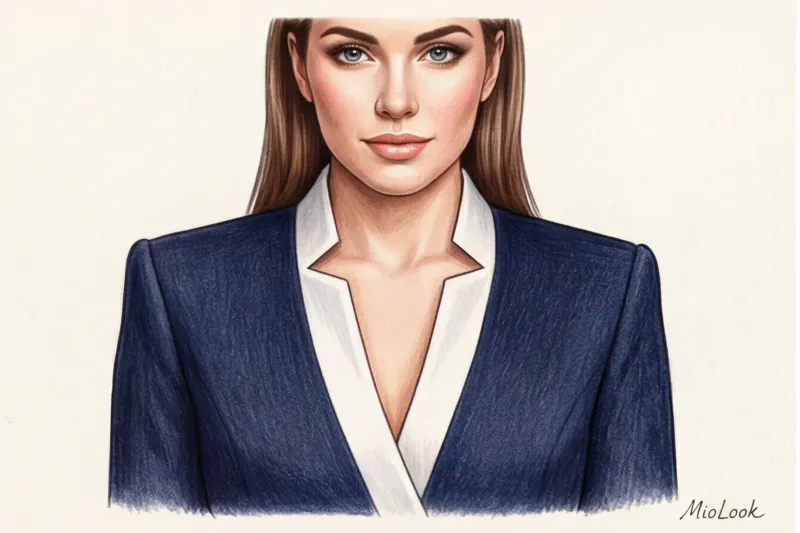
Since we're working with the "portrait zone," neckline shape becomes critically important. One of my clients complained that she looked tired and slouched in videos, even though she actively practices Pilates. The problem lay in her favorite crew neck sweaters.
We replaced them with tops and jackets with V-neck The result was immediate. The V-neckline creates a vertical line that visually lengthens the neck, reveals the collarbones, and directs the viewer's gaze directly to your face. This is the most flattering geometry for a 16:9 frame.
When it does NOT work (fair limitation): Stand-up collars and turtlenecks are often recommended as elegant choices. However, they are strictly contraindicated for women with short necks or large busts when filming. A turtleneck blends in with the torso, and if the camera is positioned just below eye level, it creates the effect of a "severed head" resting directly on the shoulders.
Build the perfect work capsule
Upload photos of your items to MioLook, and the app will suggest which necklines and styles work best together to create a professional look.
Get access — €0.99 onceThe Main Mistakes of a "Belt Wardrobe" (A Stylist's View)
A Stanford University study (Bailenson, 2021) on the phenomenon of "Zoom fatigue" demonstrated that video calls place a significant cognitive load on the brain. And our clothing can either alleviate this load for the person we're talking to or exacerbate it.
Here are the three biggest mistakes that ruin your online image:
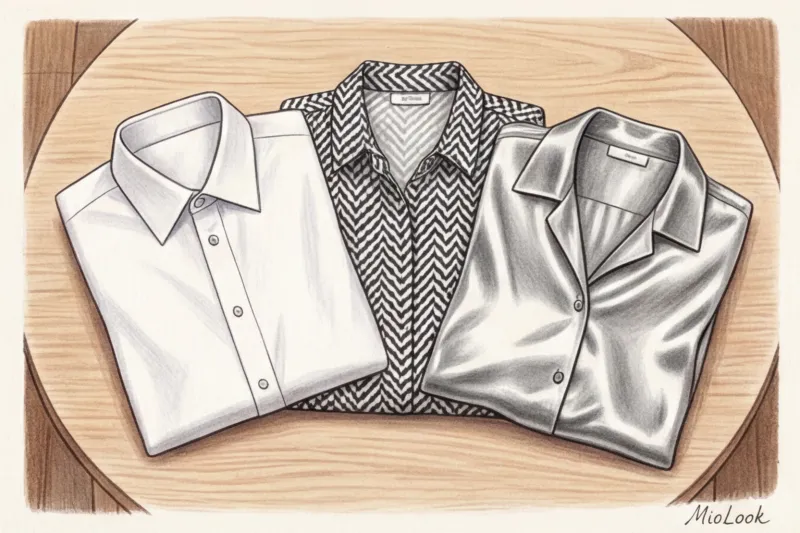
- Moire effect. Pinstripe, houndstooth, and dense checkered patterns are absolutely terrible for video. The camera's pixel grid overlaps the geometric mesh of the fabric, creating a stroboscopic effect (the screen begins to "ripple" and shimmer). This literally gives your conversation partners a headache. Choose solid colors or large, legible prints.
- The illusion of no clothes. Deep necklines, bandeau tops, and clothes with very thin straps are dangerous in a tight frame. If you move even slightly closer to the camera, your shoulders will be out of frame, giving your interviewers the subconscious impression that you're sitting naked in front of them.
- Blending into the background. The rule of color contrast is immutable. If you have beige walls, a beige cardigan will make you look like you're floating. Always check the contrast of your outfit against your workspace.
Checklist: Prepare your look 5 minutes before the call
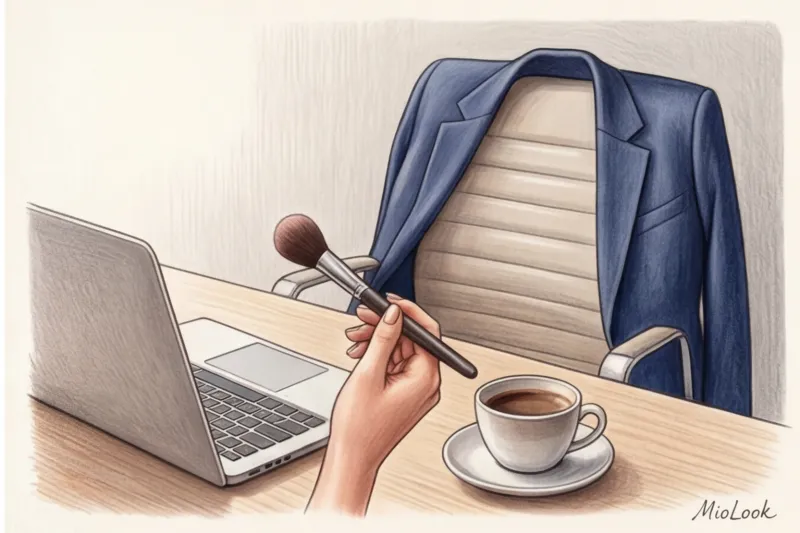
Even the perfect dress code for online meetings can be ruined by small details. Before an important call, run through this quick checklist:
- Checking the exposure. Open the camera app on your computer (before logging into Zoom). Check to see if your face is dark. If so, it's possible the light source in the frame is too bright or you're wearing clothing that's too light.
- Clothes roller. The camera artificially enhances sharpness and contrast. A small white speck of dust or a cat hair on a dark blue jacket is invisible in real life, but on the other person's monitor it will appear as a huge white spot. Use a lint roller on the shoulders.
- Accessories audit. Remove jingling bracelets—noise-canceling microphones go crazy with metallic clanking and can muffle your voice. Opt for matte earrings that won't let the sun shine through the lens every time you turn your head.
Dressing for the screen is a skill that requires practice and an understanding of technology. Remember the key rule: online, we dress for the camera, not the mirror. Reduce visual noise, add architectural strength to your shoulders, choose the right matte shade—and your professionalism will be evident in those first seven seconds, even if your connection quality is poor.