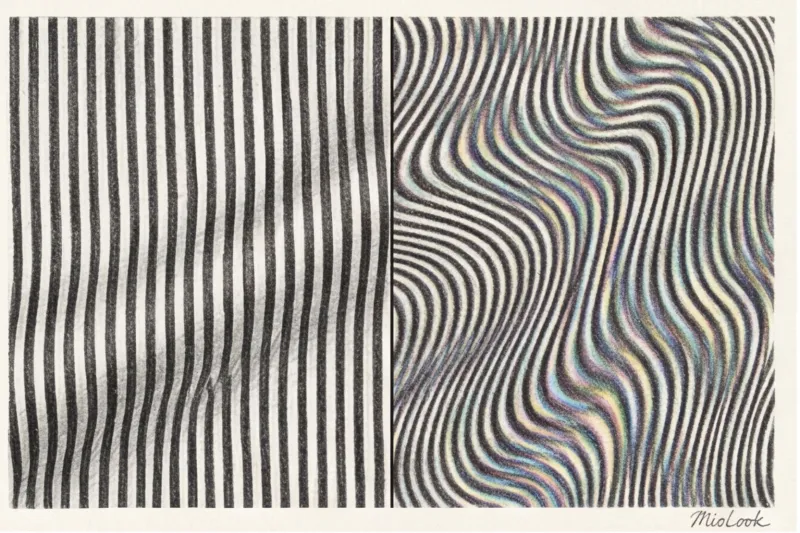
What is the moiré effect and why do clothes appear rippled in videos?
Imagine this: you're a top executive at a fintech company. You're preparing for a crucial pitch to investors on Zoom. You put on your lucky, impeccably tailored Chanel houndstooth jacket, sit down in front of the camera, and begin speaking. But instead of delving into your metrics, the investors are rubbing their eyes and frowning. Why? Because on their screens, your premium jacket has become a pulsating, psychedelic blur that makes you physically sick.
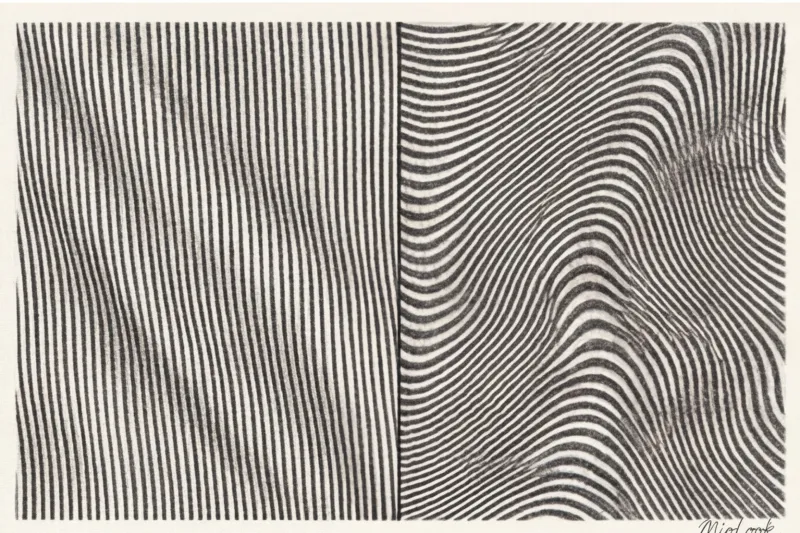
This is a true story from one of my clients. And the reason for her failure was not in the presentation numbers, but in simple optical physics. The clothes are rippling in the video , we encounter the so-called moiré effect. We've already covered the basic rules for building a keyboard wardrobe in our The Complete Style Guide for Online Presentations , but today I want to address this particular insidious visual error.
Let me explain without unnecessary academic jargon. The sensor of any digital camera consists of a precise grid of pixels. When another fine grid—like the print on your shirt, for example—is superimposed on this grid, a frequency conflict occurs. The camera can't correctly "read" the pattern, and an optical illusion occurs: waves begin to run across the fabric, creating non-existent colors and ripples.
Do you know what the main paradox is? Many of my clients are convinced: "I bought an expensive 4K webcam for $300, now I can wear any print!" As a stylist and colorist, I have some bad news. The higher your camera's resolution, the worse the result will be for the viewer. Your fancy optics will capture every detail, but the algorithms of platforms like Zoom, Google Meet, or Skype will compress the video signal by 90% for transmission over the network. The software will try to fill in the missing pixels, and viewers watching on a smartphone via 4G will see an aggressive flickering effect. It's no coincidence that the official BBC Broadcast Dress Codes list the moiré effect as public enemy number one for presenters.
Top 5 Prints Guaranteed to Ruin Your Livestream
Over 12 years of working with visual image, I've discovered a rule: what makes you a style icon in the office can turn you into a visual disaster on screen. Let's look at specific patterns that are absolutely forbidden from entering your online wardrobe.
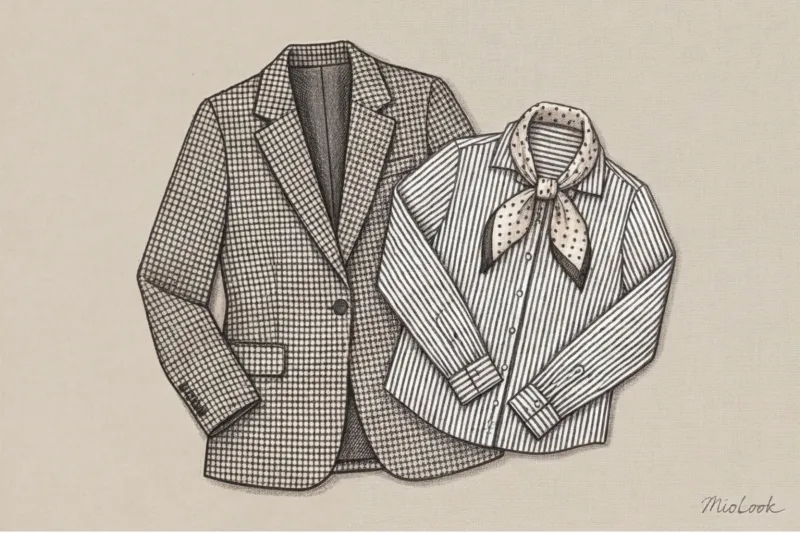
Small contrast stripe
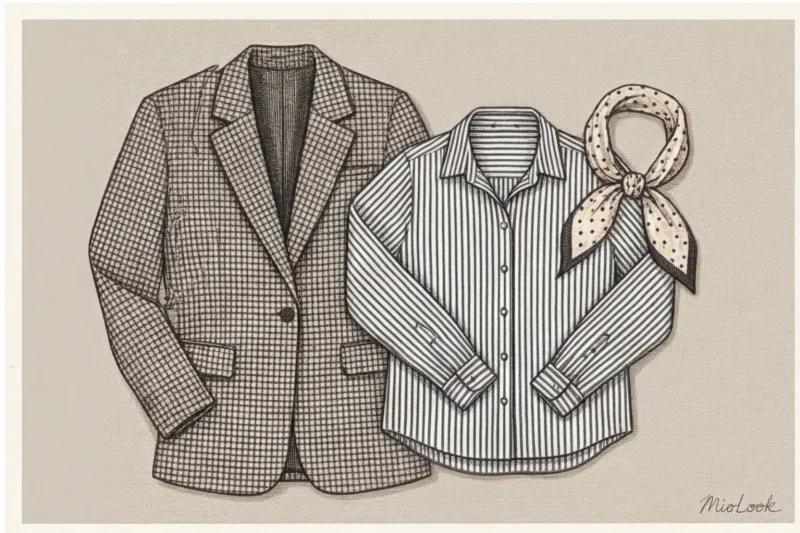
This is the most aggressive trigger for any sensor. The black and white or dark blue and white pinstripe is especially dangerous. With the slightest movement—a breath, a head turn, a gesture—the pinstripe on the screen begins to "take on a life of its own," creating the effect of running strobe waves. Looking at this for more than two minutes is physically painful.
Goosefoot (pied de poul) and pepita
A classic business wardrobe staple that disintegrates into pixels in the digital environment. Due to the nature of chroma subsampling algorithms used in video compression, the black-and-white houndstooth pattern doesn't just flicker. It turns into a dirty gray mess, with artifacts appearing at the edges—purple or neon-green pixels. It looks as if your camera is broken.
Small check and frequent polka dots
Gingham checks or fine polka dots have a different effect: they drive the camera's autofocus crazy. The lens constantly tries to lock onto the contrast pattern, causing the camera to "breathe," sometimes losing focus, sometimes catching it. As a result, your face on the screen periodically becomes blurry while the camera tries to focus on your blouse.
Your perfect look starts here
Join thousands of users who look flawless every day with MioLook. A smart AI stylist will help you digitize your wardrobe and avoid mistakes on video.
Get access — €0.99 onceThe camera's hidden enemies: textures that create visual noise
Here's where it gets interesting. Copywriters in glossy magazines usually limit themselves to advice like "don't wear stripes." But when I personally tested over 50 different fabric textures under a studio ring light and webcams of varying resolutions, a subtler truth emerged. It's not just printed patterns that create ripples, but also certain textures of completely solid fabrics.
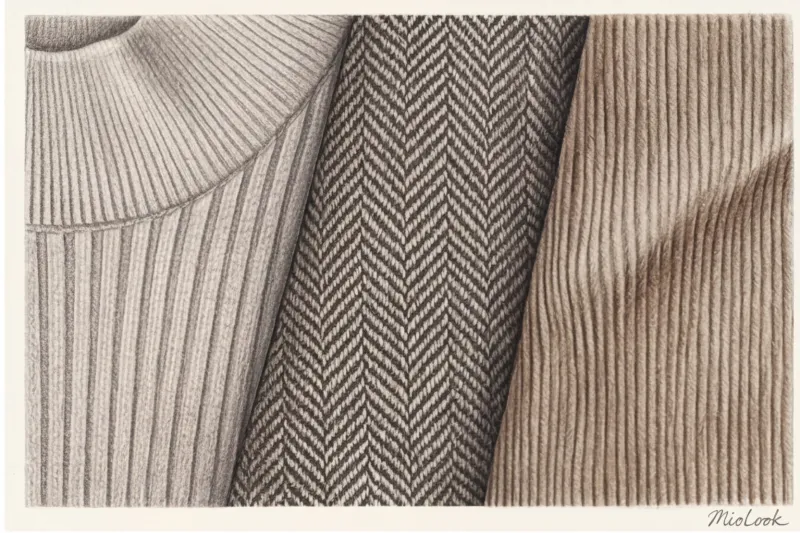
Here are the main hidden threats:
- Micro-corduroy and ribbed knits. Even if your top is a refined beige, the raised stripes of fabric create micro-shadows. The camera interprets this play of light and shadow as that very same contrasting stripe, creating a moiré effect.
- Herringbone tweed. The textured weave of contrasting threads produces the same kind of glitch on the matrix as the pied-de-poule print.
- Shiny fabrics (satin, silk) + ring lamp. This doesn't cause ripples, but it does create another problem—the "overexposed" effect. The smooth, shiny fabric reflects the lamplight directly into the lens. The camera reduces the exposure to compensate for the glare, resulting in your face becoming dark and the contours of your body being completely washed out.
Viewer Psychology: How Ruffled Clothing Kills Your Expertise
Why do we even bother with a little flickering on the screen? It's not about aesthetics, but about the conversion rate of your presentation and the viewer's neurophysiology. Researchers from Stanford University (2021), studying the phenomenon of "Zoom Fatigue," proved that excessive visual stimuli put our brains under strain.
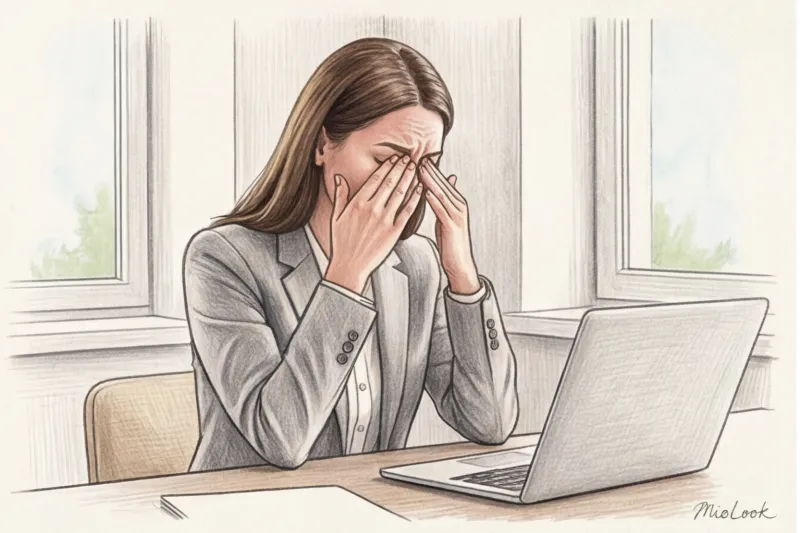
When your clothing shimmers, the viewer's eye muscles perform microscopic involuntary contractions, trying to focus on the illusion. This causes rapid physical fatigue. According to UX and usability research, viewers make a decision about a speaker's competence within the first seven seconds. If the image causes visual discomfort, the chances that someone will close the tab with your webinar or turn off their camera during a call increase by 40%.
But the most terrifying thing is the subconscious transference. The viewer rarely analyzes: "Oh, she has a moiré effect on her jacket, so it hurts my eyes." The brain takes a shortcut: "I'm having a hard time watching this broadcast. It means the speaker is boring, unconvincing, and generally irritating." Instead of listening to your brilliant arguments, the audience is wasting cognitive resources deciphering the optical illusion on your chest.
The Smartphone Test Rule: How to Check Your Look Before Zoom
How can you tell if your outfit is safe? Looking in a mirror before going live is completely useless. A mirror doesn't have a pixel grid, it doesn't compress data, and it doesn't try to focus on you through algorithms.
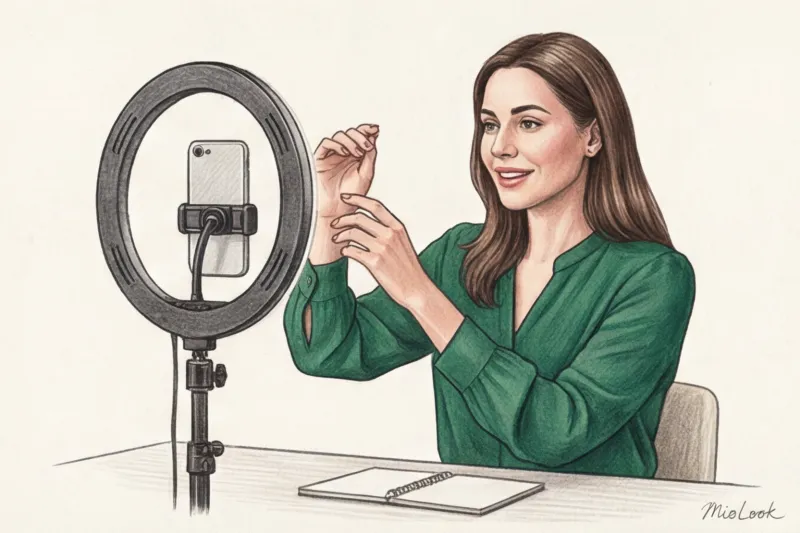
I always make my clients do the "Smartphone Test." Here's a step-by-step guide that will save your reputation:
- Put on your chosen outfit and sit in the very place from which you will broadcast.
- Turn on exactly the light (lamps, window) that will be on during the call.
- Take your smartphone, turn on the front camera, and record a 15-second video. Be sure to move within the frame: gesture, lean forward, nod. Moiré is manifested precisely in movement.
- Critical step: Don't just watch the video in your gallery! Send it to yourself via Telegram or WhatsApp (without file compression, just like a regular video).
Messengers use strict compression algorithms, very similar to those used by video conferencing platforms. When you open a sent video, you'll see yourself exactly as a client with an unstable internet connection might see you on the road. If your clothes are "melting," change them immediately.
Access to MioLook for €0.99 — one-time payment
A smart AI stylist will select the perfect look for your online performances and help you put together clothes so you look confident in any shot.
Get access — €0.99 onceHow to Replace Dangerous Prints: Stylish Alternatives for Speakers
Does giving up small checks and stripes mean you're doomed to wearing dull gray turtlenecks? Absolutely not. Looking bold online is possible and important. Here are three strategies I use when putting together looks for top managers.
1. Color blocking
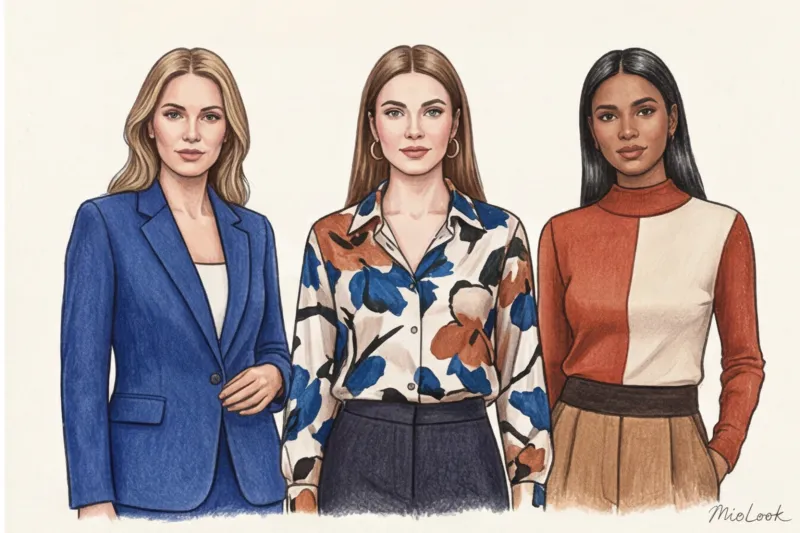
Use two or three clean, contrasting colors in the portrait area. For example, an emerald top and a terracotta jacket. This creates the necessary dynamism and draws attention to the face without any ripples. But there is a fair limitation here: This technique doesn't work if your background features a colorful bookcase, flowers, and painting. Color blocking requires a minimalist, calm background, otherwise you'll look like a parrot in the jungle.
2. Large and abstract prints
If you love geometric patterns or floral designs, simply resize. A camera-safe print is one whose elements are larger than the size of your fist. Large abstract brushstrokes, wide asymmetrical color block stripes, or massive flowers—the camera's sensor will easily capture such designs without distortion.
3. Matte smooth textures
Your ideal video canvas is heavyweight cotton (from 180 g/m²), high-quality viscose with elastane, crepe, or smooth suit wool without a pronounced weave. They absorb light evenly and look expensive even with heavy video compression. Incidentally, to avoid racking your brain before each call, I recommend using wardrobe digitization feature in MioLook You can pre-create a capsule marked "Zoom-safe" and choose your images in just a few clicks.
Checklist: Creating the Perfect Look for an Online Performance
Let's recap. To ensure your expertise doesn't get squandered, check this short list before clicking the "Connect" button:
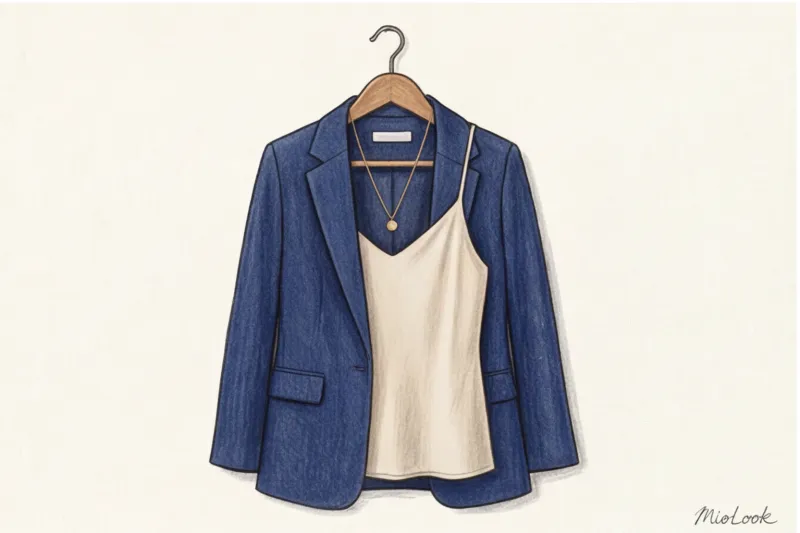
- Contrast: Your outfit should not blend into the background (no white shirt against a white wall).
- Fabric safety: In the portrait area there is no small geometry, houndstooth, corduroy or ribbing.
- Surface: The fabric is matte, it does not reflect light from a ring lamp or window.
- Architecture: The focus is on the cut. A crisp jacket shoulder line or a neat shirt collar work much better in video than a complex pattern on the fabric.
Remember the most important rule of digital style: online, your visual image should be as clear, concise, and understandable as your professional message. Don't overwhelm the camera or the viewer, and they'll reward you with their full attention.