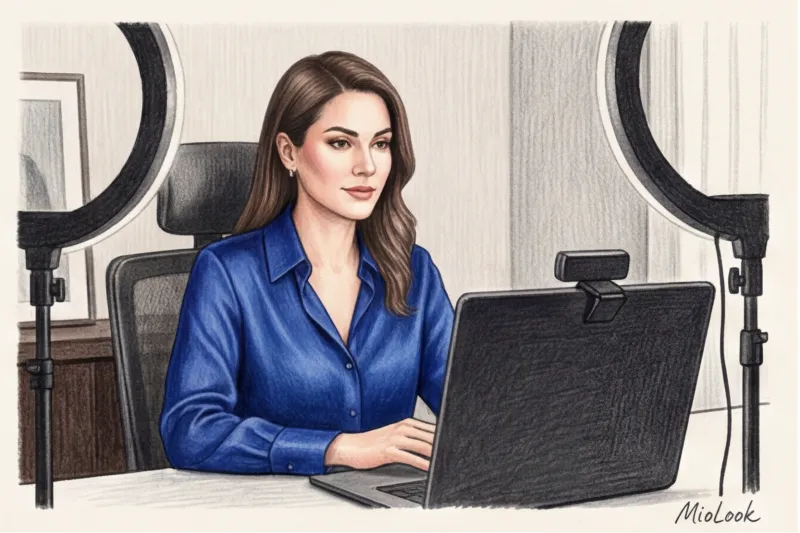
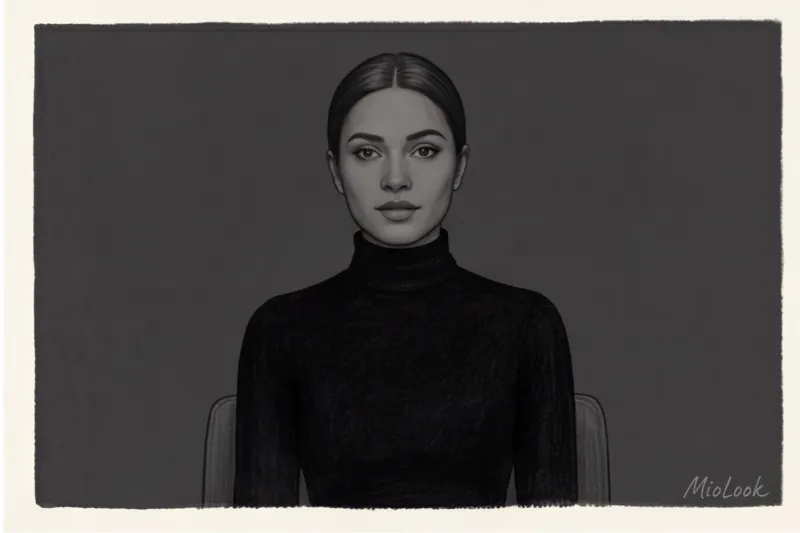
Do you know what an $800 disaster looks like? It's a stunning black silk Jil Sander blouse worn to a crucial Zoom pitch. Last year, Anna, the CEO of a major fintech company, approached me. In real life, her image projected absolute power and impeccable taste. But when she turned on her webcam, the expensive silk transformed into a flat "black hole." The fabric merged with the dark office chair, and only the speaker's "flying head" remained on the screen. Her status vanished in a second.
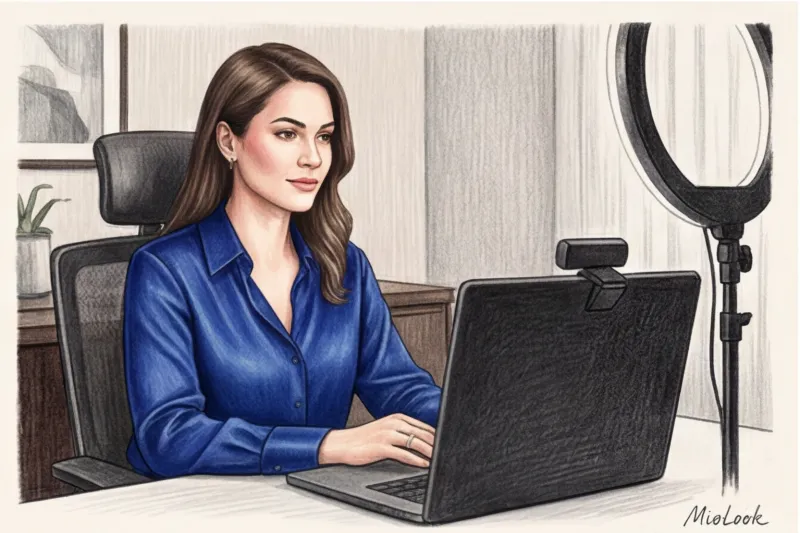
Over 14 years of working as a personal stylist, I've realized one thing: dressing for life and dressing for the camera are two completely different disciplines. Clients often ask me, What colors of clothing are appropriate for the video? It's best to expect to hear the standard list from glossy magazines. But street style rules don't apply here.
In this article, we'll explore not just beautiful color hues, but the physics of video compression. If you're preparing for a large-scale online event, I also recommend checking out our The Complete Guide: How to Dress for a Webinar: Online Presentation Style Today, we'll focus on how to make your camera's sensor work for your credibility, not against it.
Why the Camera Eats Your Style: The Technical Side of the Issue
The human eye can distinguish approximately 10 million shades. We see the play of light on cashmere, the undertones of a complex beige, and the depth of a deep blue. Your laptop's webcam (even the latest MacBook) sees the world differently.
Algorithms in platforms like Zoom, Google Meet, and Teams use chroma subsampling (4:2:0 Chroma subsampling). Simply put, to ensure smooth video transmission over the internet, the software ruthlessly discards up to 75% of the color information, leaving only the luminance data.
What does this mean for your wardrobe? You lose about 30% of color saturation. Just by going on air. That elegant powder top that looks so refreshing in the mirror will turn into a washed-out gray rag on screen. That's why you need to dress a shade or two brighter for the screen than you would for a regular office outing.
Access to MioLook for €0.99 — one-time payment
A smart AI stylist will select the perfect look for your video calls based on your color type.
Get access — €0.99 onceWhat clothing colors are best for video: expert database
When I create "screen capsules" for top managers, we almost completely avoid gray. Gray often looks like digital noise in video. Our main investment is jewel tones.
Shades of Blue: A Universal Trust Code in the Frame
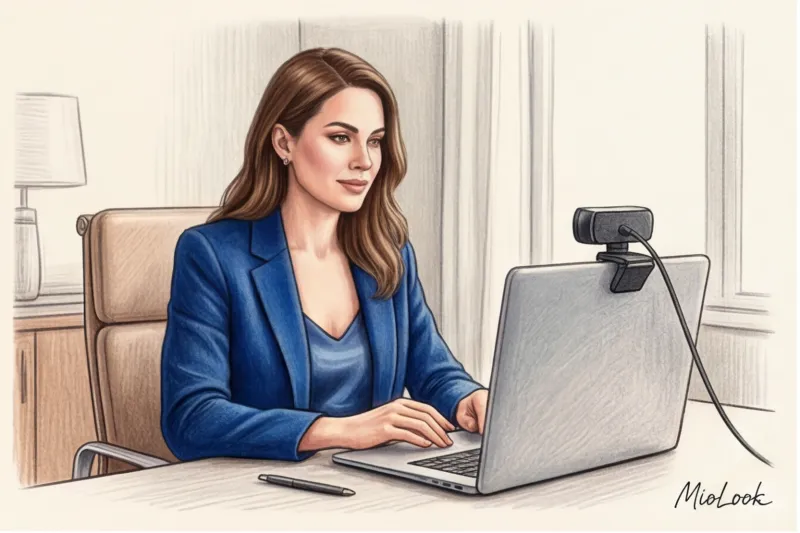
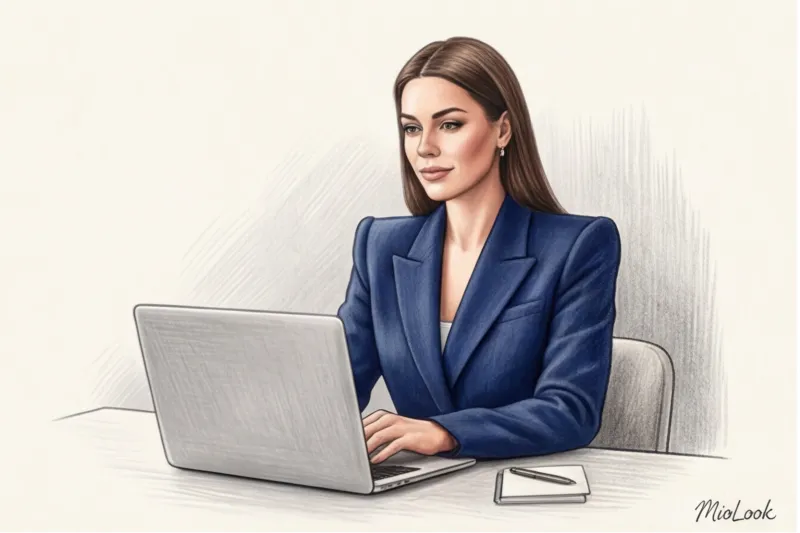
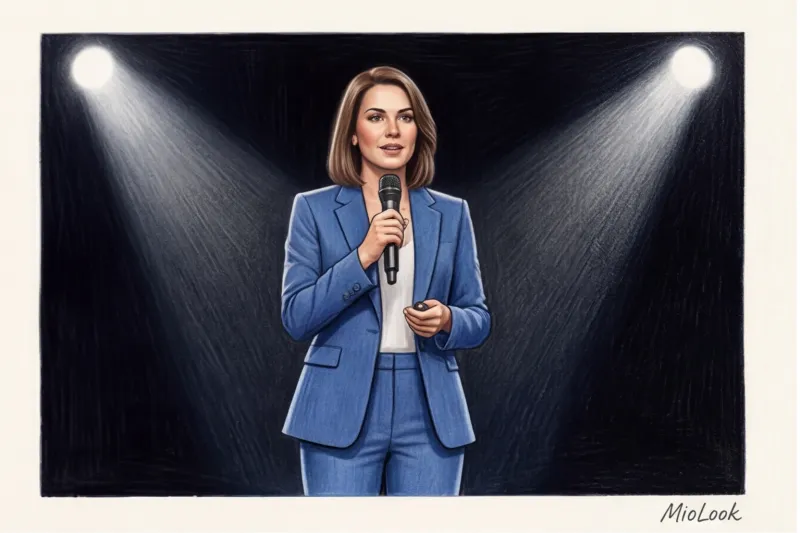
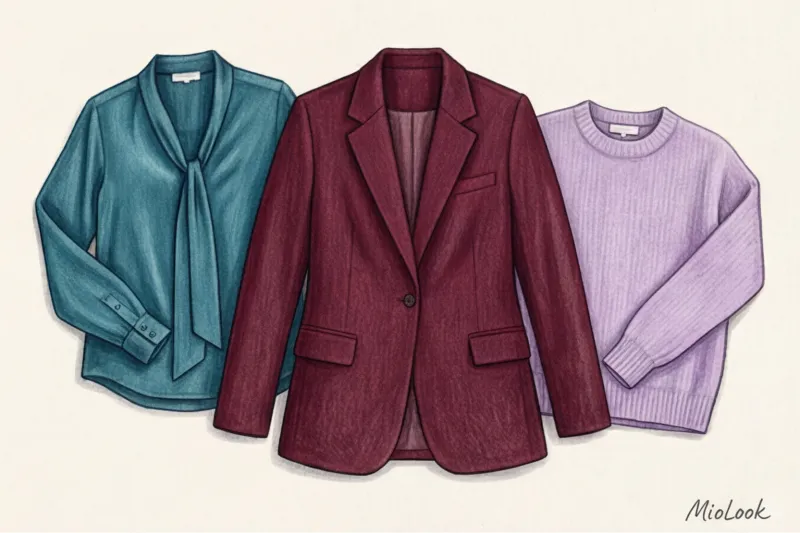
Sapphire, cobalt, and navy are absolute favorites for any camera sensor. The blue spectrum is least distorted by video compression.
But it's not just about technology. A 2022 study by the Science of People laboratory, which examined first impressions in digital environments, revealed an interesting finding. Speakers wearing blue were perceived by the audience as 20% more competent within the first seven seconds of a call. Blue conveys calm and authority and helps the other person focus on your words rather than on your attire.
Emerald, Burgundy, and Plum: Status Without Distortion
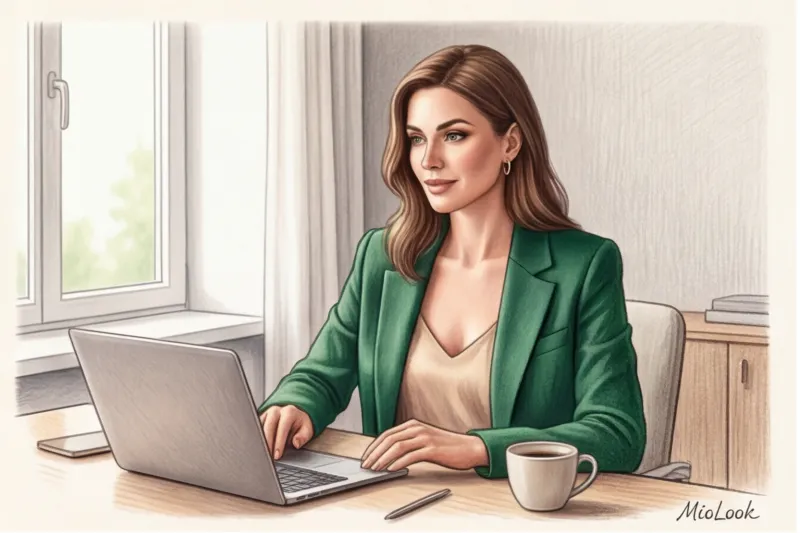
If you're used to formal dark suits, try swapping out your classic black jacket for a deep burgundy, emerald, or plum one. I often wear structured jackets in these shades from brands like COS or Massimo Dutti.
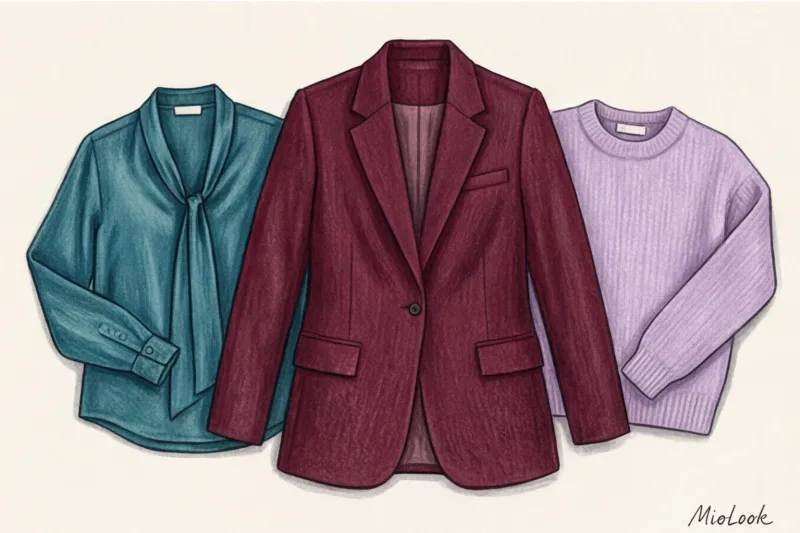
Their superpower is that they maintain visual depth even on a poor internet connection, when the image disintegrates into pixels. You remain three-dimensional, a living person in the frame, and your image is seen as expensive and thoughtful.
Pastel colors: how to blend in with the background
Dusty rose, lavender, and mint are excellent alternatives to crisp white. However, there's an important stylistic limitation.
Pastels only work in video if there's enough contrast. If you're low-contrast and go on air makeup-free in a light lavender sweatshirt, the camera will make you look sickly pale.
To avoid this, pastel clothing calls for a slightly brighter lipstick (half a tone darker than usual) or accentuated portrait accessories—for example, structured earrings that will outline the oval of the face.
The Biggest Lens Color Taboos (And Why Black Is a Bad Idea)
It's time to debunk the biggest myth of corporate style: "Black is always slimming and professional." In real life, yes. On a standard webcam, it's a disaster.
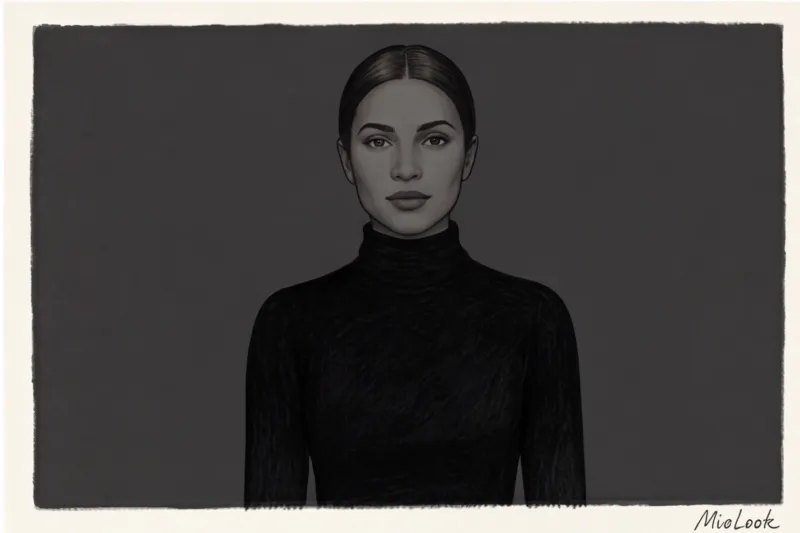
The camera can't tell the difference between cheap polyester and premium cashmere if they're black. The sensor lacks the dynamic range to render shadows on black fabric. As a result, your torso turns into a flat, 2D blob. And if you're sitting against a dark wall or the room isn't well-lit, that unsettling "floating head" effect occurs.
Your perfect look starts here
Join thousands of users who look flawless every day with MioLook. Upload your wardrobe and get ready-made looks.
Get access — €0.99 onceBlinding white and poisonous red
The white shirt in the video is a quirk of the auto white balance. The camera sees a large bright spot and tries to tone it down, automatically darkening the rest of the image. The result? Your crisp white shirt is gleaming, and your face looks like you're sitting in a basement.
Pure red (RGB value 255.0.0) poses a different problem. Camera sensors literally go crazy with it. A "chroma clipping" effect occurs—the red color starts to bleed beyond the contours of your figure, creating a blurry, vibrant glow around your shoulders.
The Moiré Effect: Why Cameras Hate Small Prints
Pinstripe, houndstooth, and narrow checks—forget about them before going on air. When a fine pattern overlaps the monitor's pixel grid, it creates a strobe flickering (moiré effect). Your viewers' eyes will literally start to dazzle within 10 minutes of the call. My golden rule: when in doubt, choose a smooth, solid-color fabric with a minimum weight of 180 g/m².
How to match clothing color to background and lighting
Color doesn't exist in a vacuum. In my experience, half of the failed looks weren't due to the clothes themselves, but to how they interacted with the light in the room.
If you're using a popular LED ring light (they typically produce a cool light temperature of around 5500K), be careful with warm, earthy tones. Mustard, terracotta, or warm brown look "dirty" under cool light. However, cool light really brings out sapphire and emerald tones.
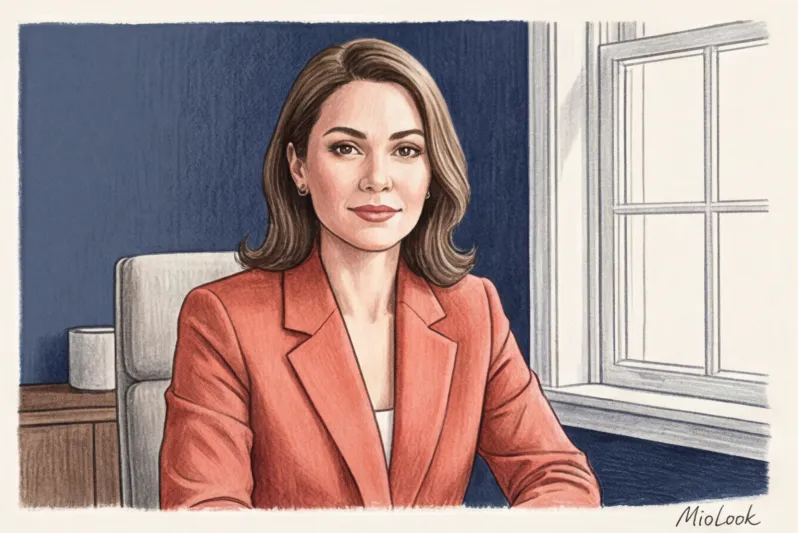
If you're sitting in front of a window with natural light, the picture changes. Daylight is softer, but it requires contrast with the background. The main rule: don't be a chameleon. If you have a light wall, go for rich tones (burgundy, cobalt). If the background is dark (a bookcase, gray wallpaper), bold pastels or light beige will do the trick. Your face should always be the brightest point in the frame, and your clothes should be the frame separating you from the background.
Color type of appearance through a webcam filter
The digital environment mercilessly distorts your natural coloring. While in real life you can afford subtle variations in shades, on screen, contrast is more important than precisely matching your seasonal color type (you can read more about them in our article). 12 Color Types of Appearance: A Guide to Choosing a Palette ).
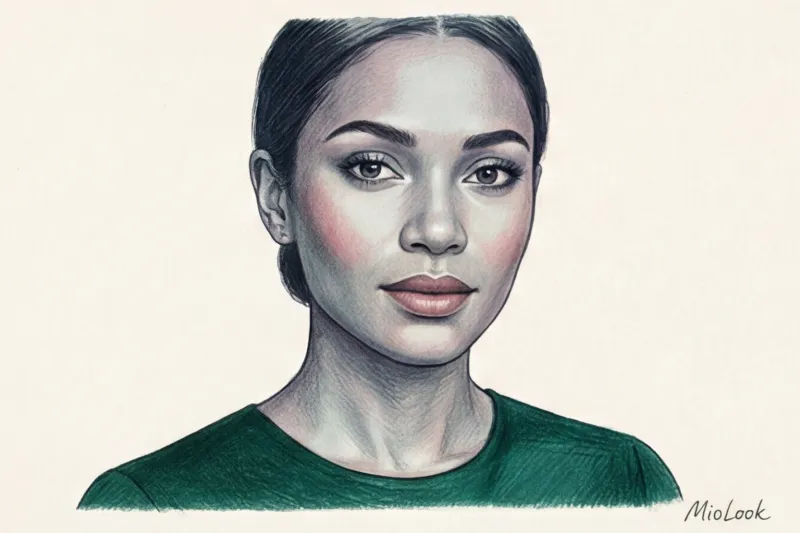
How can this be used in practice? Webcams often make skin look grayish or greenish. To "warm up" a pale complexion without a ton of bronzer, wear a peach, warm coral, or salmon-colored top. The fabric will act as a photographic reflector, casting a warm glow on your chin and cheeks.
By the way, to avoid racking your brains before each call, I recommend my clients to use MioLook You can filter your digital wardrobe once by the "for video" tag, and the app will automatically suggest outfits in the right shades that you already have in your closet.
Ready to get started?
Try the MioLook plan for free—no commitments required. Digitize your wardrobe and save time getting ready every morning.
Get access — €0.99 onceStylist checklist: test clothing colors on camera 5 minutes before the broadcast
Never check your appearance in a mirror for a video call. The mirror lies. Five minutes before an important broadcast, I make all my speakers do one simple test.
- Open the built-in camera app on your laptop (Photo Booth on Mac or Camera on Windows). Not Zoom with its photo-enhancing filters, but the bare camera.
- Sit where you'll be holding the call and turn on your work light. Take a screenshot.
- Check three checkpoints:
- Circuit: Is your shoulder line clearly visible or has it merged with the chair/wall?
- Face: Has it become too dark due to bright clothing (as in the case of white)?
- Texture: Can you see what you're wearing (the knit of a sweater, the lapel of a jacket), or is it just a splash of color?
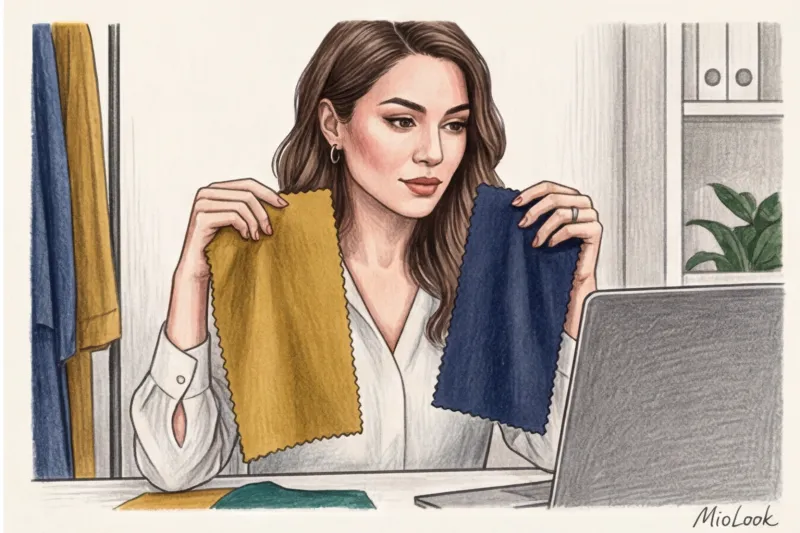
Summary: Your Digital Wardrobe
The 16:9 format leaves you very little room to maneuver. Only the portrait area is visible in the frame, and color is your main tool for directing attention. Remember this simple formula.
The three best colors for video are deep blue, emerald, and rich burgundy. The three main anti-colors are total black, crisp white, and neon red. When choosing clothes for your next online performance, remember: you're not dressing for yourself or the audience. You're dressing for a tiny plastic lens that will translate your style into pixels.