

Try On an Outfit
Without Getting Dressed
Realistic outfit visualization on your photo. See how an outfit will look before putting it on.
Get access — €0.99 once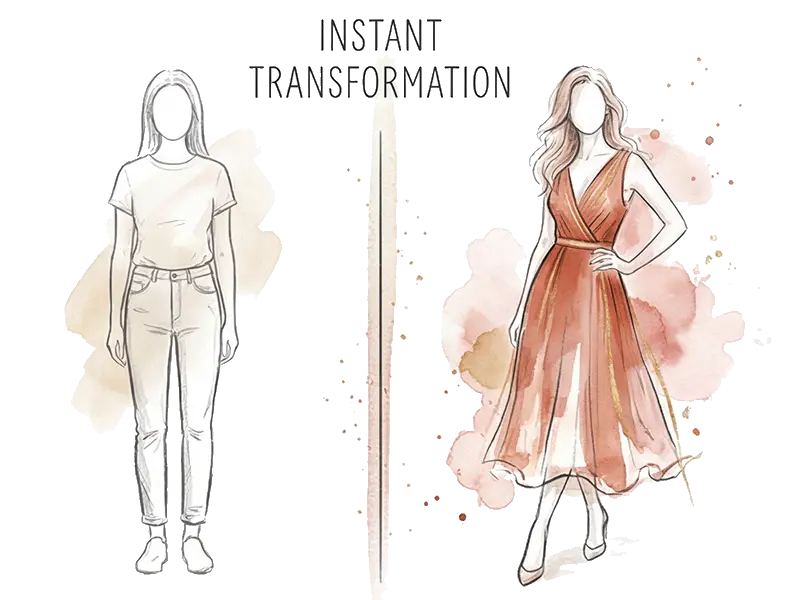
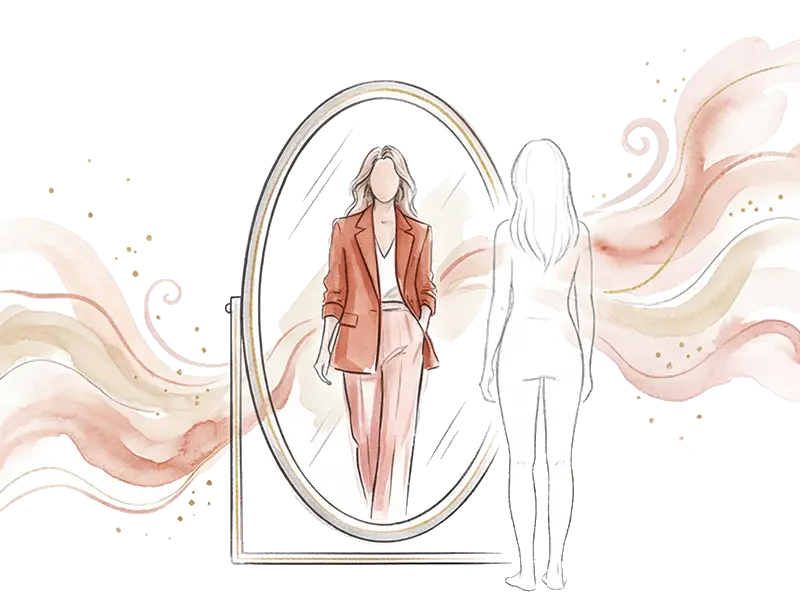
Mirror of the Future
already on your phone
MioLook virtual try-on technology uses generative AI to create a realistic image of you in the chosen outfit. Upload your photo, choose an outfit from your wardrobe or from the stylist suggestions, and see the result in seconds.
How It Works
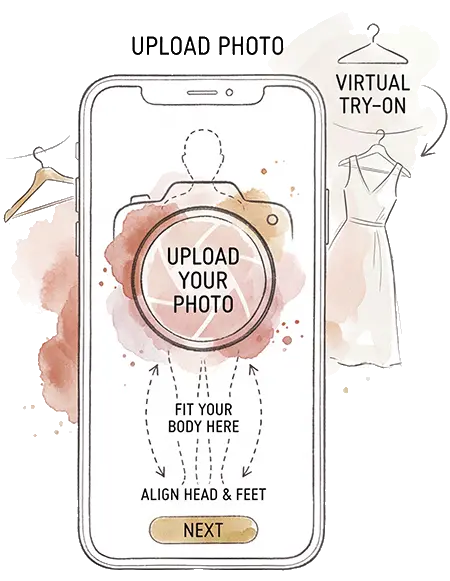
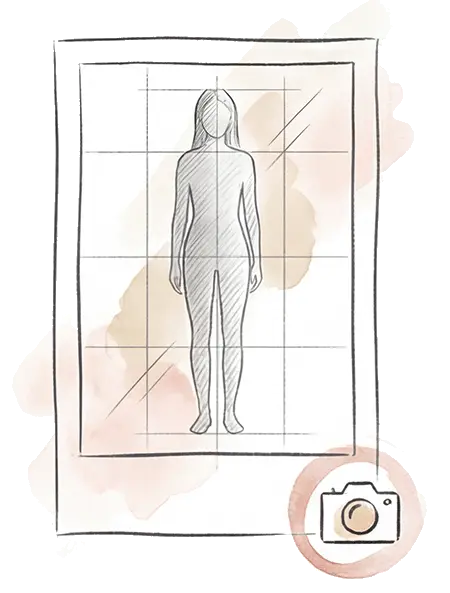
Upload a Photo
Take a full-body photo or upload one from your gallery.
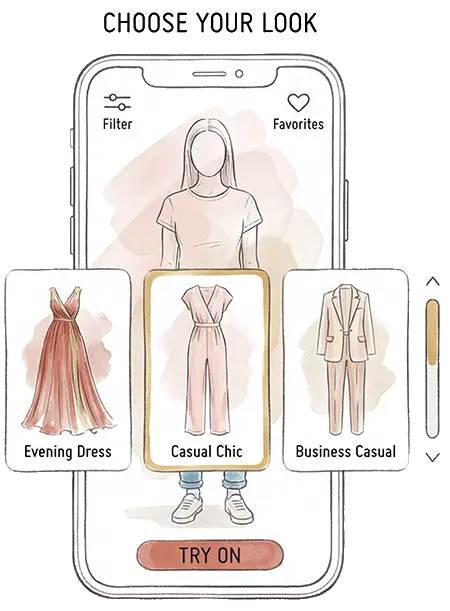
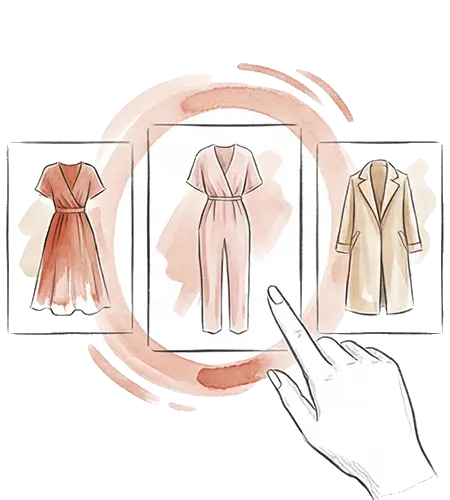
Choose an Outfit
Select items from your wardrobe or a complete outfit suggested by the AI stylist.
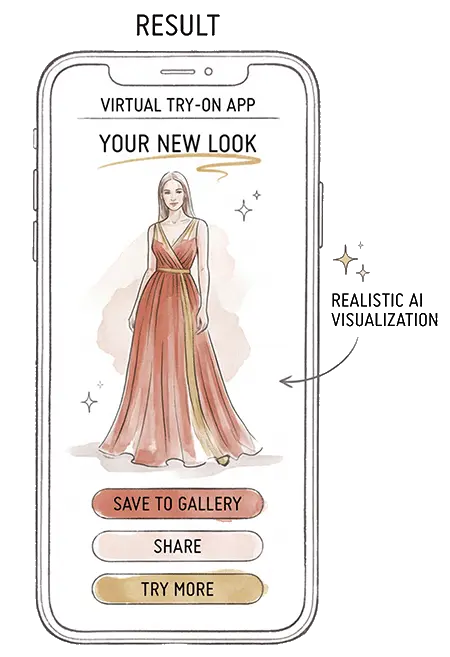
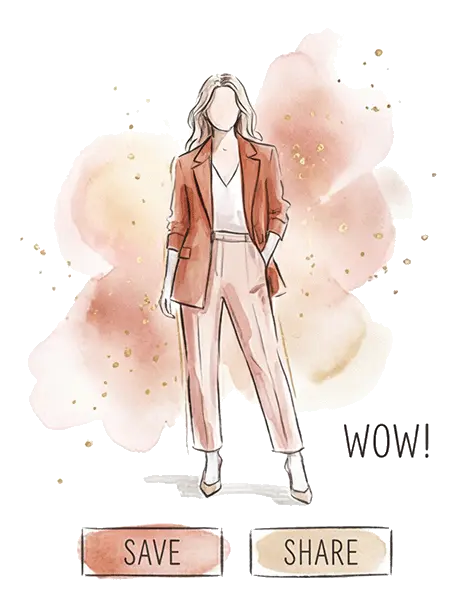
See the Result
AI will generate a realistic image of you in the chosen outfit.
How It Looks
in the App
Choosing an Outfit
Virtual Try-On
Result
What Users Say
MioLook completely changed my approach to clothing. Now I spend 10 minutes getting ready instead of an hour, and I always look great! It's like having a personal stylist in your pocket.
The hairstyle matching feature is a real gem. I picked a haircut before visiting my stylist and was thrilled with the result. No more blind experiments!
The AI stylist is like a personal style consultant. I finally know what's in my wardrobe and what to do with it. Daily outfits are simply amazing.
MioLook in Numbers
Advantages
Realistic Result
AI considers your figure, pose, and lighting for the most natural result.
Save Time
No need to try on dozens of options — choose the best outfit on screen.
Confident Shopping
Try on an item virtually before buying and forget about disappointments.
Share Outfits
Send the visualization to friends and ask for advice before an important event.