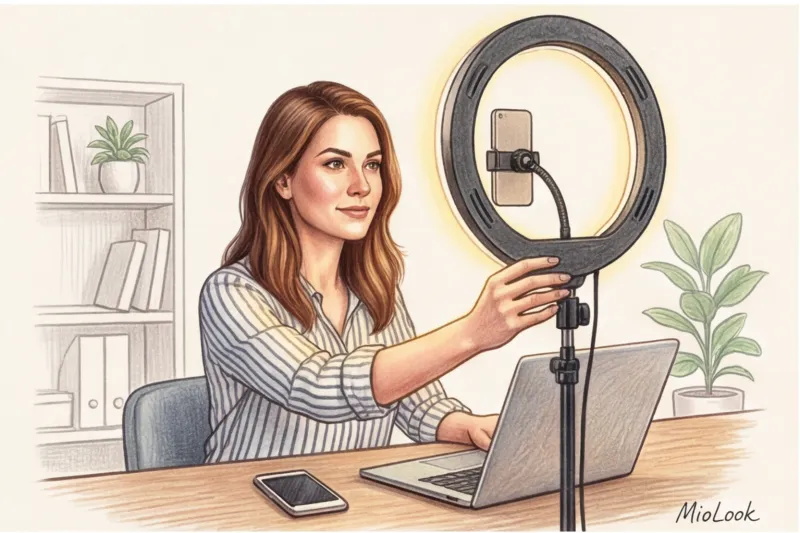
A couple of months ago, a senior executive at a major European IT company approached me for styling advice. She'd purchased a flawless, minimalist wool suit by Jil Sander for €1,200 specifically for a crucial online pitch to investors. In the mirror before the call, she looked impeccable. But when we later reviewed the Zoom recording, the luxurious jacket didn't save the situation—the camera turned her face into a tired, flat, gray blob. Investors were looking not at her brilliant presentation, but at the painful shadows under her eyes.
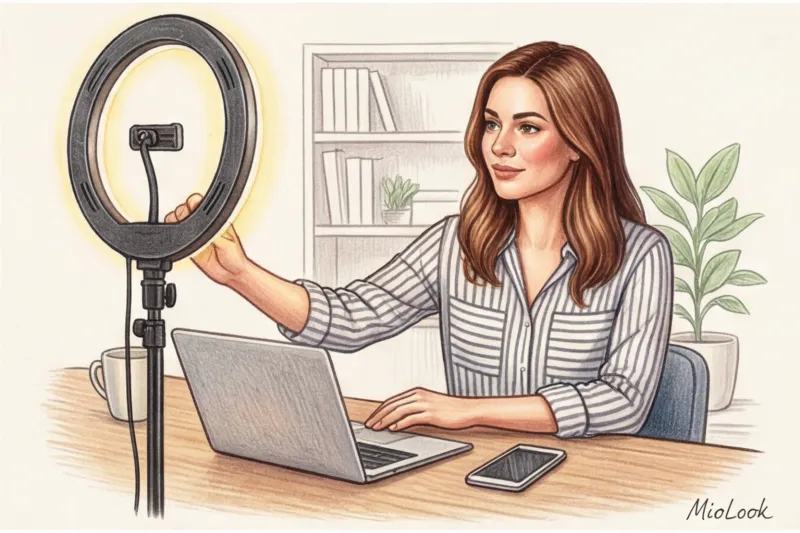
This incident once again confirmed my main rule: the webcam spares no one. As a stylist, I consider makeup for video shooting Not as an art form of makeup, but as a rigorous, utilitarian tool. It's a way to restore the contrast and 3D volume that the lens mercilessly "eats" so your face doesn't get lost against the backdrop of a carefully chosen business attire. We've already covered more details on how to properly compose your look for the shot in our The Complete Guide: How to Dress for a Webinar: Style for Online Presentations And today we'll figure out how to "tune" your face to this wardrobe.
Why the camera "eats" your face: the technical side of makeup for video shooting
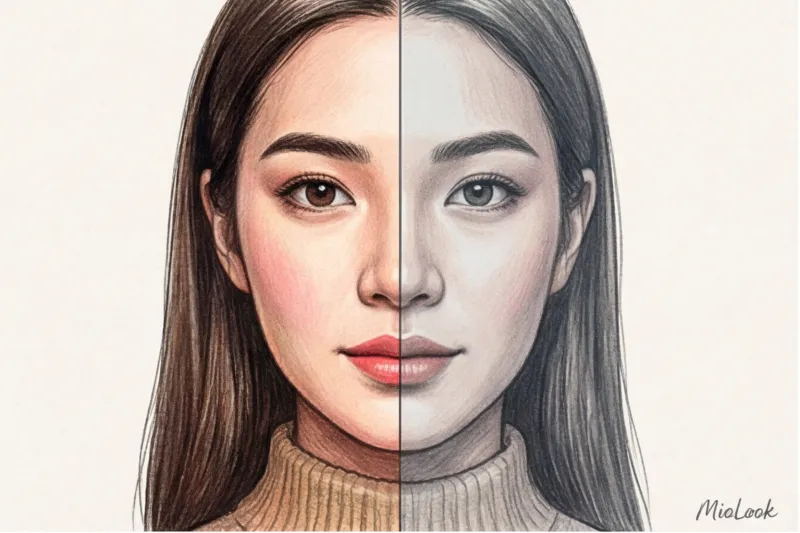
You've probably noticed this unpleasant phenomenon: you apply your usual daytime makeup, sit down in front of your laptop, turn on the camera, and... look like you haven't slept in a week. In English-speaking professional circles, this is called webcam color drain (color leakage on webcam).
The problem lies in technical limitations. Standard laptop webcams automatically cut off 30–40% of the image's contrast and saturation in an attempt to balance exposure. Add to this the video compression algorithms in Zoom or Google Meet: to avoid lag, these programs reduce detail by another 40%.
According to a 2023 study by the behavioral lab Science of People, audiences unconsciously assess your level of competence and energy within the first seven seconds of eye contact. If compression algorithms make your skin dull and your lips pale, the viewer's brain interprets this as "the speaker is tired" or "the speaker is unsure." Makeup for everyday life is designed for dynamism and natural light. Makeup for the screen is about working with static, 2D surfaces, and rigid pixels.
Light temperature: cool monitors and warm lamps
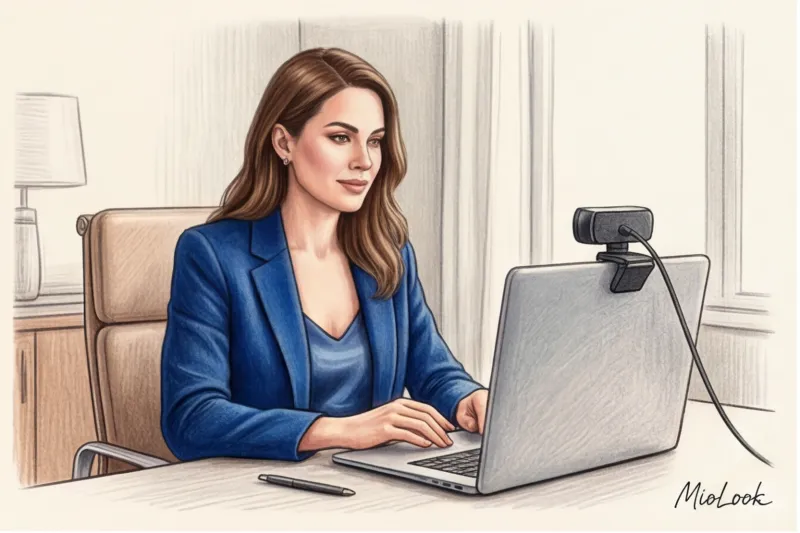
The most common mistake my clients make is applying makeup in a warm yellow bathroom, then sitting down to conduct a webinar in front of a window with cool daylight, all the while illuminating their faces with the blue glow of a laptop monitor. The blue light from the screen instantly draws out all the warm pigments (peaches, pinks) from the skin, leaving an earthy, greenish-gray undertone in their place.
"Never judge your webinar makeup in a mirror. Your only mirror is the preview window in the calling app itself, under the lighting you'll be presenting in."
Access to MioLook for €0.99 — one-time payment
A smart AI stylist will create the perfect look for your next online performance.
Get access — €0.99 onceFacial Architecture in 16:9 Format: Reclaiming Volume
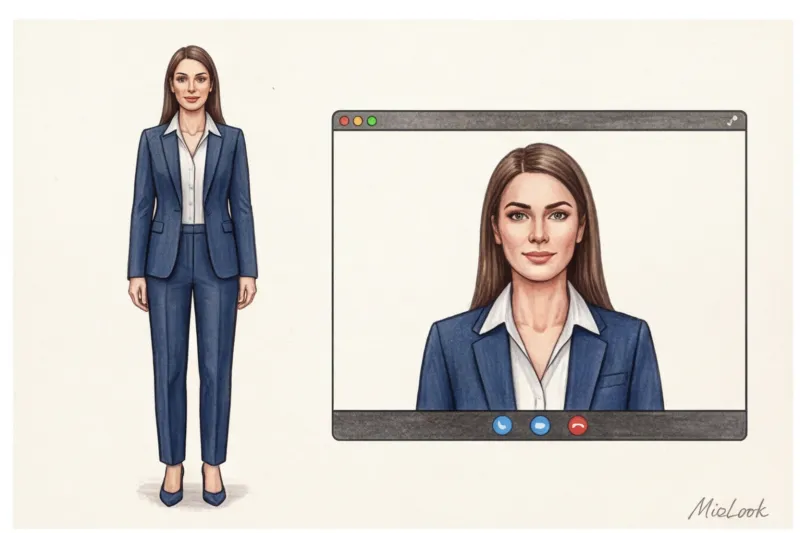
The 16:9 aspect ratio leaves only 15–20% of your body visible. The entire focus (100%) is on the portrait area. At the same time, the flat screen obliterates natural shadows, making the face look like a pancake. A regular foundation is absolutely insufficient here—it will only exacerbate the flat mask effect.
We need to artificially recreate the facial architecture. But forget about harsh gray contouring a la Kim Kardashian—the webcam often makes gray shadows look like dirty spots. Use a warm bronzer. Use a fluffy brush along the hairline, cheekbones, and jawline.
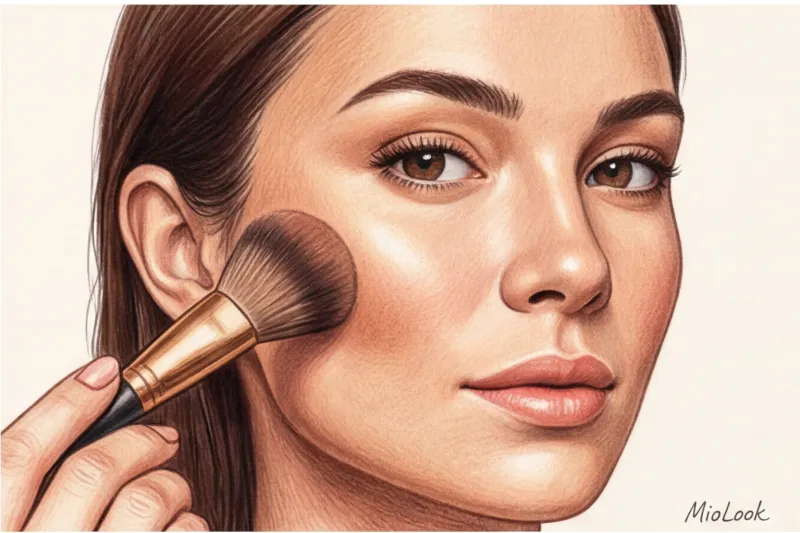
The most important anti-aging tool on camera is blush. Over 12 years of working as a stylist, I've come up with a golden rule: On camera, blush is eaten first What seems a bit overdone in the mirror will look like a light, healthy flush on the Zoom screen. Apply the pigment 20% brighter than you would in real life, and blend it not on the apples of your cheeks, but slightly higher, toward your temples—this will create a visual lifting effect, which is so important when the camera angle is upward.
Your eyes are your main tool for holding attention.
Eye contact online is an illusion, but a crucial one. If your eyes are dull, your audience will lose focus and check their messaging apps. But painting on smoky eyes for a morning meeting is bad form.
Your secret trick is the "interlash line" technique. This involves filling in the space between the roots of your upper lashes with a pencil. From the outside, the makeup is barely visible, but it makes your lashes appear three times thicker, and your eyes look sharper and more focused.
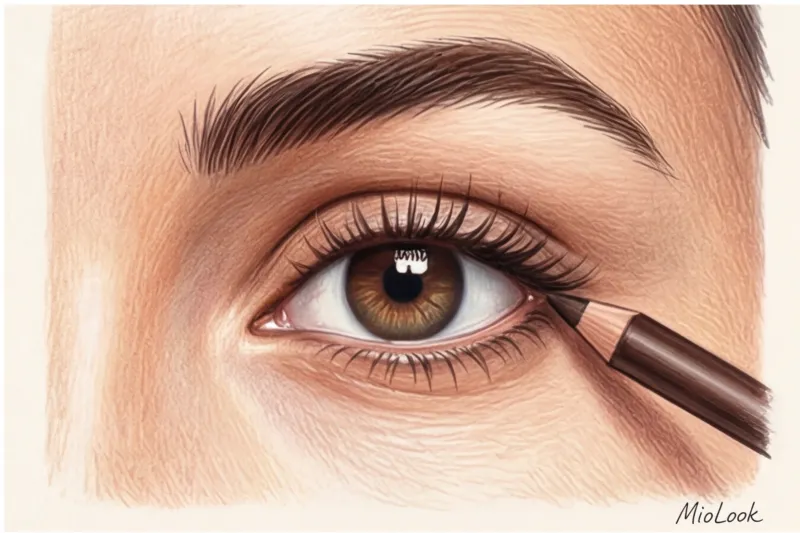
My personal life hack: I always use a dark coffee-colored pencil for lash line, rather than the classic black. In a compressed webcam image, black often looks harsh and theatrical, creating a drooping eyelid effect. Brown adds the right depth while maintaining a soft look.
What you should definitely avoid is intense shimmer and glitter on the lid. At 720p resolution, the camera can't capture the beauty of shimmering particles—it simply interprets them as oily shine or sweaty skin.
Your perfect look starts here
Join thousands of users who look flawless every day with MioLook. Organize your wardrobe in one click.
Get access — €0.99 onceThe Matte Skin Myth: Why a Subtle Glow Is Essential for Zoom
If you've ever read makeup tips for filming, you've probably come across the mantra: "Matte your face to avoid glare." This is a classic television rule from the 90s, when speakers were filmed in studios with powerful spotlights. For at-home webinars, this rule is a harmful myth.
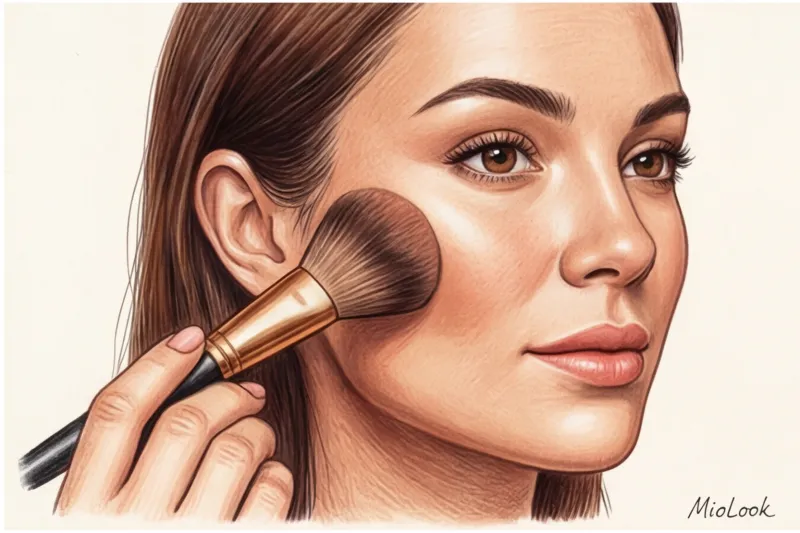
A dull matte finish on a webcam makes the face look flat and lifeless, adding 5-7 years to your age. We absolutely need highlights to create that 3D effect. The effect of slightly dewy, hydrated skin (dewy skin) is much more effective at capturing attention than a layer of powder.
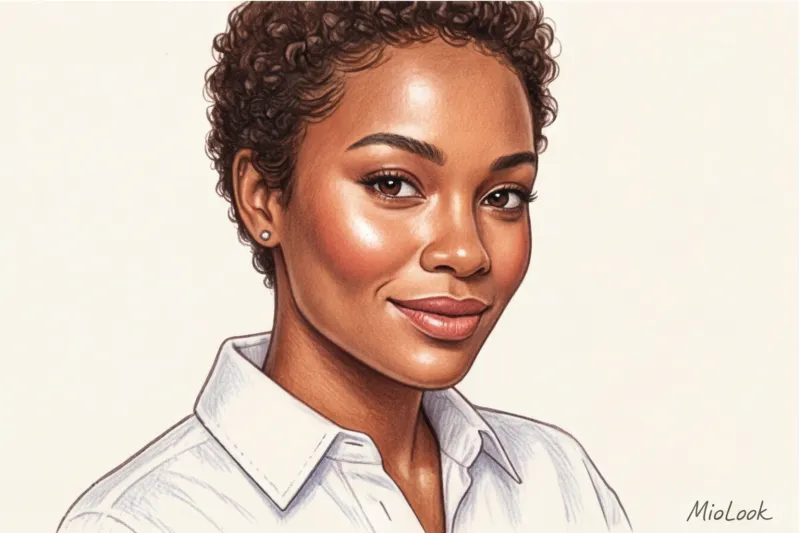
The strategy here is to mattify only the center of the forehead, the sides of the nose, and the chin. Then, apply a delicate creamy highlighter without large glitter to the high points of the cheekbones, the bridge of the nose, and the lip line.
Important limitation: This tip does NOT work if you currently have active acne or highly textured skin with enlarged pores in the cheekbone area. Highlighter will accentuate any texture. In this case, skip the shimmer and use a foundation with a natural satin (not matte!) finish.
Lips in the frame: how to choose a shade that won't age you
The rule of contrast dictates its own rules. Your favorite nude gloss, which looks so elegant in the office, will simply blend into your skin on camera, literally erasing your lips. The lower third of your face will lose definition, and your articulation will become unclear to the viewer.
One of my clients couldn't figure out for a long time why she seemed unsure of herself in meeting recordings, despite saying such strong things. We simply replaced her favorite beige MAC Velvet Teddy lipstick with a muted berry tint. It created contrast, her lips became more visible on her face, and her visual status instantly improved.
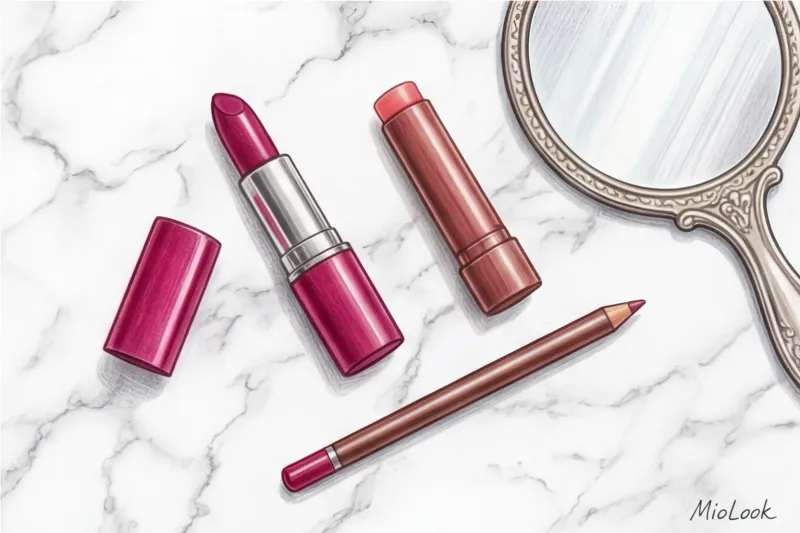
As for textures, avoid completely matte liquid lipsticks. In poor lighting, they highlight every micro-crack, making lips look dry and thin. Satin lipsticks or Korean tints are ideal choices for long webinars. They absorb into the skin, providing vibrant yet natural color, and you won't have to touch them up after every sip of water.
How to coordinate your makeup and clothing for a video shoot
Makeup doesn't exist in a vacuum—it needs to work in synergy with your portrait area. As a stylist, I always create a balance of accents.
If you're wearing a bright, statement jacket (for example, fuchsia, emerald, or deep cobalt), your makeup should be as structured as possible but neutral in color. Active brows, a winged wing, and a perfect foundation, but lips should be a muted caramel or dusty pink. Otherwise, you'll look like a provincial TV shopping host.
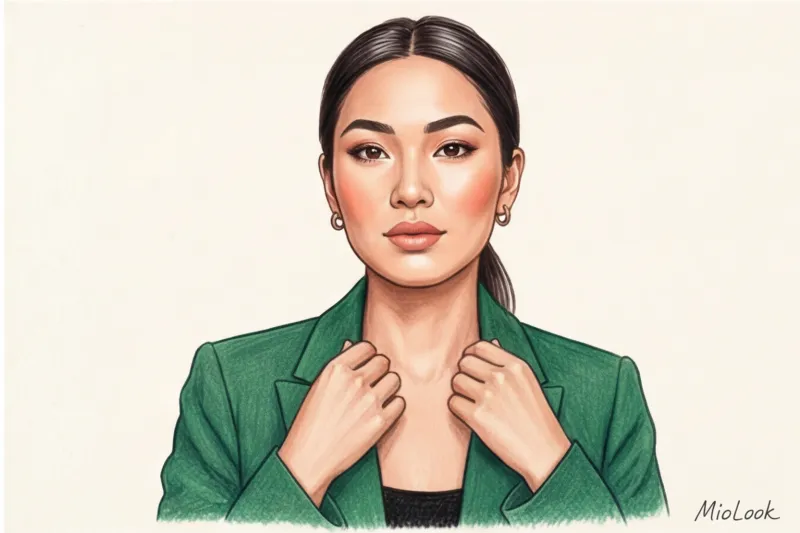
And the opposite situation: if you're wearing light, basic clothing (a white cotton COS shirt or a beige Massimo Dutti jumper), your face requires more active attention. Without bright blush and rich lipstick, you'll simply blend into your light blouse, creating a single, pale blob.
A separate rule applies to prints. If you're wearing a blouse with complex geometric patterns or a bold floral design, your face should be as "clean" as possible. No complicated eyeshadow transitions on your eyelids. Incidentally, it's precisely for such occasions that I recommend using the "smart wardrobe" feature in MioLook — the app will help you create a capsule look for video calls in advance and show you which items require bright makeup and which require a more subtle one.
Quick Checklist: Makeup for a Video Call in 5 Minutes
I understand that top managers and experts don't have 40 minutes to blend their eyeshadow before a sudden Zoom call. Here's my tried-and-true quick fix that will save your face in exactly 5 minutes:
- Step 1: Lifting concealer. Apply a drop of light-reflecting concealer to the inner corners of your eyes (where the deepest shadow is) and to your nasolabial folds. Blend with your fingers using a tapping motion.
- Step 2: Eyebrow architecture. The camera makes brows thinner and lighter by 20%. Apply a fiber-based tint gel to them for an instant, sculpted look.
- Step 3: Mono-makeup with blush. Take a creamy peach or pink blush. Apply it to your cheekbones and lightly tap any excess into the crease of your upper eyelid with your finger. This will create a harmonious color and instantly refresh your look.
- Step 4: Eyelashes and lips. One thick coat of black or brown mascara (focus on the roots, not the tips) and a berry-colored tinted lip balm.
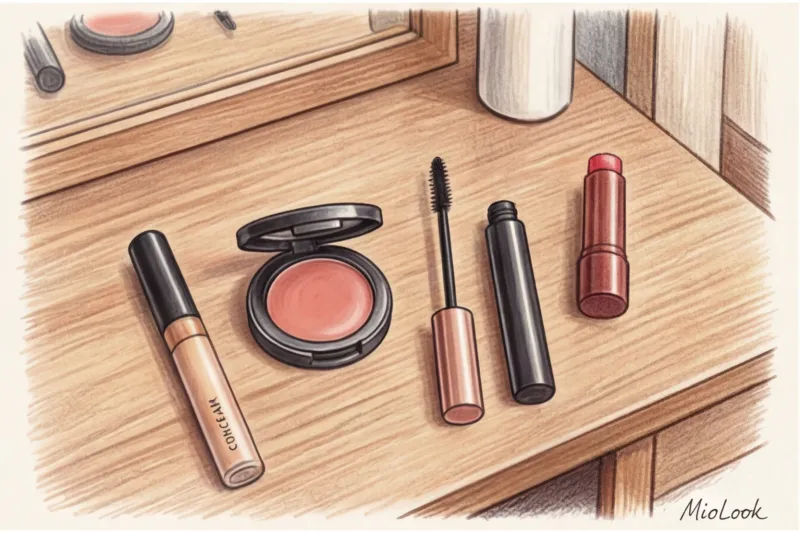
And the final, most important step: open the calling app, turn on your camera before joining the meeting, and check the results. Not in the bathroom mirror or on your smartphone, but right where your colleagues will see you.
Ready to get started?
Try the free plan—no commitments required. Upload your items and let AI create the perfect kit for your webinars.
Get access — €0.99 onceMakeup for video shooting isn't an attempt to paint a new face. It's a technical calibration of your natural features for the harsh conditions of digital signal transmission. Remember: it's better to appear a little brighter on screen than you're accustomed to in real life than to become an invisible spokesperson whose brilliant ideas went unheard simply because their face was uninteresting.