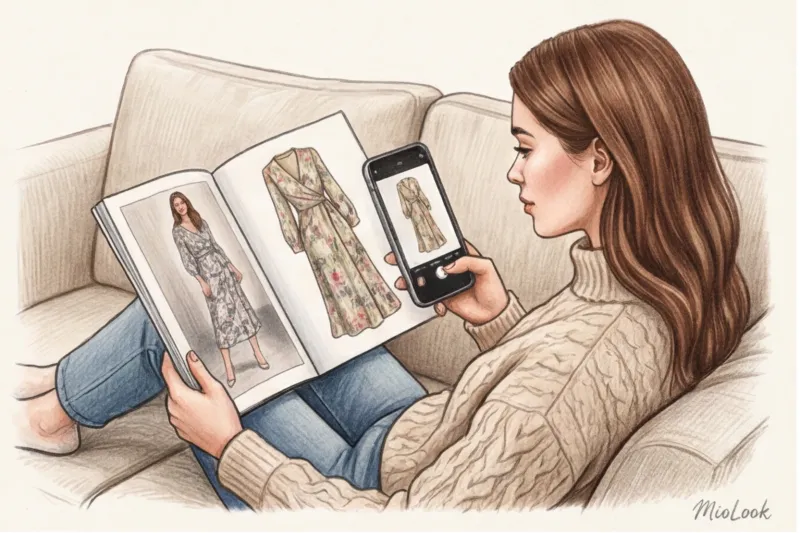
The Evolution of Shopping: Why Text-Based Clothing Search Is Obsolete
Think back to this moment: you're scrolling through your feed, see a flawless look on a street style influencer, and decide to find something similar. You open your favorite online store and start typing in "pink blouse with sleeves." The results offer hundreds of crisp, fuchsia office shirts. You sigh and try to clarify: what do you need? "That same blouse with puff sleeves, but not too voluminous, dusty rose color with a slight peach undertone." The system, as expected, displays: "Nothing found for your search." Sound familiar?
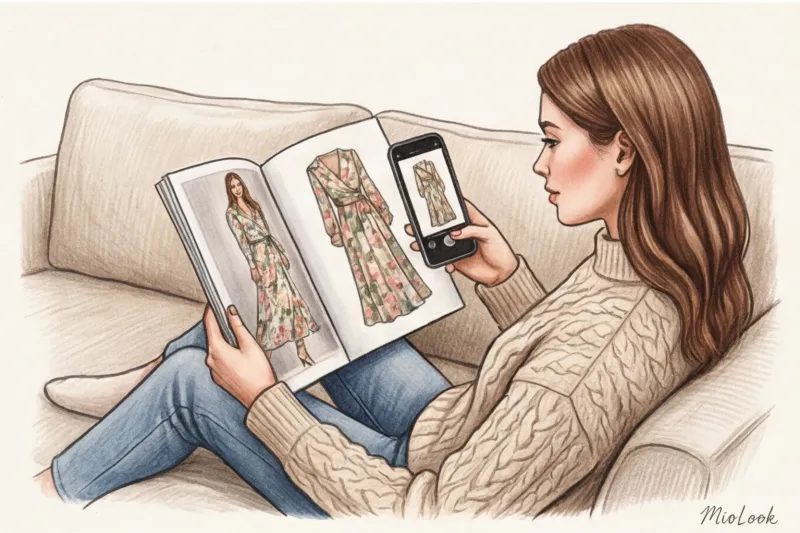
It is in situations like these Search for clothes by photo Text shopping is no longer just a trendy toy and is becoming your primary tool. Text shopping is rapidly losing its relevance, and there are fundamental reasons for this.
As a colorist and image consultant, I see every day how words limit our style search. Our brains process images in milliseconds. From a visual psychology perspective, we never simply buy "straight jeans" or "beige trench coat." We buy the entire look—the aesthetics, the proportions, the way the fabric flows over the body, the way the lapel accentuates the shoulder line. Translating this magic into dry, text-based tags is a doomed endeavor. Moreover, what you call a "complex gray-blue" is simply labeled "gray" by the mass-market algorithm, and you'll simply pass by the item of your dreams.
I often explain to my clients during consultations that online shopping with a stylist It works so well precisely because we, as professionals, are skilled at translating visual queries into the technical language of retailers (and know exactly how brands describe their products). But thanks to artificial intelligence, this skill is now available to everyone.
According to recent e-commerce research from WGSN (2024), visual search increases purchase accuracy by 37% and significantly reduces return rates. Why? Because expectations finally match reality, and you're not buying a pig in a poke based on a text description.
What is photo clothing search today? We've long since moved beyond the primitive algorithms of the first versions of Google Images, which simply searched for similar color combinations and might return a red sofa instead of a red coat. Modern fashion neural networks are true digital analysts. They've learned:
- Recognize silhouette architecture: the length of the product, the shape of the neckline, the angle of the shoulder seam and the structural seams.
- Analyze the invoice: AI is already able to distinguish matte natural silk from cheap, shiny polyester based on light refraction in photographs.
- Assess the fit: Algorithms understand the difference between a deliberate designer oversize and a garment that is simply two sizes too big for the model.
It is this principle of deep analysis that is embedded in modern platforms such as MioLook smart wardrobe The system doesn't just search for a matching image based on pixel color; it "understands" the cut's geometry and suggests items that truly replicate the mood of the reference image. Text search is hopelessly outdated because fashion is a visual language. And today, technology has finally learned to speak it fluently.
How Image Search Works: What the Neural Network Actually Sees
When we look at a street style photograph, we perceive aesthetics and mood. A neural network, however, sees a complex mathematical matrix. According to a 2024 report on fashion technologies, modern visual search algorithms analyze up to 1,000 micro-features in a single image in a fraction of a second. To understand why search results sometimes evoke delight, while others are downright baffling, let's take a look under the hood of this technology.
The first thing that artificial intelligence clings to is cutting geometry The program literally places virtual reference points on the silhouette. It accurately reads the depth and shape of the neckline (V-neck, strict bob, or boat neck), determines the sleeve architecture (set-in, raglan, or voluminous puffs), and calculates the length proportions. If you're looking for a cropped tweed jacket that reaches just below the waist, the algorithm will scan precisely this aspect ratio, immediately eliminating classic styles that fall just below the mid-thigh.
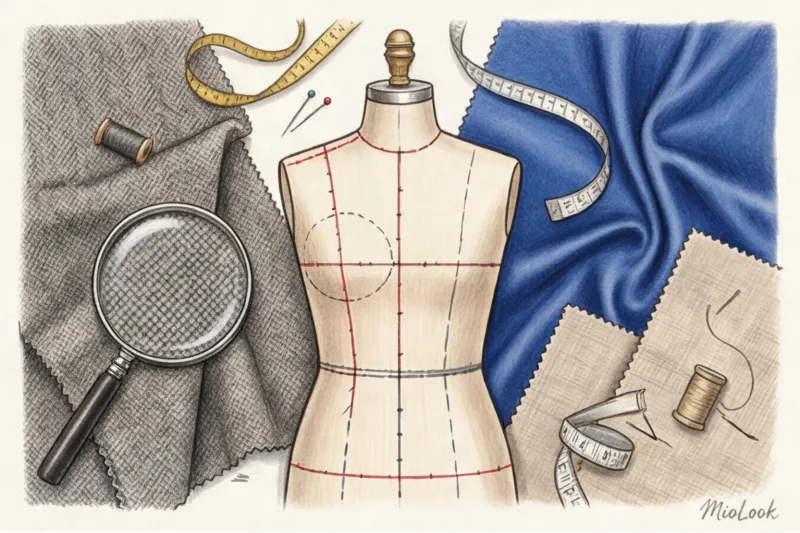
The second most important layer of analysis is patterns and prints The concept of "checkered" is too abstract for a machine. It measures the frequency of line intersections, their thickness, rhythm, and contrast. This is why a high-quality smart search can easily distinguish a small, classic houndstooth from a large Scottish tartan or summer Vichy. The same applies to floral prints: the neural network meticulously evaluates the size of the buds, their orientation, and the amount of negative (empty) space between them.
But machine vision has its own vulnerabilities and blind spots The main concern for algorithm developers is fabric texture. Artificial intelligence evaluates materials solely by how they reflect light at the time the photo is taken. In a flat, two-dimensional photograph, smooth, cheap polyester for €20 and a luxurious, natural silk satin for €250 can produce an identical glossy sheen. A machine will, with a clear conscience, offer both options in the same search result because it can't yet "perceive" the density of the thread, the weight of the fabric, or the refinement of the drape.
As a certified colorist, I constantly encounter another pitfall: radical color distortion. Lighting in the reference photo often confuses color searches. Imagine this: one of my clients was looking for the perfect dress in a cool, icy blue. But the screenshot was taken from a video shot at sunset—in warm, golden light. The light temperature literally "overpainted" the pixels. For the algorithm, the color shifted to the warm spectrum, and the search results returned dozens of items in warm turquoise and even lime green shades, completely unsuitable for her cool, summery complexion.
My professional life hack: Before uploading a photo to a search engine, spend ten seconds correcting it. Use your smartphone's built-in editor and adjust the white balance (temperature). Cool the photo slightly if the original has a yellowish cast, or warm it slightly if the studio lights cast it blue. This will return the color to its true values, and the algorithm will receive the correct color code, giving you the exact shade you need.
Access to MioLook for €0.99 — one-time payment
A smart AI stylist will select the perfect look.
Get access — €0.99 onceThe biggest mistake when searching for clothes by photo (A stylist's perspective)
Do you know what the most common question I get from clients who are just beginning to master visual search technologies is? "Darina, I found that very thing, bought it, but in the mirror I see a completely different person."
It's a classic "expectation vs. reality" syndrome. Imagine you search for a photo of Bella Hadid wearing vintage low-waist cargo pants and a daring crop top. The algorithm perfectly recognizes the silhouette and returns identical items. You order them, anticipating a chic street style look. But when the package arrives, the magic is gone. Why? Because you only bought the fabric and stitching. You didn't buy the top model's proportions, her height, her posture, or how that particular fit interacts with her center of gravity.
Over the years as an image consultant, I've saved hundreds of wardrobes from similar disappointments. One of my clients spent three weeks searching for the perfect silk slip dress from a photo—the exact same one worn by a famous Scandinavian influencer. It cost around €280 and was made of gorgeous, flowing silk. But when the dress arrived, she was devastated: the bias cut, which had looked so elegant on the blogger's asthenic, angular figure, completely distorted the more rounded, feminine curves of my client's body. The thin straps visually broadened her shoulders, and the swing neckline distorted the proportions of her bust.
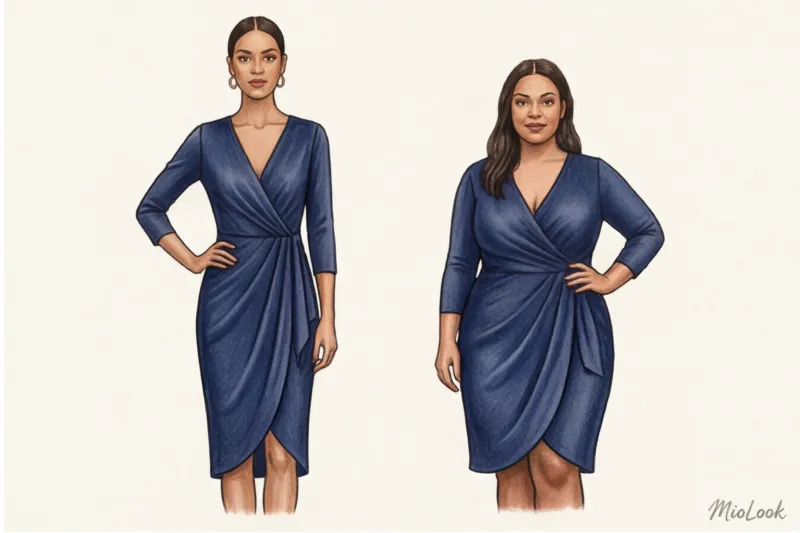
Herein lies my main counterintuitive advice: stop searching for a specific article Instead, look for the "architecture" of the image.
We tend to obsess over finding an exact replica of a piece, when in fact, it's the composition that catches our attention. Perhaps you were drawn to the contrasting volumes in the reference image (the extra-wide shoulders of a masculine jacket and the accentuated waist) or the clash of textures (smooth leather and fluffy mohair). You don't need the exact same skirt, but one that will create a similar visual effect specifically for that piece. yours Data. For example, if the photo shows a woman wearing low-rise jeans, and you have a naturally long torso, an exact replica of those jeans will make your figure look disproportionate. Relaxed denim is your ideal style here, but the rise should be artificially elevated to a mid-rise or high-rise.
This leads to the most important rule of smart shopping: any item found from a photo must be ruthlessly adapted to your color type and body shape.
As a certified colorist, I see the same mistake all the time. We fall in love with the way mustard corduroy looks against a model's warm, tanned skin. We find that jacket (say, for €120) through a visual search, put it on our cool-toned olive skin, and suddenly look tired, with dark circles under our eyes. The fabric's color clashes with our skin's temperature. The smart approach is to take the style we found and look for the same one in a dark chocolate or deep emerald shade that complements our palette.
To avoid impulse buys that are just duplicates, I always recommend filtering new desires through your actual closet. Before you click "place your order," upload a photo of the item you've found. MioLook and create 3-4 virtual looks with it from what you already own. If the item doesn't pair with your favorite basic trousers or clashes with your color scheme, leave it to Bella Hadid and keep searching.
Smart photo search is a tool for finding ideas and aesthetics, not a device for blindly copying other people's wardrobes.
Here are three questions to ask yourself before buying a found item:
- Do the lines match? If the photo is dominated by rigid shapes, but your appearance is built on soft curves, look for a similar aesthetic, but in more flexible fabrics.
- Is the scale appropriate? A large print, which looks luxurious on the tall girl in the reference photo, will completely “swallow” a petite figure.
- Is this your color? If the style is perfect, but the shade isn't your thing, take a screenshot of the item you found and add a textual clarification of the desired color to the visual search (for example, "+ cool burgundy").
A step-by-step guide: how to search for clothes by photo most effectively
Last season, I conducted a large-scale test drive for my lecture on digital styling: I uploaded 50 street style photos from Copenhagen Fashion Week to three leading visual search engines. The hypothesis was simple: could AI put together a runway look in a couple of clicks? The results were sobering. In 70% of cases, the algorithm returned completely irrelevant results if I simply fed it the original image without any pre-processing. Artificial intelligence, no matter how advanced, needs a clear technical specification.
To make the system work for you, not against you, I've developed a strict step-by-step algorithm (1-2-3) that allows you to find what you need in seconds. Let's start with the basics—working with the image itself.
First, let's figure out how to properly take or crop a screenshot for search. A golden rule: a downloaded high-resolution photo always works better than a screenshot of a phone screen. But if saving an image isn't possible (for example, from a story or video), take a screenshot so that the item is centered. Afterward, be sure to crop all device interface elements: battery icons, the time, text overlaying the video, and usernames. Excess visual noise is a fatal flaw for the neural network. The algorithm might interpret white text against a black dress as an avant-garde print or decorative embroidery, completely distorting the search results.
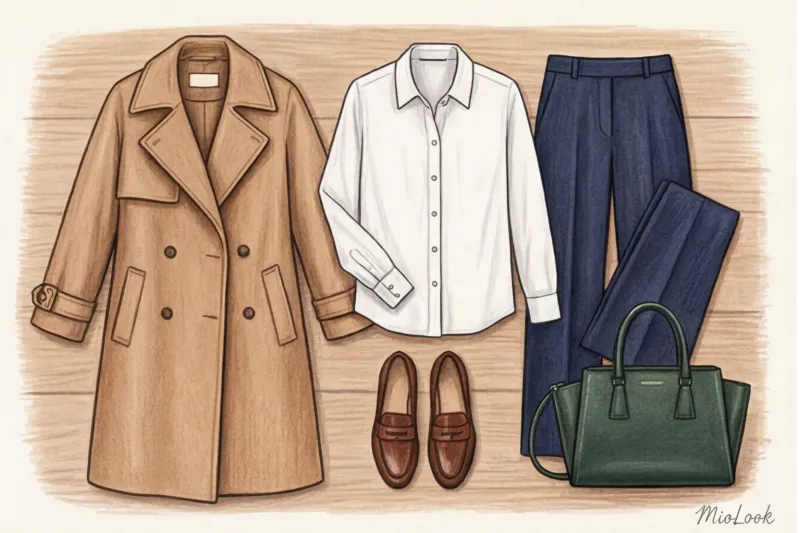
Secondly, actively use the built-in crop tools (frame-shaped cropping tools) to search for specific details. The biggest mistake beginners make is trying to find an entire complex, multi-layered outfit in a single frame. Search for each item separately. Moreover, if you're drawn not to the style of a shirt, but only to its distinctive lace-trimmed turn-down collar, narrow your search to just that collar. Need to find the distinctive crinkled texture of a skirt, not its A-line silhouette? Use the crop tool to select a 10x10 pixel section of fabric, ruthlessly cutting away the hem and waistband. This forces the AI to ignore the cut's geometry and analyze only the texture of the material or the specific trim.
Secrets to Preparing the Perfect Reference
Even a perfectly cropped shot can fail if the original has a complex composition. This is where background cleanup comes into play. Why do colorful backgrounds confuse algorithms so much? Imagine: a model in a minimalist beige coat poses against a classic brick wall. The neural network eagerly reads lines and contrasts. It's highly likely that instead of smooth cashmere, the system will start searching for items with a fine checkered pattern or a geometric terracotta print. My advice: before searching, use the standard feature of a modern smartphone (on iOS and Android, you can now long-press to copy an object) to cut out the silhouette and paste it onto a clean white background in any note editor. This increases the relevance of the results several times over.
The reference angle is no less important. According to the global research agency WGSN (2023), computer vision algorithms process dynamic and static objects very differently. If you're looking for a dress photographed on a woman walking, a neural network will almost always interpret a hem fluttering in the wind as a complex, asymmetrical cut. As a result, you'll end up with dozens of dresses with uneven hems, even though you were looking for a straight-cut style. Therefore, to find a basic, understandable cut, always choose static references or classic flatlay layouts (where items are neatly laid out on a flat surface).
Finally, it's crucial to understand how the lighting in your photo affects the results. Shooting during the "golden hour" (at sunset) casts a thick yellow filter over all colors. A crisp white cotton shirt turns creamy, and a cool graphite sweater turns warm taupe. Before uploading a photo to a search engine, I always open my phone's basic photo settings and adjust the white balance: removing excess warmth, neutralizing neon glare from shop windows, and brightening shadows. Otherwise, you risk spending hours searching for a mustard-colored trench coat, even though the original photo showed it in a classic camel shade.
Try MioLook
for free
Start creating perfect images with the help of artificial intelligence
Get access — €0.99 onceFine-tuning filters after visual search
So, you've uploaded the perfect reference and received hundreds of matches. What's next? Visual search is just the first stage of the intelligent search funnel. Now we'll add intelligent filtering.
The first step is strict price sorting: how to eliminate mass-market brands when you're looking for premium ones. It's no secret that visual search engines often prioritize ultra-fast fashion giants due to the sheer number of indexed product listings. If your budget allows for a high-quality item (for example, a structured jacket), be sure to set a lower price limit. Set a range from €150 to €300—this will instantly eliminate polyester knockoffs for €30, leaving brands with well-designed patterns in the results. This also works in reverse: if the goal is to find a budget alternative to a trendy designer bag, set a hard upper limit of €50.
The next crucial step is clarifying the fabric composition. As a colorist working with textures, I never tire of repeating: visual matching is absolutely not enough for a successful purchase. In a studio photo with professionally lit fabric, 100% acrylic can skillfully imitate the delicate fuzz of expensive cashmere, while cheap viscose will flow and shine like premium silk. The algorithm can't touch the item through a screen; it only evaluates the light and shadow patterns. Therefore, once you've received a selection of visually similar sweaters, immediately go to the marketplace's text filters and check the boxes: "wool," "cashmere," and "cotton."
And perhaps my most powerful stylistic technique is color correction, which means adding a text query to the photo search. We often find a photo of a stunning pair of palazzo pants, but in the photo they're a bright fuchsia, while you need a cool emerald green for your basic capsule collection. Don't sacrifice form for color. In advanced multimodal systems (for example, in Google Lens or through MioLook smart wardrobe tools ) You can combine queries. You upload a photo of fuchsia trousers and add "+ emerald" or "+ deep green" in the search bar. The AI will preserve the desired cut, the correct leg width, and the high waist from the reference image, but will completely redesign the color scheme in the search results to suit your color type.
Where to look? A review of the best smart shopping tools
A 2023 study by Gartner revealed a curious trend: over 60% of Generation Z shoppers prefer visual search over text. And it's understandable—why bother describing a complex design in words when you can simply point your camera? But when it comes to practical application, chaos ensues. If you upload a photo of a cashmere robe coat to four different platforms, you'll get four completely different results.
Over the years of testing various fashion algorithms, I've realized one thing: there's no universal "magic button." The choice of tool depends strictly on your ultimate goal. Let's objectively examine the pros and cons of the major players in the visual search market.
Universal giants: Google Lens and Yandex.Images
These systems were trained on billions of images of everything from Gothic architecture to dog breeds. This is their main strength and, at the same time, their vulnerability in the context of fashion.
Pros: Extensive web coverage. Whether you need to find a specific limited-edition pair of sneakers, recognize the brand of sunglasses on a random passerby, or scan global e-commerce for similar silhouettes, universal search engines will do the trick. Yandex.Images, by the way, often finds similar items on local marketplaces faster.
Cons: They often don't understand the "fashion context" and scale. Recently, I was looking for a deep wine-colored corduroy jacket for a client. Google Lens happily returned a selection of sofa upholstery fabrics and a couple of car seat covers. The algorithm flawlessly recognized the ribbed texture and color, but completely ignored the silhouette of the garment.
In Search of Aesthetics: Pinterest Lens
Pinterest is an absolute mecca for visual training. Their built-in magnifying glass (visual search by pin fragment) works differently: it searches for visual similarities within its own aesthetically curated ecosystem.
Pros: This is the best tool for understanding styling. Select some interesting Cossack boots in a photo, and the system instantly returns hundreds of street style looks with similar shoes. My advice: use this tool to decompose complex looks. For example, if you want to emulate the aesthetic of The Row, narrow your search to texture combinations (smooth leather and fluffy mohair) to find ideas for similar pairings.
Cons: It's incredibly frustrating to try to buy something. You can find the perfect sweater and be willing to pay €150 for it, but when you click the link, you're guaranteed to be taken to a long-sold-out 2018 collection or a broken aggregator site. Pinterest is for inspiration, not real-time shopping.
Built-in marketplace functions (Lamoda, ASOS)
Large retailers quickly realized that the journey from visual desire to transaction should take seconds. Therefore, integrated photo search (the camera icon in the search bar) has now become an industry standard.
Pros: Instant practicality. You search only among what's actually in stock and available to order. Strict filters work great here: upload a slip dress reference image and immediately filter out all options over €50, leaving only your size.
Cons: You're limited to the selection of a single platform. Furthermore, stores' built-in neural networks often think too simply with basic tags. They see "red maxi dress" and return all red floor-length dresses, completely ignoring the complex asymmetry of the cut in your original photo.
Fashion AI Assistants: The Next Step in Evolution
Herein lies the main problem with modern smart shopping. Let's say you've found that perfect skirt. What next? One of my clients was looking for a structured jacket with accent shoulders. When she found it through a general search and bought it for €250, it turned out that the jacket's rigid geometry didn't mesh with her soft, relaxed wardrobe. The piece sat in her closet like dead weight.
This is why the industry's focus is now shifting from simple search to smart AI assistants. MioLook — is a shining example of this evolution. It bridges the gap between "finding a thing" and "incorporating it into your style."
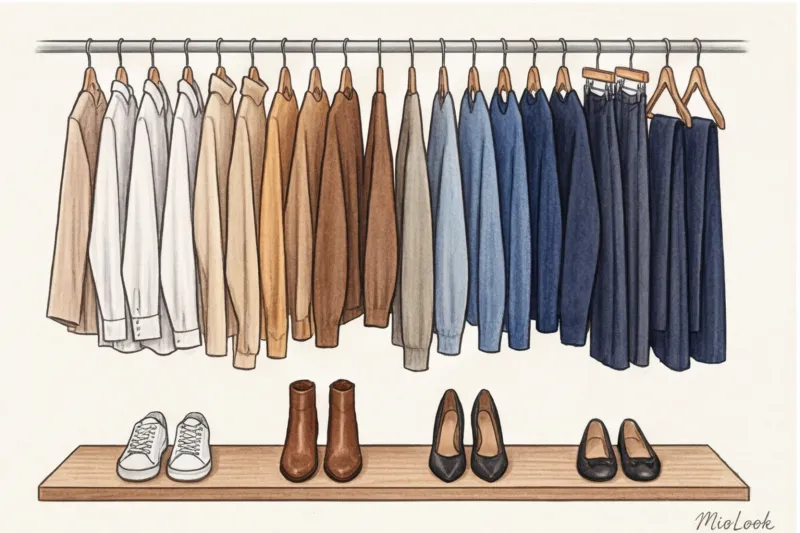
The functionality of such systems is comprehensive: when you find an interesting item, you can not only recognize the brand but also virtually try it on your 3D avatar. This is critical for understanding the fit. Moreover, the algorithm allows you to compare the item with digitized items from your physical closet. Before purchasing, you can see whether the jacket will create the right three or four outfits with your favorite jeans or skirts. This is no longer just a visual search—it's wardrobe planning that saves tens of hours and hundreds of euros.
Hunting for Similar Designs: How to Create a Pinterest Look 5 Times Cheaper
Let's move on to the pure math of a smart wardrobe. Last season, a client and I conducted a bold experiment: we used a viral street style look from Copenhagen as a basis. In the original, the influencer wore a voluminous Khaite wool coat, straight-leg Loewe jeans, a basic T-shirt, Prada loafers, and a structured tote bag from The Row. The total cost of this outfit was approaching €4,200. Our task was to use photo search to assemble a visually identical capsule collection within €500. Spoiler: the final bill was €485.
The secret to such a significant price downshift without sacrificing aesthetics lies in the skillful decomposition of an expensive image into its basic components. The biggest mistake beginners make is trying to find the entire outfit by uploading a single screenshot. The algorithm will simply get confused by the abundance of visual noise. I always have my clients break the reference image into fragments: cropping the shape of the coat lapels separately, the rise of the trousers at the hips separately, and the shoe hardware separately. Only then will the neural network produce an accurate result.
This is where the cruel but fair rule of styling comes into play: not every element can be replaced with ultra-budget alternatives with impunity. It's important to understand what exactly gives away an outfit's price and where visual similarity won't save the day.
- Basic elements (where we confidently save): Algorithms can easily find you the perfect white T-shirt made of thick cotton for €15 or the perfect pair of wide-leg jeans for €40. Jersey and classic denim rarely betray their value if they have a trendy silhouette and lack unnecessary embellishment.
- Status markers (where we look for the middle segment): Shoes, structured, rigid bags, and outerwear. When searching for these items by image, set the price filter to a range of €100 to €250. It's possible to find a downright cheap bag similar to The Row, but the hardware and creases in the thin material will instantly cheapen the entire look.
Visual shopping tools are particularly ingenious for architectural, complex pieces. Major brands in the upper mass market and mid-market segments (such as COS, Arket, and Massimo Dutti) employ staffs of analysts who legally adapt designer cuts for the mass market. By searching for a photo of a luxury jacket with an exaggerated shoulder line, you have a 90% chance of finding its adapted counterpart. Machine vision brilliantly interprets patterns: the depth of darts, the width of armholes, and the proportions of oversize.
However, as someone with an artistic background, I must warn you: when evaluating a found substitute, obsessively study the reflectivity of the fabric in the store's photos. If the system has found a perfect substitute for a €60 cashmere coat, pay close attention to the glare. Cheap 100% polyester reflects light harshly and flatly, creating an unpleasant synthetic sheen, while natural wool softly absorbs the light. The silhouette may be perfectly copied, but it's the texture that will ruin the magic of the "expensive" outfit.
To avoid going crazy with dozens of open tabs during such a large-scale research, I advise you to immediately save successful finds in MioLook virtual wardrobe Built-in tools allow you to instantly visualize your future outfit: you'll clearly see how that €80 jumper will look with that €120 similar bag. You can create and test your mood board before spending a single cent.
The art of selecting analogs isn't about blindly collecting fakes. It's about using modern algorithms to identify the very geometry and proportions that made the original design so appealing, and then recreate them at a reasonable price.
Your ideal image begins Here
Join thousands of users who look flawless every day with MioLook.
Get access — €0.99 onceA Smart Shopper's Checklist: From Screenshot to Purchase
WGSN's 2024 consumer behavior analysis reveals a terrifying figure: nearly 45% of online returns are not due to defects or the wrong size, but because the item "didn't fit into my existing wardrobe" or "the fabric behaved differently in real life." Image recognition technology excels at detecting shape and color, but it lacks critical thinking. AI doesn't know that you don't have the right shoes for those pants, and your skin instantly reacts to 100% acrylic.
That's why I always insist: finding the right thing from a photo is only half the battle. To prevent tech magic from turning into an impulsive purchase (and another €150 disappointment), run your find through the final filter of conscious consumption.
Capsule Integration and the Rule of 3 Combinations
The most insidious trap of visual search is falling in love with an isolated image. You find a gorgeous asymmetrical skirt, order it, and upon unpacking it, you realize you need a different top, an architectural bag, and specific ankle boots that you don't have.
My rule of thumb: before you click "buy," you need to check if the item you've found fits into your current capsule. To do this, use rule of 3 combinations Can you create three completely different looks with this item right now, without buying anything new? For example: everyday, formal work, and relaxed for the weekend. If the answer is "no," close the tab. To avoid having to keep your entire wardrobe in your head, I strongly recommend digitizing it. Upload your basics to MioLook app , and you can visually try on the new item you found from the photo against your actual clothes before the money is debited from your card.
Colors: adaptation to your color type
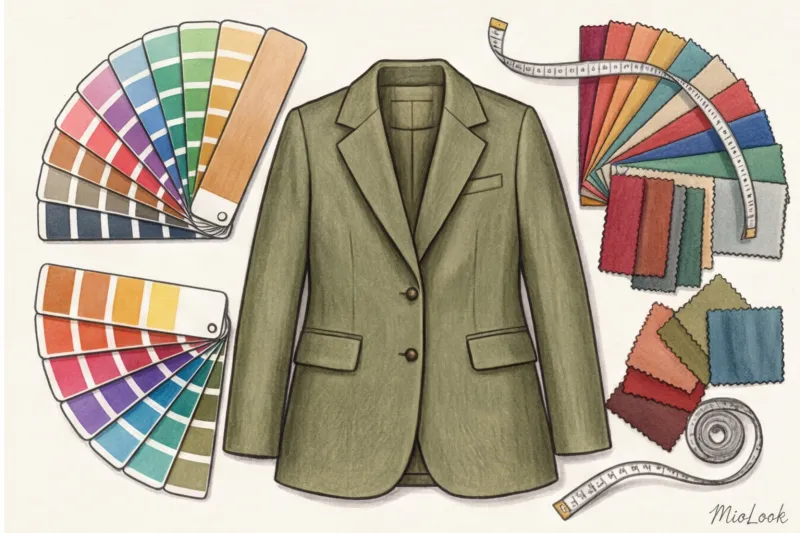
As a certified color expert, I must warn you. The reference image you uploaded to the search engine demonstrates perfect harmony on a specific person. If the photo shows a girl with a "Dark Winter" contrast posing in a deep, charcoal-black trench coat, and you according to the theory of 12 color types Become a "Light Summer" (soft light brown hair, delicate skin tone) - total black near the face will make you look tired and visually add years.
Matching a garment's temperature undertone to your palette is crucial. Don't look for a blind copy, but rather for an adaptation of an idea. Like the cut and feel? Great. But if the original item is a warm peach shade, and cool tones complement your look, add a text filter to your visual search: look for the same style in dusty rose or frosty chestnut.
Texture and cut: a reality check
Neural network algorithms are excellent at interpreting cut geometry, but they still often misjudge the tactility and density of materials. A search might return a shiny skirt for €35 as a 100% visual analogue of a heavy silk original. In a studio photo from the seller, the difference will be barely noticeable due to the lighting, but in motion, thin, cheap polyester will lack the desired structural drape and will highlight even the slightest nuances of the figure. Be sure to evaluate the texture of the fabric based on reviews with real amateur photographs, and not just from a polished reference photo.
Additionally, you need to ensure the cut you choose complements your body type. A chunky, textured knit sweater with a very dropped shoulder looks casual and bohemian on a petite figure. But if you have an inverted triangle body shape and a prominent bust, this style will visually transform your upper body into a monolithic square. In this case, smart shopping should involve finding a similar style, but, for example, in a smoother knit and with classic set-in sleeves.
To summarize, I want to emphasize the key point: smart shopping isn't just the ability to find anything online in two seconds. It's the ability to use technology to precisely meet your style needs without losing your individuality. Visual search has given us unprecedented freedom of choice: you're no longer dependent on the dictates of a single shopping center's display windows. You are the ultimate curator and architect of your wardrobe. Analyze references, filter results through the lens of your natural beauty, and let every purchase be a flawless hit.
Guide Chapters
Visual Search: How to Find Sneakers by Photo
Text searches often fail when you're looking for a specific accessory. Learn how visual search algorithms find the perfect pair in seconds.
Clothing Recognition from Photos: A Neural Network for Finding Items
Visual search isn't just a fun toy, but a powerful style tool. Learn how AI helps you find perfect alternatives in seconds.
AI Secrets: How to Find Things by Image
Artificial intelligence can "feel" fabric through a screen if you take the right photo. We explore the secrets of photographing clothing for precise visual searches.
How to Find a Dress by Photo on Someone: AI Search
Saw the perfect outfit in a movie or on a celebrity, but don't know the brand? We'll show you how artificial intelligence searches for clothes from screenshots in just a few seconds.
How to Identify a Clothing Brand from a Photo: Stylist Tips
Smart cameras often make mistakes when searching for items. Learn how to find authentic brands from photos, combining AI with a stylist's expert eye.
How to find a product by photo on Wildberries, Ozon, and AliExpress
Machine vision has changed the rules of shopping, but most people are using smart search incorrectly. Learn how to use algorithms to find stylish gems for you.
How to Find Clothes from Pinterest Photos: Stylist Tips
Are you saving hundreds of looks but don't know how to incorporate them into your wardrobe? Learn stylist secrets for finding pieces and creating the perfect look.
Virtual fitting room by photo: how to find and try on
Are you saving stylish looks from Pinterest but can't find the same items? Learn how to find clothes by screenshot and instantly evaluate the fit online.
How to find similar clothes from photos for less: smart shopping
Liked an expensive designer item? We'll show you how to use neural networks to find affordable, high-quality alternatives based on a single photo.
What's the best app for finding clothes by photo in 2024?
Text-based clothing search is hopelessly outdated. Find out which neural networks actually find the right clothes from images and how to avoid AI pitfalls.