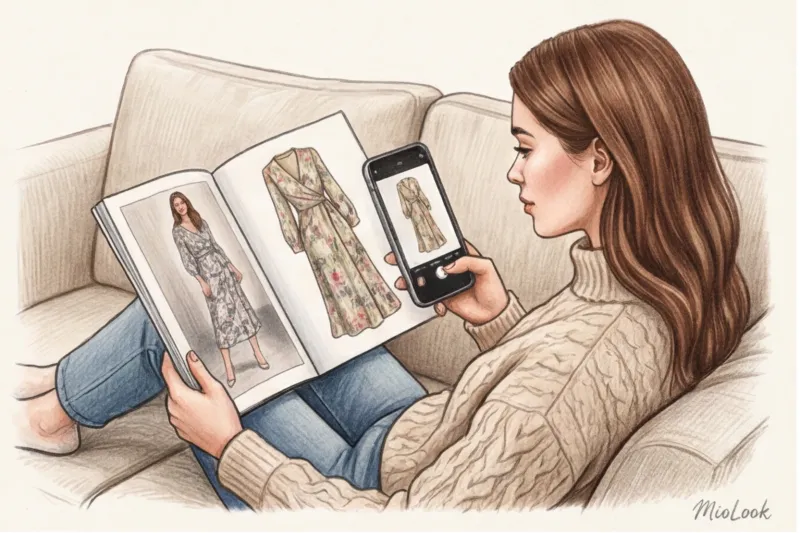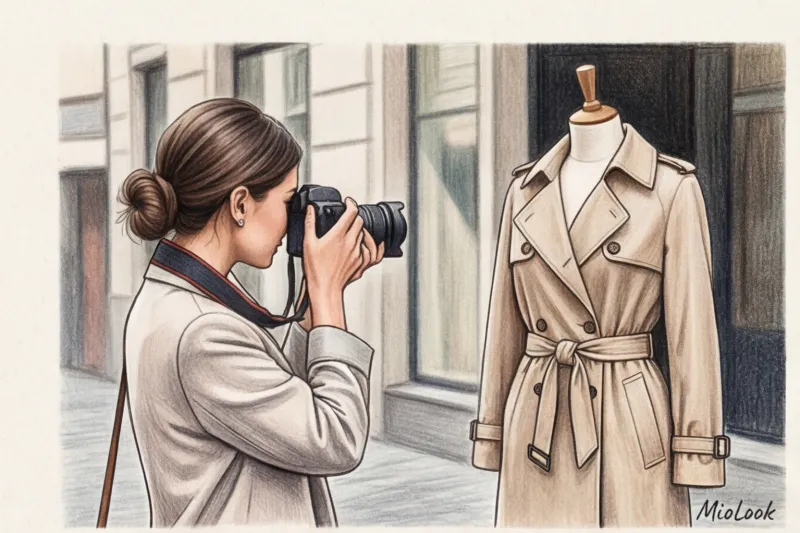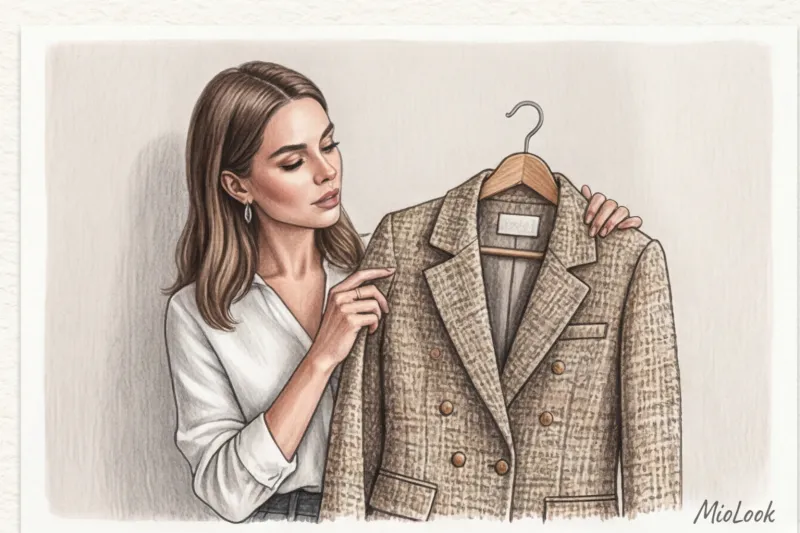
Just three days ago, a client sent me a blurry screenshot of a girl sitting in the dim light of a Parisian café wearing a perfect tweed jacket. "Darina, I want exactly the same one, but at a reasonable price!" she wrote. Just a couple of years ago, I would have had to spend hours searching for hundreds of combinations like "women's textured gray jacket with gold buttons." Today, I found its equivalent in five minutes. If you've already read our The complete guide to finding clothes by photo , then you know that machine vision has radically changed the rules of shopping.
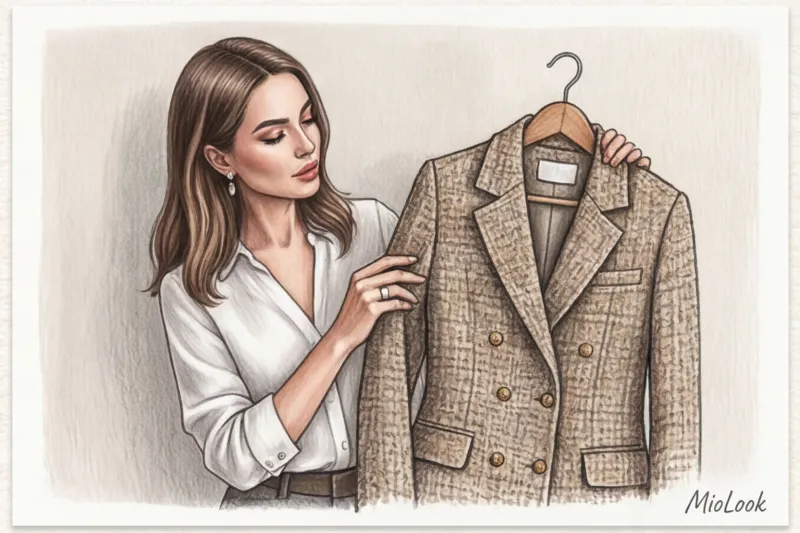
But here's the rub: most people use smart search incorrectly. They upload full-length screenshots of street style bloggers, complete with a coat, glasses, a bag, a dog, and a brick wall. Then they wonder why the marketplace is serving them visual garbage. In this article, as a practicing stylist and colorist, I'll explain how marketplace algorithms actually "see" clothes and how to make them find stylish gems for you, not cheap knockoffs.
The End of Text Search: Why We're Going Visual
Try describing a dusty rose shade with a slightly warm undertone. As a colorist, it's a very specific color. But a seller on a marketplace might simply label it as "pink," "beige," or even "red." Text tags are incredibly poor when it comes to aesthetics.
We don't buy a dry set of characteristics like "straight-leg blue jeans." We buy a look, a fit, a texture, and a mood. And this is where machine vision is revolutionizing e-commerce. Neural networks analyze not just words on a product page, but contours, color spots, and fabric patterns.
According to a 2024 WGSN report, the introduction of visual search increased the accuracy of clothing purchases by 37%. Users who search by photo return items one and a half times less often.
This makes sense: when you upload a picture, you eliminate the problem of "translation losses" between your perception of style and how the seller describes their product.
Access to MioLook for €0.99 — one-time payment
A smart AI stylist will select the perfect look based on your wardrobe and preferences.
Get access — €0.99 onceHow to find a product by photo on Wildberries: instructions and algorithm secrets
Let's look at the most common search query. If you want to understand how to find a product by photo on Wildberries with maximum accuracy, you need to learn to think like an algorithm. The camera button in the search bar is just the tip of the iceberg.
The unique feature of Wildberries' AI is that it focuses on two things: a dominant color and a basic silhouette. And here lies the main pitfall: lighting. I had a particularly illustrative case. A client and I were looking for a sophisticated sage-green cardigan. She uploaded a photo taken in the evening under the warm light of a floor lamp. The algorithm persistently returned pure gray and even dirty yellow options! As soon as I took the same photo, adjusted the white balance in my phone's editor, and re-uploaded it, the first results showed perfect sage-green alternatives in the €40–€80 range.
Another secret: the algorithm interprets items differently depending on how they're presented. A photo of a flat-lay item against a white background will always yield a more accurate fit than a photo of the item on a person in motion. If you're specifically interested in the collar style or lapel shape, look for references where the item is laid flat or photographed on a mannequin straight on (frontal).
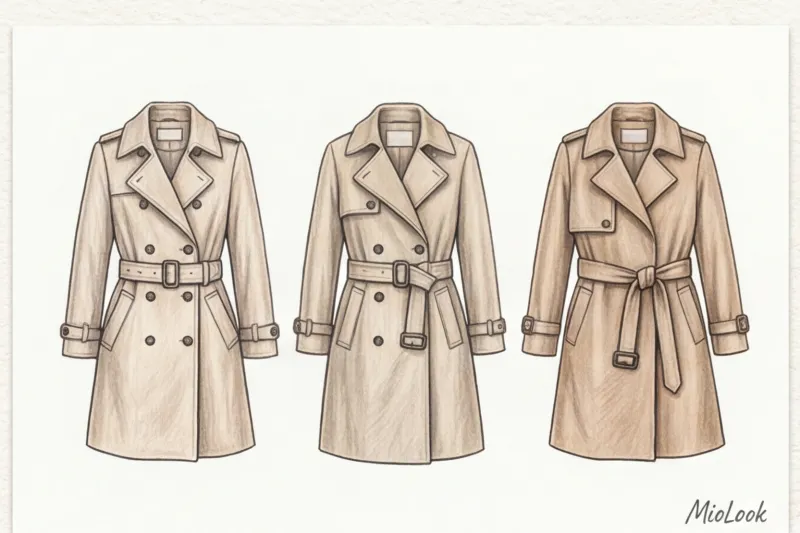
Specifics of visual search on Ozon and AliExpress
Don't limit yourself to just one platform. The neural networks of different marketplaces are trained on different databases and prioritize differently.
- Ozon: It's great for wardrobe basics and familiar textures. Looking for the perfect white shirt in thick cotton, classic blue jeans for €30–€50, or leather loafers? Ozon will find them faster and more accurately. Its algorithm is excellent at picking up on basic shoe and bag shapes.
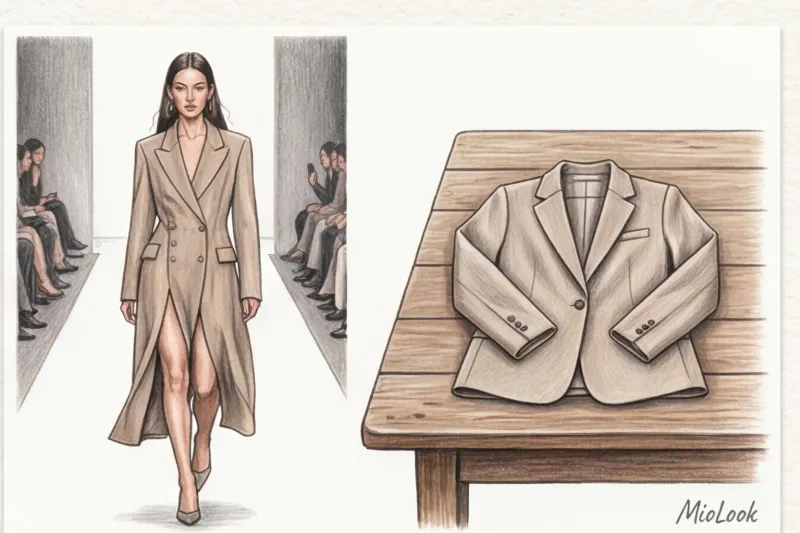
- AliExpress: A true king of complex geometry and runway trends, AliExpress's neural network is trained on a vast amount of Asian street style. It's better than others at "seeing" asymmetrical cuts, unusual draping, and complex deconstructed designs. If you photograph an unusually cut jacket from the runway, AliExpress will find you dozens of replicas with astonishing precision.
Your perfect look starts here
Join thousands of users who look flawless every day with MioLook.
Get access — €0.99 once5 Fatal Mistakes When Searching for Clothes by Picture (and How to Avoid Them)
A 2023 study by MIT researchers found that unnecessary background details reduce the relevance of e-commerce search results by a whopping 60%. Here are the five biggest mistakes that are killing your visual search:
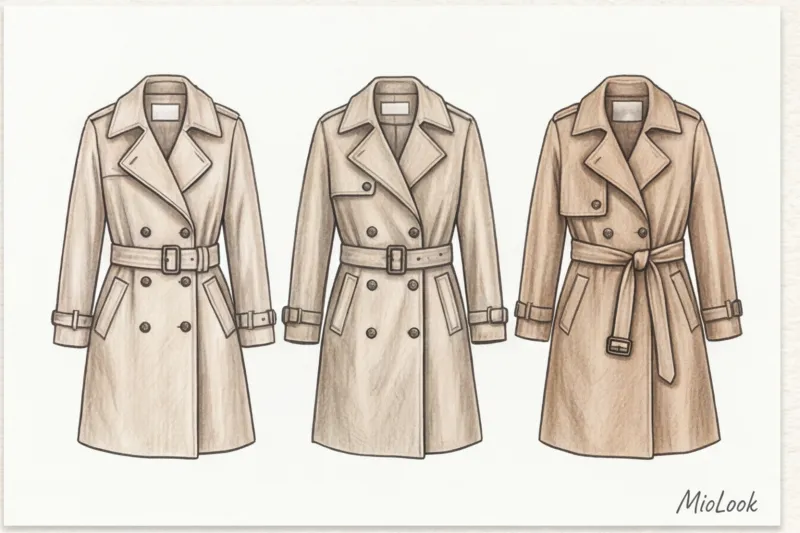
- Full-length photo with active background. This is the most common misconception. You upload a photo of a fashion influencer on the street. The algorithm doesn't realize you're only looking for a skirt. It analyzes everything: the cobblestones, the yellow taxi in the background, the bag, the glasses. Solution: Always crop your photo to include only the item you need.
- Finding complex textures in a blurry photo. Bouclé, corduroy, or chunky knits will appear as a smooth blob of color to the algorithm if the photo is of low quality. You might search for a tweed jacket, but instead receive a smooth synthetic in the same color.
- Searching for a complex cut from the back. Neural networks can't "complete" the image. If you upload a photo of a dress with a beautiful back cutout, the search results will show dresses with the same front cut as the reference image's back. Look for photos of the front only.
- Ignoring color correction. Yellow light from incandescent bulbs makes whites appear beige, and blues appear green. If you're looking for a specific hue, make sure the reference image captures it in daylight without distortion.
- Search for multiple things at once. You can't upload a photo of a three-piece suit and expect the marketplace to find it in its entirety. Search for the jacket, vest, and trousers as separate photos.
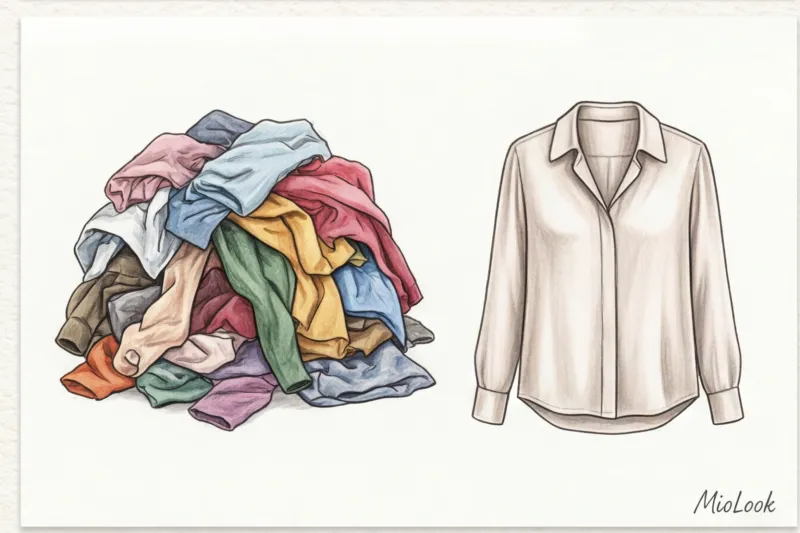
A stylist's lifehack: how to find "Old Money" and luxury aesthetics in the mass market
Now I'll share an insider trick I use when putting together budget capsule collections for my clients. The secret to making things look expensive (the aesthetic of brands like The Row, Loro Piana, or Massimo Dutti) lies not in logos, but in the architecture of the cut and the texture of the fabric.
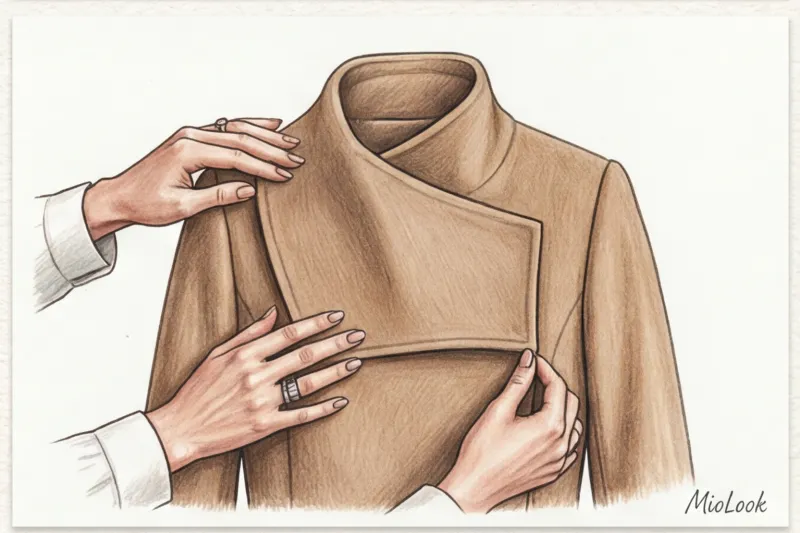
To collect analogues of expensive brand capsules on a reasonable budget (say, within 150-300 € per image), I do macro texture search I go to a premium brand's website, open the card for a luxurious cashmere sweater or tweed jacket, and take a screenshot. close-up of fabric This is the photo that shows the weave of the threads, the cashmere rib, or the high-quality fittings.
When you upload such a macro photo to Wildberries' search, the algorithm stops searching for just "beige sweater." It starts looking for items with a similar surface texture. This dramatically changes the quality of the results—you find items made of thick viscose, high-quality wool blends, or structured cotton that are visually indistinguishable from luxury items.
Beyond Marketplaces: How MioLook is Changing the Smart Wardrobe Approach
But let's be honest. Finding the perfect item is only half the battle. The real problem comes next: what to wear it with? I often see girls euphorically order a stunning skirt they found from a photo, only to have it hang in their closet for years with the tag because there's no matching top.
Visual search works brilliantly, but it also encourages emotional purchases. This is where an ecosystem approach comes in. Before clicking "Pay," I always recommend that clients run their search through wardrobe digitization feature in MioLook.
Upload a screenshot of an item you found on the marketplace to the app. The virtual fitting room lets you pair this new jacket with your favorite jeans already in your closet in just a few clicks. If the item can be combined into at least three complete looks with your current wardrobe staples, go for it. If not, the visual search simply saved you money and prevented you from wasting money.
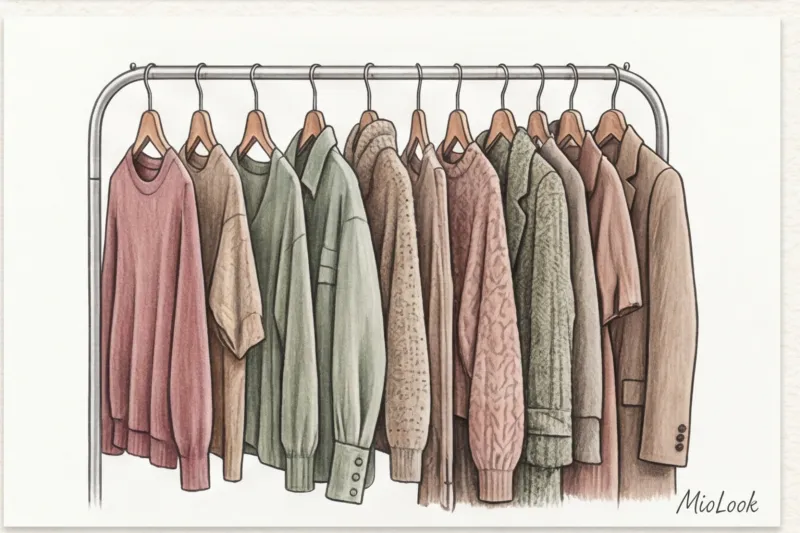
Checklist: The Perfect Photo for a 100% Accurate Search
To ensure this method works flawlessly, spend 30 seconds preparing the image in your smartphone's default photo editor before uploading it to the search engine. Here's a checklist for the perfect reference:
- Cropping: Crop the photo so that the item takes up 90% of the frame. Be sure to cut out faces, other people's bags, and legs if you're looking for a top.
- Background: If the background is too busy (crowds of people, bright wallpaper), take a minute and color it a neutral gray or white right in your phone's gallery.
- Light: Make sure the photo doesn't contain any sharp, contrasting shadows that the algorithm might mistake for a print or asymmetrical cut.
- Angle: For dresses, jackets, and blouses, a full-face view is required. For shoes, a profile view is required (a side view is interpreted by neural networks much better than a top view).
- Details: If the pattern of the fabric is important (for example, fabrics that look expensive ) - perform a separate search on an enlarged fragment of the print.
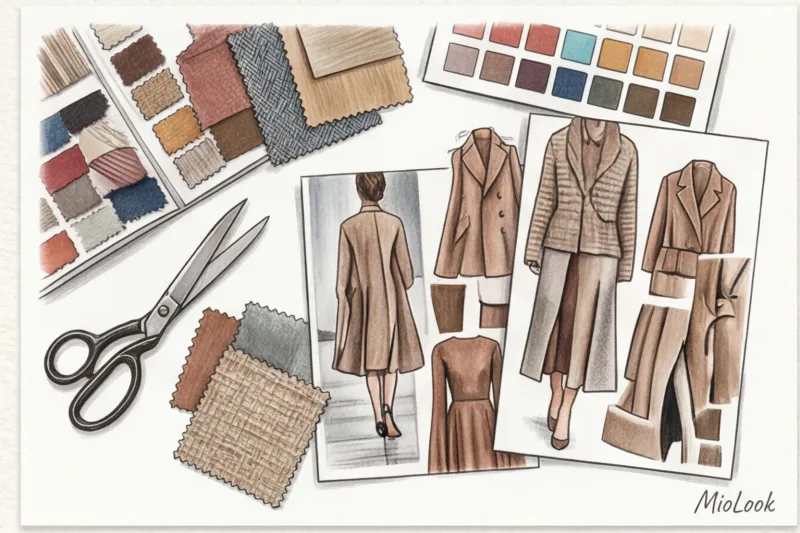
But remember the key limitation: visual search is absolutely useless when you're looking for the perfect fit of trousers or jeans. The algorithm sees the fabric and color, but it has no idea about darts or how those patterns will sit on your hips. For such basic items, text reviews and size charts are still more important than images. Technology gives us amazing tools for finding aesthetics, but the final style always depends on your personal strategy and understanding of your own proportions.