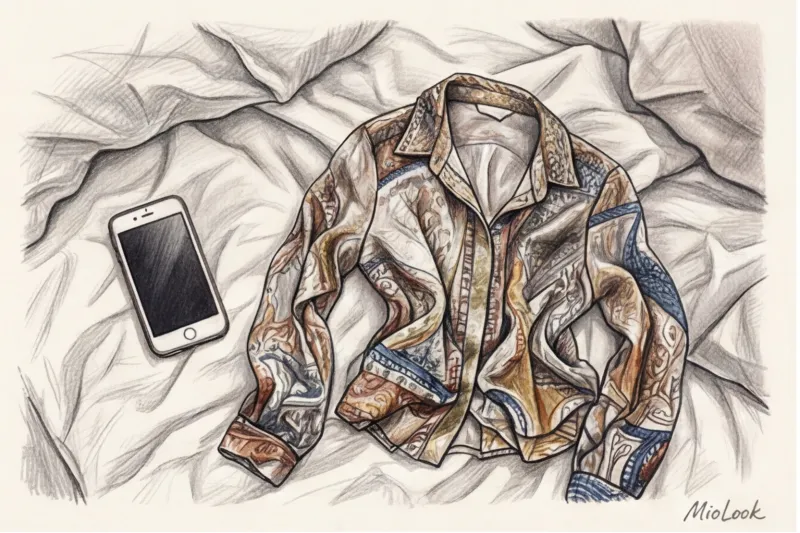
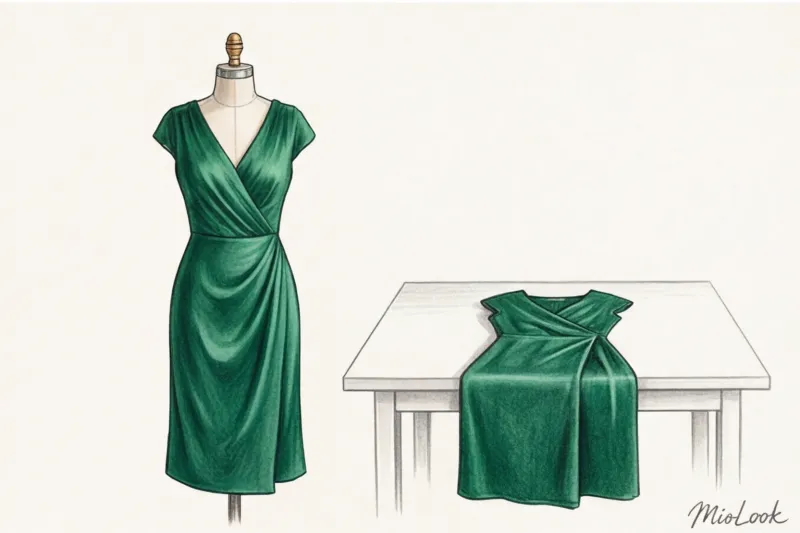
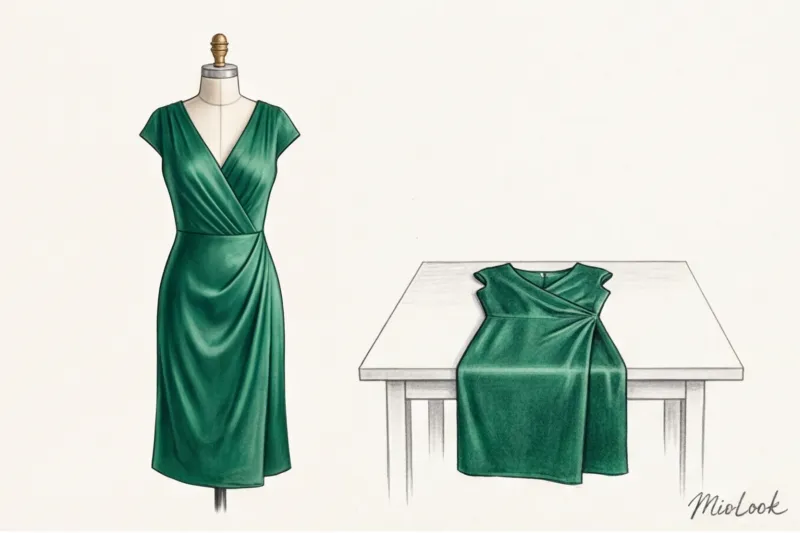
One time, a client of mine was trying to find a more affordable, yet high-quality alternative to a €300 emerald silk slip dress. She took a photo of a reference image lying on a bed, uploaded it to a visual search app, and was greeted with dozens of matte cotton and cheap polyester nightgowns for €15. The silhouette matched perfectly, as did the color. But the algorithm completely missed the key element—the fabric's refined texture. Why was that? There was simply no glare in the photo.
We're used to thinking that artificial intelligence only scans color and contours. But for stylists and textile experts, it's obvious: smart algorithms have learned to "feel" fabric through a screen. We've already covered the evolution of such technologies in more detail in our The Complete Guide to Finding Clothes by Photo: Smart Shopping in Seconds If you want to find high-status items, not their dull synthetic counterparts, you need to learn how to "show" quality to algorithms.
In this article, I'll share the secrets of a textile expert: we'll explore how to properly search for items by image, why flat laying ruins your chances of a good result, and how light helps a neural network distinguish cashmere from fleece.
How Algorithms See Your Clothes (And Why It's More Important Than Color)
Text search in fashion is hopelessly outdated. You can search for "blue blazer," but words will never convey the difference between a stiff, structured merino wool blazer and a soft, shirt-style cardigan. Visual search is a game-changer, but only if you give it the right input.
According to a large-scale e-commerce study by the WGSN agency (2024), using high-quality visual search improves purchase accuracy by 37%. But there's a catch: modern computer vision systems analyze more than just RGB pixels (color). They also create depth maps, capture micro-shadows, and analyze light reflectance.
If you photograph an expensive cashmere coat in a dark room with flat frontal lighting, the algorithm won't see the characteristic soft nap (fuzz). It'll just look like a dense gray spot, and you'll end up with cheap fleece sweatshirts in the search results. Up to 80% of AI search errors occur because we don't allow the camera to capture texture.
Texture as the main quality marker for AI
Different fibers interact with light differently. Natural silk is a long, continuous thread (filament) that acts like a mirror, reflecting light. Cotton is a short, staple fiber that absorbs light, producing a matte finish. Wool creates a halo of microfibers around itself.
For the algorithm to recognize the fabric's composition (or at least its grade), the photograph must contain at least one fold that reflects light or creates a micro-shadow between the weaves of the threads. No shadows, no texture.
Your perfect look starts here
Join thousands of users who look flawless every day with MioLook. Digitize your wardrobe and find perfect combinations in seconds.
Get access — €0.99 onceThe "flat lay" mistake: Why things require volume
Perhaps the most common myth I encounter is that a perfect "flat lay," beautifully laid out on the floor or bed, is the best way to photograph an item for search results. For social media aesthetics, perhaps. For artificial intelligence, it's a disaster.
When a garment is laid flat, it loses its 3D data. Drape (the way the fabric falls under its own weight) disappears. This causes the algorithm to confuse stiff 14-ounce denim with thin summer chambray—since, when laid flat, they look like the same blue fabric.
"During one shoot, we tested the app on wide-leg palazzo pants made of flowing viscose. Laid out on the table, the AI persistently suggested maxi skirts. As soon as we hung the pants on a clothespin hanger, the algorithm spotted the inseam and heavy folds and instantly suggested ideal alternatives in the €80–€150 range."
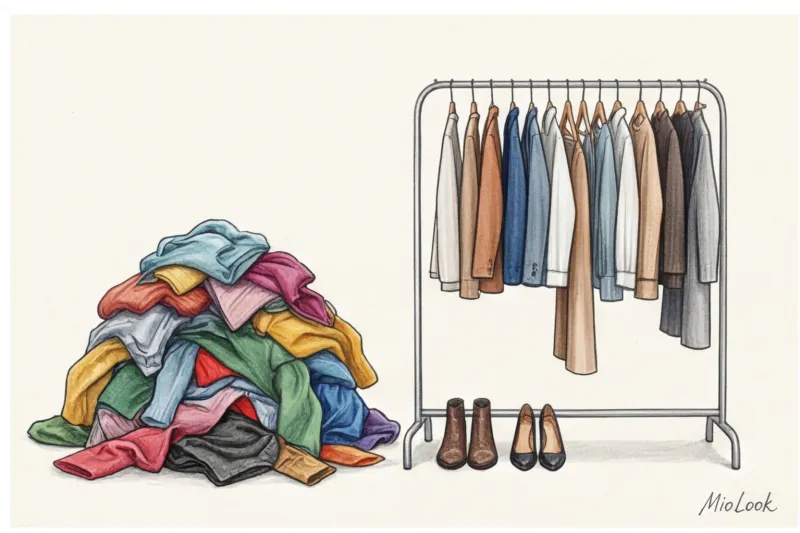
What is the correct way: Always hang the garment. Use large hangers for jackets to show the shoulder line, and hangers with clips for skirts and trousers. Allow the fabric to form natural vertical folds—these folds will tell the neural network about the density and elasticity of the material.
Instructions: How to search for things by image using AI
Over 12 years as a stylist, I've conducted hundreds of lookbook shoots and I know for sure: angle is everything. If you want to know how to properly search for items in a picture, start with the basic geometry of the frame.
The most common mistake is photographing something lying on a bed while standing over it. Or photographing yourself in a mirror from a low angle, trying to appear taller. Any camera angle distorts proportions. Shooting from above makes your shoulders look huge and your bottoms appear short. AI will search for cropped, oversized jackets, even though you were photographing a standard jacket.
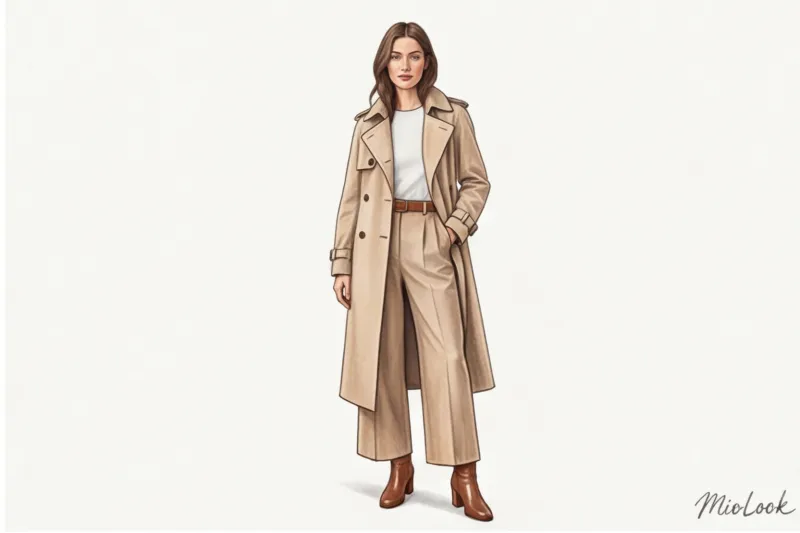
Hold your phone strictly parallel to the object, at chest level. Step back and zoom in slightly (1.5x or 2x on modern smartphones). This will eliminate the fisheye effect and capture the silhouette without optical distortion. This is exactly how professional photographers work during catalog shoots.
Light that does not distort shades
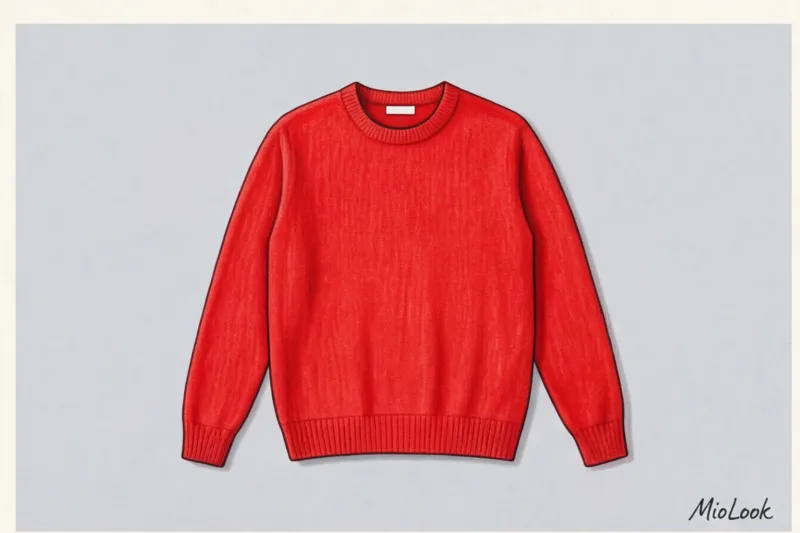
Lighting in fitting rooms and boutiques often has a yellow undertone (warm halogen lamps). If you photograph a cool gray sweater in such light, the AI will look for beige or taupe tones.
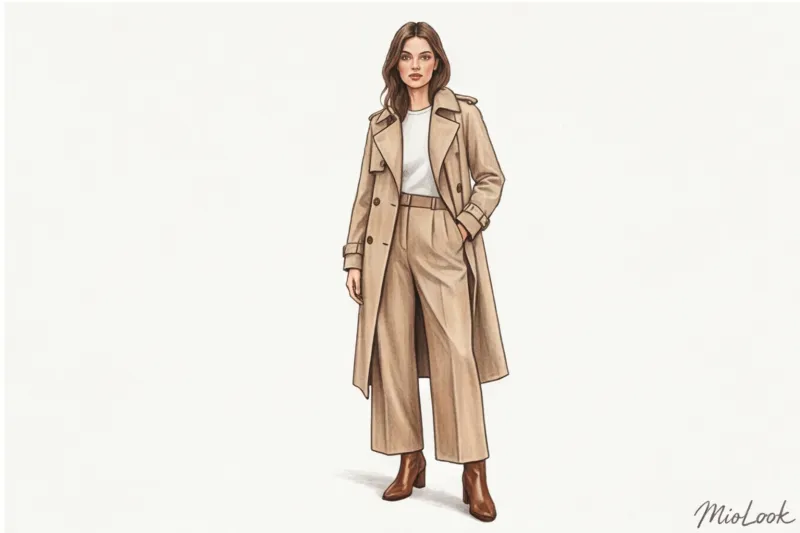
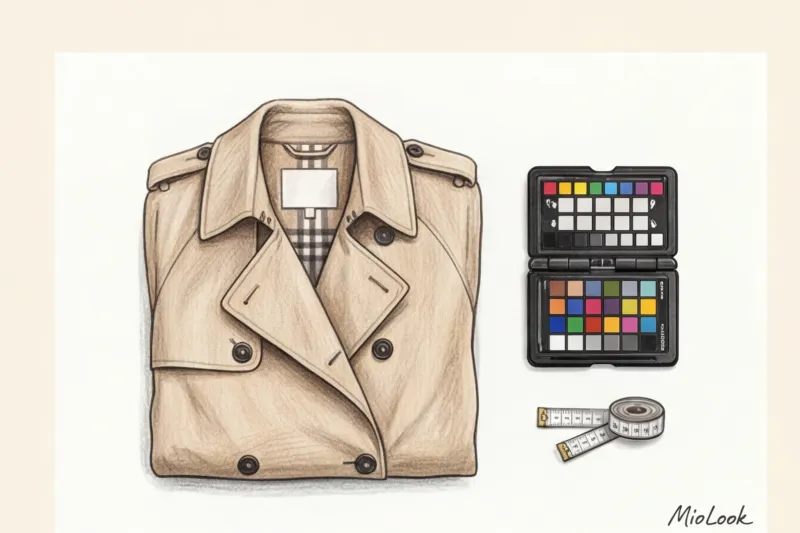
Always try to stand facing a window (a source of natural, diffused daylight). If you're in a windowless store, here's a life hack: place a piece of white paper (like a receipt) in the corner of the frame. Modern AI algorithms often use the brightest point in the frame to automatically adjust white balance.
The Art of Isolation: Removing Visual Noise
Have you ever noticed that sometimes the algorithm suggests rugs instead of dresses? 80% of AI errors occur due to a colorful background. If the print on your blouse overlaps the wallpaper pattern in the background, the outline of the garment becomes blurred.
Use a completely contrasting, solid-color background. A white wall, a smooth wooden door, or, at a pinch, a solid-color sheet over the door. The more clearly the algorithm detects the boundary between the object and the background, the more accurate the result will be.
Ready to get started?
Upload a photo of any item to MioLook and let our smart AI stylist find the perfect combinations from your wardrobe.
Get access — €0.99 onceMacro photography for complex fabrics: wool, silk and tweed
When it comes to complex, textured materials, a single wide-angle photo isn't enough. My personal secret is the "two-photo" rule. First, take a full-frame shot to find the silhouette, then a close-up to find the right fabric.
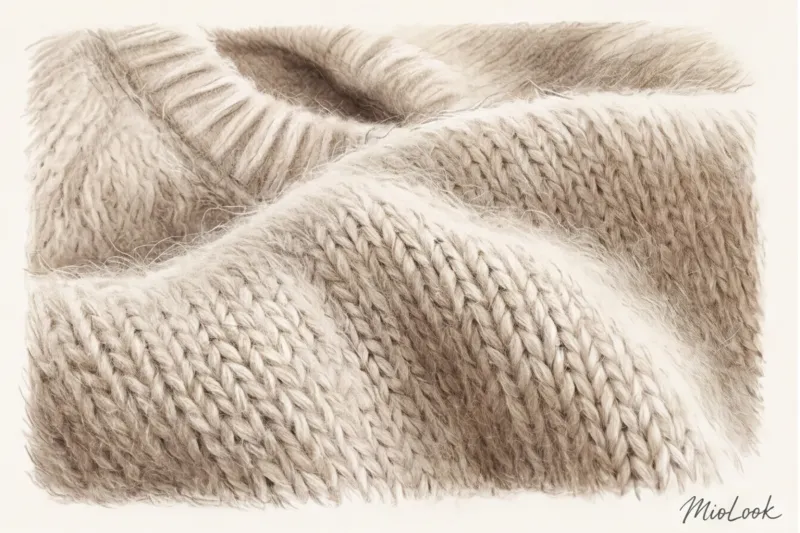
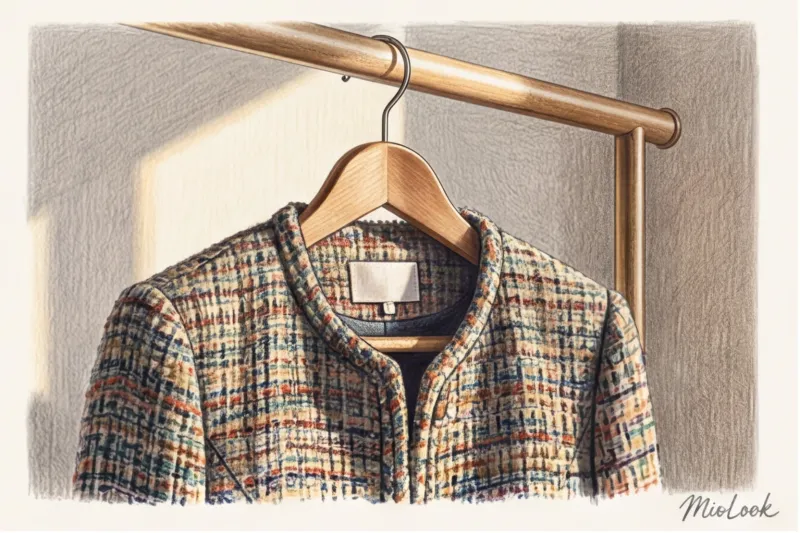
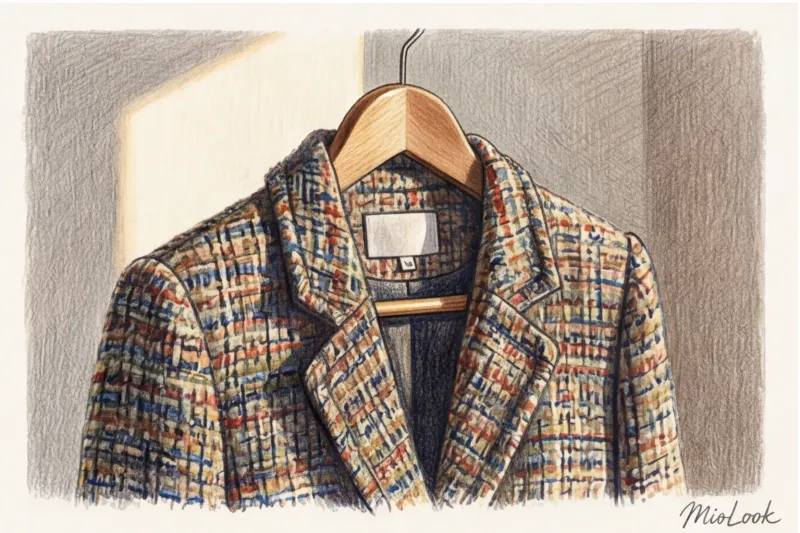
If you're looking for a Chanel-style jacket, photograph the bouclé weave from a distance of 10-15 centimeters. The algorithm wants to detect knots and looseness in the fabric. When photographing silk or high-quality viscose, gently bend the fabric with your fingers to catch a highlight on the fold. This is a signal to the AI: "There's a glossy sheen here."
However, there is an important limitation here: This does NOT work for basic smooth fabrics. If you're looking for a regular cotton T-shirt (sandwich stitch) or smooth knitwear, a macro image will only confuse the neural network. At high zoom levels, the AI will recognize micro-loops as noise or pixelation, producing irrelevant results. Macro is only necessary for pronounced textures: ribbed, corduroy, tweed, and chunky knit.
Informed Choice: How AI Helps Find Sustainable Alternatives
My sustainable fashion philosophy is based not on refusal, but on smart choices. AI is a great tool for creating a long-lasting wardrobe, rather than mindlessly consuming mass-market products.
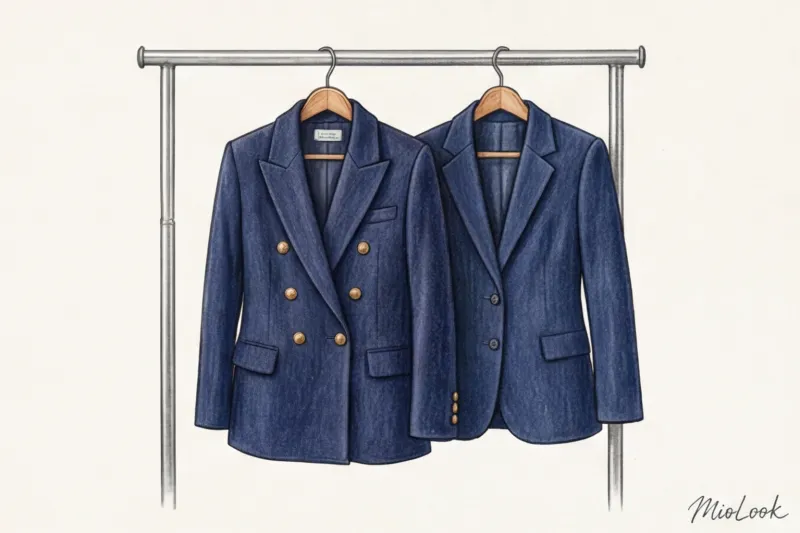
Often in mass-market clothing (like Zara or H&M), we see excellent cuts, but the composition leaves much to be desired—all acrylic and polyester. I take photos of the item right in the fitting room and upload them to MioLook Or on resale platforms, looking for "the same, but better." With the right photo (including shadows and texture), AI finds similar silhouettes from past collections of premium brands. Instead of a €60 synthetic jacket, you can find a vintage wool blazer from Massimo Dutti or COS for the same €60–€80, which will last you a decade.
Visual image search opens the door to a world of conscious consumption, allowing you to find rare archival items or clothing made from recycled materials on international vintage marketplaces.
Checklist: 5 Steps to the Perfect Outfit Search Photo
To summarize, let's structure the process. Properly preparing an item for a photo shoot is 80% of the success of smart shopping.
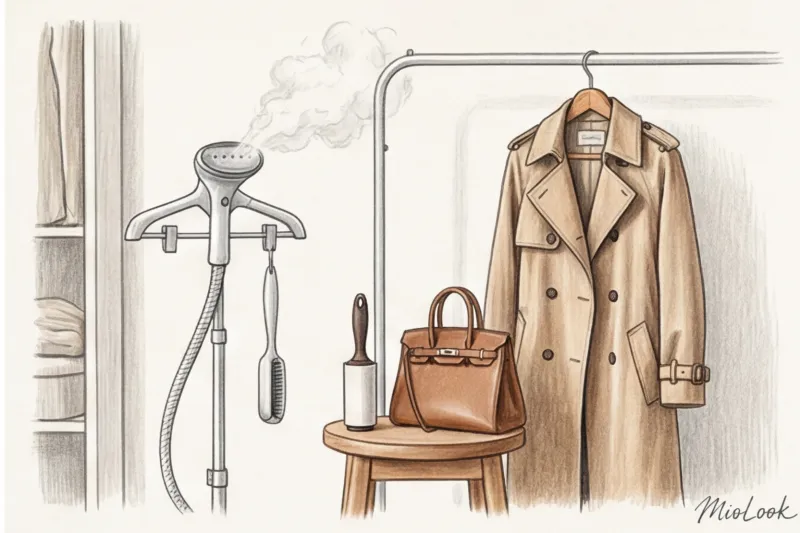
Before you open a visual search app, follow these five steps:
- Hang the item on a hanger. Forget about a flat bed layout. Let AI see the volume, weight of the fabric, and natural drape.
- Find a contrasting, solid-color background. No colorful wallpaper, carpets, or cluttered chairs. Isolate the area.
- Stand in front of a source of daylight. Avoid harsh shadows from flash and yellow store lighting. Side light from a window will perfectly highlight texture.
- Take the picture at chest level without tilting. Keep the camera strictly parallel to the object, use a slight zoom (1.5x) to avoid distortion of proportions.
- Add a macro photo (optional). If it's tweed, corduroy, cashmere, or silk, photograph the fabric texture from a distance of 10 cm to prevent the algorithm from suggesting a cheap synthetic copy.
Image recognition technologies are advancing at an astonishing rate, but they still need our help. Think of your smartphone camera as the eyes of a virtual stylist: show them a garment so they can "feel" its quality. Then, image search results will stop being a lottery and become your most precise tool for creating the perfect wardrobe.