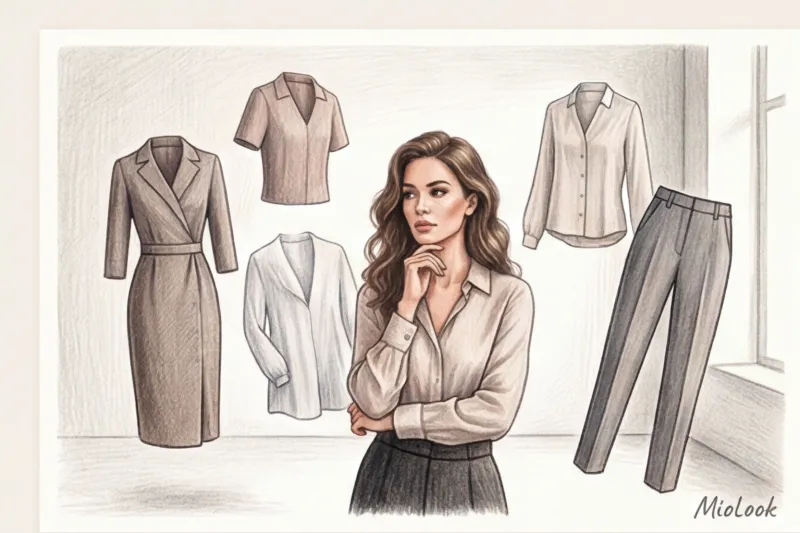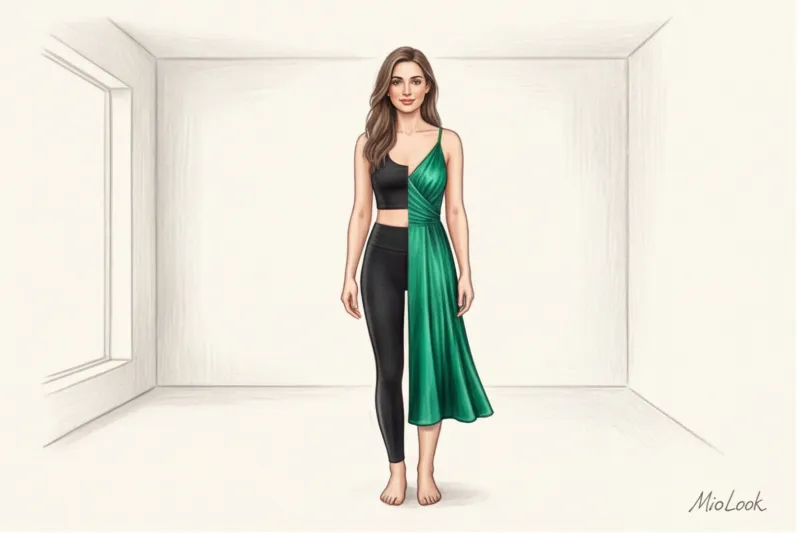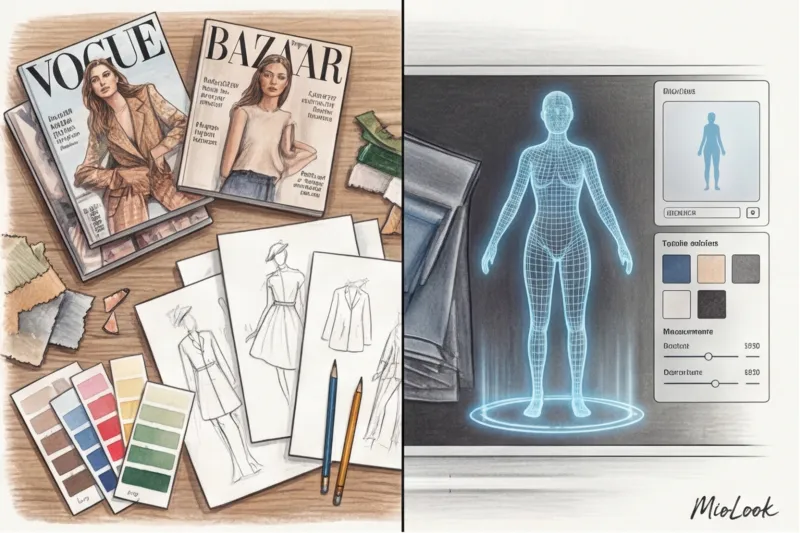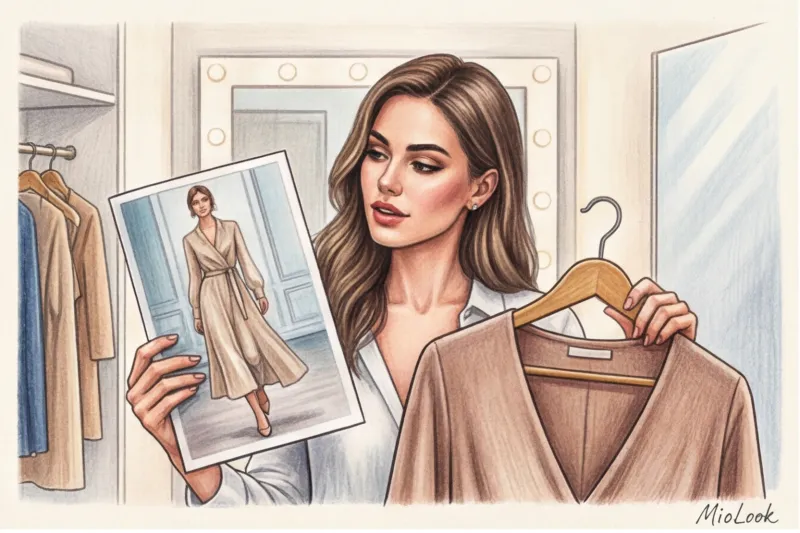

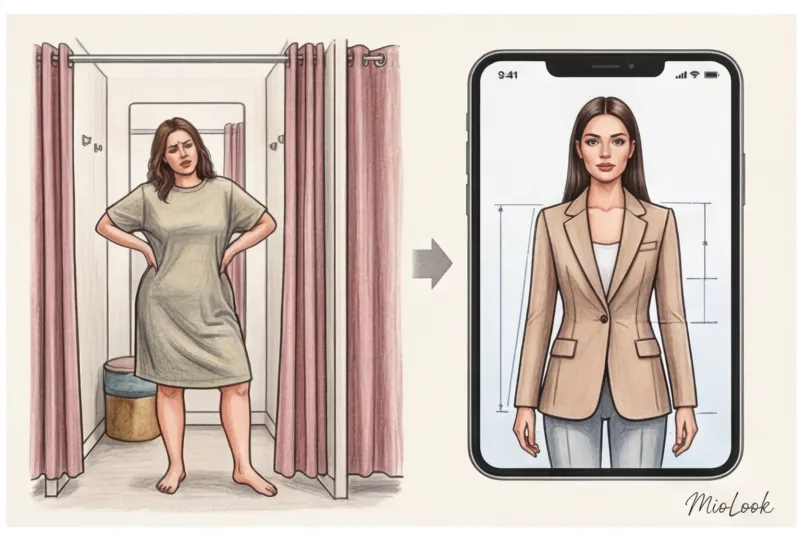
Have you ever wondered why almost 40% of clothes bought online end up returned to the store? According to a McKinsey research report (2024), the main reason isn't faulty seams or incorrect sizing. The real problem is that the garment simply doesn't fit or ruins your complexion. Time and again, we buy into the glossy illusion: professional studio lighting set at the perfect angle and a dozen invisible pins holding the fabric tightly together on the model's back.
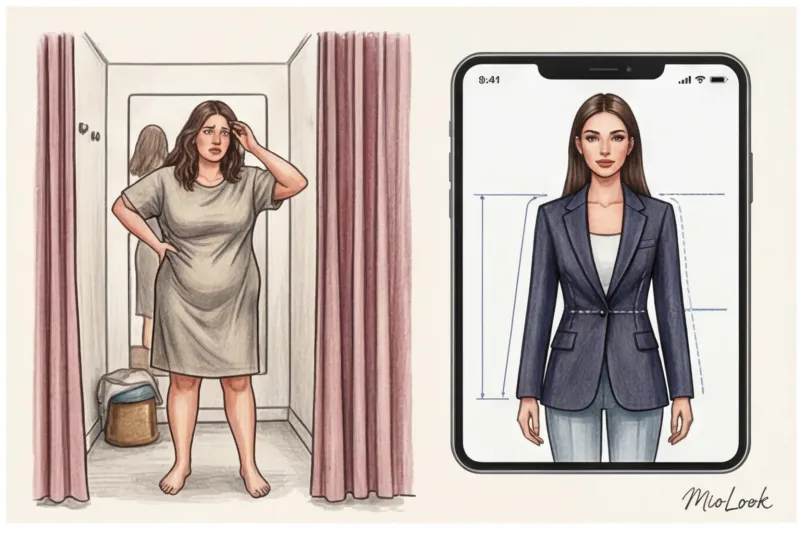
But what if I told you that MioLook virtual fitting room Isn't this just a fun digital toy, but your most stringent filter against brand marketing gimmicks? We've already covered how technology is changing our approach to shopping in our a complete guide to virtual fittings And today, as a practicing stylist and colorist, I'll show you the inside story: how to use this tool to test color harmonies, verify complex proportions, and create effective capsules without the slightest financial loss.
Why the MioLook virtual fitting room is a stylist's tool, not a toy
There's a huge myth I fight every day: most women believe the main purpose of AR try-ons is to find out if the chosen size will fit. Forget it. As a stylist, I can assure you that the app's main superpower is testing style compatibility before you even enter your credit card details.
One of my clients, Marina, was passionately lusting after a silk lingerie-style slip dress from Massimo Dutti. In the catalog photo, it looked flowing and luxurious. Before ordering, we loaded the item into the MioLook virtual fitting room. And what did we see? 3D fabric modeling algorithms mercilessly revealed the truth: the thin fabric visually accentuated the nuances of her figure around the stomach, and the plunging neckline distorted the proportions of her delicate ribcage. Marina decided against the purchase, saving 15,000 € and a lot of stress. We replaced it with a thick viscose sheath dress, which fits flawlessly.
Modern neural networks use so-called fabric mathematics. They don't just create a flat appliqué of an item over your photo. The algorithm calculates the density of the material (drape), its weight, and how it will interact with gravity on your curves. That's why I now literally force all my clients to run their shopping cart through AR before checking out. Fifteen minutes in the app saves up to three hours of actual shopping, queues, and returns.
Access to MioLook for €0.99 — one-time payment
A smart AI stylist will select the perfect look for your body type and color type.
Get access — €0.99 onceStep-by-step guide: how to upload photos for perfect AR algorithm performance
Any neural network, even the smartest one, will fail in the face of a poor source code. In my experience, 9 out of 10 complaints like "the clothes don't fit right" are due to errors in the creation of the first digital avatar. MioLook virtual fitting room worked with millimeter precision, it is necessary to properly prepare the base.
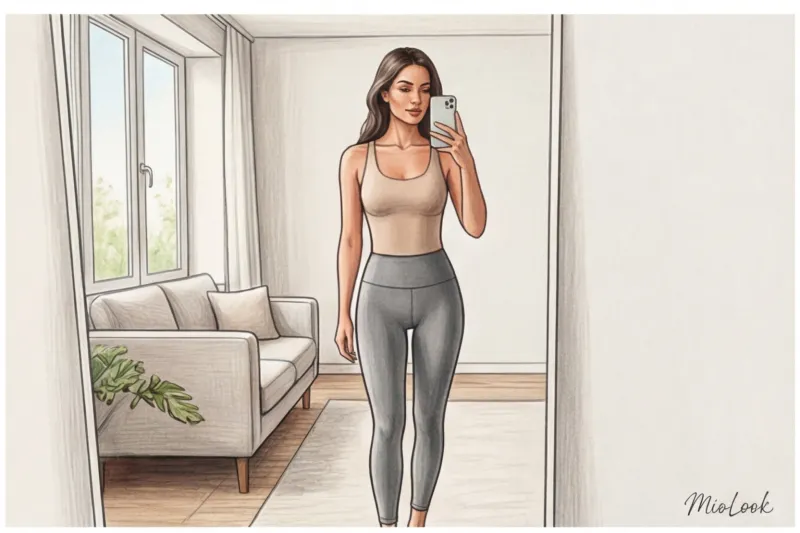
Light and Angle: A Colorist's Rules
Never take photos under a chandelier in the evening. Yellow indoor light (around 2700K) instantly changes your natural color type in the eyes of the AI. It will make your skin appear visually warmer, and the algorithm will begin to incorrectly display the appropriate clothing shades on you. A cold winter will turn into a warm autumn, and all recommendations will be thrown into the abyss.
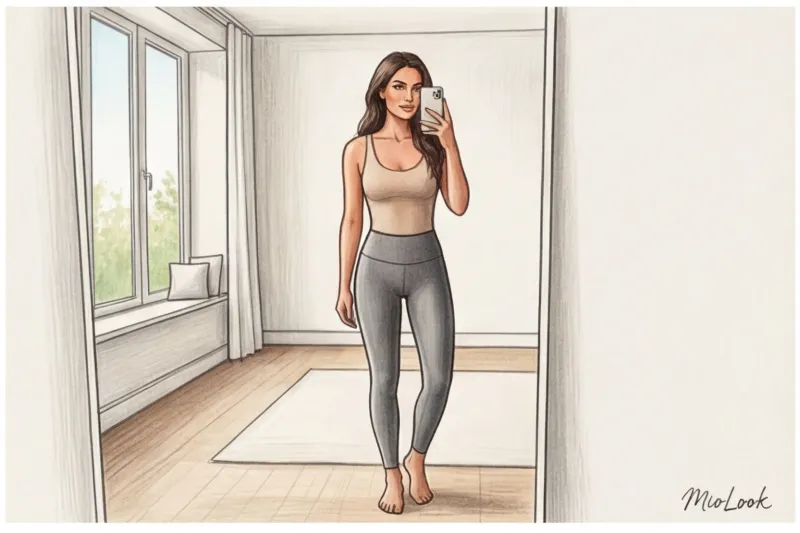
Stand facing a window during daylight hours. Soft, diffused daylight (approximately 5500K) will provide the perfect color rendering for your skin, eyes, and hair. Hold your phone camera exactly at chest level, parallel to the floor. Taking a selfie from top to bottom (as we all love for social media) will distort perspective: your head will appear enormous and your legs short. Naturally, your virtual pants will fold over your body.
Preparing the "base layer" (the clothes you wear)
For the photo source, you'll need very form-fitting clothing in neutral colors. Gray or beige cycling shorts and a seamless, figure-hugging top are perfect. Why not take a photo in your favorite oversized hoodie? The AI will interpret the hoodie's circumference as your actual body circumference. As a result, any fitted jacket you try on virtually will stretch over this nonexistent circumference and look awkward.
Testing Colors and Textures: An Image Expert's View
This is where the real magic begins. According to Johannes Itten's principles of coloristics, the color of a garment should work in synergy with the natural contrast of your appearance. But how can you check this when shopping online?
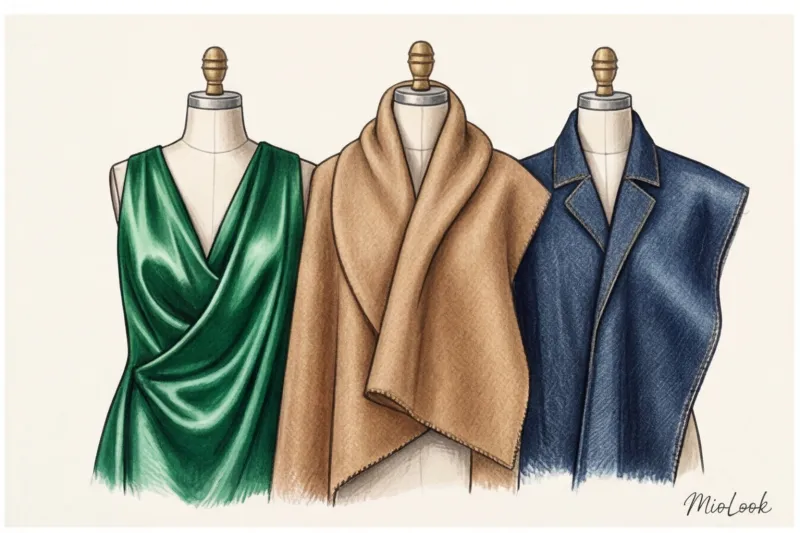
Take the classic black jacket, which supposedly "suits everyone." It's a huge myth. Try it on your avatar. If you have a muted, low-contrast appearance (light brown hair, fair skin), you'll immediately see on the screen how the aggressive black color "eats" your face. You'll notice only the jacket, not yourself. Thanks to the digital try-on feature, you can replace it with a dark chocolate or deep graphite shade in one click, and see how your face instantly brightens.
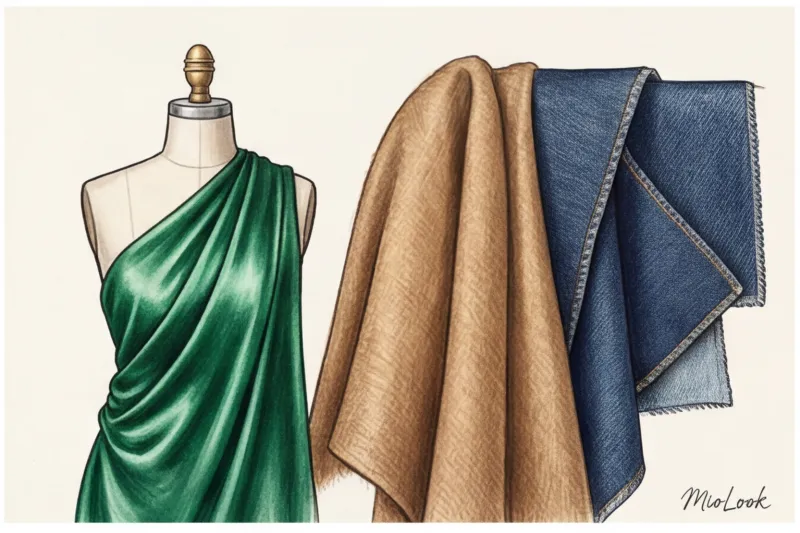
The same goes for complex PANTONE shades: mustard, olive, or fuchsia. You can test 15 options in just a couple of minutes. The app perfectly conveys the differences in texture. You'll visually feel the difference between how a thick, opaque tweed adds volume to the shoulders, while a smooth, shiny silk, on the contrary, lightens the silhouette.
Your perfect look starts here
Join thousands of users who look flawless every day with MioLook by testing colors and styles.
Get access — €0.99 onceHow the MioLook virtual fitting room saves you from the "Frankenstein wardrobe" effect
According to a WGSN study (2024), approximately 30% of the items in the average woman's closet are never worn after purchase. The reason is simple: these are emotional purchases. The item is stunningly beautiful on its own, but it doesn't fit together with the rest of the wardrobe. The result is a sort of "Frankenstein wardrobe," composed of disparate, conflicting items.
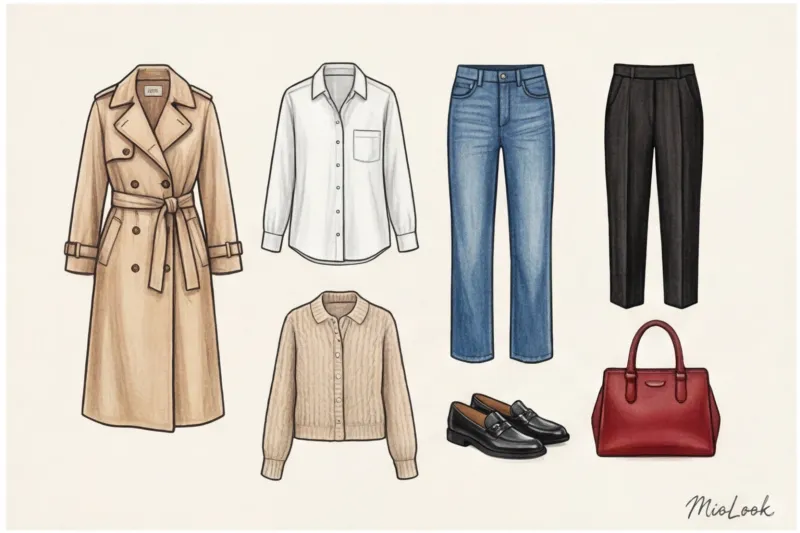
This is where the layering feature comes in handy. You can put a basic white shirt on your avatar and then throw on a chunky sweater you've chosen from the website. The algorithm will show you whether the collar will look nice, whether the fabric will bunch up on the sleeves, and how the sweater's length will look with your favorite straight-leg jeans.
I always recommend building a digital capsule collection. Before you hit the "pay" button, gather 5-7 items on the screen, including your planned purchase. Try pairing them into at least three different looks. If a skirt only goes with one specific blouse, it's a bad investment. Cancel the order.
Insider Tips: 3 Unobvious Ways to Use the App
Most users limit themselves to simply trying things on before buying. But here are three ways I use the app in my professional practice.
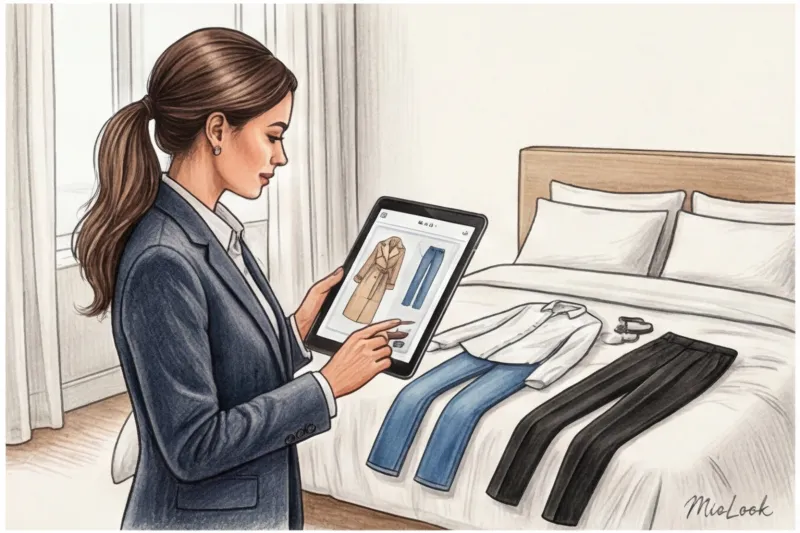
- Test drive of "dangerous" trends. Low-waisted styles, leopard print, or extreme oversize clothing often cause psychological discomfort. A virtual fitting room allows you to "live" in these looks on-screen. You get used to the new silhouette without the risk of spending money on something you'll later be afraid to wear.
- Morning lookbook. Save the most flattering combinations from your real-life digital wardrobe. When you wake up 15 minutes before bed and your head won't work, you simply open the app and choose a ready-made outfit that's guaranteed to flatter you.
- Planning looks for a business trip. I have a client, Elena, a top manager in the IT sector. For her conference presentations, we assemble her wardrobe exclusively through MioLook. We check in advance how tailored trousers pair with a silk top under the spotlights (digital contrast testing), minimizing the visual weight of the suitcase. We take exactly five items, from which we create four different looks for each day of the forum.
Stylist Checklist: 5 Steps to Buying After a Digital Try-On
To transform your virtual fitting room from a fun app into your personal financial safeguard, go through this checklist every time you evaluate the fit of an item on your avatar.
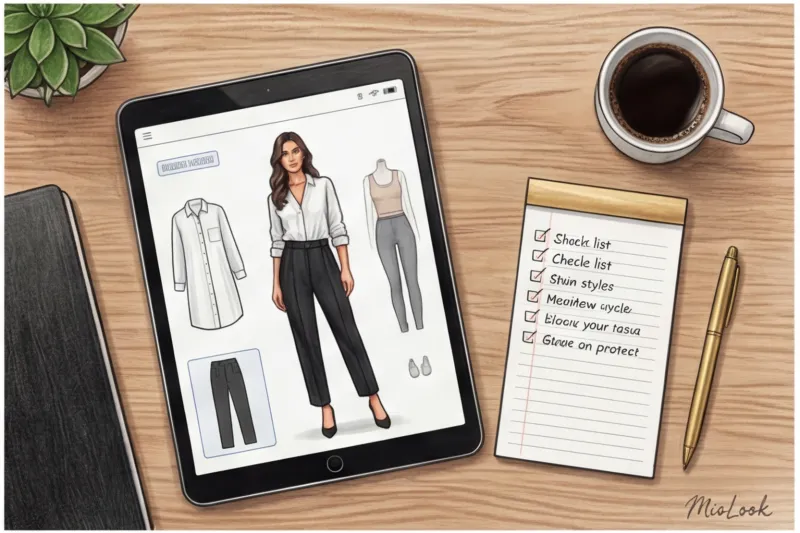
- Does your shoulder line match your anatomy? When trying on a jacket, the sleeve's set-in seam should lie flat on your shoulder bone. If it hangs down (which is not an oversized fit), the jacket will make you look bulky.
- Does the color harmonize with your natural contrast? Look at the avatar's face. What do you see first: your face or the color of the blouse? If the blouse "runs ahead of you," the color is wrong.
- Does the length of the product cut off the proportions of the legs? A midi length should end at the narrowest part of the calf, not at its widest point. AI shows this cut perfectly.
- Fabric behavior: does the density correspond to the stated silhouette? Does the A-line skirt hold its shape or is it hanging like a rag?
- Can you collect at least 3 looks? Test the item against your basic jeans, tailored trousers, and a skirt. If it matches less than three outfits, the item will remain on the hanger with the tag attached.
However, I must be honest with you: there is one important limitation. A virtual fitting room won't tell you if that luxurious mohair cardigan is itchy. It won't check whether the stiff armholes dig into your armpits when you raise your arms. AI is responsible for impeccable visual aesthetics and geometry, but tactile comfort is always yours.
Use digital technology wisely. Treat your smartphone screen as a style lab, where every pixel contributes to your confidence. Then you'll forget about the frustrations of unpacking online orders.