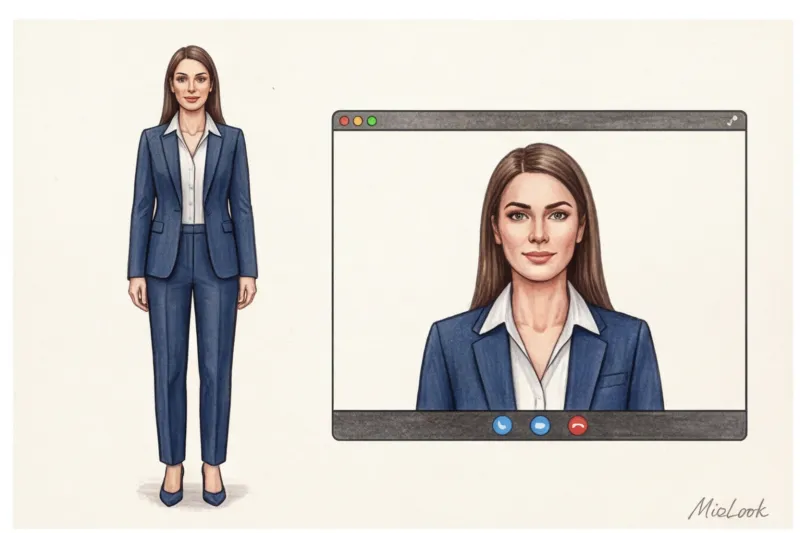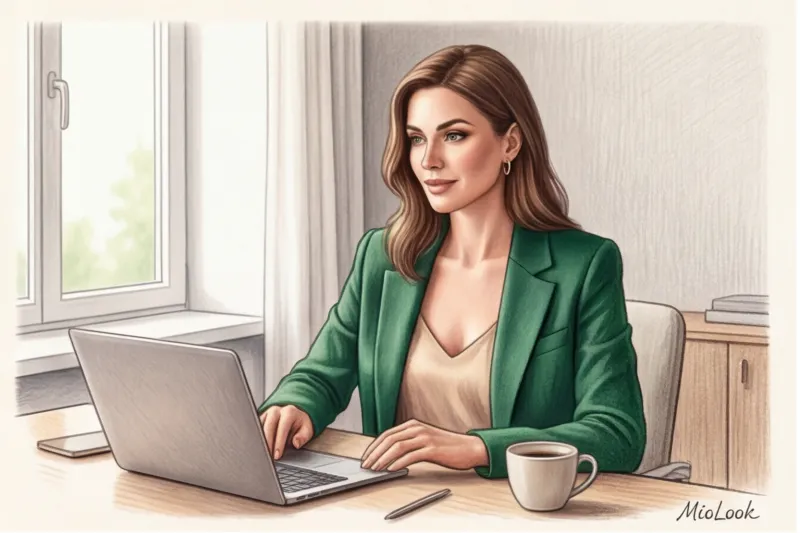

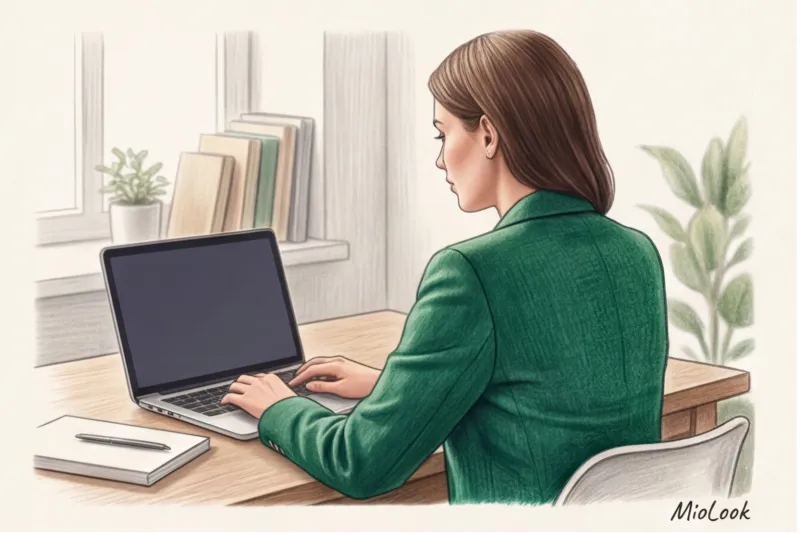
Imagine this: you've been preparing for an important online presentation for two weeks. Your slides are perfect, your speech is rehearsed, and you're in a confident mood. But as soon as the camera turns on, you look at your screen and see a tired, sallow-looking person, and your favorite, expensive jacket has become a flat, black spot. Sound familiar? In my 14 years as a personal stylist, I've heard this story dozens of times.
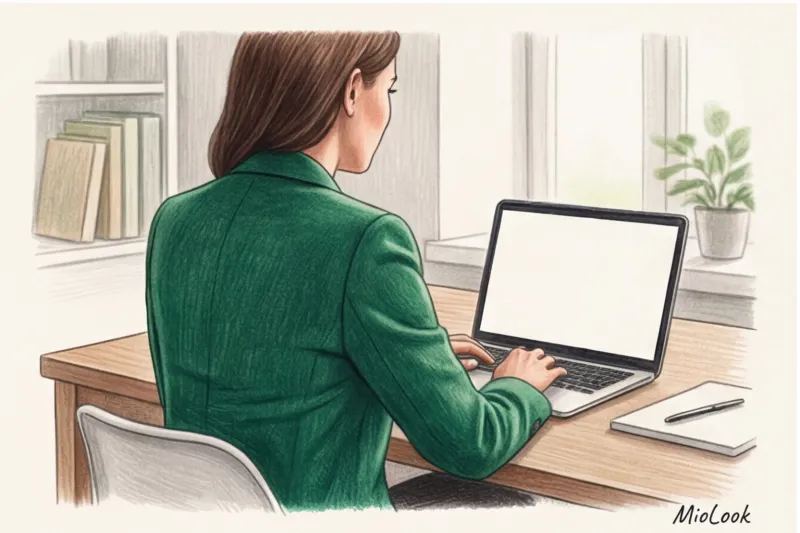
Choosing a look for a screen is fundamentally different from getting ready for the office. In real life, we perceive a person as a whole, in motion, in natural light. Online, the viewer sees only a small "portrait zone," and the colors and proportions are mercilessly distorted by optics. A smart approach clothes for the webinar It's not just a matter of aesthetics. It's a tool for managing the attention of an audience that has only seven seconds to subconsciously assess your expertise. We've already covered how to build a visual brand from scratch in more detail in our The complete expert image and wardrobe guide for your personal brand.
The Psychology of the Frame: Why Webinar Attire Isn't Just Office Style
When we switched to remote work, many tried to simply transfer their office wardrobe to Zoom. And that was a major mistake. Broadcasting standards, which have been used for decades by news anchors, clearly state: cameras "consume" textures and alter contrast. Webcams go even further, compressing the dynamic range of light by 30-40% compared to the human eye.
But it's not just about technology. There's a psychological phenomenon that researchers from Northwestern University (2012) called Enclothed Cognition (embodied cognition). Scientists have proven that clothing physically influences the cognitive processes of its wearer. When you put on a structured jacket, your brain automatically switches to "professional mode." You speak more clearly, your gestures become more confident, and your focus sharpens.
In a world where viewers can close a tab or switch to a messenger app at any moment, your energy is your only anchor. And your clothes act as your personal energy generator.
Your perfect look starts here
Join thousands of users who look flawless every day with a smart AI stylist.
Get access — €0.99 onceThe biggest myth of remote work: the "jacket on top, pajamas on the bottom" rule
"What difference does it make what I wear below the waist if no one can see it?" I'm asked this question at every other consultation. I'll answer bluntly: the difference is enormous.
One of my clients, Anna, the CFO of a large IT company, once botched a major pitch to investors. She was wearing a flawless silk blouse with her favorite soft joggers underneath. The problem wasn't revealed when she had to suddenly stand up (although such mishaps with couriers or children happen all the time). The problem was in her voice.
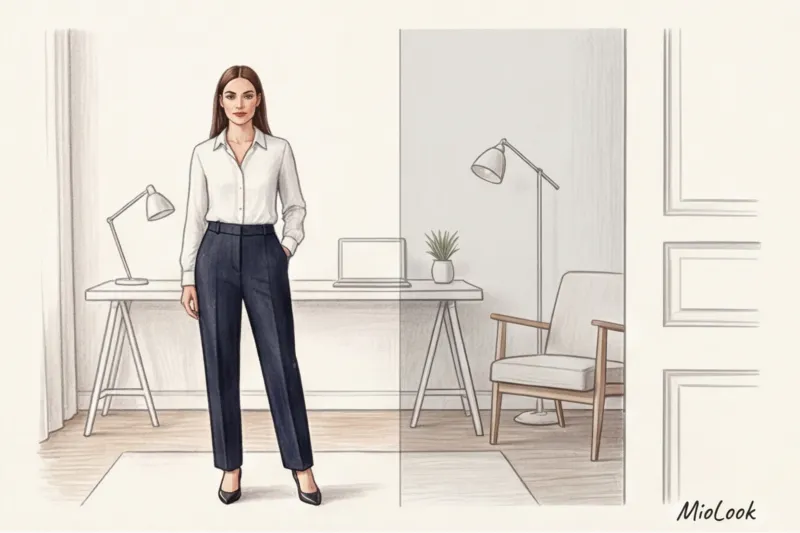
The soft elastic of your sweatpants relaxes your core muscles. You subtly "sag" in your chair, your diaphragm tightening. As a result, your voice loses depth and that guiding vibration. Furthermore, a relaxed lower body signals the body that it's resting, which is immediately reflected in your micro-expressions—your gaze becomes less focused. Want to sound convincing? Dress fully, including your shoes. Even wearing stiff loafers under the table will make you sit up straighter.
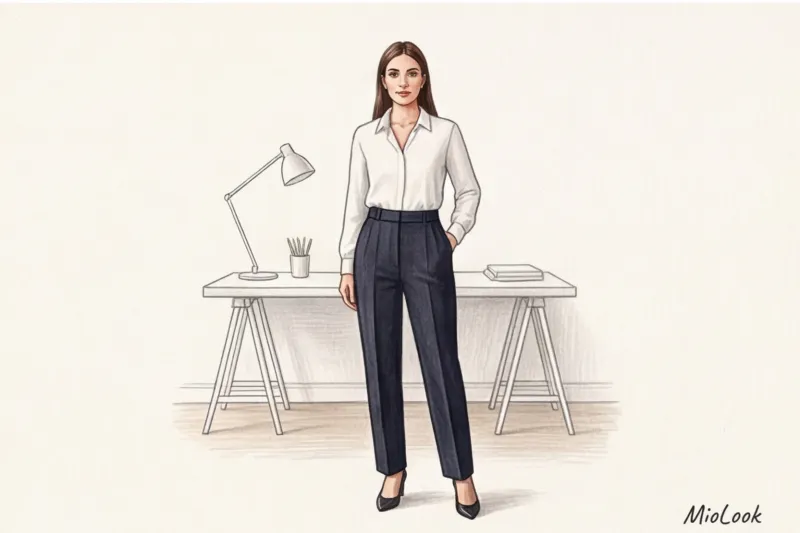
Color in the lens: what to wear to a webinar to blend in with the background
If in life you adore black and white dress code , it will have to be adapted to the screen. Pure whites and deep blacks are a webcam's worst enemies due to auto-exposure algorithms.
"The camera is a stupid machine. When it sees a lot of black (like your turtleneck), it thinks, 'Oh, how dark!' and starts artificially brightening the frame. As a result, your face becomes unnaturally white, flat, and overexposed. And if you're wearing a crisp white shirt, the camera will darken the frame, giving you a gray complexion and dark circles under your eyes."
I had a striking experience. A coaching client complained that after her webinars, people were reluctant to buy her courses, despite the excellent content. We analyzed the recordings: she always broadcast in a black sweater against a white wall. Her face looked haggard. We replaced the black with a deep emerald top, and conversion rates increased with the next broadcast. Her complexion became fresher simply due to the correct white balance.
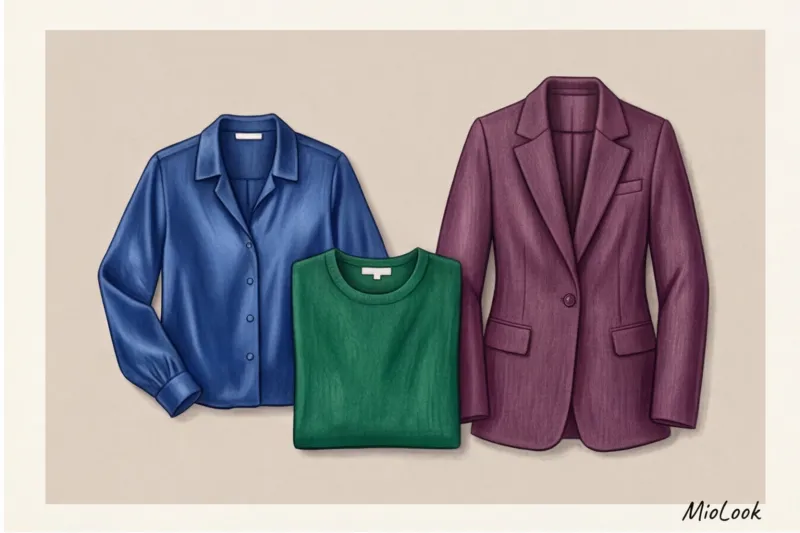
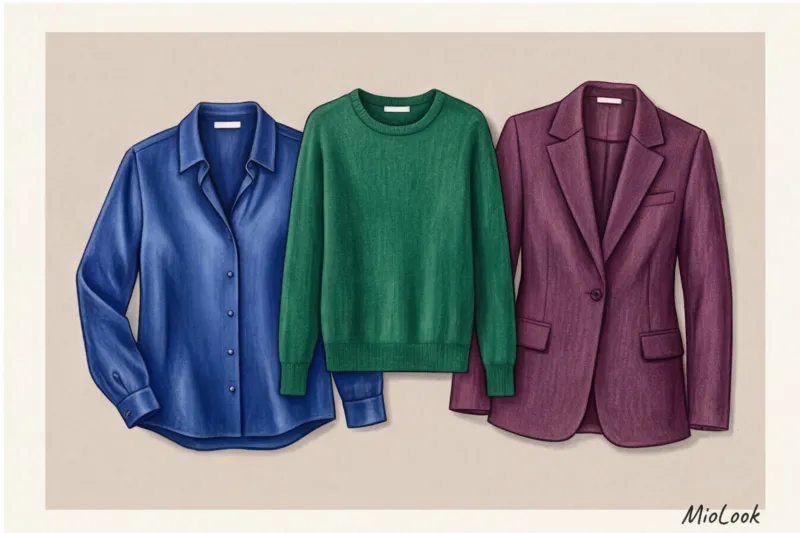
Based on Johannes Itten's color theory in the context of digital transmission, the best shades for screen are "jewel tones":
- Sapphire blue;
- Emerald green;
- Deep ruby or burgundy;
- Amethyst.
Important limitation: This tip doesn't work if you're using a virtual background (chroma key). An emerald top against a green screen will make you transparent, leaving only your "floating head" in the frame.
How Lighting Changes the Hues of Your Clothes
Color doesn't exist without light. If you're sitting facing a window (natural light 5000-5500K), colors are rendered most accurately. But if you use a cheap ring light with cool light (6000K and above), pastel colors (soft pink, light blue) will appear dirty gray. Warm light (3000K) will turn beige clothing into a decidedly yellowish hue, blending it with your skin tone.
Ready to get started?
Try the MioLook free plan—no commitments required. Digitize your wardrobe and create webinar capsules in just a few clicks.
Get access — €0.99 onceDangerous Prints and Textures: Taboos for Online Performances
Besides color, the camera brutally deals with certain prints. Think of the moiré effect—when fine stripes, checks, or houndstooth patterns begin to ripple and dance across the screen with the slightest movement. This occurs due to a conflict between the pixel frequency of the camera sensor and the fine pattern on the fabric. This can make the viewer physically sick.
The second taboo is reflective fabrics. Silk, satin, and satin blouses look chic in a restaurant. But under the directional light of a ring light, they create harsh, cheap reflections. Furthermore, the slightest shadow on shiny fabric looks like a sweat stain on a webcam.
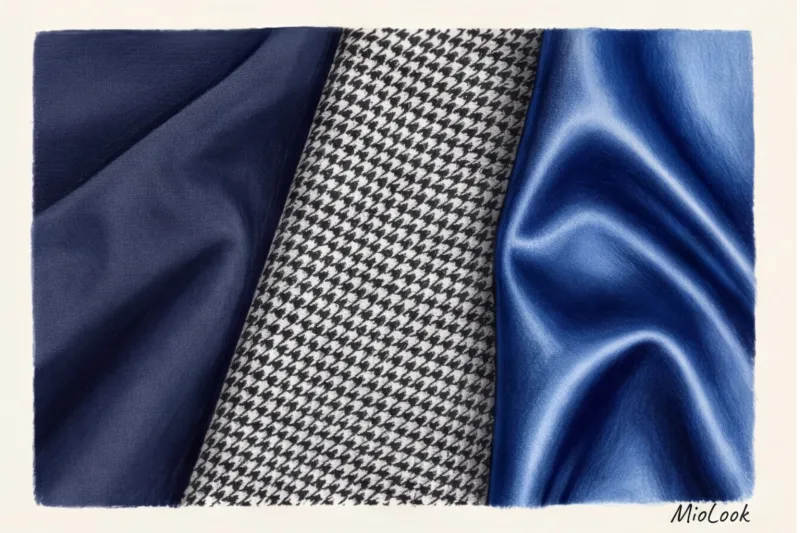
I once spent an entire day testing 15 different white and cream blouses under a ring light to find the perfect one. clothing for public speaking. The verdict is clear: only dense, matte textures. Works perfectly:
- Crepe silk (it is matte and grainy);
- Thick viscose (drapes well if it contains 5% elastane);
- Fine suit wool or blended cotton (density from 180 g/m²).
And don't forget about sound. Velvet, stiff linen, and starched cotton are very noisy fabrics. If you're using a lavalier microphone, every movement you make will be accompanied by a loud rustling sound in your listeners' ears.
Geometry of the portrait zone: necklines, collars and accessories
Since Zoom shots typically cut off the figure at the chest or just below the shoulders, the geometry of the neckline becomes critical.
As a stylist, I always warn my clients against two extremes. The first is a solid black turtleneck. Against a dark background (or in poor lighting), your body will blend into the chair, creating a disturbing "floating head" effect. The second extreme is a plunging neckline or a top with thin straps. Due to the tight framing, the bottom edge of the screen can cut off your clothing, making it appear to the viewer as if you're sitting naked.
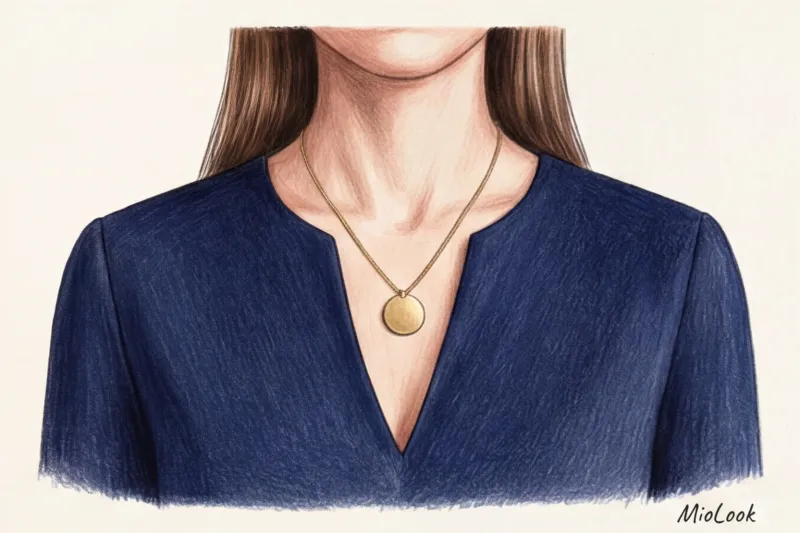
The most profitable option is - V-neck or two-button shirt This geometric cut visually elongates the neck, accentuates the oval of the face, and leaves plenty of room in the frame. If you have a strict corporate dress code, a jacket worn over a contrasting top will work perfectly—the vertical lines of the jacket's lapels create a slimming and unified look.
When it comes to accessories, the rule is simple: nothing jingling or reflective. Massive, glossy earrings will reflect the light directly into the camera, irritating viewers. Layered bracelets will knock against the desk while you type. Opt for simple, geometric designs in matte metal.
Stylist checklist: check your look 5 minutes before the show
Even the perfect webinar outfit can fail if you don't do a final check-up. My clients use this short algorithm before every important broadcast:
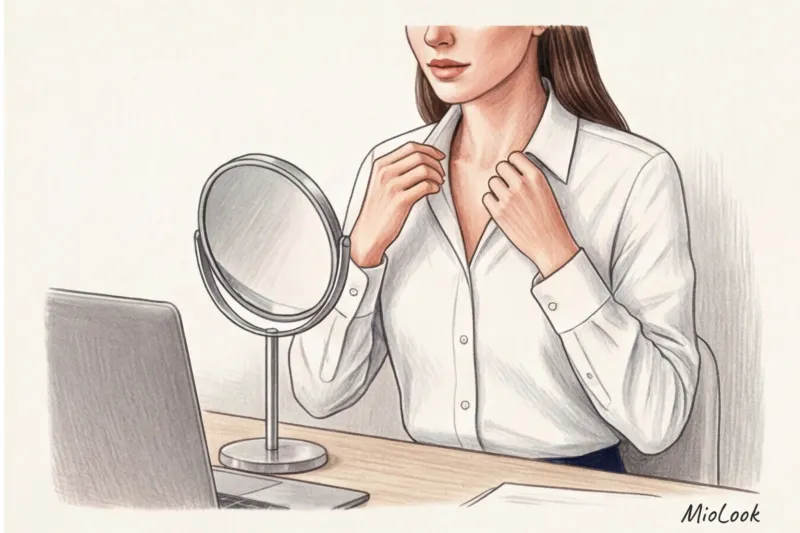
- Test call to myself. Don't look in the mirror—look into the lens! Open Zoom, create an empty meeting, and assess the picture. Are you blending into the background? Is your face overexposed?
- Go over it with a lint roller. Modern HD webcams are unforgiving. A small stray cat hair on a dark blue jacket that you missed in the hallway will look sloppy on screen.
- Checking the sitting position. A shirt that fits perfectly when you're standing may bunch up in unsightly folds across your stomach or fall apart across your chest when you sit down. Sit up straight, and adjust the hem of your jacket.
To avoid stress before each call, I recommend creating 3-4 ready-made "screen capsules." You can take photos of successful combinations and upload them to the app. MioLook A smart AI stylist will help you organize your wardrobe so that webinar preparation takes exactly one minute.
Remember: in the online space, your appearance is a sign of respect for your audience. When you look put-together, viewers subconsciously transfer this quality to your product, your ideas, and your expertise. Save the pajamas for cozy evenings, and for the screen, choose deep colors, matte textures, and clothes that help you keep your back straight.