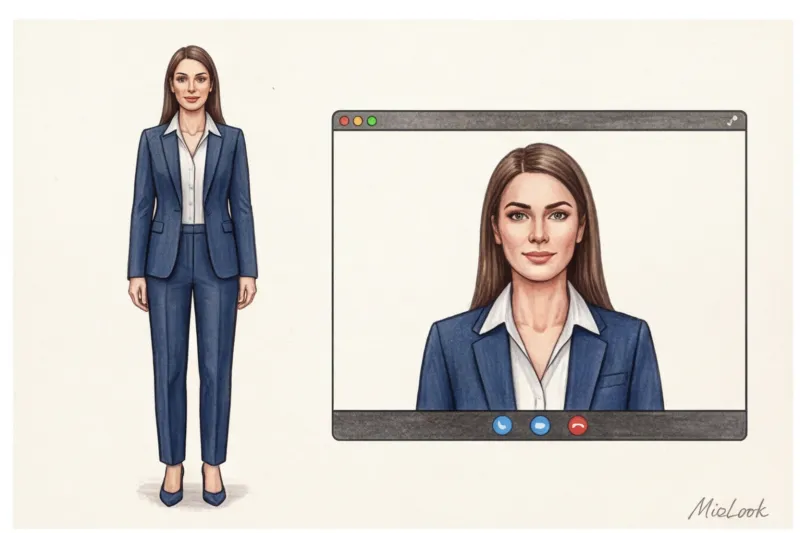
Did you know that in Zoom you only have three seconds to grab the audience's attention? Offline, we give people about seven seconds to make a first impression, but in front of a monitor, the listener's finger is already on the touchpad, ready to switch tabs. And here's the paradox: many experts spend hours rehearsing their speech, but they forget that clothes for the webinar - this is your main visual anchor.
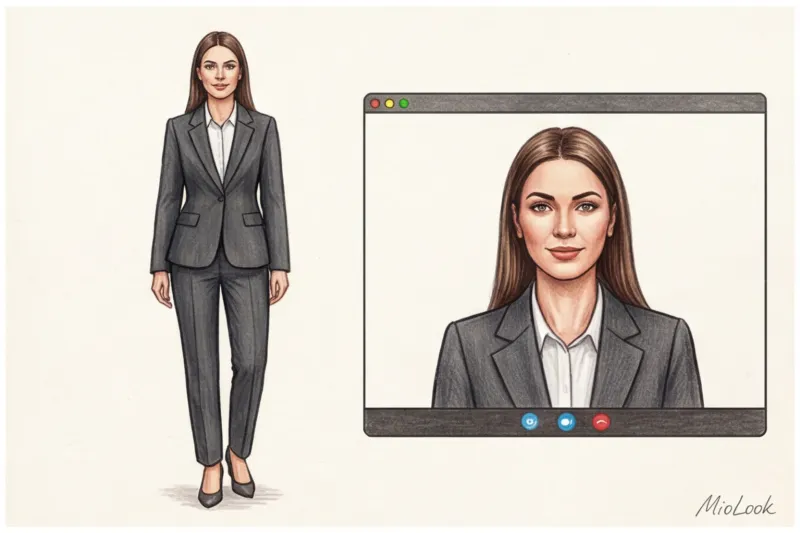
In 12 years of working as a personal stylist, I've noticed one critical mistake: people try to dress for the camera the same way they would for a live performance. But a webcam is a cruel filter. It distorts proportions, "eats" colors, and turns expensive fabrics into cheap ripples. We discussed the psychology of influencing through style in real life in more detail in our The Complete Guide to Dressing for Public Speaking , but today I want to talk about the specifics of screen time. We'll examine your digital wardrobe through the lens of TV styling.
Frame Architecture: Why Webinar Clothing Works Differently
The difference between performing on stage and online is colossal. According to research in digital body language, we lose up to 50% of our nonverbal communication during video calls. We can't utilize the stage space or step toward the audience. All the semantic and charismatic weight falls on the so-called "portrait zone"—from the chest to the top of the head.
In the television industry there is a concept News Anchor Framing (TV presenter framing). The screen's bezels literally cut you off from the context, making your head and shoulders look disproportionately large. While a voluminous, soft sweater might look cozy offline, in the compressed rectangle of Zoom, it turns you into a shapeless cloud.
Furthermore, video compression algorithms in Skype, Teams, or Zoom mercilessly destroy contrast and fine detail. What appears as a subtle nuance in a mirror will turn into a blurry blur on your audience's monitor. Your silhouette must be instantly and clearly visible.
Color and Light: Key Dress Code Rules for Online Conferences
Have you ever noticed how a speaker's face suddenly turns a sickly gray, even though they're sitting in front of a powerful ring light? It's a clash between the color of their clothing and the camera's autoexposure.
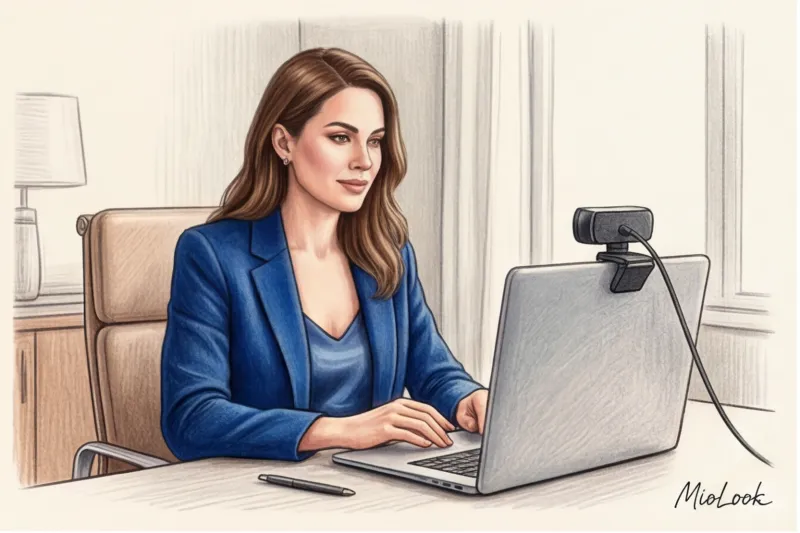
A webcam lens doesn't have human vision. It adjusts the white balance and illumination based on the brightest spot in the frame. If you're wearing a blindingly light blouse, the camera will think, "Wow, too much light!" and automatically darken the entire frame. The result will be a shiny blouse, while your face will be in deep shadow.
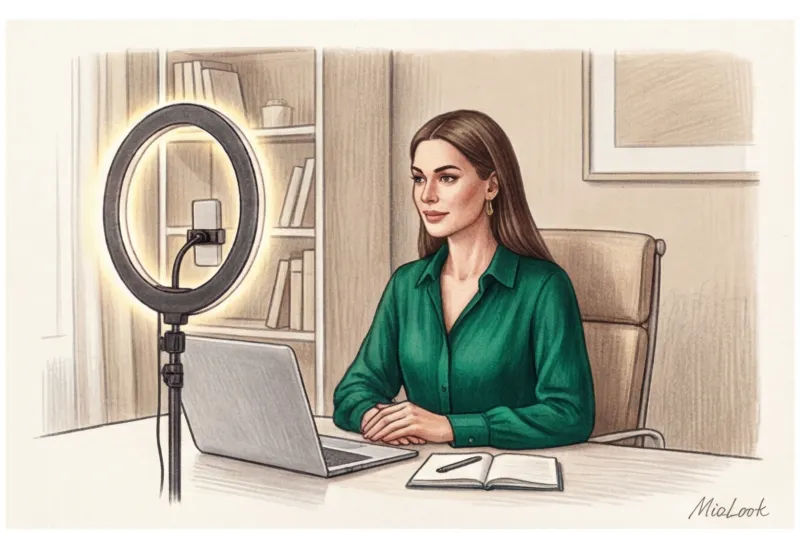
What colors does a webcam like?
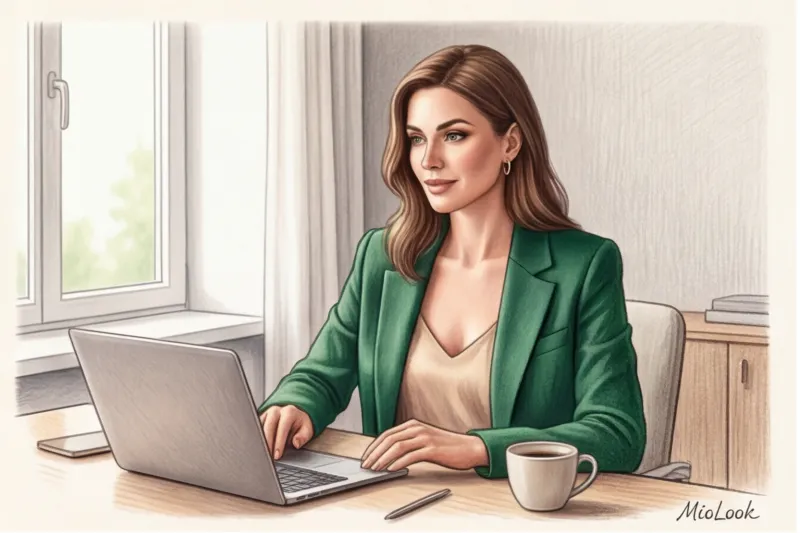
According to Broadcasting Styling Guidelines, the ideal choice for the screen is mid-tones (medium-saturated tones) and jewel tones (Gemstone colors). Emerald, deep sapphire, ruby, rich amethyst. They create a gorgeous contrast with skin without making the camera go crazy.
If you prefer pastel shades, make sure your background is a couple of shades darker than your outfit. Otherwise, you risk looking like a talking head floating against a white wall.
Forbidden Colors: What Will Ruin Your Image on Camera
I once conducted a personal experiment: I tested 15 white shirts (from matte cotton to glossy silk) with ring lights of varying temperatures. The verdict was clear: Pure, snow-white color online is your enemy It's glaring and steals light from your face. Replace it with ivory, cream, or light beige.
- Deaf black: Turns your torso into a flat 2D hole on the screen. If you like dark colors, choose navy or deep graphite.
- Neon colors: They produce terrible color reflections. A neon pink top will cast a sickly purple glow on your chin and neck.
Access to MioLook for €0.99 — one-time payment
A smart AI stylist will select the perfect look for your next webinar, taking into account your color type and lighting.
Get access — €0.99 onceTexture and Prints: How to Avoid the Strobe Effect in Video
I'll never forget the story of one of my clients, a top manager at a major bank. For a crucial online conference, she chose an impeccable, expensive houndstooth jacket. As soon as she began speaking and moving slightly on camera, the audience literally went giddy. The jacket began to ripple and dance.
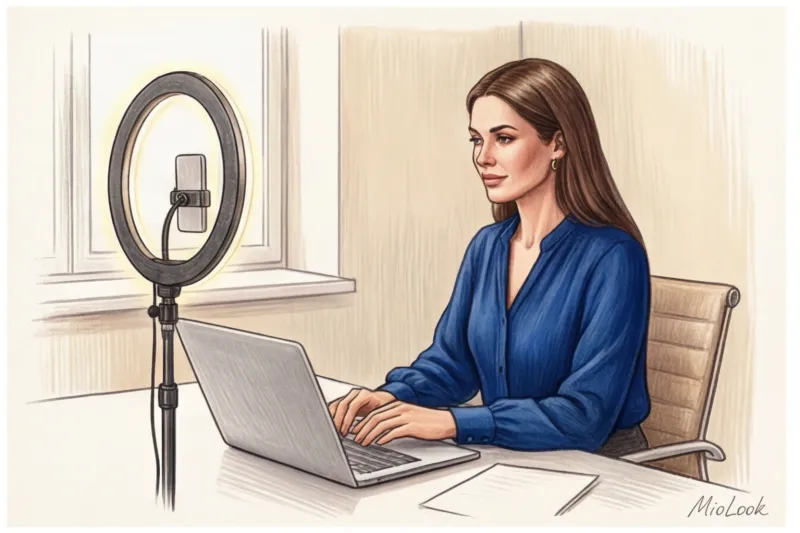
It's called moiré effect The camera's sensor can't handle the frequent repetition of small, contrasting lines (stripes, Vichy checks, ribbed patterns). A psychedelic ripple appears on the screen, which is physically taxing on the viewer's eyes.
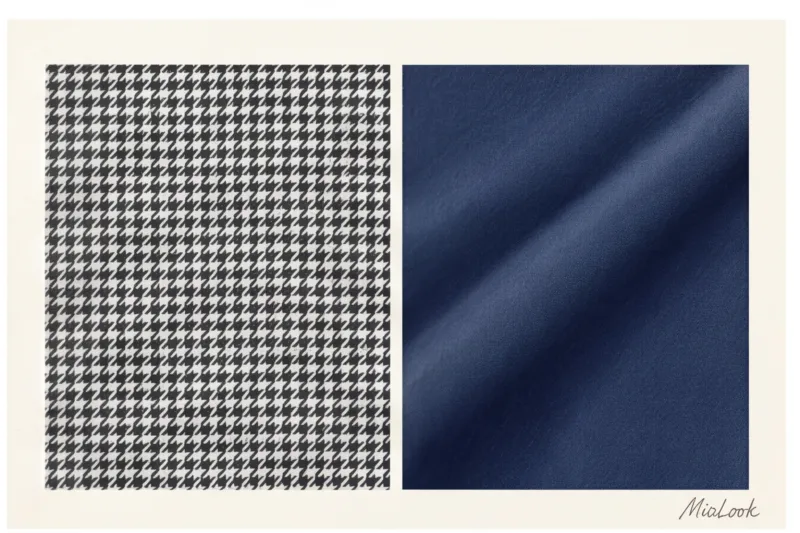
The second rule of textures: matte always beats glossy. Silk and satin look stunning in a restaurant, but under direct ring light, they give off a cheap, synthetic sheen. Ideal textures for screens are dense crepe, chunky tweed, high-quality suit wool, and matte cotton with a weight of 180 g/m² or higher.
Silhouette and waist-length detailing: focus on the portrait area
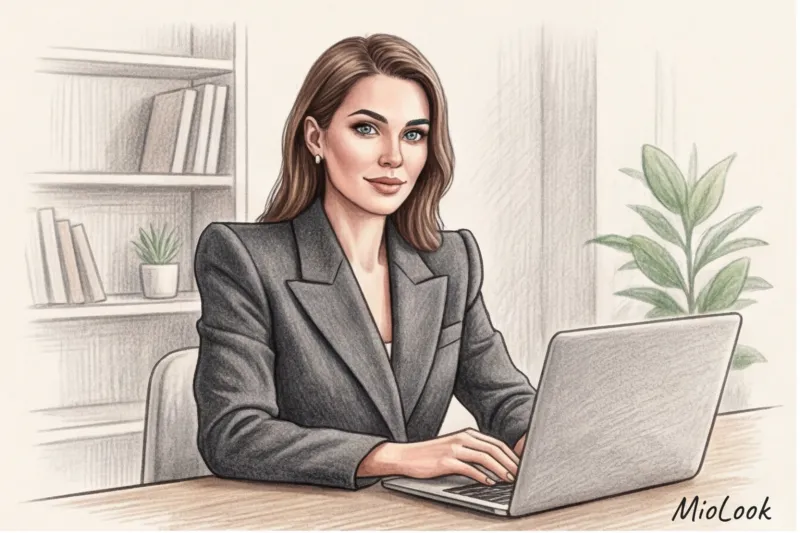
Since the lower body is hidden, the entire geometry of the look is built around the shoulders and neck. A soft, shapeless cardigan with dropped shoulders instantly makes you look homey and relaxed. If you want to project expertise, you need structured shoulders.
To be fair, this advice doesn't work for everyone. If you're leading a meditation class, a psychological support group, or a creative workshop, a formal jacket will create unnecessary distance. But for business presentations and IT interviews, structure is essential.
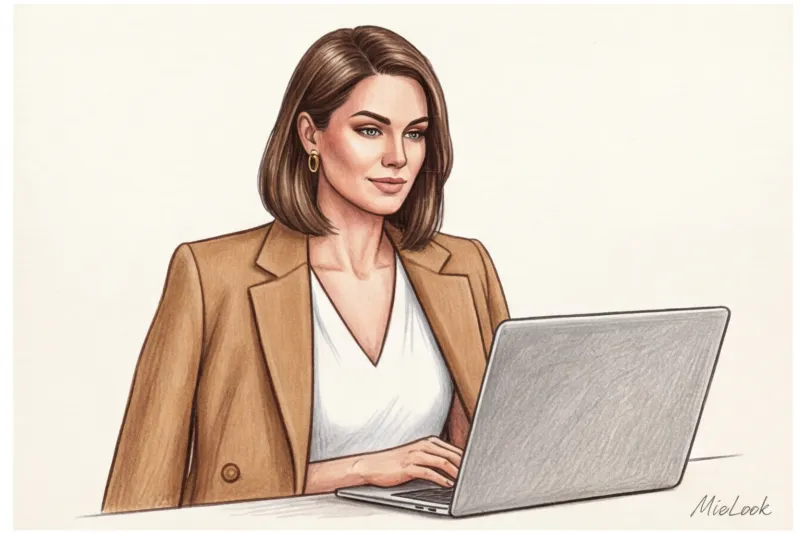
The neckline is crucial. A turtleneck often blends into the chin and visually "cuts off" the head from the torso on a flat screen. A V-neck, on the other hand, elongates the neck and directs the viewer's gaze to your face. A boat neckline is great for visually broadening narrow shoulders.
My favorite outfit formula for broadcasts:
A basic V-neck top + a contrasting structured jacket + a matte texture = the perfect online silhouette. The layering creates the depth that a 2D look sorely lacks.
By the way, to avoid wasting time before each call, I recommend using tagging function in the MioLook app Simply create a "For the Screen" capsule collection of tried-and-true tops and jackets, and the app will suggest ready-made combinations for you just a minute before you go live.
Online Performance Accessories: Balancing Style and Noise
In the digital space, scale matters. Small diamond studs that emphasize your status in a meeting room will simply disappear in a video due to pixel compression. You need accentuated yet minimalist shapes: medium-sized geometric shapes, smooth metal.
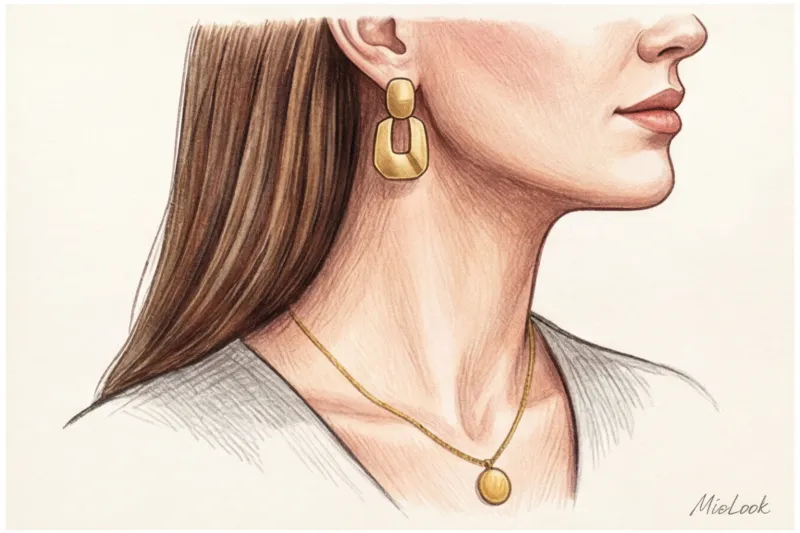
But the main danger of accessories online is audio interference. Long chandelier earrings hit the headset microphone every time you turn your head. Metal bracelets clank on the table when you gesture. My practical advice: always record a test audio with active gestures to check your image for "noise."
If you wear glasses, make sure your lenses have anti-reflective coating. There's nothing worse for a viewer than trying to make eye contact with someone whose glasses reflect a browser window or a bright lamp ring. Adjust the light so it falls slightly above and to the side, rather than shining directly into your face.
The "Lounge Bottom" Myth: Why It's Important to Dress Fully
The internet is full of memes about employees sitting in important meetings wearing formal shirts and Mickey Mouse pajama bottoms. It seems like if the camera can't see it, what difference does it make? The difference is huge, and it's all in your head.
There is a term in psychology Enclothed cognition (embodied cognition). A seminal study by Adam and Galinsky (2012) demonstrated that clothing directly influences our cognitive processes. When you wear soft sweatpants, your brain receives the signal "we are relaxed, we are resting." This subtly changes your posture, speech rate, and even the tone of your voice. You lose your professional tone.
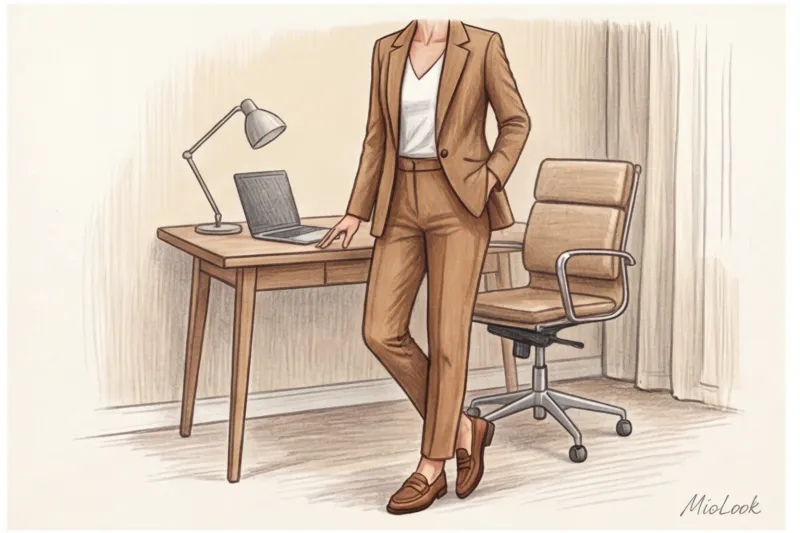
Beyond neurophysiology, there's the simple risk of force majeure. Your pen might drop, a delivery person might ring the doorbell, or you might urgently need to get up to get your laptop charger. Believe me, the moment a speaker in a tie gets up from the table in boxer shorts ruins their expert image forever.
I always advise clients to even wear shoes. Swap out fluffy slippers for stiff loafers or low-heeled shoes. A firm shoe encourages you to place your feet flat, press them into the floor, and straighten your back. Your voice will immediately sound more confident.
Your perfect look starts here
Join thousands of users who look flawless every day with MioLook. Digitize your wardrobe today.
Get access — €0.99 onceChecklist: Test drive the image before turning on the camera
Theory is great, but technology always makes its own adjustments. 15 minutes before an important webinar, take a mandatory test drive. Don't just look in the mirror; open the specific program you'll be presenting in (Zoom, Teams, Google Meet), as they have different color processing algorithms.
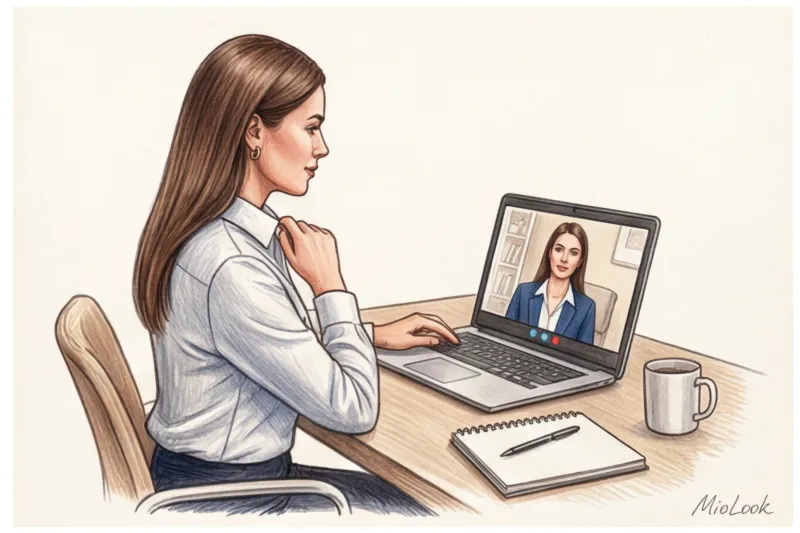
Record a 10-second test video and check four parameters:
- Background: Do you blend into the wall or the back of a chair? Is there a clear outline of your silhouette?
- Light and shade: Is your forehead shiny? Has your collar created a deep black shadow on your neck, making you look like a floating head?
- Dynamics: Raise your arms, lean toward the camera, and sit back in your chair. Is your blouse bunching up at the chest? Is your jacket bunching up in unsightly folds at the neck?
- Sound: Knock on the table, fix your hair. Are your jewelry jingling?
On-screen clothing is your tool for commanding attention. Don't let a bad print or a clumsy color steal your audience's attention. In a digital world where we're deprived of the energy of a live presence, your visual image should speak for itself even before you utter a single word. Choose thick matte fabrics, rich, deep shades, and structured silhouettes—and the camera will become your best ally.