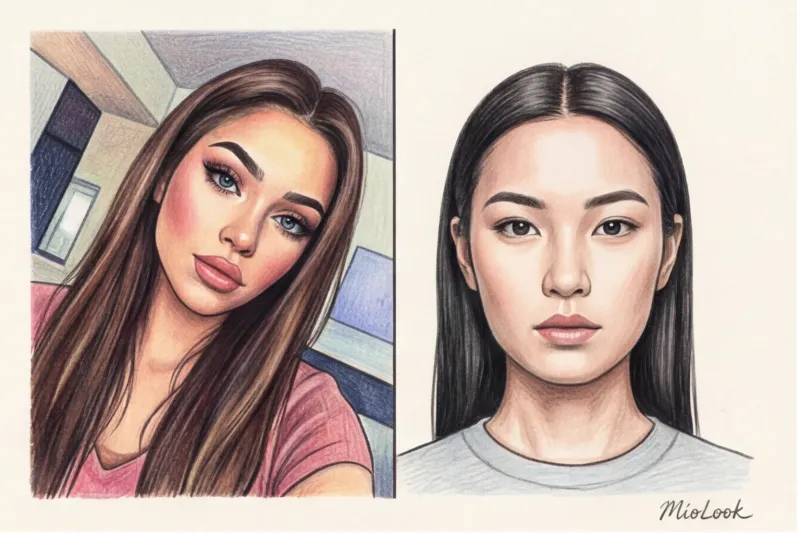
Have you ever wondered why, after AI processing, some photos make you look like a Hollywood star, while in others you look like a Sims character with a disproportionate head? After 12 years of working as a stylist and actively using digital tools, I've realized a paradox: the most beautiful selfie, the one that garners hundreds of likes on social media, is the worst source material for artificial intelligence.
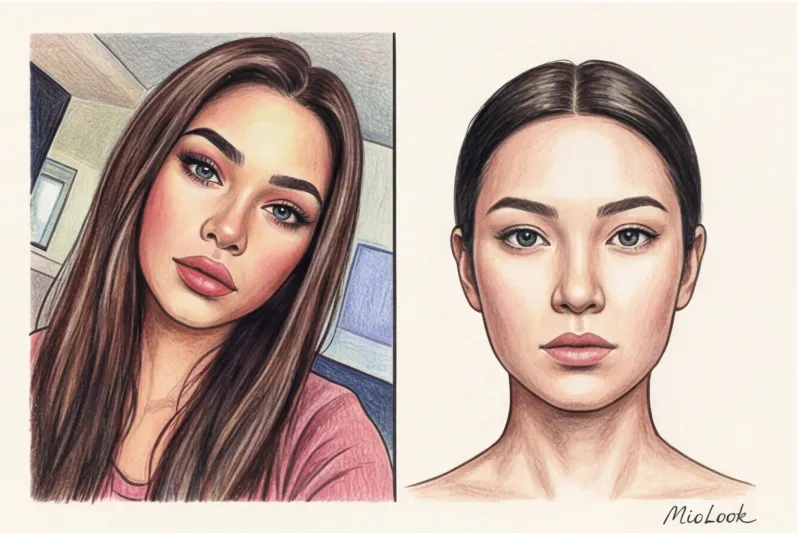
Preparing the right one Photos for online hairstyle try-ons — it's not a matter of aesthetics. It's a matter of feeding pure mathematical data to the algorithm. We discussed the mechanics of these computational errors in more detail in our A complete guide to the challenges of virtual hairstyle try-ons Spoiler: the neural network doesn't see your beauty, it sees vectors, pixels, and contrasts.
Today we'll look at how to take the perfect shot that will allow algorithms MioLook plant a haircut so realistically that even your hairdresser won't notice the trick.
Why a Regular Selfie Breaks Algorithms: An Inside Look
According to a WGSN Tech study (2024), approximately 80% of AI fitting errors are due to poor background contrast and incorrect lighting. Segmentation technology works on the principle of contrast boundaries: it needs to clearly separate your face from the background and, more importantly, from your old hair.
I recently conducted an experiment as part of testing hairstyle selection algorithms I uploaded 50 selfies of myself from different angles. When I intentionally used a photo with a slight tilt of my head (my classic "working side") and a warm Instagram filter, the AI literally "cut off" my cheekbones. The filter softened the natural shadows, and the tilt shifted the axis of symmetry.
The illusion of beautification tricks us into thinking that a smooth, pore-free face will produce the best results. In practice, however, neural networks need honest data. The algorithm must understand the depth of the eye sockets, the prominence of the cheekbones, and the actual volume of the skull.
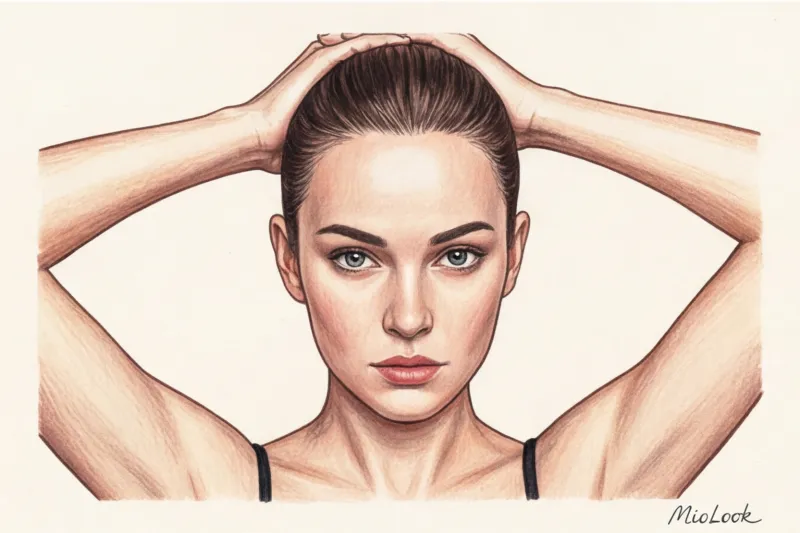
The stylist's main rule: how to prepare your hair for a photo shoot
The most common mistake made by 90% of users is trying to try on a new haircut over loose hair. This physically breaks the logic of the image.
AI doesn't "erase" your old hair. It applies new volume over the existing one. If you leave your hair voluminous, the program will add the volume of your new haircut.
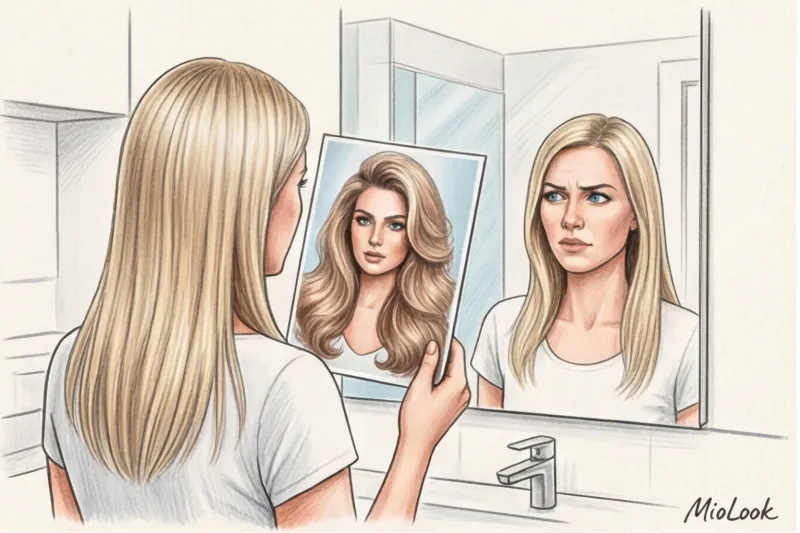
About a month ago, a client contacted me, upset by the app's results. She brought a reference photo where the AI had superimposed a classic bob on her thick, long locks. The result? Her head looked twice its physical size. This is an error that would have cost her between €150 and €300 in a real salon chair if she had actually decided to get a haircut based on this distorted result.
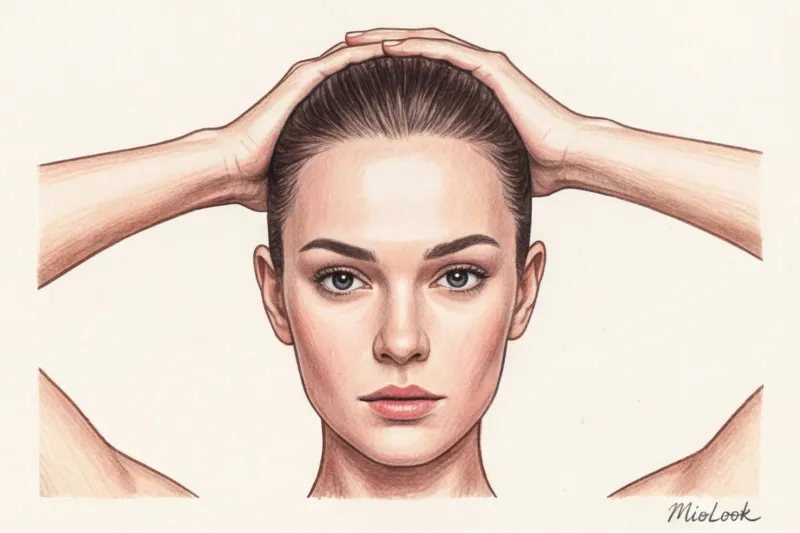
What you need to do:
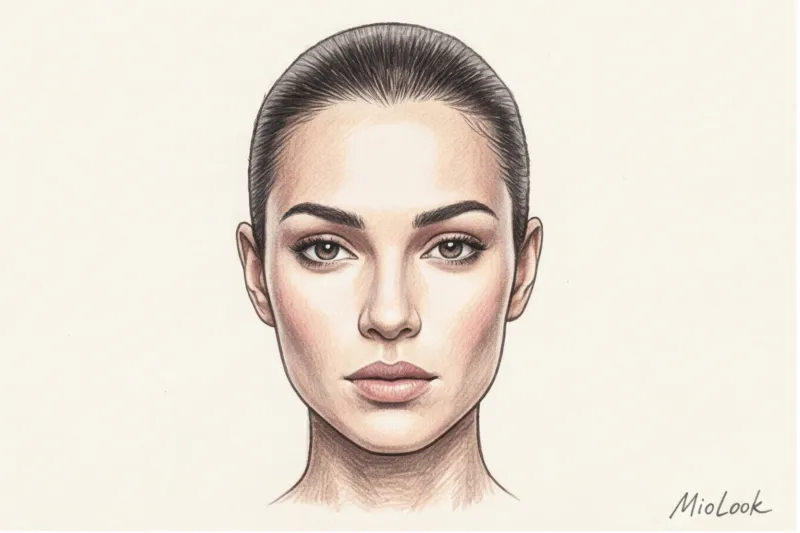
- Gather your hair into a low ponytail or bun as tight and sleek as possible.
- If you have short bangs, secure them back with bobby pins or gel.
- Fully expose the ears and hairline. These are the basic anchor points for the neural network.
Your perfect look starts here
Join thousands of users who look flawless every day with MioLook. Check out new hairstyles before heading to the salon.
Get access — €0.99 onceLight for Computer Vision: Why Ring Lights Don't Work
Now here's a counterintuitive fact: the ring light is your biggest enemy when it comes to creating photos for neural network analysis of appearance Bloggers love shadowless lighting because it blurs wrinkles and dark circles under the eyes. But it's the shadows that really define your shape!
According to technical guidelines from Computer Vision algorithm developers (specifically, MIT CSAIL publications from 2023), the absence of natural shadows on the face reduces the accuracy of depth recognition by more than 30%. AI reads the micro-shadows under the chin, cheekbones, and brow ridges to create a 3D mapping of your face.
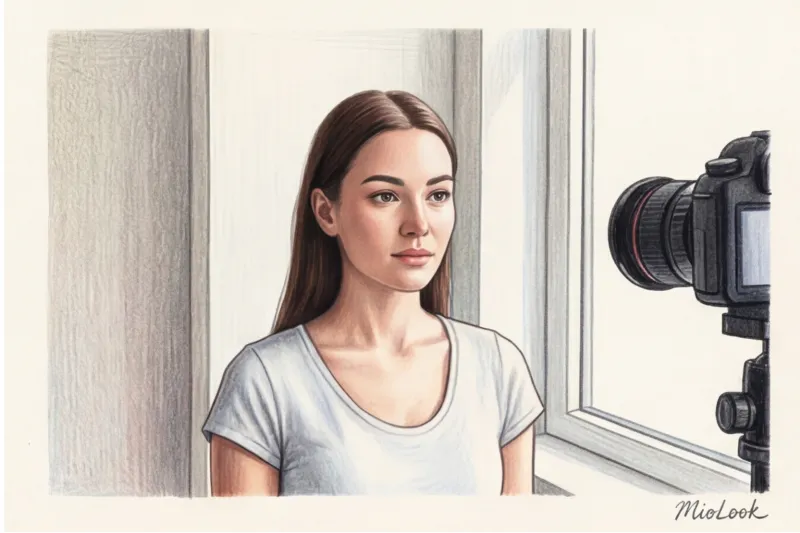
The ideal photo scenario is diffused daylight from a window. Stand facing the window at a distance of about one meter. Make sure your face is not directly exposed to sunlight, as this will create harsh, black shadows that the AI will mistake for clothing or hair.
Angle and Geometry: Taking the Perfect Photo for Online Hairstyle Try-Ons
Forget about the "working side." A virtual try-on requires a strict, full-face view (90 degrees to the camera). A head tilt of just 15 degrees distorts the algorithm's perception of the lower jaw's proportions by 20%. As a result, the chosen haircut will appear asymmetrical.
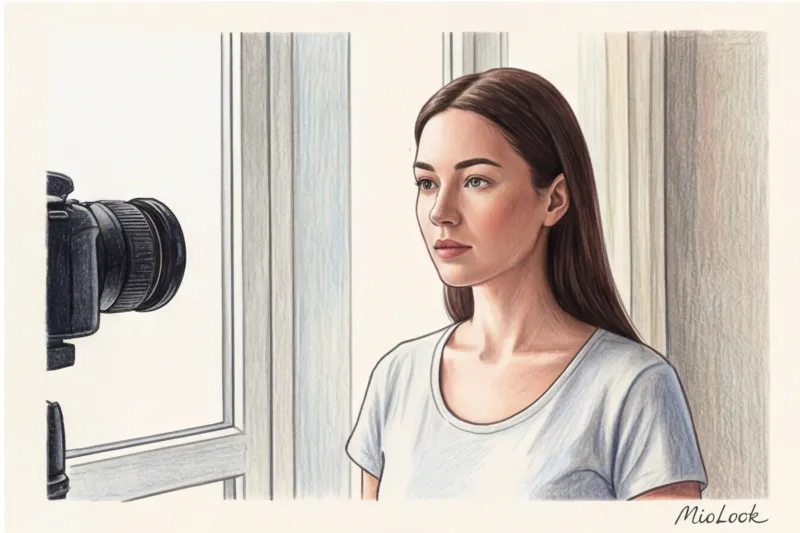
Camera position is critical. Keep the smartphone lens strictly at eye level. Shooting from below artificially adds weight to your chin (and the AI will suggest a bob that will make you look fatter). Shooting from above exaggerates your forehead, causing the neural network to generate overly thick bangs.
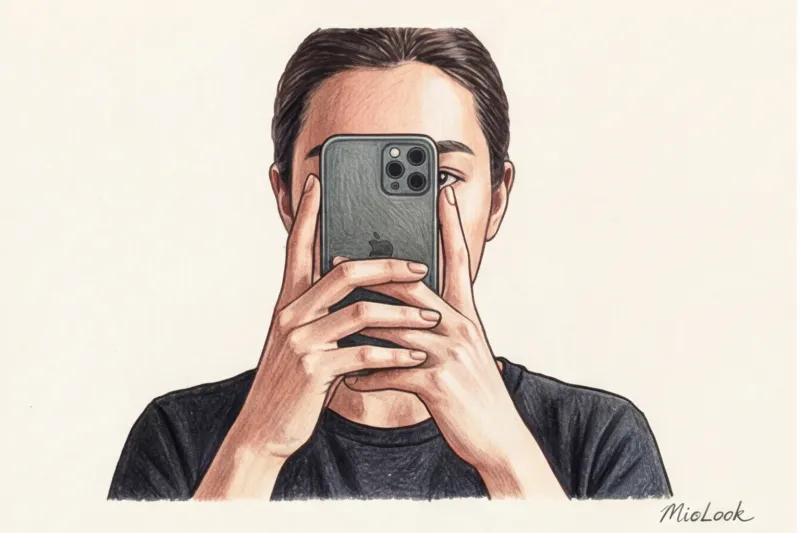
There's another important technical nuance: smartphone lens distortion. Wide-angle cameras with a focal length of less than 50mm significantly stretch the center of the frame. The nose appears larger and the face narrower.
- How to fix it: Never use the 0.5x mode. Hold the phone at arm's length (this will reduce lens distortion), then simply zoom in slightly (crop) on the finished photo so your face occupies the center of the frame.
How makeup affects the results of a virtual try-on
Harsh contouring confuses algorithms. AI can easily mistake a dark line of contouring under the cheekbone for a shadow cast by a new hairstyle or, worse, a part of the hair. My recommendation: use a "no-makeup makeup" approach. Even skin tone, natural brows, and a touch of lip balm. No bold eyeliner or heavy bronzer.
Ready to get started?
Try the free plan—upload your perfect photo and try out dozens of new looks without any commitment or risk.
Get access — €0.99 onceBackground and clothing: helping MioLook AI isolate the important elements
The algorithm can't guess. If your dark hair blends in with a black turtleneck or a colorful rug on the wall, the system sees you as a single, indistinct blob. This "blend" problem is the number one reason why AI can't find the shoulder line and instead draws hair hanging in the air.
The rule of strong contrast applies here. A light, completely monochromatic background is needed, without patterns, textures, switches, or paintings.
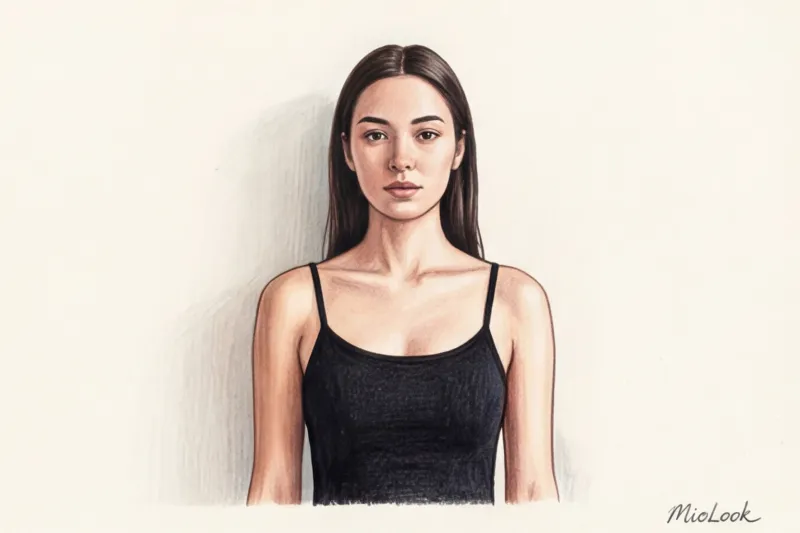
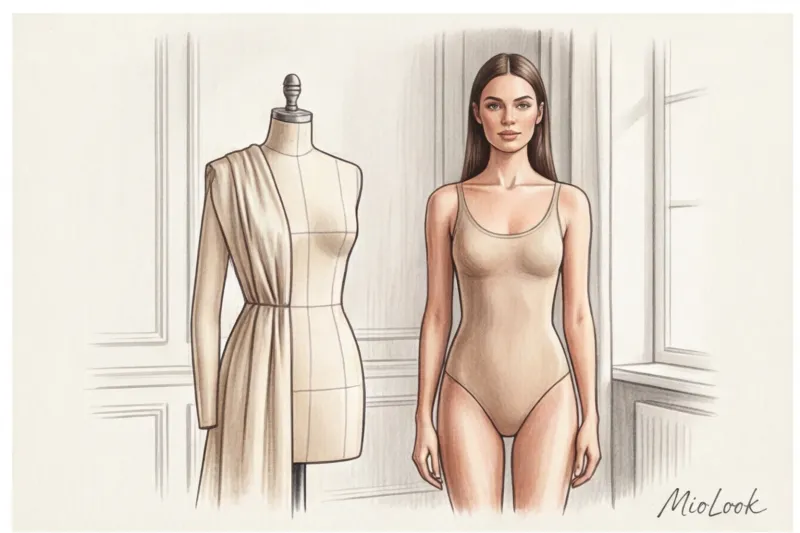
What to wear for photos? Any salon colorist will confirm: to choose the right bob length, you need to look at your neck length. The neural network works the same way. The ideal outfit is a basic spaghetti strap camisole or a bandeau top. An exposed neck and collarbone are critical for trying on medium-length hair, so the ends fall correctly on your shoulders and don't cut into your shirt collar.
Of course, these rules won't work if you have an ultra-short pixie cut—removing the old volume is simply impossible. In this case, MioLook's AI will handle the original hair thanks to its inpainting algorithms, but for those with hair longer than 5 cm, preparation is essential.
Checklist: 5 Steps to the Perfect Source for an AI Stylist
Let's recap. Before we open MioLook and start experimenting with images, check yourself against this short list:
- The hair is pulled back tightly, leaving the ears and hairline completely open.
- You are standing facing the window, with diffused daylight on your face without harsh shadows (no ring lights).
- The smartphone camera is positioned strictly at eye level, and the face is not tilted.
- Behind you is a light, solid-color background that contrasts with the color of your hair.
- You are wearing a top with thin straps, your neck and shoulders are open.
The ideal photo for a neural network is boring and technical, like a passport photo. But it's precisely this that allows the algorithms to work their magic. Provide clean data, and the AI will create beauty and style on its own—with millimeter precision.