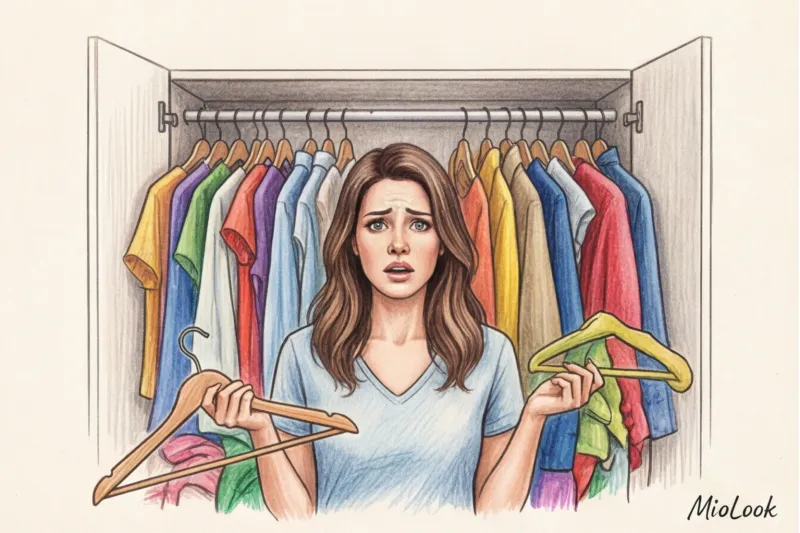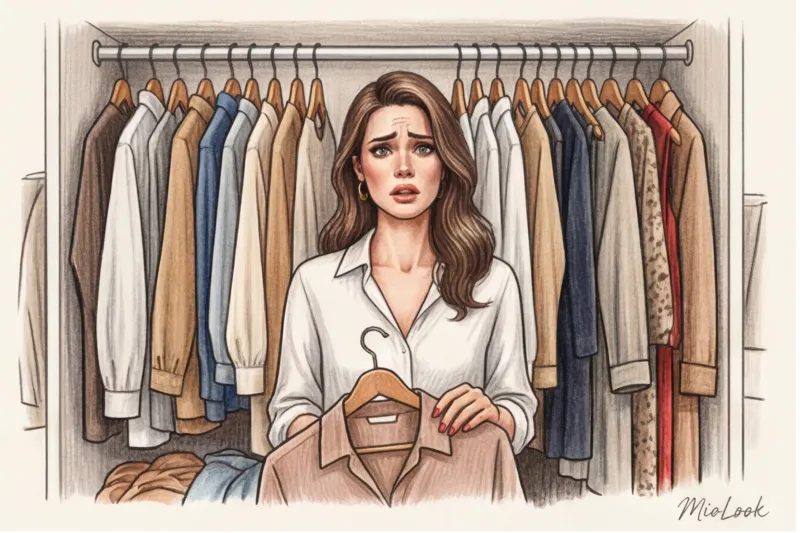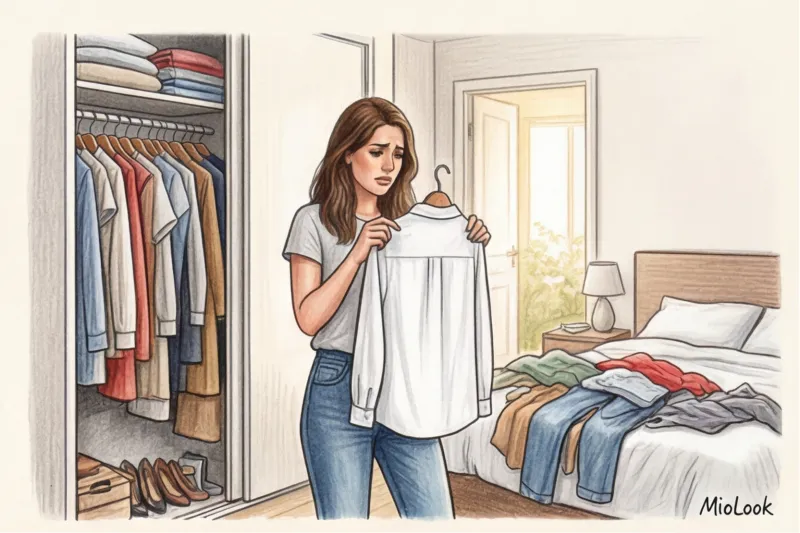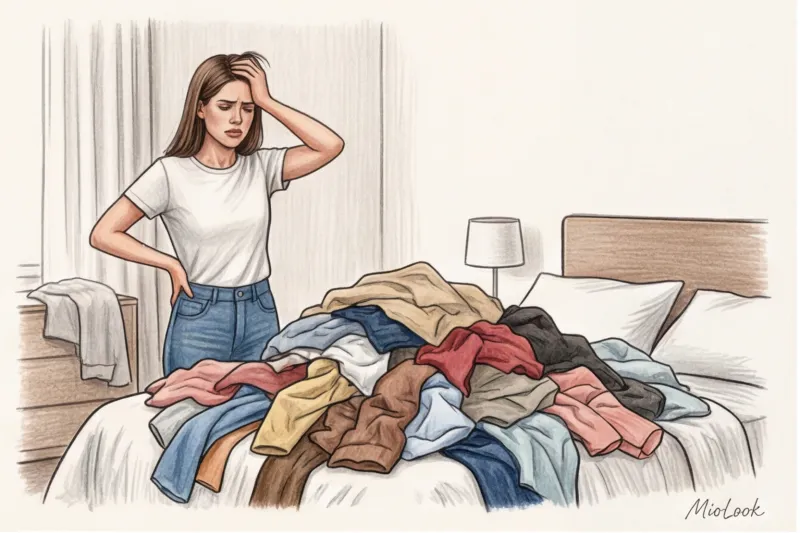
In my 14 years as a personal stylist, I've witnessed the same drama dozens of times. My new client downloads yet another capsule wardrobe app with the firm intention of "decluttering her life." She spends the entire weekend methodically laying out and photographing each of her 200 items on the floor. On Monday morning, she opens the app, sees an endless sheet of T-shirts, pants, and skirts... closes it, and puts on her favorite jeans and gray sweater again. A week later, the app is thrown into the trash.
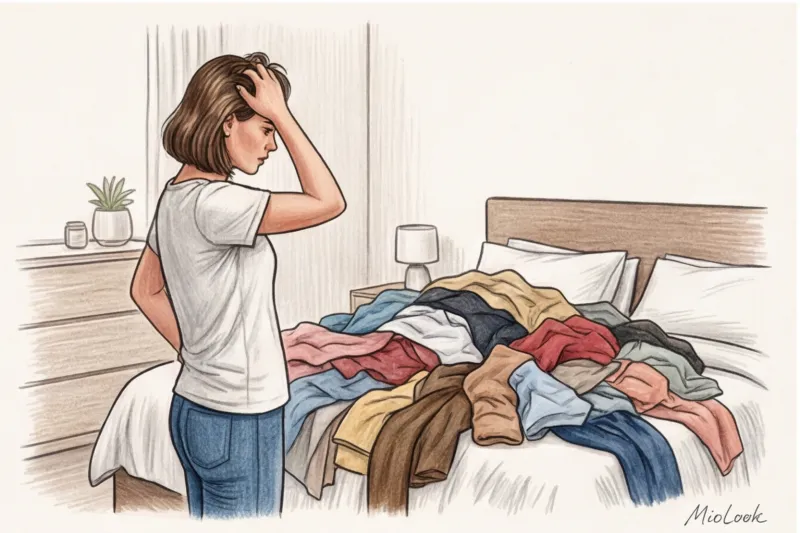
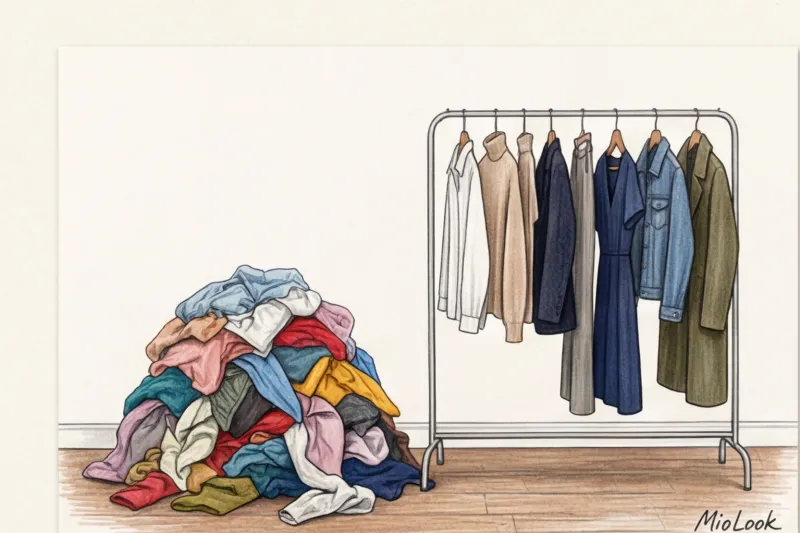
Sound familiar? Let's be honest: digitizing things you don't wear is just digitizing junk. You're transferring visual noise from your physical closet to your digital one.
Instead, I offer my clients a radical, yet effective approach. No need to scan your entire wardrobe. Add in MioLook Just 7 of your favorite things right now, and let artificial intelligence assemble a microcapsule for the next week in 5 minutes. We discussed the concept of this minimalism in more detail in our The complete guide to microcapsule clothing.
Digitizing the entire closet is the biggest mistake beginners make.
Recently, a client named Anna came to see me. She proudly showed me her phone, which was loaded with 184 items of clothing. "Why do you say you have nothing to wear?" I asked. We began sorting through her digital wardrobe. It turned out that 40 items were already too small, about 50 were impulse buys she had no idea how to wear, and another 30 were waiting for a mythical "special occasion."
A WGSN study (2024) confirms the Pareto principle in fashion: most women wear only 20% of their wardrobe 80% of the time. By trying to digitize the remaining 80% of unused items, you're tricking the algorithms. The AI starts suggesting looks featuring that neon-green blouse from 2018 that you've long detested.
"The secret to the perfect smart wardrobe isn't the number of photos you upload, but the quality of your base. Upload only what you feel confident in today."
This rule has its limitations. If your style is a rigid Steve Jobs-style uniform (ten identical turtlenecks), you probably don't need the app at all. But if you love variety, start small.
Why do you really need a capsule-making app?
According to psychologists at Cornell University (2023), an adult makes approximately 35,000 decisions a day. Choosing what to wear in the morning is one of the first decisions to consume your cognitive resources (decision fatigue). An app should alleviate this burden, not serve as a repository of pretty pictures.
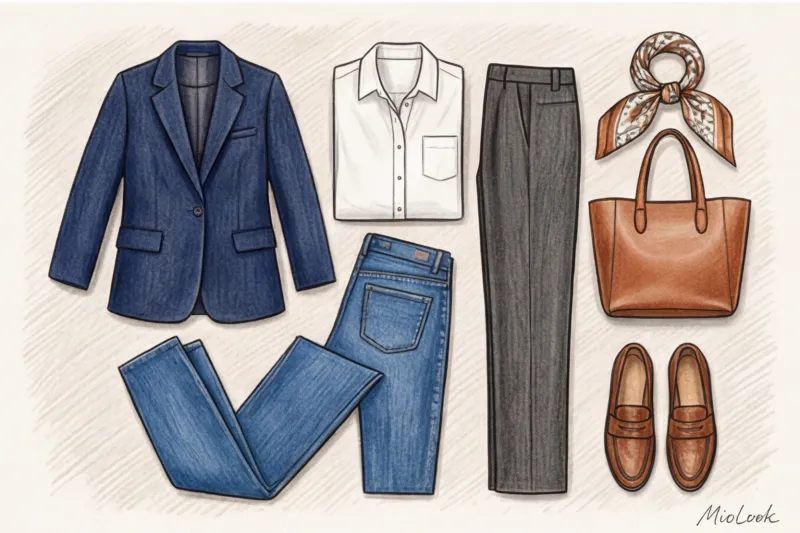
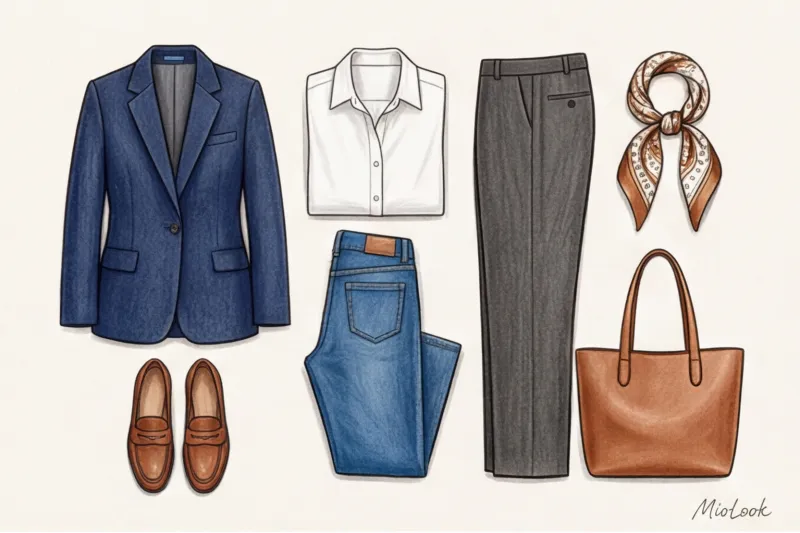
That's why a microcapsule of 5-7 items is the perfect starting point. It limits the choice, but paradoxically increases the number of stylish combinations.
Access to MioLook for €0.99 — one-time payment
A smart AI stylist will select the perfect look for you without having to spend a lot of time mulling over your closet.
Get access — €0.99 onceThe 5-Minute Formula: How to Assemble a Microcapsule in MioLook
My professional trick when putting together a capsule collection for clients is the "anchor" principle. I never start with basic white T-shirts. I take one statement piece and build a story around it. The MioLook algorithm allows you to do the same in just a few minutes.
- Step 1: Choose an “anchor” (1-2 things). It could be a trendy leopard cardigan, a structured menswear jacket from COS, or simply your favorite wide-leg pants you'll never want to take off. Take a photo or upload one from the brand's website.
- Step 2: Add a base (3-4 items). What has stood the test of time: straight jeans, a high-quality basic T-shirt (cotton with a density of at least 180 g/m²), a plain turtleneck.
- Step 3: Shoes (1-2 pairs). Loafers and basic sneakers.
Click the generate button. That's it! You don't have to invent anything. virtual wardrobe for remote work or an office from scratch. The neural network automatically balances volumes (for example, it will suggest a tight turtleneck to go with wide-leg pants) and selects colors that match the temperature.
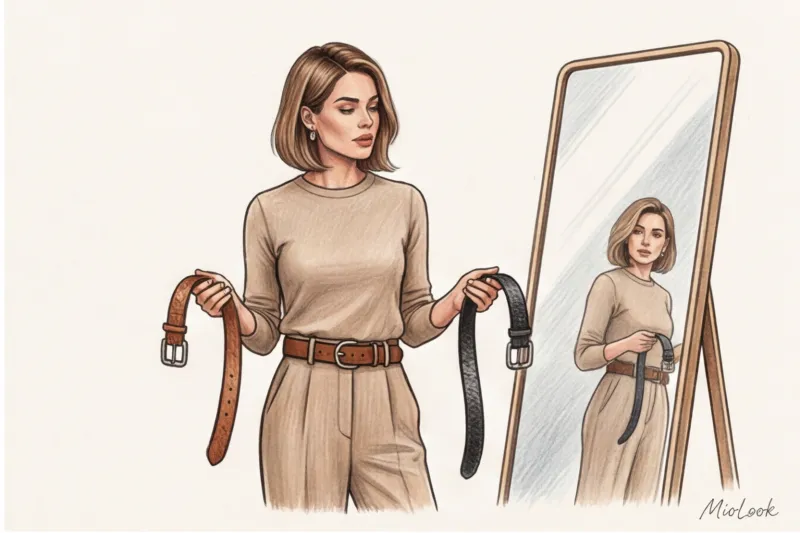
Artificial Intelligence as a Personal Stylist: The Magic of Generation
Many fear that AI will suggest boring, formulaic looks. A counterintuitive insight: machines often think bolder than the tired human brain. We get used to wearing the same jeans with the same sweater—this is called a stylistic pattern. AI is free of these patterns.
How it works MioLook neural network It reads not just the "shirt" category, but also its texture, cut, and undertone. If you upload a silk midi skirt and a voluminous cashmere sweater, the algorithm will suggest pairing them, because contrasting textures (smooth and fluffy) is a basic stylistic technique hardwired into the code.
"The app makes things work for themselves. You'll suddenly discover that the shirt you usually wear buttoned up is now suggested by the AI to be worn unbuttoned over a T-shirt, creating a layered look."
Three scenarios where an AI microcapsule saves the day
Let's look at specific situations from the lives of my clients when the 5-minute generation format works best.
Scenario 1: Workweek with a smart casual dress code
You're juggling Zoom calls with office commutes. You load up a navy blazer from Massimo Dutti, a light blue oversized shirt, a white T-shirt, gray pleated trousers, and straight-leg dark blue jeans. The AI gives you five ready-to-wear looks, from tailored (blazer + shirt + trousers) to relaxed (T-shirt + blazer + jeans).
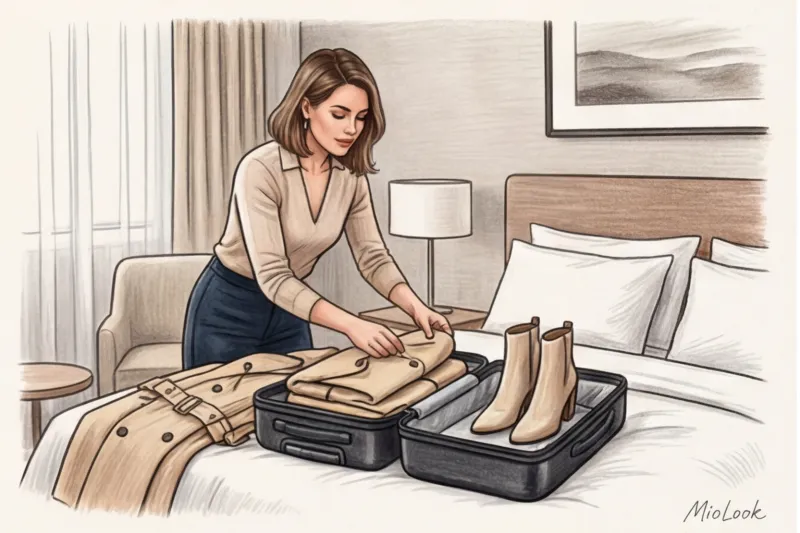
Scenario 2: Business Trip (Carry-on Luggage Only)
Airline restrictions (hello, Ryanair and WizzAir) dictate their own rules. You only pack six items. The AI will show you how to wear a dress with sneakers and a cardigan during the day, and then, in the evening, by removing the cardigan and swapping the sneakers for ankle boots (the ones you wore on the flight), you'll get a look perfect for dinner with your partners.
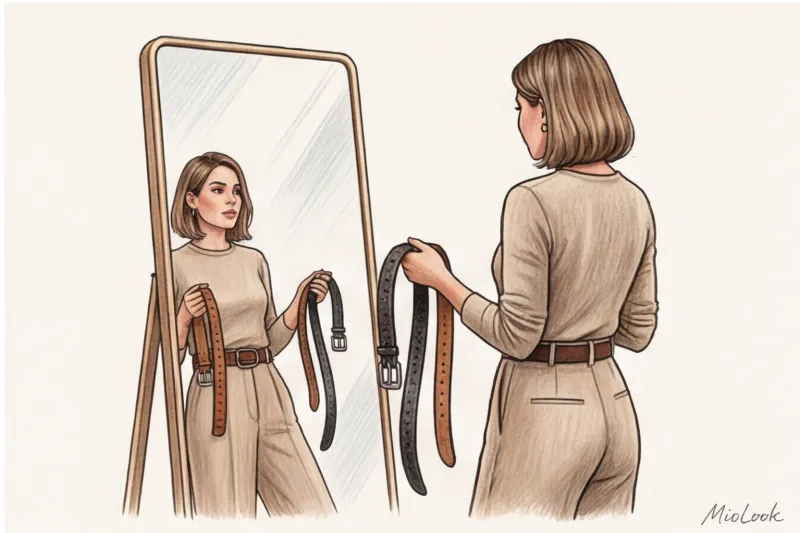
Scenario 3: Off-season and temperature fluctuations
When it's +5°C in the morning and +18°C during the day, all you need to do is upload a trench coat, a thin sweater, and a long-sleeved top into the app. The algorithm will generate layering patterns where you can throw the sweater over the trench coat when it gets warmer.
Your perfect look starts here
Join thousands of users who look flawless every day with MioLook. Create your first capsule in 5 minutes.
Get access — €0.99 onceSmart Shopping: How an App Protects You from Impulse Buying
One of the most powerful tools in the capsule app is its protection against mindless spending. Before buying a new item, take a screenshot of it from the store's website and add it to your current microcapsule in MioLook.
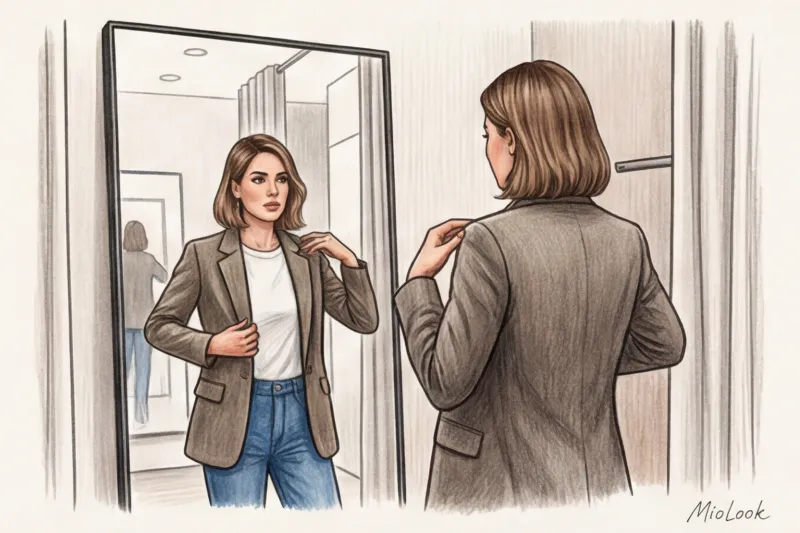
There's an ironclad rule in styling: if a new item doesn't create at least three new looks with your current base, we leave it in the store. This is a great way to spend wardrobe analysis on viability.
Let's do some math and calculate Cost Per Wear:
- Option A: A statement sequin top for €40. You'll wear it twice (to a party and a birthday party). The AI won't be able to fit it into your everyday looks. Cost per item: 20 €.
- Option B: A high-quality wool jacket for €200. The AI creates 12 different looks for work, walks, and meetings. You'll wear it at least 40 times per season. Cost per item: 5 €.
The magic is that the app clearly shows you these 12 looks with the jacket EVEN BEFORE you put your card to the terminal.
Checklist: Your First Microcapsule for the Week Ahead
Enough reading, let's take action. Right now, without putting it off until the weekend, do the following:
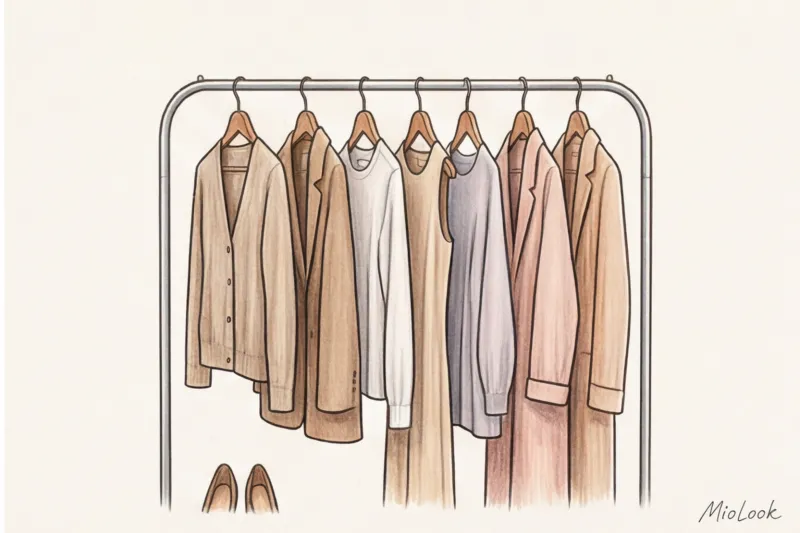
- Download MioLook and open the generation function.
- Take a photo (or find a photo online) of 1 of your favorite pants or jeans that fit you well.
- Add 2-3 tops (eg a white shirt, a basic black turtleneck, a printed t-shirt).
- Add 1 second layer (jacket, thick cardigan or corduroy shirt).
- Add 1-2 pairs of trendy shoes.
- Click the button and save your top 5 combinations for the work week.
Stop trying to digitize your past by storing dusty items on shelves. Start managing your style in the present. The secret to a perfect wardrobe isn't having too many clothes, but rather having your pieces work for you every day without unnecessary morning stress.