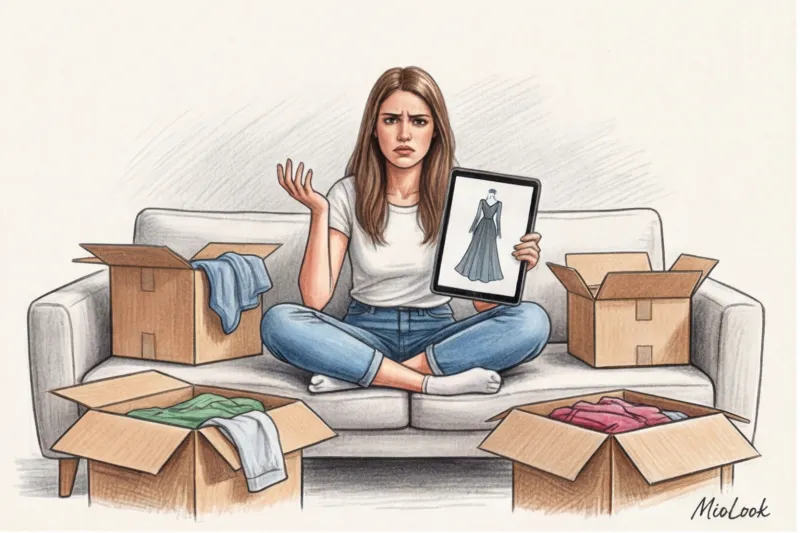

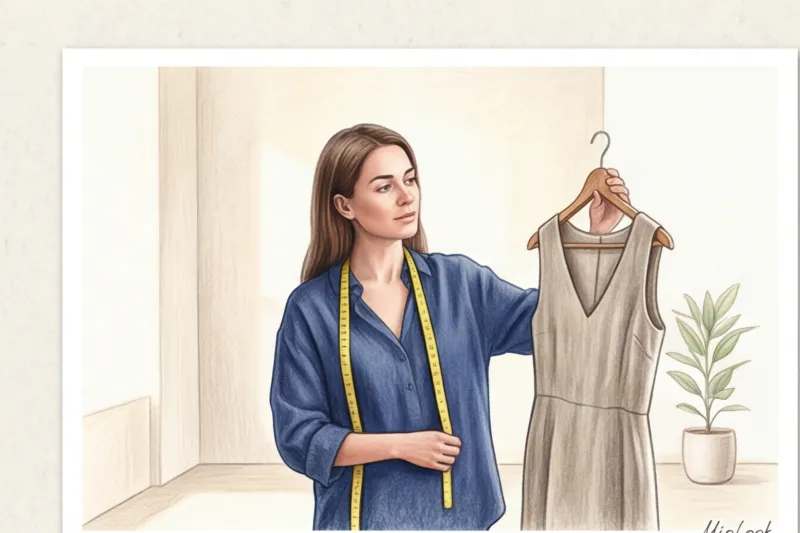
Last week, my client Anna sent me a screenshot in tears—from both laughter and despair. She'd tried on a luxurious silk slip dress through an app, uploading a selfie she'd quickly snapped in an elevator mirror. The result? The neural network had stretched her hips to Kim Kardashian proportions and literally "fused" her right arm into the virtual fabric. Anna was genuinely convinced she had some kind of "non-standard" figure, but the real problem lay elsewhere. The problem was the photo itself.
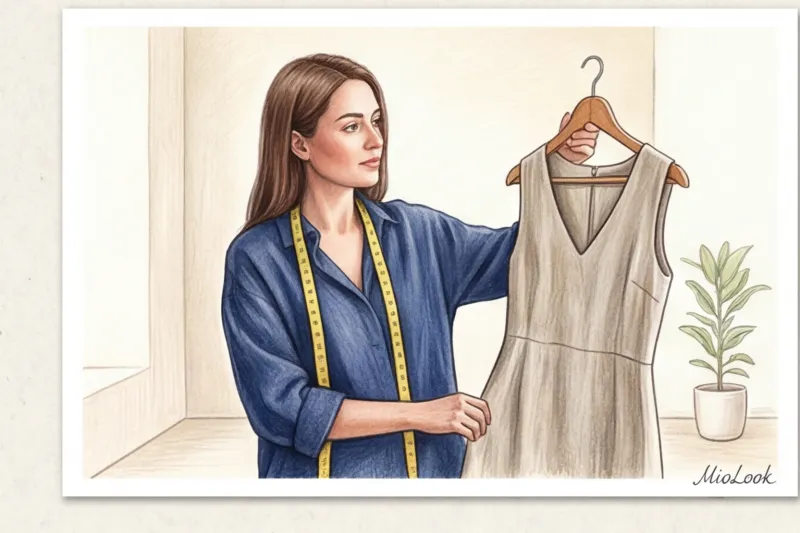
Today, every second client of mine asks, How to try on clothes from a photo and avoid an endless stream of returns in online stores. We expect algorithms to work magic, but artificial intelligence isn't a wizard; it's pure mathematics. It needs the right "canvas." Without it, even the most advanced neural network will produce distorted results. We've already covered how these technologies are developing and why they're the future of shopping in our article. a complete guide to virtual clothing fitting , and today I propose focusing on the purely practical side of the issue: how to make these algorithms work for your wardrobe, and not against it.
Why size charts are misleading, and virtual clothing fittings are a game changer
After 14 years of sorting through wardrobes, I've learned one hard and fast rule: the size on the tag is a fiction. You've probably noticed that a size M at Zara feels tight, while the same M at Massimo Dutti or COS is often frankly too big. The reason lies in the patterns and the quality of the materials. A basic white T-shirt in a size M from a mass-market store is often made of thin 120 g/m² cotton with minimal ease. The same size in the premium segment is made of heavyweight cotton (180 g/m²) with 5% elastane and a completely different, more relaxed fit.
And herein lies the main pitfall of classic online shopping: flat catalog photos. Shoppers see the impeccable fit of a jacket on the model, unaware that the fabric is expertly pinned in place at the back with dozens of hidden clothespins. We buy into the illusion, time and time again.
According to the McKinsey State of Fashion (2024) report, up to 70% of all e-commerce returns are due to unmet fit expectations. This is why the fashion industry is rapidly shifting from 2D photographs to algorithmic 3D mapping. High-quality virtual fittings analyze your body's depth map and "stretch" digital fabric polygons to your actual measurements. This not only saves brands huge amounts of money on logistics but also your time, stress, and self-esteem.
A Stylist's Secret: How to Prepare the Perfect Photo for a Neural Network
The most common question I get from new clients is: "Olena, what photo should I upload? I have a great photo from my vacation in Bali, will that do?" My answer always leaves me slightly disappointed. The most beautiful, vibrant photo from your smartphone is the worst choice for artificial intelligence.
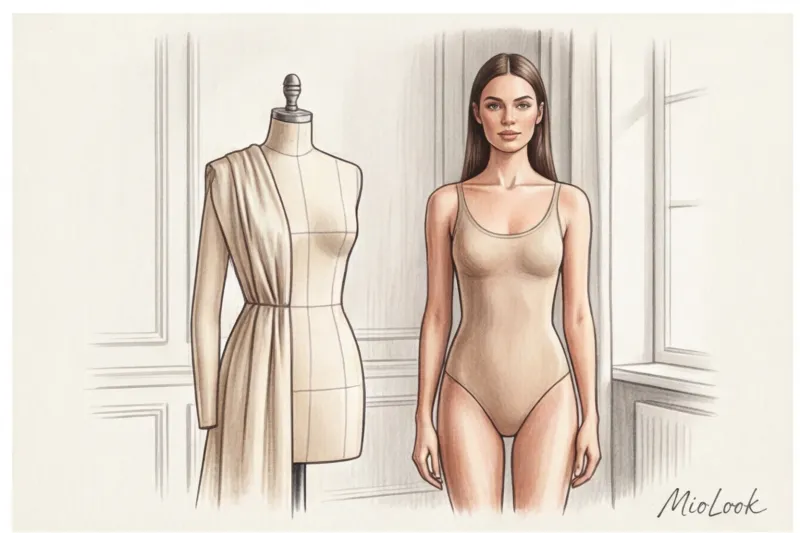
The ideal photo for a virtual try-on should be incredibly boring. No posing, graceful legs, complicated angles, or flirtatious head turns. Treat it strictly as a technical passport photo for your body.
To prepare this article, I spent a month testing 15 different virtual fitting algorithms. My main conclusion: neural networks are extremely lazy and straightforward. They require an absolute contrast between your silhouette and the background. If you take a photo in black leggings against a dark sofa, the algorithm will instantly "sew" a piece of velour upholstery to your thigh, and any virtual dress will fit awry.
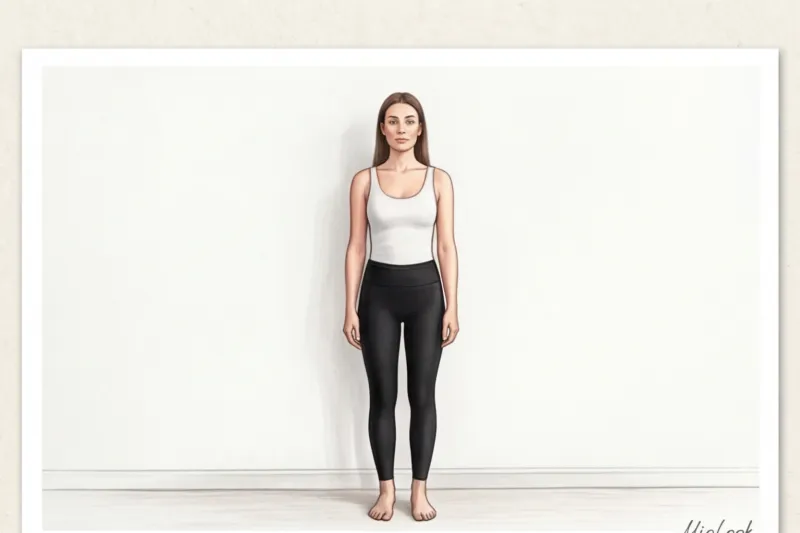
Lighting and Background: Creating a Blank Canvas
Light is everything. Stand facing a window during daylight hours. The source of soft natural light should be directly in front of you. Forget about artistic side lighting or backlighting. Computer vision algorithms often interpret harsh side shadows as anatomical depressions or deep folds in the body.
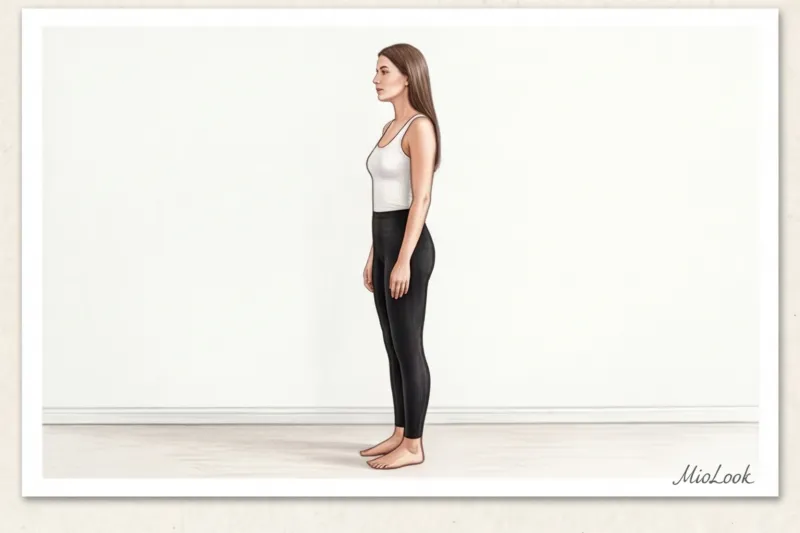
Choose a minimalist background. A plain, light-colored wall without interior doors, baseboards, electrical outlets, paintings, or protruding leaves from houseplants. The less visual clutter in the frame, the more accurately the neural network will determine your true physical boundaries.
Camera Angle: The Mathematics of Proportions
This is a critical technical detail that 99% of users forget. Your smartphone camera should be positioned exactly at stomach or chest level. A tilt of just 15 degrees up or down distorts the neural network's perception of height by 5–7 centimeters.
The problem is that smartphone lenses are wide-angle. If you shoot yourself from below (as many people like to do to visually elongate their legs), the perspective is mercilessly distorted: your hips become massive, and your shoulders become comically narrow. Computer vision reads this distorted map and creates a 3D model of you with a gigantic pelvis. As a result, your virtual pants will always appear tight. Place your phone on a tripod or a level shelf so that the tilt angle is exactly 0 degrees. The frame should fit your entire body from head to toe, with a little extra space above and below.
What to wear for photos: base layer
Forget jeans and loose t-shirts. Your base layer for technical photography should fit like a second skin. Cycling shorts or leggings paired with a tight-fitting top are ideal.
Be sure to pull your hair back into a sleek bun at the nape of your neck. Loose locks draped over your shoulders immediately confuse the algorithm: the neural network simply can't figure out how to "fit" a tailored English jacket collar over your voluminous hairstyle, resulting in the collar flopping and distorting. It's best to take photos barefoot or in smooth pumps without straps or unnecessary embellishments.
How to Try on Clothes from a Photo: A Step-by-Step Guide to Avoiding Errors
Once the perfect digital canvas is ready, the fun part begins. The process is similar on most platforms, but the devil, as always, is in the details.
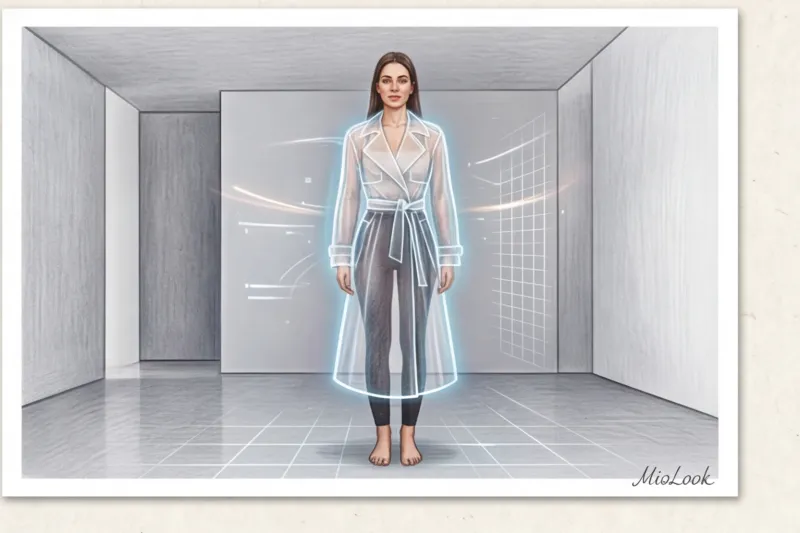
Step one: When uploading a photo, always enter your honest measurements (height, bust, waist, and hips). Don't flatter yourself. The algorithm uses the photo only to calculate proportions, and centimeters are needed for precise scaling of the garment. Step two: If the service offers a choice of fit modes (Slim, Regular, Oversize), be sure to test the item in different variations to understand the designer's intentions.
And now my secret stylist's life hack. How can you tell from a flat picture that a garment will be too small in real life? Pay close attention to the "virtual tension." In 3D modeling, algorithms read depth maps. If you see characteristic horizontal creases or rays in areas of excessive tension (usually the bust line, the crotch of trousers, or the area around the buttons of a jacket), it means the garment will tug and restrict movement in real life. Be sure to check the shoulder seam: it should sit squarely on your anatomical bone, not slip down, unless the cut is designed with a dropped shoulder.
Access to MioLook for €0.99 — one-time payment
A smart AI stylist will select the perfect look based on your individual parameters.
Get access — €0.99 onceWhat fabrics and styles does the AI currently "reproach"?
I'm all for honesty with my readers: virtual fitting technologies have made huge strides in the last couple of years, but they're still not flawless. Artificial intelligence's main enemy today is the complex physics of non-standard fabrics.
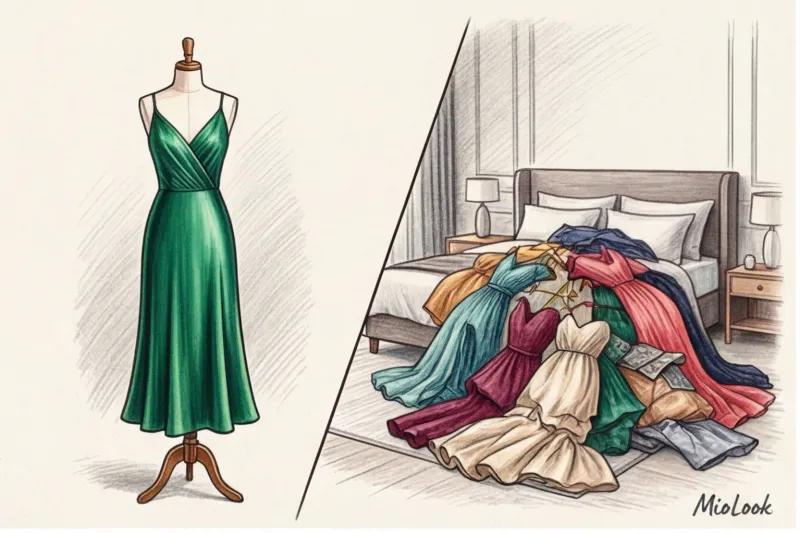
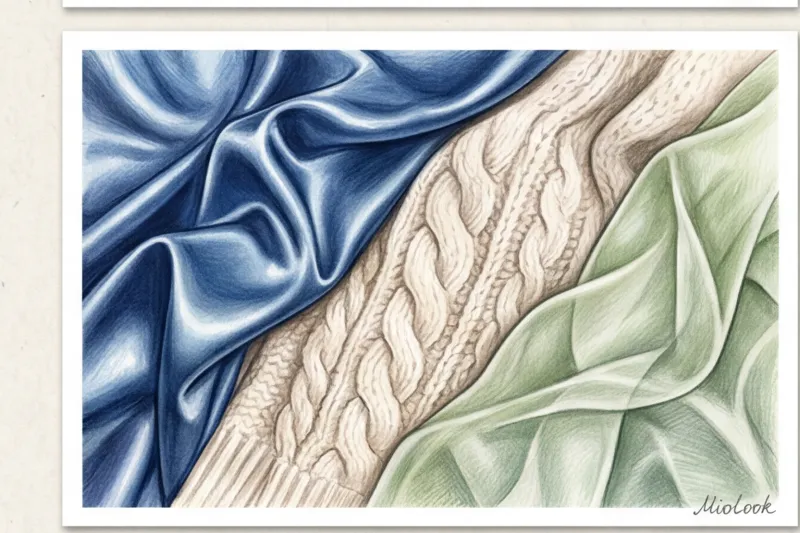
Algorithms have an incredibly difficult time accurately simulating flowing, weightless materials. Natural silk, chiffon, and fine viscose often look like pieces of hard plastic or starched cardboard in virtual renderings. One of my regular clients, Marina, once flatly refused to buy a stunning 100% silk slip dress because it looked stiff on the screen. I had to persuade her to order the item for a real-life fitting—and in person, the dress fit flawlessly, softly and delicately enveloping her figure.
The AI also regularly stumbles over complex cuts: asymmetry, an abundance of intricate architectural draping, and massive ruffles. Another serious blind spot is chunky knits and dense, bulky jerseys. The program can incorrectly calculate the yarn thickness and visually add a few extra pounds of bulk that don't actually exist.
Common Mistakes: Why the Virtual Image Doesn't Match Reality
Even if the service performed flawlessly, the final result after delivery may disappoint you. Why does this happen, and how can you avoid it?
The first and most absurd mistake is ignoring the "underlayer." You wouldn't believe how often women try on a delicate summer sundress with thin straps virtually, uploading a photo of themselves wearing a thick winter sweater. The program faithfully stretches thin silk over bulky wool, irrevocably distorting any reasonable proportions.
The second problem is blind faith in color. As researchers at the global trend bureau WGSN (2023) note, the color rendering of 80% of mobile screens significantly distorts the actual shades of fabrics. A neural network will overlay the correct color, but your display will show it a couple of shades warmer or cooler. A virtual fitting room will never accurately answer the question of whether a particular shade makes your face look tired. Only knowledge of your own palette will save you here. If you're unsure about your choice, check out our detailed article about 12 Color Types and a Palette Guide.
Finally, we often forget about dynamism. Clothes live in motion. A luxurious, tight pencil skirt may look incredibly classy and beautiful in a static 3D render, but the algorithm won't tell you that due to the lack of the right vent, you won't even be able to climb the office stairs in it.
Your perfect look starts here
Join thousands of users who look flawless every day with MioLook. Start creating a smart, error-free wardrobe.
Get access — €0.99 onceStylist Checklist: 5 Questions to Ask Before Adding to Cart
To transform virtual clothing try-ons from a fun pastime into a truly effective budget-saving tool, I recommend my clients run every successful render through a short, common-sense filter. Before clicking that coveted "Buy" button, honestly answer these five questions:
- Does the shoulder line in the photo match my anatomical line? If the shoulder seam treacherously slips down (and this is not intended as oversized), the item is guaranteed to make you look slouched and throw off your proportions.
- Does the item create extra volume in the stomach or hip area? Pay special attention to wide-leg trousers with pleats at the waist—AI often "smooths" them out in photos, but in real life, the dense fabric can add unnecessary bulk.
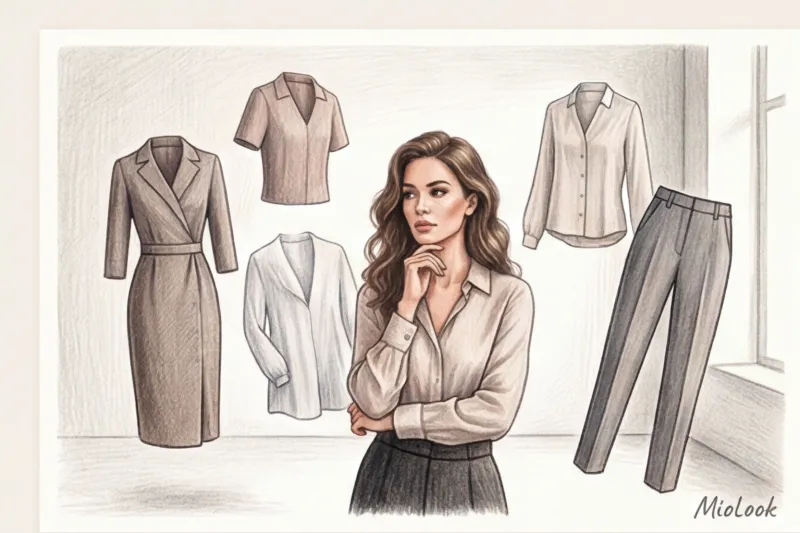
- Does this item fit into my current capsule? What three specific items from your closet will you wear this blouse with tomorrow? Learn more about pairing rules in our guide. on creating a capsule wardrobe.
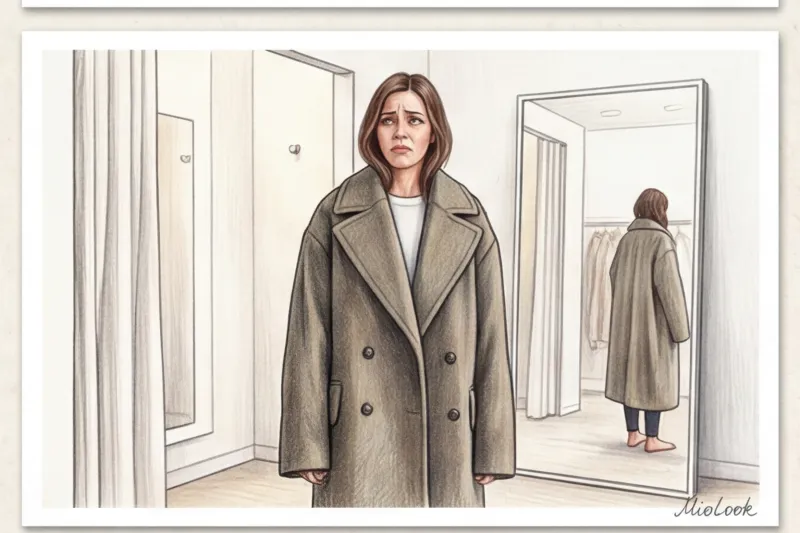
- Is the length of the product suitable for my height? Neural networks often adapt the length to your photo, but in reality, a midi-length skirt made for a 175 cm tall model will turn into a full-length maxi if your height is around 160 cm.
- Am I willing to wear this item with the underwear it requires? I've seen dozens of cases where women bought backless tops inspired by a picture, and then these items hung in their closets for years. AI won't warn you that you'll need a special strapless bra or kinesiology tape to go with this outfit.

To summarize, I want to emphasize the main point: modern technology is an amazing, powerful assistant, but it will never replace your taste, knowledge of your body, and common sense. Invest just 15 minutes of your time in creating the perfect, boring technical photo—that perfect "digital canvas." Then, neural networks will cease to be just a trendy toy and will transform into your personal pocket assistant, truly protecting you from impulse purchases and disappointment when receiving packages.