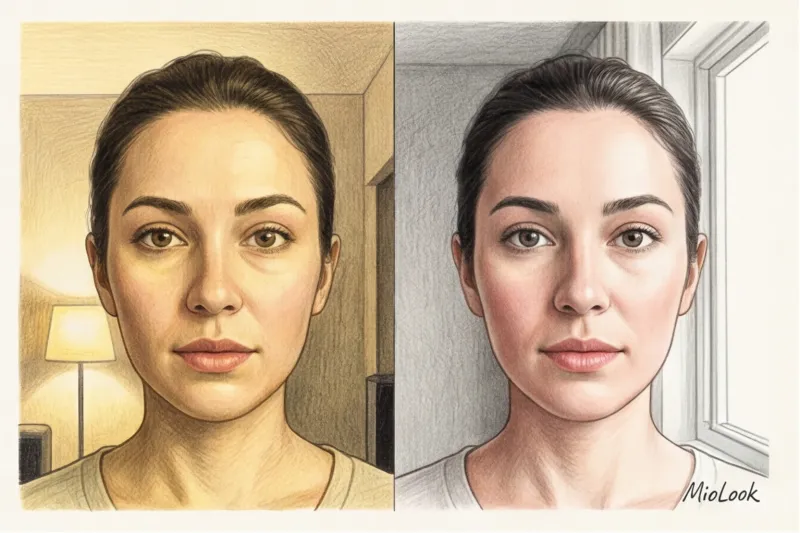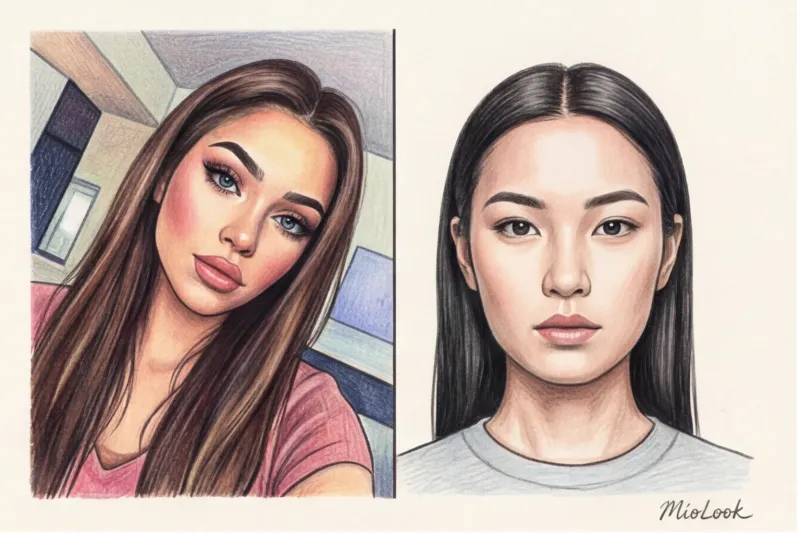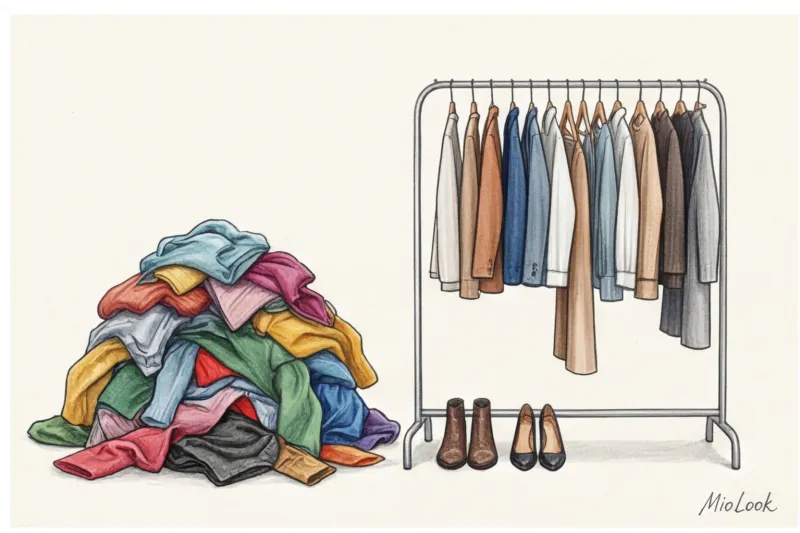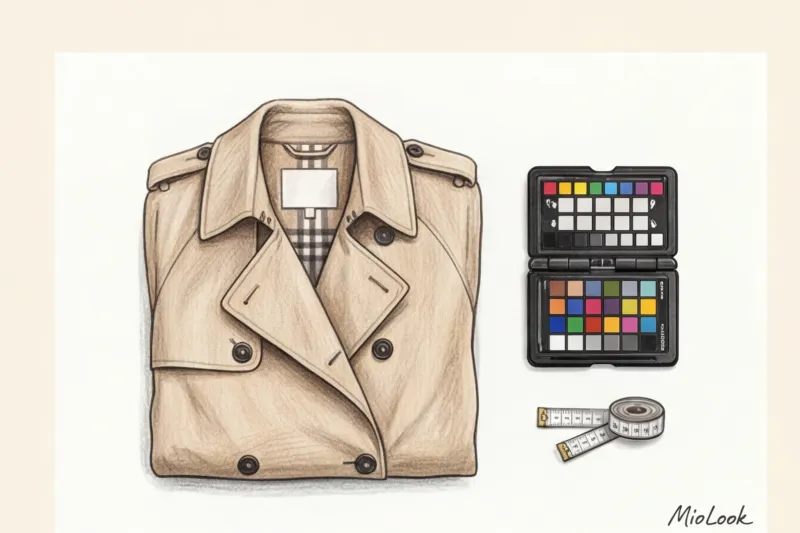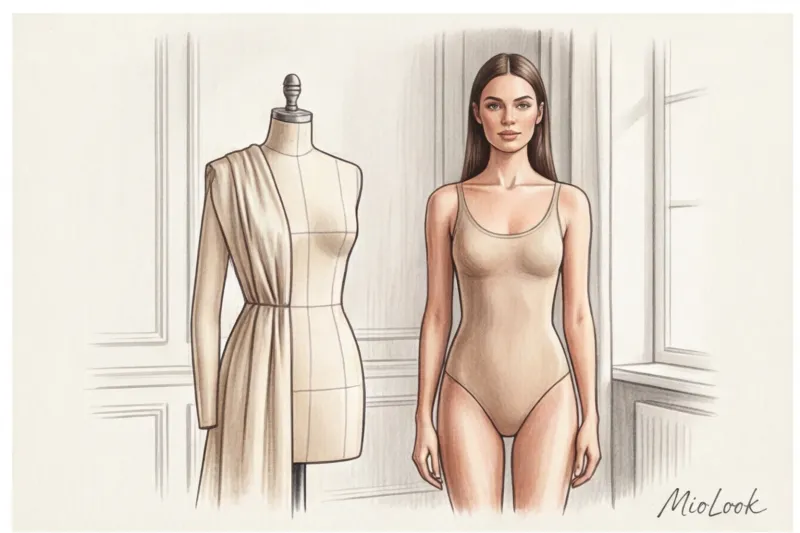
Do you know why, after three months of rigorous Pilates and a carefully considered diet, you might look wider in photos than before? Spoiler: it's not water retention or "heavy bones." It's the merciless laws of optics. The angle of your smartphone camera can change your figure more than any diet.
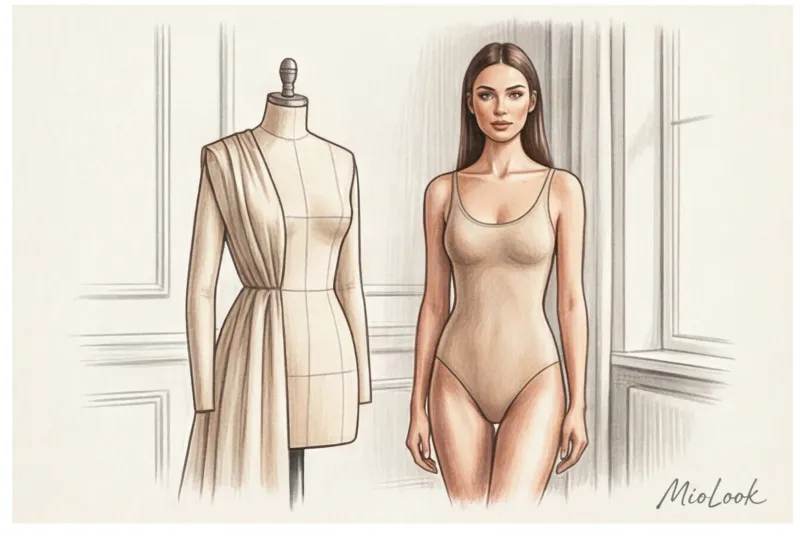
As an image consultant, I constantly encounter women who hate their photos. Now imagine uploading such a distorted image into a neural network. Artificial intelligence, without blinking a digital eye, interprets these distorted proportions as the truth. The result? The virtual fitting room produces an image that makes you look fat or makes your legs look disproportionately short.
We talked about the technology itself and its capabilities in more detail in our A complete guide to virtual photo try-ons at MioLook But today we'll talk about the fundamentals. I'll explain the physics and logic behind AI so you can understand. How to take a photo for a virtual fitting so that the neural network can fit the item with the precision of an experienced tailor.
Why Your Photo Is the Foundation for an AI Stylist
Let's quickly forget about the old AR masks from social media, which simply overlaid a flat image of a T-shirt over your silhouette, like paper clothes on a doll. Modern generative networks, like MioLook, operate using the principles of computer vision and 3D body mapping.
For a neural network, your photo isn't just a bunch of pixels. It's a complex "depth map." The algorithm searches for hundreds of anatomical markers: the shoulder drop, the curve of the hip, the precise length of the torso. According to MIT CSAIL research in tissue modeling (2023), it's the body's microrelief that allows the algorithm to calculate the physics of the material. Tweed should hold a rigid shape on your shoulders, while silk should flow along the curves of your waist.
"Just as it's impossible for a tailor to sew a perfect suit based on measurements taken by eye, it's impossible for a neural network to create a realistic fitting based on a distorted photo. Your original image is your digital mannequin."
If you slouch, the AI will create a jacket with creases in the back. If you stand half-turned, the algorithm won't understand the symmetry of your figure. Therefore, you need to approach the creation of the initial design with the same meticulousness you would apply to choosing a basic wardrobe.
The Biggest Mistake: How Angle Breaks Proportions (and How to Take the Right Photo for a Virtual Fitting)
Last week, my client Anna sent me an angry message: "Your AI stylist hates me! I look like a gnome in these pants." I asked to see the original photo. It turned out her husband had taken the picture. He, who is 185 cm tall, photographed Anna (162 cm) from his eye level, meaning from above.
What happened from a physics perspective? The standard camera on a modern smartphone is equipped with a wide-angle lens with a focal length of 24-28 mm. The main tricky thing about these lenses is that they visually enlarge objects in the foreground by 15-20% and make the background appear farther away.
Shooting from a top-down perspective results in a huge head, broad shoulders, and tiny, short legs. Shooting from a bottom-up perspective results in endless legs (which influencers love), but a massive chin and heavy hips. AI doesn't need either.
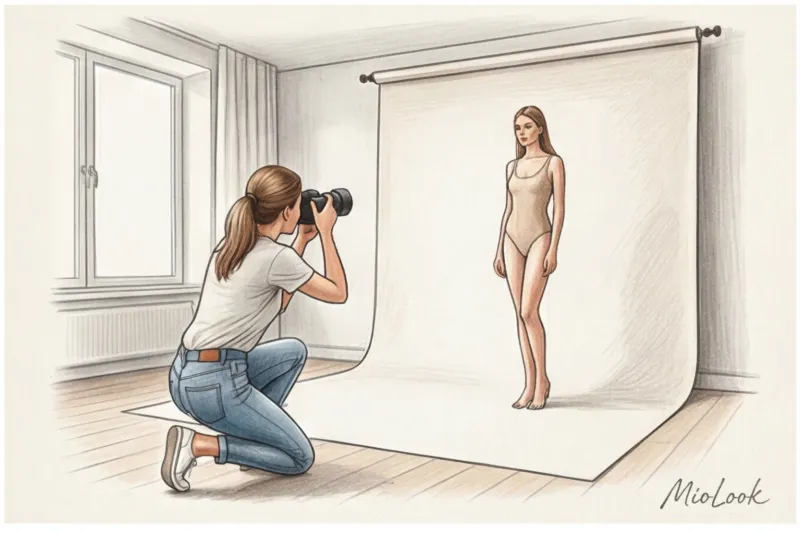
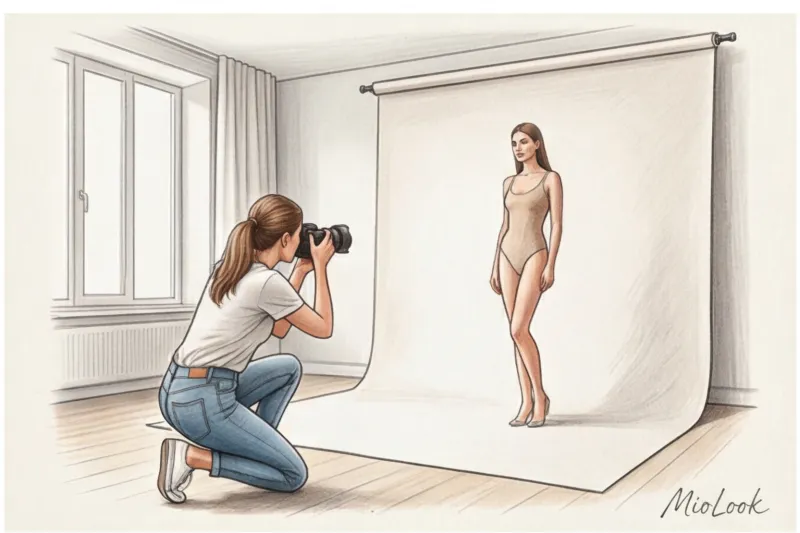
The golden rule of angle:
- Waist level: The camera lens should be positioned exactly at the level of your belly button (or slightly higher, at your waistline). Only this point ensures zero perspective distortion of your figure.
- Distance: Stand 2–2.5 meters away from the camera. If you stand closer than 1.5 meters, a wide-angle lens will inevitably widen your hips or shoulders (the "fisheye effect," even if it's not visually obvious).
- Vertical: The phone should be strictly perpendicular to the floor, without tilting towards or away from you.
Access to MioLook for €0.99 — one-time payment
A smart AI stylist will select the perfect look based on your actual proportions.
Get access — €0.99 onceWhy Mirror Selfies Are the Worst for AI
I understand that taking a photo of yourself in the mirror is the fastest way. But it doesn't work for virtual fittings, and here's why:
- Asymmetry: Raising your hand while holding your phone disrupts the line of your shoulders. AI won't be able to evenly adjust the collar of your jacket or the neckline of your dress.
- Blind spots: The phone covers the most important areas—the chest and waist. The neural network simply has no space to "fit" the central part of the garment.
- Glare: The reflection of a flash or room light in a mirror destroys the shadow map of your body, turning a three-dimensional figure into a flat spot.
What to wear to create your "digital avatar"
This is where the biggest misconception lies. I often hear from clients: "Since this is a virtual fitting room, the algorithm must be able to see my body. I'll take a picture in a swimsuit!"
It's counterintuitive, but bare skin is the enemy of generative networks Human skin (especially with lotion or natural lipid layer) exhibits strong glare. In room lighting, these highlights flatten the frame. AI is much better at recognizing anatomy and body volume using matte fabric with a distinct texture.
As a colorist, I have to warn you about color: avoid all-black. Black fabric absorbs light, killing shadows and penumbra. In a photo of you wearing black leggings, the algorithm won't see your legs, but just a dark silhouette with no definition at the knees or calves. Pure white is also dangerous—it can overexpose the frame and make you blend in with the wall.
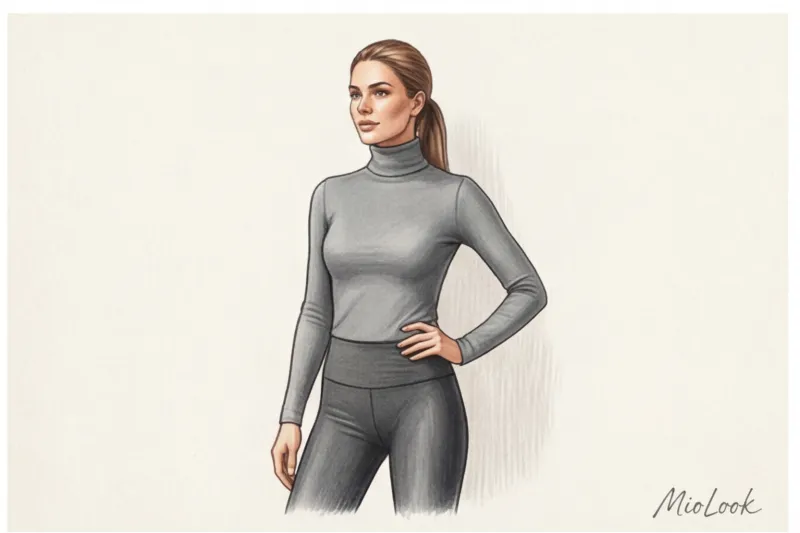
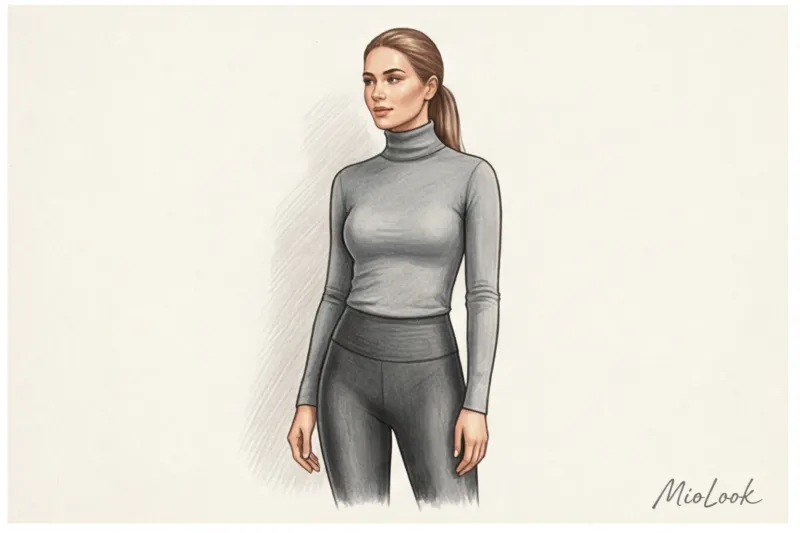
Ideal uniform for generation:
- Smooth, matte leggings or cycling shorts (without ribbing or bulky seams).
- A fitted long sleeve, turtleneck or basic T-shirt that fits your figure.
- Color palette: neutral gray, beige, muted khaki, or dusty pink. These shades best convey the play of light and shadow.
Clothes that are guaranteed to ruin the result
Of course, this advice doesn't work if you're trying to take a photo wearing a shapewear corset—the neural network will create patterns with compressed proportions, and the garment won't fit you in real life. But there are other stop markers:
- Oversized hoodies and wide joggers. AI can't X-ray clothing. It will mistake the volume of your hoodie for your actual body volume and put a virtual dress on top of this "bubble."
- Active prints and logos. A leopard print or large lettering can confuse texture generation algorithms, causing bits of the print to bleed through the virtual clothing.
- Voluminous cowl collars and scarves. They distort the neckline, causing any virtual V-necks to sit crooked.
By the way, if you're not just picking out clothes but also looking for your own unique aesthetic, I recommend reading our article: How to choose a style based on archetype: MioLook neural network There we explore how AI can help you discover the DNA of your personal style.
Light and background: how to create a professional fitting room at home
In fashion shoots, lighting is 80% of the success. The neural network also thinks in terms of light. The algorithm studies how shadows fall on your body in basic clothing to understand how the shadows should fall on a virtual silk dress. If the original lighting is poor, the dress will look like a cardboard cutout.
The worst thing you can do is stand under harsh overhead lighting from a chandelier. It creates dark circles under your eyes, shadows under your nose, and completely obscures your waistline. This effect will carry over to the final result, and no virtual clothing will flatter you.
How to set up the light:
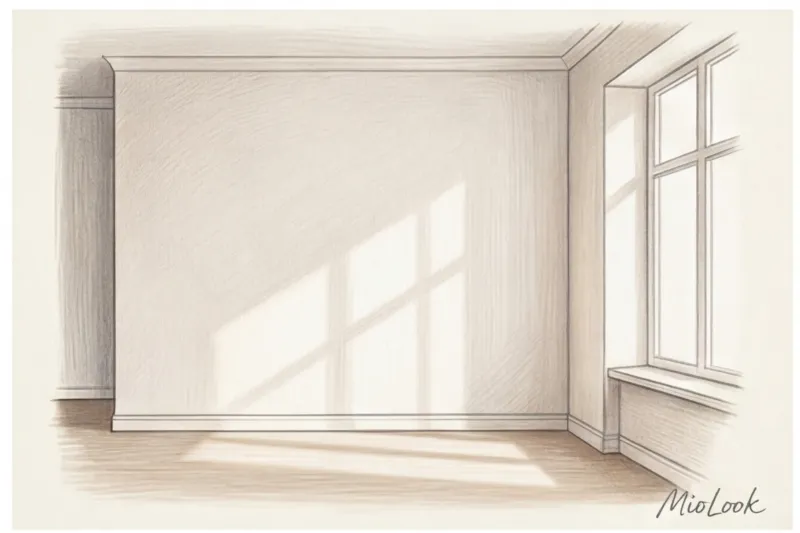
- Frontal natural light: Go to a window during the day. Stand facing the light so it hits you evenly from the front. This smooths out any uneven skin tone and gives the AI a clear image.
- Solid color background: Stand in front of a blank wall. You shouldn't blend in with it. If the wall is white, wear a gray or beige suit. If the wallpaper is dark, choose a light gray base.
- No backlighting: The window shouldn't be behind you, otherwise you'll become a dark silhouette and your phone's camera will automatically lower the exposure.
Your perfect look starts here
Join thousands of users who look flawless every day with MioLook.
Get access — €0.99 onceAnatomy of posture: how to stand so that a garment fits perfectly
In the 3D modeling industry, there's a term called "semantic segmentation algorithms." This refers to the ability of AI to distinguish where an arm ends and the torso begins. According to a 2024 report by the analytical agency WGSN on digital avatar development, 80% of unsuccessful fittings are due to arm pixels "merging" with waist pixels.
If you press your arms down at your sides, the neural network will perceive your silhouette as a monolithic column. When generating a jacket, it will literally "smear" the sleeves to the sides, leaving no armholes.
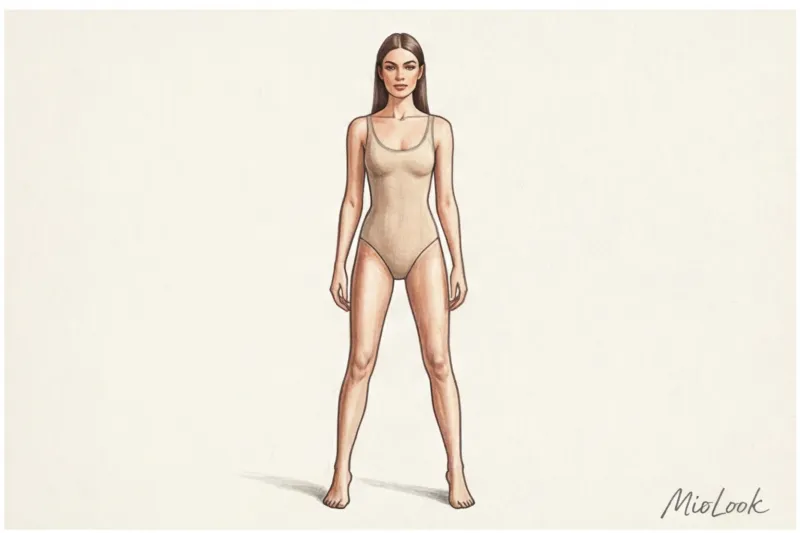
Your ideal position is A-pose:
- Straighten your shoulders and look straight into the lens.
- Place your feet shoulder-width apart or slightly narrower. The neural network needs to see the space between your legs to correctly construct the inseam for the virtual pants.
- Move your arms slightly away from your hips (10-15 centimeters). There should be visible space between your arms and your waist.
- Don't cross your arms over your chest or place them on your waist - this will block access to the décolleté and stomach area.
Checklist: Checking Photos Before Uploading to MioLook
So, you're ready to create your digital avatar. Run through this short checklist before you hit the upload button. MioLook.
- Angle: The camera is mounted on a tripod (or held by another person) exactly at the level of your navel, without tilting. You stand 2 meters away.
- Lighting: You're facing the window. There are no deep, harsh shadows on your face or body, and there's no sharp, black silhouette on the wall behind you from the flash.
- Cloth: Wear matte, form-fitting pieces in neutral shades (gray, beige). No oversized pieces, all-black looks, or loud prints.
- Pose: You look straight ahead. Your arms are slightly away from your body (there is some space between your arms and your waist), and your legs are uncrossed.
- Cropping: You fit into the frame full-length, from head to toe. Cropped-up feet will prevent the AI from choosing the right shoe and trouser length.
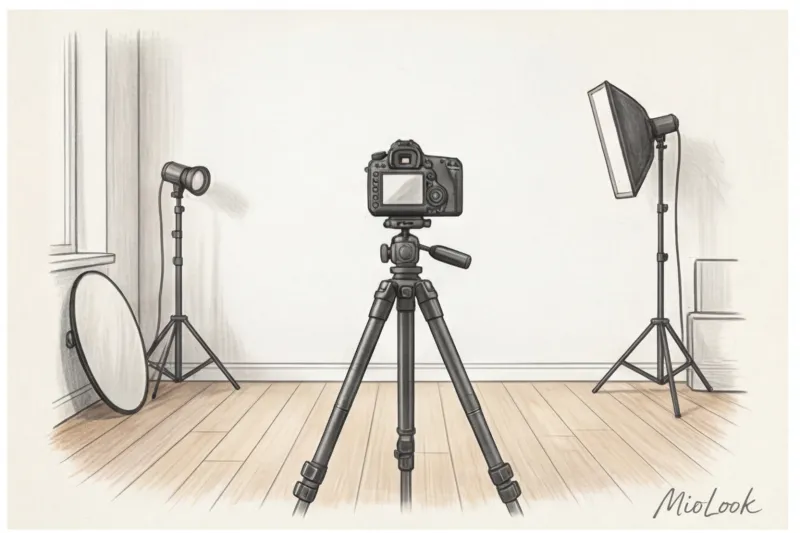
Spending just 10 minutes creating a well-designed, technically accurate source image can save you dozens of hours of shopping time. A high-quality photo is the magic wand that transforms artificial intelligence from a fun toy into your personal, incredibly precise stylist.