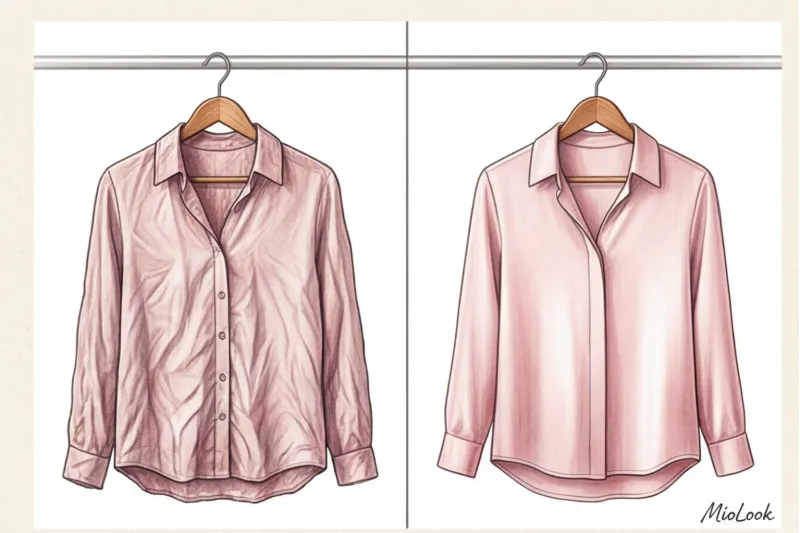
Imagine this: you bought a luxurious dusty rose silk blouse from Massimo Dutti. You put it on and look like a million bucks. But when you take a photo of the item to add it to your digital wardrobe, something wrinkled and dirty burgundy appears on the screen. The algorithm dutifully tags it as "casual cotton shirt, color: dark red." Sound familiar?
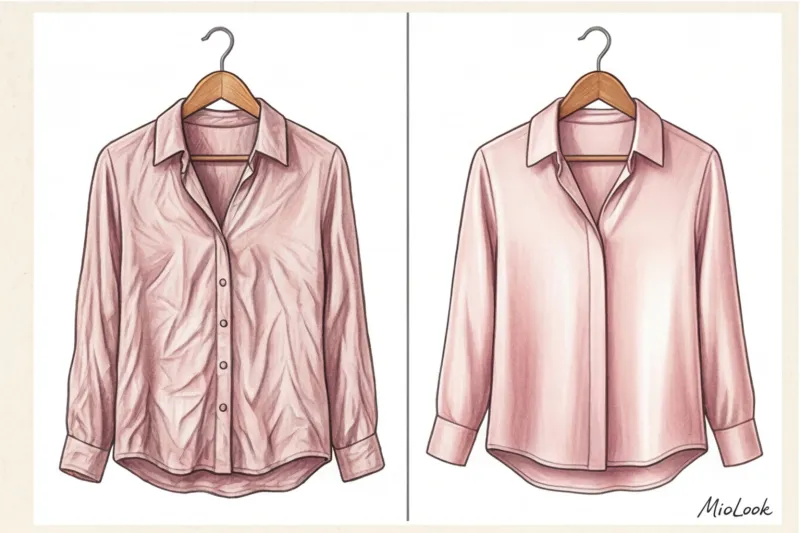
As a colorist and image consultant, I often encounter clients' frustrations when it comes to digitizing their wardrobes. They think the problem lies with their smartphone camera. But in reality, the problem lies in How to prepare clothing for product photography For artificial intelligence. Machines see the world differently than our eyes. We covered the basic principles of lighting and camera angles in more detail in our complete guide: How to photograph clothes for a virtual wardrobe , and today we'll look at the most underrated part of the process - ironing.
I'm not going to lecture you like a perfect housewife. We're all short on time. But I will explain how computer vision works, why one crease can ruin a stylish look, and when it's best to hide your iron in the closet.
Why iron something that will live on your phone: A neural network perspective
To understand why you need to waste time steaming before taking a photo, you need to understand how AI works. When you upload a photo to MioLook Or any other app, a neural network doesn't see "a beautiful dress from Zara." It reads a pixel map, contrast edges, and RGB color codes.
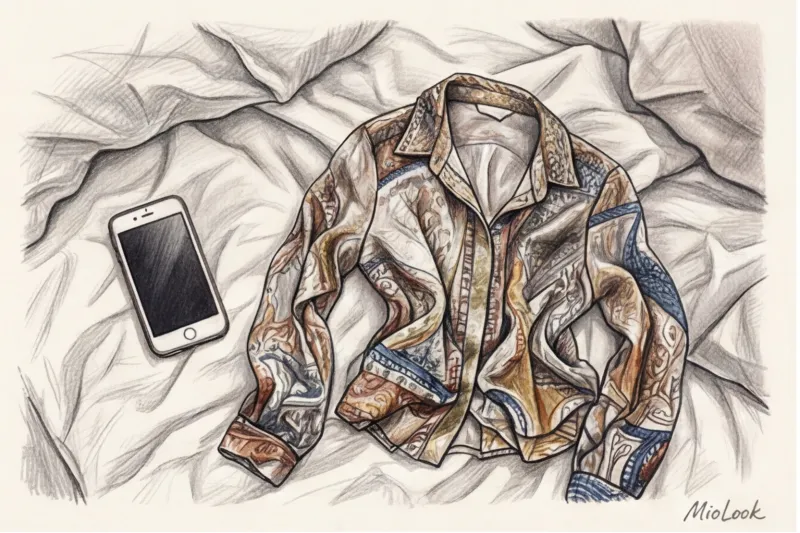
To a machine vision algorithm, a deep crease in fabric is more than just a sloppy look. microshadow , which radically alters the original color. According to researchers from MIT CSAIL (2023), who study texture recognition, the abundance of shadows from creases can darken the original color of an item on the camera sensor by 2–3 tones. Your light, dusty rose turns black in the fold shadow, and the color analyzer calculates the arithmetic mean—the result is that very "dirty burgundy."
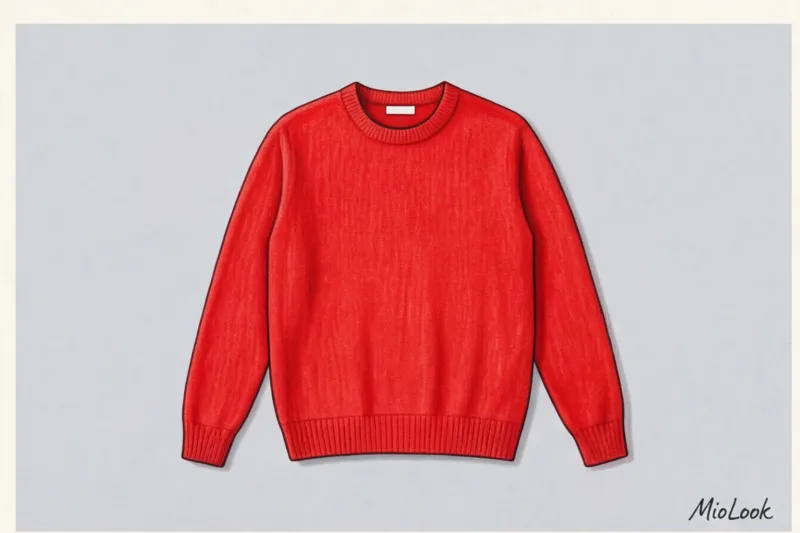
I had a telling case involving a dark blue chunky-knit COS sweater. A client took a photo of it immediately after taking it from a back shelf (it was heavily wrinkled). Due to the distorted light and shadows on the creases, the smartphone camera washed out the details, causing the smart stylist to mistake it for a smooth black sweatshirt. As soon as we steamed the item, restoring its correct geometry, the AI instantly identified the correct shade of "navy blue."
Moreover, folds disrupt the silhouette. A wrinkled hem or a creased waist create a false widening effect. The algorithm that creates the garment's outline can confuse a strict sheath dress with a shapeless oversized garment, ultimately suggesting completely incongruous shoe and jacket combinations.
Access to MioLook for €0.99 — one-time payment
A smart AI stylist will select the perfect look based on your digitalized items.
Get access — €0.99 onceThe main myth: do you need to steam absolutely everything?
Spoiler alert: no. You do NOT need to iron your clothes to the point of looking like they're ready for your best friend's wedding. Ironing everything obsessively is a waste of your evening.
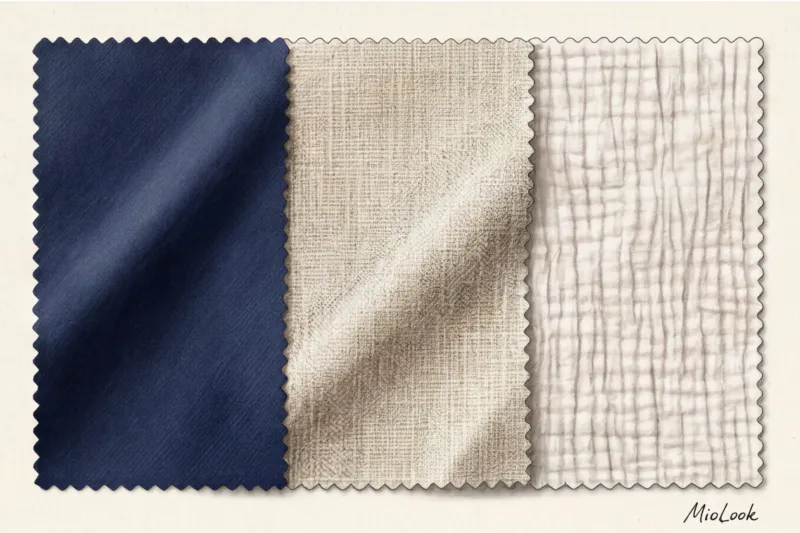
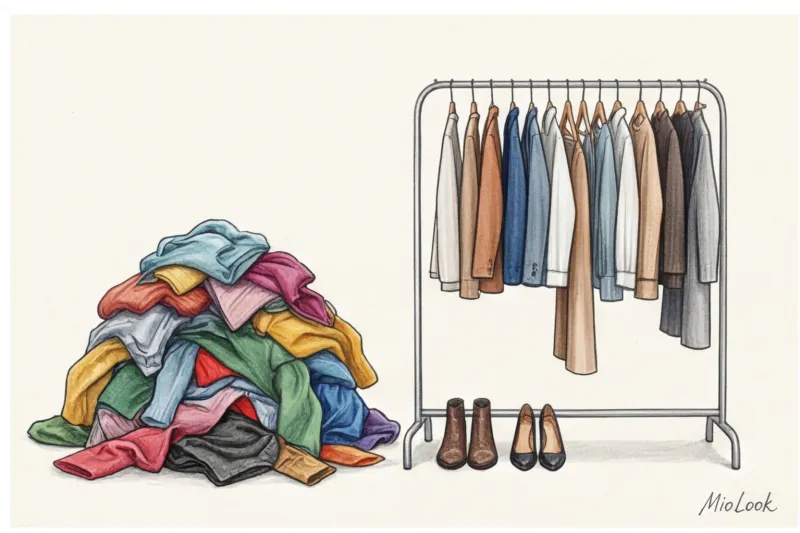
In professional styling, there's a concept called "sufficiently smooth." This is the state of a garment where its silhouette is clearly visible and the color isn't distorted by large shadows. But there are textures for which perfect smoothness is detrimental. Let's divide your closet into two camps.
What requires perfect smoothness
If you are collecting business wardrobe There will be no mercy. Suit fabrics (especially fine wool), natural silk, satin, and viscose do not forgive carelessness during shooting.
Why? Because their aesthetic is built on clear lines and light reflection. If you photograph a wrinkled silk slip skirt, the light reflections are random. AI perceives these random reflections as a pattern (print). As a result, the program thinks it's looking at a skirt with spots or an abstract design, not a solid, premium material.
Which textures are best left as is?
But here we come to the exceptions. Perfect ironing isn't a one-size-fits-all solution. Ironing natural softened linen, boiled cotton, muslin, or crushed fabrics flat is a mistake.
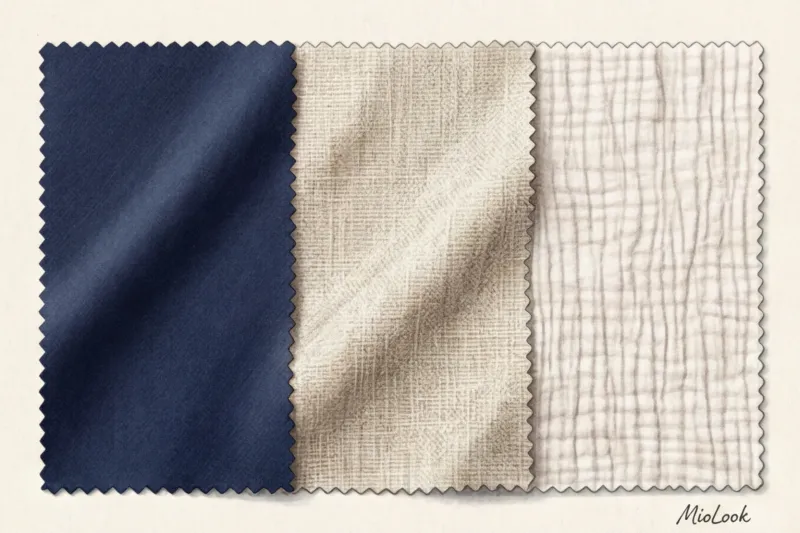
WGSN's 2024 reports on natural trends emphasize that the tactility and natural imperfections of fabric are its main stylistic advantages. If you iron a linen shirt, a neural network will treat it as a basic cotton shirt (for example, 180 g/m²). And instead of suggesting a relaxed summer look with sandals, the virtual stylist will recommend pairing it with a formal wool jacket. Leave linen with its elegant creasing—the machine needs to recognize that texture.
Iron vs. Steamer: Choosing the Right Tool for Digitizing
If you go backstage at any commercial shoot (from a local brand to a Zara catalog shoot), you'll almost never see a traditional iron. Stylists use steamers exclusively. And there are two good reasons for this.
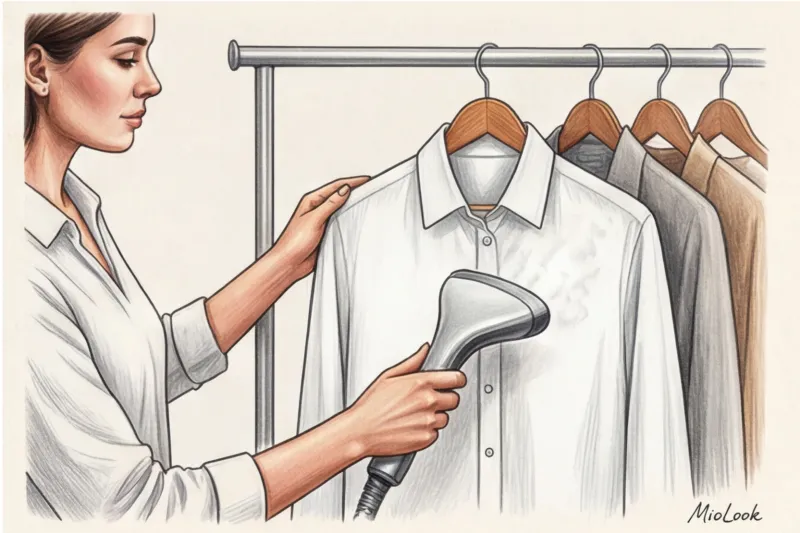
First, there's the risk of "glazes." Glazes are those telltale shiny marks left by the soleplate of an iron on dark blended fabrics. When photographed under a flash or a bright ring light, these shiny streaks will appear as white spots or defects in the fabric.
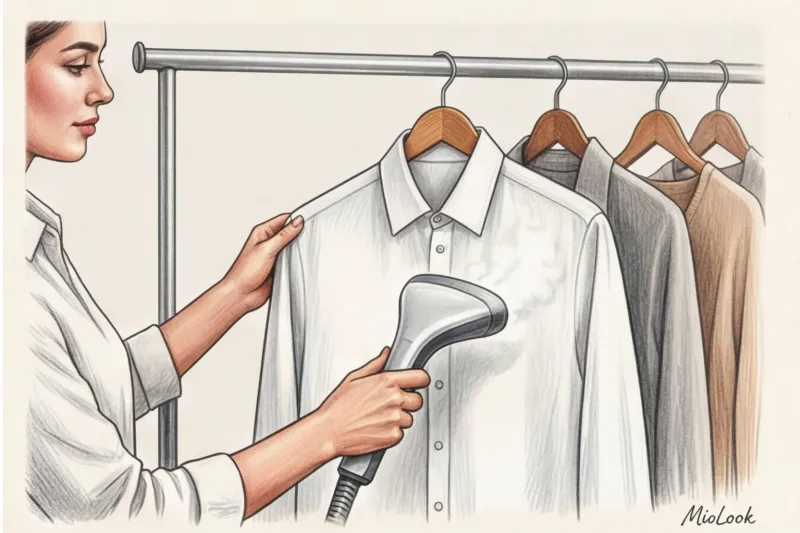
Secondly, speed. Last month, I conducted a personal test drive: digitizing a capsule collection of 50 items for the new season. Preparing the garments with an iron (including unfolding the ironing board and turning the trousers inside out) took me 2.5 hours. A handheld steamer handled the same amount of clothing in 1 hour. You save 60% of your time. A good mid-range handheld steamer currently costs between €50 and €120, making it the best investment in your digital (and physical) wardrobe.
Your perfect look starts here
Join thousands of users who look flawless every day with MioLook.
Get access — €0.99 onceInstructions: How to prepare clothes for product photography without the stress
So, we've covered the theory. Now let's move on to practice. Here's how to properly prepare your images so that the clipping (background removal) and recognition algorithms work 100%.
- Light and background: Choose a contrasting background. A white T-shirt on a white sheet is a bad idea. Lay the items out on a flat, matte surface in natural light from a window.
- Roller cleaning: This is critical for black and dark blue items. The camera will read ordinary white fluff or cat hair on black cashmere as a contrasting pattern. The algorithm will think it's a sweater with "small white polka dots" or a "starry sky" print. Spend 10 seconds on a lint roller.
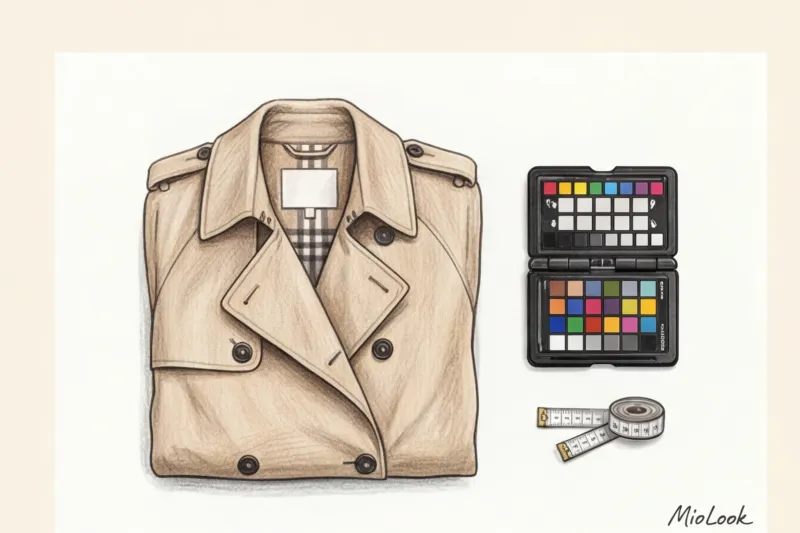
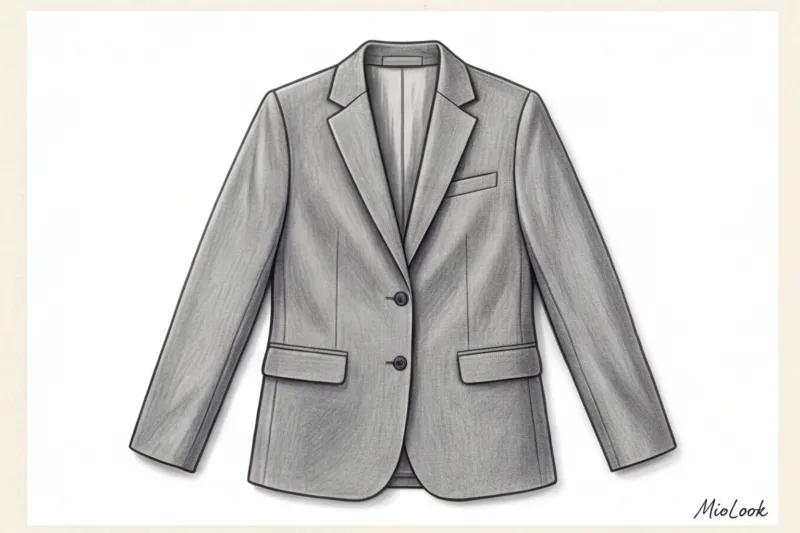
- Zip it all up: Buttons on jackets, zippers on trousers, and hooks on skirts should be fastened. This creates the correct geometry. If you photograph a cardigan unbuttoned and thrown asymmetrically, AI can recognize it as a scarf or stole.
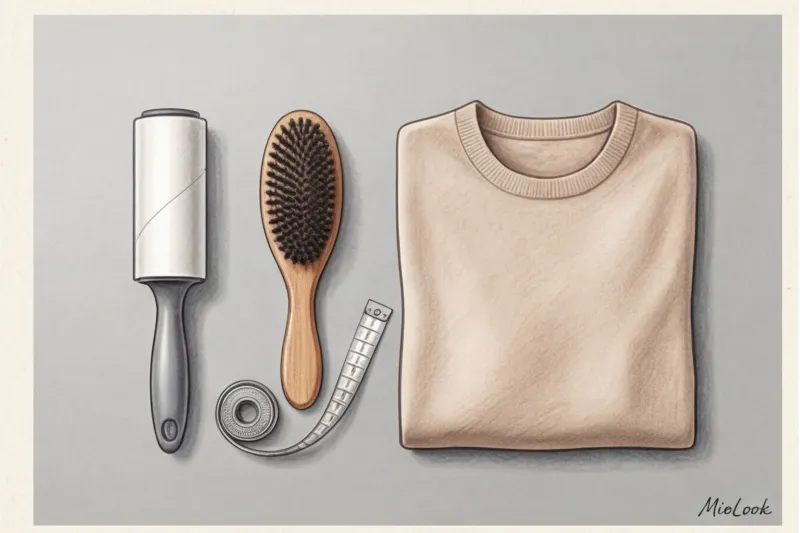
A separate insider tip: Always hide labels and interior tags If a white ingredient label is sticking out from under the collar of a dark turtleneck, the background clipping algorithm will snag it, resulting in a strange white growth on your otherwise perfect digital copy.
Rookie Mistakes That Will Ruin Your Virtual Stylist's Work
Digitizing your wardrobe is a fun process, but sometimes rushing it leads to funny, and sometimes even annoying, results. Sorting through user profiles in MioLook I have identified the top 3 errors that break the system.
Taking photos immediately after steaming. Steam is water. If your steamer "spits" water onto light gray pants and you immediately take a photo of them, it will show up on the sensor as a dark spot. In one case, because of such a wet spot, the wardrobe analysis algorithm suggested disposing of the item as hopelessly damaged. Let the item cool and air dry for 2-3 minutes.
Ignoring the inside out. Inside-out pockets on trousers, a jacket's sloppy lining showing through—all of this creates unnecessary lines in the contours. Artificial intelligence will attempt to incorporate these protruding pieces of fabric into the design.
Shooting on a textured blanket. If you place a smooth sweater on a shaggy throw with a bold pattern, the background texture at the edges may "bleed" into the garment. Use plain matte sheets or simply a clean floor.
Ready to get started?
Try MioLook's free plan—upload your items and receive your first AI capsules with no strings attached.
Get access — €0.99 onceSummary: A Checklist for Preparing Things for an App
Digitizing your wardrobe is an investment. Spending one minute preparing an item now will save you tens of hours of frustration when creating outfits in the future. Remember: the machine only works with the data you give it.
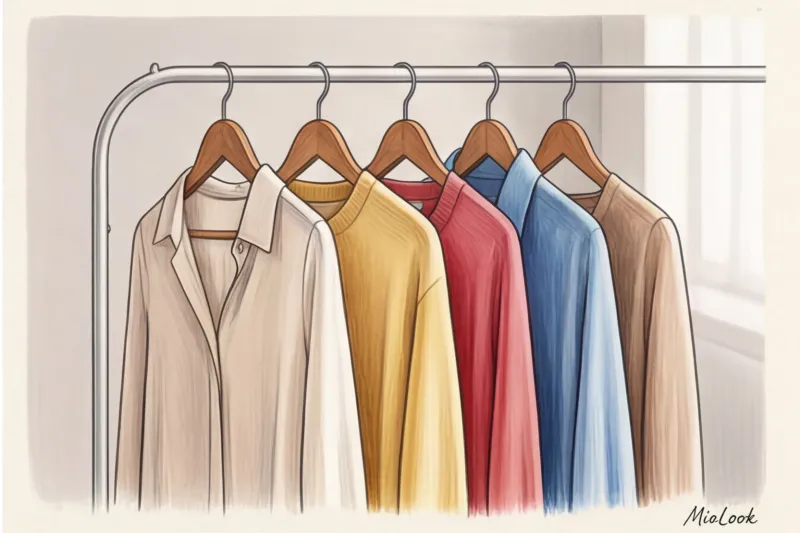
Here's your final checklist before you hit the camera button:
- Determine the texture (silk/suit - steam perfectly; linen/crash - leave natural).
- Use a hand steamer to remove deep creases and shadows.
- Let the fabric dry for a couple of minutes using wet steam.
- Use a lint roller to remove dust and lint from dark items.
- Fasten buttons, zippers and hide any protruding tags.
Don't try to achieve perfection where it's not needed, but don't deprive the neural network of the chance to accurately assess the color and silhouette of your favorite clothes. A properly prepared item in the virtual closet will complement your style for years to come.