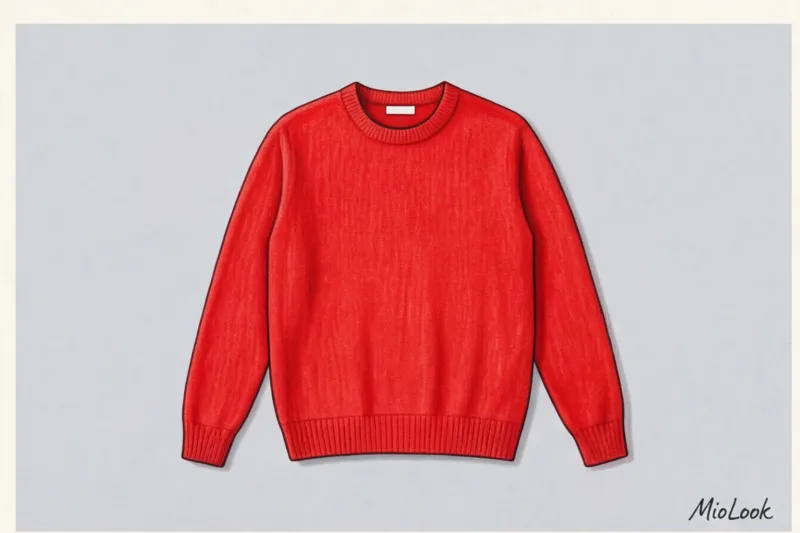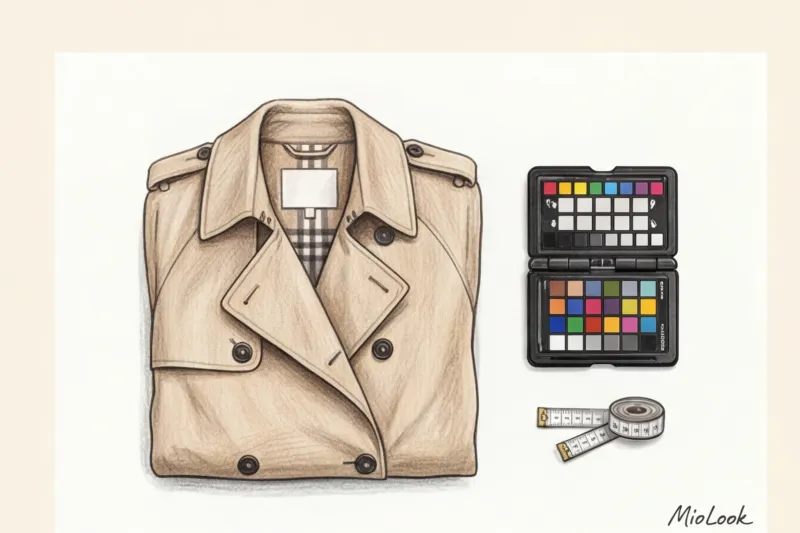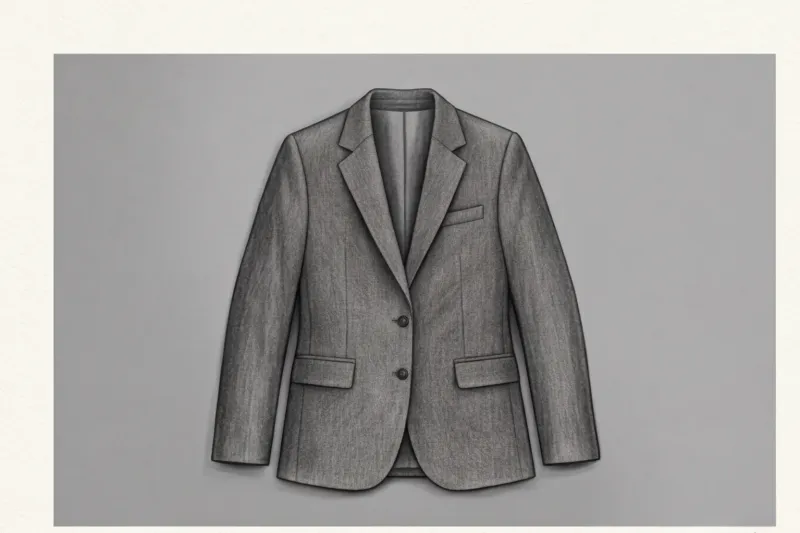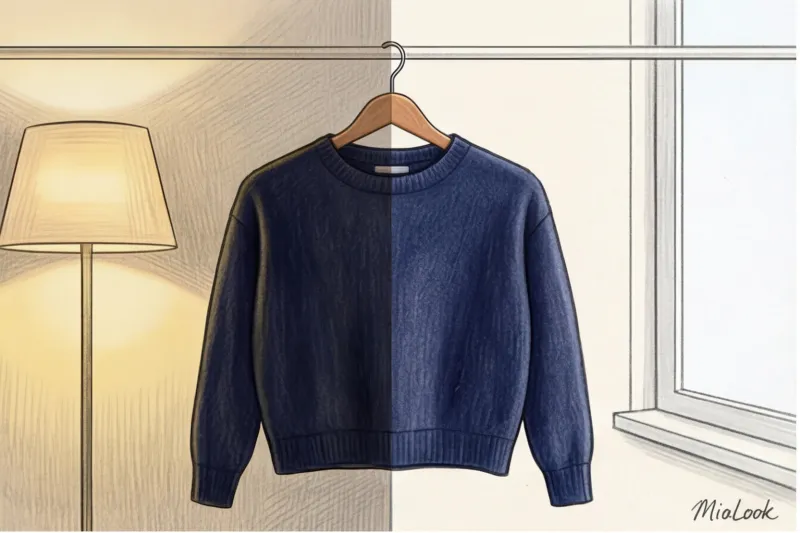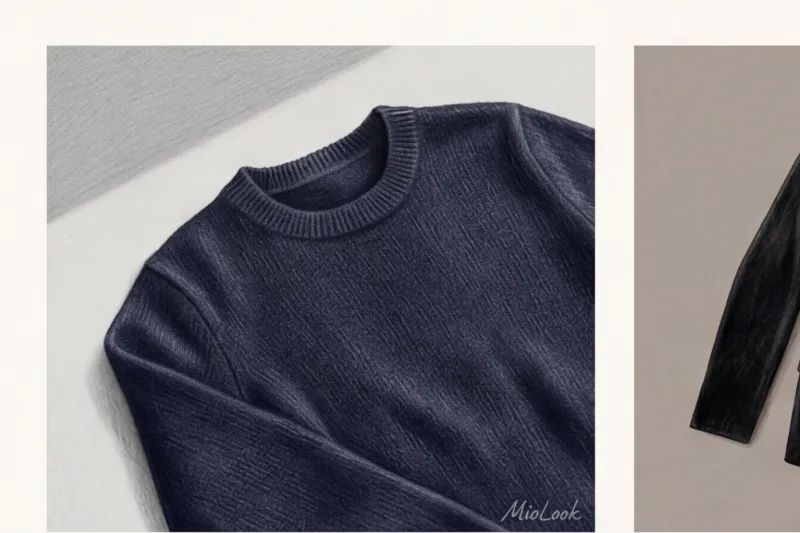
One day, a client of mine sent me a panicked photo of her new €2,800 Saint Laurent tuxedo. In the photo, it looked like a flat, faded blob, bought on clearance at a high-street store. The problem wasn't the latest iPhone camera, and certainly not Hedi Slimane's ingenious tailoring. The problem was the lighting.
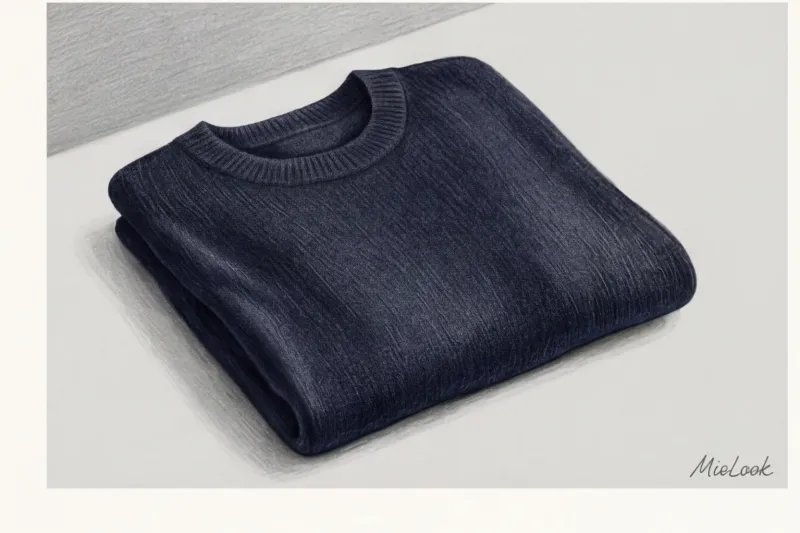
Over 12 years of working as a personal stylist and building investment wardrobes, I've learned one ironclad rule: clothes live two lives. The first is in your closet, and the second is in the digital space. We've already covered the basics of this process in more detail in our The complete guide to digitizing your wardrobe But when it comes to complex textures, basic advice like "wipe the lens" is no longer enough.
My clients often ask how to photograph black clothes so that the texture is visible, how to convey the shimmer of silk without overexposing a white shirt. If you're building a smart wardrobe in an app, the algorithm needs high-quality data. A neural network doesn't know how much your cashmere costs—it only sees pixels. Let's explore how, using the laws of physics and a few smartphone settings, you can trick AI into recognizing the status of your items.
Why neural networks are blinded by premium textures: the physics of light and AI algorithms
To understand how to shoot correctly, you need to forget about fashion for a moment and remember how computer vision works. Artificial intelligence analyzes a garment based on shadow maps, RGB codes, and contrast edges.
Deep black (especially on velvet or suede) physically absorbs up to 98% of light. White, on the other hand, acts as a reflector, sending a beam of light directly into your camera's sensor. Shiny lurex threads or smooth satin create harsh highlights, which the AI interprets as fabric tears or white spots in the print.
According to Computer Vision algorithm developers (2023), neural networks lose up to 80% of the information about the cut of a black item if it's photographed against a blindingly white background. A smartphone camera automatically narrows the aperture to compensate for the bright background, and your investment piece disappears into darkness.
"If you bought a €3,500 Loro Piana cashmere coat, it shouldn't look like cheap fleece in the virtual fitting room. The algorithm should calculate the softness of the pile to suggest the right style combinations," I always say during consultations.
How to photograph black clothing so that the texture is visible
The most common mistake I see when sorting through wardrobes is shooting a black dress against a white wall or sheet. The camera tries to "average" the frame, making the background gray and the dress itself look like an underexposed black Malevich square.
The ideal background for black items is medium gray, dusty pink, or beige. This is the type of background that reduces contrast to a comfortable level for the sensor.
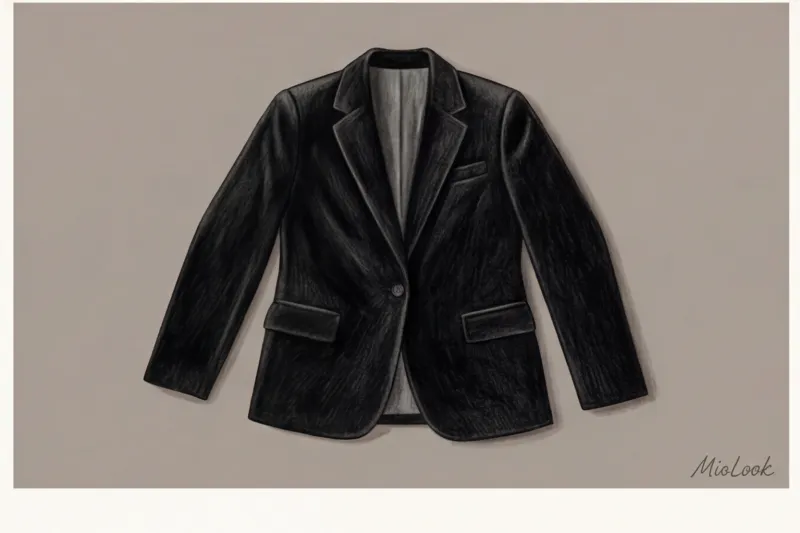
The main technical secret: Use exposure compensation. Point the camera at the garment, tap the screen, and slightly move the brightness slider (the sun icon) up. In my experience, this gesture is what keeps the lapels of heavy crepe from blending into the main fabric of the jacket.
Your perfect look starts here
Join thousands of users who look flawless every day with a smart AI stylist.
Get access — €0.99 onceSide lighting to reveal textures: from velvet to cashmere
Frontal light (when a window or lamp shines directly on an item from behind you) kills any volume. It makes the fabric look like a flat spot.
The secret to luxurious product photography is grazing (side) light. Position the garment so that the light from the window falls on it at a 45-90 degree angle. Side shadows will instantly highlight the ribbing of thick knits, the pile of velvet, and the intricate weave of wool threads.
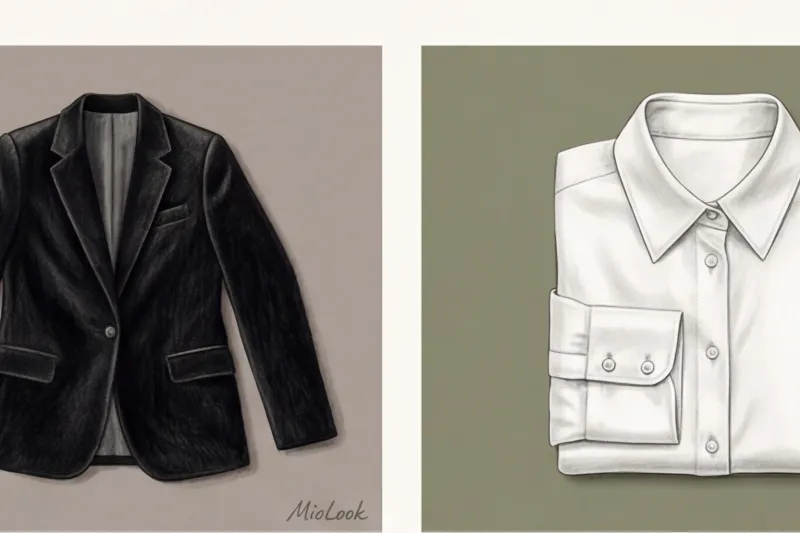
Fair Limit: This method works great for textured materials. However, it is NOT suitable for smooth, fine, or worn knits—the harsh side light will mercilessly highlight every microscopic pill and unevenness, making the item appear aged.
Taming White: Saving Seams on Silk Blouses and Cotton Shirts
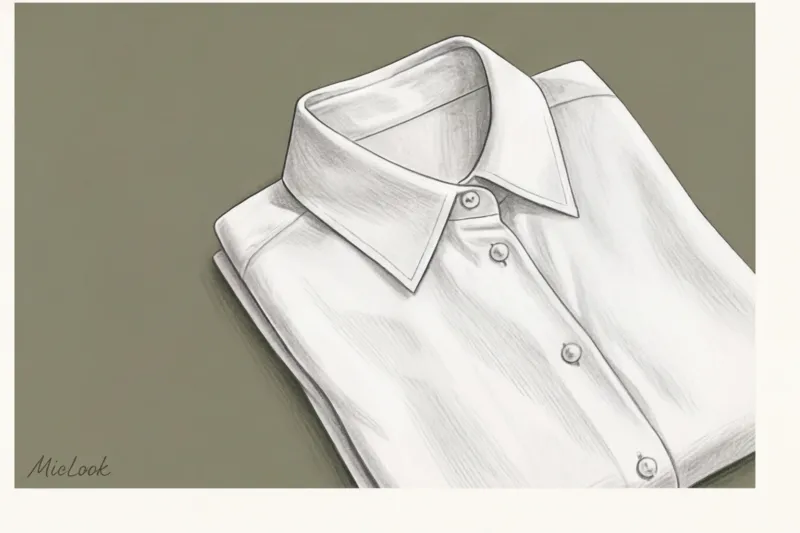
With white, the opposite problem arises—clipping, or overexposure. This is when the white fabric merges with the background into a single, burnt-out spot. The AI loses darts, buttons, and collars—for it, the garment simply ceases to exist in space.
As with black, white shouldn't be photographed against a black background. Too much contrast will cause the smartphone to misinterpret the image. Ideal background shades include taupe (gray-brown), olive, and muted blue.
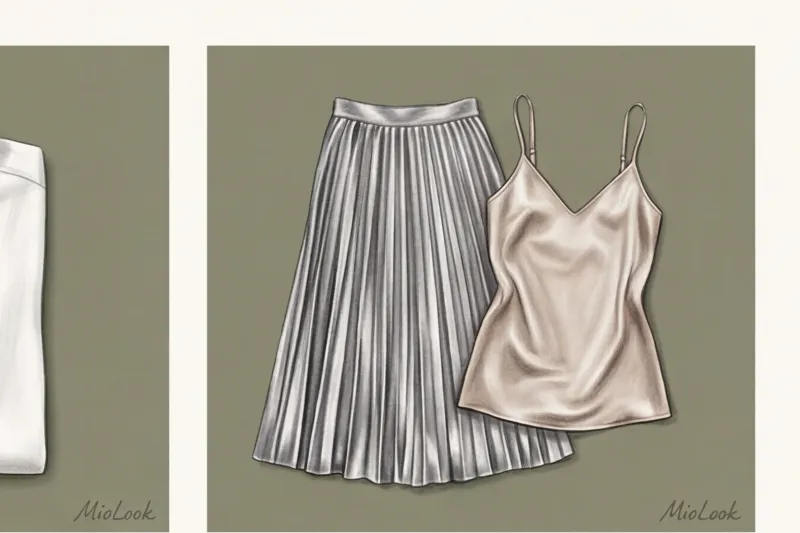
I often show my clients the difference between a cheap synthetic shirt for €15 and a classic Charvet shirt made of thick cotton for €400. The difference is in the stiffness and geometry of the folds. MioLook or another neural network calculated this density, tap on the brightest part of the shirt on the screen and move the exposure (sun) down This is the only way the voluminous seams will appear.
If you're digitizing translucent white organza or chiffon, be sure to place a sheet of opaque, flesh-colored paper inside the fabric, otherwise the algorithm will cut out the back along with the background.
Shiny fabrics: natural silk, satin and lurex
Here I want to challenge a popular myth. Ring lights, which bloggers are buying up en masse, are the worst enemy of an expensive wardrobe. And this isn't snobbery, it's physics.
Directed frontal light from a ring lamp creates harsh, glaring white highlights. This makes the rich, deep shimmer of heavy Mulberry silk look exactly like cheap, squeaky polyester in the photo. Harsh artificial light cheapens any premium texture.
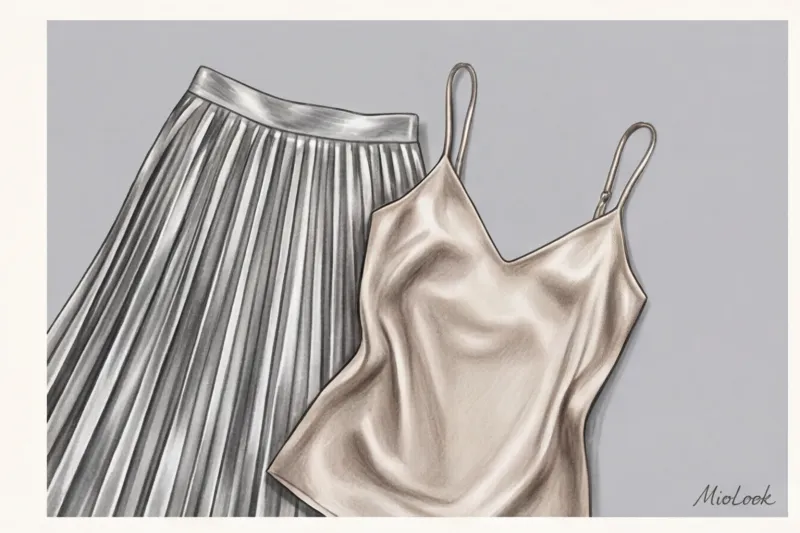
How to remove silk and satin:
- Use only diffused light. An overcast day is ideal. If it's bright outside, cover the window with translucent tulle.
- Don't pull the garment tightly at the seams. Create soft, natural drapes. It's the folds of the fabric that reveal the gradient from shadow to light, which the neural network interprets as "expensive, flowing material."
Ready to get started?
Try the MioLook free plan—no commitments required. Upload your first items and evaluate the recognition quality.
Get access — €0.99 onceLeather, Patent, and Hardware: Digitizing Investment Accessories
Shoes, structured bags, and belts are the foundation of a status image. McKinsey's consumer behavior study (2024) confirms that accessories account for 70% of the perceived value of an entire outfit.
One time, a client and I were trying to digitally capture her Bottega Veneta Intrecciato bag. When photographed from above with flash, the bag looked like flat oilcloth. And the patent leather shoes and gold hardware constantly reflected the client's silhouette in her pajamas.
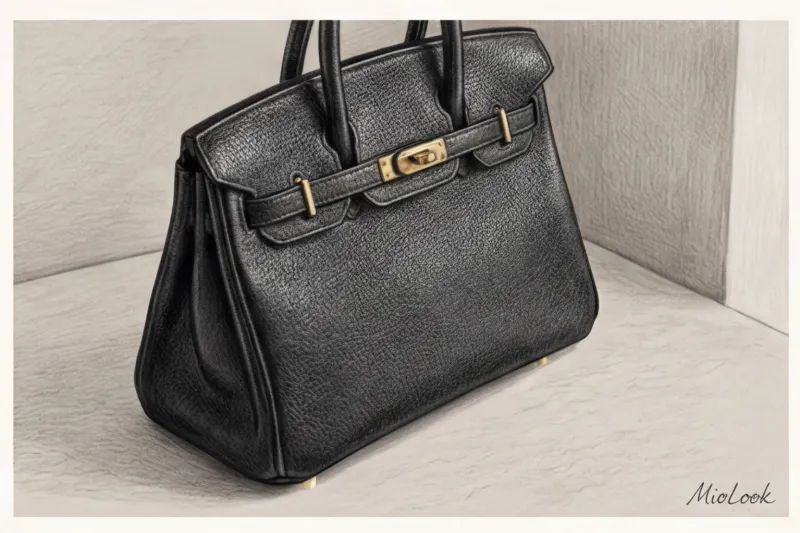
How to solve this problem at home?
- Technique of "polarization" by angle. Never remove a glossy bag at a strictly perpendicular angle. Adjust the angle of your smartphone by 10-15 degrees until the reflection of you and your chandelier disappears from the hardware.
- Light for grain. To highlight the luxurious grain of Caviar leather (like Chanel) or Togo leather (like Hermès), we again use soft sidelight from the window. The grain is made up of thousands of microscopic craters. If you shine light directly into them, they disappear.
Checklist: 5 steps for the perfect digitization of a premium wardrobe in MioLook
Over the years of practice, I have developed an ideal algorithm that saves time and ensures that the virtual stylist MioLook recognizes your items with maximum accuracy.
- 1. Wipe the lens. It sounds trivial, but 90% of blurry, foggy photos are caused by micro-fat on the lens. Microfiber is your best friend.
- 2. Choose the right time. Soft daylight from 10:00 to 14:00 (depending on the season) without direct sunlight is ideal.
- 3. Prepare the background. No colorful rugs or rumpled sheets. Buy two meters of thick medium-gray and beige felt or use a smooth, solid-color throw.
- 4. Lock the focus (AE/AF Lock). Point the camera, tap the screen, and hold your finger for a couple of seconds. A yellow "Exposure Lock" bar will appear. Now, even if your hand shakes or you change your angle, the camera won't start frantically adjusting the frame's brightness.
- 5. Iron the items. The AI is incredibly smart, but it might mistake a deep crease on a wrinkled silk skirt for an asymmetrical seam or a print element. A steamer is a must.
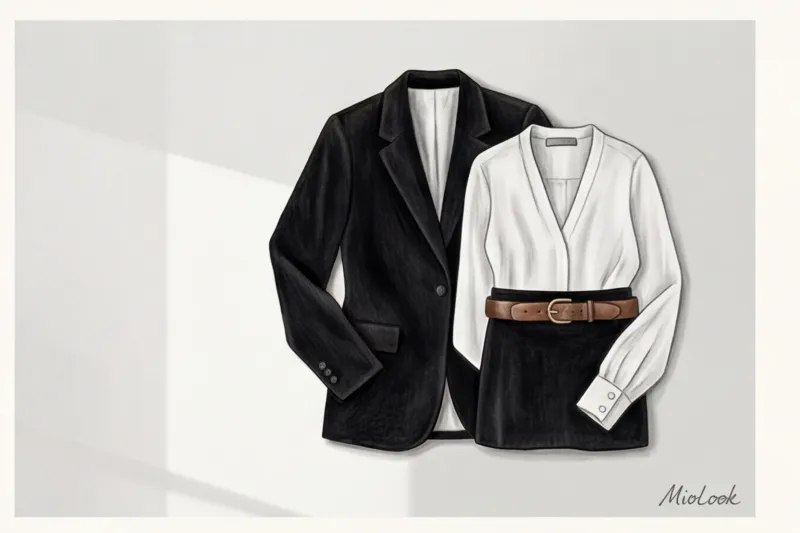
Try MioLook
A smart AI stylist will analyze your clothes and select the perfect look for you.
Get access — €0.99 onceSummary: Investing in photo quality is an investment in your style.
Women often put off creating a virtual wardrobe, thinking that photographing clothes is a boring chore. But look at it this way: good photos are a one-time investment of your time. You spend an hour and a half on Saturday, and then for months you enjoy how the app creates flawless looks for you in a split second.
Modern neural networks work brilliantly, but they can't think beyond the basics. Give them quality input: highlight the texture of wool with side lighting, save white seams with exposure compensation, and let silk shimmer gracefully in the overcast light. Try reshooting at least five of your basic items using these rules today, and you'll be surprised how much more "precious" your digital closet will look.