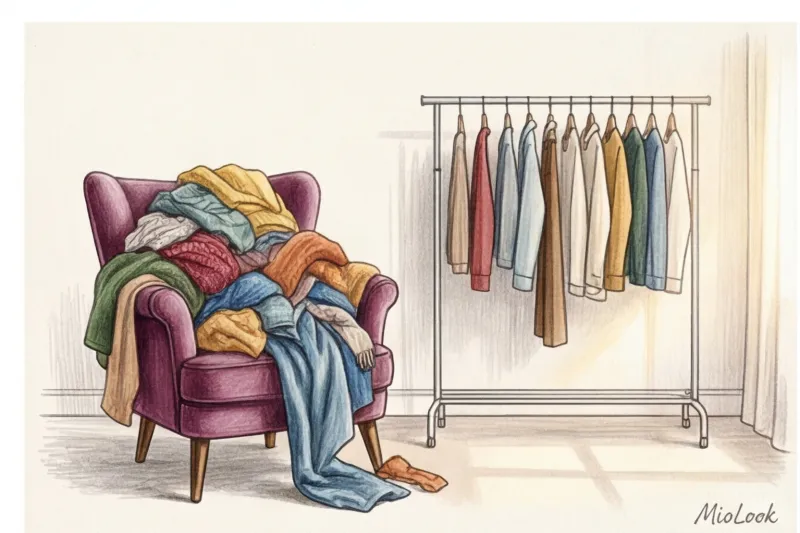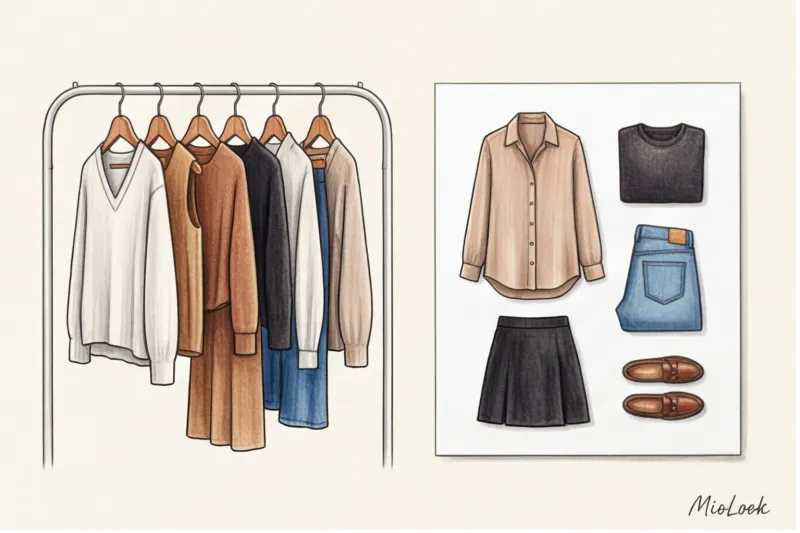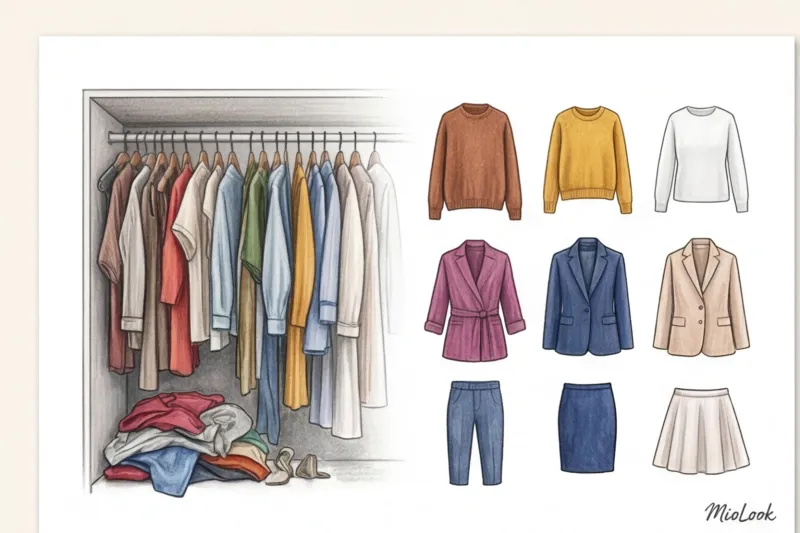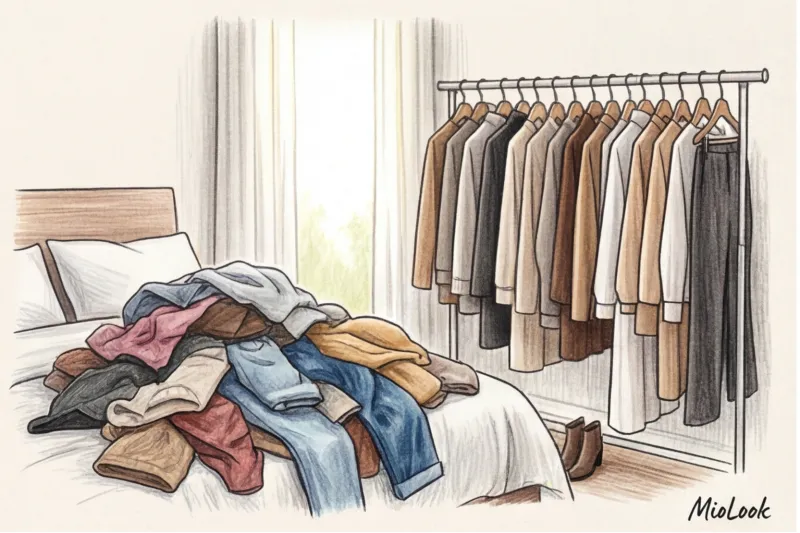
About a year ago, a client named Marina came to me with a typical request: "I want to digitize my clothes to save time in the mornings." She downloaded the app, spent three weeks photographing 200 items, and meticulously assigned ten tags to each. A blouse from Zara received the following labels: "top," "blouse," "blue," "silk," "buttons," and "long sleeve." The result was predictable: within a week, Marina stopped opening her perfect digital catalog. Why? Because she was trying to manage her style as if she were a warehouse merchandiser.
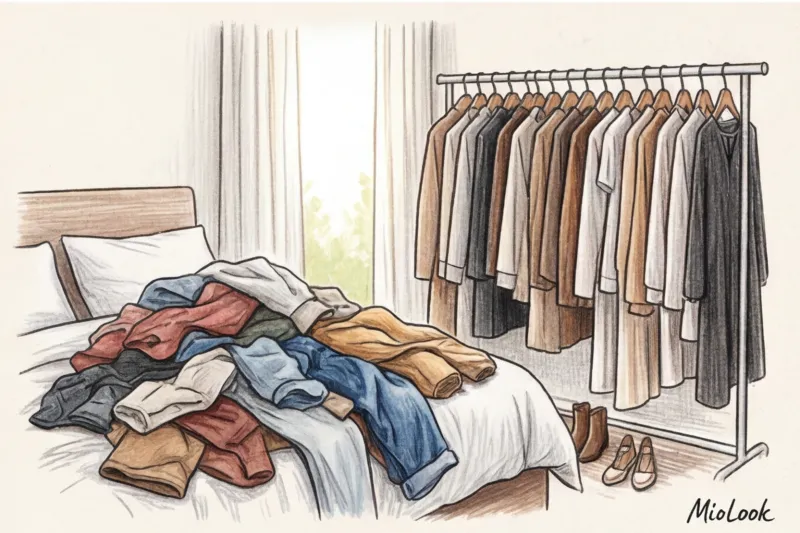
We have already discussed the technical digitalization process in more detail in our The Complete Guide to Digital Wardrobe But today I want to talk about something else. Your virtual closet isn't an online store menu. It's your lifestyle dashboard. And if you set it up incorrectly, you won't save time, but rather, you'll experience what's known as "decision fatigue."
The Cataloger's Trap: Why Standard Sorting Breaks the Virtual Closet
The main mistake I see 90% of newbies make is trying to copy the filter structure from mass-market stores. We're used to websites categorizing clothing into "Twisted Clothing," "Trousers," and "Skirts," and then filtering by color and material.
According to internal analytics from many style apps, users who create more than 15 custom tags have a 60% higher abandonment rate. This is due to "maintenance fatigue." You simply become too lazy to add a new item to the system because it requires filling out an entire form.
Counterintuitive advice from a stylist: immediately stop tagging items by color and material (unless the material is critical). Your brain reads from a photo in a split second that this sweater is red, not green.
Tags like "cotton" or "red" are informational garbage that clutter your virtual closet. The system should reflect the functionality of a garment in your life: how it fits, where you wear it, and, most importantly, how you feel in it.
Your perfect look starts here
Join thousands of users who look flawless every day with MioLook. Digitize your wardrobe the right way.
Get access — €0.99 onceBasic Architecture: Categories That Work for You
Over 12 years of working on commercial and editorial shoots, I've learned one rule: stylists never arrange their rails according to the principle of "all skirts here, all shirts there." It's incredibly inconvenient when you need to put together a multi-layered look three minutes before the model goes into the frame. We sort items by layer and their role in the look.
If you want the app (or you) to generate images quickly, rethink the standard "tops" and "bottoms".
The principle of "Layers" instead of "Top and Bottom"
Break down your shoulder garments into three clear categories:
- Bottom layer: Anything that fits snugly against the body. Basic T-shirts, tank tops, bodysuits, and thin viscose turtlenecks.
- Middle layer: Layers that are worn over base layers but can also be worn on their own. Cardigans, structured jackets, and heavy shirts (e.g., cotton with a weight of 200 g/m² or more or denim)
- Top layer: coats, trench coats, aviator jackets, down jackets.
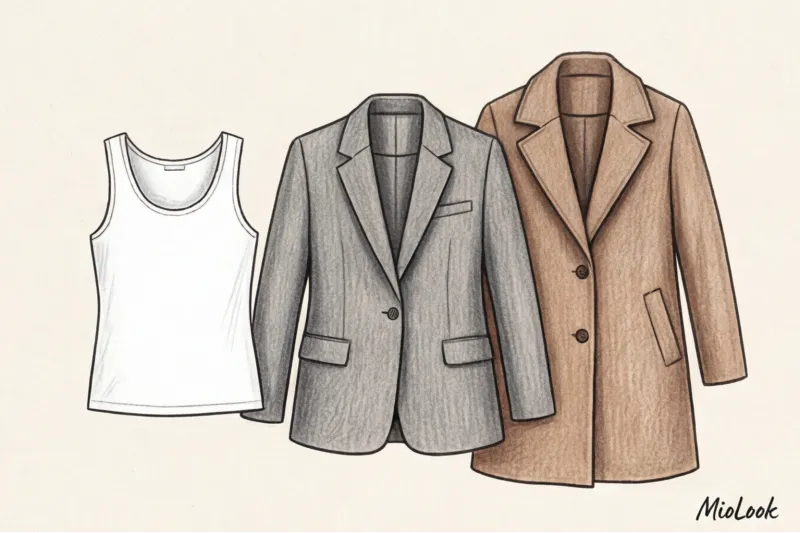
Why is this critically important? When you load things into MioLook or another app with a smart generator, a clear understanding of layers allows the algorithm to suggest complex, textured looks, rather than just the banal "jeans and a sweater" combination.
Seasonality 2.0: How to Set Up Smart Transitions
Strictly dividing our wardrobes into four seasons (winter, spring, summer, fall) is an archaism. We spend our days in air-conditioned offices, drive in cars with heated seats, and stroll through heated shopping malls.
According to a large-scale study by the WGSN trend bureau for 2024, the concept of "seasonless dressing" has reached its peak. Around 40% of modern functional wardrobes are completely unrelated to the weather outside. This is the so-called Core, or All-Season Basics.

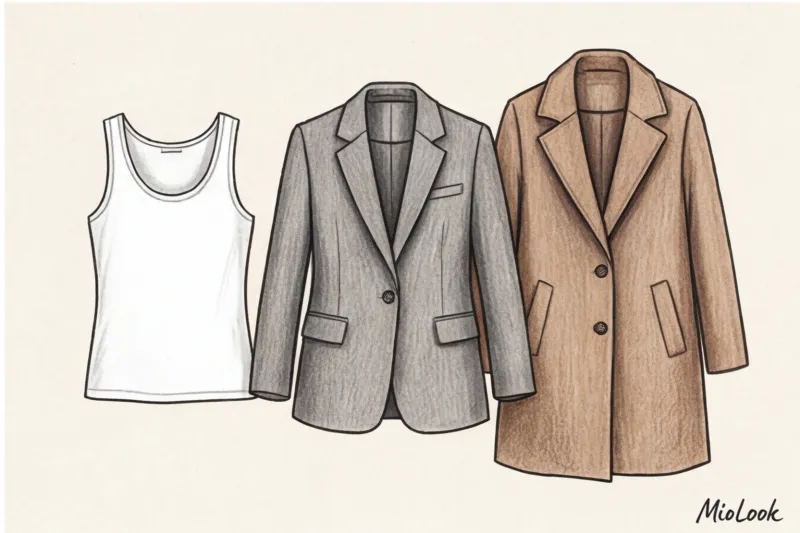
Your classic straight-leg jeans, white poplin shirts, basic tees, and lightweight wool-blend jackets are worn year-round. If you rigidly relegate them to the "Summer" folder, your virtual closet will be paralyzed in winter.
Instead of four seasons, I transfer my clients to the system: All-season base + Micro-seasons For example, a silk slip dress isn't just a summer item. In winter, it works beautifully as a skirt, paired with a chunky knit sweater and thick tights. Consider these pieces "transformable."
Fair Limit: This system works for moderate climates and urban environments. If you live in Yakutsk, where winters are -45°C, or Dubai, where summers reach +45°C, your seasonal polarization will naturally be more severe. There, a sweater and silk are unlikely to be found in the same month.
Ready to get started?
Try MioLook's free plan—upload your off-season database and watch the algorithm generate dozens of new looks.
Get access — €0.99 onceThe Art of Tagging: Less is More
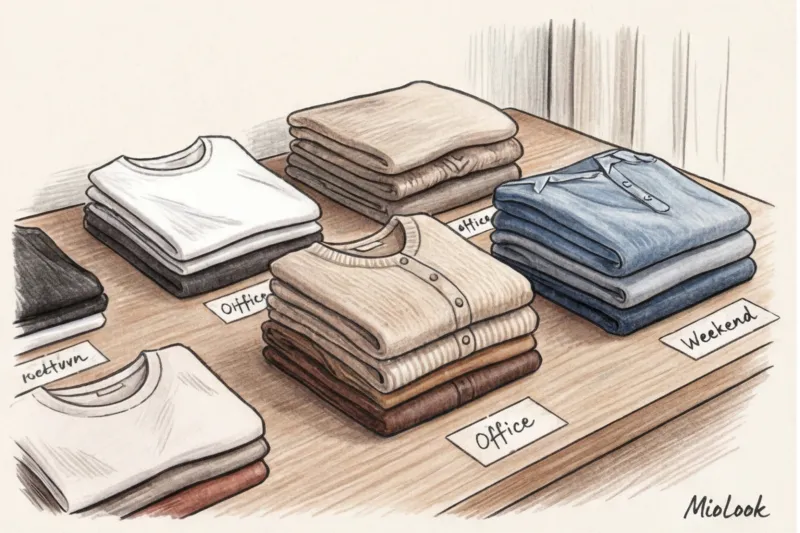
I have a golden "Rule of Three" for metadata auditing: If a tag hasn't been used for 3 months or contains less than 3 items, it will be ruthlessly deleted. The tag should solve a specific morning problem.
Functional and "rescue" tags
Instead of writing "linen," write "wrinkles a lot." Here are three categories of tags that will really save your nerves:
- Care tags: "Needs ironing," "Dry clean only." Imagine: you overslept and have five minutes before heading out. You open the app to choose an outfit and filter the results to exclude anything tagged "needs ironing." You're saved.
- Landing and physics tags: "Oversized," "rigid shape," "stretchy." This helps with layering: you can easily wear an "oversized" item (like a loose shirt) under the "rigid shape" tag (like a thick wool jacket). The opposite won't work.
- Cheat Sheet Tags (Emotional): "bloat/bad day" (when you want to wear a voluminous dress made of soft knitwear and not talk to anyone) or "power outfit" (a strict suit from COS or Massimo Dutti for a presentation that makes you feel like a million bucks).
The Life Scenarios System: The Secret to 100% Wearability
The most powerful systematization tool is a lifestyle audit. If you've ever created a "Life Chart" with a stylist, you know what I'm talking about. We analyze how much time you spend on each area: 5/2 office hours, remote work, maternity leave, exercise, dating.
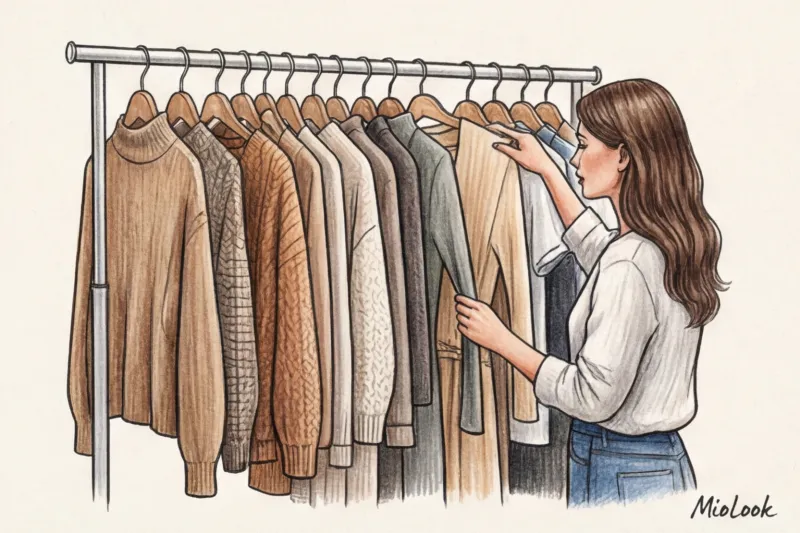
Link your virtual closet to your calendar. Create tags that reflect your real-life plans: "Friday Office" (for days when you can wear jeans but still need to look put-together), "Brunch with Friends," "Flight/Business Trip" (for items that don't wrinkle or pinch).
This system instantly highlights blind spots using the Pareto principle. One of my clients discovered that her "Parties/Theater" folder contained 45% of her entire wardrobe (including feathers, sequins, and stilettos). Yet, she went to exactly three parties a year. Meanwhile, her "Outing with the Baby" folder (which took up 60% of her real time) consisted of two faded hoodies and a pair of jeans. The virtual closet helped her stop wasting dress purchases and redirect her budget to quality everyday knitwear.
Access to MioLook for €0.99 — one-time payment
A smart AI stylist will create the perfect look for any scenario—from a challenging business trip to a cozy brunch.
Get access — €0.99 onceChecklist: Inventorying and Cleaning Digital Metadata
If you already have a virtual closet, but it's more annoying than helpful, let's do a quick cleanup right now. Open the app and follow these 4 steps:

- Step 1: Remove visual duplicates. Erase all color tags ("black," "white") and material descriptors ("silk," "leather") unless they affect how the item will be worn. You can see everything in the photo.
- Step 2: Combine the fractions. Combine "skinny jeans," "flared jeans," and "mom jeans" into a single "Jeans" category. You'll appreciate the specific cut visually when putting together the outfit.
- Step 3: Enter emotions. Add 3-5 scenario or emotional tags that are relevant to your life right now. For example: "zoom-call" (things that look good in camera, shoulder-length) or "quick get-ready."
- Step 4: Select the Core capsule. Create a group or tag called "Off-Season" and move all your basic tops, favorite denim jackets, classic trousers, and versatile shoes there.
A Virtual Closet as Your Personal Stylist-Analyst: Let's Take Stock
Proper categorization is the secret ingredient that turns the lifeless jumble of photos on your phone into a smart algorithm for generating stylish looks.
By spending just one hour reconfiguring your tags from "descriptive" to "functional," you'll save at least 10 minutes every morning for the entire year. And most importantly, you'll eliminate the anxiety of opening your closet.
Right now, after reading this article, open your digital wardrobe and delete five completely useless tags you haven't used to find an item in months. Give your system some breathing room, and it will respond with effortless, flawless looks.