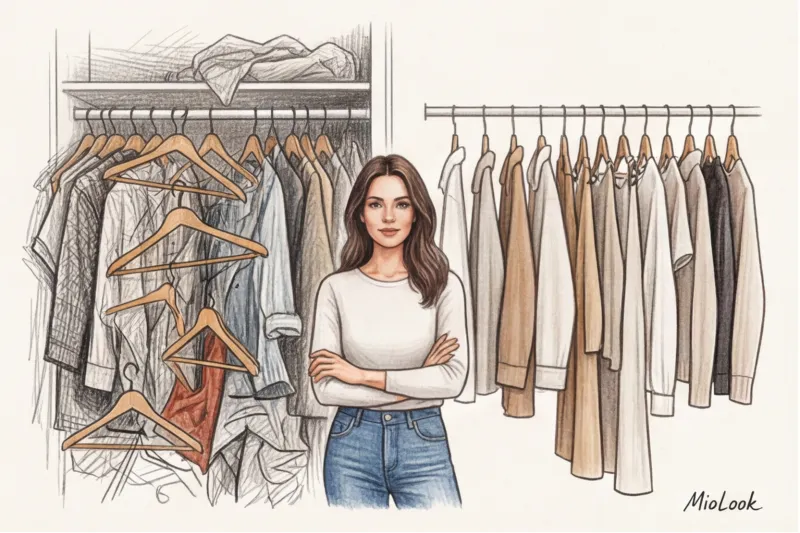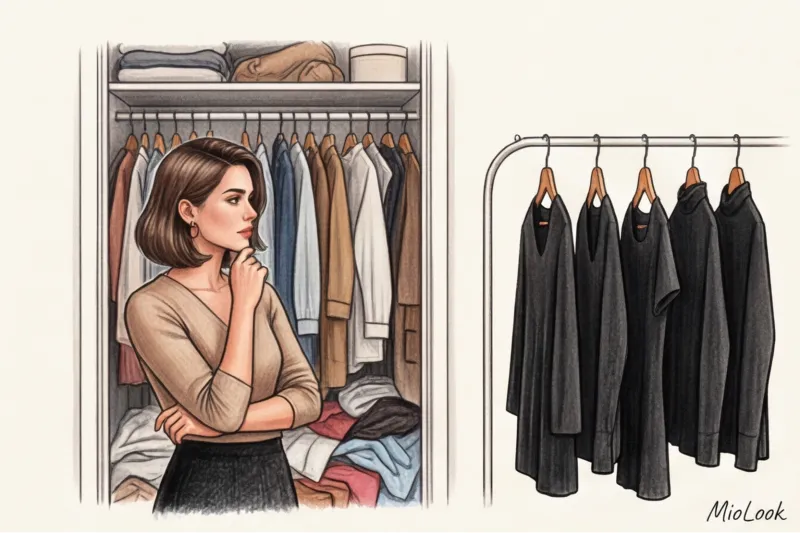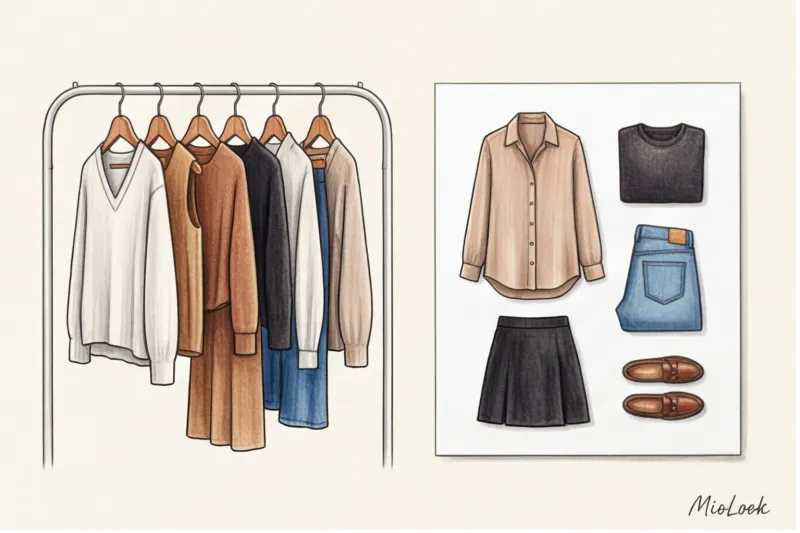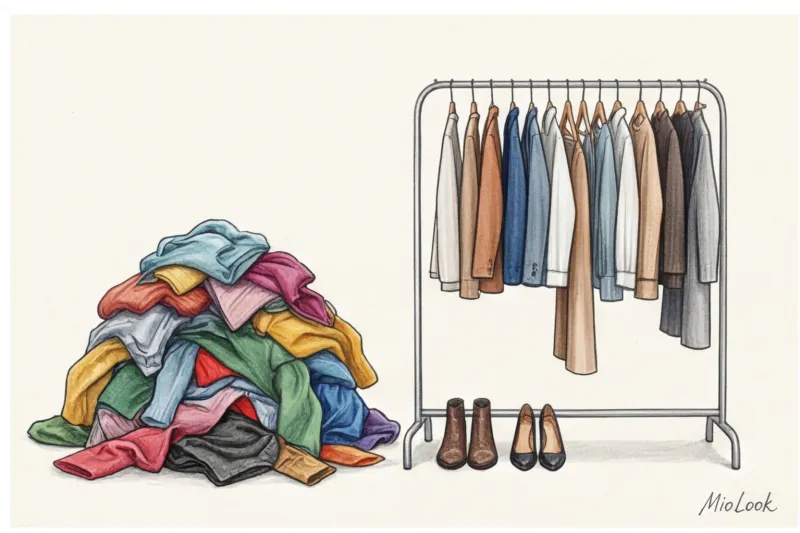
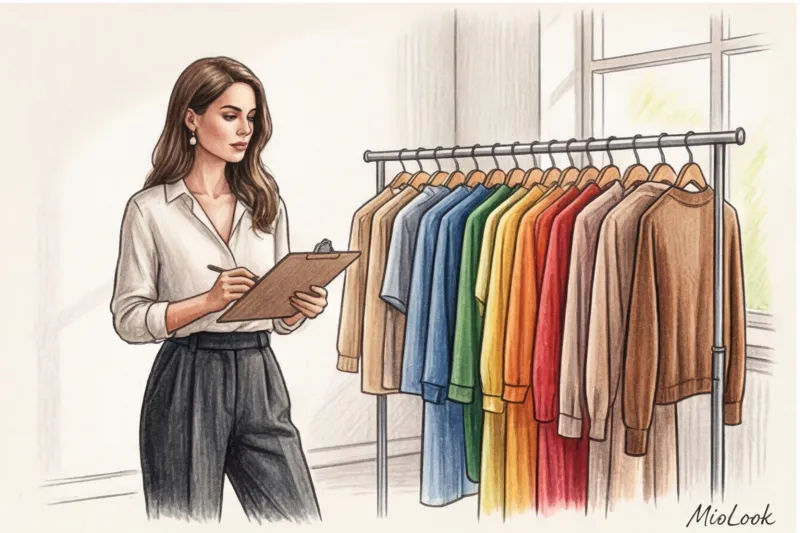
Remember this moment? A client sends you 148 photos of her clothes via messenger. Half of the shots were taken in the evening under the yellow light of a chandelier, half are lying on a colorful sofa, and the black pants blend into a single dark spot. You try to assemble a capsule collection from them, but a week later, the reference links expire, and absolute chaos reigns in your phone gallery. In 10 years of working as a stylist between Paris and Moscow, I've been through this cycle of hell hundreds of times until I realized: we need an engineering approach.
I've already written in more detail about the evolution of our work tools and why the "photo in WhatsApp" format is hopelessly outdated in Our complete guide to the best stylist apps: how to manage clients online But today we'll dig deeper.
Literate wardrobe digitalization for a stylist — it's more than just a picture gallery. It's the creation of a complete database, where each item has its own weight, texture, and function. In this article, I'll explain how to avoid turning physical clutter into digital clutter, and why smartphone algorithms are sometimes our worst enemies.
Why a stylist needs wardrobe digitalization: from chaos to style architecture
Fashion has long ceased to be simply the art of beautifully combining items. Today, a stylist is an asset manager. When you digitalize a client's wardrobe, you change the very essence of your service. You no longer sell a one-time selection—you take on long-term wardrobe management.
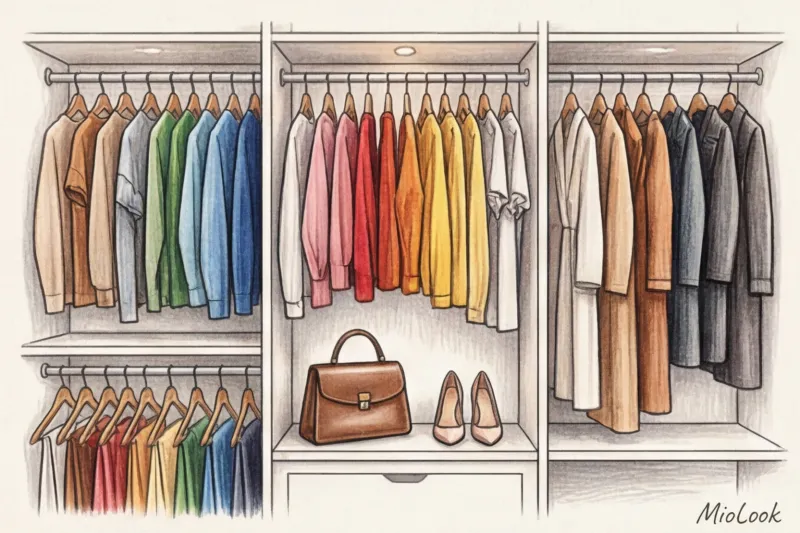
One of my clients, a top manager at an IT company, constantly complained about the "closet full, but nothing to wear" syndrome. The psychological effect of digitalization amazed us both. When she saw her 85 shoulder items on a single screen, sorted by color and season, the illusion of a lack of clothes instantly vanished. Visualization cures shopaholism better than any persuasion.
From a business perspective, creating a virtual database saves me up to 4-5 hours of work on each subsequent seasonal capsule collection. I no longer have to travel to the client's home or ask them to sort through items. I open the app, put together looks over my morning coffee, and send the finished lookbook.
Digital trash: the main mistake when creating a virtual database
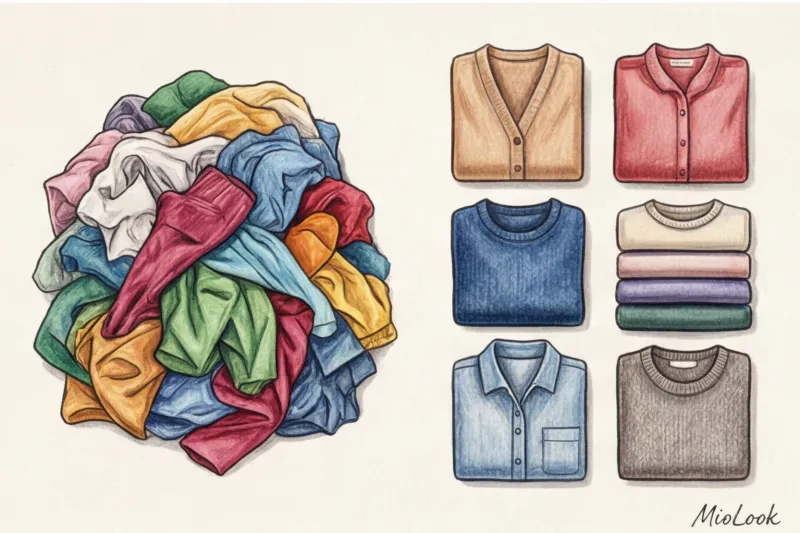
The most dangerous myth propagated by new professionals: "To digitize your wardrobe, you need to photograph every item in your closet." Please never do this. Blind digitization simply transfers real-world chaos into your app.
"According to statistics, about 40% of the items in the average wardrobe are dead weight: duplicates, outdated styles, pilling, or clothes that are too small."
Proper wardrobe digitalization for a stylist begins with a ruthless audit. Only the most important items should be included in the database. working capital These are items that fit you right now, are relevant, and are in perfect condition. If you're unsure about the cost-effectiveness of an item, use cost per wear formula to make a decision.
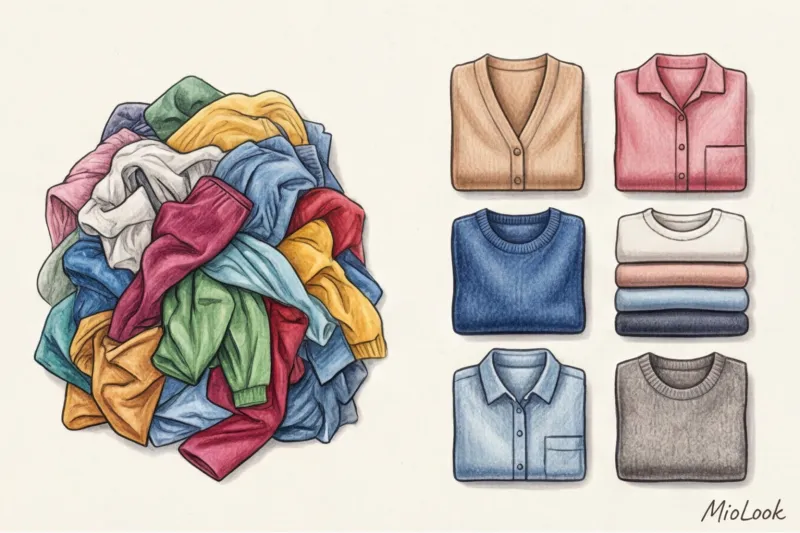
I have a strict "quarantine" rule. Items that need to be slimmed down, dry cleaned, or undergo complex repairs (like replacing the lining on a vintage jacket) are placed in a separate case. They are strictly forbidden from entering the digital database. Digitization is not possible if the item contains items that the client cannot physically wear the next morning.
Access to MioLook for €0.99 — one-time payment
A smart AI stylist and a user-friendly cataloger will help you organize your client database.
Get access — €0.99 onceTechnical Protocol: How to Photograph Things Properly
Now about the pain. Modern smartphones are way too smart, and this is a huge problem in product photography. I had a case where a client photographed her clothes in warm room light on her iPhone with True Tone enabled. As a result, the dark blue wool jacket looked a deep black in the photo, and the emerald silk skirt a dull gray.
I put together a capsule collection for her based on these photos. When she tried on the looks in real life, the color scheme completely fell apart. The black top and navy blue jacket, which seemed like the perfect monochrome pair on screen, clashed in person.
According to WGSN research (2024), 68% of e-commerce clothing returns are due to color mismatches on-screen and in real life. We must apply the same strict principles of catalog photography:
- Disable "enhancers": True Tone, auto-correction, night mode. Only natural daylight from a window.
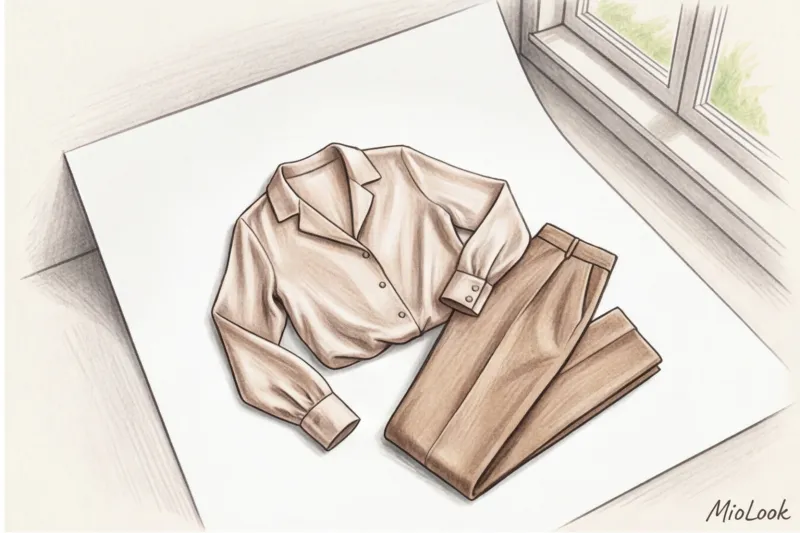
- Background rule: No colorful rugs or wooden floors. Just white poster board, a clean, light-colored wall, or a plain fitted sheet.
- Shooting angle: The camera should be positioned strictly parallel to the garment. Shooting the trousers from above at an angle will transform them from palazzo pants into awkward, skinny-legged breeches, distorting the proportions of the cut.
Flat lay or on a hanger: choosing a format for different categories
The way you arrange a garment directly impacts how it's perceived. Here's my protocol, developed over years of shooting:
- Knitwear and cashmere: Flat lay only. If you hang a heavy sweater on a hanger, it will stretch out and the shoulder line will become distorted.
- Jackets, trench coats and coats: Exclusively on voluminous hangers (preferably wooden). It's important to see the rigidity of the structure, the architecture of the shoulder girdle, and the lapels.
- Shoes and bags: Shot at a 3/4 angle (half-turn). The profile doesn't give an idea of the last's width, and the top view distorts the shape of the toe.
Taxonomy and Tagging: How to Describe a Thing for a Database
Digitizing a stylist's wardrobe doesn't end with the image. The real magic happens at the tagging stage. Beginners simply write: Red Skirt Professionals write: Midi skirt, 100% viscose, matte, summer, A-line silhouette.
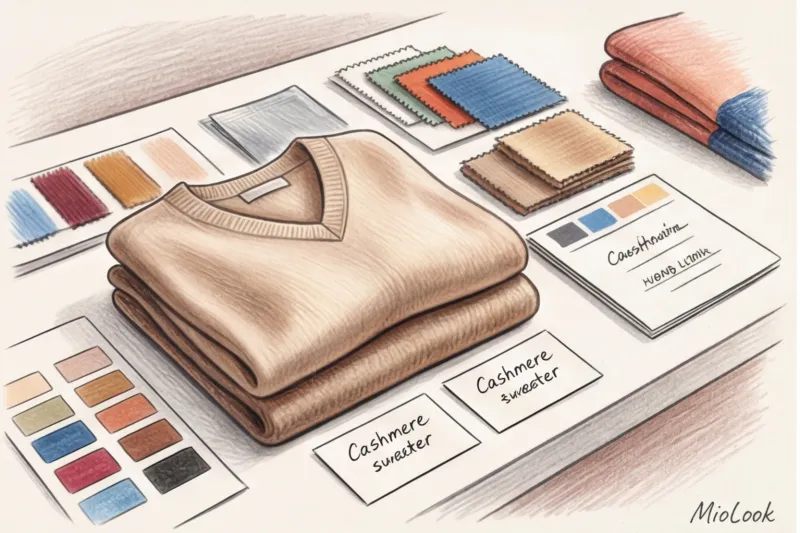
Why is this critical? Algorithms or yourself can perfectly coordinate items by color using Itten's circle. But without knowing the density and texture of the fabric, the look will fall apart. You can't wear a thin satin skirt with 100-denier tights and heavy boots—the silk will stick and static. By the way, I wrote in detail about how to properly care for delicate fabrics in the guide. How to store silk items.
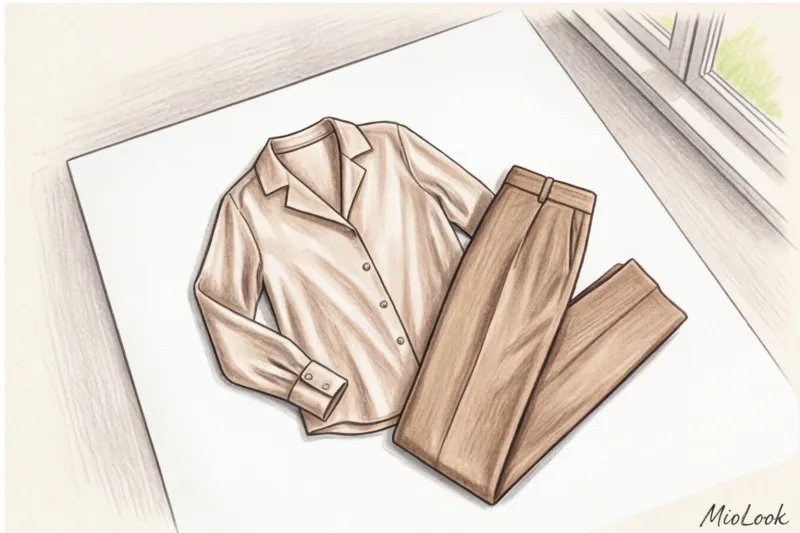
To work with my clients I use Smart wardrobe at MioLook You can create custom tags there. My favorite life hack is hidden wear marks. For example, the "replace in fall 2025" tag. I see that a basic white T-shirt has already been washed 30 times and is losing its shape. The client doesn't even think about it yet, but I'm already adding a new T-shirt to my shopping plan.
Your perfect look starts here
Join thousands of users who look flawless every day with MioLook and save hours on getting ready.
Get access — €0.99 onceIntegrating a virtual wardrobe into customer service
A fully-fledged virtual database opens the door to high-margin subscription services for stylists. Digitization increases the customer's LTV (Lifetime Value) several-fold.
Imagine this situation: your client writes in a panic: "Camilla, I'm suddenly being sent on a three-day business trip to Dubai, flying out tomorrow, what should I pack?!" Previously, this would have meant an emergency trip to her home at double the rate or lengthy video calls.
With her digitized wardrobe, I open the database, filter items by the "hot summer/business dress code" tag, and in 15 minutes, I've assembled a ready-made capsule wardrobe for her. I send her a PDF file with a clear breakdown: 5 items, 2 pairs of shoes, 9 complete looks. This absolutely delights clients and makes them forever attached to you.
Moreover, a basic item makes shopping surgically precise. You buy only the missing pieces (say, the right belt or a statement top), knowing for sure that the duplicate item won't sit idle in your closet.
Stylist Checklist: A Step-by-Step Guide for Clients
To avoid doing the client's work for me (or having to redo it), I've developed a strict protocol. You can copy this checklist and send it before you begin digitizing.
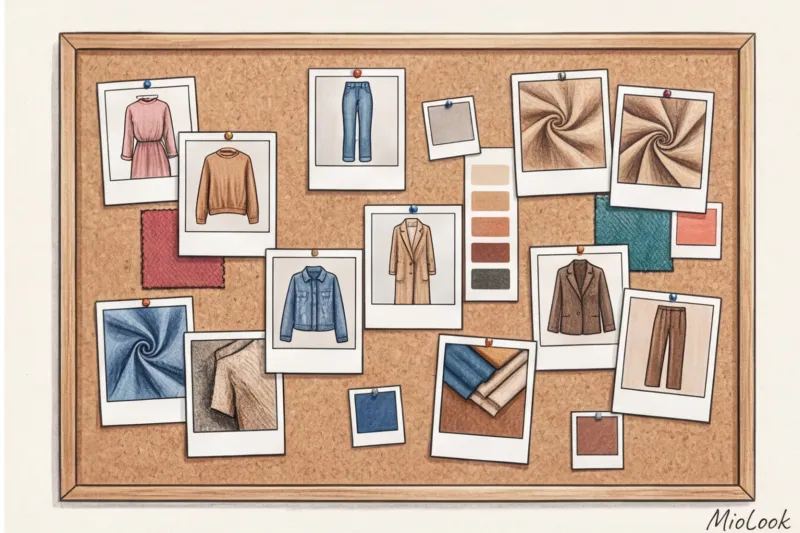
- Step 1: Preparation. Select items according to the season. Inspect them carefully for stains and pilling. Be sure to steam the clothes—wrinkled items distort the silhouette in photos. Choose a location in your apartment with good daylight (best to photograph between 10 a.m. and 2 p.m.).
- Step 2: Organizing the conveyor. Don't shoot randomly. First, shoot all the bottoms (pants, skirts), then move on to the tops, then the outerwear. This will help keep your phone's focus settings consistent.
- Step 3: Technical shooting. Clean your camera lens. Turn off the flash, filters, and automatic color correction. Photograph the item strictly in the center of the frame, leaving some air around the edges (to make it easier to crop the background in the app).
- Step 4: Detailing (optional). If the item has a complex print or unique texture (for example, tweed or Genuine Leather ), take a second shot in macro mode so that the stylist understands the material.
Digitizing a wardrobe is a process that takes time at the start, but the return on investment is a hundredfold. You stop being just a style advisor and become the architect of your client's personal brand. And the right tools and a strict technical protocol are the foundation upon which this architecture rests.