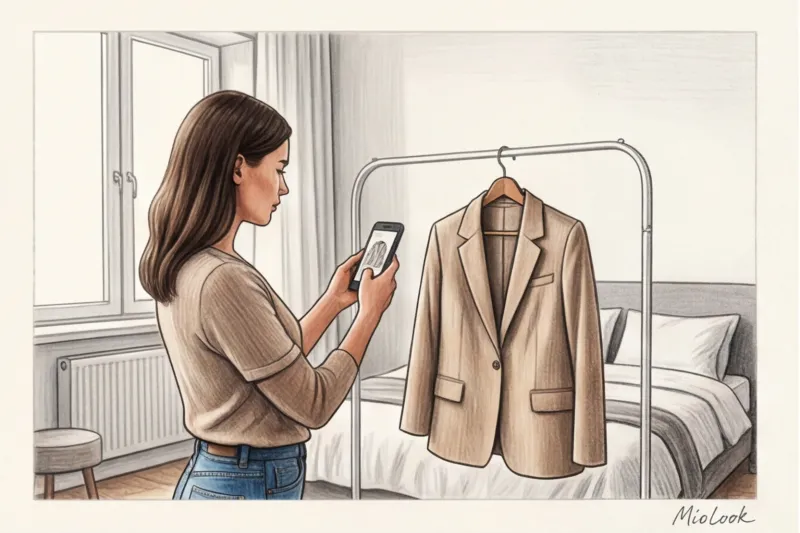
Do you remember your first experience of cleaning out your closet and trying to move everything into your phone? I remember it all too well. Four years ago, I decided that wardrobe digitization Instantly solves the "nothing to wear" problem. Over the course of one weekend, I photographed about 150 items, hastily throwing them on the bed under the light of the yellow chandelier in the bedroom.
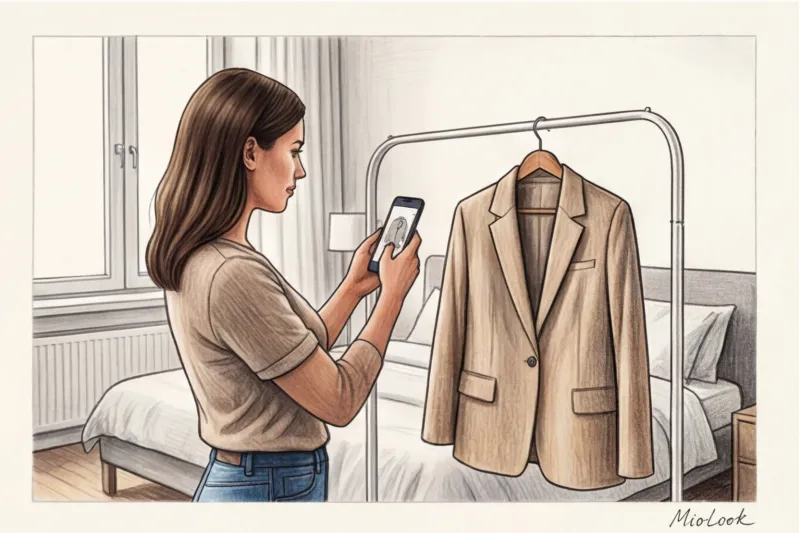
The result? My brand-new virtual closet was filled with shapeless, wrinkled rags of a strange gray-brown-crimson color. The algorithms couldn't evenly cut out the background due to the deep shadows cast by the mattress, and I wasted two days. This failure forced me to delve deeply into the technical side of the matter.
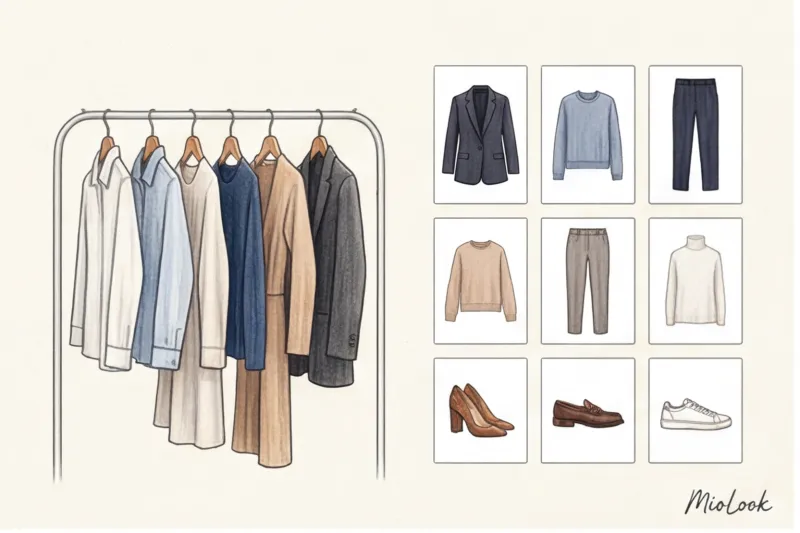
We talked about the philosophy of digital minimalism in more detail in our The Complete Guide to the AI-Powered Capsule Wardrobe App But today I want to give you a purely practical guide. We'll talk about how to photograph clothes so that neural networks cut out the background without visual clutter, and you get working stylistic formulas, not just a jumble of images.
Why proper wardrobe digitalization is the foundation for a smart capsule wardrobe
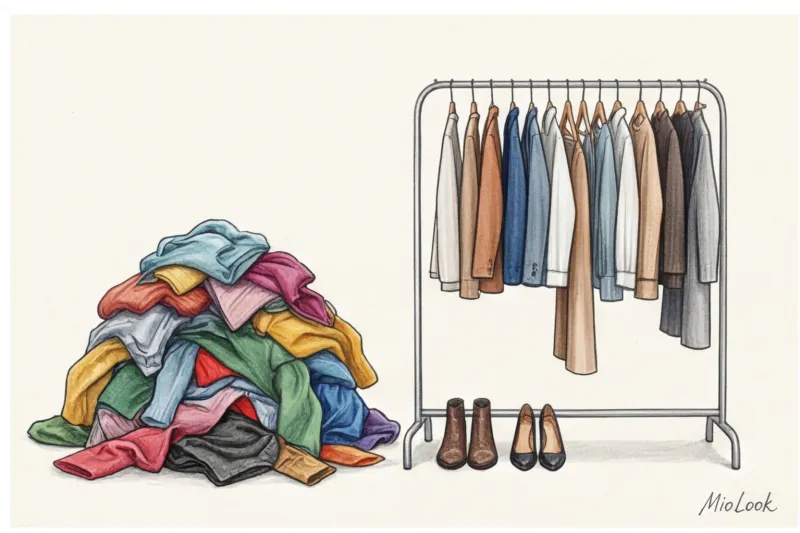
Let's face it: our memory is a terrible stylist. According to a large-scale study by WRAP (2023), the average woman regularly wears only 20% of her closet's contents. The remaining 80% is a "blind spot." The brain is physically incapable of holding more than 30 items of clothing in its working memory at once, especially during the stress of the morning before work.
This is where technology comes into play. Your smartphone acts as an external hard drive for your style, relieving cognitive overload. However, low-quality photos kill the very idea of a digital assistant. If you're greeted by visual noise in an app—crooked edges, yellowed hues, and wrinkled fabrics—your brain will refuse to perceive these things as beautiful. You'll simply be unwilling to assemble them into images.
"Visual noise in an app is just as damaging to your style as physical clutter in your closet. If you see a wrinkled blouse on your screen, your brain automatically labels your entire look as unkempt."
Ready to get started?
Try the free plan—no commitments. Digitize your first 10 items today.
Get access — €0.99 onceThe biggest mistake newbies make: why a "pretty layout" ruins your things
If you open Pinterest, you'll see thousands of aesthetically pleasing flatlays of clothes. Does it look pretty? Absolutely. Is it suitable for a digital wardrobe? Absolutely not.
This is the most damaging myth I combat as a stylist. When you lay an item on a horizontal, soft surface, several unpleasant things happen:
- Silhouette distortion: Gravity flattens architectural cuts. Your favorite structured Massimo Dutti jacket will look like a shapeless square on the bed. The garment appears wider and shorter.
- The shadow problem: The soft surface sags under the weight of the garment, creating micro-shadows along the contour.
- Algorithm failure: Neural networks responsible for background removal operate using edge detection. When a shadow merges with the edge of a dark fabric, the algorithm "removes" part of the sleeve or hem.
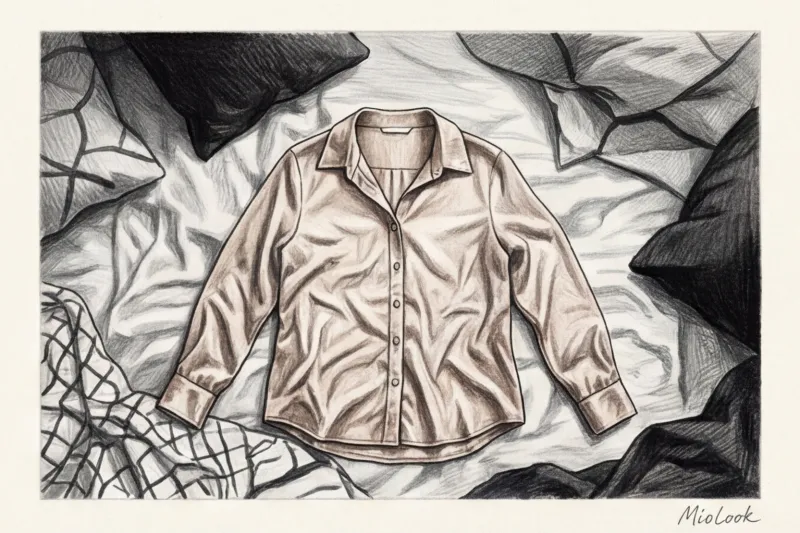
Computer Vision algorithm specifications reveal stark statistics: AI is 40% more likely to make mistakes when photographed against a colorful or textured background, like bedsheets. So forget about flatlay. Clothes are designed to hang vertically.
Preparing to shoot: What to do before you press the button
Digitization is a project. Don't try to photograph one item every evening after work—you'll give up after three days. I always use the "One Weekend Rule" with my clients: we set aside two to three hours on Saturday morning to photograph the entire seasonal capsule in one go.
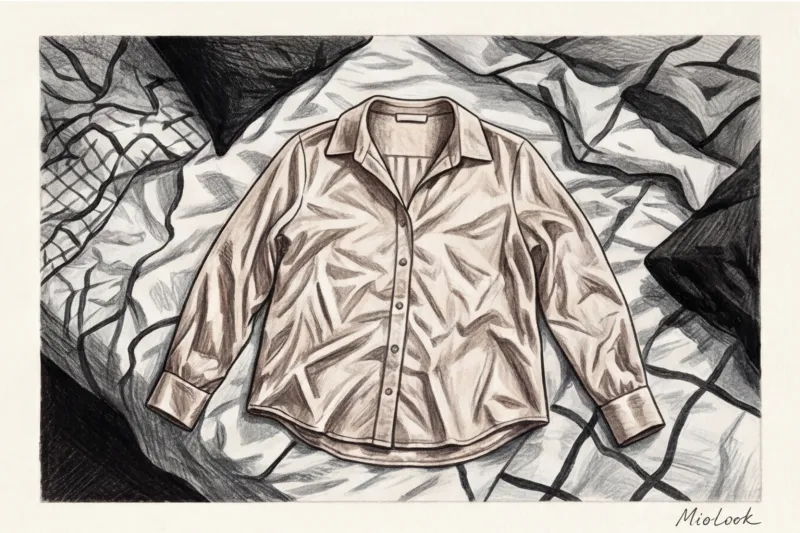
But before the shoot, you need to prep your clothes. A basic handheld steamer (even the most basic ones, in the €30-€50 range) is your best ally. One of my clients complained that the "smart capsule" wasn't working. When I opened her profile, I saw dozens of wrinkled T-shirts and shirts. The artificial intelligence did a great job of picking colors, but the collages looked like a basket of dirty laundry. Spend 30 seconds steaming your items before the shoot—it will radically change the way your wardrobe looks.
Lighting: How to Avoid Color Distortion
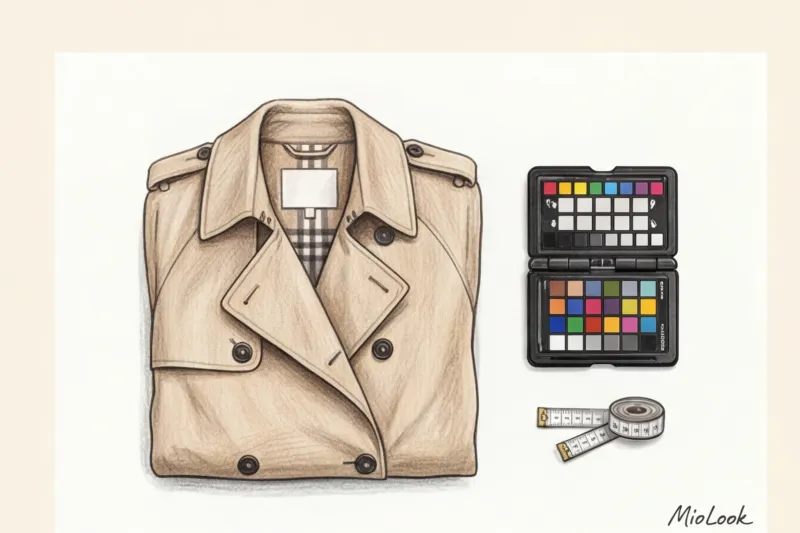
According to the PANTONE Color Institute (2024), smartphone cameras distort complex colors by default under warm artificial light. Your luxurious emerald sweater will turn a muddy green under incandescent light, and your navy blue jacket will turn black.
Shoot only in diffused daylight from a window. The ideal time is early afternoon, when the sun doesn't shine directly, creating harsh shadows. If there's not enough daylight, use a ring light with a neutral temperature (around 4500-5000 Kelvin), pointing it at the ceiling or wall for a soft reflection.
An ideal background for neural networks
Algorithms MioLook and other computer vision systems require maximum contrast. The best background is a smooth, matte surface without baseboards, wallpaper patterns, or mirror reflections.
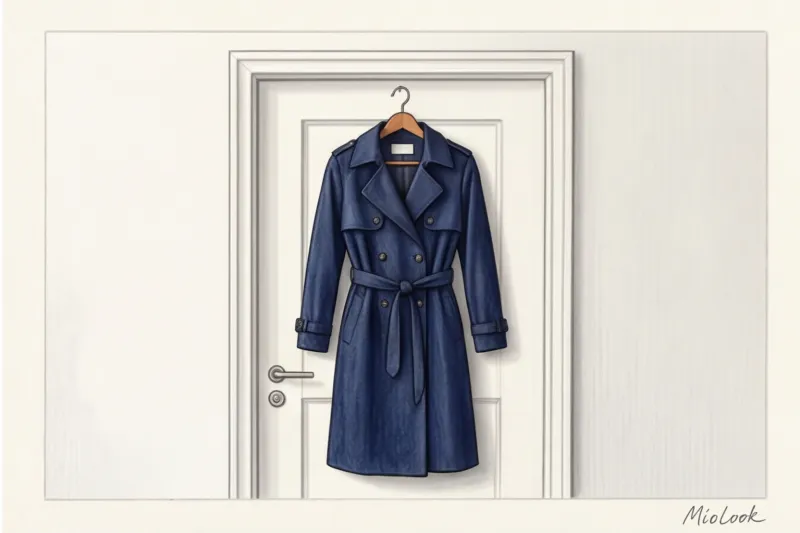
For dark colors (black, blue, burgundy), use a white wall or a light-colored interior door. For light colors (white, beige, pastel), find a dark background—for example, a dark closet door or drape a plain gray, lint-free throw over the door. Avoid photographing a white shirt against a white wall—the neural network simply won't be able to detect its boundaries.
Your perfect look starts here
Join thousands of users who look flawless every day with MioLook. Download your first items now.
Get access — €0.99 onceCategory Guide: How to Photograph Different Types of Clothing
Hold your smartphone vertically, at chest level (the center of the subject). If you shoot from top to bottom, the subject will take on a trapezoid shape with wide shoulders and a narrow bottom. Leave 10-15% white space at the edges of the frame—this will give the AI room to maneuver when cropping.
Tops, dresses and outerwear
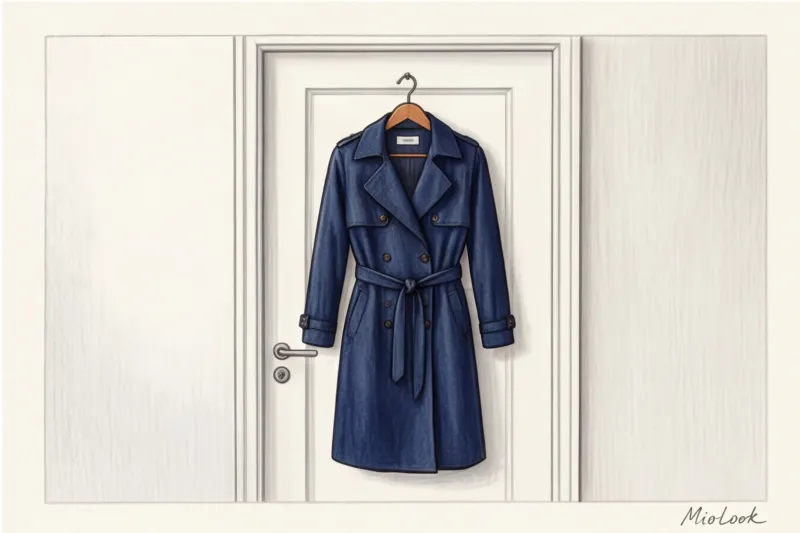
The secret to professional catalog photography is invisible hangers. Use clear acrylic or thin metal hangers. Thick wooden hangers attract too much attention from the algorithm and distort the shoulder line in the photo.
Be sure to button your shirt (at least every other button), straighten the collar, and adjust the cuffs. The garment should look as if an invisible person is standing in it. Cardigans are best buttoned up completely to prevent them from sagging.
Trousers, jeans and skirts
Never photograph trousers folded in half across the hanger bar. You won't be able to tell their true cut in an app—are they straight-legged, flared, or tapered?
Use special hangers with clips. Attach them to the very edge of the waistband to ensure the fabric is stretched evenly, without any creases in the middle. Jeans and tailored trousers should be photographed full-length.
Shoes and status accessories
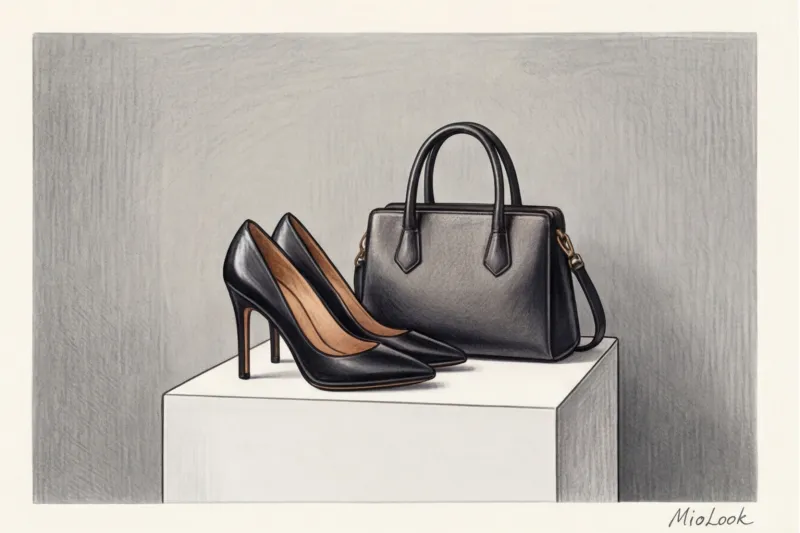
Photographing shoes from above (as we see them on our feet) is a common mistake. To create harmonious collages, photograph shoes strictly from the side (in profile) or at a slight 45-degree angle. Place the pair on a stool covered with white paper or on a windowsill.
As for bags, they should definitely be stuffed with craft paper or plastic wrap. An empty leather tote without a frame will sag and look untidy. Properly digitized accessories — a guarantee that the image generator will be able to correctly fit them into the look.
Checklist: A conveyor-belt method for wardrobe digitization
Once I realized my mistakes, I developed a system that allows me to digitize clients' wardrobes at breakneck speed. My personal best is 10 items in 12 minutes. The secret lies in the assembly-line approach.
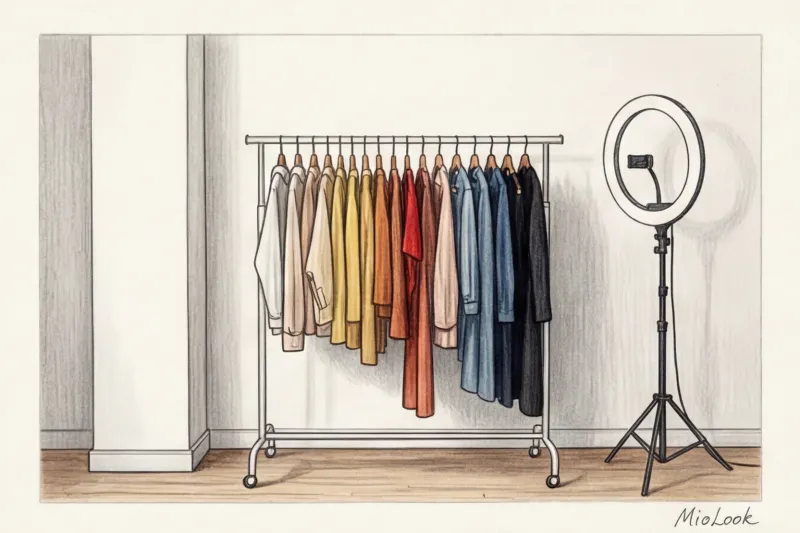
- Sorting by color. Don't take down items in the order they're hung in your closet. First, select all the dark items (for a light background), then all the light ones. This will save you a ton of time rearranging.
- The "Put-Take-Load" method. Hang an empty nail or hook on the door. Pick up the item → hang it → step back → take a photo → remove the item to the "done" basket. Don't edit the photo as you go! Do that later as a package.
- Fitting room rule. The best way to avoid extensive digitalization in the future is to photograph new purchases directly in the store's fitting room (Zara or H&M usually have excellent contrasting lighting). The item is hanging on a store hanger, steamed, and the background is neutral. Perfect.
Access to MioLook for €0.99 — one-time payment
A smart AI stylist will select the perfect look from your items in just a few seconds.
Get access — €0.99 onceUploading to MioLook: Bringing Your Capsule to Life
Let's be honest: every method has its limitations. Digitization doesn't work perfectly if you're trying to capture a translucent organza blouse or a dress with fine lace against a background that's visible through the fabric. In such rare cases, even advanced AI may require your manual assistance with the in-app eraser.
But for 95% of your basic wardrobe, magic generating combinations in MioLook It works flawlessly. You upload a photo, and the algorithm removes the background in a split second, identifies the color, and tags the category (e.g., "straight-leg trousers, cotton, beige").
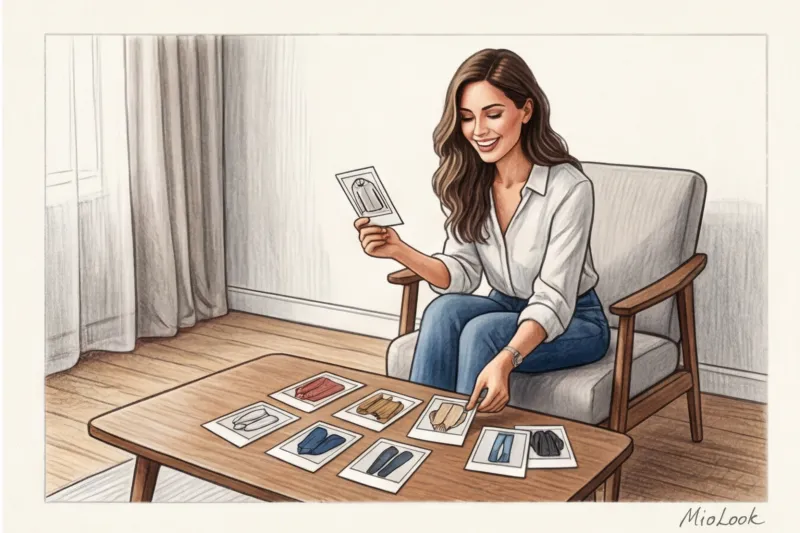
Once your items are in the system, the fun begins. You'll be able to generate dozens of new image formulas while sitting in a taxi or sipping your morning coffee. Two hours spent on proper, high-quality digitization on a weekend translates into 15 minutes saved every morning for years to come.
A high-quality photo in your digital wardrobe isn't a tribute to a perfectionist's aesthetic. It's a technical requirement for machine learning algorithms to accurately analyze your items and suggest looks you'll actually want to wear.