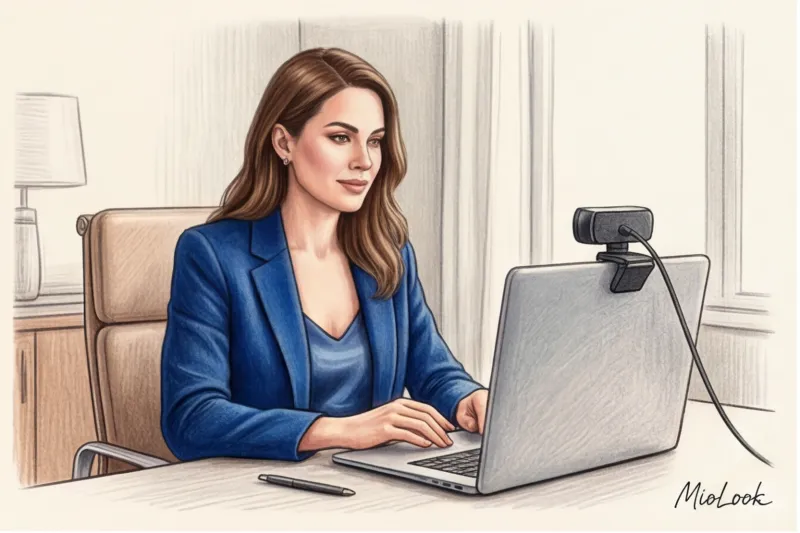
In 2020, when the corporate and fashion industries suddenly shifted online, one of my clients, the CEO of a major fintech startup, was preparing for a crucial pitch to investors. She chose her "lucky" outfit: a luxurious fuchsia silk blouse and a tailored black jacket. In real life, it looked like a statement of confidence and impeccable taste. But on a Zoom screen? The video compression algorithms went crazy: the fuchsia began bleeding neon pixels, distracting the boardroom, and the black jacket merged with the shadows of the room, turning my client into a torsoless talking head.
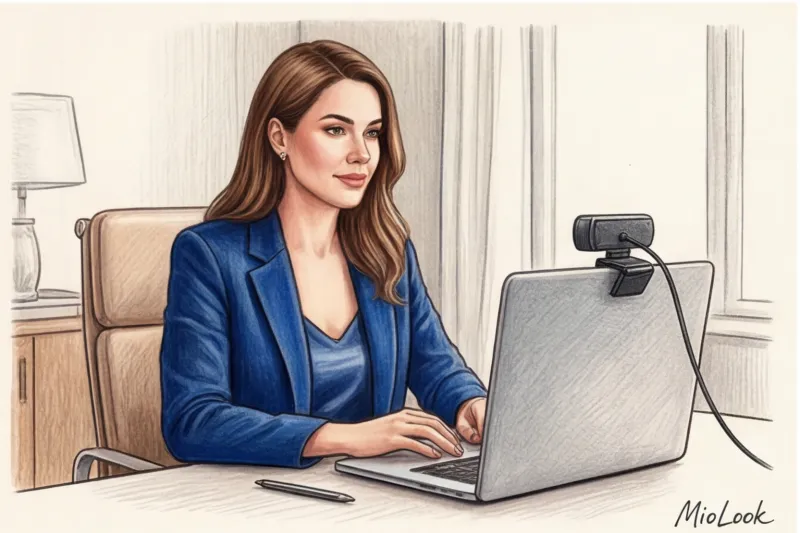
That's when I realized: the right choice clothing color for a video call matters more than the perfect cut, brand, or price of the item. We discussed the basic principles of color perception in more detail in our The complete guide to the psychology of color in business attire , but the webcam lens dictates its own, completely merciless laws of physics.
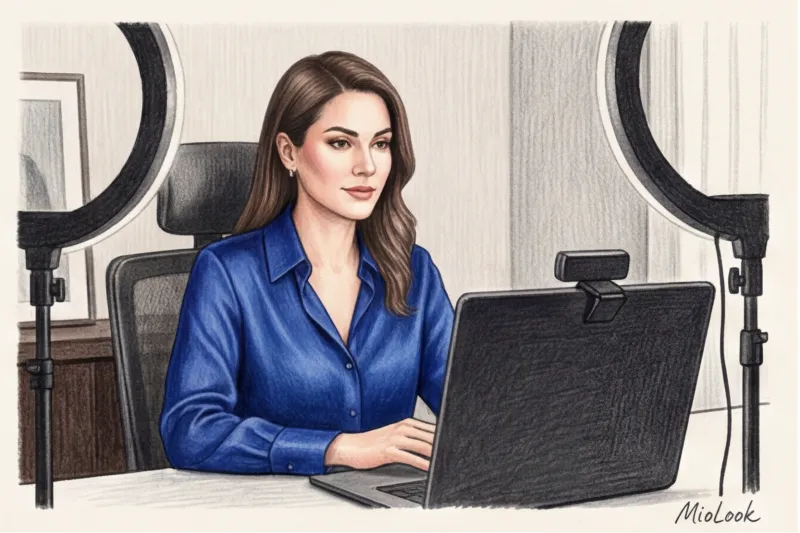
I remember how, in the first months of the mass transition to digital, I locked myself in my studio and personally tested over 30 different shades and textures of fabrics in front of a ring lamp, a window, and regular room lighting. The results forced me to retrain my clients. What makes you look slimmer and more elegant in the office can work against you on video.
Why clothing color works differently on video calls than in real life
The human eye is a sophisticated optical instrument, capable of distinguishing approximately 10 million shades and instantly adapting to changes in light. Your laptop's standard webcam is not. Most built-in cameras have a limited 8-bit dynamic range. This means they are physically incapable of capturing subtle midtones and deep shadows.
Add to this the compression algorithms of Zoom, Skype, or Google Meet. To prevent video from freezing on slow internet connections, the program "collapses" similar pixels. Complex gradients and textures are simply destroyed. This is why television broadcasting standards (for example, the BBC's internal guidelines) strictly regulate what news presenters can wear on air.
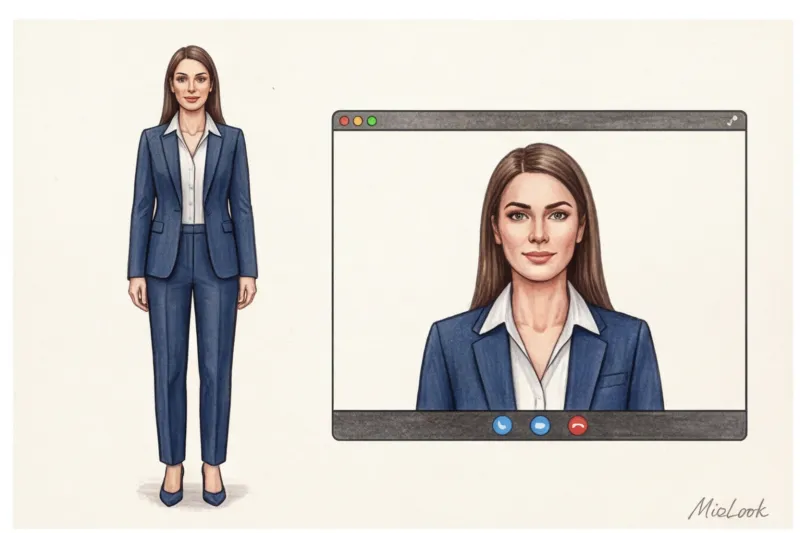
Furthermore, online interactions are subject to a strict framing concept. Your outfit is confined to a rectangle where 80% of the space is taken up by your face and upper chest. In real life, your interlocutor evaluates your entire silhouette: your shoes, your pants, your gait. On Zoom, your complexion becomes your primary and only visual anchor.
Access to MioLook for €0.99 — one-time payment
A smart AI stylist will select the perfect look for your video calls based on your wardrobe.
Get access — €0.99 onceThe Worst Colors for Zoom and Skype: What You Should Never Wear
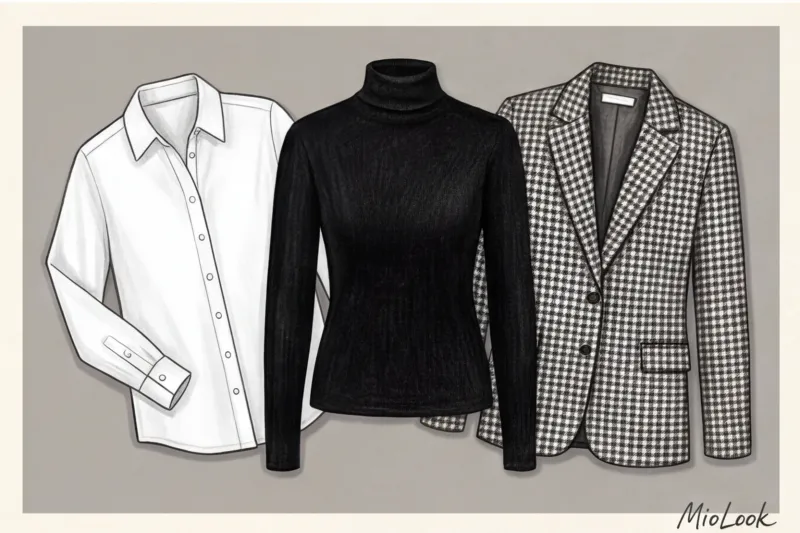
Let's start with the main stereotype destroyer. Total black in video is your worst enemy. Yes, in real life, it's considered the epitome of elegance (remember the teachings of Coco Chanel) and visually elongates the silhouette. But a webcam perceives black as a dip in lighting.
As soon as you put on a black turtleneck, the camera's sensor decides the frame is too dark and automatically cranks up the exposure (ISO) to the max. The result? Your clothes turn into a flat, dark spot with no volume, and your face becomes unnaturally pale, overexposed, and covered in digital noise. You get that famous "floating head" effect.
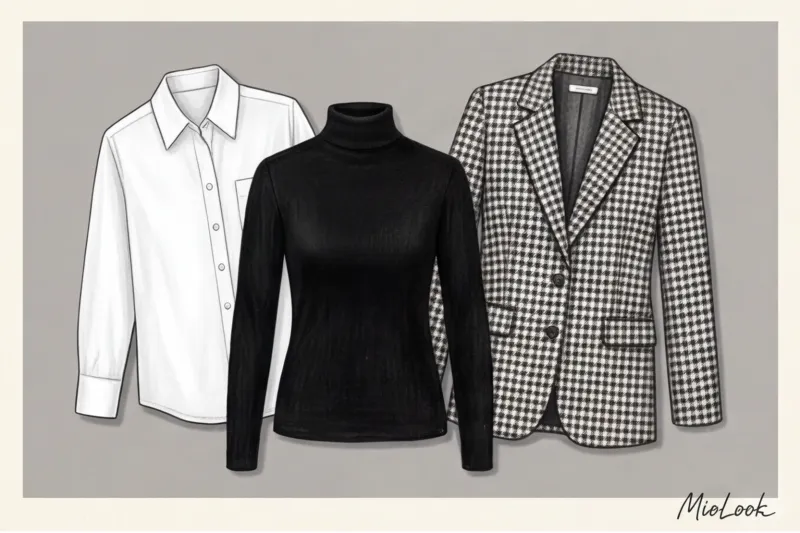
What else is on the stop list for online meetings:
- Stark White: It acts as a reflector. If even a little light from a window hits you, a white shirt will turn into a glowing, radioactive spot, causing the camera to darken your face. Replace it with ivory or cream.
- Bright red and neon: They cause a "color bleeding" effect. Camera sensors can't handle the intensity of the red spectrum, and the color literally bleeds beyond the contours of your clothing, turning your chin and neck a pinkish tint.
- Small contrasting prints: Houndstooth, pinstripes, or small polka dots. When video is compressed, they create a stroboscopic effect (moiré)—the fabric on the screen begins to ripple and dance, causing eye strain after just 10 minutes of conversation.
The trap of virtual backgrounds and chroma key
A particular pain point for stylists is using software blurring or background replacement. If you enjoy these features, avoid green and some blue tones in your clothing. Zoom's algorithms often confuse the color of your shirt with the green screen. One wrong move, and the algorithm will make your torso transparent, projecting a photo of the Golden Gate Bridge through you.
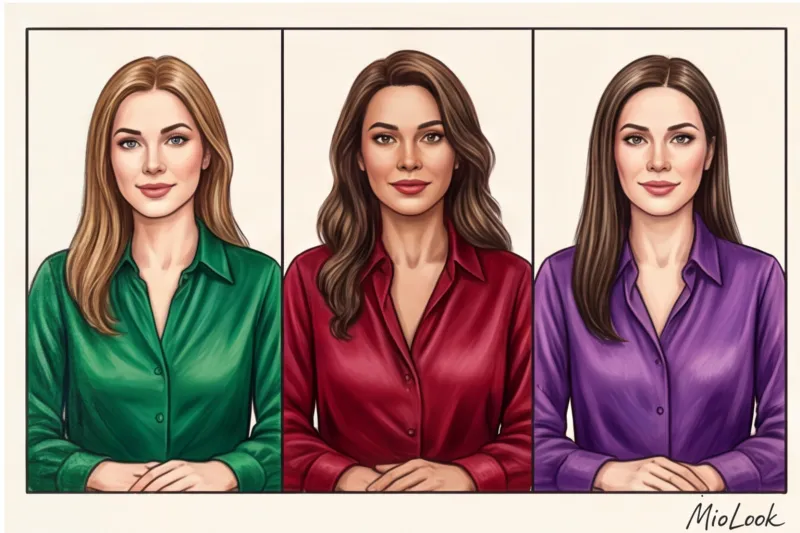
The Perfect Color for a Video Call: A Camera-Friendly Palette
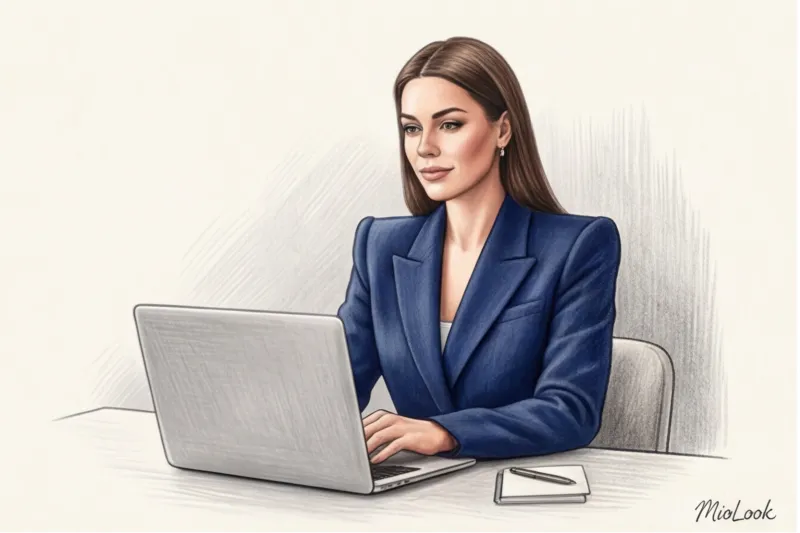
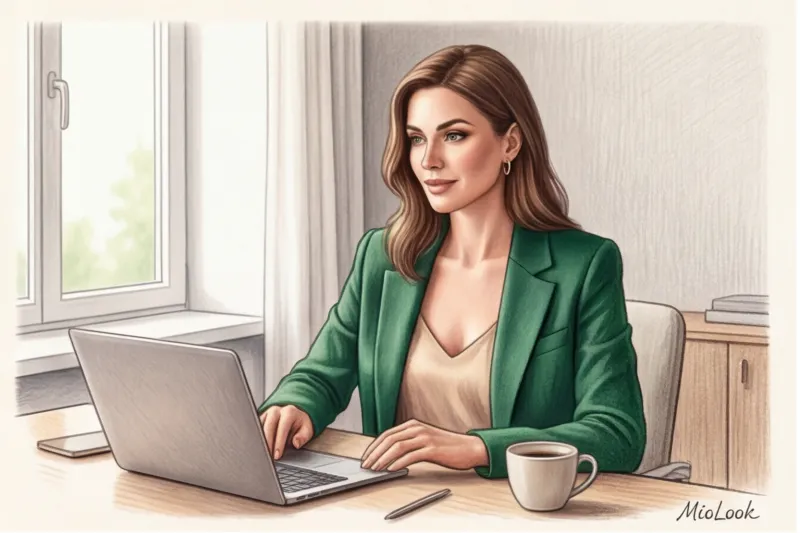
If black and white are forbidden, what's left? The answer lies in the so-called Jewel tones (Precious shades). Sapphire, rich emerald, deep ruby, amethyst—these are TV presenters' secret weapons that work flawlessly on Zoom.
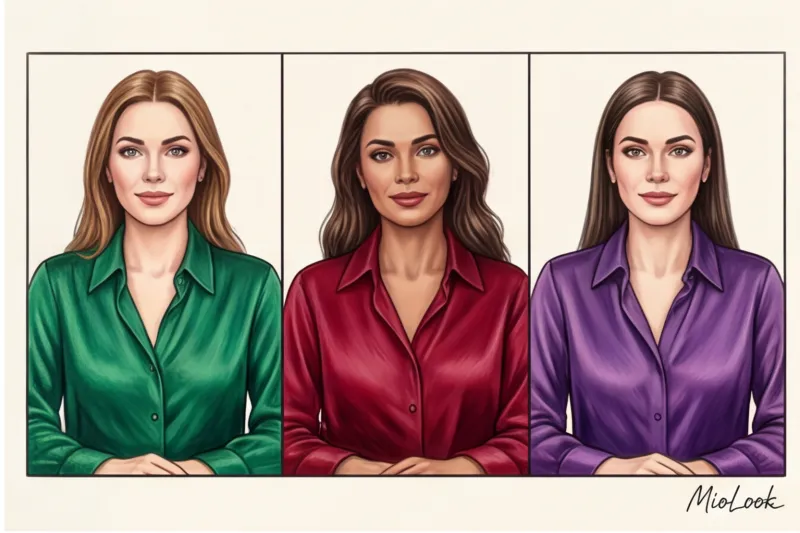
A 2023 study by the WGSN analytical agency on digital fashion found that medium-saturated, dense colors lose the least pixel information during video signal compression. They provide the camera with enough light to avoid overexposing the face and enough color to preserve the volume of the silhouette.
My absolute favorites for clients:
- Classic Blue (Navy Blue): An ideal, softer alternative to black for formal business meetings. It looks expensive and professional at any camera resolution.
- Medium contrast warm tones: Dusty pink, muted terracotta, mustard. They work as a subtle blush, adding a healthy glow to the face even after only four hours of sleep.
- Deep wine (Burgundy): A replacement for aggressive red. It retains its classy appearance without causing color distortion on the matrix.
By the way, it is for such cases that I recommend using smart wardrobe feature in MioLook The app lets you filter your items by color and instantly create a capsule wardrobe of camera-safe shades, saving you time in the morning before a phone call.
Your perfect look starts here
Join thousands of users who look flawless every day with MioLook, online and offline.
Get access — €0.99 onceLight and Color: How Your Lighting Changes the Hues of Your Wardrobe
Even the most perfect sapphire jacket can be ruined by poor lighting. Color is just a reflected wave of light. What you illuminate the room with directly changes the hue of your clothes on screen.
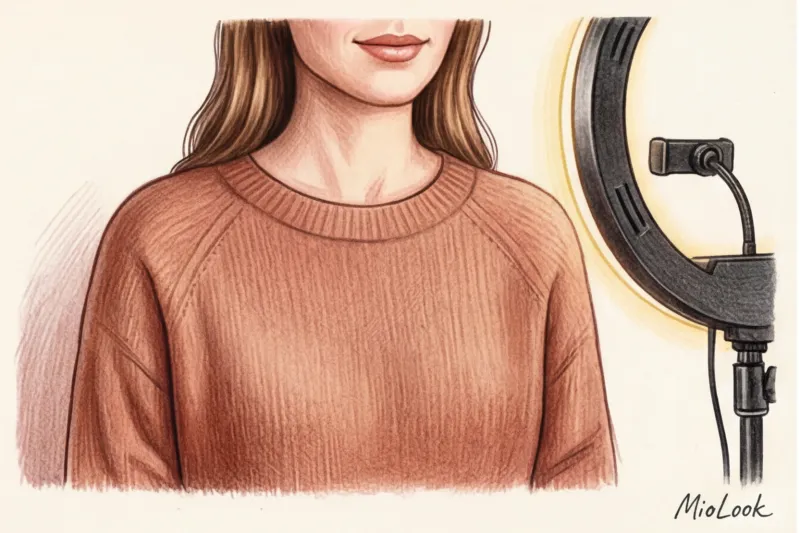
Over 12 years of working with visuals, I've discovered a clear pattern. If you use a popular ring light with cool light (around 5500 Kelvin), it will inevitably "eat" all pastel colors. A soft blue will turn into a washed-out gray, and a peach will turn into a dirty white. Under cool LED light, you should wear clothes a shade richer than you normally wear.

If you're sitting under standard room lighting (yellow incandescent bulbs, 2700 Kelvin), avoid complex taupe and olive shades. Yellow light will make them look dirty, giving your face a sallow, sallow appearance.
Important limitation: All these color rules break down if you're sitting with your back to a bright window. No emerald silk will save you—the camera will focus on the bright street background, and your silhouette will turn into a solid black rectangle. Light should always fall on you from the front or at a 45-degree angle.
The Psychology of Color in Film: Hidden Negotiation Management
Through a screen, we're 70% deprived of body language. We can't convey confidence with a firm handshake or assess the person we're talking to. In the digital environment, color takes on the role of nonverbal communicator.
Digital communications expert Erica Dhawan's book, "Digital Body Language" (2021), cites a startling statistic: online, basic trust in a speaker is formed within the first seven seconds, and over 60% of this first impression is based on the color occupied by the screen. You're directly influencing your interlocutor's hypothalamus.
- For sales and consulting: Choose blue and deep blue. Historically and psychologically, these colors are associated with reliability, logic, and expertise.
- For HR specialists and psychologists: Earthy, warm tones (beige, caramel, terracotta) reduce anxiety, convey empathy, and encourage openness.
- For crisis managers: Deep gray (charcoal) combined with emerald. Conveys stability and control over the situation without excessive aggression.
Checklist: How to test your look 5 minutes before a call
Theory is useless without practice. Never evaluate your look for Zoom by looking in a mirror in the hallway. Mirrors don't have compression or autofocus algorithms. Here's my four-step workflow that I make every client follow before an important broadcast:
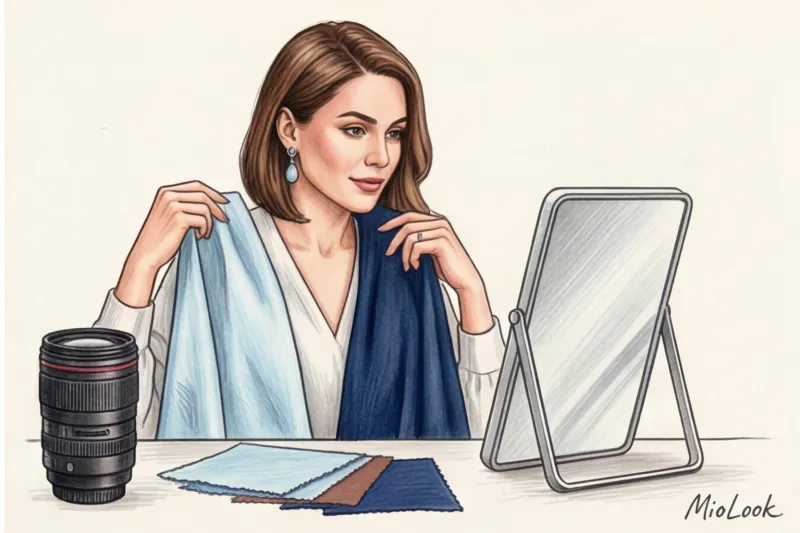
- Open the camera app. Not Zoom with "beautification" filters enabled, but a basic camera app on your laptop (Photo Booth for Mac or Camera for Windows). You should see a raw image.
- Do a contrast test. Sit at your desk and turn on the light that will be on the call. Does your clothing blend into the background? Does your face stand out? If you're a blonde in a beige sweater against a beige wall, immediately change your top for a contrasting one.
- Checking for "noise". Rock gently from side to side. If the fabric (especially a small checkered one) starts to shimmer and leave a trail, it's time to throw it away.
- Screenshot test. Take a screenshot and look at it for three seconds. Where does your gaze fall? If it's on the bright spot on the clothing and not the eyes, the outfit is poorly chosen. Clothing should be a high-quality frame for the portrait, not the portrait itself.
Preparing for a video call requires a change of perspective. What we consider stylish in the physical world often works against us in the digital space. Stop hiding behind all-black, embrace deep, jewel-toned hues, and remember: the camera isn't a mirror. It's a translator. And your job is to speak to it in a color language it understands.