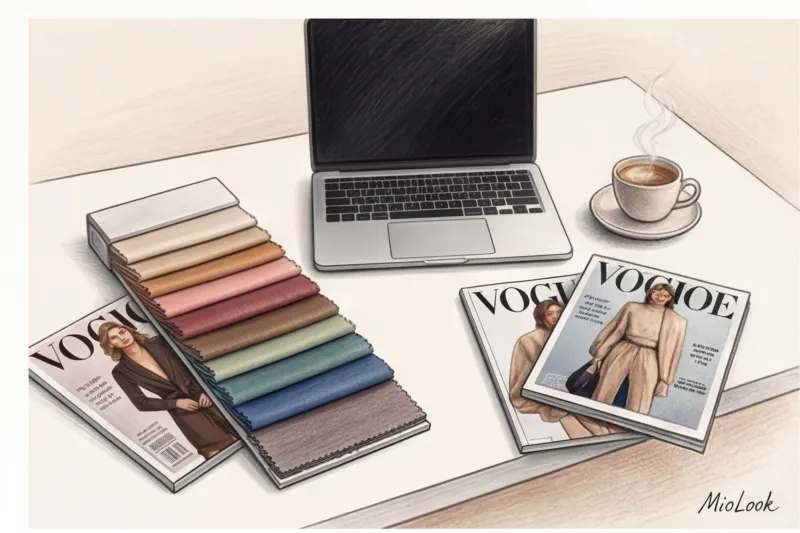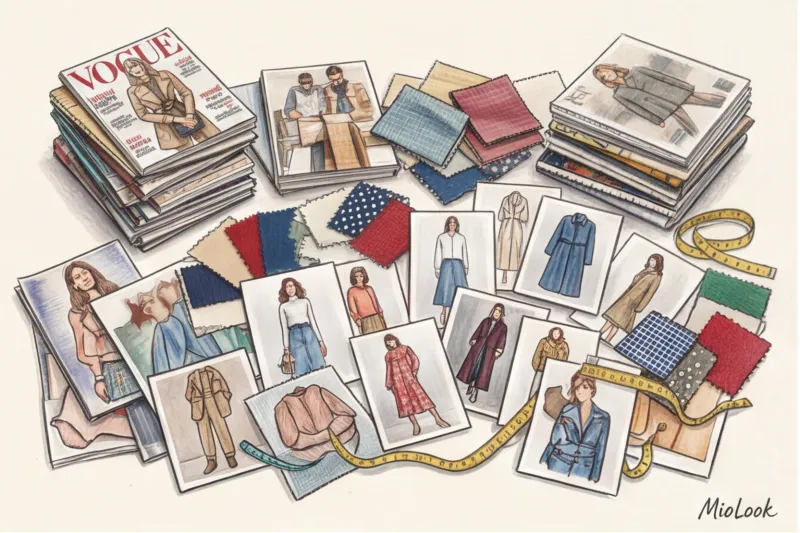
I vividly remember my first month working as a stylist entirely online. It was 2018. I sent a client a long list of links to items from COS, Massimo Dutti, and a couple of local brands via messenger, along with a PDF of collages. A week later, she sent me a photo of her fitting: the luxurious cool taupe (gray-brown) turned out to be a reddish camel, and half the links to basic T-shirts had simply expired because a seasonal sale had started. We lost time, and the client lost money on returns.
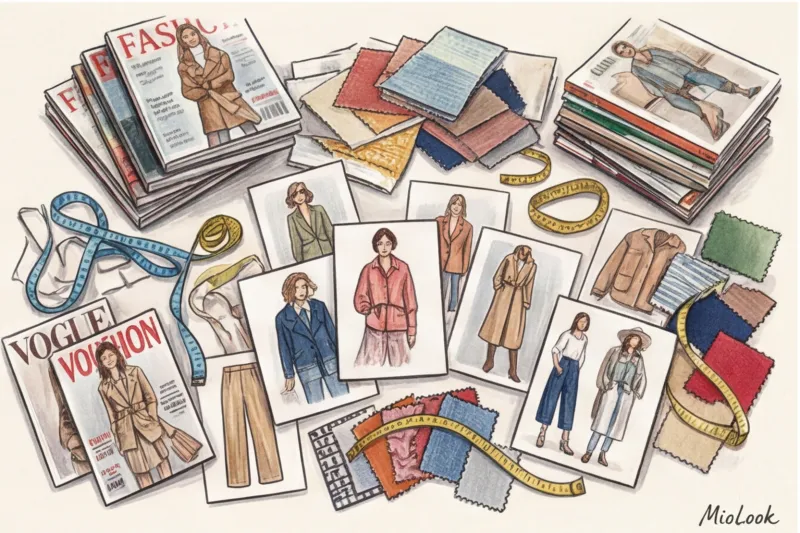
That's when I realized: doing it "on the fly" kills the entire value of the service. According to a McKinsey report (2024) on the digitalization of fashion retail, the use of precise visualization tools reduces the clothing return rate by 30%. And yet, every return is not only a logistical nightmare, but also a huge carbon footprint. We discussed the evolution of professional software in more detail in our complete guide to best apps for stylists.
Today is high quality clothing capsule collection program — is more than just a graphics editor. It's a full-fledged CRM system that solves problems with color distortion, broken links, and eco-friendly recycling. Let's explore how digital tools are changing the rules of the styling game and why it's time to break some of our habits.
Why Pinterest and Messenger No Longer Work for Stylists
Let's start with an unpopular opinion that often gets me pelted with tomatoes by my colleagues: Pinterest is the worst tool for creating work capsules for clients. Yes, it's great for finding inspiration. But when it comes to actual shopping, it turns into a trap.
Have you ever noticed a client falling in love with a chunky, chunky knit sweater from their Pinterest feed? The problem is, it's from a Celine show three years ago. Finding an exact replica in the mid-price segment is practically impossible right now. You're creating inflated expectations that are dashed by the harsh reality of what's available in shopping malls.
Moreover, forwarding links via WhatsApp is a surefire way to burn out both the stylist and the client. What happens in reality:
- The problem of "dead links": In mass-market stores (Zara, H&M, Mango), collection turnover is 2-3 weeks. While a customer is still deciding, the popular size M is already out of stock.
- Difficulty of navigation: It's impossible to evaluate how things work together in chat. The client is buying individual items, not a system.
- Environmental aspect: Buying items without a clear visual assembly is more likely to lead to mistakes. According to WGSN statistics, approximately 40% of online purchases are returned because the item "didn't fit." This translates into tons of CO2 emissions for reverse logistics.
A professional approach requires moving beyond a list of links to an interactive digital wardrobe.
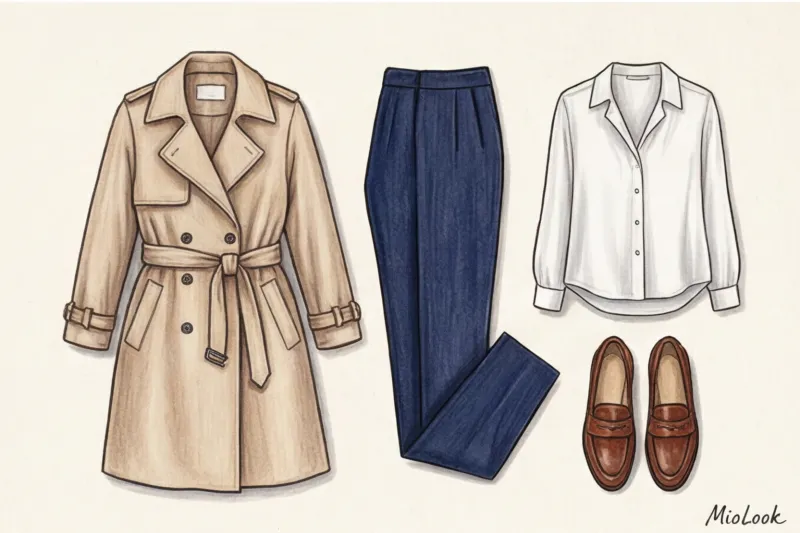
Clothing Capsule Design Software: 5 Criteria for a Professional Tool
If you want to scale your practice and increase your service fees, you need a tool tailored to your business processes. Over 12 years of working with textiles and style, I've identified five less obvious, yet crucial, features that a capsule collection software should have.
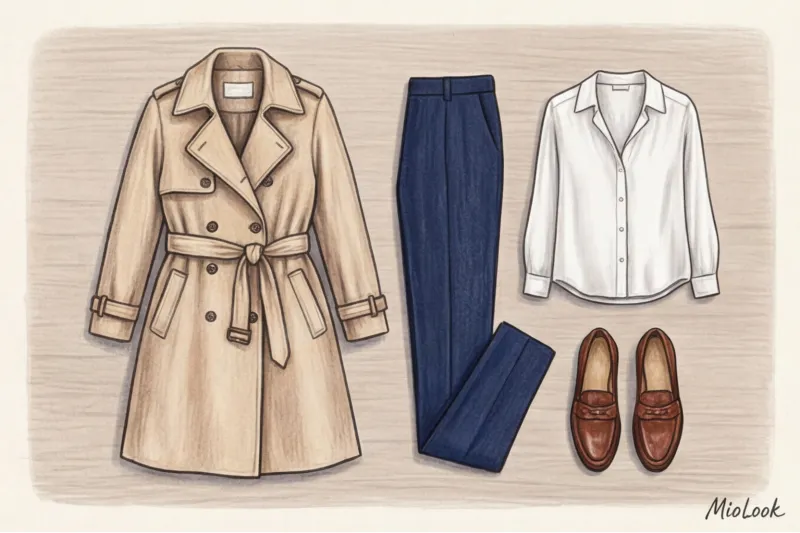
- Smart clipping of complex textures. Basic background removal is everywhere. But how does the program handle fluffy mohair, Chantilly lace, or translucent organza? Cheap algorithms "eat up" the texture, turning the garment into a plastic patch.
- Deep smart tagging. A stylist should be able to sort the database by more than just "winter" or "office." Filtering by item wear percentage, cost per wear, and fabric density is also needed.
- Seamless sharing. This is critical. Your client shouldn't have to download a heavy app, register, and navigate the interface just to see what to wear with new pants. The delivery should be done via a secure web link.
- Colorist's tools. The app has a precise color picker to help you check if the undertone of your blouse matches your base suit.
- Eco-trekking. A feature that clearly communicates to customers that this basic 180 g/m² cotton T-shirt, priced at $60, will pay for itself in 10 washes, while a $15 polyester top will wear out in two. This is the best incentive to invest in quality.
Digitize your wardrobe professionally
Try MioLook for free: A smart AI stylist will help you create structured capsules without losing image quality.
Get access — €0.99 onceTop tools for creating mood boards and style concepts
It's important to distinguish between two concepts: a mood board is about the mood and DNA of a style, while a capsule is a mathematically verified set of real-world elements. For the first stage (concept approval), I recommend using infinite digital canvases.
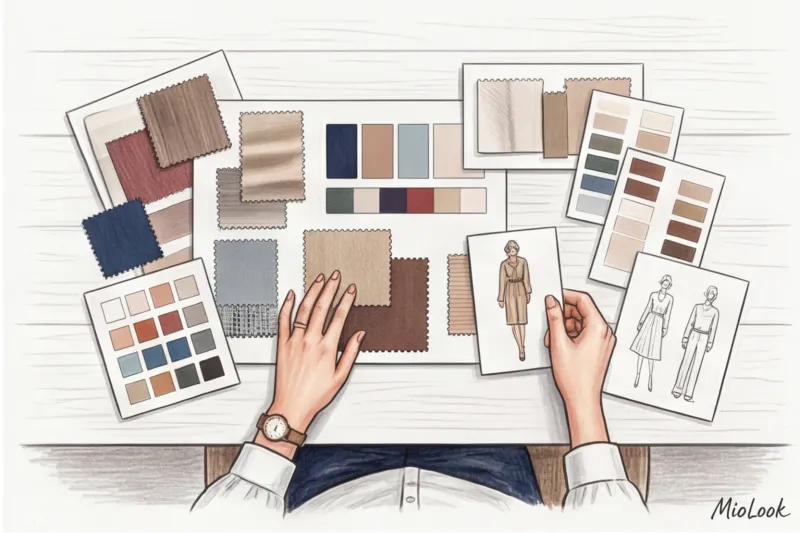
Milanote and Apple Freeform They're perfect for visual strategy. You can include splashes of color, textures (like photos of rough linen or smooth silk), architectural forms, and even short videos with walking references.
"A mood board is your contract with the client. If we agree on a 'quiet luxury' aesthetic with a predominance of matte textures, then the client will no longer be surprised why a glossy leather skirt isn't on the shopping list."
Some advanced fellow style architects use Procreate On an iPad. This is a brilliant solution if you're working with proportion correction. You can take a full-length photo of a client, lower the layer's opacity, and literally draw the correct jacket and skirt lengths over the figure, clearly demonstrating how moving the waistline by 3 centimeters changes the perception of height.
The Hidden Enemy: How to Avoid Color Distortion When Working Online
The biggest pain point of online styling is color accuracy. You put together the perfect autumnal capsule wardrobe, but the client receives the items and looks tired in them. Why?
The reason lies in smartphones' system filters (Apple's True Tone, Night Shift, and eye-comfort modes). They automatically "warm" the screen depending on the lighting. What looks like a cool carmine on your professionally calibrated monitor will appear as a warm terracotta on a customer's screen in a cafe with yellow lamps.
My personal life hack: Before approving the palette and beginning to digitize the current wardrobe, I ask the client to place a plain white sheet of A4 paper on the garment and take a photo in daylight from a window without flash. The white sheet serves as an ideal reference point (white balance). In any photo editor, you click the eyedropper on the sheet, and the program automatically adjusts the garment's actual color. This has saved my capsule wardrobes dozens of times.
Apps for digitizing your wardrobe and creating capsule wardrobes
Once the concept is approved, we move on to the wardrobe math. There are numerous solutions on the market, but they need to be clearly divided into B2C (for the end user) and B2B (for stylists).
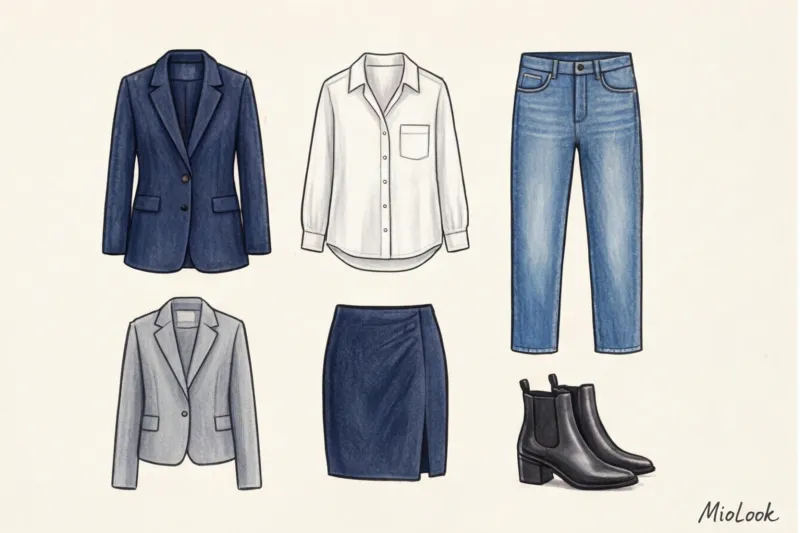
Popular apps like Whering, Acloset, and Save Your Wardrobe are great for home use. They gamify the process, evoke the aesthetic of the film Clueless, and help track sock statistics. However, for a busy stylist, they are often limited: it's difficult to manage 10 clients simultaneously, and there's no convenient way to export shopping lists or brand PDF reports.
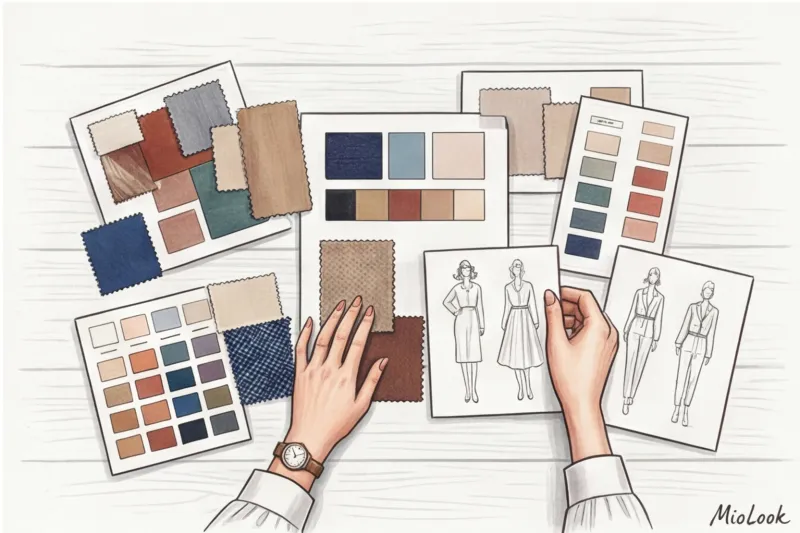
Stylebook remained the standard for a long time, but the industry is not standing still. Today, we are seeing a shift toward smart ecosystems. For example, integrating your clients into the "smart wardrobe" feature in MioLook allows you to not only upload items, but also apply machine learning algorithms to find non-obvious combinations.
Your ideal workflow starts here
Join thousands of professionals who create flawless capsules every day using MioLook's AI tools.
Get access — €0.99 onceIntegrating AI tools into a stylist's workflow
Artificial intelligence has already learned to recognize not only the category of an item ("skirt"), but also the silhouette ("A-line") and even the type of fabric based on the highlights in a photo (corduroy, satin, denim). Neural networks can generate 30 outfits in seconds based on the client's city weather forecast and their Google Calendar.
But therein lies a trap that I call “lazy styling.” This does NOT work when you blindly trust the machine. AI lacks empathy. It doesn't know that your client has tactile hypersensitivity to blended fabrics, or that that tight sheath dress is uncomfortable for her to drive in. Technology should automate routine tasks (background removal, layout, basic sorting), freeing up your time for human interaction and deep psychological analysis.
Mistakes Newbies Make When Visualizing a Client's Wardrobe
When a stylist first gains access to a convenient visualizer, it's tempting to overwhelm clients with sheer quantity. "Look, I've put together 50 looks for you from just 12 items!" sounds like a bold statement, but in practice, half of those looks are unworkable.
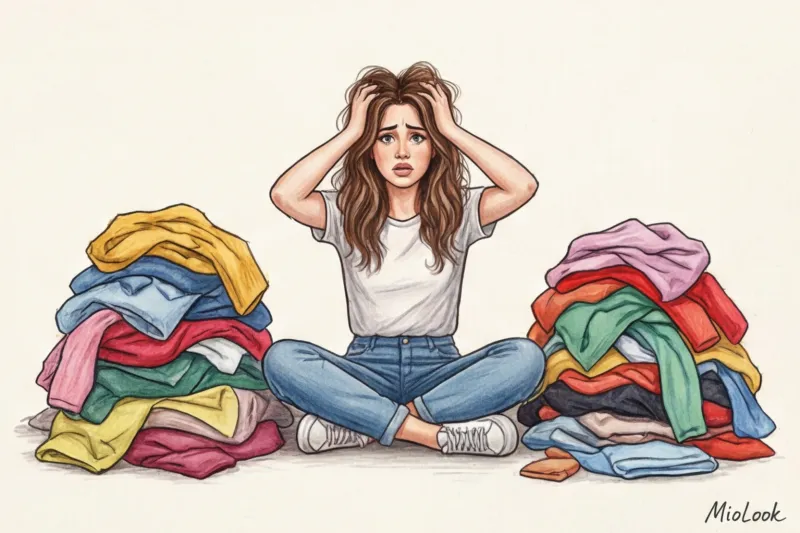
As a textile expert, I often see physically impossible combinations in my colleagues' collages. The most common mistake is ignoring the thickness and friction of fabrics when layering.
- Anti-example: In the collage, a thick, chunky-knit sweater (wool/acrylic) is beautifully worn under a thin silk or viscose trench coat. In the 2D world, this looks stylish. In reality, the sweater would create ugly lumps under the thin fabric, the silk would stick to the wool due to static, and the client would be unable to bend her arms.
- The problem of proportions: In the app, all items are scaled to fit squarely. This can make a crop top and a long tunic look identical on the screen. The client tries to replicate the look in the mirror and sees that the golden ratio is off, and the legs appear shorter.
My advice: always keep the physical properties of materials in mind. It's better to create 15 well-functioning outfits that take into account the freedom of fit and the sliding of layers than 50 flat fantasies.
Checklist: How to Transition a Client to Digital Without Stress
Converting a wardrobe to digital often intimidates clients due to the amount of work involved. Your job is to make the process as smooth as possible.

Here's a step-by-step plan that I use in practice:
- Technical briefing: Send the client a photo shoot guide. Items should be photographed on the floor in daylight, with any creases smoothed out. Pants should be photographed straight, without rolling up the legs. Shoes should be photographed from the side, so the shape of the heel and toe is visible.
- Stage 1: Digitization of the database. Don't force your client to photograph all 150 items at once. Start with the 20 most favorite and frequently worn items (the core wardrobe). Upload them to the app.
- Step 2: Eco-friendly cleaning. We don't just throw away clothes that haven't been worn for more than a year. We sort them into three categories: resale (which helps offset some of your shopping budget), recycling (which we donate to H&M boxes or local collection centers), and upcycling.
- Stage 3: Integration of new products. Only after the database is digitized and cleared of visual noise do we add items from the shopping list to the virtual capsule. The customer visually evaluates how a new thick wool skirt matches their three favorite sweaters, and only then clicks the "pay" button in the store.
Ready to take your style to the next level?
Try MioLook: A smart AI stylist will create the perfect look for you, taking into account your real clothes and weather conditions.
Get access — €0.99 onceChoosing the right wardrobe management software isn't a matter of the aesthetics of beautiful collages. It's a matter of respecting resources: your time, your client's budget, and the planet's ecology. A program won't make you a genius stylist, but it will relieve you of the operational burden. After all, your main goal is to see the person behind the clothes, not spend hours removing the background from yet another white shirt.