It's a familiar situation: you bought a stunning silk blouse for €120, casually photographed it on your bed under the evening light of the chandelier, uploaded it to an app, and the smart algorithm returned... a shapeless gray sack. And now you're staring at the screen, perplexed as to why technology capable of driving cars can't distinguish premium silk from wrinkled polyester.
My name is Darina Marchenko, I'm a colorist and image consultant. Over the past couple of years, I've helped dozens of clients digitalize their closets, and I can tell you for sure: mistakes when photographing clothes for an app — this is the main reason why virtual stylists come up with ridiculous combinations. Artificial intelligence can't read minds. It reads pixels.
We have already written in more detail about basic training in our The complete guide: how to photograph clothes for a virtual wardrobe , but today I want to dig deeper. We'll examine the technical requirements of AI through the lens of color and styling. You'll understand how exactly the neural network "sees" your clothes, and why five minutes saved on proper lighting can cost you dozens of ruined looks.
How a Neural Network "Sees" Your Clothes: A Stylist's Perspective on IT Technologies
Let's be honest: when we look at a garment, our brain completes the picture. We know that this Massimo Dutti jacket fits our figure, even if it's hanging crookedly on the chair. Computer vision works differently.
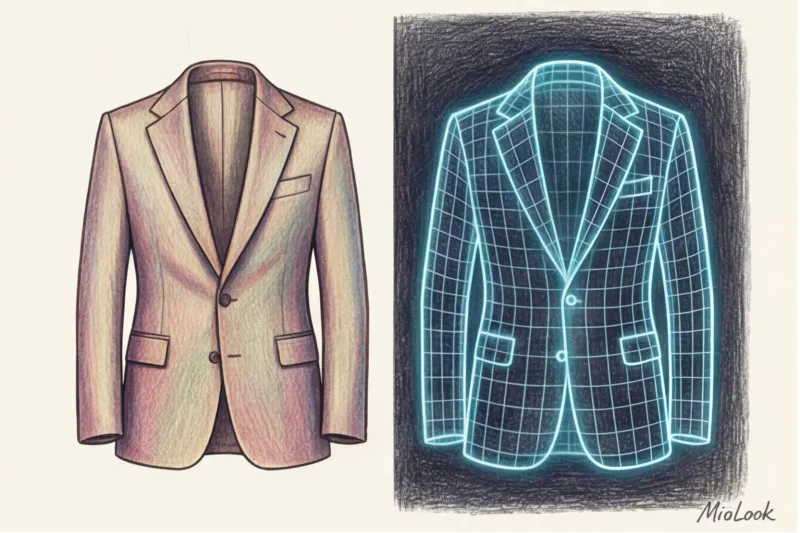
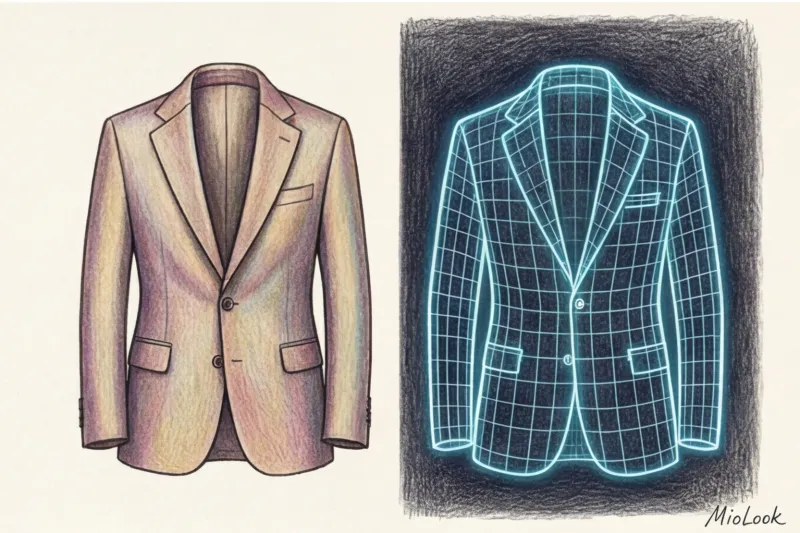
The algorithm doesn't read ingredient labels. It analyzes the RGB codes of each pixel, looks for contrasting edges to separate the object from the background, and creates a so-called "shadow map" to understand the silhouette—whether it's oversized or fitted. According to a WGSN study (2024) on the integration of AI in fashion retail, approximately 80% of image generation errors by artificial intelligence are due to incorrect color rendition and poor lighting in the original photo.
There is a golden rule in IT: Garbage in, garbage out (garbage in, garbage out). If you feed a neural network a corrupted source, don't expect it to clothing recognition from photos It will work flawlessly. A bad photo ruins the garment's geometry, meaning the app will suggest looks that will ruin your actual figure.
Error 1. Color distortion: why the blue sweater turned black
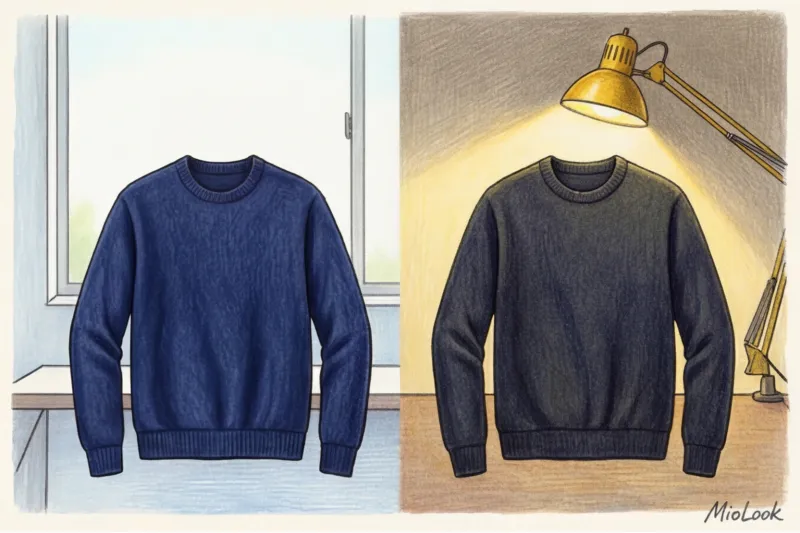
I had a very revealing case in my practice. My client, Katarzyna, bought a luxurious dark blue merino wool sweater at COS for about €115. She took a photo of it that evening, hanging it on the door in the hallway where a regular incandescent light bulb was burning. Appendix MioLook recognized the item as a black turtleneck.
As a result, the AI started suggesting strict gothic looks instead of the soft contrasts we'd planned for her "Light Summer" color type. Why did this happen?
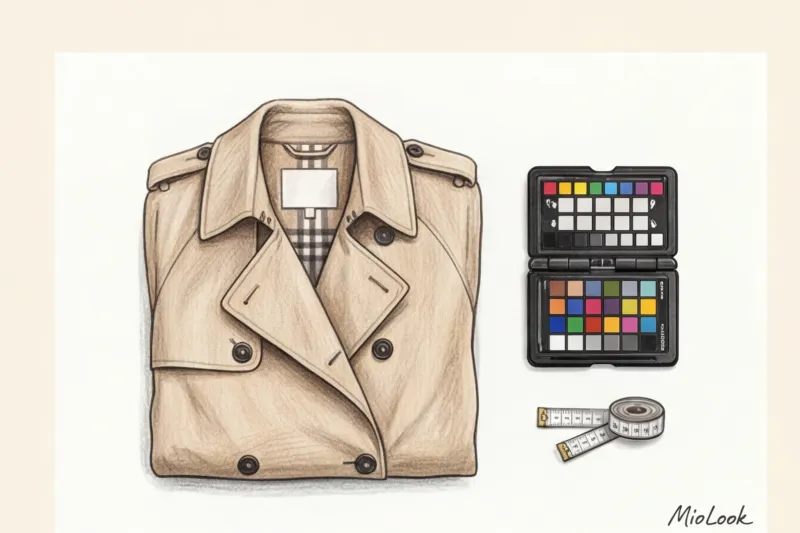
In coloristics, there's a concept called metamerism—the property of color to change depending on the light source. Warm artificial light (around 2700 Kelvin) literally "eats" the cool blue pigments on the camera sensor, rendering them black or muddy gray.
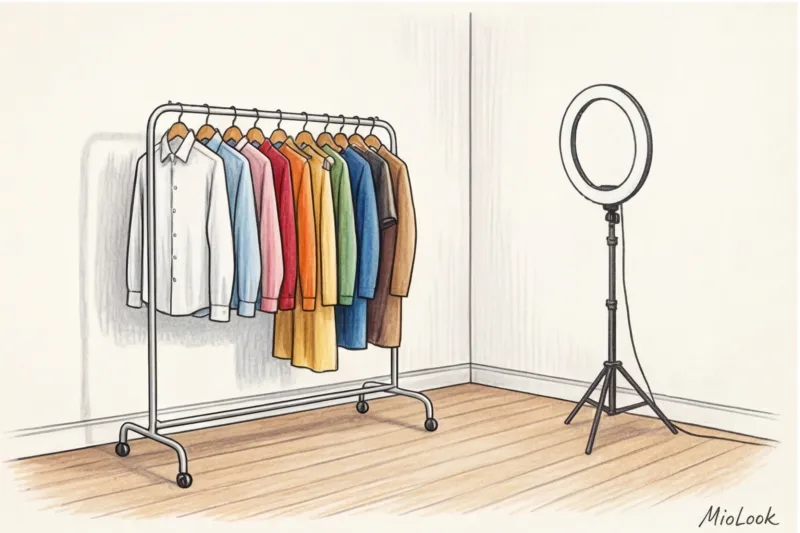
How it should be: Photograph clothes only in diffused daylight from a window (color temperature around 5500K). Avoid direct sunlight—it will create harsh glare. Avoid chandeliers. If you live in a region with three hours of daylight in winter, invest in a ring light with a neutral white setting. It's an investment that will pay off the first time you do your wardrobe review.
Mistake 2. The Insidious Background: Why Your Bed Is Your Main Enemy
Now I'm going to debunk a popular myth perpetuated by lifestyle bloggers: Laying out clothes on a made bed is the worst idea for digitization.
Yes, a cardigan casually thrown over a linen blanket looks aesthetically pleasing on Instagram. But we're creating a dataset for smart wardrobe app The folds in your blanket create false shadows. The colorful carpet blends in with the print of your dress. As a result, the AI can't find the edge of the garment and "cuts off" half your sleeve, or interprets straight-leg trousers as ripped, grunge jeans.
Digitize your wardrobe without errors
Try MioLook for free: A smart AI stylist will select the perfect look based on the items you've uploaded correctly.
Get access — €0.99 onceTechnically, for AI to perfectly cut out a silhouette along the contour, it needs a minimum contrast of 3:1 between the background and the object.
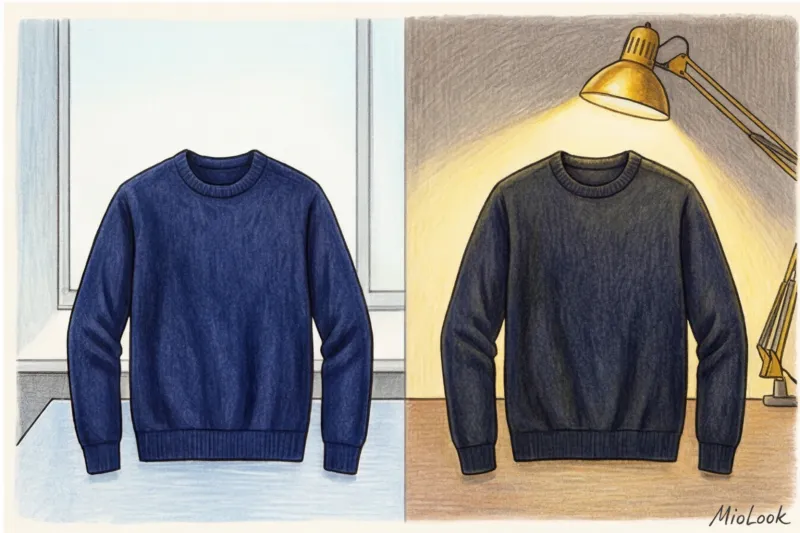
- We photograph dark things against a light background.
- Light-colored items on dark (or at least medium gray) backgrounds.
- The background must be absolutely smooth and matte.
Mistake 3. Distorted proportions and things "in a heap"
Have you ever noticed that in some photos, your luxurious, wide-leg palazzo pants look like skimpy culottes? It's a matter of angle. If you're photographing something lying on the floor while standing over it and tilting your phone at a 45-degree angle, the perspective will inevitably be distorted. The top of the item will appear enormous, while the bottom will appear narrower.
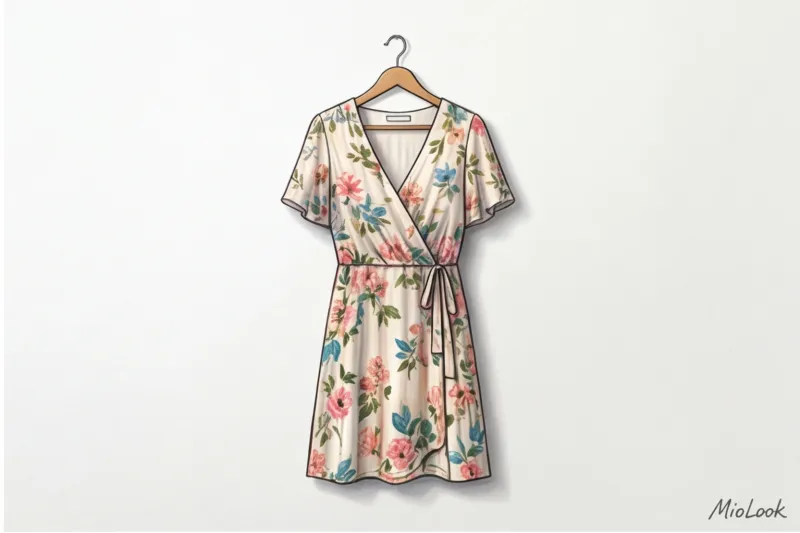
The plane rule states that the smartphone lens must be strictly parallel to the object. And here I must mention an important limitation of the method A point many people don't mention. If you're trying to photograph a long maxi dress laid out on the floor in a narrow bedroom, the parallelism rule won't work—you simply won't have enough ceiling height to get the distance you need. In such cases, you should hang the dress on a hanger on a blank wall, and hold the lens level with the center of the dress.
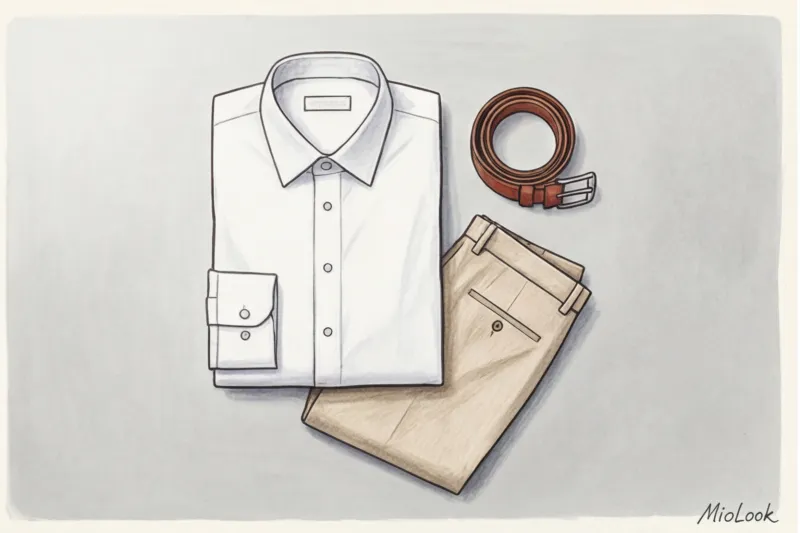
The second problem is unironed clothes. The algorithm mistakes deep creases from long-term storage for intricate designer draping or ruffles. As a result, the AI classifies a basic cotton shirt as romantic and suggests wearing it with a tutu skirt rather than a business suit.
Mistake 4. Killing the texture: shooting with flash "head-on"
The look's status and "luxury" quality are built on a play of textures. The combination of smooth silk (for example, 19-momme) and rough, loose tweed is a classic that adds depth to a monochrome look. But how does a neural network differentiate silk from cotton?
She does this by analyzing the micro-shadows on the fabric's surface. Vogue's 2023 guide to digital photography clearly states: a front-facing flash destroys volume, making any material appear "plasticky." If you shoot with a smartphone flash directly at your forehead, the light bathes the fabric so evenly that the texture of the fibers disappears.
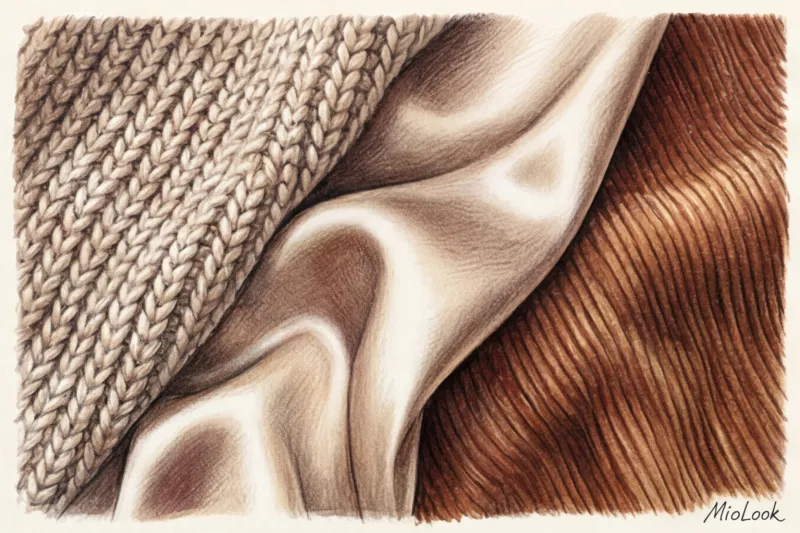
If the app can't see the texture due to glare, it will give you a flat, cheap look because it won't be able to balance "heavy" and "light" fabrics in the same outfit.
Mistake 5: Loss of scale in prints and small details
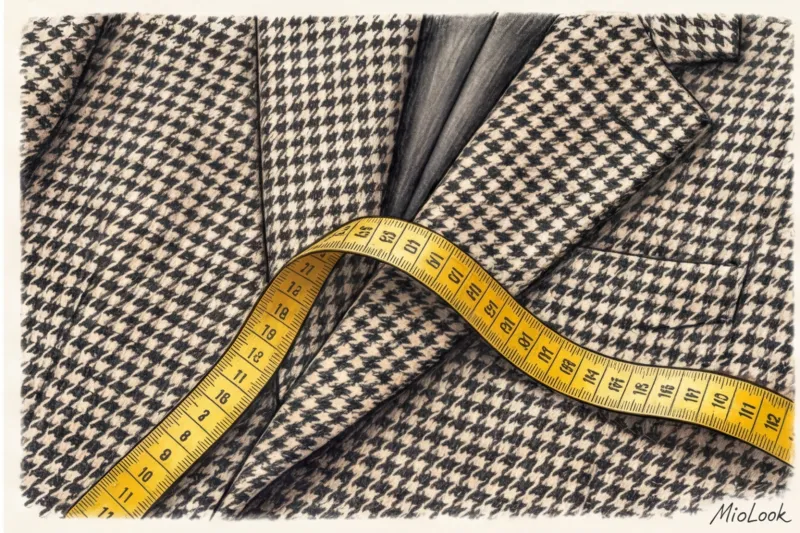
Complex, fine patterns—houndstooth, thin pinstripes, tiny polka dots—create a moiré effect (an unpleasant ripple of color) on the digital sensor. This allows the neural network to recognize a classic tweed jacket as a psychedelic pattern.
To avoid this, avoid digital zoom. Get closer physically if you need to show a detail, but for a general photo, capture the entire item without zooming in. Also, be sure to straighten key details. If the shirt collar is folded inward and the cuffs are bunched up, the system might mistake it for a collarless long-sleeve. A properly positioned English collar helps the AI accurately classify the item as business casual.
Your perfect look starts here
Join thousands of users who look flawless every day with MioLook's smart features.
Create a capsuleChecklist: How to Photograph Clothes for an App the First Time
Over the years of working with MioLook I've developed the perfect algorithm for preparing items that takes minimal time but provides 100% recognition accuracy. Here's your step-by-step plan:
- Preparation: Be sure to steam your items. Cotton with a weight of 180 g/m² or thick viscose will look like a floor rag in photos if left unironed.
- Light: Wait for diffused daylight from a window. Turn off all overhead chandeliers and floor lamps in the room.
- Background: If you don't have a blank, light-colored wall, buy a sheet of white A1 paper from a stationery store (it'll cost you €2-3 at most) and lay it on the floor. This makes the best portable backdrop.
- Location: Hang blouses, jackets, and dresses on hangers (preferably sheer or wooden ones so they don't blend in with the fabric). Lay trousers, jeans, and skirts as flat as possible on the floor.
- Filming: Hold the phone strictly parallel to the object, making sure that your legs or shadows from your hands do not appear in the frame.
Conclusion: High-quality digitalization is the foundation of your style
I often hear from clients: "Darina, it takes so long to lay things out correctly, find the right light... I'd rather take a photo some other time, the AI will figure it out." No, it won't. Time spent on high-quality photos today is hours saved on agonizing morning preparations tomorrow.
Transforming your wardrobe from chaos into a system requires precise input data. The cleaner and more understandable the source code (your photos), the more brilliant the results will be. capsules that the app will collect for you Think of digitizing your clothes not as a boring chore, but as the first and most important try-on of your new, impeccable style.