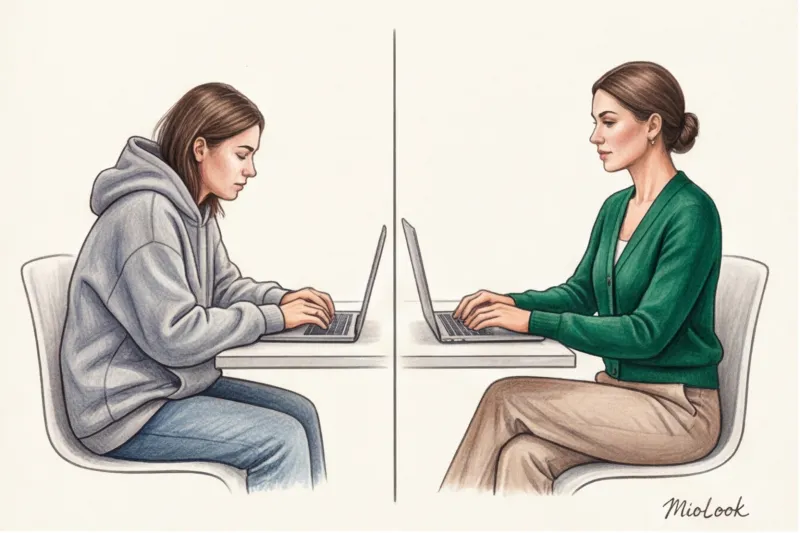
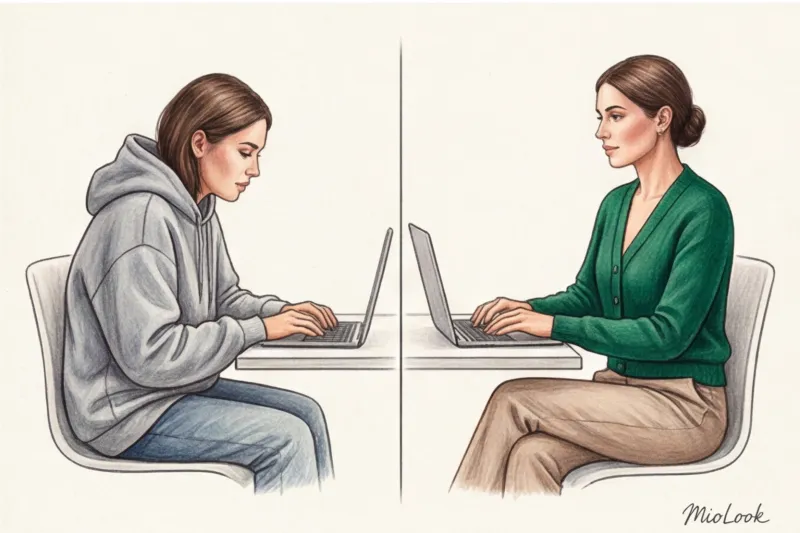
Remember the popular joke from the early days of the pandemic about the "Zoom mullet"? It's when you wear a smart office jacket and, when off-camera, a pair of washed-out Mickey Mouse pajama bottoms. Back then, it seemed like a funny survival hack. But after 12 years as a personal stylist and hundreds of online wardrobe audits, I can confidently say: this trick ruins your productivity, posture, and professional image.
Dressing appropriately for remote work isn't about trying to fool your on-screen colleagues. It's about managing your own well-being. We covered the basic principles in more detail in our The complete guide to creating a stylish home capsule , but today we'll focus on the specifics of a working online wardrobe and how the technical features of webcams dictate our style rules.
The Psychology of Remote Work: Why the "Jacket Over Pajamas" Trick No Longer Works
I had a revealing story in my work. Anna, a top manager at an IT company, came to me. She complained that after switching to remote work, her team had become less responsive to her: they interrupted her during calls and challenged her decisions. We began to analyze her work routine. It turned out that before Zoom calls, she'd put on a silk blouse but remained in old sweatpants, stretched out at the knees, and fuzzy slippers. And the problem wasn't that her colleagues saw the sweatpants—they didn't. The problem was that Anna's brain "saw" them.
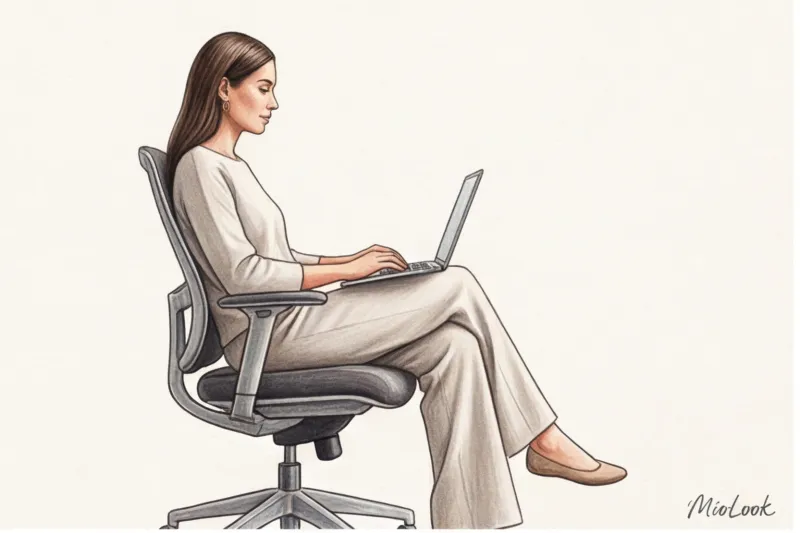
There is a term in psychology Enclothed Cognition (clothed cognition). In 2012, researchers Hadjo Adam and Adam Galinski published in Journal of Experimental Social Psychology A landmark study. They demonstrated that the physical experience of wearing certain clothes literally alters our cognitive processes. When we put on soft, shapeless clothes, we unconsciously adopt a relaxed posture: our shoulders slump, our voices become quieter, and our phrasing becomes less clear.
When you practice "home-wearing" (wearing at home clothes you'd be embarrassed to wear outside) your lower body, you're sending yourself the message: "I'm resting." The brain can't be fooled by a strict collar in front of your face. You start slouching, losing that executive presence, and your interlocutors pick up on this lack of confidence through the screen.
Focus Area: Rules for Framing "From the Keyboard Up"
In online meetings, the portrait zone becomes your new "full-length" view. Details around the face now determine 90% of the impression. And this is where the physics of the wide-angle lenses built into our laptops come into play.
If your MacBook's camera is placed on a table, it looks up at you. At this angle, any mock neck will visually "swallow" your neck, making your chin appear heavy. I strongly recommend avoiding mock necks unless you have a special stand that raises the lens to eye level.
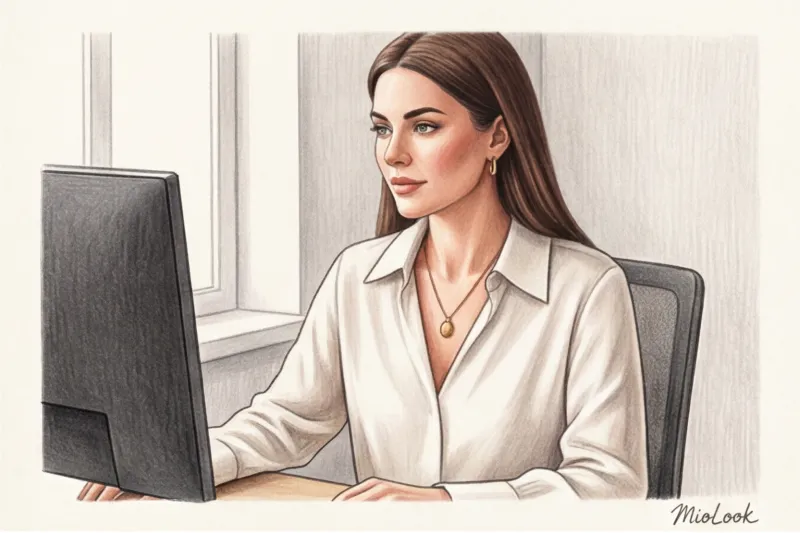
Your best friend on Zoom is a V-neck and polo collar. They create vertical geometry that elongates the neck and compensates for distortion. The neckline's depth is easy to check: it shouldn't fall more than 5-7 centimeters below the collarbone, otherwise, leaning over the keyboard will make your look unprofessional.
Moiré effects and patterns that break the camera
One of the most common mistakes my clients make is choosing a small print for calls. Technically, the sensors of most standard webcams can't handle dense contrast stripes, houndstooth patterns, or small polka dots. This creates moiré effect — the image begins to flicker, strobe, and “dance,” causing physical dizziness in your interlocutors.
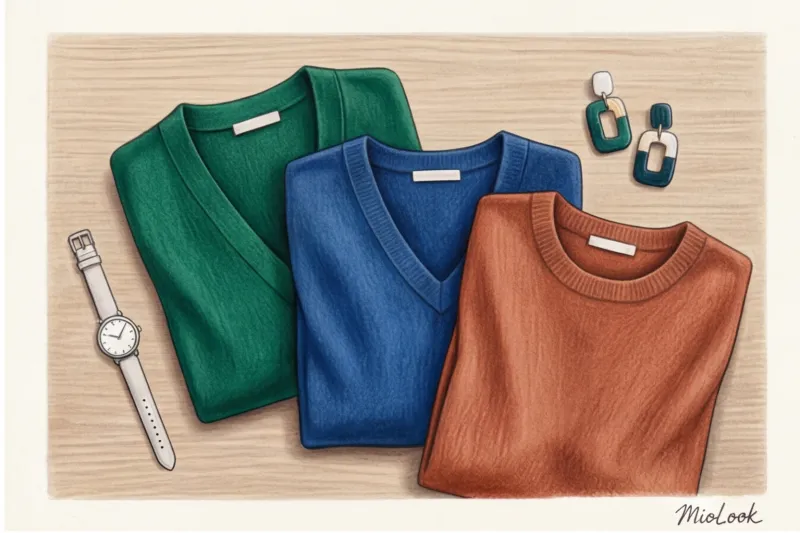
An alternative to prints is color backing. Use large blocks of a solid color. If you think a solid color looks boring, add texture (ribbing, silk) instead of a pattern.
Create your perfect wardrobe online
Forget about the problem of "nothing to wear for a meeting." A smart AI stylist will analyze your clothes and create ready-to-wear outfits for remote work.
Get access — €0.99 onceZoom Color Palette: How to Avoid a Blue Face and Blend Into the Background
Have you ever wondered why, even when you're on a call and wearing a perfect white shirt, you often look like you haven't slept in a week? The problem is technology again. Webcam algorithms use average exposure metering. A blindingly white shirt tricks the sensor into thinking there's too much light in the frame. The camera automatically darkens the image, casting your face into gray, earthy shadows. Pure black has the opposite effect—it forces the camera to overexpose your face, blurring your features.
"The camera loses about 30% of the contrast in your face. Your goal is to restore that contrast by wearing the right color, not by fiddling with exposure settings."
Another pitfall is safe beige and light gray. Against light-colored walls, you risk becoming a talking head, floating in the air without a body.
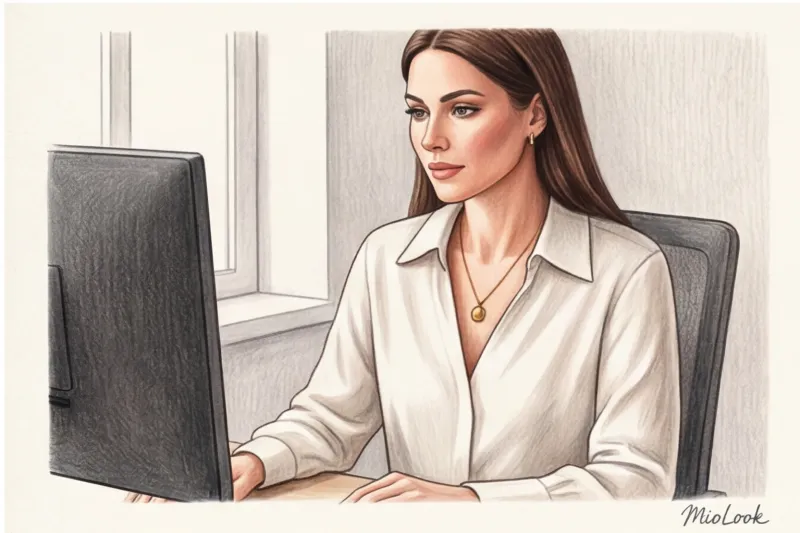
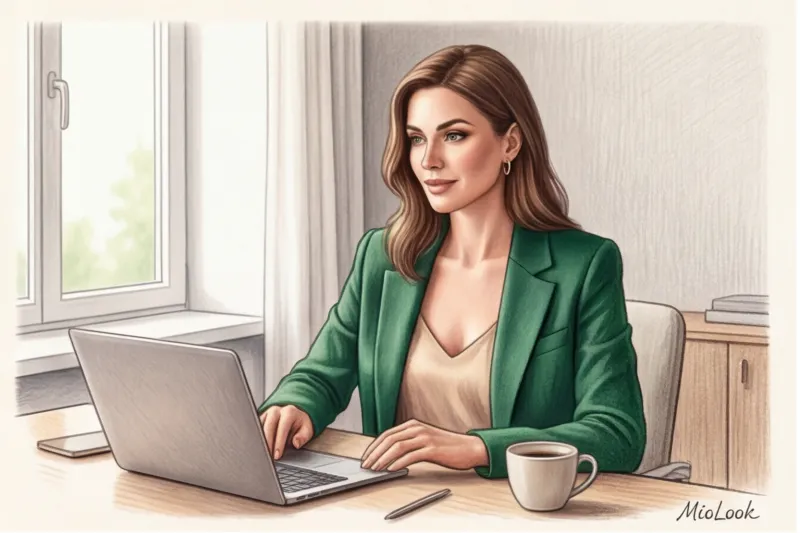
The most profitable tool for remote work is deep "precious" shades (jewel tones): sapphire blue, emerald, ruby, rich terracotta. They provide excellent contrast against skin, don't distract the camera sensor, and look expensive even in dim window lighting.
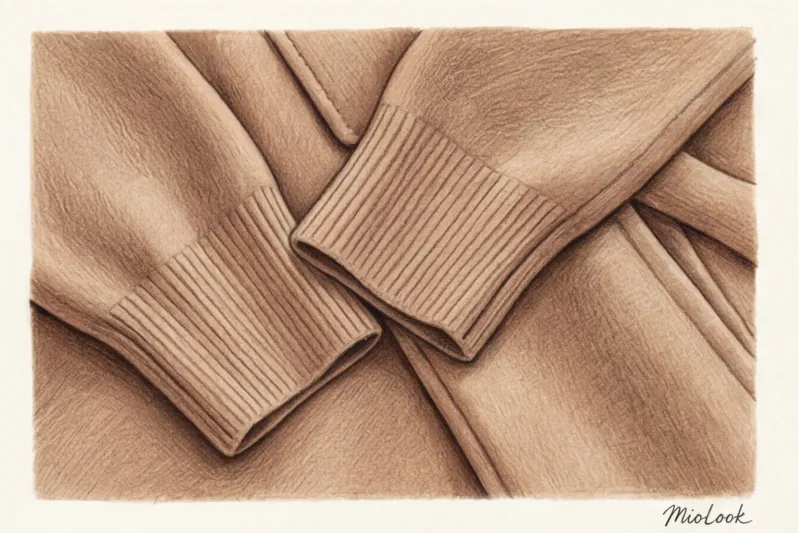
Fabrics and textures: a balance between status and sofa comfort
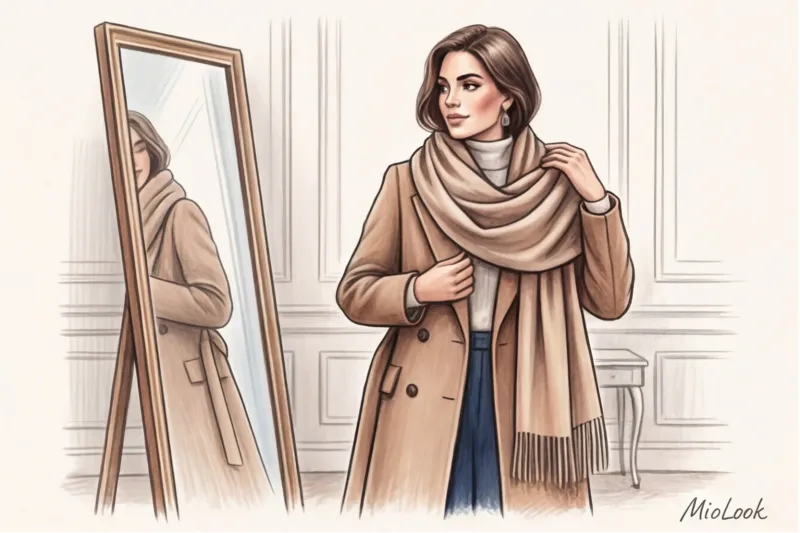
I often see the advice: "Just throw on your office blazer." This is terrible advice. Classic tailoring (rigidly structured wool suit jackets) looks awkward and out of place against the backdrop of home wallpaper, ficus plants, or kitchen cabinets. It creates visual dissonance. Moreover, you're simply uncomfortable sitting on the couch in it.
The secret of a high-status remote worker is soft tailoring , soft structure. When I personally tested fabrics from European mass-market stores under a ring lamp, three materials always emerged as winners:
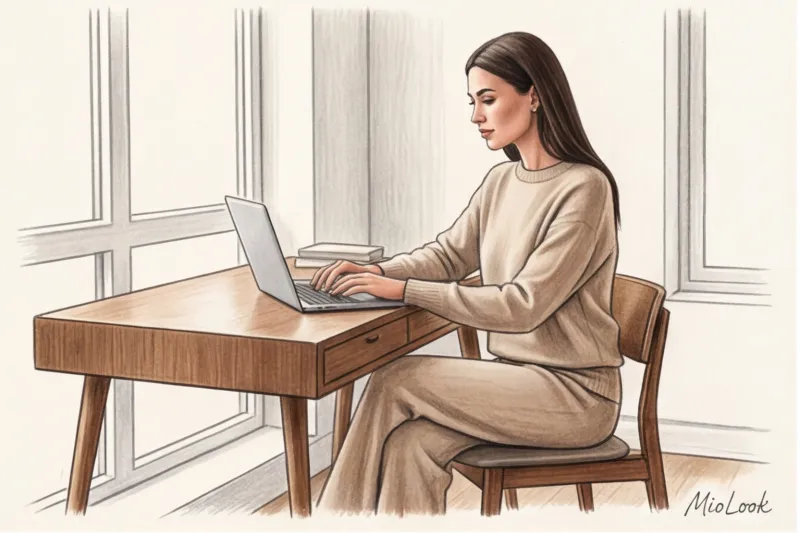
- Punto Milano (Punto Milano) — a dense Roman jersey. It stretches like sweatpants but holds its shape like a suiting fabric.
- Blended cashmere or merino wool in a tight knit (look at COS or Massimo Dutti).
- Heavy viscose with added modal (drapes beautifully and hardly wrinkles).
Let's calculate the cost-per-wear (CPOW). A formal office suit for €300, worn 10 times a year for in-person meetings, will cost you €30 per outing. A high-quality, heavy-knit loungewear set for €150, worn 200 workdays, costs just €0.75 per day. Invest where you spend the most time.
Fair limitation: Heavy knitwear is completely useless in the middle of July unless you have air conditioning. For hotter days, you'll need to switch to heavyweight (180 g/m² or more) cotton or linen with viscose to avoid the "chewed paper" effect.
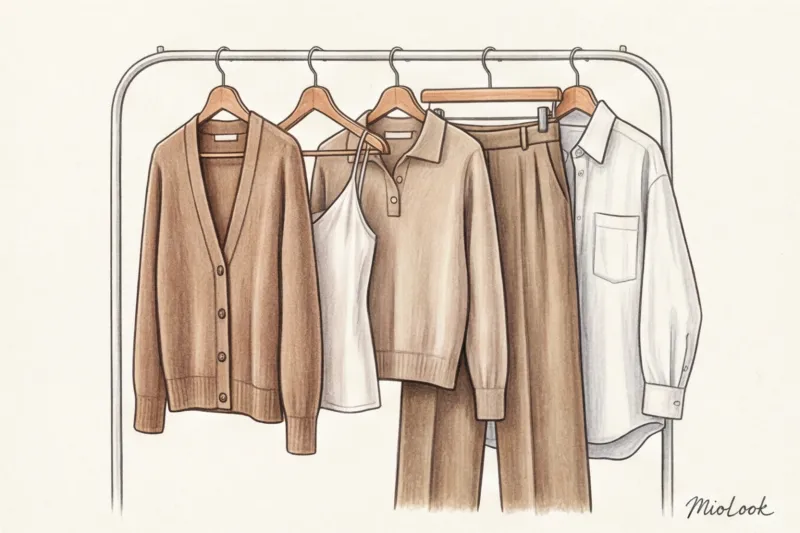
The Perfect Outfit for Remote Work: A 5-Piece Capsule
You don't need a huge wardrobe. To load your things into MioLook To set up automatic image generation for Zoom, simply start with this proven base:
- Structured cardigan with a tight knit. The one that looks like a jacket but feels like a blanket. It's best to choose a model with large buttons.
- Top made of thick silk or viscose. With a V-neck or square neckline, it will replace the basic cotton T-shirt, which often looks like underwear on camera.
- Knitted polo shirt. A turn-down collar instantly adds a put-together look, even if the garment itself is knitted from the softest wool.
- Jersey palazzo pants (Punto Milano). They're just as comfortable as pajamas, but thanks to the stitched creases, you can confidently greet the courier mid-day. Read more about these styles in the article. How to dress stylishly after 40.
- Loose poplin shirt. Not a fitted office dress, but a voluminous one. You can throw it on over a silk top 15 seconds before the boss calls.
Your perfect look starts here
Join thousands of users who look flawless every day with the help of MioLook artificial intelligence.
Get access — €0.99 onceAccessories and beauty essentials: what puts a look together in 1 minute
Scale is everything. While a thin chain with a tiny pendant might highlight the grace of your collarbones in real life, in the webcam's pixels it will simply become a smudge or disappear entirely. For online meetings, larger, more accentuating pieces with a smooth texture are needed.
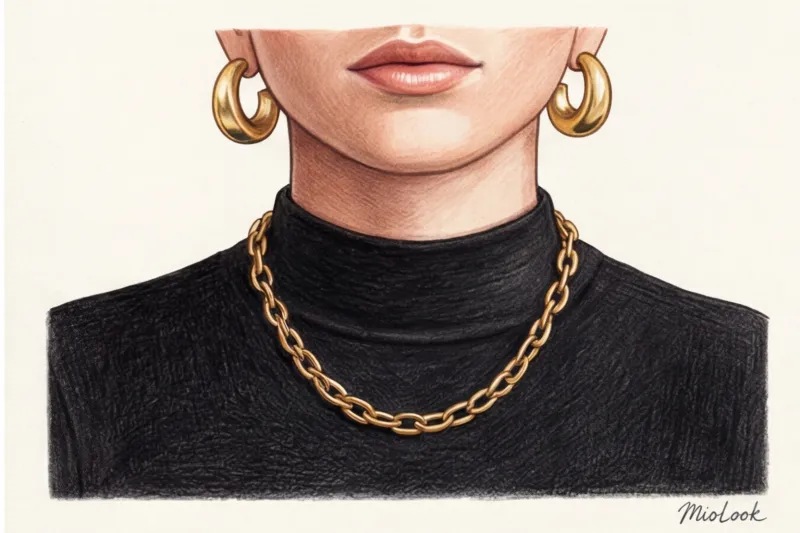
One of my clients kept a pair of chunky gold hoop earrings right on her desk next to her mouse. Pair them with a basic black turtleneck (as long as the camera is at eye level!) and the look goes from casual to polished in a second. The metal reflects the light from the monitor, highlighting her face. You can read about other ways to use jewelry in our article about basic jewelry wardrobe.
When it comes to your beauty routine, the most important rule for video calls is matte skin. Ring lights and window light mercilessly accentuate any shine, turning the subtle glow of well-groomed skin into a "I just ran a marathon" effect. Lightly powder your T-zone—it's more important than applying mascara.
Stylist Checklist: Testing Your Look Before Clicking "Connect"
Never test a new look during an important call. Get into the habit of opening your computer's camera app (Photo Booth on Mac or Camera on Windows) two minutes before the call.
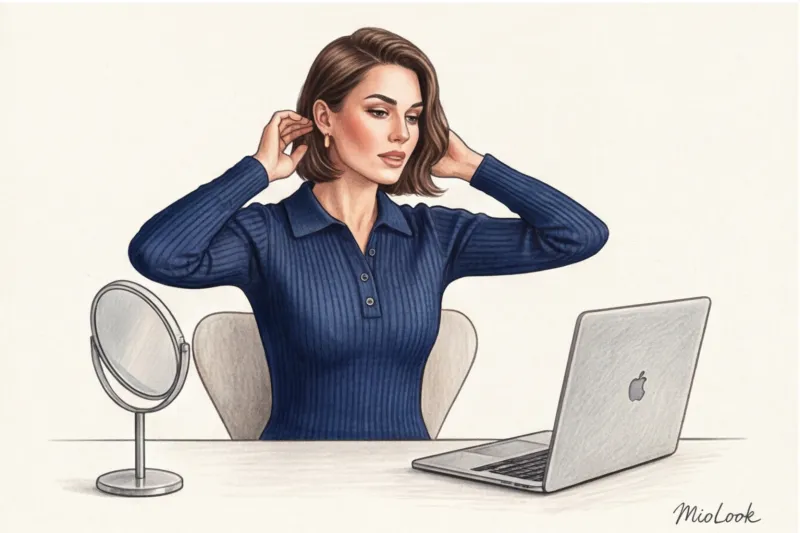
- Background test: Are you blending in with the chair or the wallpaper?
- Movement test: Sit up straight, then lean toward the keyboard, then lean back in your chair. Is the neckline too low? Is the collar riding up?
- The final rule for the courier: Your attire for remote work should allow you to suddenly stand up during a video call (for example, to grab a folder from a shelf) or open the door to an unexpected courier without the slightest feeling of shame.
The perfect online wardrobe isn't a compromise between style and comfort. It's a well-thought-out technical calculation, where the right color enhances your appearance, the right fabric supports your posture, and thoughtful details allow you to look convincingly professional even when you're wearing fluffy slippers.