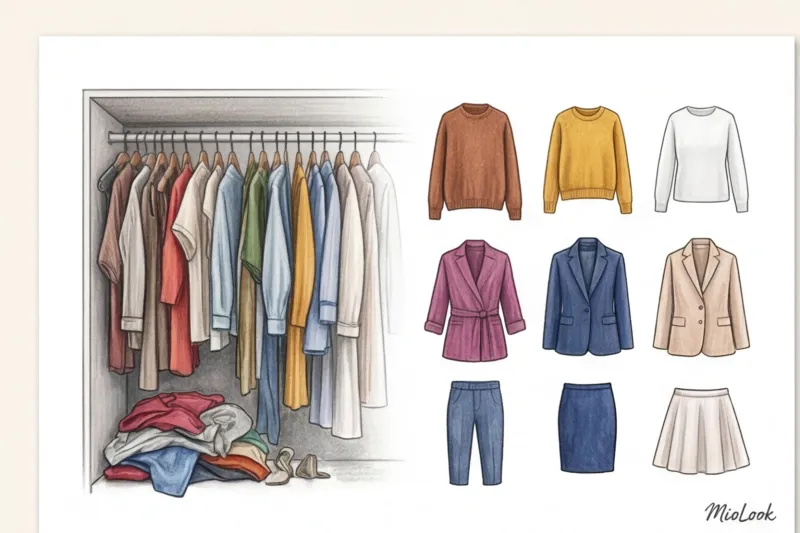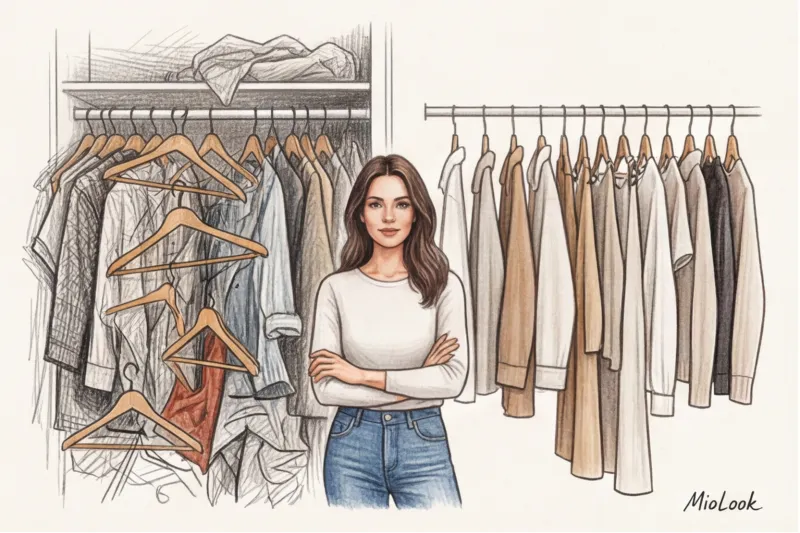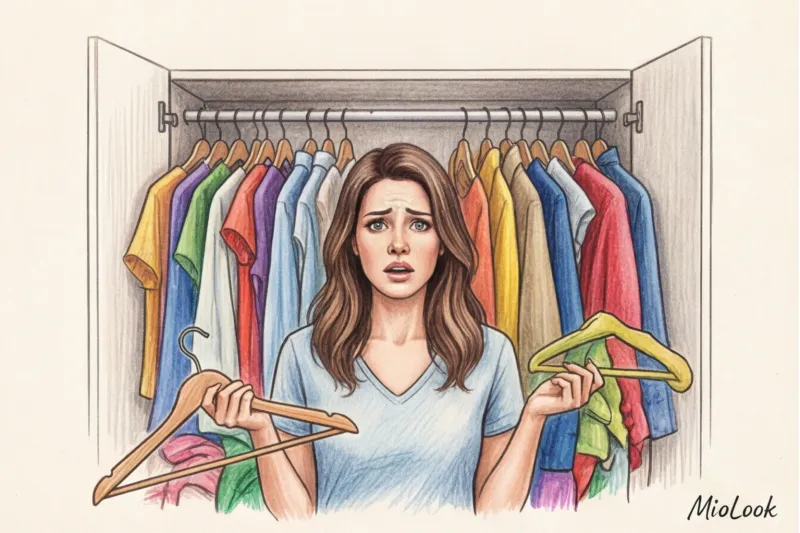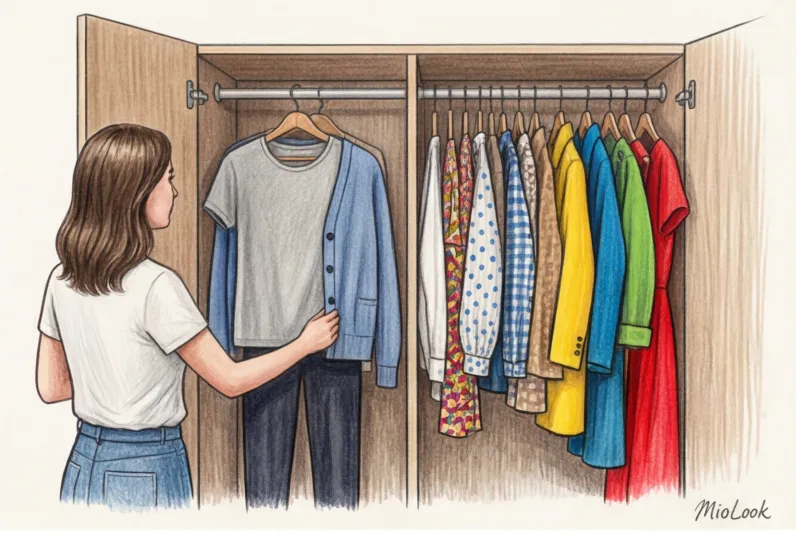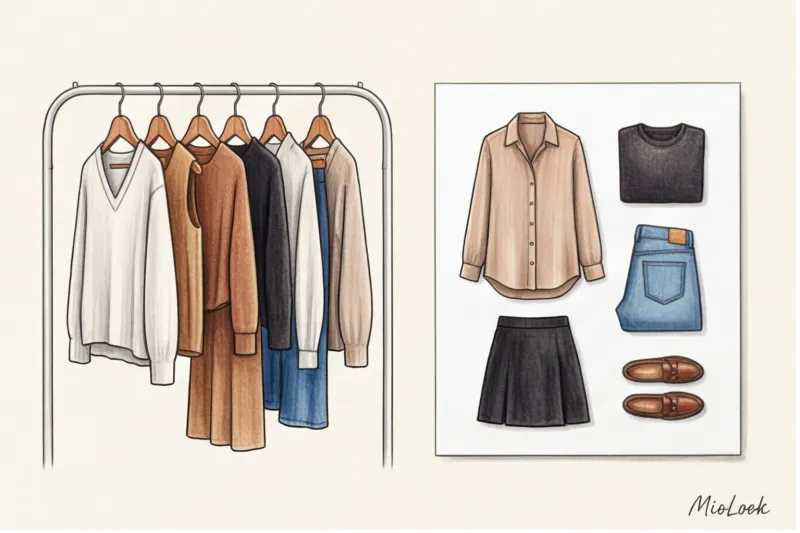
Have you ever noticed that the average woman spends 15-20 minutes each morning choosing clothes? It seems like a small amount, but over the course of a year, it adds up to almost 90 hours. 90 hours spent frustrated in front of a bulging closet. As a stylist, I constantly see this paradox: lots of clothes, but nothing to wear. That's why virtual wardrobe app has become for me and my clients not just a fashionable toy, but the main tool for managing style and budget.
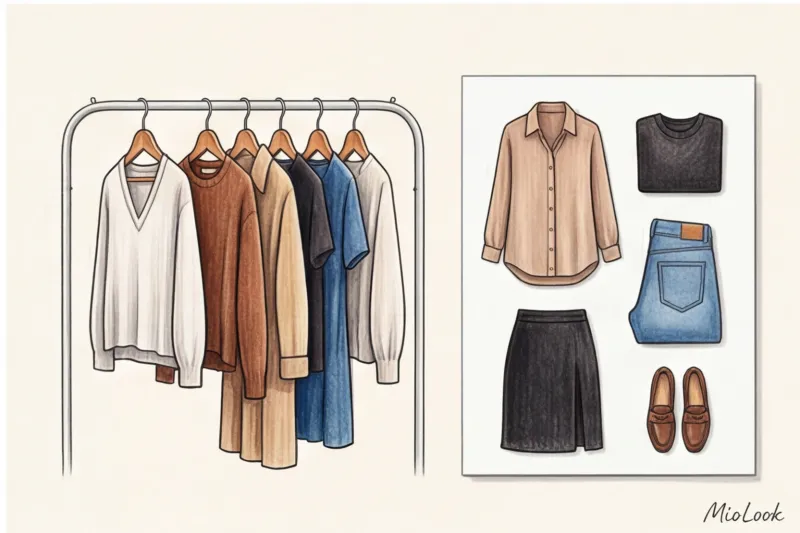
We recently discussed in detail, What is digital clothing and why do people buy it? — 3D models for metaverses and social networks. But today we'll talk about something else. We'll talk about how to transfer your real dresses, jeans, and jackets on your smartphone to finally make them work for you.
Virtual Wardrobe vs. Digital Fashion: What's the Difference?
Confusion about terminology is normal. When I suggest digitizing my clients' closets, many picture NFT sneakers or pixelated hoodies from video games. In reality, a virtual wardrobe is simply a digital filing cabinet of your physical belongings.
I had a telling case. One of my influencer clients bought a stunning 3D trench coat for €150 for a striking Instagram post. It looked stunning on screen. But the next morning, getting ready for a real-life meeting at the office, she texted me again in a panic because her physical closet was in disarray. Digital clothes (which don't exist in reality) don't solve the problem of getting ready in the morning. But smart control of real things via your phone does.
Why You Need a Virtual Wardrobe: An App to Fight Closet Chaos
According to a recent WGSN study (2024), we regularly wear only 20-30% of the contents of our closet. The rest hangs around for years, waiting for that special occasion or a weight loss. Digitalization is radically changing these statistics.
- Saving time. You assemble the look while lying in bed with a cup of coffee. By the time you reach the closet, you already know exactly what to get.
- Duplicate protection. When you're in Zara or H&M, you'll no longer buy a fifth white T-shirt. A single swipe on your phone will remind you that you already have enough.
- The perfect suitcase. The capsule packing feature for travel saves you from overweight luggage. You pack 10 items, and the app generates 15 different looks from them.
Access to MioLook for €0.99 — one-time payment
A smart AI stylist will create the perfect outfit from your existing items in just a few seconds. Forget about the "nothing to wear" problem.
Get access — €0.99 onceThe biggest mistake newbies make is the "digitize everything in a weekend" syndrome.
Do you know why most people download styling apps and then delete them a week later? They try to photograph 200 things in one day. They dump everything on the bed, spend hours crawling around with the camera, get burned out, and give up.
Here I use a hard and fast rule: I forbid my clients to photograph clothes they haven't worn for more than a year.
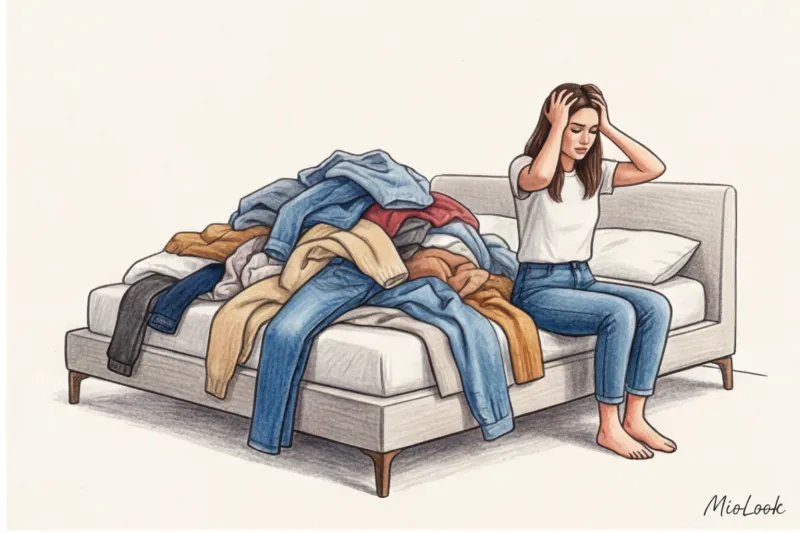
Digitizing things you don't wear is simply transferring physical trash into the digital space. Moreover, you can read more about why we cling to the old in the article about The psychology of wardrobe and the reasons for a full closet Your digital closet should be a place of power, not a repository of forgotten ambitions.
The "lazy" method of wardrobe digitization
Instead of a weekend marathon, try a data-driven approach I call "lazy digitization." It works for almost everyone (I'll be honest: it won't work unless you have to pack your suitcase for a move to another continent tomorrow morning—then you'll have to shoot everything at once).
- Add items as you use them. Washed and ironed your blouse? Take a photo of it before hanging it in the closet. In a month, you'll digitize your real, active database (that same 20% according to the Pareto principle).
- Work in capsules. Today add only things for an office capsule Tomorrow - only things for the gym.
- Use screenshots. When buying a new item from Uniqlo, COS, or Massimo Dutti, simply save the studio photo from the website. It has perfect lighting and a background that the algorithms will cut out flawlessly.
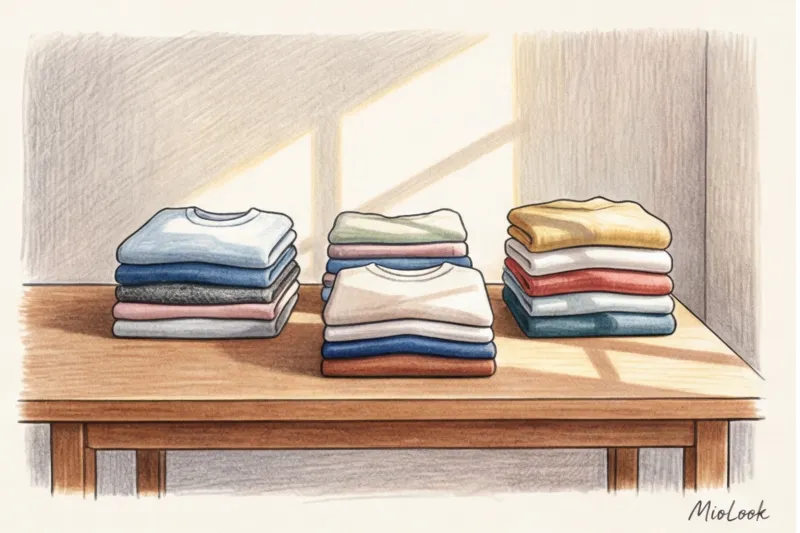
How to properly photograph things for AI processing
The quality of your virtual wardrobe directly depends on how easily the built-in AI eraser can remove the background from the photo. Many people complain about the "crooked" edges of cropped clothes, but the problem often lies in the original frame.
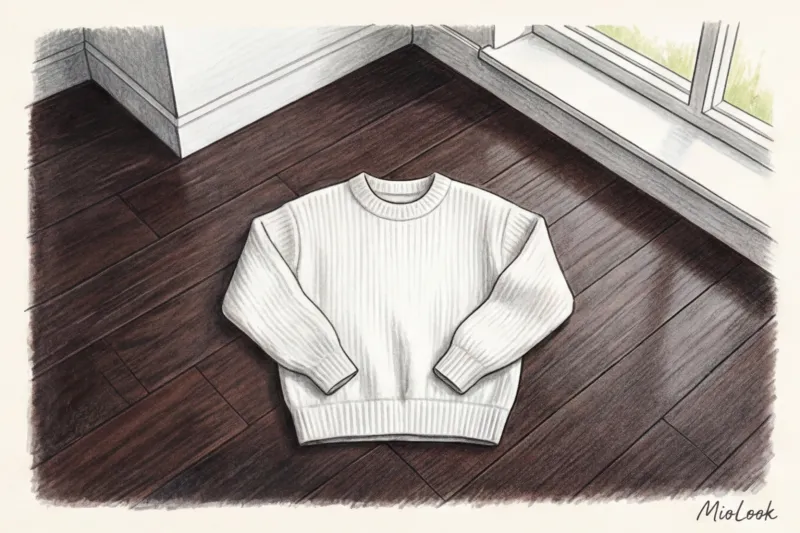
Here are three rules for technical clothing photography:
- Light from the window. No chandeliers or ring lights. Place the item on the floor by the window during the day. Harsh artificial shadows confuse neural networks.
- Maximum contrast. Taking off a white sweater? Place it on a dark laminate floor. Taking off black pants? Place it on a light sheet.
- No intersections. When laying the garment flat, make sure the sleeves don't lie over the shirt itself and the pant legs don't cross. The algorithm requires a clear outer contour.
Life hack from a stylist: If you have a dress or skirt with a complex, small print, don't try to lay it flat on the floor. Take a close-up photo of the fabric (as a texture) and simply overlay the pattern onto the basic dress template in the app.
Ready to get started?
Try the MioLook free plan—no commitments required. Start adding items and create your first capsule.
Get access — €0.99 onceHow to Collect Bows on Your Phone: Tags, Formulas, and Categorization
Regular apps let you sort things into "tops" and "bottoms." But this is boring and doesn't solve the problem. The real magic happens when you create your own tagging system.
Instead of simply labeling an item as "sweater," use functional tags: Layer 2 , smart casual , "interview" Or even weather tags. In my app, the "tired" tag instantly returns the five most comfortable and soothing outfits that make me feel safe on bad days.
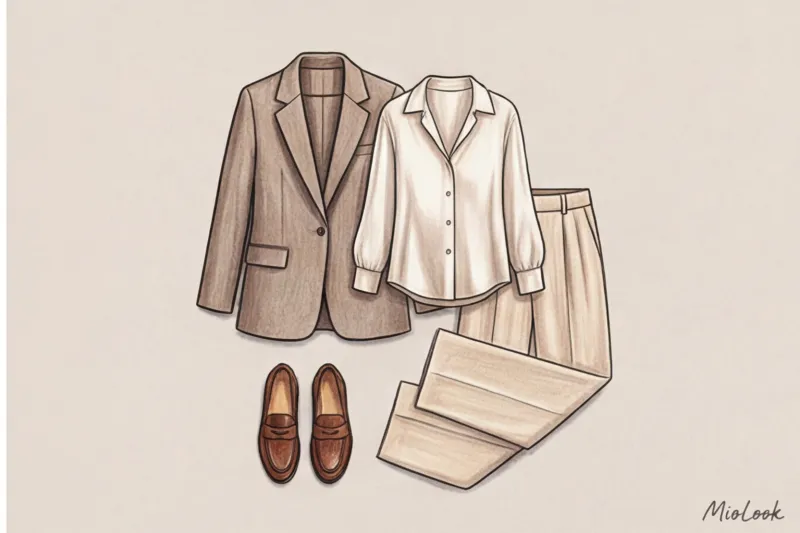
Create outfit formulas These are fail-safe combinations that always work. For example, "white T-shirt + straight-leg jeans + structured jacket." You can change the specific T-shirt or the color of the jacket, but the formula itself will remain your lifeline.
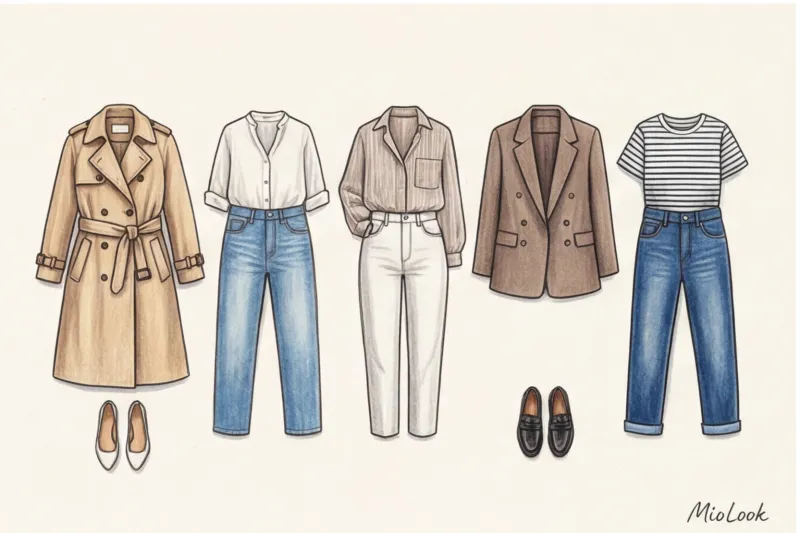
Checklist: How to Choose a Virtual Wardrobe App
There are dozens of solutions on the market today, but not all are equally useful. I always say: a simple app with perfect background clipping is better than an overloaded photo editor that turns the edges of your cashmere coat into a pixelated mess.
Essential features to look for:
- Built-in AI for background removal. If you're asked to erase the background manually with your finger, delete the app immediately.
- Calendar of images. To keep track of whether you've worn the same outfit to matches against the same team twice in a row.
- Smart generator. A Clueless-style feature where the algorithm itself suggests unexpected combinations of your own items.
By the way, if you are looking for a tool that covers all these needs, I recommend trying it the "smart wardrobe" feature in MioLook It uses advanced AI not only for background removal but also for personalized style recommendations.
Style Analytics: What You'll Learn About Yourself in a Month
We've reached the most interesting part—the numbers. Digitization gives you access to metrics. Cost Per Wear (CPW) — the cost of one wear. And believe me, this math can completely change your shopping habits.
The formula is simple: divide the price of an item by the number of times you wear it. One of my clients was shocked by the analysis. She bought a classic wool coat for €300, which she wore almost every day in the fall and spring (100+ times). Its CPW was less than €3. Meanwhile, a glittery €50 top, bought at a mass-market sale, was worn exactly once, to a party. Its CPW was €50.
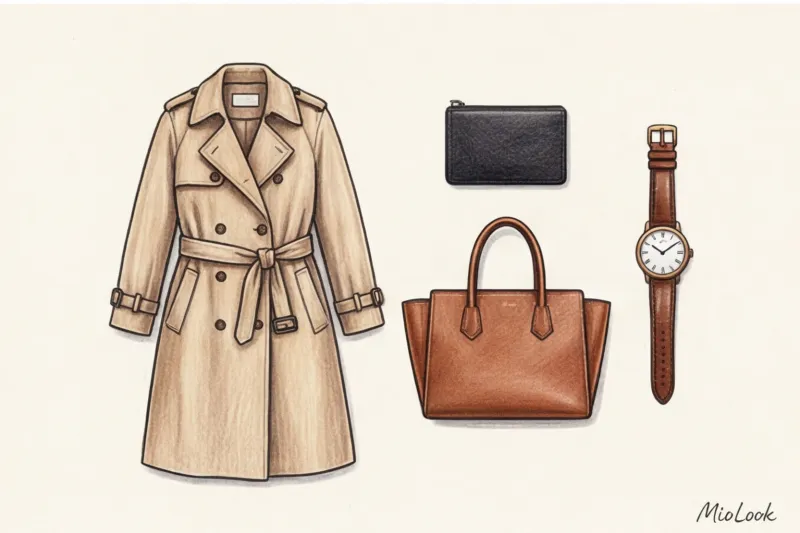
The app's analytics highlight your blind spots. You suddenly realize you own 15 tops and only two bottoms. Or that 60% of your wardrobe consists of items with bold prints that are impossible to pair with each other. In the future, when you're in the store and want to find something, you'll simply open the app and ask yourself, "What items can I wear with this?" If you can answer fewer than three, the item stays in the store.
Start small. Today, instead of scrolling through your feed before bed, take a photo and upload exactly five of your favorite things to your phone. You'll be surprised how quickly this process will turn into the most beneficial habit for your style and wallet.