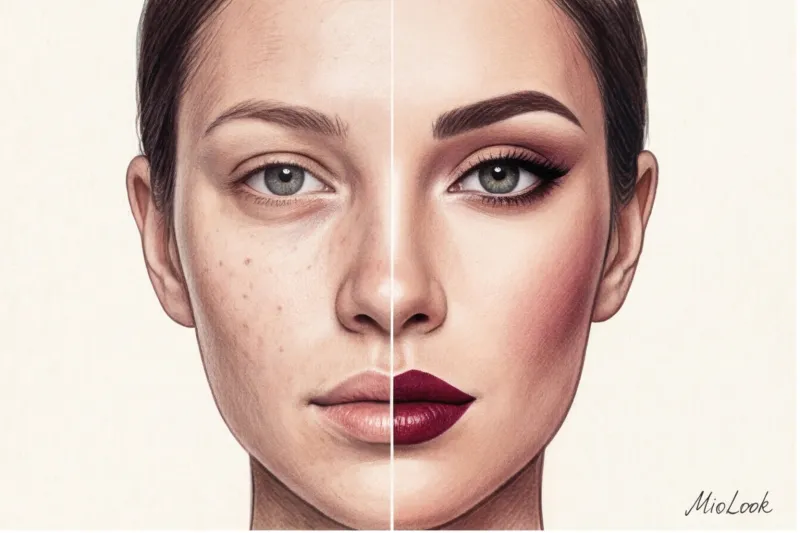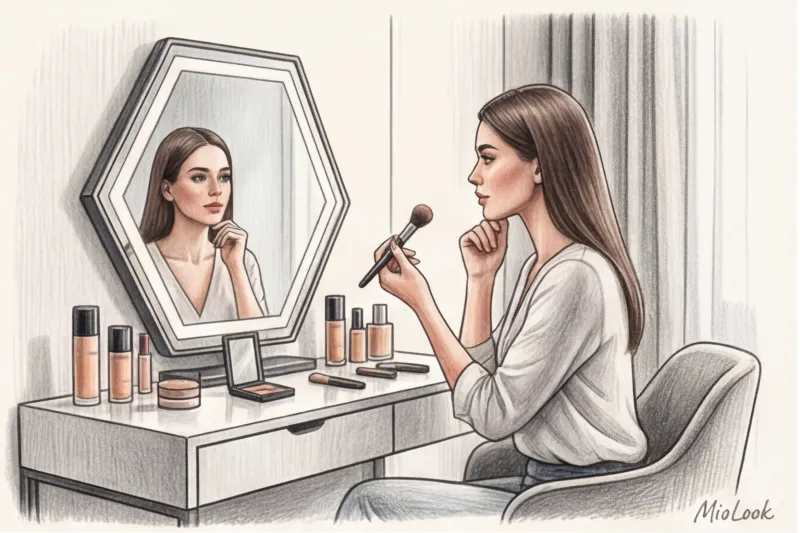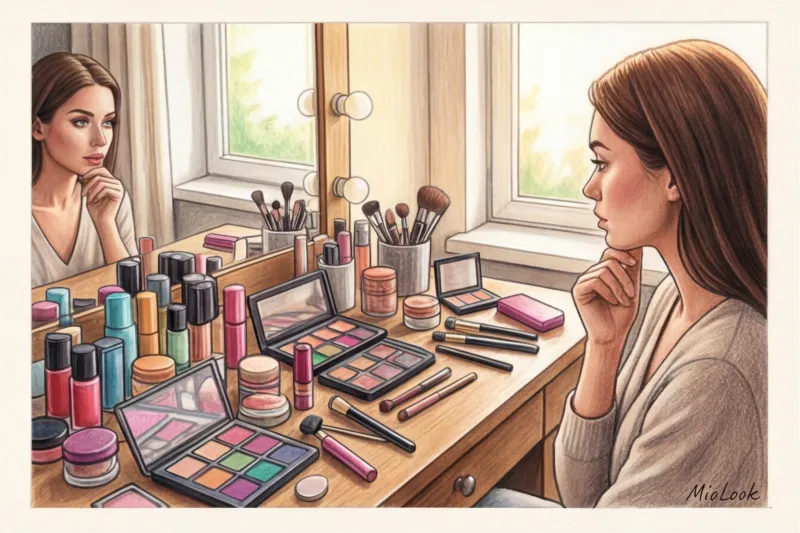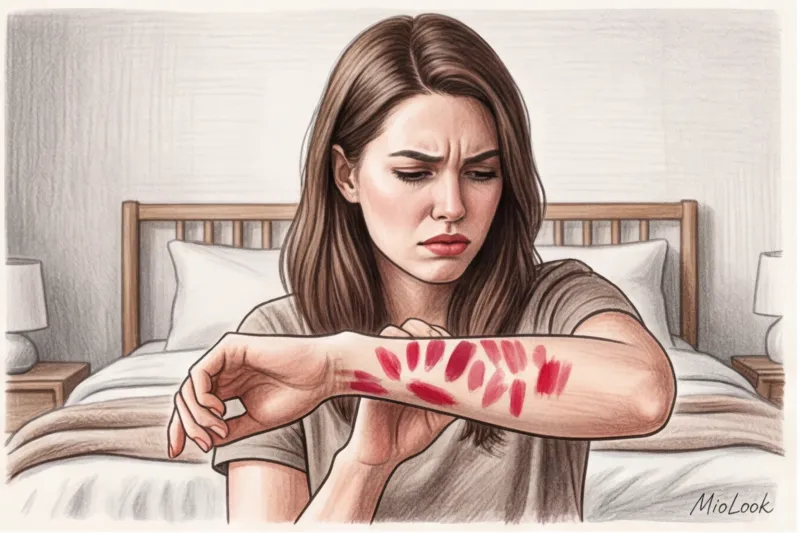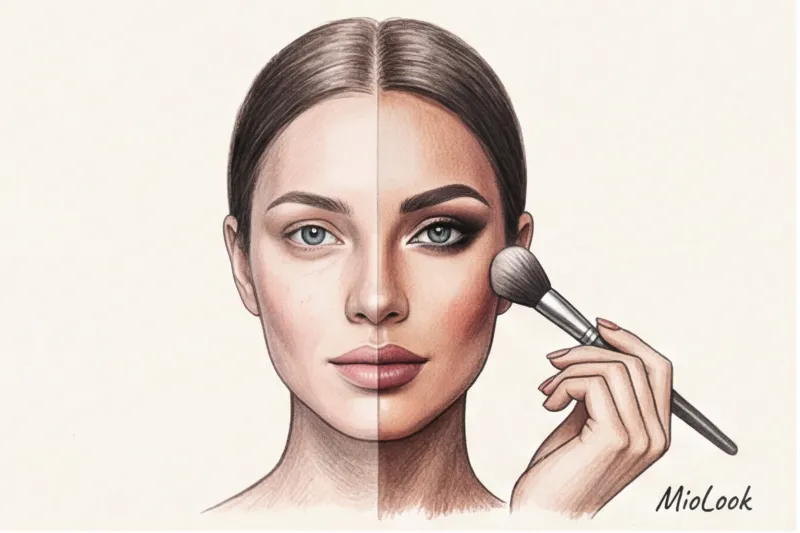
Over 12 years of working as a personal stylist, I've seen the same scene hundreds of times. My client, let's call her Anna, stubbornly bought the "wrong" peach blush for 10 years. In the store, under the artificial light, it seemed refreshing. At home, in the daylight, it cast a foreign, orangey cast on her porcelain skin. It was only when we decided to try on a photo of her makeup using a professional AR app that she saw the shocking truth with her own eyes: her ideal color was a cool, almost neon fuchsia.
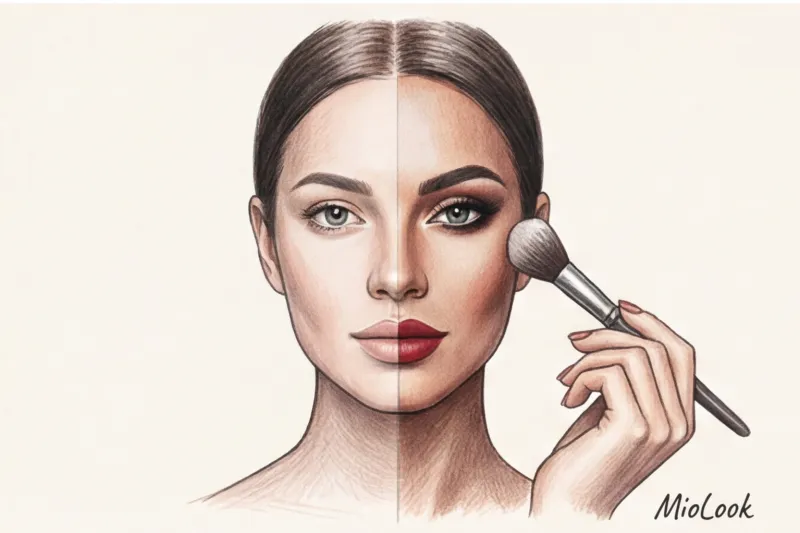
Today, a virtual beauty fitting room is not a toy with filters, but a powerful diagnostic tool. We've already discussed the architecture of such neural networks in more detail in our The complete guide to virtual makeup try-ons In this article, I'll share an insider algorithm: how to use AI to put wasted makeup to rest and find your perfect texture without leaving home.
From Instagram masks to smart algorithms: why trying on makeup from a photo is the new black
Let's be honest: many of us are left with psychological trauma from the filters of 2017. Those same ones that pulled a harsh mask over our faces, erased our pores until they looked like plastic mannequins, and glued our eyelashes somewhere near our eyebrows. Forget about that. Modern artificial intelligence works completely differently.
While working backstage at Paris fashion shows, I noticed a curious trend: leading makeup artists now test looks on photographs of models weeks before the show. AR (augmented reality) algorithms read up to 1,000 microdots on a face. The neural network doesn't just apply color; it understands your skin's texture and distinguishes between finishes: it knows how matte lipstick absorbs light, while satin gloss reflects it.
According to a 2023 study by the analytical agency Mintel, the average European woman loses approximately €350 per year on unsuitable makeup. Foundations that turn yellow, lipsticks that make teeth look yellower—all of this ends up at the bottom of makeup bags. Virtual try-ons reduce the risk of such impulsive purchases by 80%. This is the foundation of conscious consumption, a logical extension of the concept. smart AR shopping.
Step 1. Preparing the perfect canvas: how to take the right photo for a neural network
An algorithm can be as brilliant as it wants, but if you give it a bad source, the result will disappoint you. One of the most common mistakes my clients make is taking photos with "light makeup." "I just put on mascara and foundation," they say. This completely ruins the purity of the experiment. The neural network needs your bare face.
- Leather: Absolutely clean. Wash with foam and toner. No traces of yesterday's mascara under your eyes (the AI considers them deep shadows).
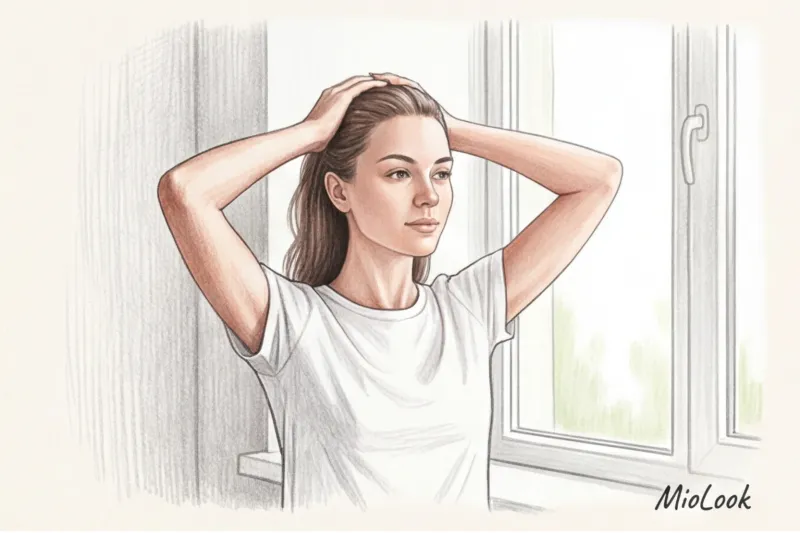
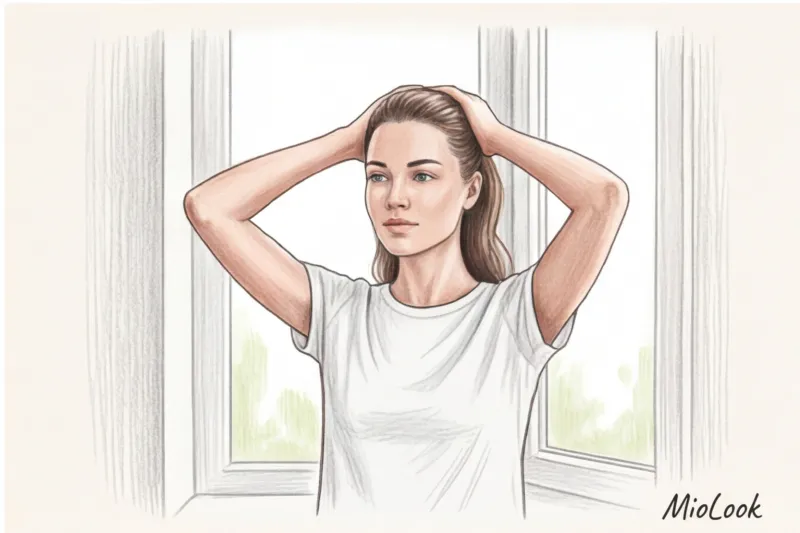
- Hair: slicked back. The hairline, jawbone, and cheekbones should be fully exposed.
- Angle: A straight-on shot. The smartphone camera should be positioned exactly at eye level. Shoot from above and you'll get a huge forehead and a narrow chin. Shoot from below and you'll add a massive jawline. Contouring will be distorted.
- Facial expressions: Relaxed. No wide smiles or squinting. Smiling changes the volume of your cheeks, and the virtual blush will "slide" downwards when you relax your face.
The Main Paradox: Why Professional Lighting Will Ruin Everything
Now here's a counterintuitive tip. You probably think you need a ring light or bright studio lighting to take the perfect photo. That's a fatal mistake.
Harsh shadows and harsh glare from the LED rings cause the AI to misinterpret facial contours. The lamp whitens the center of the face and creates unnaturally deep shadows at the edges. The algorithm "thinks" these are your natural hollows and applies the sculpting tool completely incorrectly.
A pro tip: the ideal light is diffused daylight from a window on a cloudy day (so-called flat light). Simply stand facing the window when there's no direct sunlight outside. This light softly bathes your face, revealing your true skin tone without a yellow or blue cast.
Step 2. Loading and diagnostics: testing the database and facial architecture
Once a photo is uploaded, we don't immediately rush to paint red lips. We start with the architecture. In color theory, according to the principles of Johannes Itten, determining the temperature is crucial: are you a warm or cool type?
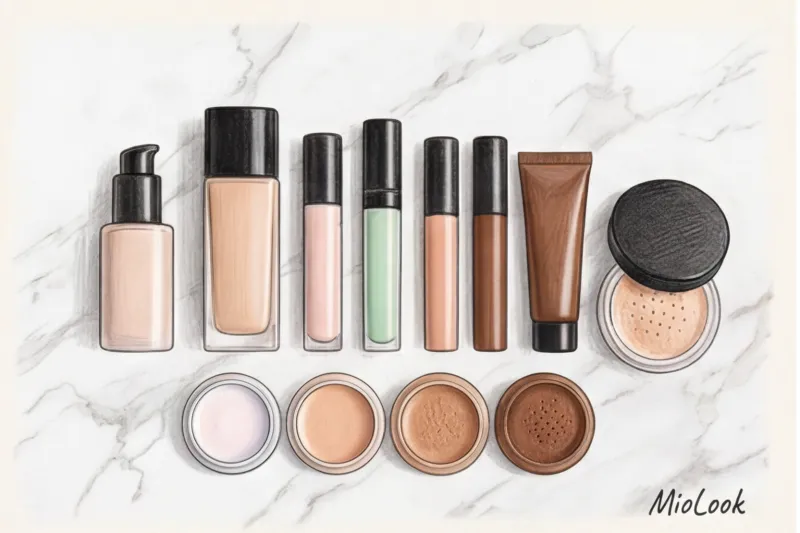
Virtual foundation swatches help you do this in just a couple of minutes. The app lets you layer shades one after the other. If a cool pink tone makes your face look sallow, and a peach tone blends into your neck, bingo, your undertone is warm.
"Facial architecture rests on two pillars: light and shadow and eyebrows. Before adding color, build the shape."
Next, we move on to sculpting and brows. I had a client who held a high-ranking position in banking. Nature had blessed her with sharp facial features, and she enhanced them even more with bold, thick black brows. Her subordinates were downright intimidated by her. Using the app, we softened the shape with literally one click, making her brows a shade lighter and adding a powdery texture instead of a bold line. Her face instantly became more inviting and fresh.
Step 3: Playing with Color and Texture: A Step-by-Step Guide to Virtual Makeup
Once the canvas is ready, the fun part begins: choosing the palette. Here, AI acts as an impartial judge, unfazed by pretty packaging or marketing trends.
Eyes: Let's test out eyeshadow palettes. If you're a cool, "winter" type, the app will accurately show how trendy terracotta eyeshadows make your eyes look tear-stained, while cool taupe (grey-brown) brings out the iris's color, making it brighter. Be sure to try different eyeliner shapes: from soft, smudged (perfect for hooded lids) to classic, graphic ones.
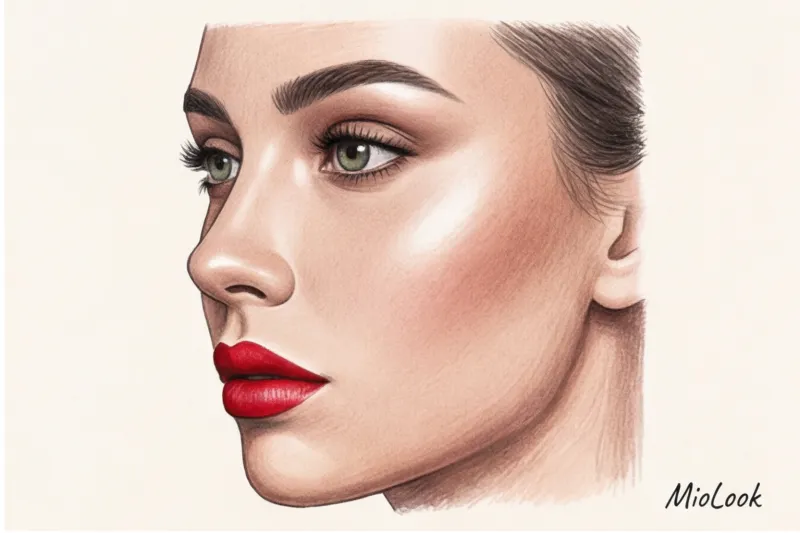
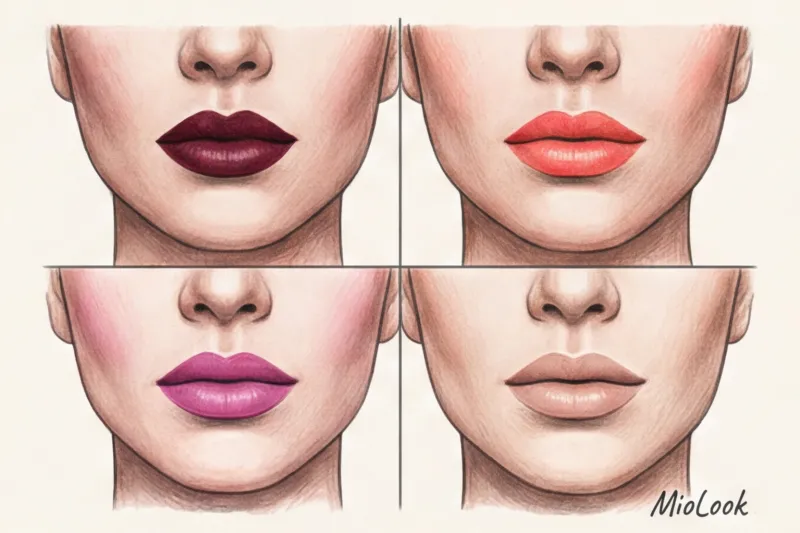
Lips: This is the best feature for finding "that perfect" red. Pay attention to the finish. A matte texture in the virtual try-on will add a sophisticated touch and visually make lips appear thinner (perfect for a business dress code). A glossy sheen will add volume and dynamism.
Blush: Try different application techniques. A classic application to the apples of your cheeks creates a youthful, fresh effect. But if you choose the draping technique in the app (applying blush high on your cheekbones, sweeping it toward your temples), you'll see a powerful lifting effect.
From Screen to Real Life: How to Choose Cosmetics for a Virtual Model
A successful virtual look isn't the end result; it's your shopping list. But there's an important limitation here that many stylists don't mention.
When this method does NOT work: Virtual fitting is ideal for selection shades and shapes , but it can't take into account the physical condition of your skin. AI will paint you a flawless matte foundation, but in reality, a matte foundation will mercilessly highlight flaking if you have dry skin.
So, rule number one: choose the color online, and the product formula offline. Create a beauty capsule: identify 3-5 key products that account for 80% of the effect in your photo. Typically, this includes the right foundation shade, the perfect blush, and "your" lipstick.
Visit a store (for example, Sephora or a MAC store) with a reference image saved. Apply the swatches to your jawbone and then go outside. Compare the actual swatch in daylight with what you see on your phone screen. This is the only way to rule out lighting errors.
Your perfect look starts here
Join thousands of users who look flawless every day with MioLook.
Get access — €0.99 onceIntegrating Makeup into Your Wardrobe: The Magic of the MioLook App
Makeup never exists in a vacuum. Red lipstick with a basic white T-shirt and the same lipstick with a velvet evening dress are two completely different style statements. The portrait area should work in synergy.
In the smart wardrobe ecosystem MioLook We take a holistic approach to our look. You don't just try on makeup from a photo; you incorporate it into your own style. The process looks like this:
- You create a capsule wardrobe in the app.
- Define the task: for example, a formal suit for the boardroom or a relaxed look for brunch.
- Choose a beauty look that will become the right accent.
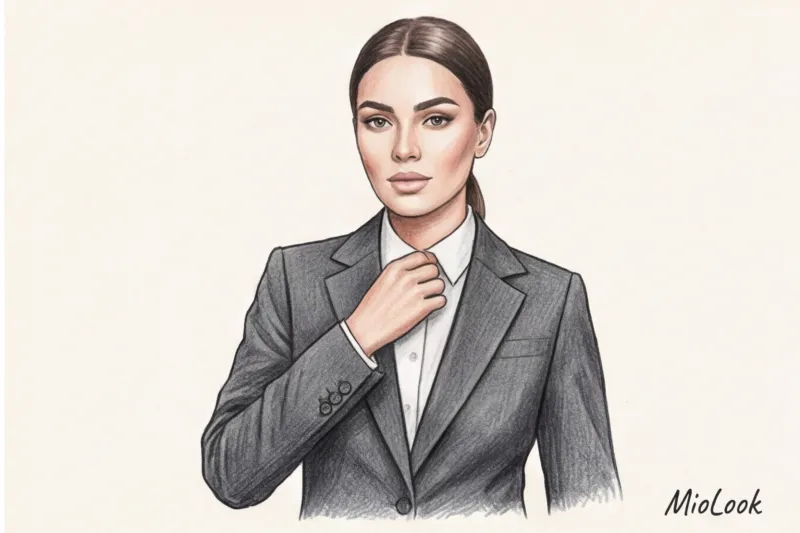
A soft, warm nude will perfectly balance a crisp, navy wool suit without looking too severe. And if it's an evening out, you might want to consider online makeup with denser textures that won't be eaten up by the restaurant's dim lighting.
Checklist: 5 steps to the perfect virtual fitting
To reinforce this material, save this quick algorithm. It will save you hours in stores and hundreds of euros in unsuccessful purchases:
- Preparation: Wash your face, remove all makeup, and comb your hair back smoothly.
- Light: Stand facing a window during daylight hours (out of direct sunlight). Turn off all the lights in the room.
- Posing: The camera is at eye level, looking straight into the lens, a relaxed face without the slightest smile.
- Base: Start trying out makeup from a photo by testing foundations and finding the right eyebrow shape and width.
- Accents: Complete the look by choosing blush and lipstick, making sure to save the best options in a "mood board" folder for future purchases.
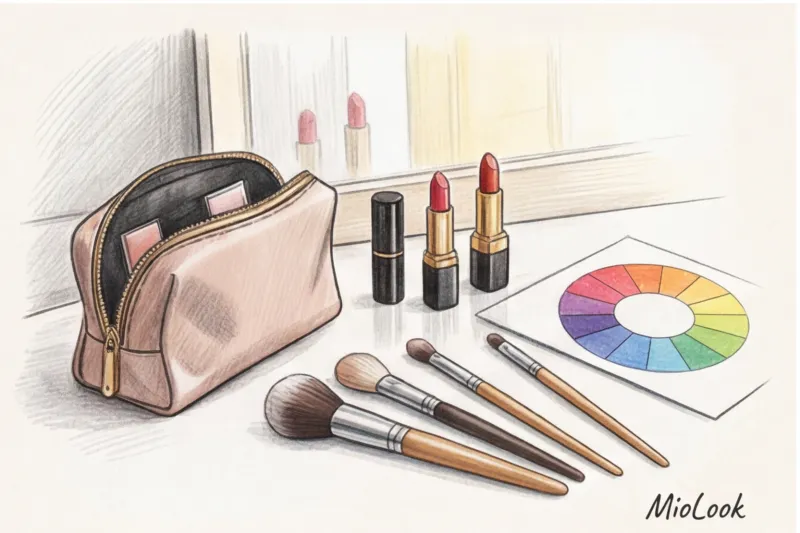
AI-powered virtual makeup try-ons are like your personal, pocket-sized makeup artist who never tires or tries to sell you products that are already stale. Invest 15 minutes in creating the perfect starting photo, and you'll forever change your approach to beauty shopping. Remember: the perfect makeup isn't just what looks pretty in the tube, but what makes you confident in any light.