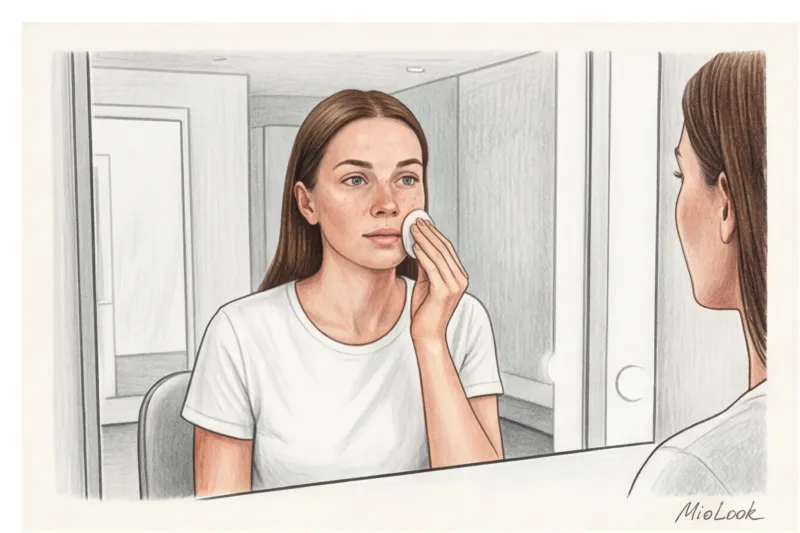
Last year, at the Viva Technology fashion and tech innovation exhibition in Paris, I struck up a conversation with some smart mirror developers. They looked tired. "Do you know what the main problem with AI styling is?" the lead engineer asked me. "Girls upload selfies with Instagram filters, taken in the dim light of a club, and then write angry comments that the algorithm labeled them 'Winter' when they were actually 'Spring.'" And he was absolutely right.
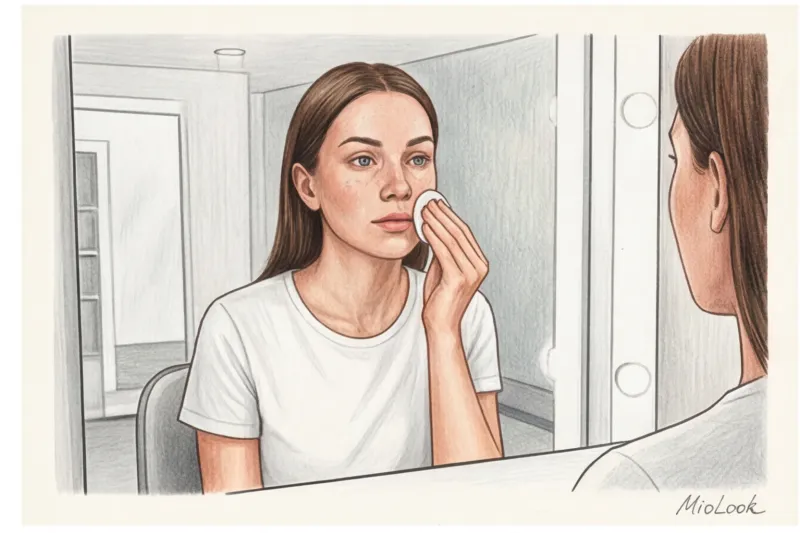
After 12 years of working in the fashion industry and testing dozens of fashion apps, I've realized one incontrovertible truth: artificial intelligence is brilliant, but it operates on the principle of "garbage in, garbage out." If you want a mathematically accurate result, you need to know How to take a photo to determine your color type That's right. Spoiler: your posing skills won't be needed here.
We've covered in more detail how neural networks scan your appearance in our A complete guide to determining your color type using AI In this article, as a practicing stylist, I'll explain the physics of light and show you how to prepare the perfect "source" for the algorithm.
The Digital Style Paradox: Why a "Beautiful" Selfie Will Fool a Neural Network
We're used to taking photos to make ourselves look better: we look for a good angle, catch backlighting, and rely on camera algorithms. But the app MioLook It doesn't judge your beauty. It works like a high-precision scanner.
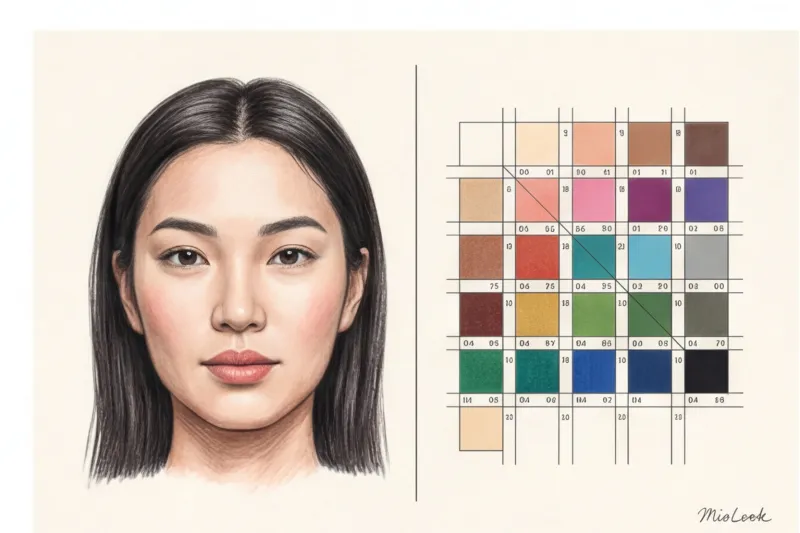
A neural network doesn't detect "peach blush" or "deep brown eyes." It analyzes hexadecimal (HEX) values of skin tone, pixels of the sclera, and the contrast level between the eyebrows and forehead. According to a 2023 study by the Institute of Electrical and Electronics Engineers (IEEE), the built-in algorithms of modern smartphones (especially the latest iPhone models) automatically adjust contrast and white balance 98% of the time. Your phone's processor literally fills in the blanks.
An artistic portrait conceals your features. A diagnostic photograph must reveal them. Your task is to trick your smartphone's "enhancers" and give the neural network a clear representation of your appearance.
One of my clients in Milan persistently complained that the virtual stylist was giving her strange recommendations. It turned out she'd taken three selfies: one in the bathroom (under yellow lights), one in the car (with tinted windows), and one at sunset. In all three cases, the AI produced three completely different color types. And the algorithm was right—it had accurately analyzed the light falling on her face.
How to Take a Photo to Determine Your Color Type: Basic Lighting Rules
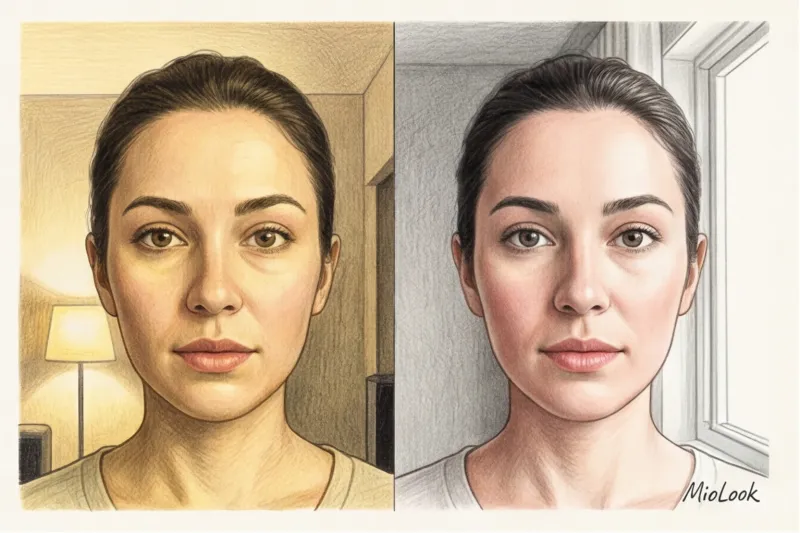
Light is the primary source of data for computer vision systems. Remember this rule: if the light is yellow, the neural network will see yellow skin. If you're standing next to a red curtain, a red shadow (reflex) will fall on your cheek, and the algorithm will assume you have rosacea or a warm undertone.
It's not for nothing that makeup artists carry ring lights backstage at Fashion Week. They strive for the perfect color temperature—around 5500 Kelvin. This is a pure, neutral white light that doesn't distort pigment.
Access to MioLook for €0.99 — one-time payment
A smart AI stylist will select the perfect look based on your exact color type.
Get access — €0.99 onceThe algorithm's main enemy: warm light and the "golden hour"
It's time to debunk the biggest Instagram myth. The most beautiful light—Golden Hour—is absolutely not suitable for analyzing your appearance.
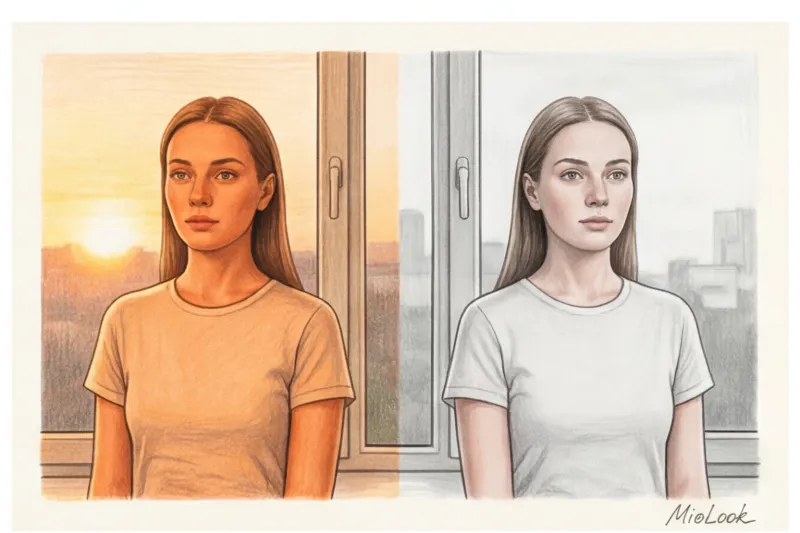
The setting sun casts a thick yellow-orange filter on your face. Direct sunlight creates harsh shadows under your nose and chin, and most importantly, it visually brightens the irises. If you're a cool, ashy "Summer," the setting sun instantly transforms you into a warm "Spring" or "Autumn" for the camera lens. The neural network considers this yellow filter to be your natural undertone.
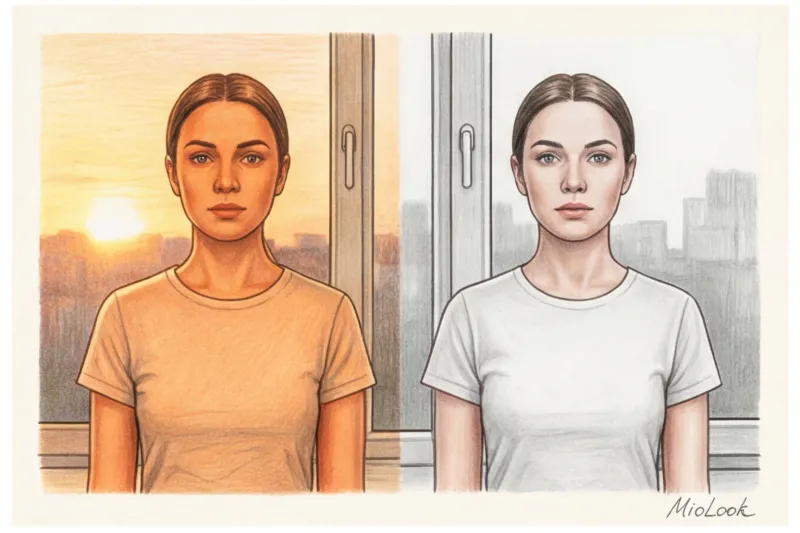
Ideal scenario: diffused daylight (Overcast)
The best light for diagnostic photography is free. This is an overcast day between 11:00 AM and 2:00 PM. Clouds act as a giant softbox, evenly dispersing the sun's rays and eliminating harsh shadows.
Stand facing the window. Don't stand sideways, as this will cast half your face into shadow, which will distort contrast. Look straight out, moving about half a meter away from the glass.
Technical setup: how to prepare your smartphone camera
Even if you've found the perfect light, your smartphone can ruin everything. Before you press the shutter button, go through this technical routine. I make every client do this.
- Turn off True Tone or Adaptive Display. This feature adjusts the screen's colors to the ambient light. This prevents you from seeing photos that are too yellow.
- Kill beauty filters. Android smartphones often have skin smoothing enabled by default. Turn it off completely.
- No Portrait mode. Artificial background blur (bokeh) "eats" the edges of hair and distorts the contours of your face. AI needs to clearly distinguish the boundaries between your hair, skin, and the background.
- Wipe the lens. Trivial? Yes. But in 2024, a WGSN report on beauty-tech found that 30% of skin scanning errors were due to a simple layer of sebum on the phone lens.
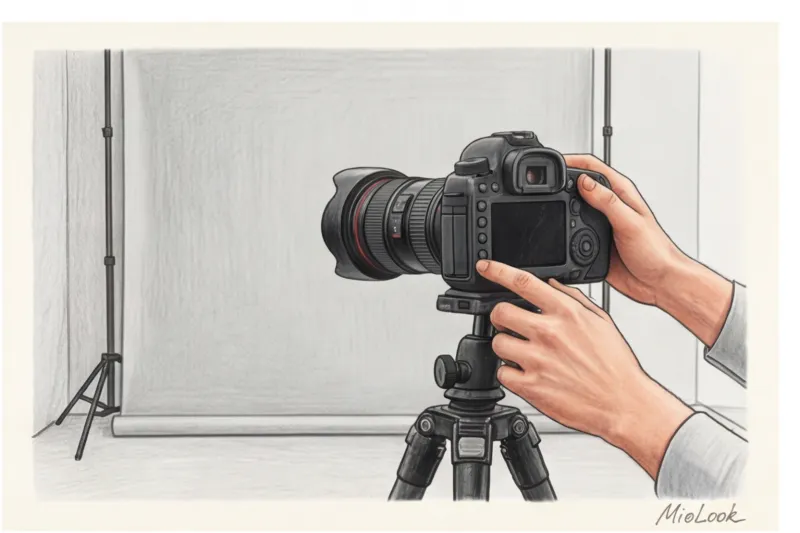
The main secret: use focus and exposure lock (AE/AF Lock). Point the camera at your face, press and hold the screen for a couple of seconds until a lock icon appears. Now, if you move even slightly, the camera won't start frantically adjusting the frame's brightness.
Face, Hair, and Clothing: Creating a Blank Canvas for AI
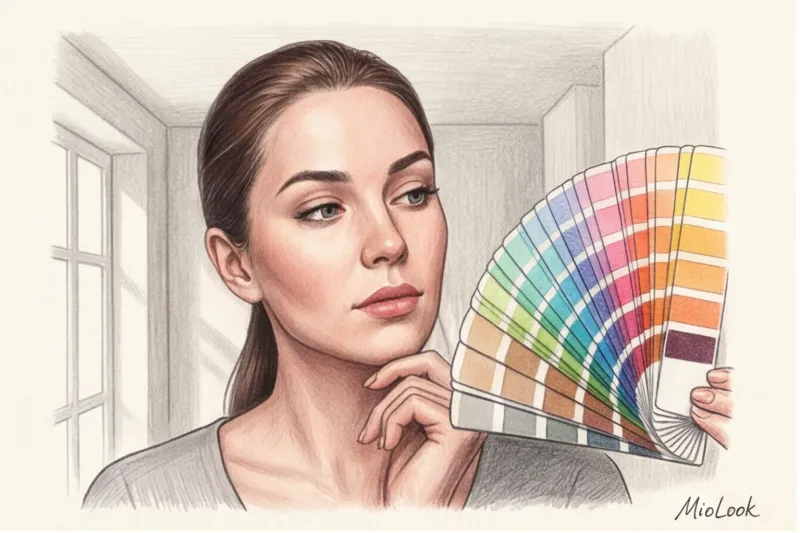
When we work with 12 color types of appearance Colors don't compromise. Your goal is to remove visual noise.
Face. A complete, utter lack of makeup. No "light BB cream" or concealer. Even a clear moisturizer with SPF (especially with physical filters like titanium dioxide) creates a whitish flashback when photographed, making the skin look paler. Blush will completely throw off the neural network's contrast settings.
Fair Limit: This method won't work immediately if you had a chemical peel yesterday, got sunburned, or have a severe rosacea flare-up. The algorithm considers this temporary redness as your baseline undertone. Wait a couple of days for your skin to calm down.
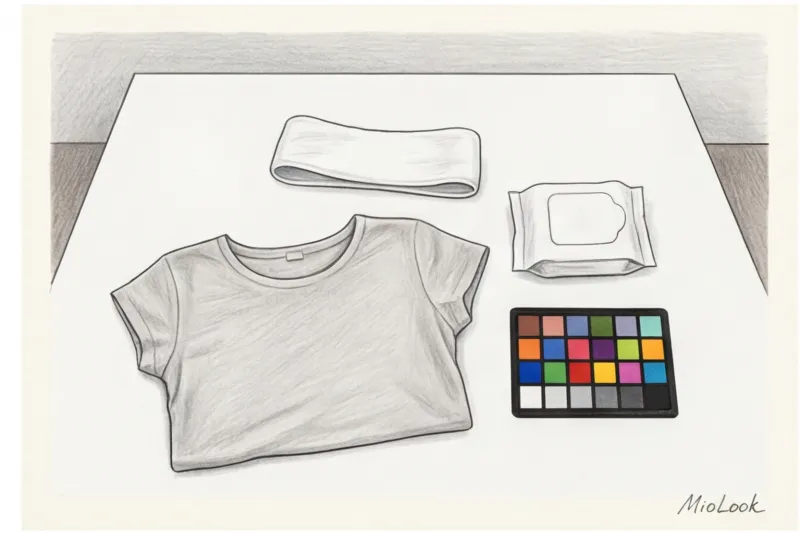
Hair. If your hair is colored (even with balayage or subtle highlights), it needs to be hidden. The AI should analyze your natural features. Wear a sleek white or gray headband. Pull your hair away from your face, exposing your forehead and ears.
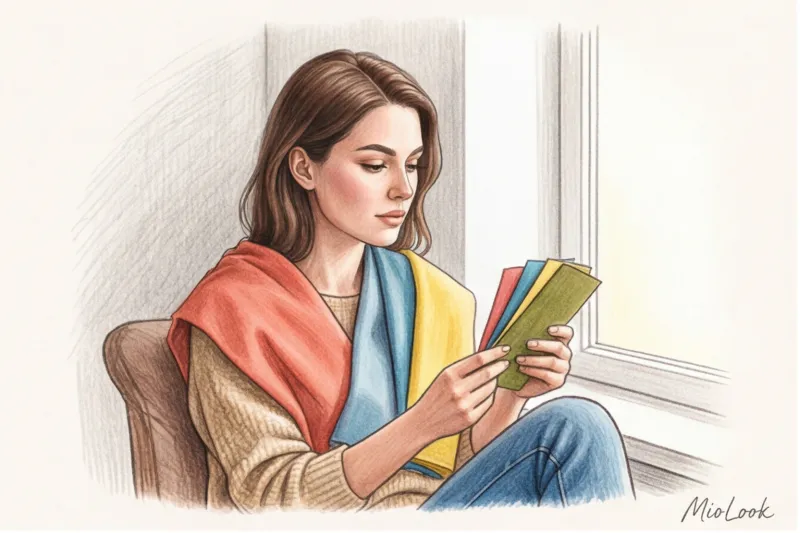
Cloth. In the 1920s, color theorist Johannes Itten (whose work forms the basis of modern color typing) demonstrated how adjacent colors influence each other. If you wear a neon green T-shirt, a greenish shadow will appear on your chin. That's why colorists always drape a white cape over their clients. A neutral top—white or light gray—is sufficient. Your neck and décolleté should be exposed.
Your perfect look starts here
Join thousands of users who look flawless every day with MioLook. Digitize your style.
Get access — €0.99 onceAngle and Geometry: How to Avoid Lens Distortion
Smartphone optics are tricky. The front-facing camera (for selfies) almost always has a wide-angle lens (usually equivalent to 24mm). If you hold the phone too close, optical distortion will occur: your nose will appear larger, the center of your face will jut forward, and your ears will recede. AI can misjudge facial proportions, which is critical if you're using an app not only for color matching but also for choosing the right proportions of accessories.
The ideal distance to the lens is 70–100 cm. Your arm's length may not be enough.
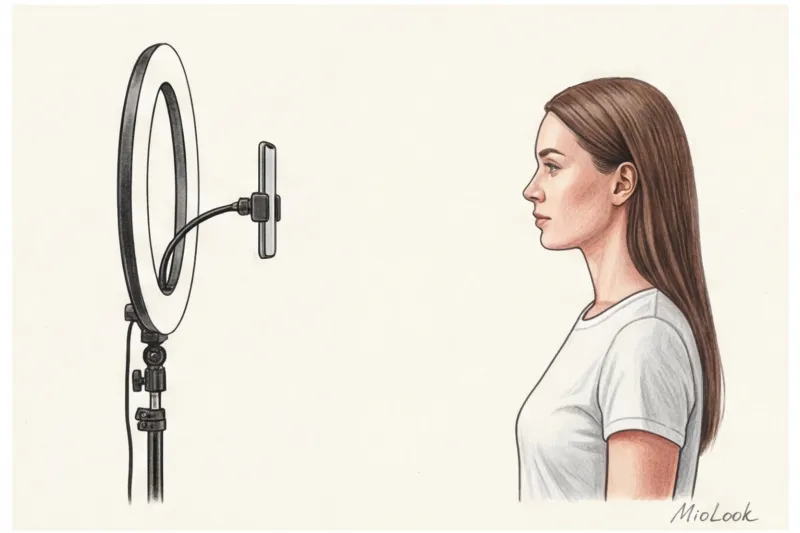
My pro tip: buy a regular tripod for €15–20 or prop your phone up against a stack of books on the windowsill. And go shoot. on the main camera (rear). It always has a better matrix, a wider dynamic range, and more accurate color rendition.
The shooting angle should be exactly at eye level. If the phone is positioned lower, the camera will make your jaw appear heavier and create a dark shadow on your neck. If it's positioned higher, your forehead will appear larger and your eyes will sink into shadow.
Checklist: 5 final steps before uploading photos to MioLook
So, you're ready to take that shot that will reveal the formula for your appearance. Run through this checklist right before the shoot:
- Light: You are standing facing a window during daylight hours (no direct sunlight). The lights in the room are off.
- Face: Absolutely clean, without SPF cream or mascara residue.
- Background and clothing: A neutral white/gray t-shirt with an open neck. The background behind you is muted.
- Hair: Pulled back (if dyed, hidden under a bandage).
- Camera: The main lens is wiped clean, the phone is held at eye level, about a meter away. The exposure is locked.
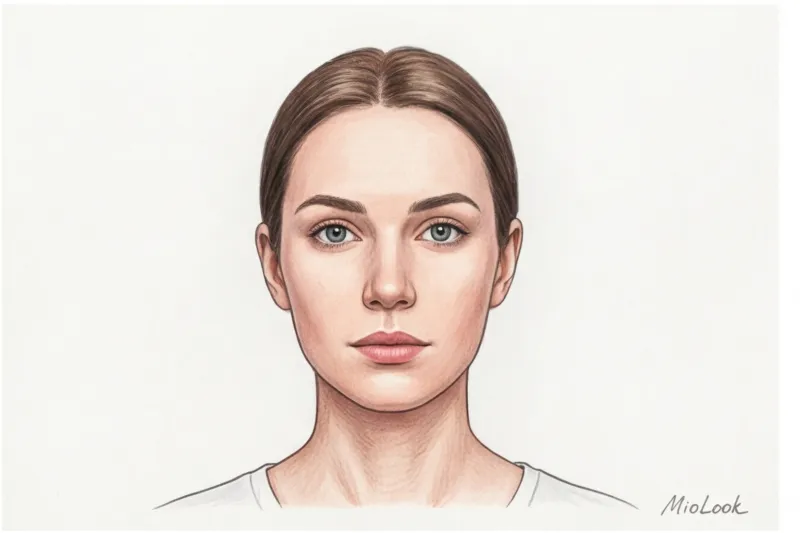
Taking a photo like this is more challenging than a typical social media selfie, but it's an investment in your style. You do it once, upload the correct source image to MioLook, and get a mathematically precise palette that will stay with you forever. Stop guessing your color type based on filters—let the algorithms work with pure data.