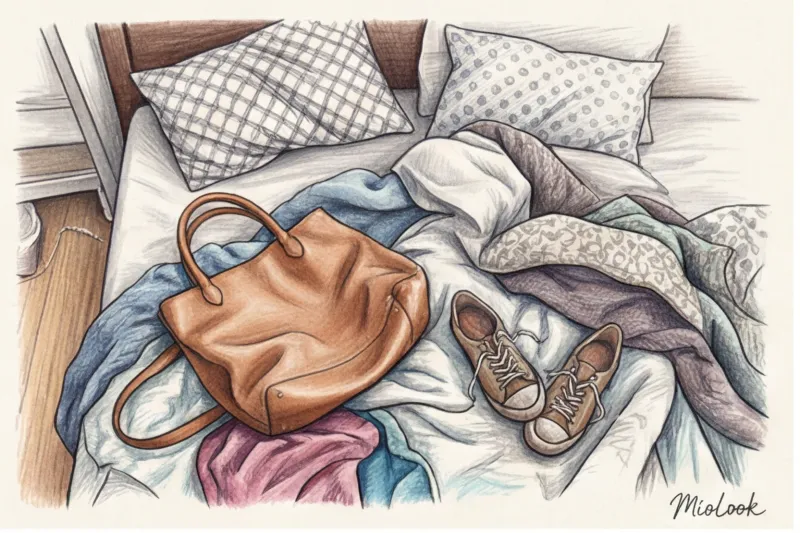
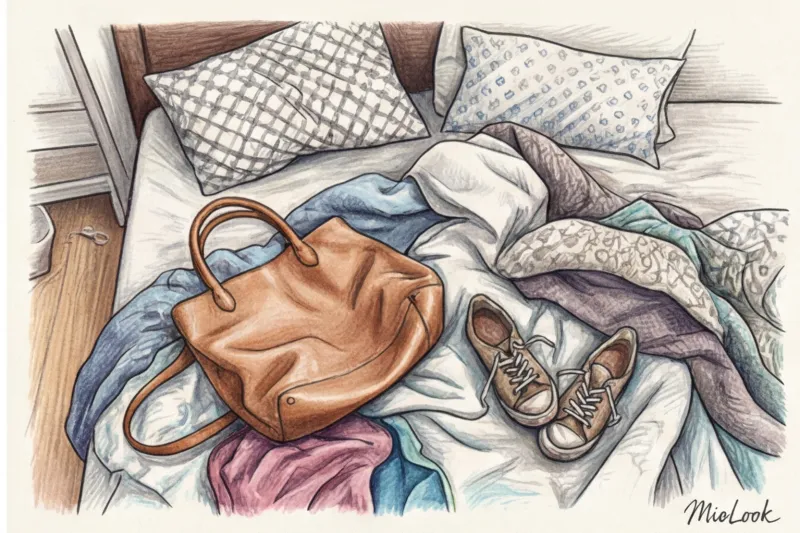
A week ago, a client of mine in Paris nearly burst into tears when she showed me her phone. "Camilla, look at this! My favorite Bottega Veneta Jodie looks like a deflated green balloon, and the neural network even identified my Prada pumps as men's orthopedic loafers!" I glanced at the screen and immediately understood the problem. She'd spent three hours carefully laying out her bags and shoes on her bed, taking them off from the top. She'd done everything just as the glossy magazines of the 1920s taught.
If you've ever wondered how to photograph shoes for an app so they look presentable, forget everything you know about product photography. In our The complete guide to digitizing your wardrobe We've already discussed the basic rules for sweaters and trousers. But accessories require a completely different approach. A bag isn't a piece of fabric. It's an architectural object.
Why AI is going blind: Accessory architecture versus flat layout
The difference between a silk slip dress and a rigid tote bag is colossal. Clothes come to life and take shape only on the human body (or on a mannequin). Accessories, on the other hand, have their own independent geometry. Their construction often resembles miniature buildings—with a rigid frame, supporting elements, and a precisely defined center of gravity, historically harking back to the architectural cuts of Christian Dior's New Look era.
That's why the popular Flat Lay method (laying things out on a flat surface) is the main enemy of bags and shoes in a virtual wardrobe.
"Computer Vision algorithms are trained to recognize objects using a shadow map and edge detection. When you take off your shoes from above, the camera flattens the 3D object into a 2D oval. The AI literally doesn't see the height of the heel or the curve of the last."
That's exactly what happened to my client and her Bottega Veneta bag. The soft, unfilled woven leather simply melted onto the bed. The algorithm couldn't find the handle because it had merged with the main body of the bag. The result? A shapeless mess in a digital catalog.
Digitize your wardrobe the right way
A smart AI stylist will select the perfect look based on your real clothes.
Get access — €0.99 onceHow to Photograph Shoes for an App: The Anatomy of the Perfect Shot
To yours virtual wardrobe in MioLook For the neural network to work flawlessly and suggest appropriate combinations, it must accurately understand what's in front of it: elegant kitten heels, chunky boots with a tractor sole, or basic white sneakers. This requires the right angle.
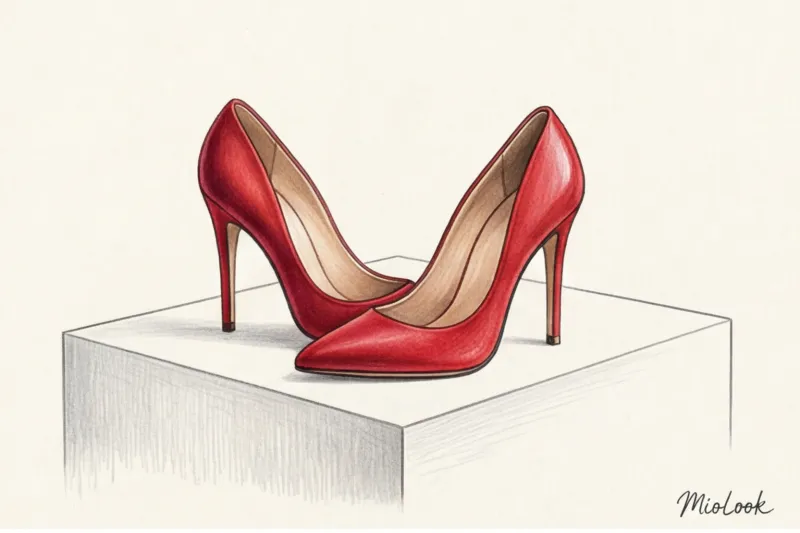
Over 12 years of visiting Milan showrooms and working on commercial shoots, I've learned the gold standard for platforms like Farfetch and Net-a-Porter. It's like this: right half shoe, toe to the right, angle 45 degrees.
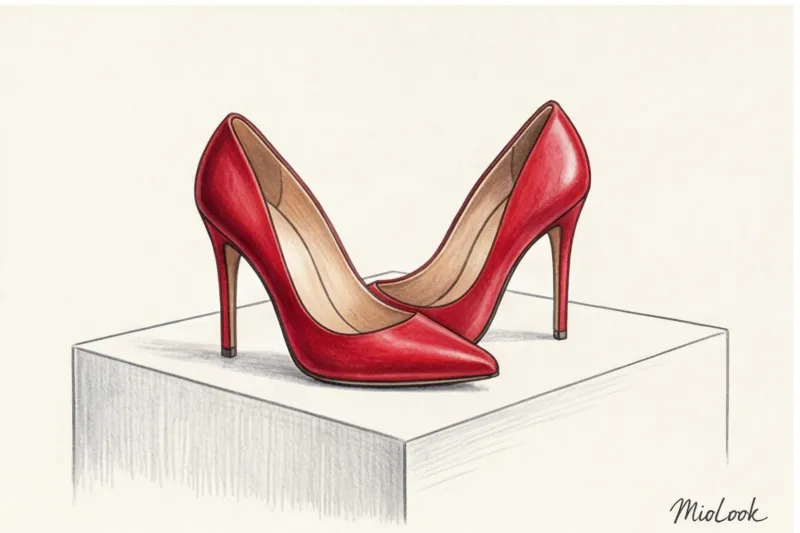
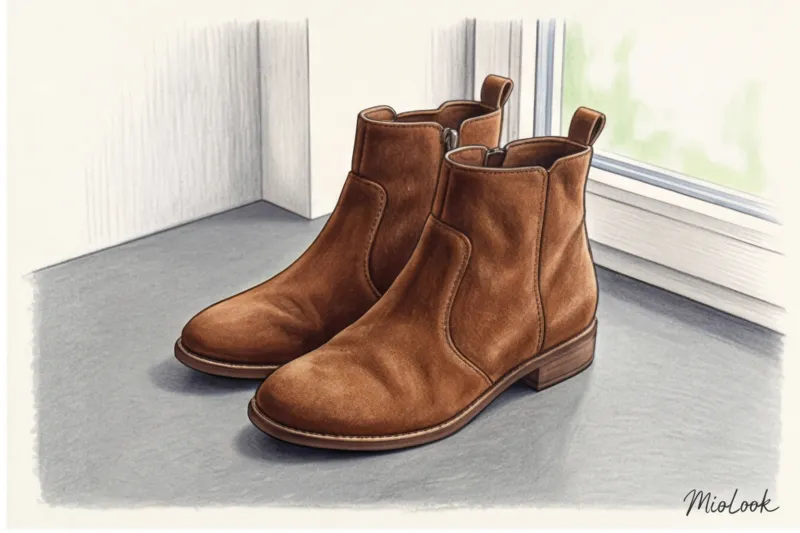
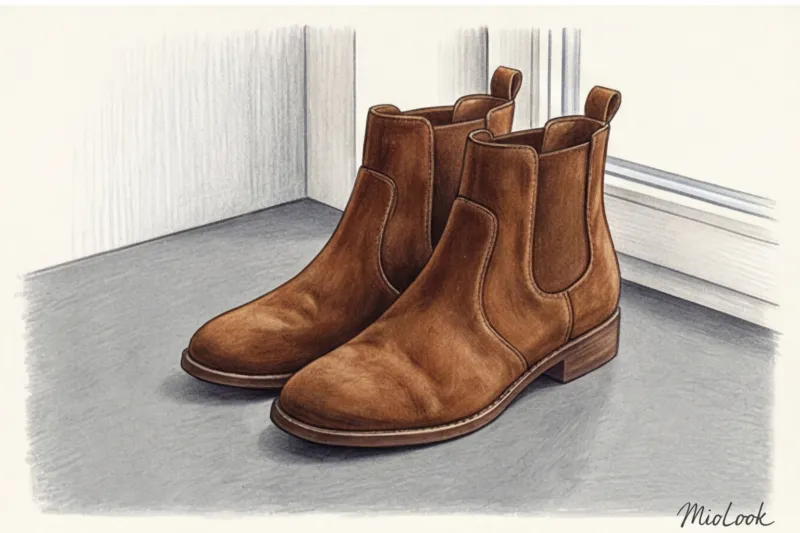
- Eye level rule: Lower your phone's camera to the level of your shoes. Don't stand over them. You should look at the item as if it were on a shelf in a boutique at your face level.
- Profile or 3/4: It's crucial for neural networks to see the heel height, platform shape, and arch of the foot. A sharp profile is good for stilettos, while a 3/4 angle (half-turned) is ideal for sneakers and loafers, as it shows both the toe and the sidewall.
According to internal guidelines from e-commerce studios for 2024, with the correct 3/4 angle, the accuracy of neural networks recognizing shoe categories and styles increases to 98%. If you photograph sneakers from above, the accuracy drops to 60%.
Complex Textures: Taming Suede, Varnish, and Glitter
Geometry is half the battle. The second problem users face when trying to figure out how to photograph shoes for an app is materials that reflect light or absorb light.
Reflecting a smartphone's direct flash off patent leather (like the classic Christian Louboutin pumps) creates harsh overexposure. The camera sensor captures a pure white spot in this area. This can cause the algorithm to misjudge the color, dropping the shade accuracy by 40%.
How to work with materials:
- Suede and velvet: These fabrics absorb light. In poor lighting, burgundy suede ankle boots will turn into a black, dirty spot in a photo. Use only sidelight from a window (it will highlight the nap).
- Varnish: Never use flash. Shoot in the back of the room during the day so the light is soft but still sufficient to capture the subject's form.
- Glitter and metallic: They require diffused light. If it's bright outside, cover the window with a thin white tulle—it will act as a professional softbox and remove digital noise from the photo.
Your perfect look starts here
Join thousands of users who look flawless every day with MioLook.
Get access — €0.99 onceSecrets to Digitizing Bags: From Crossbody Bags to Oversized Shoppers
Remember the story of Bottega Veneta's collapse? There's one insider trick that absolutely every stylist uses during commercial photo shoots, even when we're shooting a €5,000 bag. It's the "stuffing" rule.
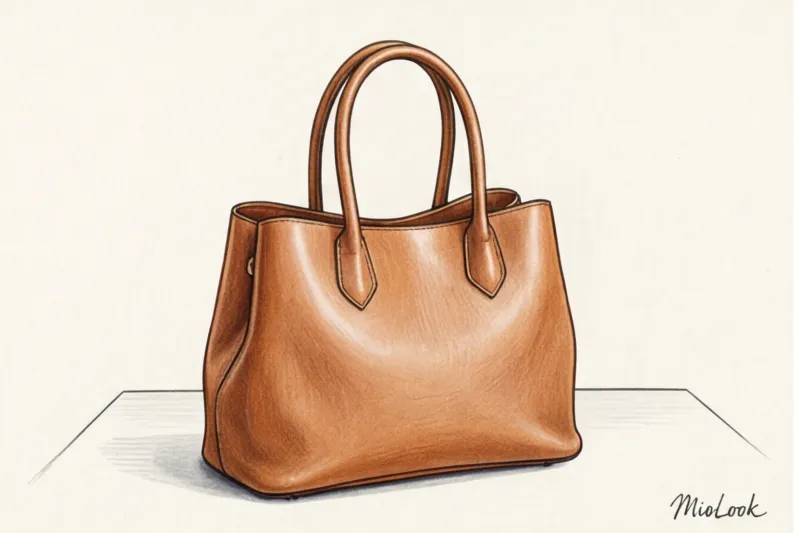
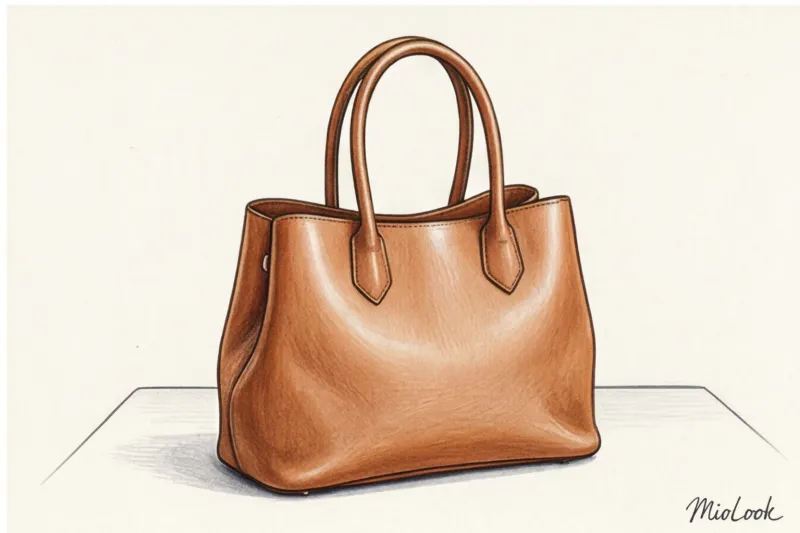
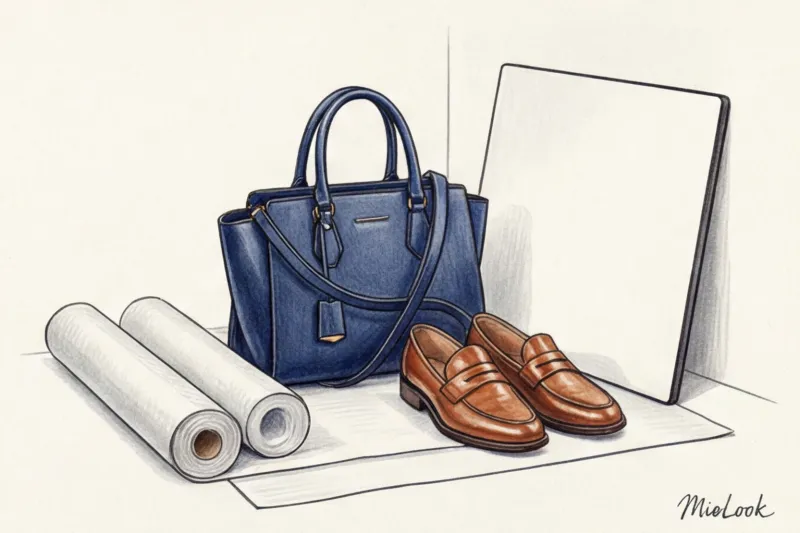
Any soft bag (hobo, tote, backpack) should be filled before photographing. I always carry a roll of white tissue paper with me when I go through my wardrobe, but at home you can use clean T-shirts, towels, or bubble wrap.
The algorithm should calculate the actual proportions of the accessory. If you plan to add these status accessories When it comes to looks for work or meetings, they should look as voluminous in the app as they do in real life.
What to do with the parts:
- Handles: If your bag has short, rigid handles (like the Hermès Birkin or Dior Book Tote), they should stand upright. If they're soft and drooping, carefully tuck them forward.
- Long straps (crossbody): Don't let your belt dangle outside the frame or hang in a haphazard loop. Fold it neatly into a snail or figure-eight and place it next to your bag, or tuck it inside, leaving only the attractive buckle exposed. Otherwise, the AI might mistake a long belt for an extraneous object in the frame.
Light and Background: Creating a Home E-Commerce Studio
Selecting a background is critical for proper clipping (background removal) by a neural network. The core mechanics of Computer Vision are searching for contrasting edges. If the boundary between an object and the background is blurred, the artificial intelligence will simply "cut away" a piece of your image.
Many people instinctively try to photograph white sneakers against a white wall or a sheet of poster board. This is a big mistake. The edges blend together. Choose a matte, contrasting background. Medium gray, beige, or dusty blue are ideal. A piece of matte cardboard from an art store for €3 will save you hours of time.
Also, keep an eye on the light temperature. As I mentioned in the article about creating a capsule wardrobe A regular room chandelier with yellow incandescent bulbs distorts RGB color coding. The neural network will recognize your cool emerald clutch as a warm olive green. Only take photos during the day, turning off any artificial light in the room.
To be fair, one nuance needs to be noted: These rules work perfectly for 99% of things. But if you're the lucky owner of a completely transparent vinyl bag (for example, from Coperni) or shoes with invisible silicone straps, be prepared for the algorithms to have a hard time distinguishing the transparent plastic from the background. In such rare cases, the clipping may need to be adjusted slightly manually.
Ready to get started?
Try the MioLook plan for free—no commitments required. Organize your closet today.
Get access — €0.99 onceA practical checklist: 5 steps before loading shoes and bags into MioLook
Let's summarize. To digitize your accessories quickly and without losing quality, follow this checklist. It'll literally take 15 minutes, but the result will provide you with a flawless virtual wardrobe for years to come.
- Step 1: Clean the items. A smartphone camera sees more than the human eye. Wipe dust off leather bags and use a lint roller on suede shoes. Digital junk in photos makes it harder for AI to do its job.
- Step 2: Create volume. Stuff soft bags with fabric or paper, and close all zippers, locks, and buckles. The bag should look like it already contains your keys, phone, and makeup bag.
- Step 3: Prepare a contrasting background. Find a solid, matte surface without patterns, wood grain, or nap. Avoid color-matching the item to the background.
- Step 4: Find the right shooting point. Lower your phone to the subject's level. Forget about shooting from above. Only frontal shots or shots at a 45-degree angle.
- Step 5: Catch the daylight. Place your "studio" sideways to the window. If the subject casts a harsh shadow, place a white sheet of paper on the opposite side (it will act as a professional reflector and soften the shadows).
Stop treating your shoes and bags like flat pictures. They're three-dimensional investments in your style, and they deserve proper digital presentation. By digitizing them with volume and geometry in mind, you'll empower the algorithm to work for you 100% effectively.