
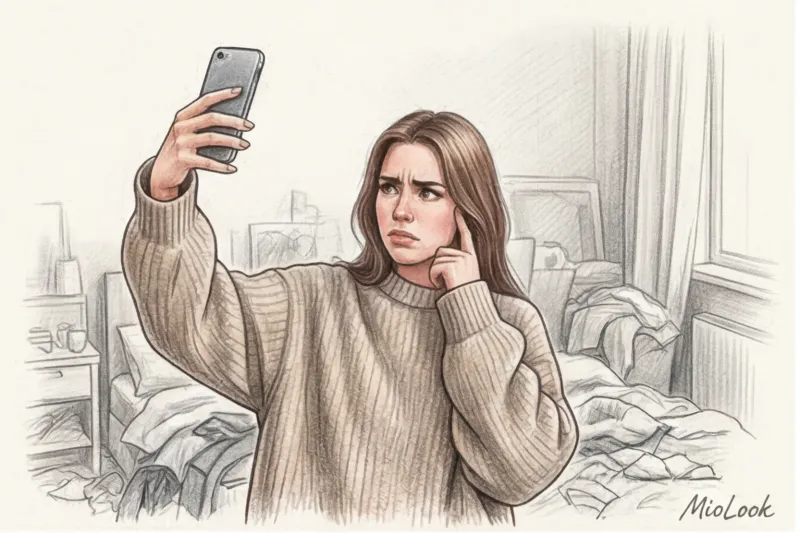
Last Friday at 11:00 PM, I received a panicked voicemail from my client Marina. She was getting married in a month, and she decided to save time by using an AI try-on app. In the screenshot she'd sent, a luxurious mermaid dress with a rigid corset fit her like it was on a rectangular dresser. She had no figure at all, but a pronounced "matryoshka doll" effect. I asked her to send me the original image. It turned out that Marina was trying to "put on" couture silk over a thick, oversized sweater while standing in front of a mirror in a dark hallway.
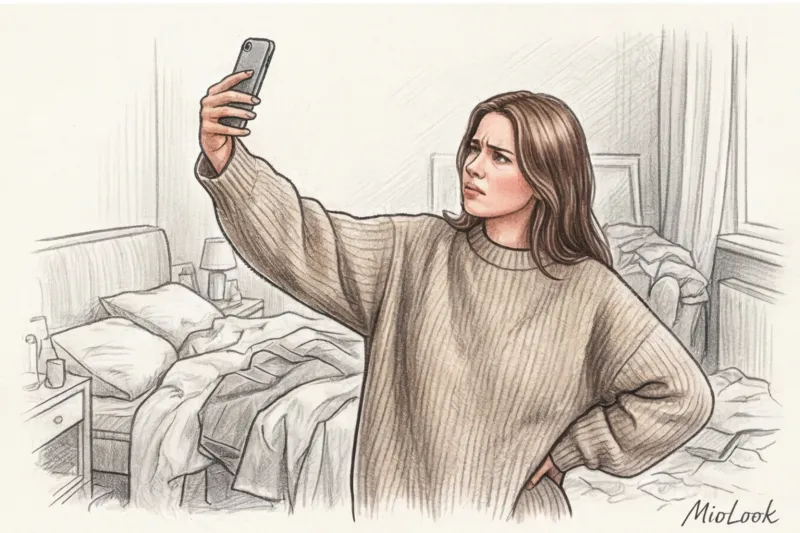
AI algorithms are incredibly smart, but they can't read your mind. They work with physical data—pixels, shadows, and contours. If you feed a neural network a distorted source, the result will only disappoint you. That's why the question of How to take a photo for a virtual fitting , requires the same serious approach as taking measurements in a real studio.
Virtual technologies are designed to free us from the hours-long marathon of visiting salons. We've covered this global shift in more detail in our complete guide. Trying on a wedding dress online: how to choose without stress Today, we'll explore the technical side of the process: how to prepare the perfect digital "canvas" so that the AI can accurately calculate your figure down to the millimeter.
Why a simple selfie will ruin the experience of a virtual fitting
Wedding and evening fashion aren't about relaxed casual wear. They're complex pieces. Rigid corsets, multi-layered tulle, heavy mikado silk, and complex geometric cuts demand a perfect fit. While a casual knit dress can tolerate a few centimeters of error, an evening gown is unforgiving.
Returning to Marina's story: trying to fit an evening silhouette over a voluminous garment is always doomed to failure. The AI algorithm (including the one we use in MioLook smart wardrobe features ) reads the outermost points of your silhouette in a photo. If you're wearing a shapeless sweatshirt, the neural network interprets its edges as the boundaries of your body. As a result, your graceful waist disappears, and your dress appears to balloon.
Our main task during the online fitting is to narrow down the incredible selection of thousands of possible silhouettes to 3-4 ideal ones, which you can try on in person. To do this, the algorithm requires your true, undistorted proportions.
Basic Settings: How to Take a Distortion-Free Photo for a Virtual Try-On
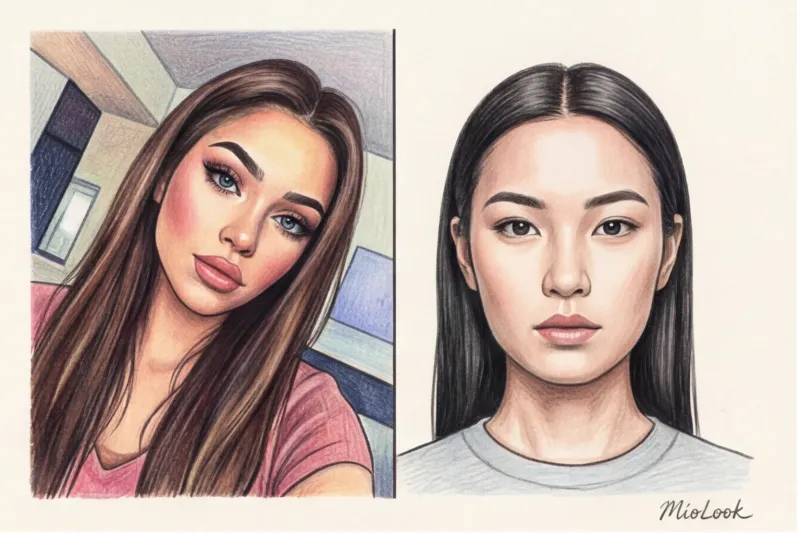
The main enemy of any virtual fitting is optical distortion. Forget about mirror selfies. Holding your phone at arm's length causes your shoulder to lean forward, your spine to become distorted, and your body's proportions to become distorted. We need a completely neutral perspective.
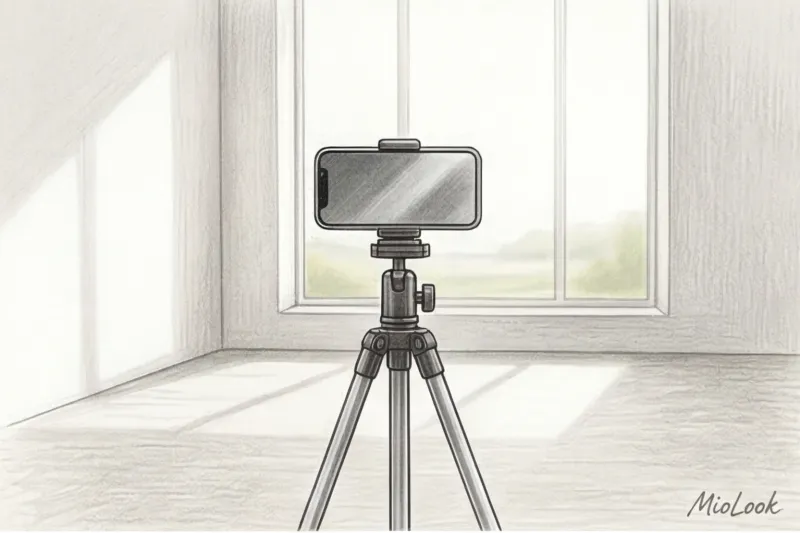
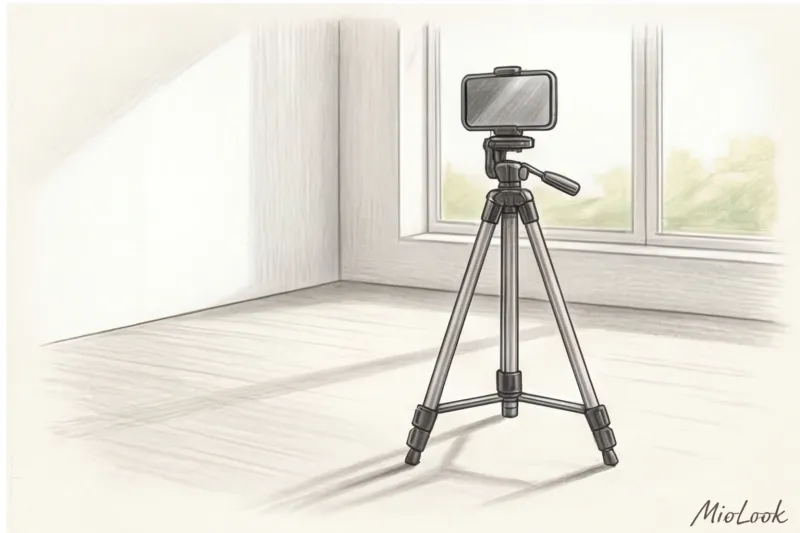
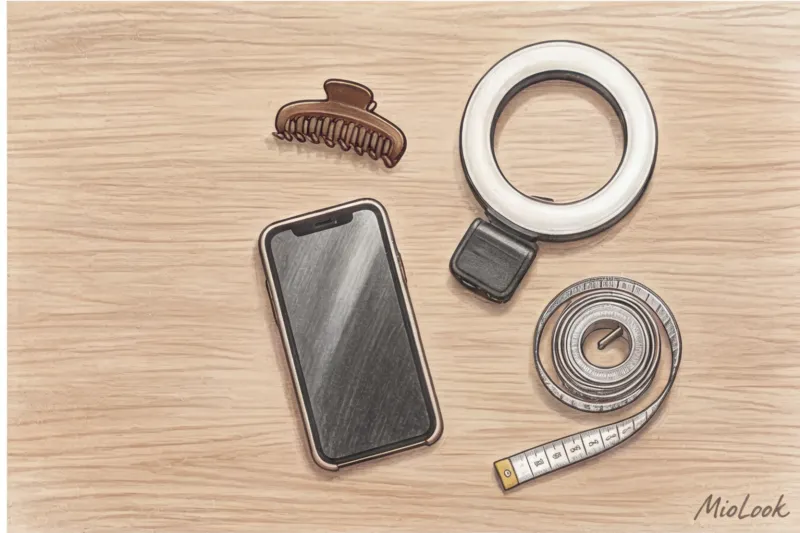
Use a tripod. If you don't have one, prop your phone up against a stack of books on a table. The smartphone camera should be positioned strictly according to the "belly button level" rule—that is, perpendicular to the floor at waist level. Most women intuitively position the phone at eye level and tilt the lens downwards. This is a disastrous mistake.
According to fashion-tech system developers (2024), tilting the camera just 10 degrees from the waist's centerline visually shortens the legs by 5-7 centimeters in a photo and increases the shoulder girdle's volume by 15%.
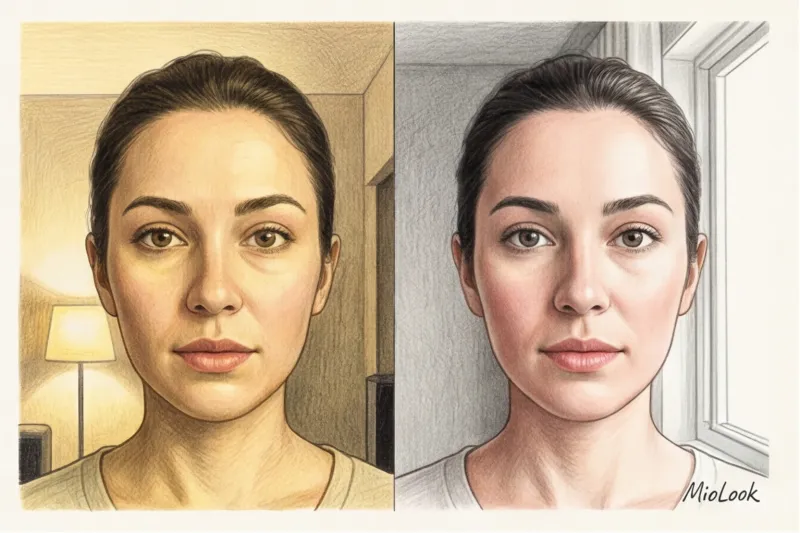
The second critical factor is lighting. In my 14 years as a stylist, I've seen hundreds of distorted figures, and in half of them, lighting was to blame. Stand facing a window with natural daylight. Absolutely avoid harsh overhead lamps: they cast deep, black shadows under your chest and stomach, which AI can mistakenly identify as part of your silhouette.
Background Matters: Helping the Algorithm Focus
Neural networks love contrast. A plain, light-colored wall without patterns is the perfect background. If there's a colorful rug behind you, an open cabinet with chairs, or your beloved cat running past, the algorithm has to expend resources separating your silhouette from the visual noise. The optimal distance between you and the camera is about 1.5-2 meters, allowing your feet to be in the frame and leaving some "air" above your head.
Access to MioLook for €0.99 — one-time payment
A smart AI stylist will select the perfect look based on your parameters.
Get access — €0.99 onceWhat to Wear for the Perfect "Digital Mannequin"
Now let's bust the biggest myth. Most online guides recommend taking photos of yourself in underwear or a swimsuit for a virtual fitting. It seems logical—the less you wear, the more accurate the contour. But in practice, this doesn't work as well, and here's why.
Firstly, many advanced neural networks have strict NSFW filters (protection against explicit content). A photo of you in a lace bra could easily be blocked by the system as nudity. Secondly, the natural contours of the body (which all living women have) can confuse the AI when overlaying smooth digital textures of silk or satin.
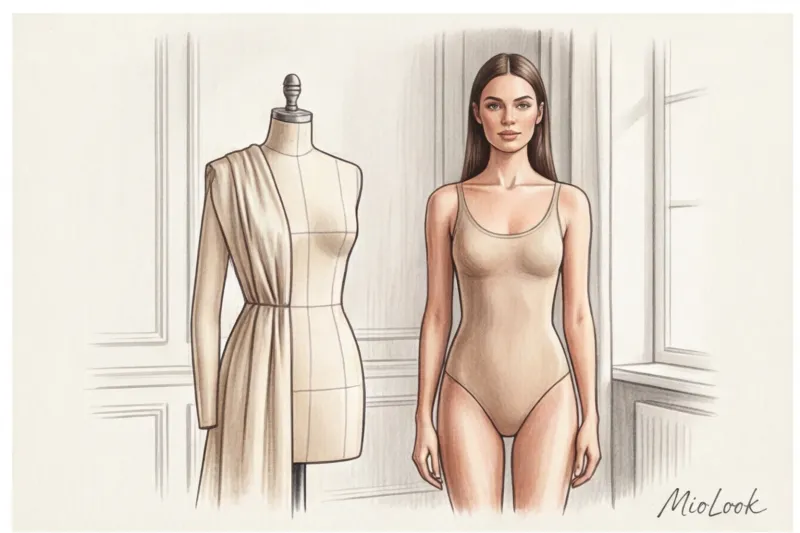
My insider tip: use a smooth, seamless bodysuit or sleek, nude-colored shapewear. Why? Because good eveningwear always involves a corset. A bodysuit creates that smooth, even contour that's easiest for the algorithm to fit with virtual fabric. Avoid black as a base color—it "eats up" volume in photos, and the neural network loses definition of your waist and hips.
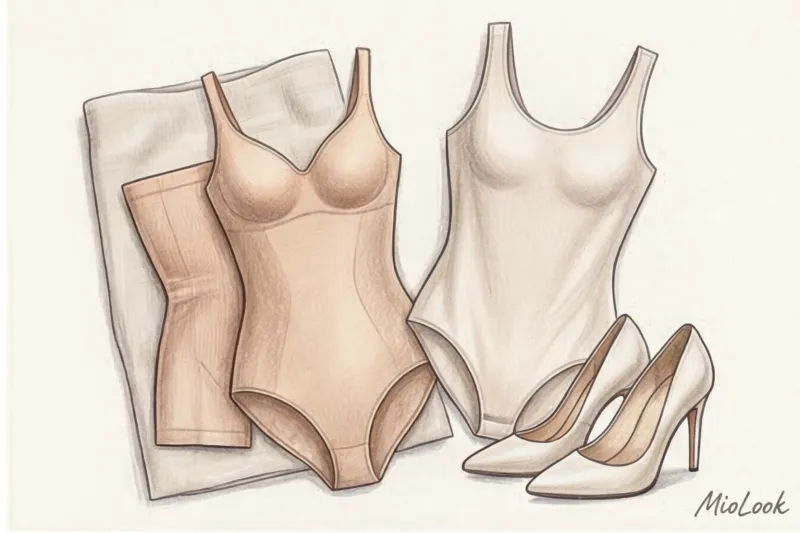
And most importantly, shoes. You'll never wear an evening dress with sneakers (unless you're a very conceptual bride). Wear heels that match the height you plan to wear for the event. Heels dramatically alter your biomechanics: the arch in your lower back deepens, your pelvis tilts back, and your shoulders square. This is the posture the virtual dress should "fit" perfectly.
Hair and neck: preparing the décolleté area
The neckline is the key point for choosing a bra. Gather your hair into a sleek bun or a tight ponytail. The AI must clearly see your shoulder line, collarbone, and neck length. If your hair is loose around your shoulders, the algorithm won't be able to accurately fit a boat neckline, halter neckline, or deep V-neckline.
Be sure to remove any chunky necklaces, chains, or large watches. The digital layer of translucent lace won't conceal your Apple Watch, and it will show through the fabric in the final photo, ruining the aesthetic.
Your perfect look starts here
Join thousands of users who look flawless every day with MioLook.
Get access — €0.99 oncePosition of arms and body: to ensure the virtual dress fits your figure
Correct posture is half the battle. In the fashion industry, the "A-line" pose is used for 3D modeling. Stand up straight, with your weight evenly distributed on both feet and your back straight. Your arms should be slightly bent away from your hips—about 15-20 degrees.
Why is this "air" between your arms and waist necessary? It's crucial for the algorithm. If you press your arms tightly to your sides, the neural network will "merge" them with your torso. As a result, the system will assume your waist is 15-20 centimeters wider than it actually is and will draw you a disproportionately wide dress. By leaving a gap, you give the AI a clear marker: "This is where your waist ends, and this is your arm."
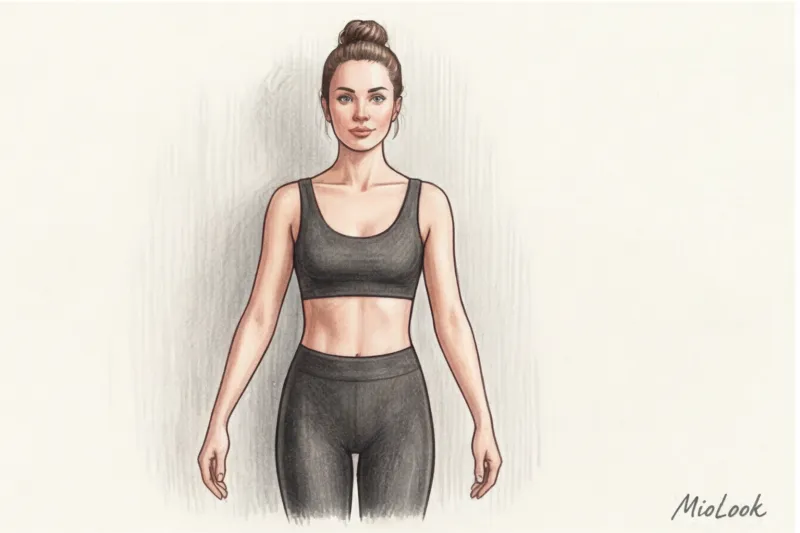
Pose straight ahead. The urge to stand half-turned and stick out your leg (as we usually do for a good photo on social media) will work against you here. Basic silhouette fitting requires strict symmetry, otherwise one shoulder will appear wider than the other in the virtual dress.
Common mistakes that hinder an AI stylist
Let's be honest about the limitations of technology. AI is math, not magic. I always warn my clients that virtual fittings it won't work This is correct if you have severe scoliosis or severe shoulder asymmetry, which in real life a skilled tailor would compensate for with a complex cut. The neural network currently produces an average result. But most often, AI errors are due to trivial technical errors on the part of the user.
- Wide-angle lens (0.5x mode). This is an absolute no-no. A wide angle stretches the edges of the frame. You'll get the lollipop effect: a huge head, an elongated torso, and tiny legs. Always use a standard camera (1x).
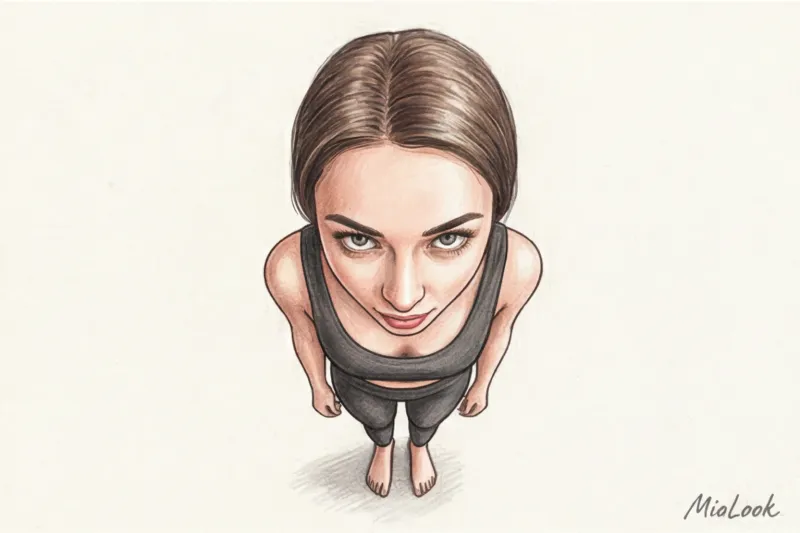
- Shooting from the bottom up. The desire to appear taller is understandable, but a lens looking at you from below visually adds about 10 kg of weight to the pelvis and hips, distorting perspective.
- Clothes with prints and seams. The floral pattern on your basic tank top can "break through" the texture of your virtual dress, creating messy, pixelated spots on the hem.
A McKinsey study (2024) on user experience in fashion tech confirms that more than 40% of returns after virtual try-on purchases are due to the customer's initial photo being taken with optical distortions.
Checklist: 5 steps before uploading photos to the app
Before you click the generate button or upload a photo to MioLook , run through this quick checklist. Trust me, these five simple steps will save you hours of frustration:
- Wipe the camera lens. It's a cliche, but fingerprints on glass create a blurry glow (soft focus), which confuses edge recognition algorithms.
- Position the camera at waist level. The distance is 2 meters, the phone is strictly vertical, without tilting.
- Put on the base and heels. A sleek beige bodysuit (or a tight-fitting tank top with shorts) + the shoes you'll wear to the party.
- Remove hair and hands. A sleek bun up top, arms slightly away from the hips to show off the waist.
- Check the light. You look at the window, the camera is between you and the window. No lights behind you (backlighting will turn you into a dark silhouette).
From Pixels to Reality: The Next Step to Your Dream Dress
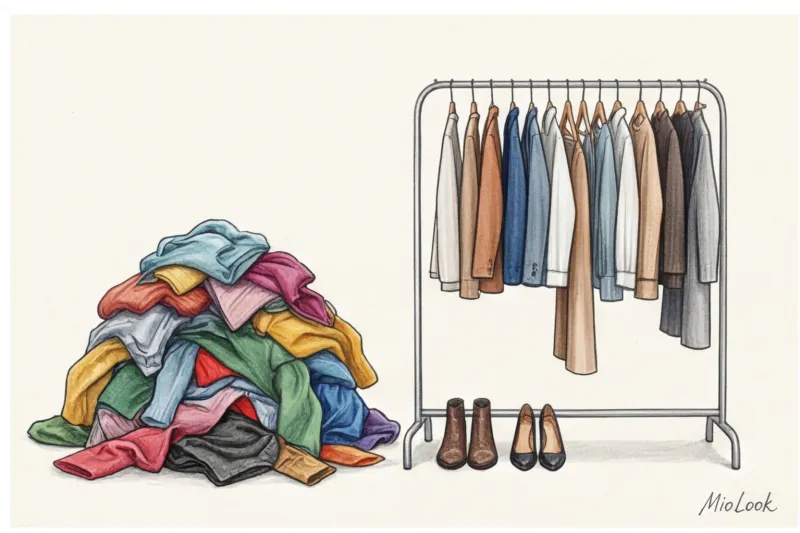
Remember: the goal of a virtual fitting isn't to buy a dress for thousands of dollars just by clicking on a screen. It's a pre-filtering tool. Trying on 10 dresses online using the right photo takes 15 minutes. In a real-life bridal salon, the same would take 3-4 hours of grueling work, sweat, and lacing.
Once you get the generated results, use them as a strict filter. You'll clearly see that a sweetheart neckline broadens your shoulders, and a mermaid silhouette accentuates your hips just the way you've always dreamed. By the way, if you haven't yet decided on your overall clothing style, I recommend exploring... How to choose a style based on your archetype - This really helps to narrow down the search.
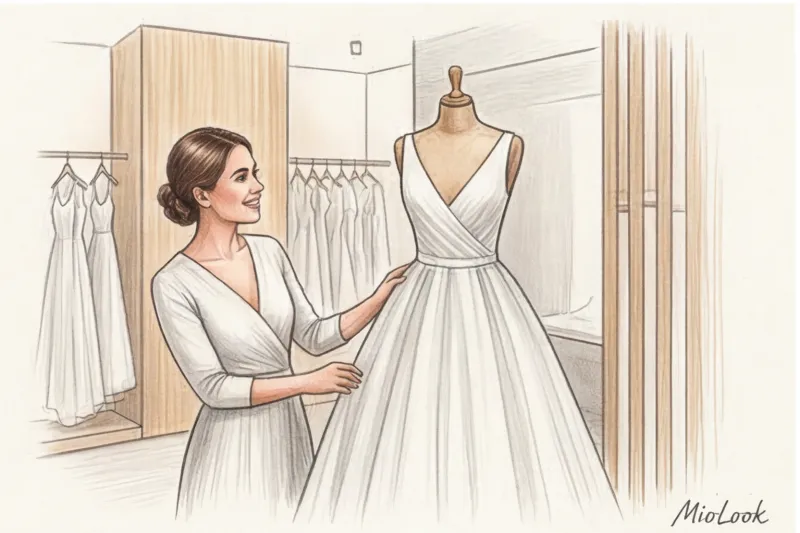
Collect three or four of your most successful AI-generated designs in a folder on your phone and head to the salon with ready-made references. Technology removes the stress of endless choice, leaving you with only the most enjoyable experience—the magic of actually trying on dresses that are guaranteed to flatter your figure.