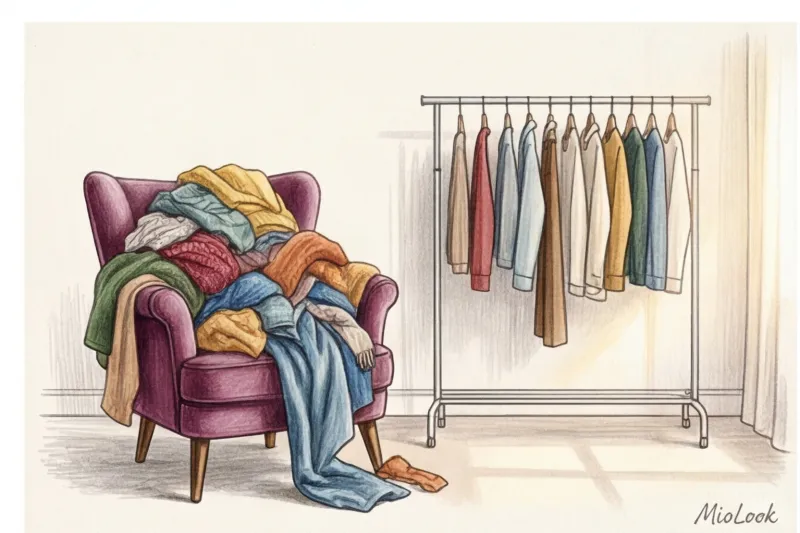
Do you know what my clients' most common complaint is after they decide to digitize their clothes? "Isabella, I took photos of all 150 items and uploaded them to my phone, but I still have nothing to wear in the morning. It's only gotten worse!"
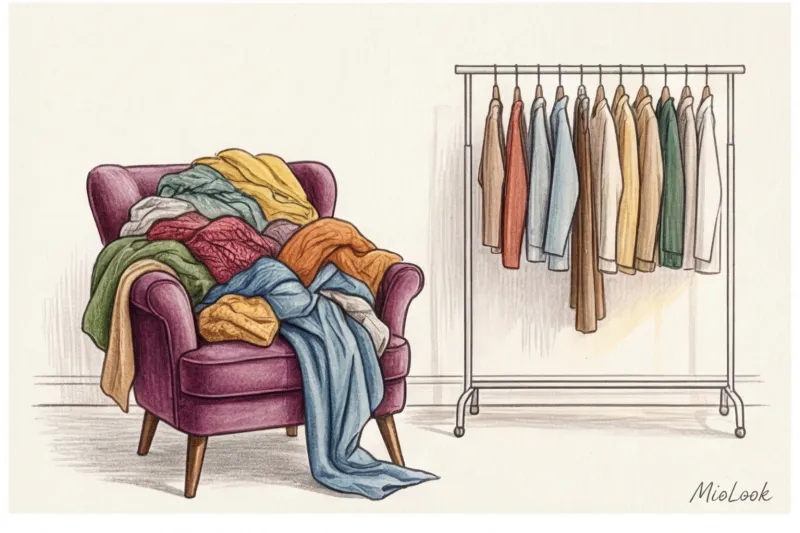
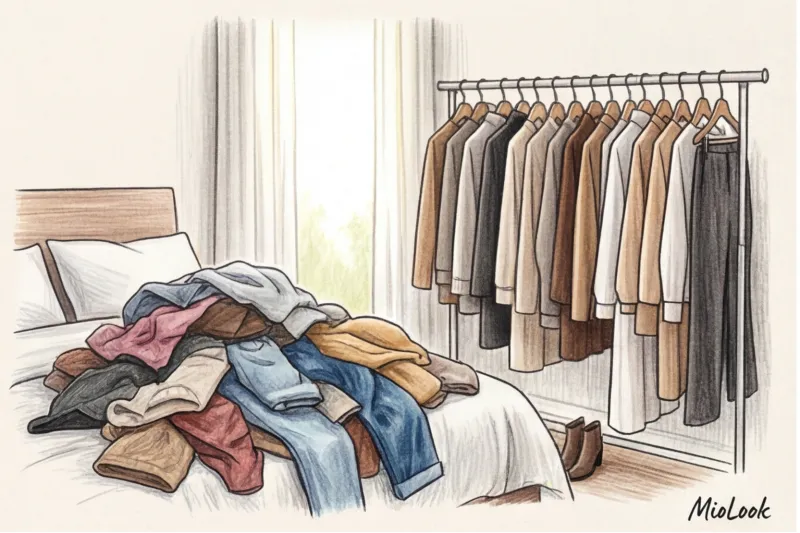
This problem arises when we confuse digitalization with organization. Simply transferring chaos from a chair to a smartphone means creating a digital dump. Over 12 years of working as a personal stylist, I've learned the most important thing: How to organize a virtual wardrobe , directly determines whether you'll use it in a month or abandon it in a week. We've covered the basic functionality of creating a database in more detail in our complete guide: Digital wardrobe app: MioLook's clothing database.
Today we're not talking about photographing skirts, but about how to organize your closet using tags and categories. I'll show you a system that transforms the app from a silly catalog into your personal assistant.
Why You Need a System: How to Organize Your Virtual Wardrobe Without Stress
According to consumer behavior research (specifically, WGSN's 2023 reports), the modern woman spends about 15 minutes each morning choosing her clothes. That's over 90 hours of morning time each year—a time when our cognitive energy (willpower) is at its peak and should be spent on important decisions, not searching for a clean shirt.
American psychologist Barry Schwartz brilliantly demonstrated in his book "The Paradox of Choice" (2004): the more options we have before us, the higher our stress levels and the lower our satisfaction with the final choice. When you open an unstructured gallery of 200 items, your brain literally freezes.
The biggest mistake newbies make is trying to replicate physical reality in a digital environment without filters. If you don't think through the navigation, finding the right silk blouse will take longer than the optimal 15 seconds, and you'll end up wearing your usual jeans and hoodie. Our goal is to create a system where the perfect look can be created in three taps.
Access to MioLook for €0.99 — one-time payment
A smart AI stylist will select the perfect look based on your unique wardrobe architecture.
Get access — €0.99 onceMioLook Architecture: What's the Difference Between Categories and Tags?
Let's imagine a premium boutique—for example, the flagship store of COS or Massimo Dutti. Have you ever noticed how everything is arranged there? The items are never hung all mixed up.
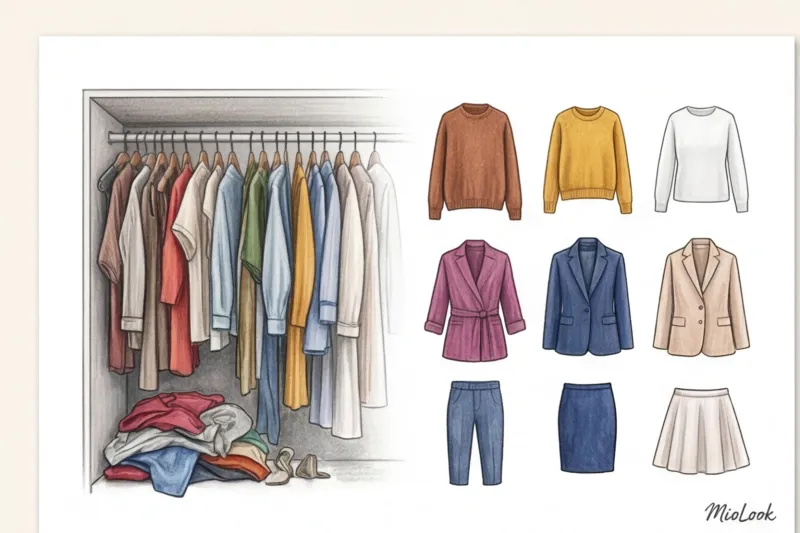
Categories These are the hard, physical shelves and hangers in your closet. Tops, Bottoms, Outerwear, Shoes. This is the foundation. The category rule is simple: one item can only be on one shelf. Your cashmere sweater can't be both "shoes" and "bags."
Tags (labels) — is your personal language of communication with your wardrobe. It's a flexible, invisible network of connections. Unlike a rigid category, one item can have an infinite number of tags.
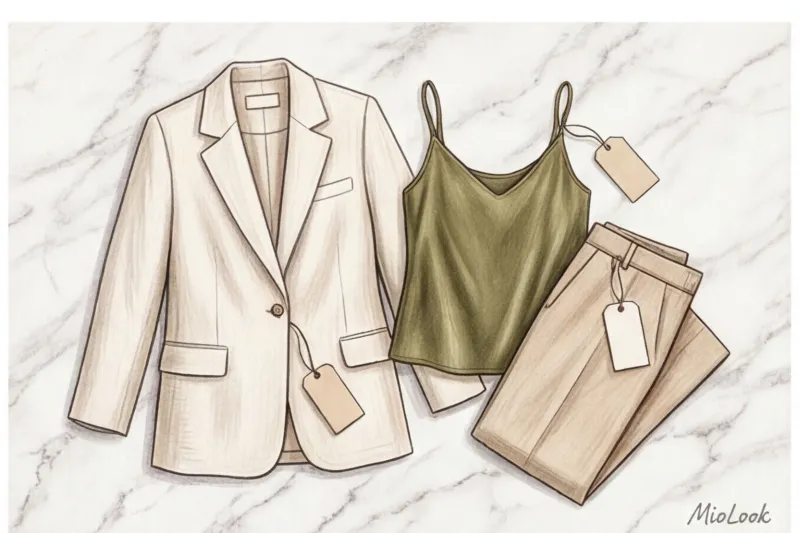
"Categories answer the question 'What is this item?' and tags answer the question 'Why, how, and when will I wear it?'" — Isabella Garcia.
Don't create "junk" categories like "Miscellaneous" or "Weird Blouses." Keep the basic structure clear, and transfer all the nuances to the tagging system.
Stylist Secrets: 4 Unobvious Ways to Tag Clothes
The most common, and perhaps fatal, mistake I see in wardrobe reviews is starting the tagging process with color ("Blue," "Red") or composition ("Cotton"). But let's be honest: have you ever woken up thinking, "I have an important presentation today, and I urgently need to wear something made of 100% viscose"? No. You're dressing for the script!
Occasion Tags
Start organizing with your real-life roles. Tags should reflect your calendar. Instead of simply saying "Work," use specific wording:
- "Difficult Negotiations" (When Armor Is Needed)
- Smart Casual (for Fridays at the office)
- Brunch with the girlfriends (relaxed but photogenic)
If you're a manager, your approach to tagging office attire should be as detailed as possible. I recommend checking out our Leader Status Capsule Guide , to understand which specific things should be highlighted as separate scenarios.
The Vibe Tags
Clothing is a powerful tool for managing your inner state. One of my clients, Maria, was going through a difficult career transition. We implemented a system of emotional tags for her. MioLook.
When she lacked confidence, she chose a filter Boss Energy (This included structured jackets and perfectly tailored trousers.) And for cloudy days when you want to feel cozy without sacrificing style, I created my favorite tag for her. Mediterranean Energy (Mediterranean vibe - flowing fabrics, warm shades of terracotta, large accent jewelry).

Service Tags: State Management
There's nothing worse than pulling out a perfect white silk blouse 10 minutes before going out only to find a foundation stain on the collar. A virtual closet should protect you from such surprises.
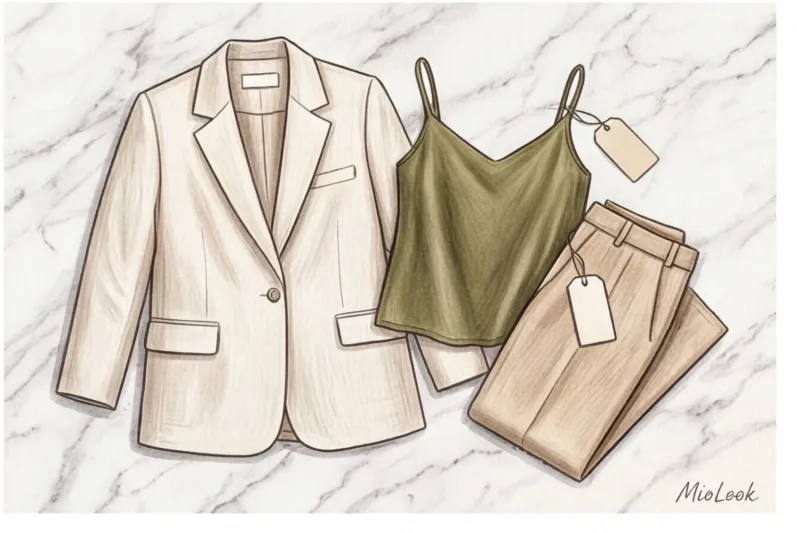
Enter technical tags:
- To the dry cleaners
- Shorten / In the studio
- Steam
As soon as you take off an item and realize it needs care, tag it in the app. On weekends, simply filter the database by the "Atelier" tag and know exactly what to pack in your bag before leaving the house.
Your perfect look starts here
Join thousands of users who look flawless every day and save time in the morning with MioLook.
Get access — €0.99 onceThe Three-Click Rule: How to Avoid "Cognitive Overload"
In cognitive psychology, there's a well-known theory called Miller's Rule (or the "Magic Number 7 ± 2," formulated in 1956). It states that human short-term memory can only hold 5 to 9 objects at a time. If you create 50 microtags in an app, you're violating this law and setting yourself up for stress.
I had a client, Sofia, a perfectionist. She created 150 tags: "Dusty Pink," "Buttoned," "For Rain," "For Wind"... After a week, she quit the app because adding a single new item took her 10 minutes.
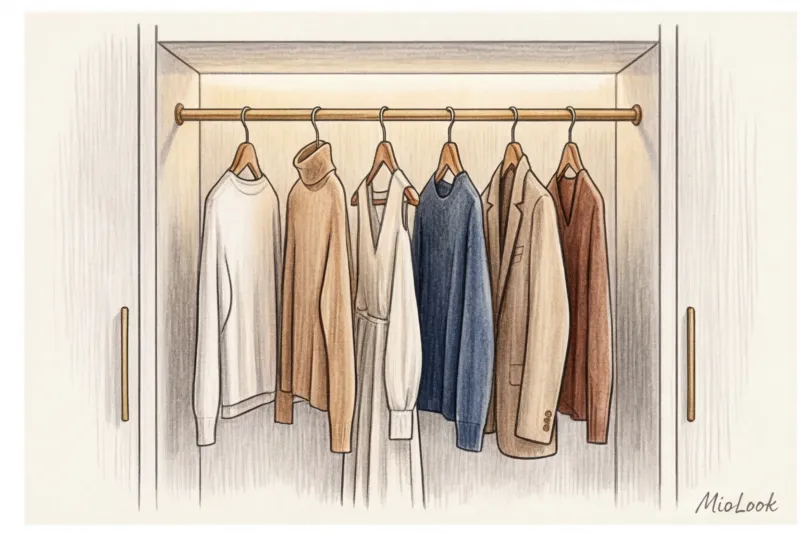
The solution is a fusion of meanings. Don't split similar situations into smaller categories. For example, the tags "Vacation," "Beach," "Pool," and "Hot Summer" can all be combined into a single, comprehensive tag. Resort Your goal is to narrow the list down to 15-20 active tags so that any search takes no more than three clicks.
Fair Limit: This detailing tip works for wardrobes of 50 or more items. If you're a strict minimalist and your entire wardrobe consists of 20 items (as in business capsule of 15 items ), you don't need tags at all. Simple categories will suffice.
Smart Capsules: Collect Image Formulas in Seconds
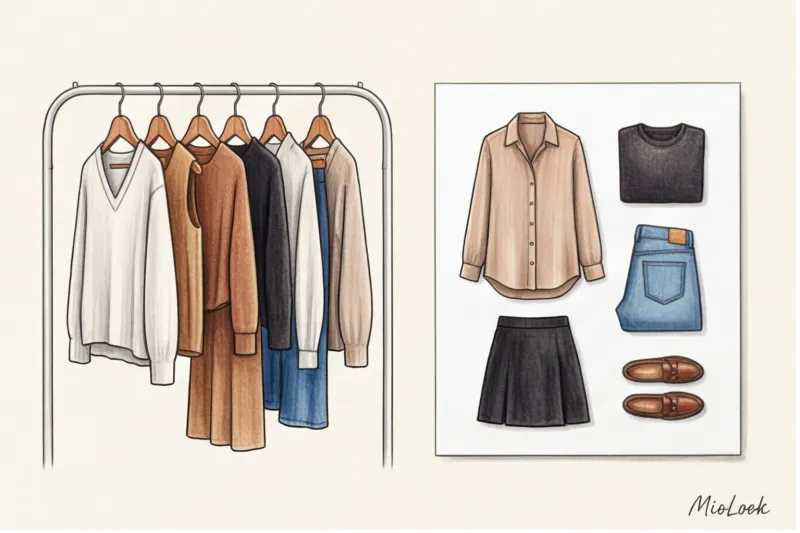
My professional passion is stylistic formulas. Once you've set up the database correctly, the app starts working for you. The combination of Category and Tag creates an instant solution.
Imagine you overslept. You open the app and set the filters:
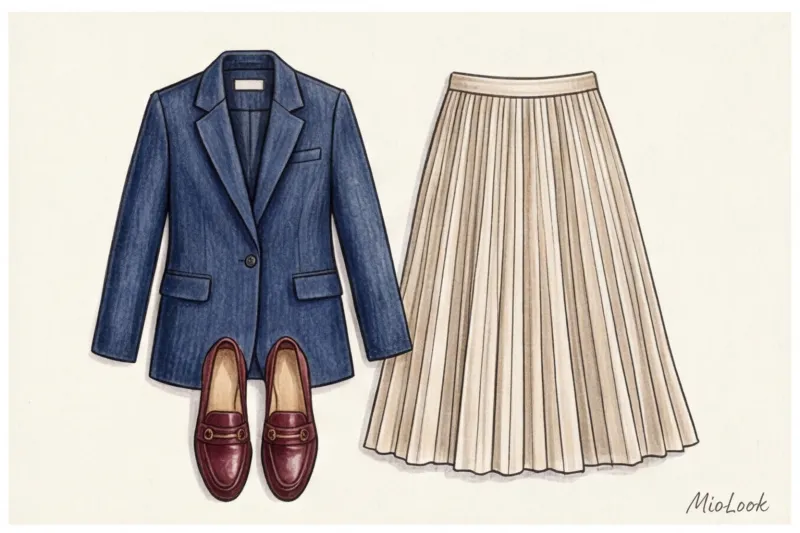
Category: Jacket + Category: Midi Skirt + Category: Loafers + Tag: Office
The result? A perfectly calibrated capsule in 2 seconds. (By the way, for more information on how to assemble such universal kits, read our The Complete Guide to Creating a Capsule Wardrobe ).
Tags make it easy to create time capsules. Going on a three-day business trip? Create a time tag. Berlin May Click on the items you want, and the app will show you how many looks you can create with them. After your trip, you can simply delete the tag—the items will stay in their original locations.
Checklist: Organize your virtual closet over the weekend
Ready to move from theory to practice? Here's the concrete action plan I give my clients.
- Step 1: Global cleaning. Don't digitize something you haven't worn in a year. First, get rid of the dead weight in the real world.
- Step 2: Setting up the foundation. Check out the categories: Tops, Bottoms, Dresses, Outerwear, Shoes, Bags, Accessories. That's all there is to it.
- Step 3: Implementing macro tags. Create 5-7 scenarios of your life (Office, Casual, Evening, Sports, Leisure) and 2-3 emotional tags (Confidence, Comfort).
- Step 4: Test week. Avoid looking in your physical closet in the morning. Create your outfits the night before ONLY using the filters in the app.

Regular Digital Detox: Tips from a Stylist
Your virtual wardrobe is a living organism, not a museum archive. It should breathe and change with you.
The main rule of the off-season: "Archive, cannot delete" Don't delete winter down jackets from the app in the summer! Just create a tag. Archive_Winter and hide these items from your main feed. When the cold weather arrives, you'll know exactly what you have and won't buy a third black sweater.
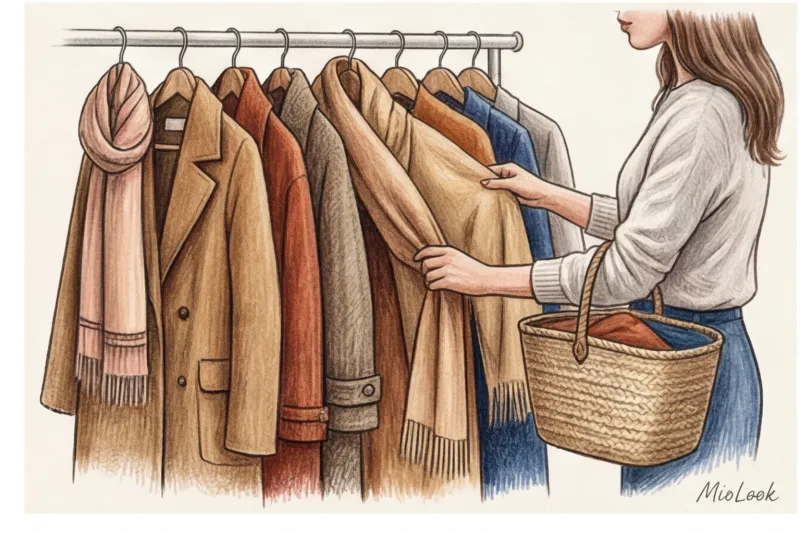
And finally, I'll share my favorite secret weapon - the tag Candidate for elimination If you're unsure whether to keep an item or sell it on a resale platform during an inventory review, tag it with this tag.
But attention, an important nuance: This life hack won't work if you don't set a deadline! Tag it and give yourself exactly three months. If you haven't included this item in your outfits within 90 days, say goodbye to it. Statistics don't lie, unlike our illusions that "someday I'll lose weight and wear it again."
Ready to get started?
Try the MioLook plan for free—no commitments required. Organize your closet and your mind.
Get access — €0.99 onceInvest in creating a smart tagging system today, and you'll never again experience closet panic. A smart wardrobe isn't about the number of items, it's about the speed and ease with which you can manage your style.