
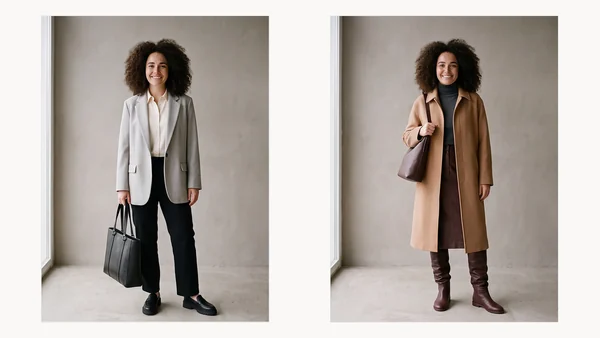
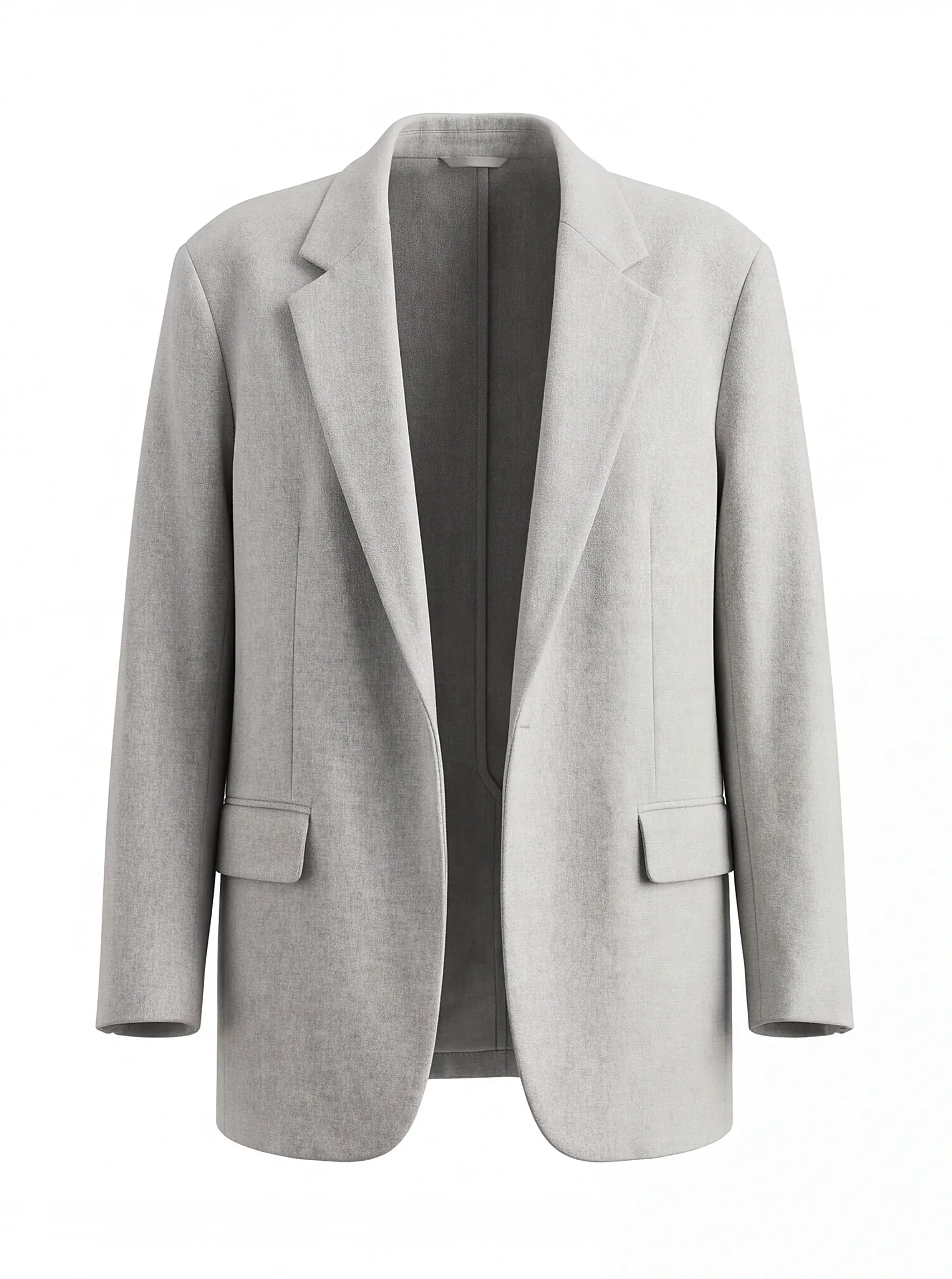
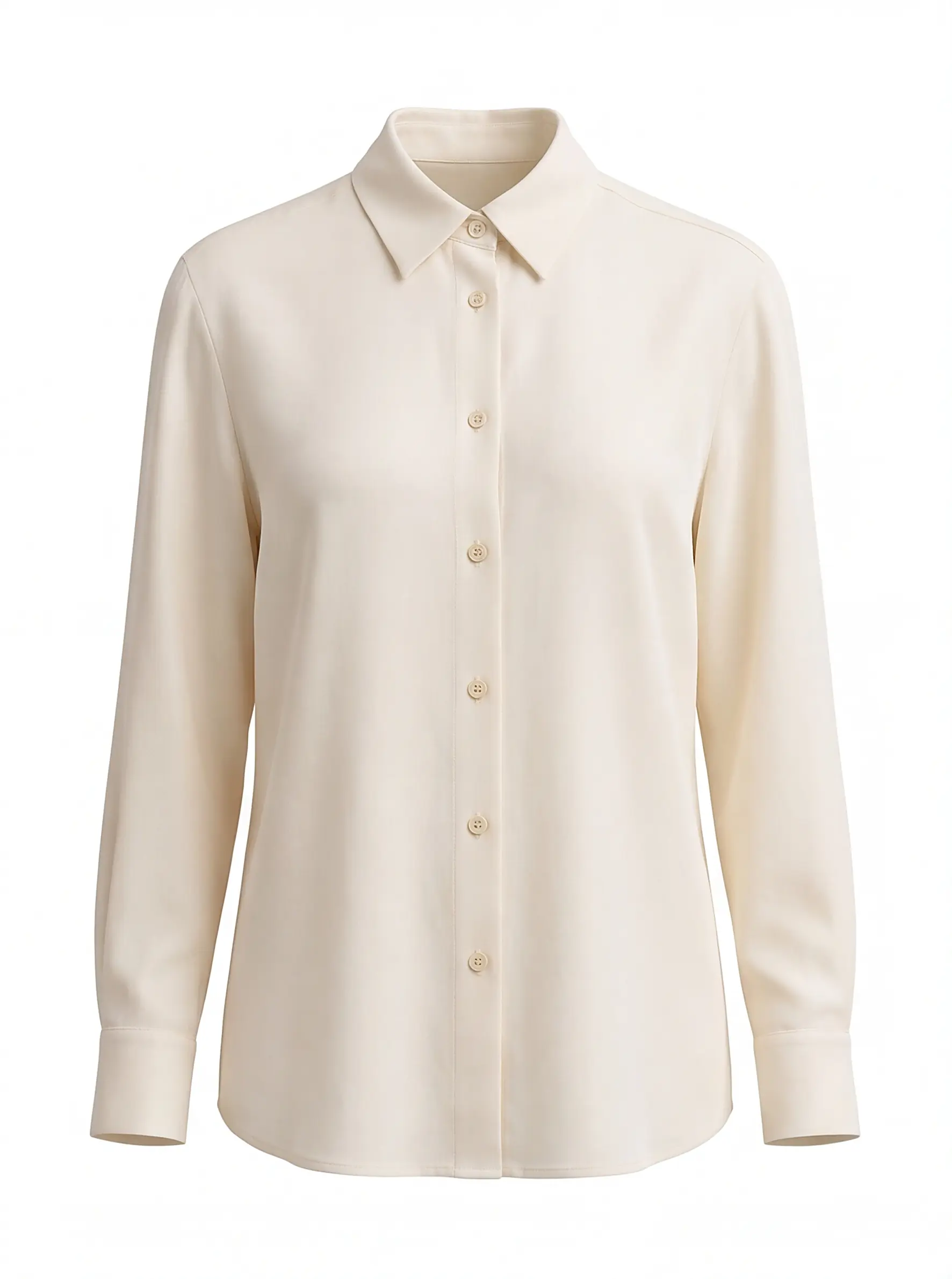
The hard part of getting dressed is not owning the clothes. It is remembering, at eight in the morning, that the grey blazer works with the cream shirt you bought in spring and have not touched since.
Once your wardrobe is in MioLook, you can put an outfit together from it and see the result on a photo of yourself before you take anything off the hanger. Here is how that works, on a real wardrobe.
Step 1. Pick the pieces
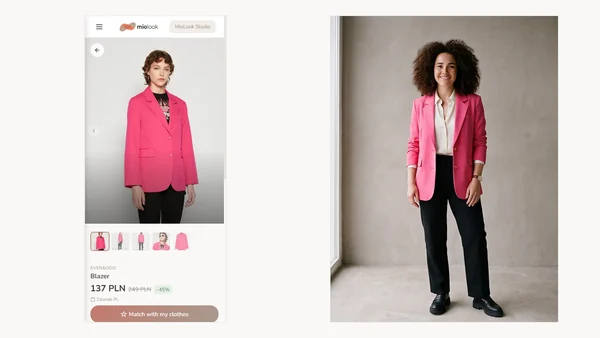
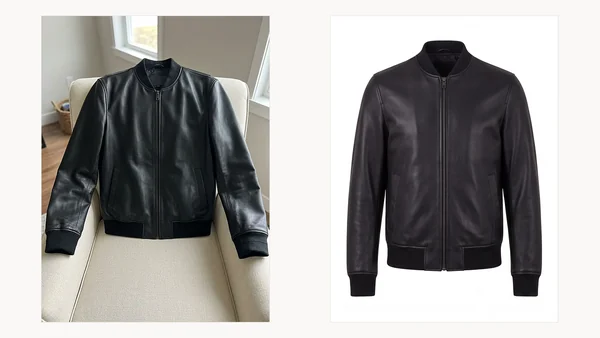
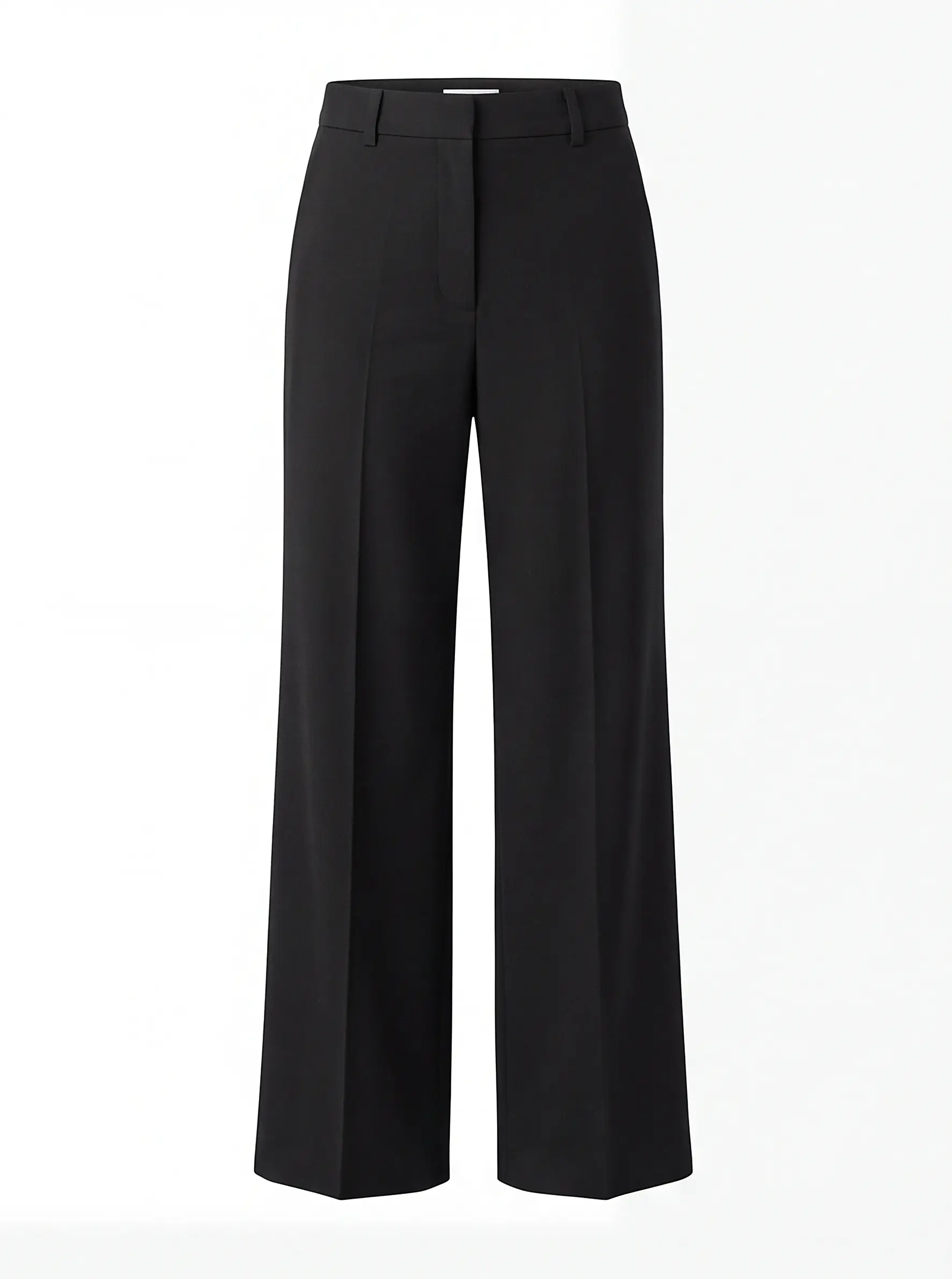
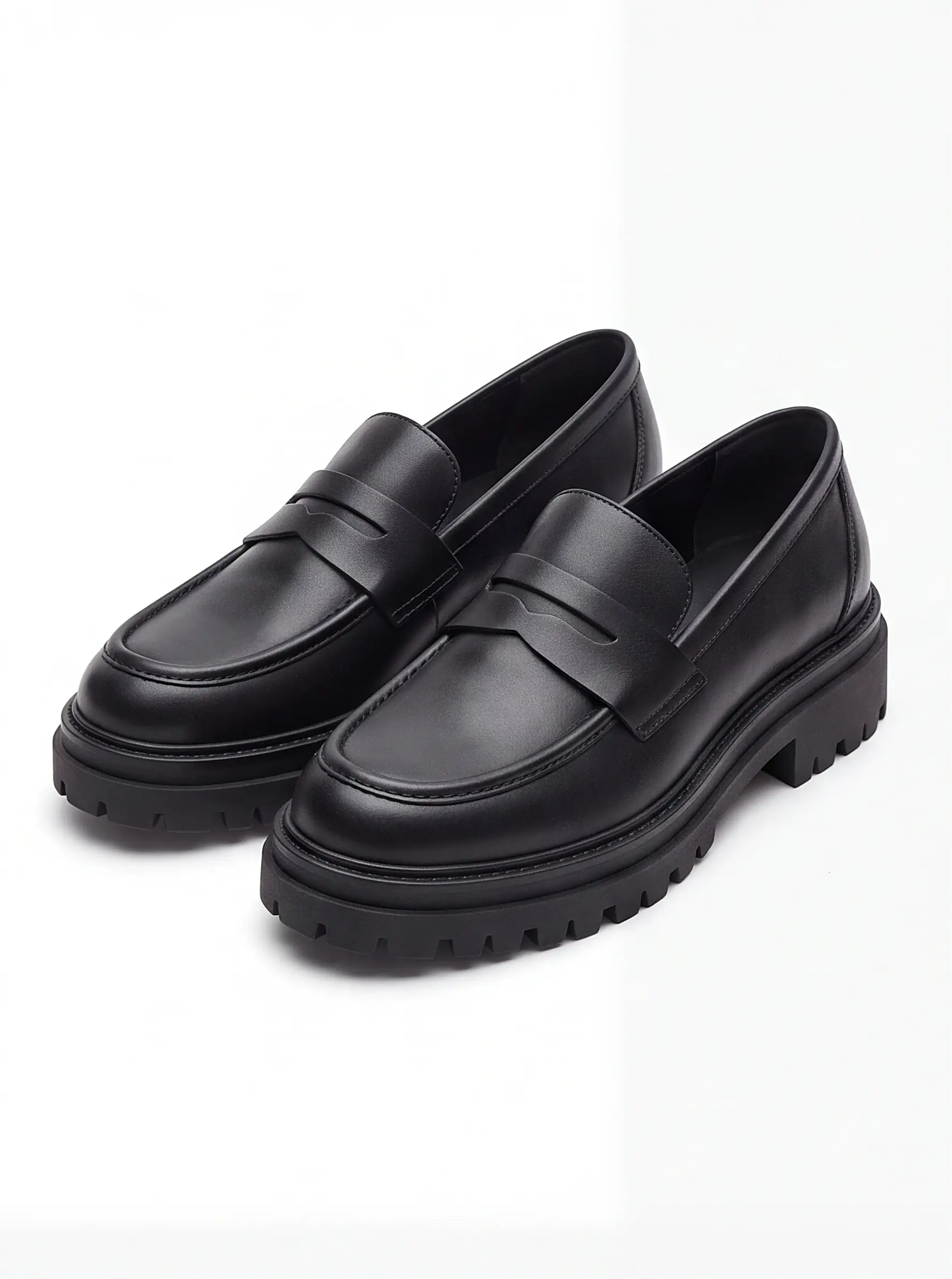
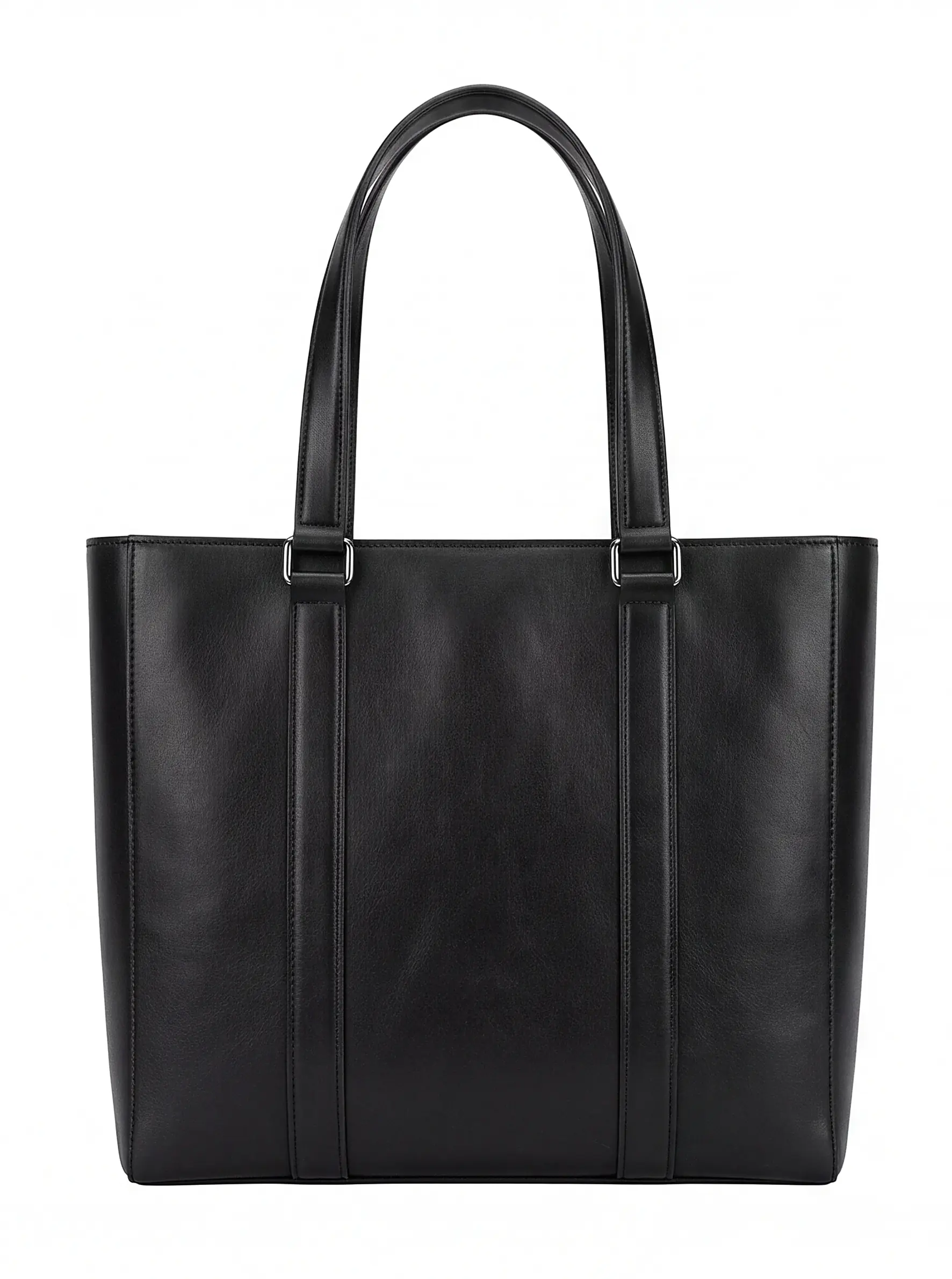
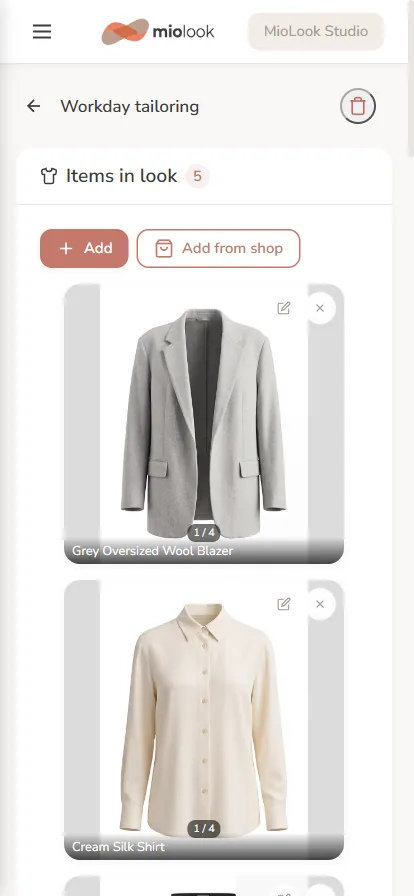
An outfit is simply a set of items you already own — usually four or five. Pick them from your wardrobe grid; the app keeps them together as a saved look you can come back to.

Step 2. See it on yourself
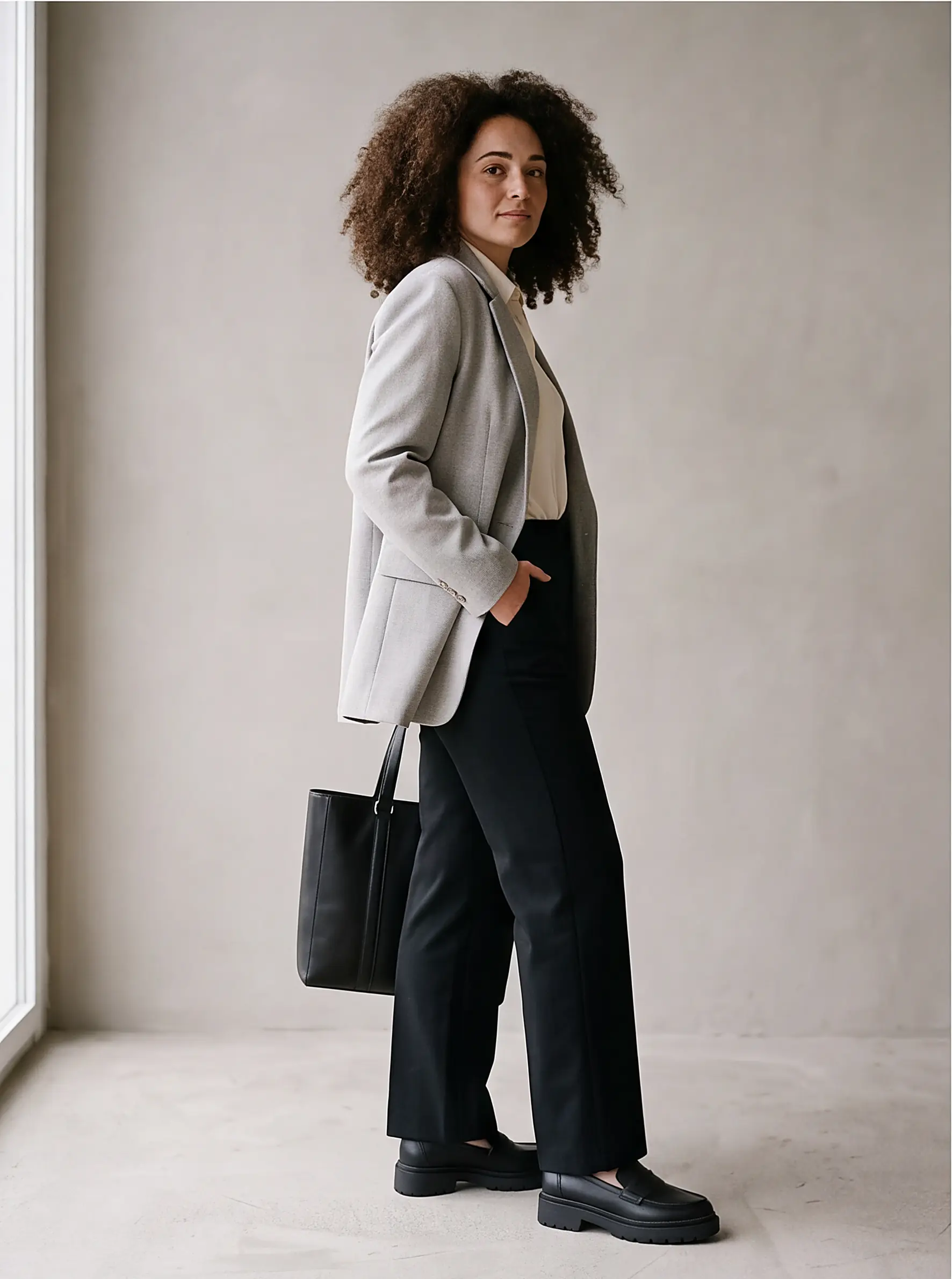
This is the part that decides things. For 25 credits the app puts the outfit on your own photo — not on a model with different proportions — and returns several angles, so you can tell whether the proportions actually work before you commit to the morning.
Three occasions, one wardrobe
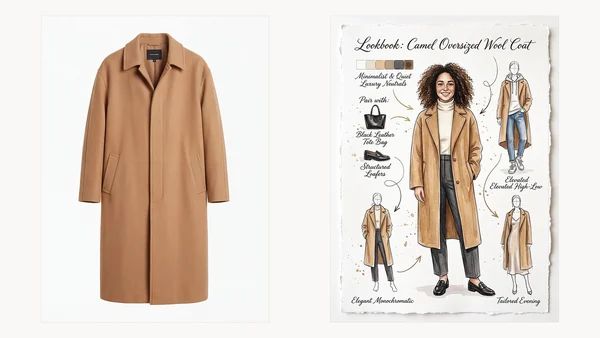
The same principle scales. Below are two more looks assembled from the same seventy-six items — nothing bought, nothing borrowed.
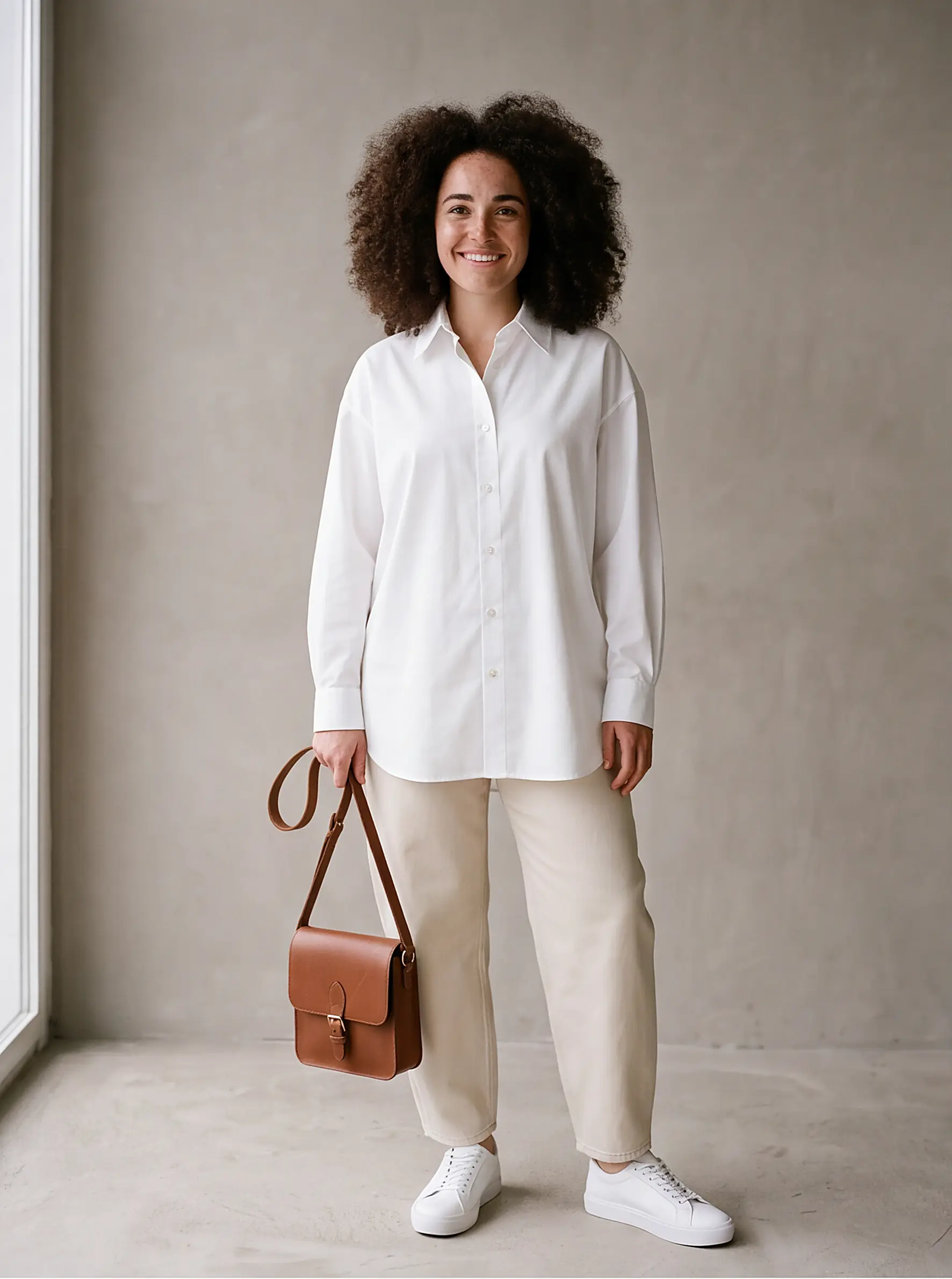
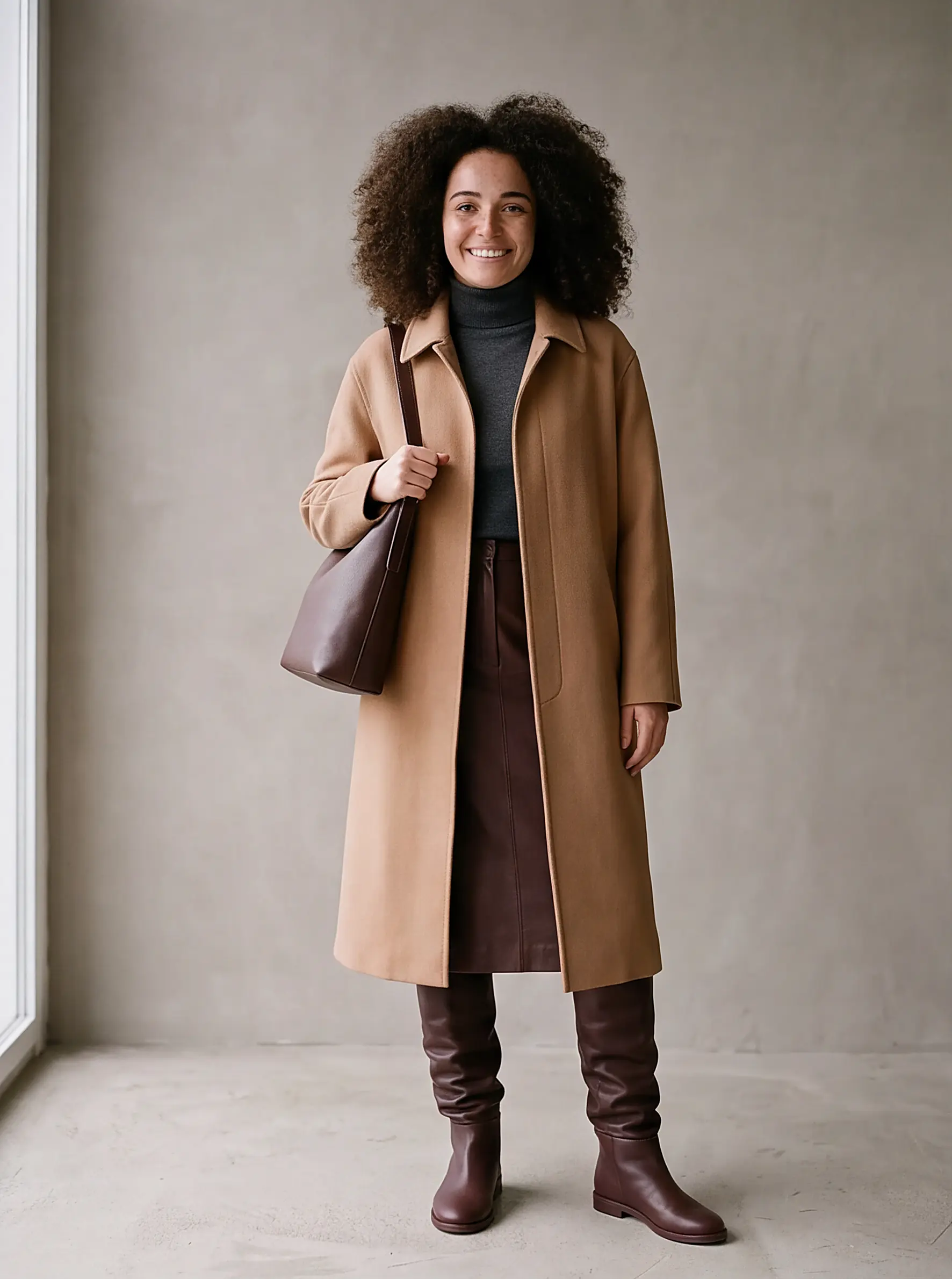
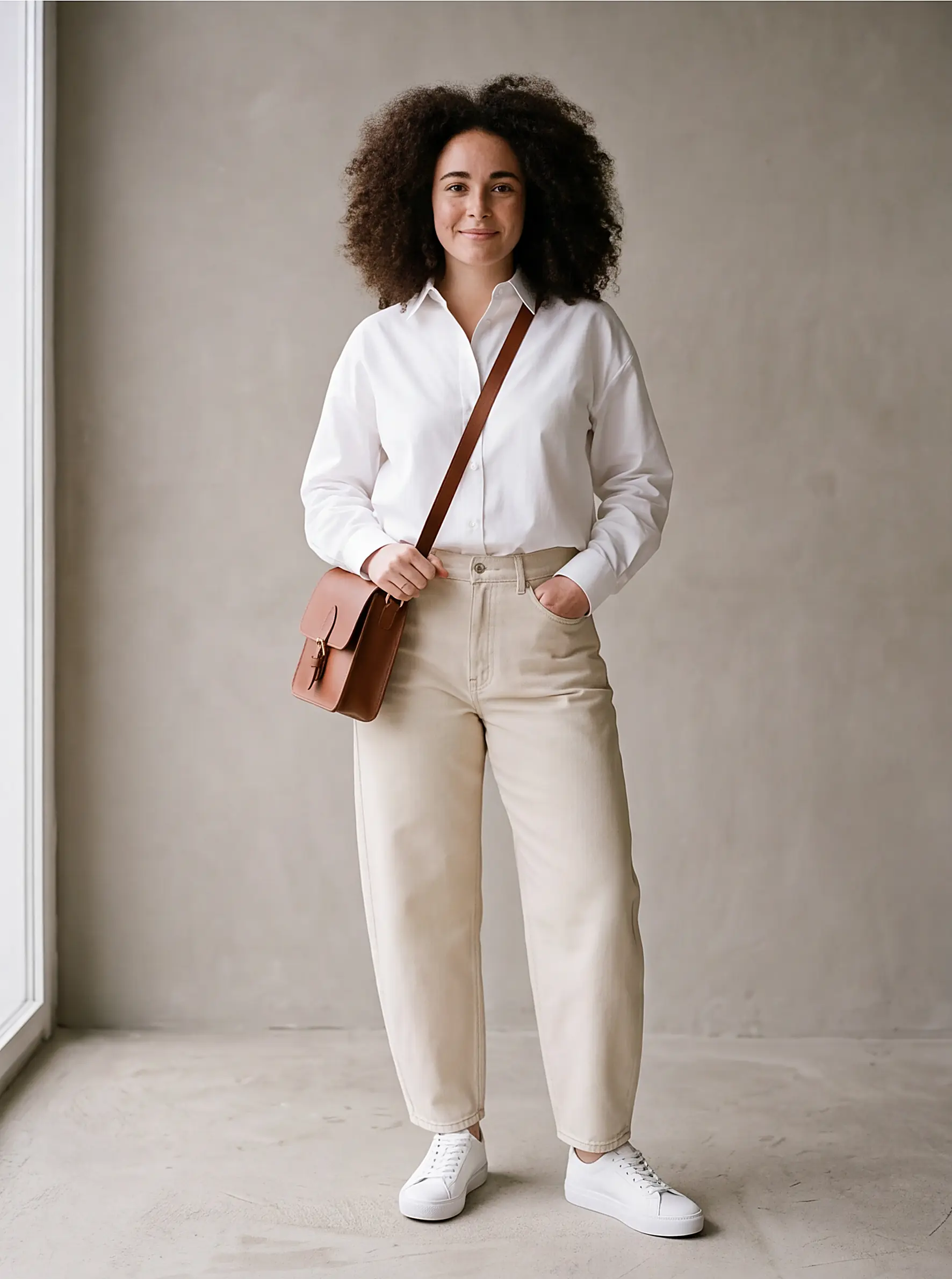
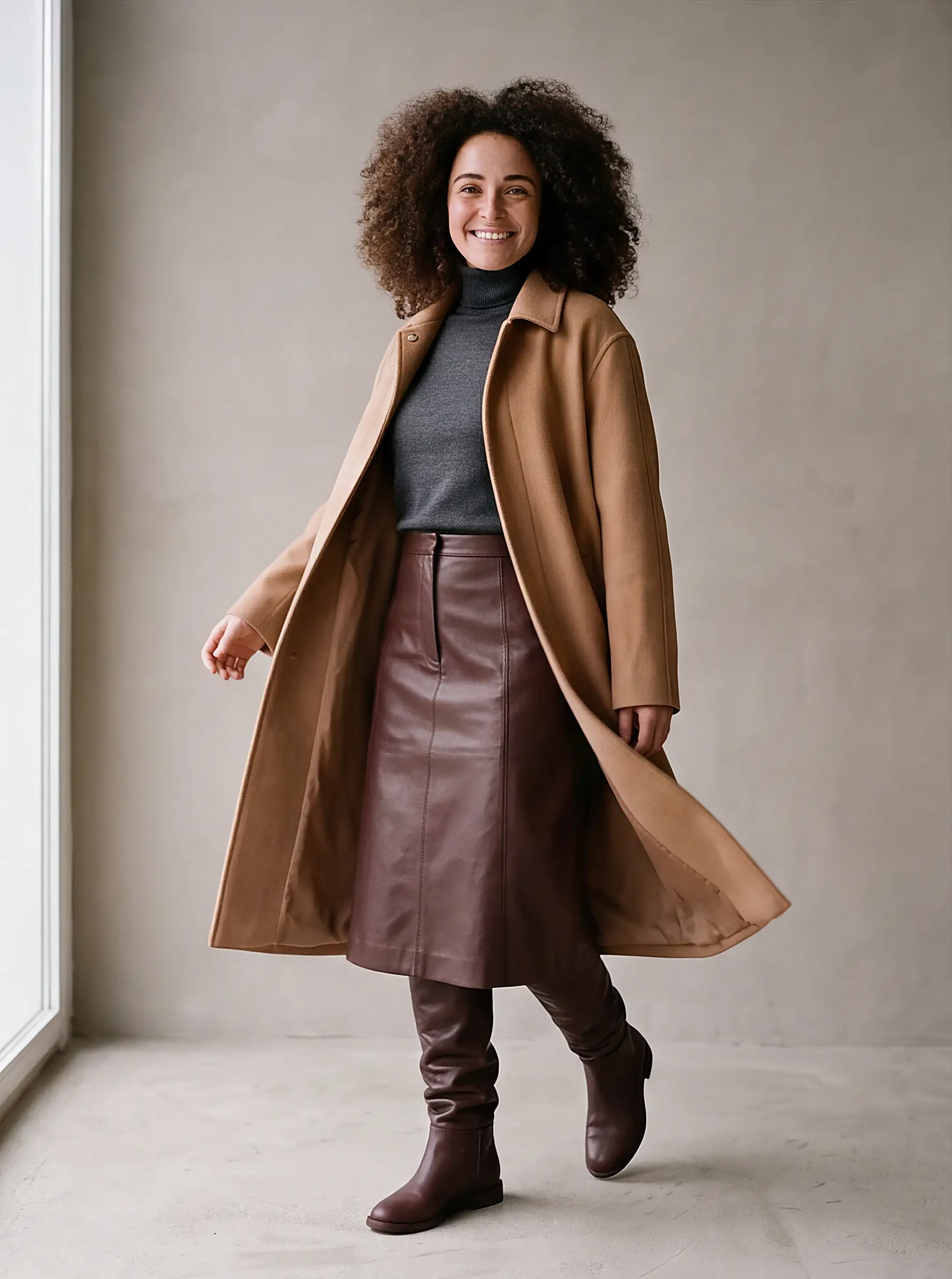
Fourteen items across three outfits. The wardrobe is the same one you already have — the app is just holding all of it in view at once, which is the thing a person standing in front of a full closet cannot do.
If you do not know where to start
There is also an AI stylist that goes the other way round: instead of you picking the pieces, it proposes combinations from what you own, for an occasion you name — a client meeting, a weekend away, a dinner. That costs 5 credits, and you can visualise any suggestion it makes.
What it costs
Saving an outfit is free — it is just a set of your own items. Only the visualisation costs credits: 25 per generation, which returns several angles at once. Access to MioLook is a one-time €0.99 payment including 200 credits, plus 5 free credits every day.
See an outfit on yourself before you wear it
Pick four pieces you already own and let the app show you the result.
Get access — €0.99 once