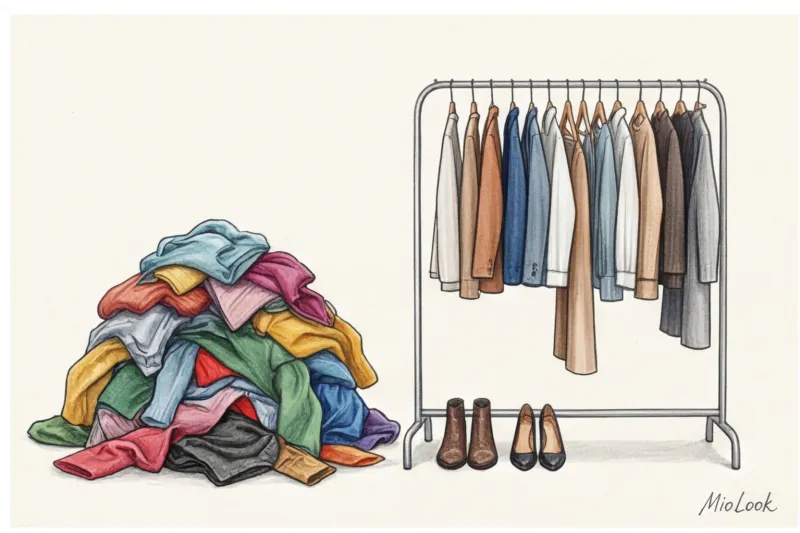

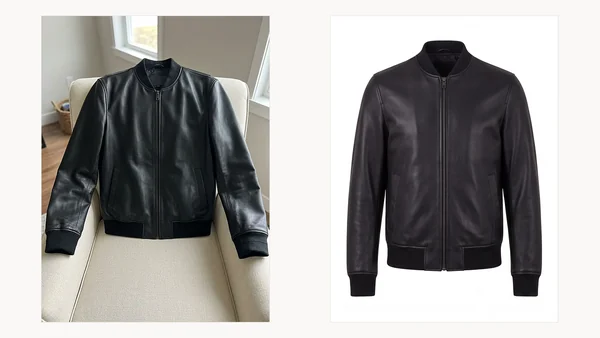
Every digital wardrobe app dies the same death: data entry. Forty items, each needing a photo, a category, a colour, a season and a name typed in by hand. Nobody finishes. The app gets deleted with eleven things in it.
MioLook removes the typing. You take one photo and the AI fills in the rest — what the item is, what it is made of, what colour it is, which season it belongs to. Here is the whole process, with real items from a real wardrobe.
Step 1. One photo, wherever the item happens to be
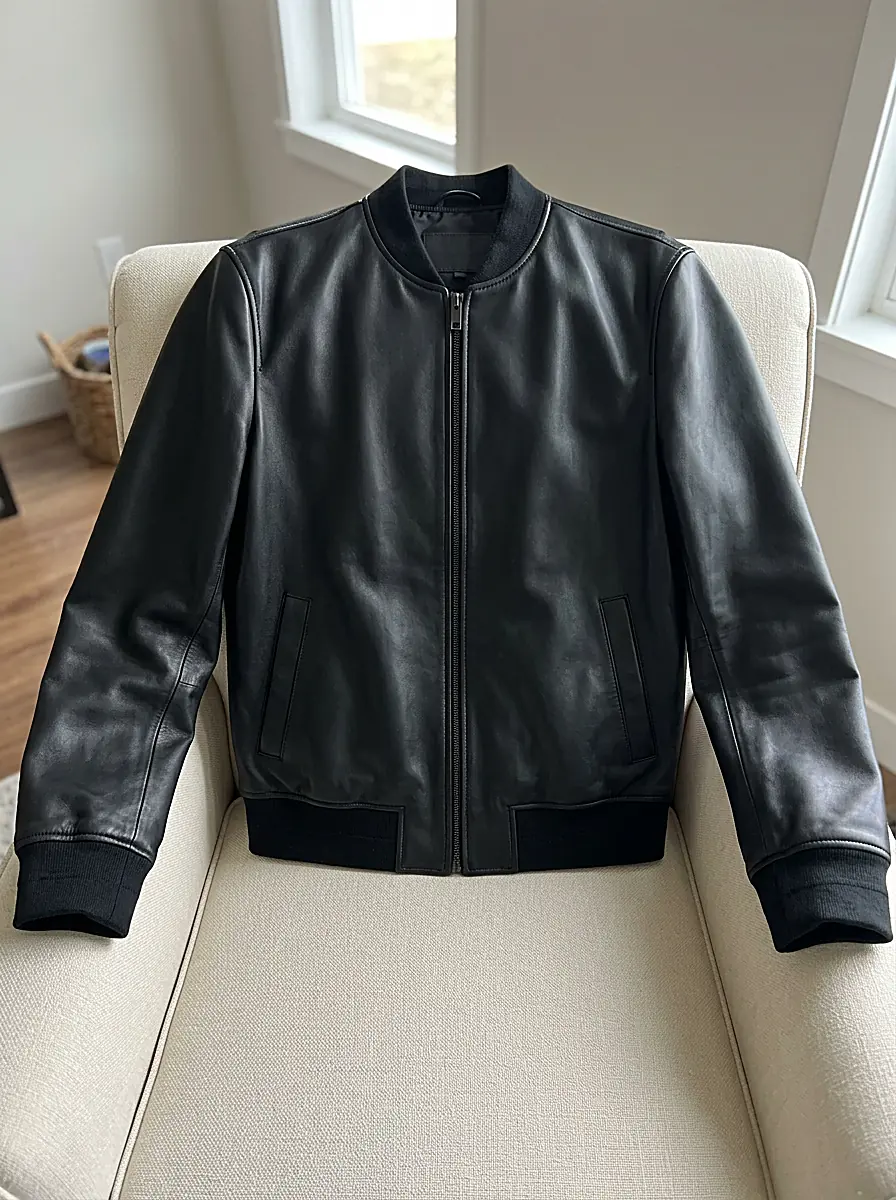
No studio, no steaming, no flat-lay styling. The leather bomber below was photographed lying on an armchair in ordinary daylight — about four seconds of effort.
Step 2. The AI fills in the details
Recognition takes a few seconds and costs 3 credits. It returns:
- Category — jacket, blouse, boots, and the sub-type within it
- Colour — including the secondary colours in a print
- Material — leather, wool, cotton, silk
- Season and style — so filters and outfit suggestions work later
- A name and description you can keep or rewrite
Everything stays editable. If it calls your cardigan a sweater, change it in one tap — the point is that you are correcting a filled-in form instead of facing an empty one.
Step 3. Optional — turn the photo into a catalogue image
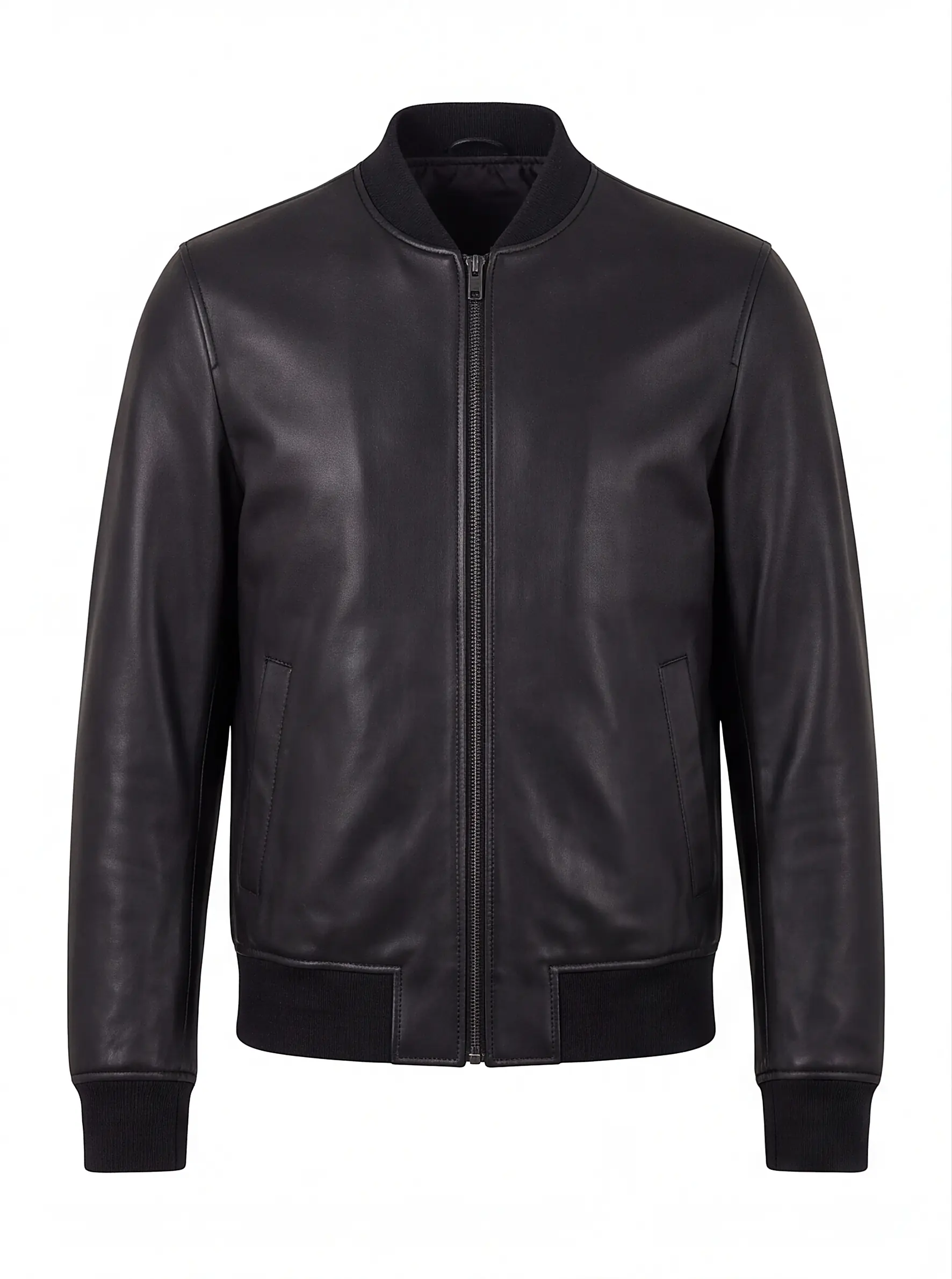
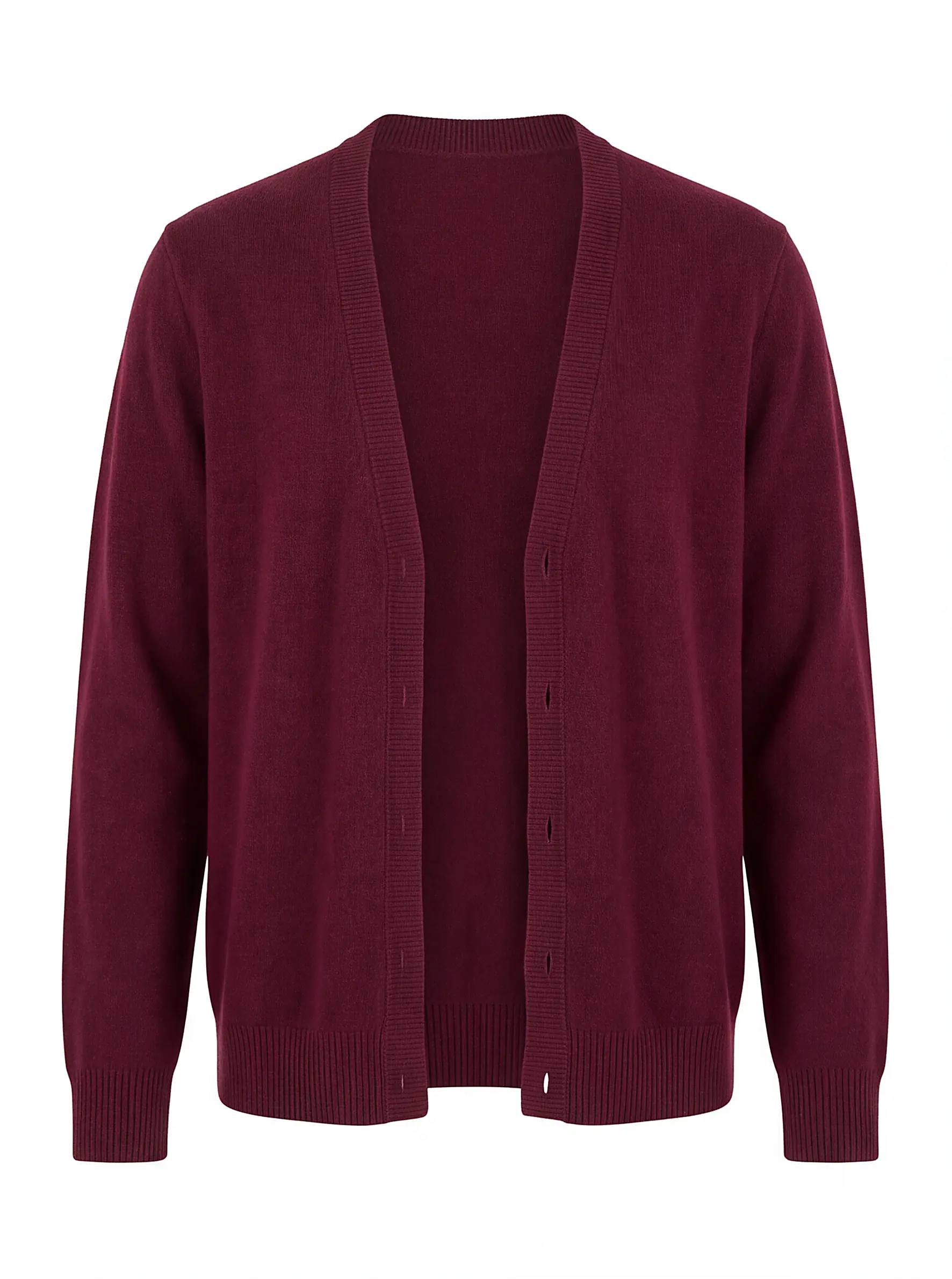
For 25 credits the app removes the background and puts the garment on a virtual mannequin. It is optional, and worth it for two reasons: the wardrobe stops looking like a camera roll, and every later feature — outfits, lookbooks, try-ons — reads a clean image far better than a cluttered one.
What makes a photo work
We processed several hundred items to find out what actually matters. Two things dominate, and neither costs any extra effort.
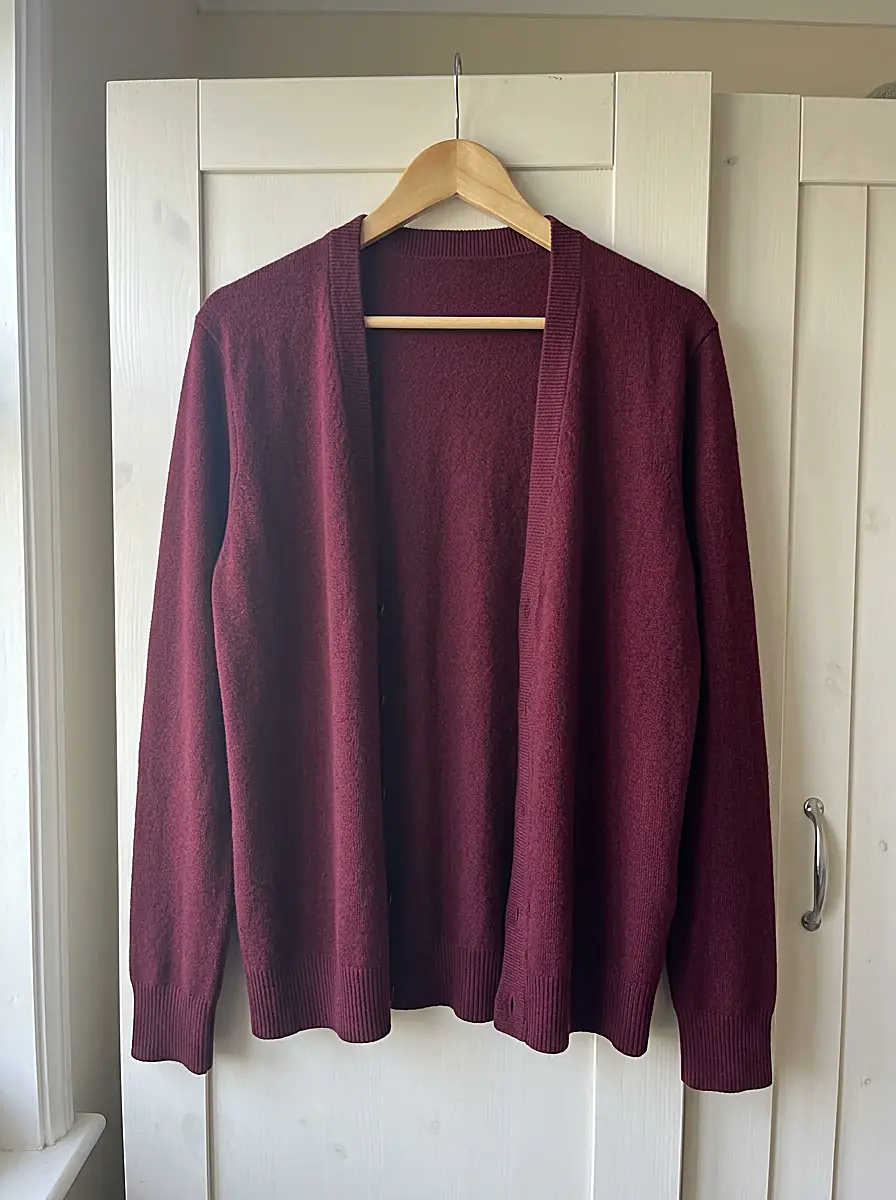
- Hang the item rather than folding it. In our tests hung items produced roughly half the defects of folded ones — a hanger on a door handle is enough.
- Contrast the item against the background. Dark garment on a white door, pale garment on a dark wall. The AI has to find the edges; make them findable.
- Fit the whole item in frame, one item per photo.
Where it struggles, honestly: patterned bedding under a patterned garment, several items in one shot, and very sheer or lace fabrics against a busy background. Move the piece to a plain door and the same photo works.
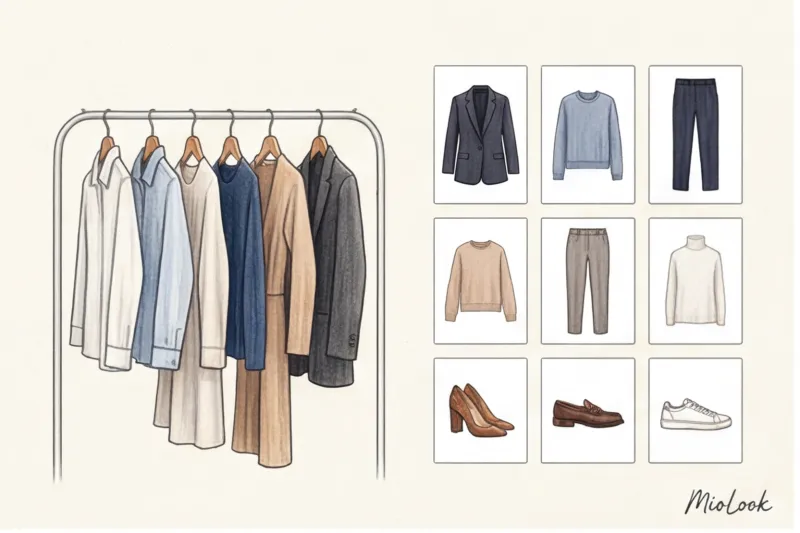
Twenty minutes in, the wardrobe looks like this
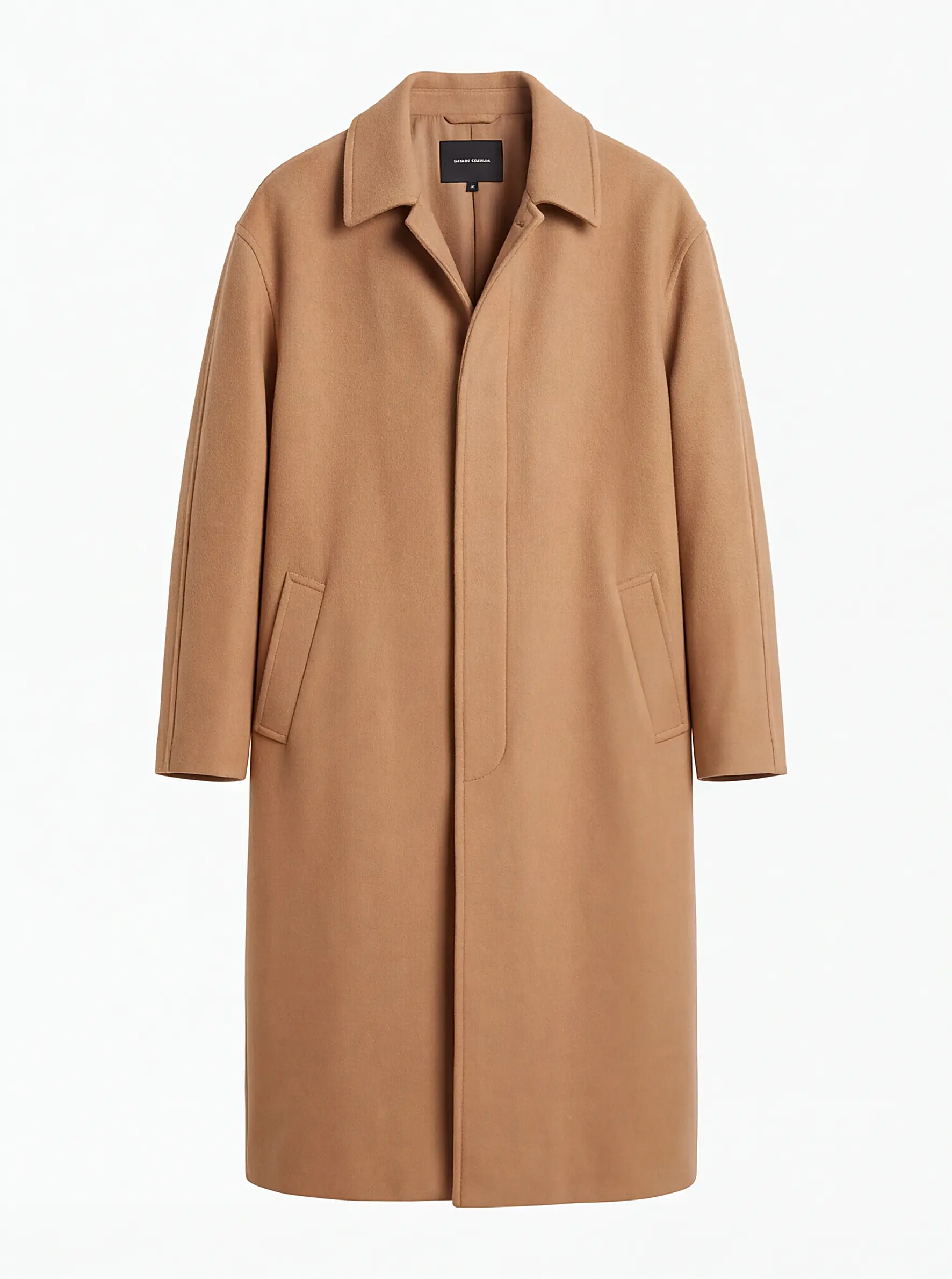
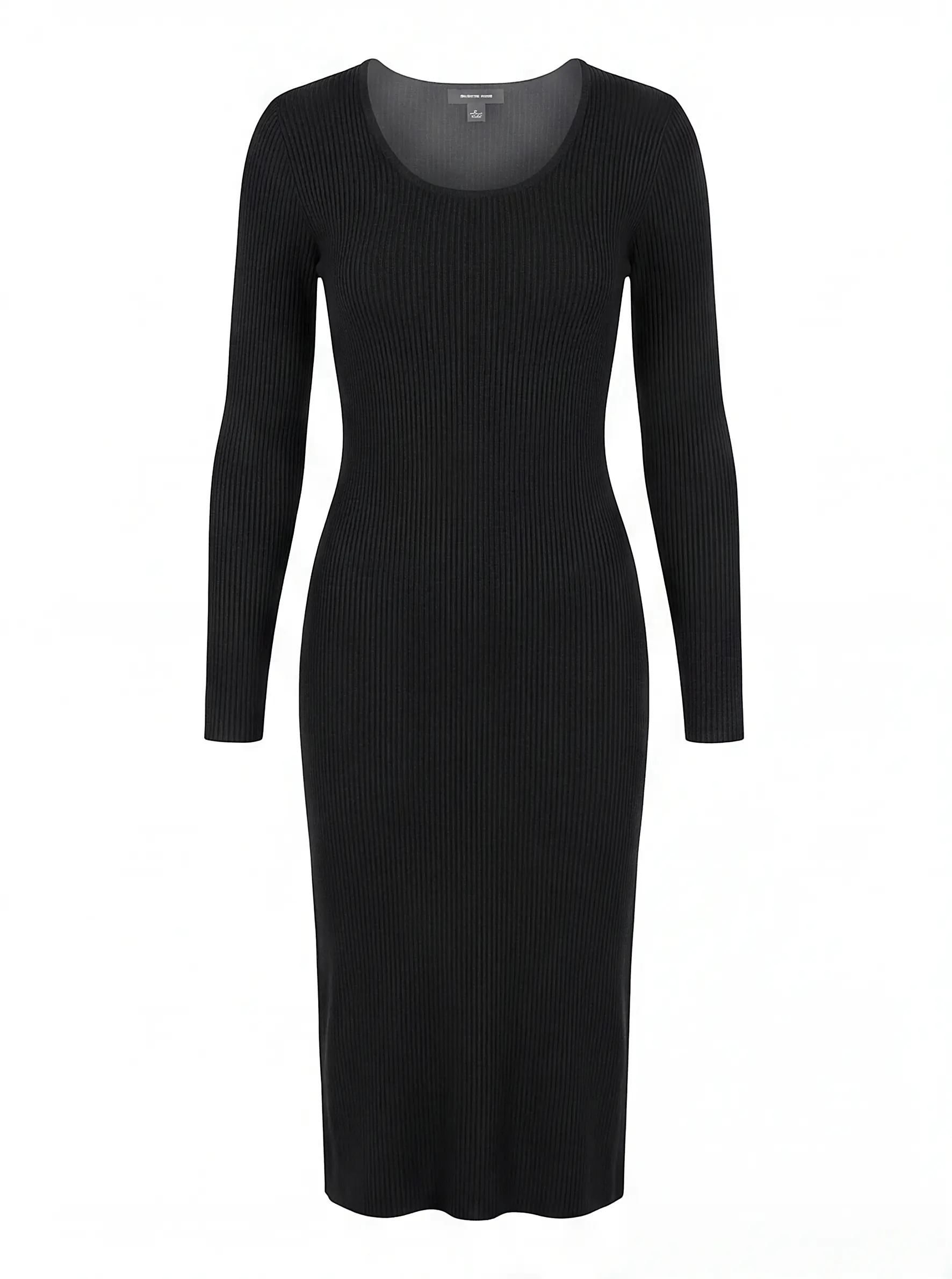
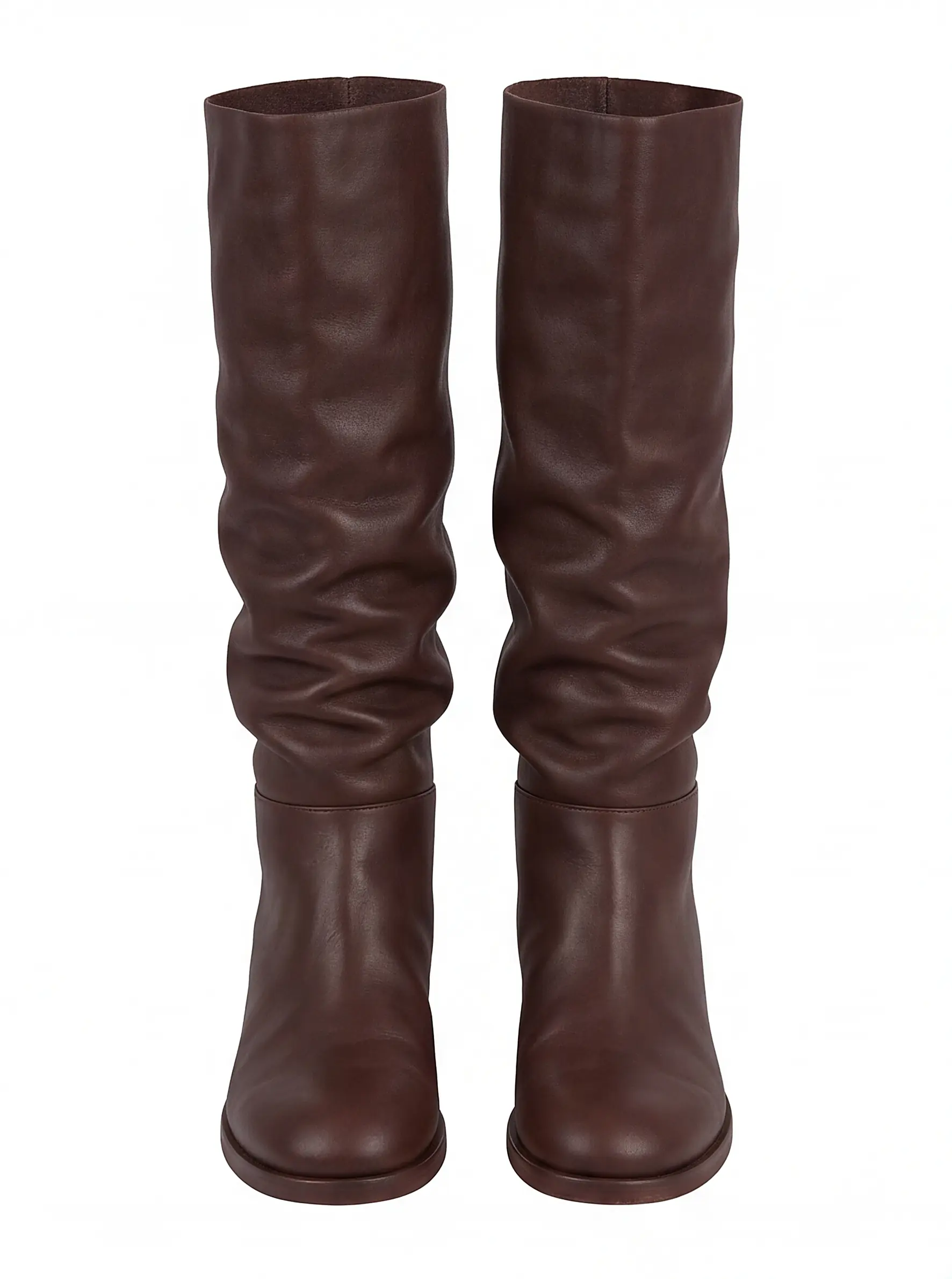
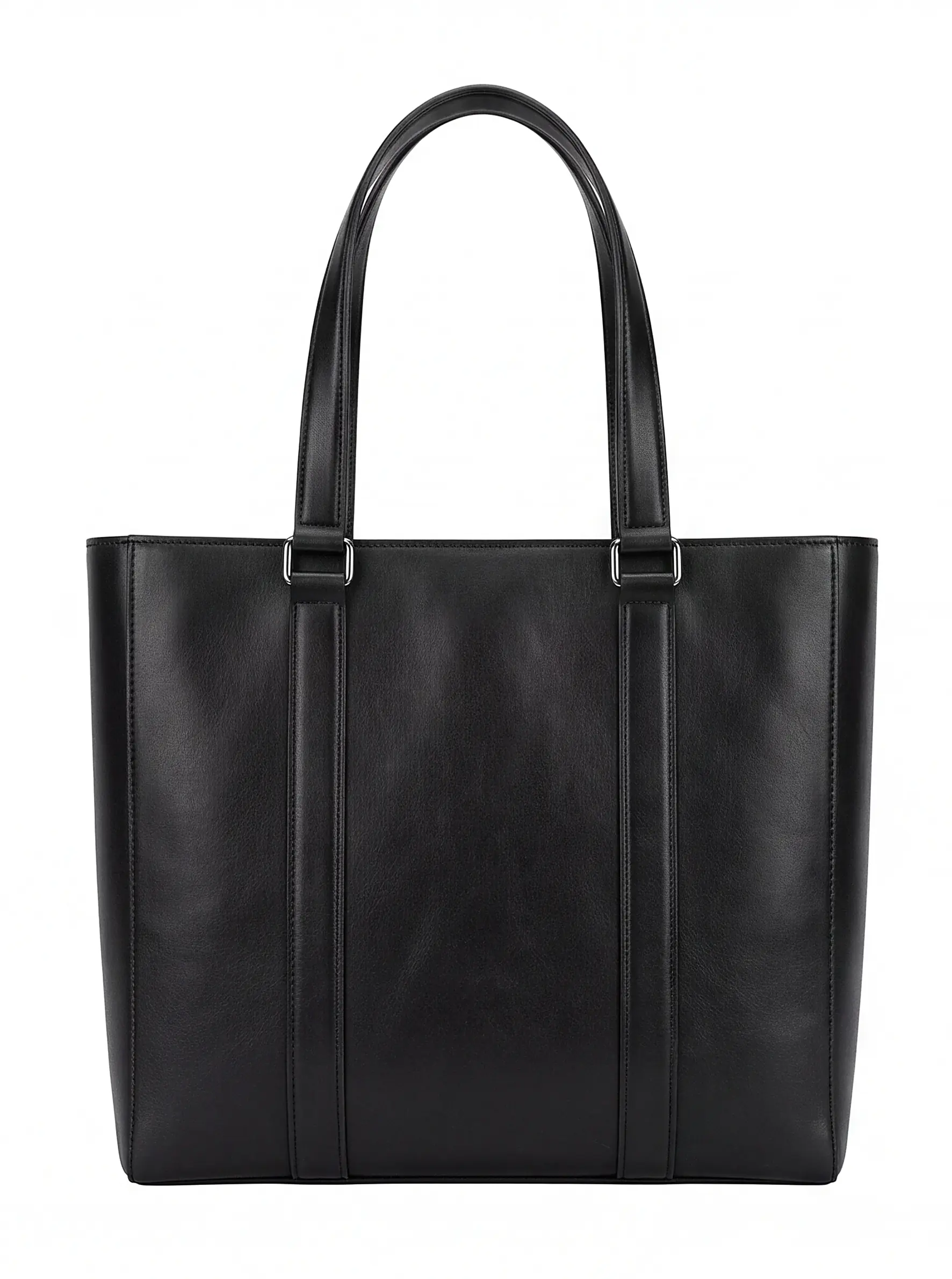
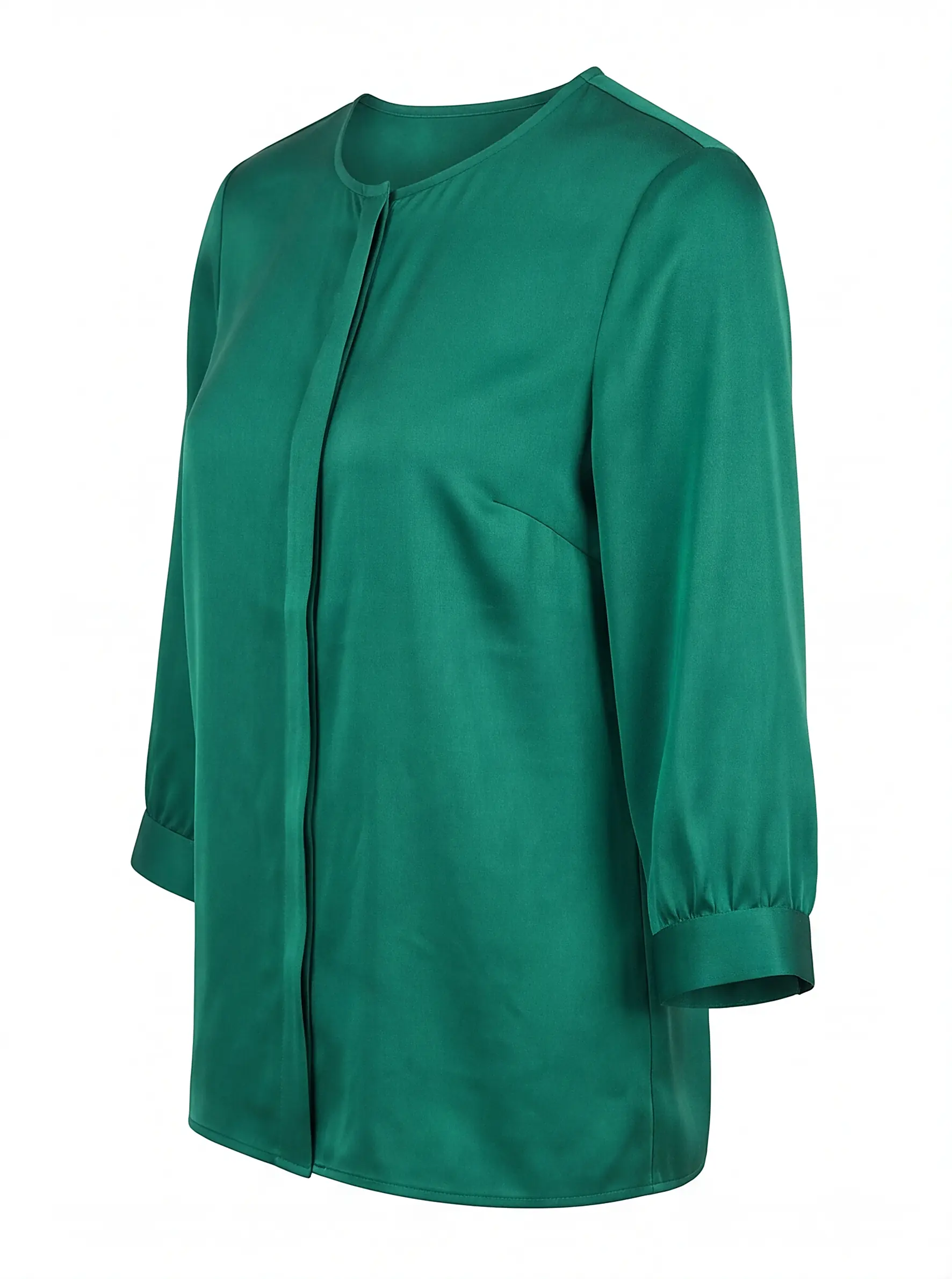
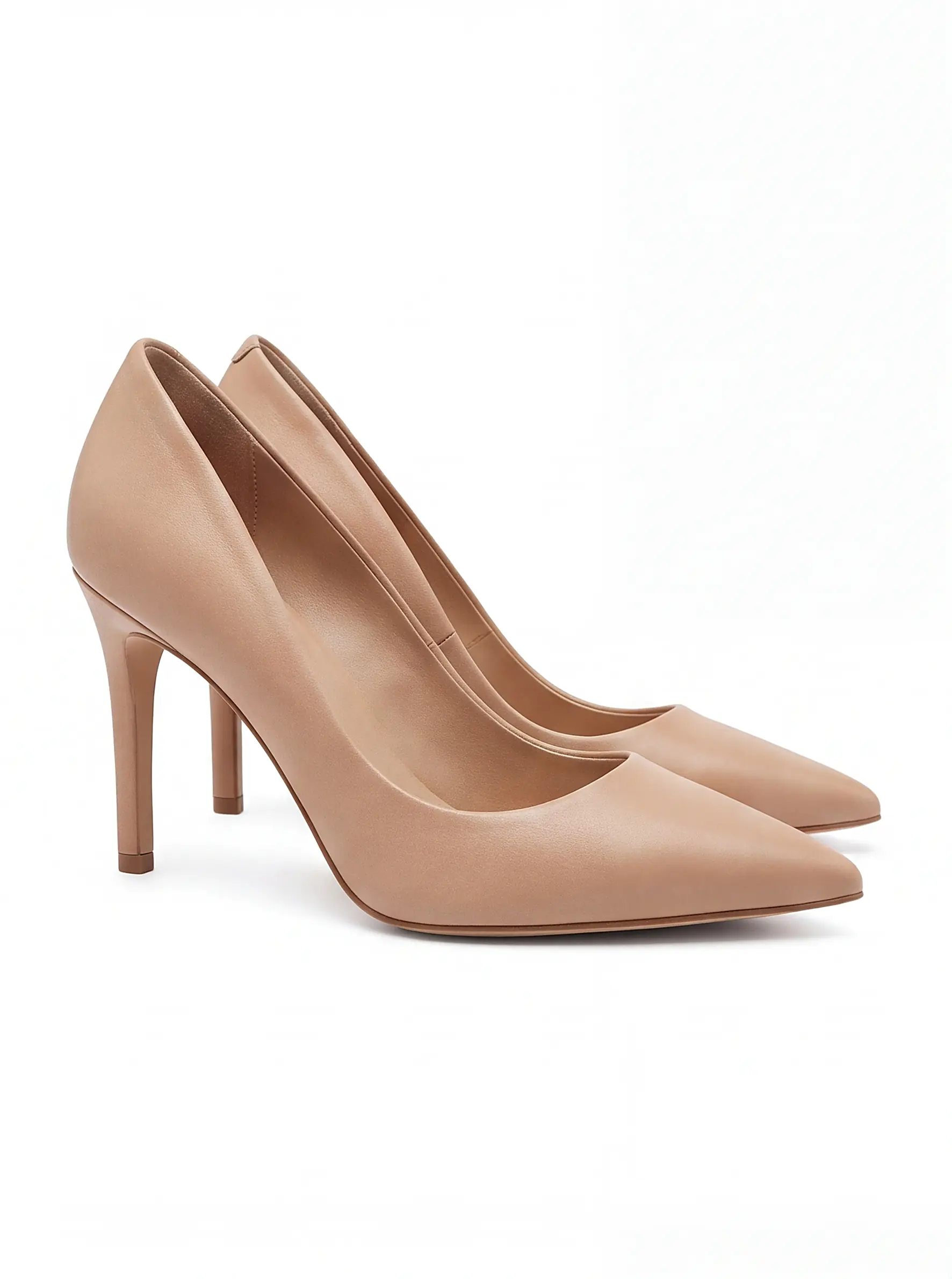
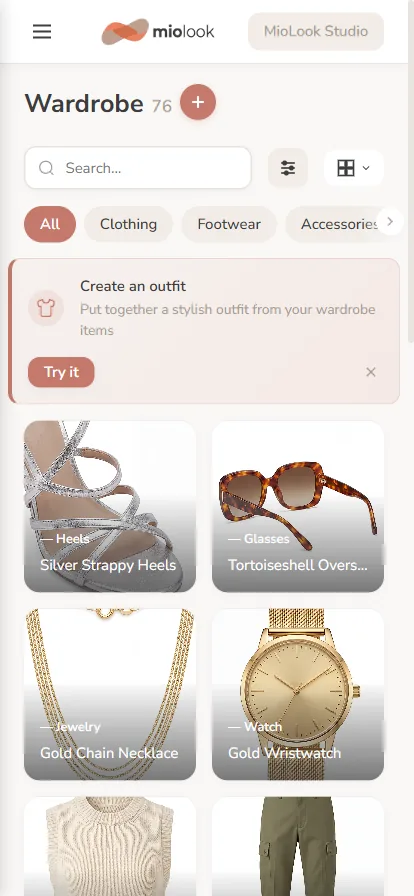
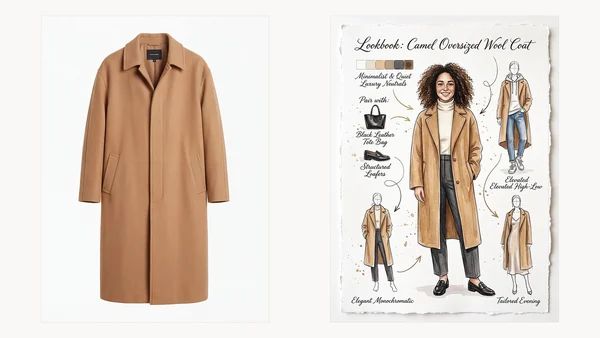
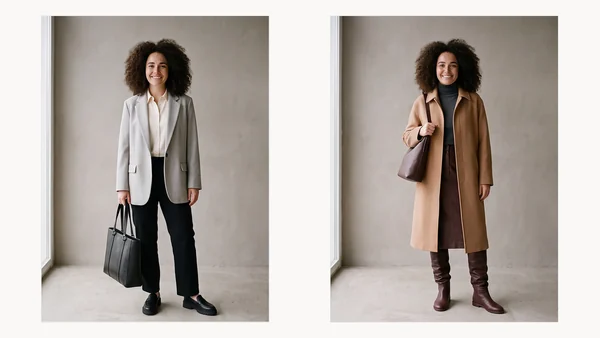
That grid is the actual product. Once the app can see what you own, it can build outfits from it, tell you what a new purchase would go with, and put together a lookbook around any single piece — all using your clothes rather than a catalogue’s.
What it costs
Access to MioLook is a one-time €0.99 payment — no subscription — and includes 200 credits, plus 5 free credits each day you open the app. In practice that starting balance covers recognising around sixty items, or a smaller set with catalogue images. Top-up packs start at €1.99.
Start with the five things you actually wear
Photograph them once and see what the AI makes of them.
Get access — €0.99 once