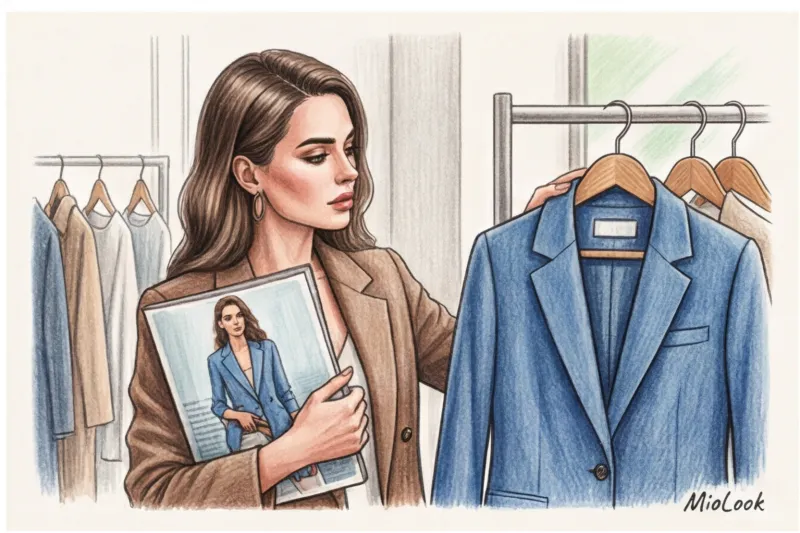
Debunking Gloss: Why We Look for One Thing and Buy Another
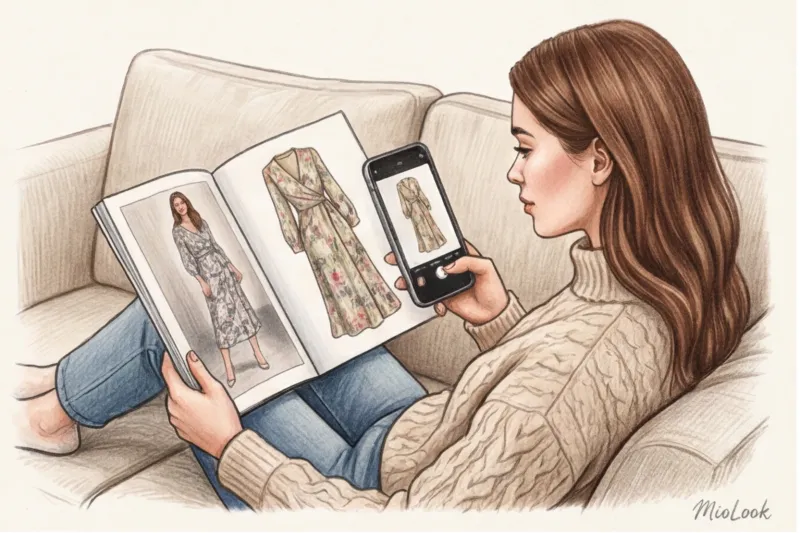
Last night, a long-time client of mine sent me a screenshot from Pinterest via messenger. The photo featured Bella Hadid wearing a stunning draped dress by Khaite, priced at around €2,400. The client's caption read: "Olena, I want this, but my mortgage won't let me. How can I find something by photo without it looking like a cheap knockoff?"
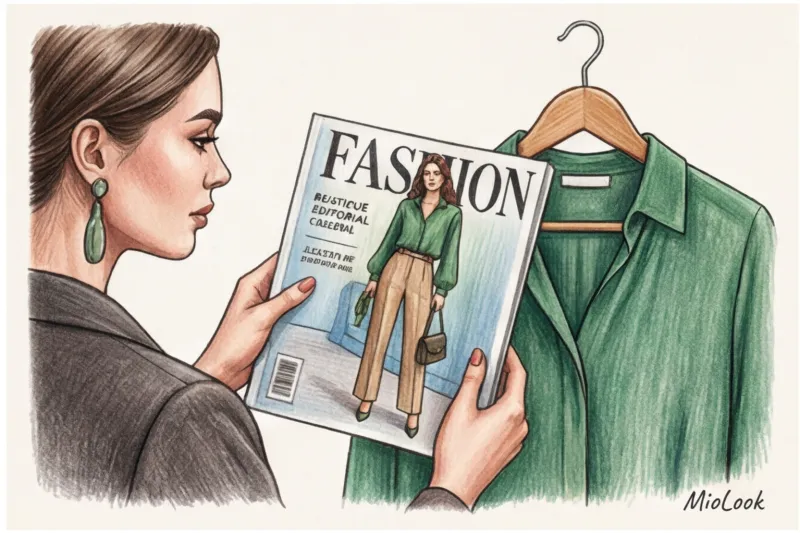
As a practicing stylist with 14 years of experience, I deal with exactly these kinds of requests every day. We see the perfect look, fall in love with the image, but are faced with either an exorbitant price tag or a complete lack of information about the brand. The good news is that technology has long been on our side. The bad news is that 90% of women use it incorrectly, ending up buying squeaky polyester that ends up in the trash after the first wash.
To prevent this from happening, it's important to understand the basic principles of smart shopping. We covered this in more detail in our The complete guide to buying clothes online without returns Today I'll tell you how to turn your smartphone's regular camera into a reliable detector of quality items and fair prices.
How to Find an Item by Photo: Why It's More Than Just Image Search
According to Gartner (2023), implementing visual search increases brand revenue by 30%. Algorithms are becoming alarmingly accurate. But for me and my fellow stylists, this has long been more than just a "buy the same" button. It's a powerful tool for insight, analytics, and, frankly, financial security.
I use image search for three specific purposes:
- Checking markups: I'll find out if this is really an "exclusive Italian brand" or a resale of a factory-made Chinese product with a 500% markup.
- Finding the best lineup: I find the perfect cut of trousers, but I'm looking for similar ones made of thick viscose or wool, not acrylic.
- Vintage Hunting: I'm looking for hits from past collections of my favorite brands on resale platforms.
"Visual search is a polygraph for the fashion industry. It instantly exposes unscrupulous sellers and opens access to direct suppliers."
Access to MioLook for €0.99 — one-time payment
A smart AI stylist will select the perfect look based on your preferences and help you organize your wardrobe.
Get access — €0.99 onceTop 4 Tools: How to Find Clothes by Photo in a Few Clicks
There's no single perfect application. Neural networks are trained differently: some prefer color, others silhouette. To achieve accurate results, you need to understand the strengths of each algorithm.
Universal giants: Google Lens and Yandex.Images
If you need to find an original foreign brand on resale platforms like Vestiaire Collective or Vinted, open Google Lens It indexes global e-commerce and English-language blogs perfectly.
And here it is Yandex.Images — the absolute champion in searching local marketplaces and niche brand websites. It has a more aggressive algorithm that perfectly identifies the source of the stolen product photo.
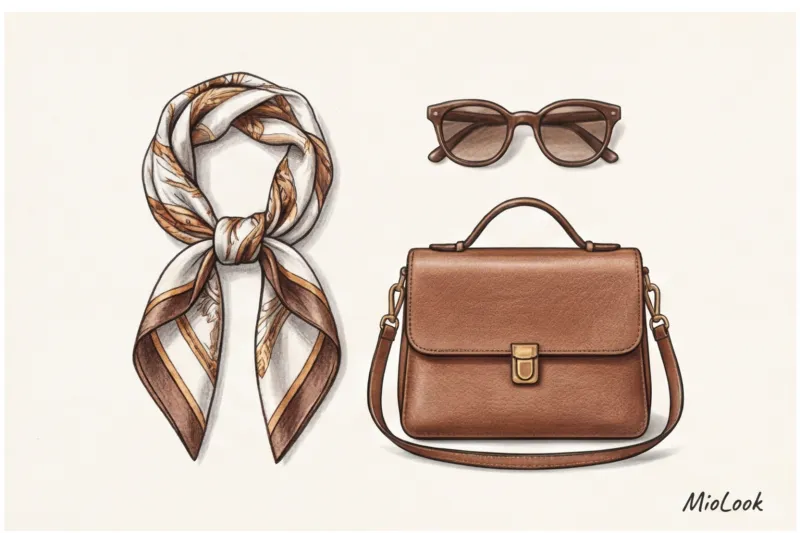
Lifehack from design institutes (like Istituto Marangoni): Algorithms often get confused by the model's face, background, or handbag. Before uploading the photo, crop it. Keep only the texture of the sweater or the shoulder line of the jacket. This way, the neural network will look for the fabric structure and seams, not the model's pose.
Search within marketplaces (AliExpress, local platforms)
Built-in cameras in marketplace apps have a major drawback: they only search within their own database. And herein lies the main danger. A 2024 study by the WGSN trend bureau showed that approximately 40% of items purchased as "exact visual copies" on cheap Asian sites are returned or thrown away.
Sellers routinely take photos from European fashion shows (Celine, The Row) or from Scandinavian influencers' Instagram feeds. You upload a screenshot of a luxurious cashmere coat, and the algorithm gives you a card with the exact same photo for €35. You order it, and what arrives is a thin polyester rag. The photo matched, but the product did not. To avoid disappointment, I recommend reading our article about How to choose a basic item for every day and not make a mistake with the quality.
A stylist's secret: how to find similar items from photos so they look expensive
Here we come to the most important rule that destroys the stereotypes of beginners. Searching for an exact replica of a branded item using a photo on cheap websites is a huge mistake.
The algorithm will happily find a print match. But a cheap floral print on thin synthetic fabric always looks like a robe. A dead ringer for a bag or dress will always reveal itself with crooked stitching and cheap hardware.
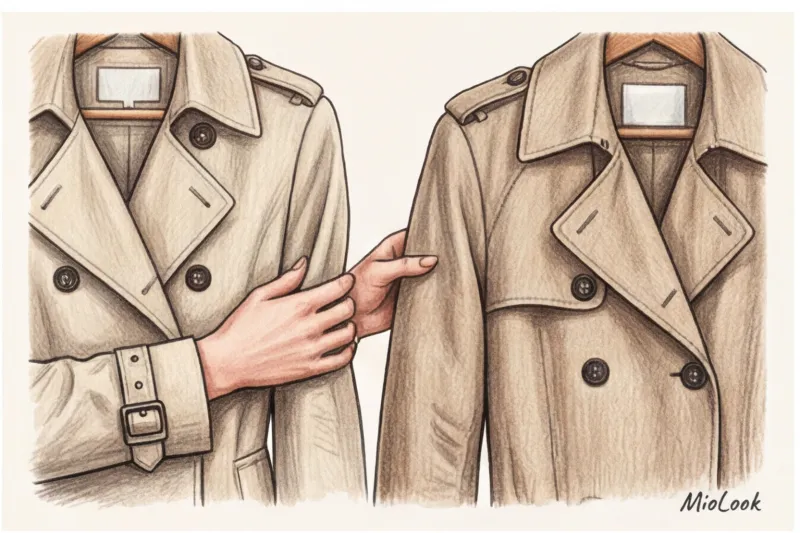
What am I doing? I'm searching. mood and silhouette in a confident middle market (in the range of €80–150). My golden rule: texture is more important than print.
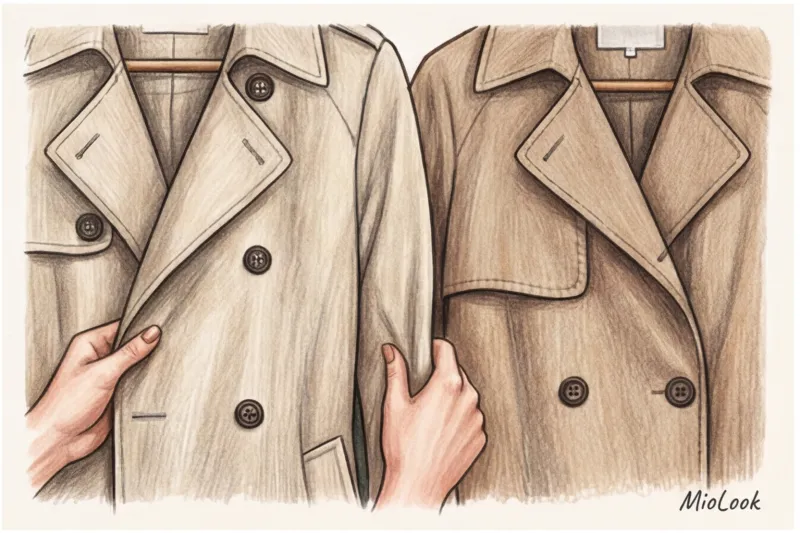
- Filter out cheap materials: If the photo in the search results shows the fabric has an unnatural shine (a sign of 100% polyester) or is hanging "stiff" - close the tab.
- Look at the design: Look for darts. Cheap clothes are cut flat, like a paper doll. Expensive ones have a complex design.
- Don't trust studio lighting: Mass-market retailers have mastered the lighting techniques seen in Bottega Veneta lookbooks. Always look for photos in reviews taken with a phone in the fitting room.
Your perfect look starts here
Join thousands of users who look flawless every day with the smart wardrobe feature.
Get access — €0.99 onceHow to Save Up to 50% with Visual Search: Smart Shopping
Let's talk numbers. The price difference between identical items sold by resellers on social media and direct manufacturers can reach 300–500%.
I had a particularly shocking case. A client brought in a beautiful basic beige jacket for wardrobe review, purchased at a fashion showroom for €150. Just for fun, I took a photo of its buttons and lapel (I even cropped it!) and ran it through a search engine. We found the exact same jacket, from the same manufacturer, on a major marketplace for €45. The showroom simply steamed it, put it on a beautiful model, and tripled the price.
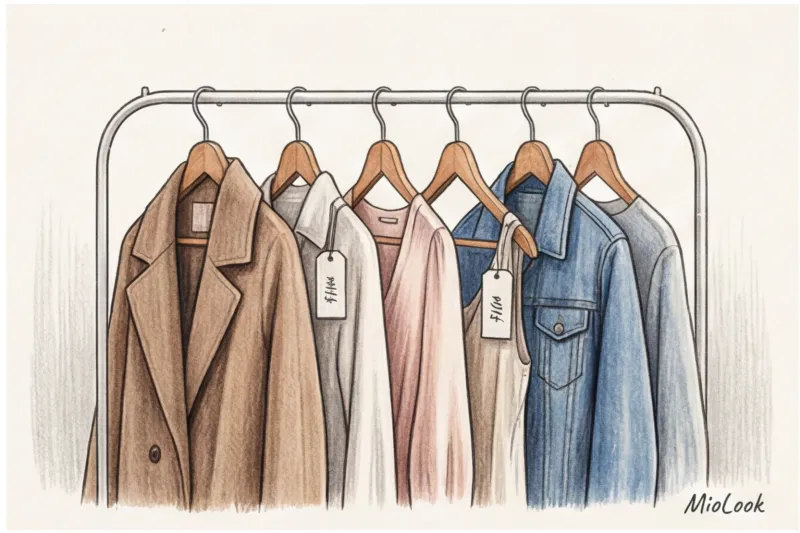
How else can you use visual search to save money?
- Hunting for lost hits: You spot someone wearing the perfect Massimo Dutti sweater from the 2021 collection. Take a photo of the knit pattern. The chances of finding it on Avito or other resale sites for €20–€30 are close to 100%.
- Find premium quality essentials: Upload a photo of an expensive silk top (from €300) and look for a visual similarity in texture among local, as yet unknown brands, where the same 100% silk will cost you €60–80.
The Expectation vs. Reality Fallacy: Why an Item Found in a Photo Doesn't Look Good on You
But visual search has one blind spot. I call it "Model Syndrome." You found the exact same wide palazzo jeans as Hailey Bieber on Yandex.Images. You ordered them, put them on, and... you look like Karlsson.
Why? Because the algorithm searches for the item, not analyzes your body shape. Hailey is 171 cm tall, and she wears them with platform shoes. If you're 160 cm tall, the same proportions would work differently. Read more about adapting trends in our article. How to choose clothes for your body type without stereotypes (there we discuss how optical illusions in clothing work).
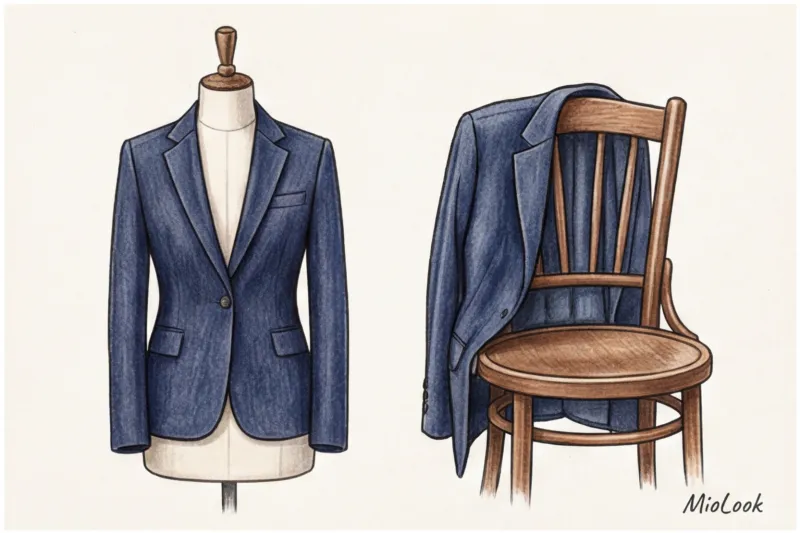
To avoid disappointment, you should mentally "try on" the item you found from a photo to your measurements. This is very helpful. digitization function in MioLook — You can upload a photo of your desired purchase and visually compare it to items already in your closet. You'll immediately see whether the silhouette fits your usual proportions.
Checklist: 5 steps from a Pinterest screenshot to the perfect purchase
To put this whole theory to work for you today, I've put together a step-by-step plan. Save it and use it the next time you're shopping online.
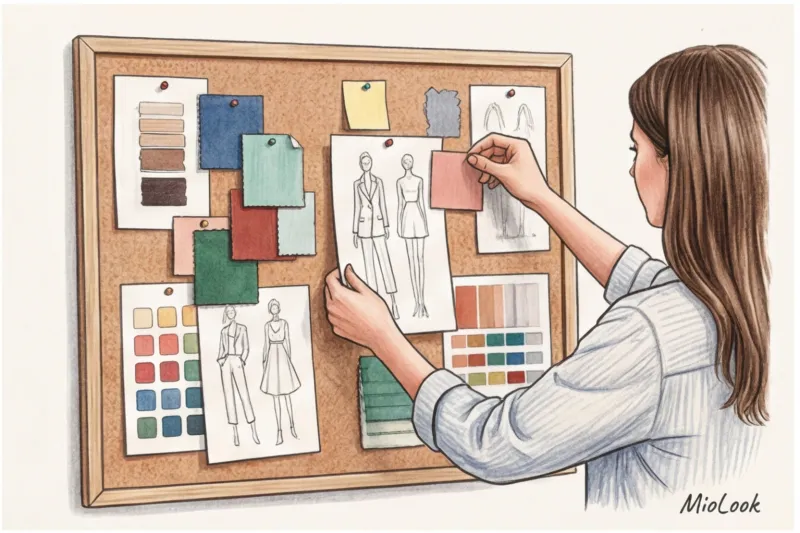
- Step 1: Prepare the source. Crop the photo, ruthlessly cutting out the background, the model's face, and any bright accessories that might confuse the algorithm. We're only looking for the texture and cut of the garment itself.
- Step 2: Use the double check method. Run the image through both Yandex.Images (to search for similar images in the local middle segment) and Google Lens (to check resale).
- Step 3: Turn on the quality filter. Open the product card for the item you found and immediately check the composition. Look for heavyweight cotton (180 g/m² and above), wool, and viscose. Avoid items containing 100% acrylic or polyester, even if they look identical to your reference image.
- Step 4: Check the proportions. Estimate the length of the product in relation to the model’s height (usually 175-180 cm) and recalculate it to your height.
- Step 5: Conduct a crash test with reviews. Never buy an item based solely on a catalog photo. Look for real photos taken by buyers in room light.
Visual search isn't just the magic of artificial intelligence. It's your personal shopping detective. Use it not to mindlessly copy other people's looks, but to find high-quality textures, uncover markups, and create a wardrobe that looks three times more expensive than it actually is.