How to determine color type from a photo online using neural networks: expectations vs. reality
Yesterday, a client sent me four screenshots from various popular style apps. The results were strikingly varied: "Winter," "Soft Autumn," "Bright Spring," and "Cold Summer." She was in despair and was about to delete all the apps from her smartphone. Sound familiar?
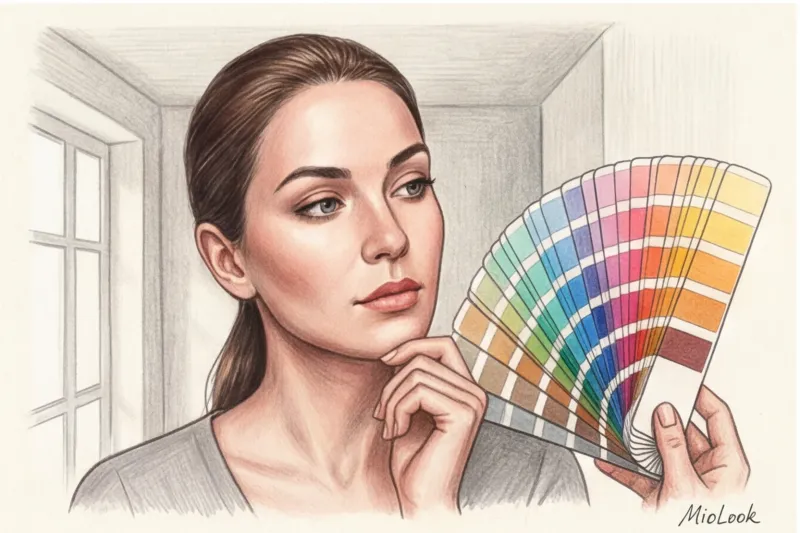
Today, trying to determine your color type from a photo online is a matter of a couple of clicks. The speed and accessibility of these tools are appealing, as everyone wants to discover their ideal color in 15 minutes. But when it comes to actual accuracy, chaos ensues, and your wardrobe fills up with items that make your face look unsightly.
The problem is that the old classification into basic four seasons is hopelessly outdated and too primitive for complex algorithms. We discussed this in more detail in our a complete guide to the 12 color types of appearance However, there is a more pressing issue that 90% of users forget about.
The main truth of digital style is this: neural networks don't analyze you. They analyze pixels that you "feed" them. In the IT industry, there's an ironclad rule: "garbage in, garbage out." If the original photo is distorted, even the most ingenious artificial intelligence will produce an error.
The Main Myth of AI Typing: Why the Algorithm Isn't to Blame for the Error
There's a common misconception: if an app displays the wrong season, it means the algorithm is poorly trained or simply guessing at random. It's completely counterintuitive, but the reality is: AI is incredibly accurate at reading color. The problem lies with your thousand-dollar smartphone.
Since 2019, when manufacturers widely adopted computational photography technologies (such as Apple's Deep Fusion), our phone cameras have ceased capturing reality. According to research into computer vision algorithms, over 70% of modern smartphones automatically apply harsh HDR, texture smoothing, and, most importantly, aggressive white balance correction.
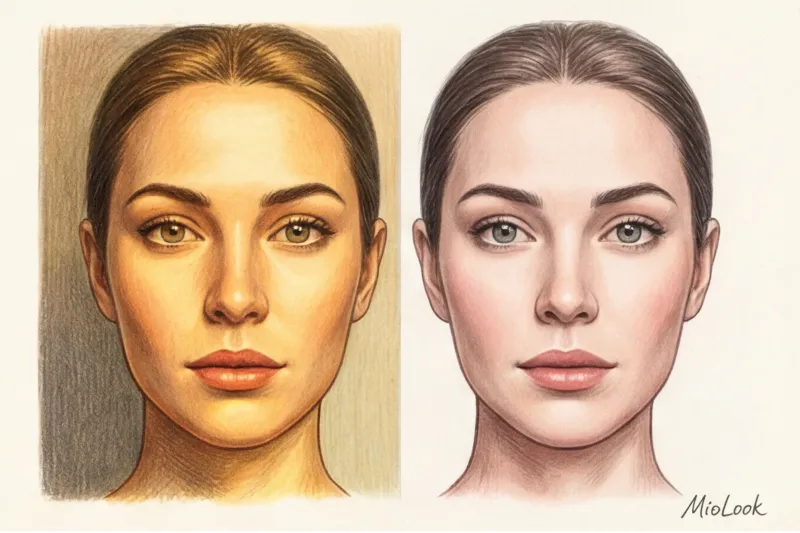
Your camera literally "thinks" for you. It sees your unique, slightly olive or golden skin tone, decides it's a "lighting error," and automatically neutralizes it to the average standard before you even save the photo to your gallery. The neural network algorithm is left with a Photoshopped, "killed" complexion.
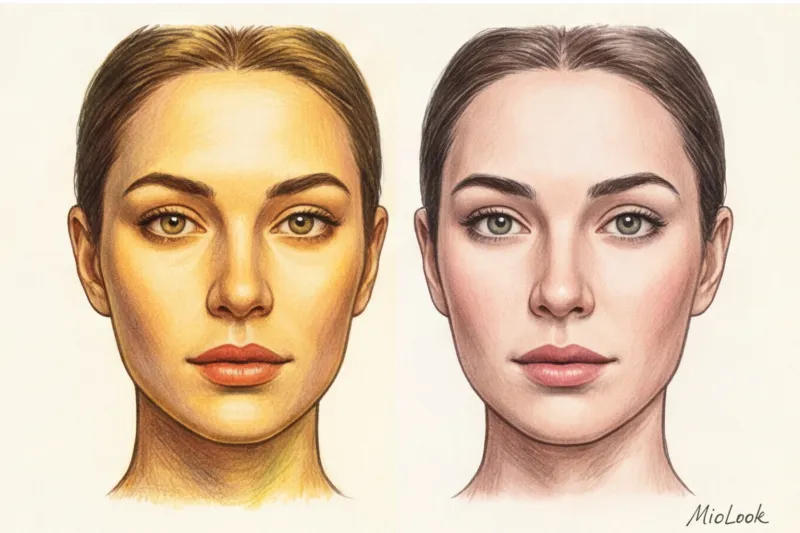
That is why, for precise work with such powerful tools as the “smart wardrobe” function in MioLook , you need to learn how to trick your own phone camera into capturing your true biological colors.
Access to MioLook for €0.99 — one-time payment
A smart AI stylist will select the perfect look based on your appearance.
Get access — €0.99 onceA Colorist's Guide: How to Prepare the Perfect Photo for a Neural Network
Over 12 years of practice, I've developed a strict protocol for preparing for online typing. I send these rules to all my clients before the consultation, and they guarantee that the AI will accurately calculate your data.
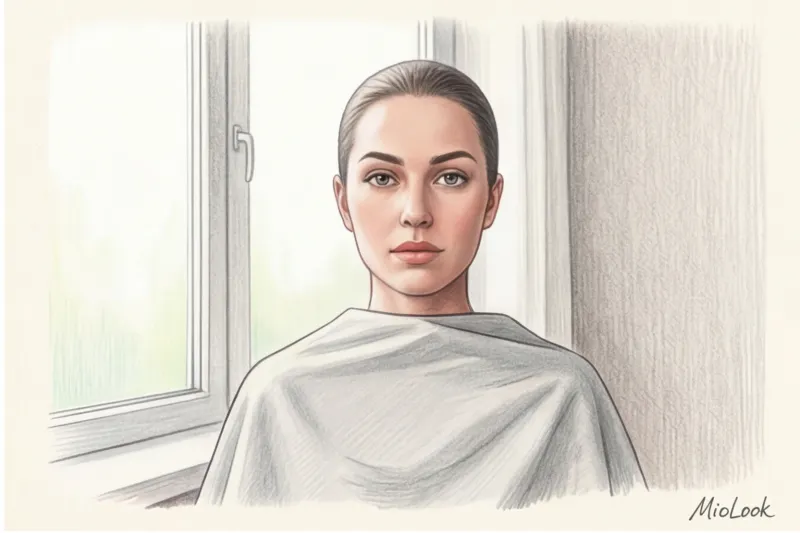
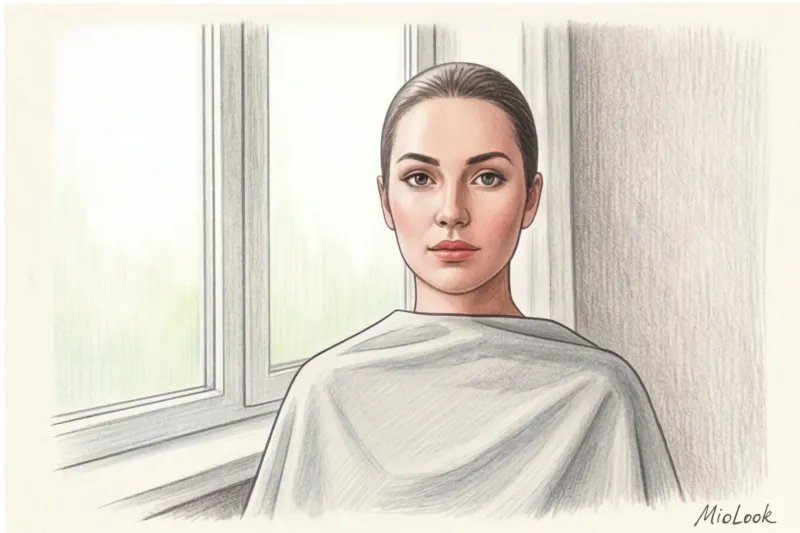
The first and most important rule is gray drapery rule Optically, white reflects light and can create a bluish cast on the face. Black absorbs light, accentuating shadows under the eyes and making you look older. The ideal option is to drape a neutral light gray over your shoulders. Photographers use an 18% gray card to adjust white balance, and your gray T-shirt will do the same for your smartphone camera.
The second rule concerns hair. If your hair is dyed even half a shade, or has strands of bleached-out hair from vacation, tie it back into a tight, sleek ponytail. The neural network calculates the contrast level of your appearance mathematically. Dyed hair completely breaks this formula, tricking the algorithm into thinking your natural contrast is higher or lower than it actually is.
Lighting and Settings: Secrets They Don't Tell You in Apps
Forget about direct sunlight. Direct sunlight creates harsh shadows on your face, forces you to squint (which alters the geometry of your eyelids), and makes your eyes look unnaturally light. The professionals' gold standard is the "north window" rule.
Stand facing a large window away from direct sunlight, at arm's length. We're looking for soft, diffused daylight. Be sure to disable True Tone in your display settings and any beautification filters in your camera, even if they're set to the minimum.
Three fatal errors that will cause AI to produce incorrect results
Even if you've found the perfect window, three random errors can ruin all your efforts. This is what most often ruins the results of digital analysis.
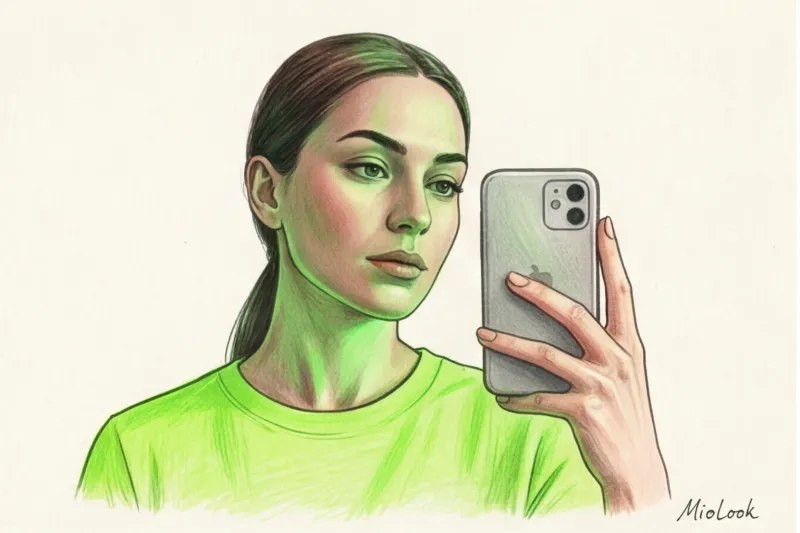
Error 1: Color Casting. One of my clients (let's call her Anna) took a selfie for the app wearing a bright neon green T-shirt. Light from the window hit the fabric and reflected onto her chin, causing the skin pixels in the lower third of her face to turn green. As a result, the algorithm confidently labeled her as an "Olive Autumn," although her true type is a cool, contrasting Summer. Bright clothing distorts skin tone in photos by up to 30%.
Mistake 2: Bathroom selfie. Artificial lighting is measured in Kelvin. Yellow incandescent bulbs (around 2700K) will transform any cold winter into a warm spring, bathing your skin in golden light. Blue LED bulbs (over 5000K) will turn you into a pale summer. Take photos only in daylight.
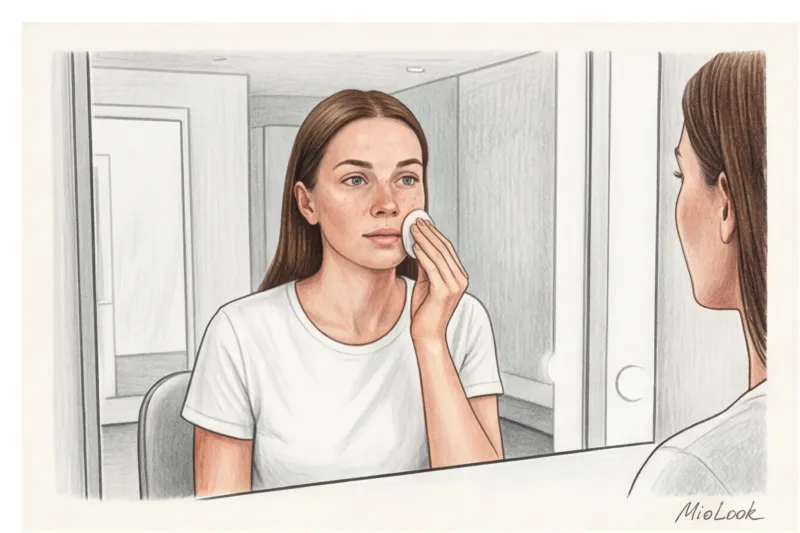
Mistake 3: Foundation and bronzer. The photo must be strictly makeup-free. No exceptions. Even clear lip balm or light BB cream will alter pixel saturation. We're looking for your genetic makeup, not the color of your makeup bag.
Your perfect look starts here
Join thousands of users who look flawless every day with MioLook.
Get access — €0.99 onceHow Algorithms Read Appearance: Translating Pixels into 12 Color Types
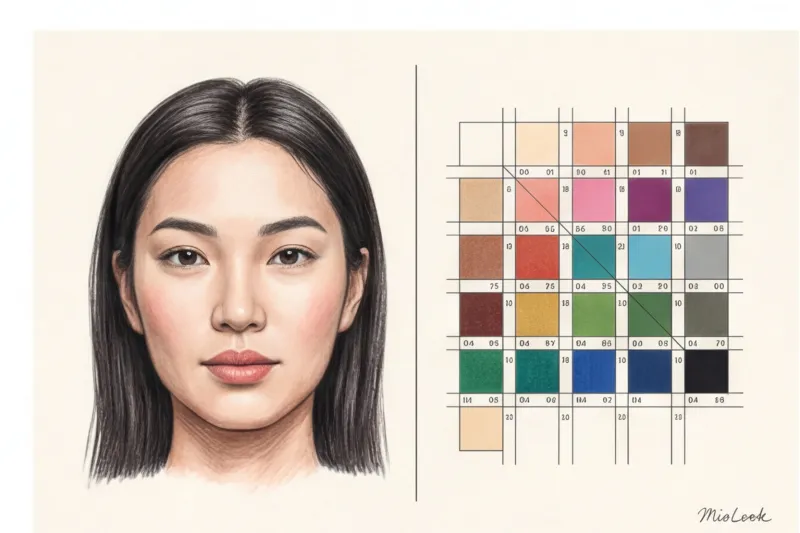
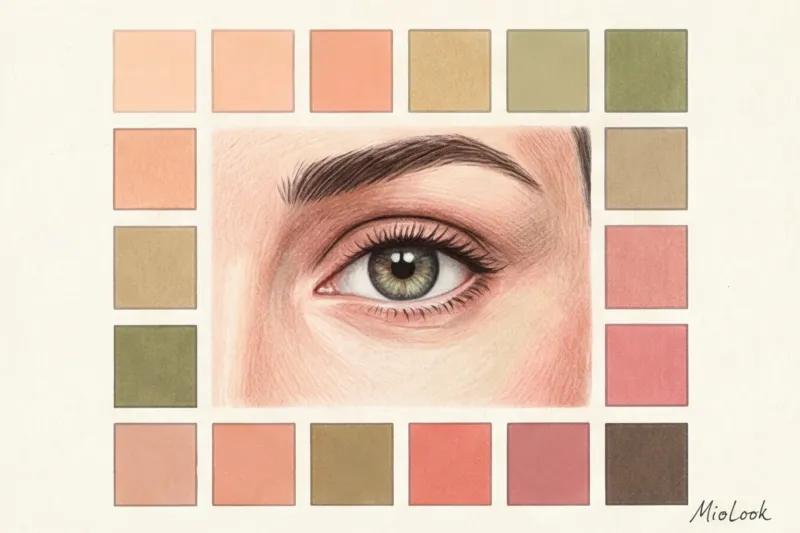
As a trained colorist, I rely on Albert Munsell's color measurements, which he described back in 1905. Amazingly, this science underlies modern computer vision. AI breaks down your photo into three axes: Hue (temperature), Value (depth), and Chroma (color purity).
The neural network takes the skin area on the cheek, the color of the iris, and the color of the hair roots. It then mathematically calculates the difference between them. A high difference along the lightness axis (white skin, black hair) indicates Winter. If the warm tone and soft saturation axis dominates, the algorithm leans toward Autumn.
Let's be honest: there are situations where this doesn't work. AI typing often stalls on so-called "borderline" types. If you're a Soft Summer, seamlessly transitioning into a Soft Autumn, the difference in your pixels is so microscopic that the slightest cloud outside the window during a selfie will tip the result in the opposite direction. Smartphone cameras haven't yet achieved the required level of optical precision for such cases.
Checklist: How to test neural network results at home
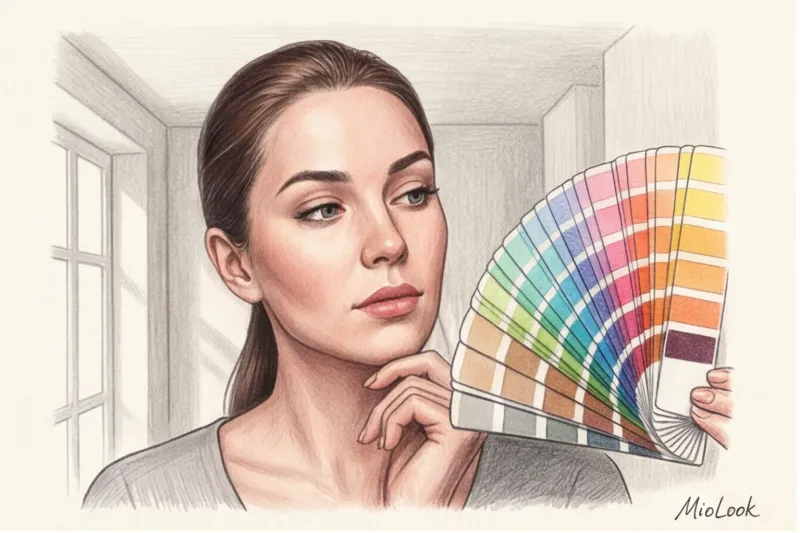
The main rule when working with artificial intelligence in styling is never to trust a digital verdict blindly. An app is a diagnostic tool, but the final judge is always your reflection in the mirror. Did the program produce a result? Great, now let's go prove it.
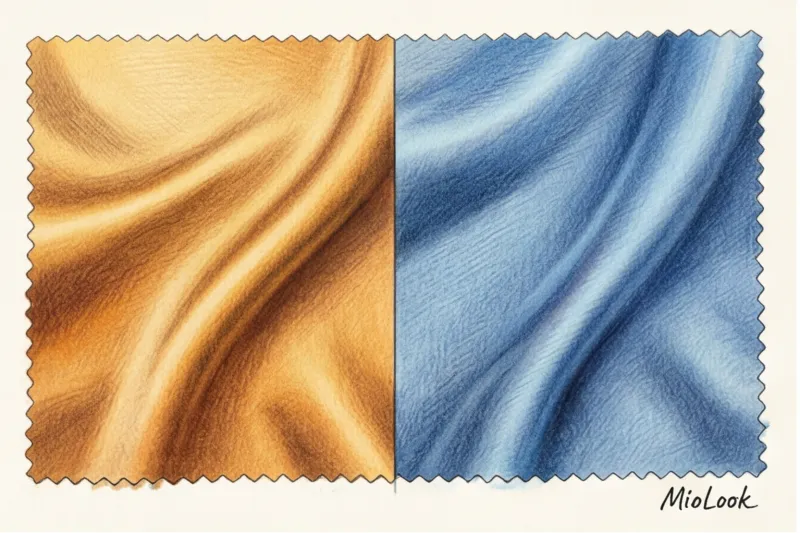
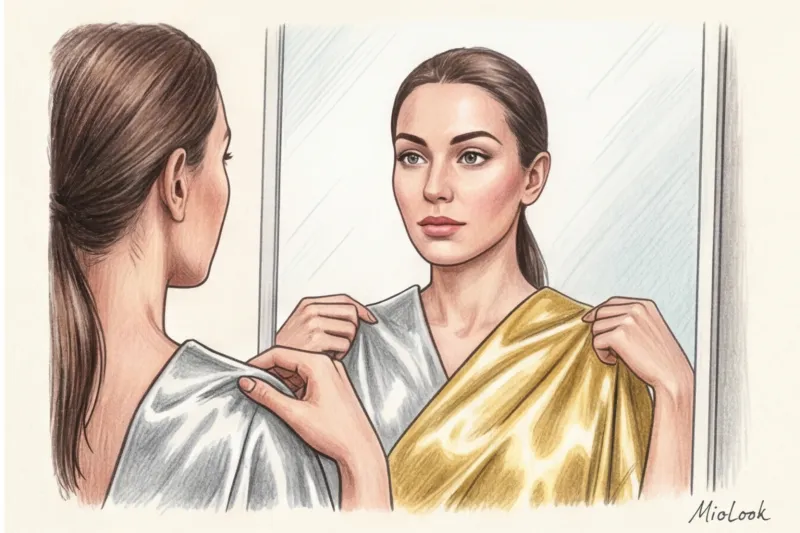
- Metal test: Take a piece of smooth silver foil and a piece of gold foil (gift paper or large jewelry will do). Place them alternately on your face in daylight. Focus on the shadows under your lower lip and eyes, not the metal itself. The wrong metal will instantly make your face look sallow and accentuate your nasolabial folds.
- White test: Compare a crisp white shirt (like the optical cotton in Zara's men's department) with a cream or ivory-colored item (like Massimo Dutti's silk blouses). Pure white only flatters Winter types. It makes everyone else look tired.
- Eye Pattern Check: Stand by a window with a mirror. If your iris has warm brown flecks or a golden "sun" around the pupil, it's a strong indication that the warmer seasons are here, even if the AI labeled you Summer.
Once you've physically verified the accuracy of your color type, the fun part begins—integrating the palette into real life. I recommend uploading your verified seasonal palette to MioLook app This way, the AI stylist will no longer be just a photo-analysis toy but will become your personal shopping assistant, helping you filter out unnecessary items and assemble a functional capsule wardrobe using only your best shades.
Remember the main thing: the neural network is an amazing mathematician, but it's your conscious preparation for the photo shoot that gives it the right numbers to work with. Spend 5 minutes adjusting the lighting and finding a gray T-shirt, and you'll save yourself years of buying clothes in the wrong color.