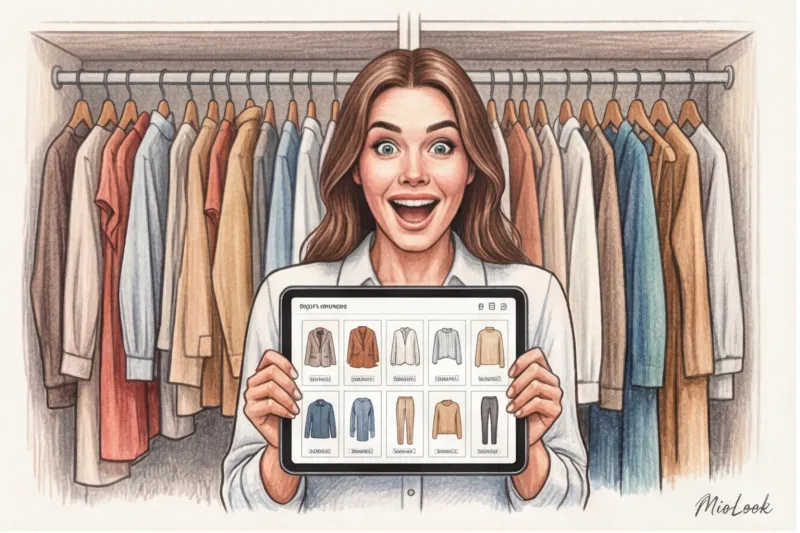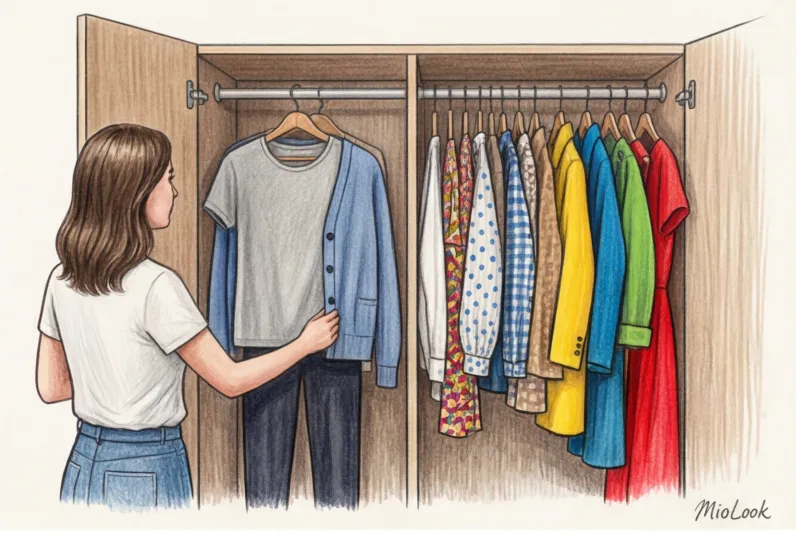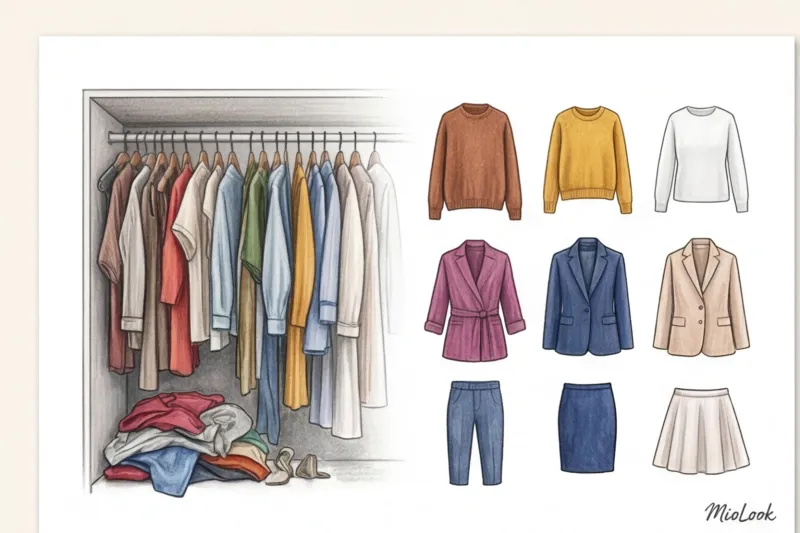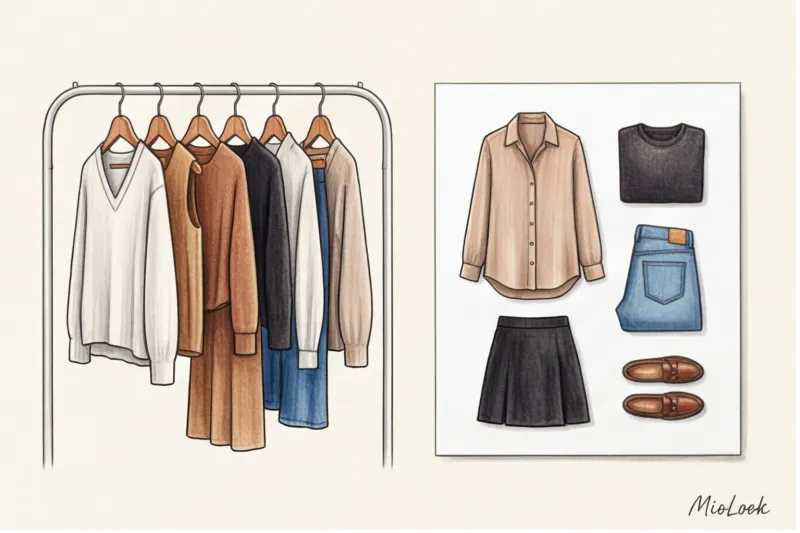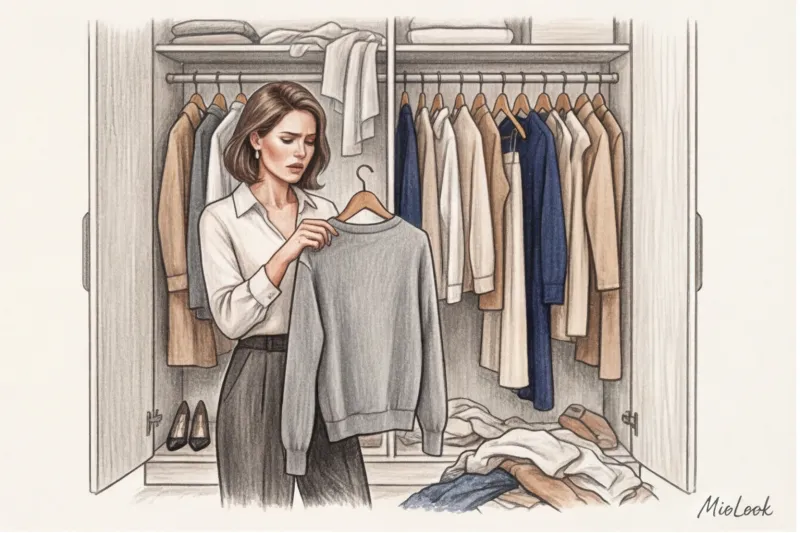
According to the international organization WRAP (2023), we regularly wear only 30% of our closet contents. The remaining 70% is a "museum" of unfulfilled hopes, impulse purchases from sales, and items waiting for the perfect occasion. Ten years ago, at the beginning of my career as a stylist, I made my clients take Polaroid photos of their outfits, lay them out on the floor, and glue successful combinations into thick lookbooks. It took entire weekends, but it worked flawlessly.
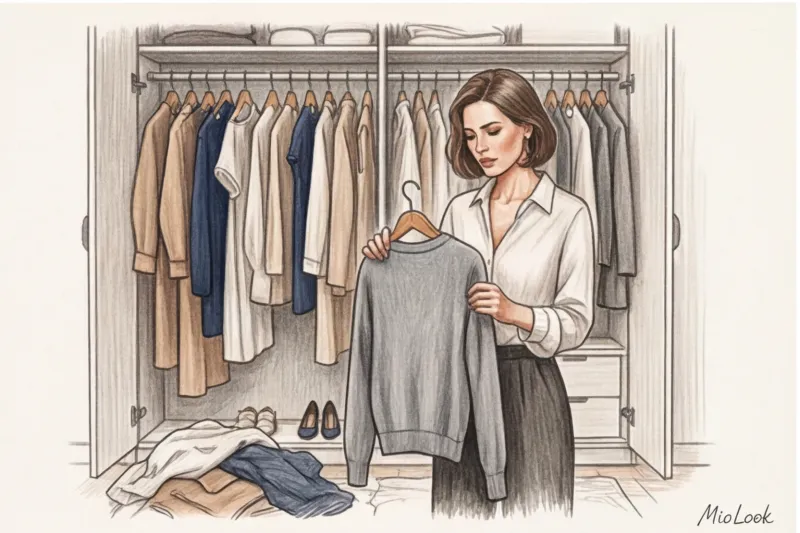
Today this problem is solved wardrobe app on your smartphone. But here's the paradox: after downloading it, 90% of girls give up on it on the second day. Why does this happen, and how do algorithms actually change our consumption patterns? We've already discussed the basic principles in more detail in our The complete guide to creating a digital wardrobe , and today I propose to analyze specific tools. Without embellishment, marketing fluff, and from the perspective of a practicing stylist.
The Evolution of the Closet: Why Your Regular Wardrobe App No Longer Works
Remember the first clothing catalogs from the early 2010s? They were just "stupid" photo galleries. You'd spend hours uploading dresses, only to get... a folder full of photos of dresses. The problem of "dead weight" never went away, because to put together an outfit, you still had to rely solely on your imagination.
Modern AI stylists work fundamentally differently. They analyze your eye for detail and color, and suggest unconventional combinations you simply wouldn't have thought of. But most importantly, they transform our intuitive style into an analytical one.
"Fashion is about emotion, but style is the mathematics of a wardrobe. AI helps us understand this mathematics," notes the WGSN analyst.
I have a telling case in my practice. My client Anna, a top IT manager, loved buying silk blouses. We implemented the Cost Per Wear (CPW) metric, which is available in most smart apps. It turned out that a basic white shirt from COS for $90, worn 45 times, has a CPW of $2. A luxurious accent blouse for $400, worn just once, has a CPW of $400. Seeing these simple numbers on the screen, Anna reduced her impulse purchases by 40% in just one season.
Top 5 Digitizing Apps: A Stylist's Honest Breakdown
Over 14 years of work, I've tested dozens of services. My main selection criteria today are: impeccable automatic background removal, intelligent AI for creating capsules, and a clean interface. Let me be clear: there's no perfect app for everyone. Your choice depends on your goals—whether you want to play with your looks, establish strict order, or save money on a professional stylist.
MioLook: A Smart AI Stylist in Your Pocket
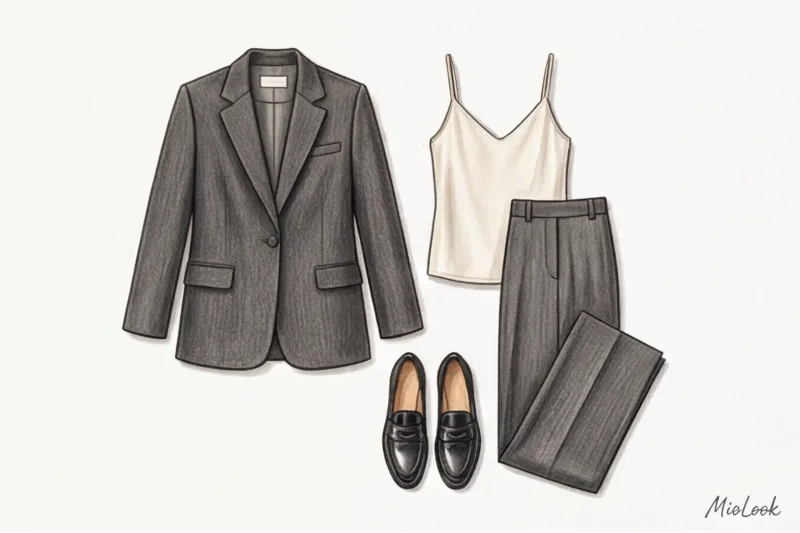
If you're a busy professional who doesn't have time to manually cut out the background of each t-shirt, MioLook — an absolute favorite. The app uses advanced AI not only for categorization but also to generate daily looks based on the weather and your schedule.
- The main feature: Seamless background removal and smart categorization. The algorithm automatically understands whether it's looking at a double-breasted jacket or a chunky knit cardigan.
- Analytics: The app analyzes your things and gently suggests which elements are missing to complete the task. capsule wardrobe.
- Who is it for: For those who want to get results quickly and delegate routine tasks to artificial intelligence.
Your perfect look starts here
Join thousands of users who look flawless every day with AI-powered tips.
Get access — €0.99 onceWhering: 2000s aesthetics and Clueless nostalgia
Remember Cher Horowitz's iconic '90s show? Whering comes as close to that aesthetic as possible. It's an app with a vibrant visual style and powerful gameplay mechanics that Generation Z loves.
- The main feature: The "roulette" feature. You press a button, and the algorithm randomly assembles a bow from your items.
- Pros: A stunning built-in calendar. It's super convenient for planning looks a month in advance.
- Cons: The AI here is more of an entertaining one. The roulette wheel often suggests wearing a light silk top over a thick wool sweater, ignoring the laws of fabric physics.
Acloset: A Paradise for Detailed Statistics Lovers
If you love tables, charts, and total control, Acloset will become your favorite toy. The Korean developers have focused on in-depth consumption analytics.
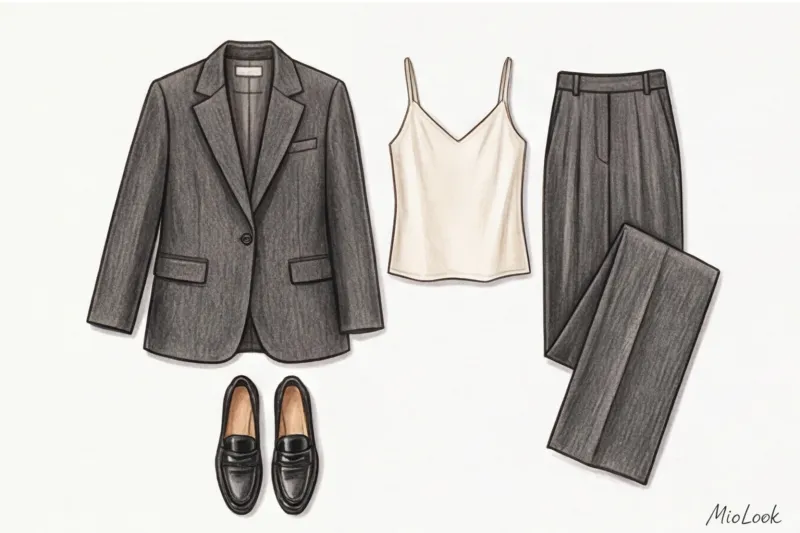
- The main feature: Meticulous tracking of wear metrics, CPW, and seasonal analysis will help you accurately determine the percentage of your wardrobe that's idle.
- Pros: The presence of an internal marketplace means that unused items can be sold directly within the community.
- Cons: The interface is overloaded. For a beginner, the abundance of buttons and tabs can be overwhelming, often leading to abandonment within the first few days.
Indyx: A Tool for Professionals
A minimalist, streamlined app that positions itself as a premium tool. There's no room for frivolous fonts or bright colors—only the pure aesthetic of an expensive catalog.
- The main feature: Hire a real stylist within the app. The expert will have access to your digital closet and create looks for an additional fee.
- Pros: Amazing image processing quality and very neat cataloguing.
- Cons: The entire app architecture subtly but persistently pushes you to purchase a paid subscription and the platform's stylist services.
Stylebook: A Market Veteran Requiring Patience
This app was one of the first to appear and is still exclusively available on iOS. It has a huge following of dedicated fans, but I recommend it with extreme caution.
- The main feature: A powerful suitcase planner. A tool for those who travel frequently.
- Pros: There's no subscription. You pay once when you download and get all the features forever.
- Cons: The background removal algorithm is outdated. You have to manually erase shadows and edges with your finger on the screen, which is incredibly time-consuming.
Hidden Features: What Really Matters When Choosing an Assistant
Developers often sell us on beautiful designs, but in practice, completely different things matter. For example, the quality of the built-in AI when working with textures. Does the algorithm understand the difference between glossy leather and matte suede when creating an outfit? A good AI won't suggest you wear linen pants with a heavy winter down jacket.
The second critical issue is the aesthetics of the processing. If the algorithm crops the outline of an item crookedly, leaving a piece of your finger or the shadow of the bed where the item was laid, your brain will refuse to perceive the item as attractive. You simply won't want to wear it.
"Visual clutter in a digital wardrobe is just as annoying as physical clutter on shelves. Images must be perfect" is a rule I always emphasize in my workshops.
Finally, export your data. Digitizing a database of 40-50 items takes on average 2 to 4 hours. Your database shouldn't become hostage to a single service if it suddenly shuts down or imposes exorbitant fees. Be sure to check for backup functionality.
The Fatal Rookie Mistake: Why We Abandon Digital Closet Management
Here I will share a counterintuitive insight that contradicts most articles on the internet. The main myth is that for the app to be useful, you need to take photos of absolutely everything you own within the first weekend.
This is a surefire way to burnout. "First-day syndrome" sets in: you take out 150 things, try to photograph them in poor evening light on a rumpled sheet, get tired, get angry, and delete the program. Bad source materials ruin the whole point—the AI will assemble ugly collages from ugly photos.
The second trap is the "I'll add this purchase later" fallacy. As soon as you bring the bag home from the store and remove the tag, take a photo of the item immediately or find a professional photo of it on the brand's website. If you put it off for a week, the item will get lost in the depths of your closet and fall out of your digital rotation.
Ready to get started stress-free?
Try MioLook's free plan—our algorithms will do all the hard work for you.
Get access — €0.99 onceThe 15-Thing Rule: A Green Start to Digitalization
To make a wardrobe app truly effective, I encourage my clients to take small steps:
- Select only the current season. Forget about summer sundresses if it's November outside.
- Select 15 of the most wearable items. This is your current base (pants, a pair of jeans, a skirt, a few tops and jackets). Photograph only these in good daylight.
- Add 1-2 things at a time. Wearing something that's not yet in the app? Add it to the system right now. Within a month, your active wardrobe will be digitized automatically, without stress or wasted weekends.
Checklist: How to Make a Digital Wardrobe a Habit
Statistically, using image-generating algorithms increases wardrobe rotation by 35% within the first month (we finally start wearing what's been hanging in the back corner). But the tool only works if you use it. Here are three habits worth implementing:
Ritual "Sunday evening". Set aside exactly 10 minutes on Sunday to sketch out five looks for the upcoming workweek in the app. You'll save at least 20 minutes each morning and avoid the panic of opening your closet.
The "Sort Before Shopping" Rule. Find yourself in the fitting room with a stunning emerald sweater? Open the app and check what it pairs with existing The base is compatible. If the AI stylist (or you yourself) can't put together three looks on the fly, leave the item in the store. This restriction only applies to one-off evening outfits, but for everyday basics, it's absolutely necessary.
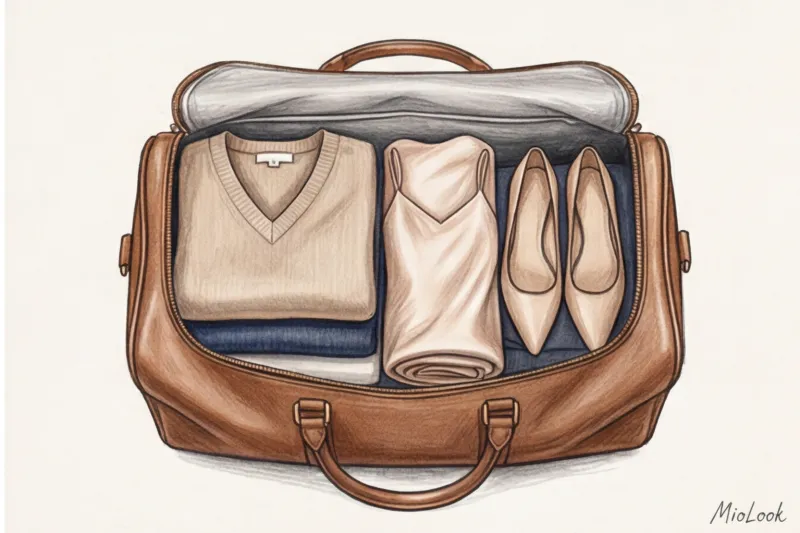
Smart suitcase packing. Before your trip, create a separate micro-capsule in the app. This will ensure you don't pack three pairs of pants that only go with one shirt.
Ultimately, the best wardrobe app isn't the one with the most buttons, but the one that changes your mindset. You stop seeing things as individual pieces and start perceiving them as a set. And when you have clear instructions for this set, the problem of "a full closet and nothing to wear" disappears forever.