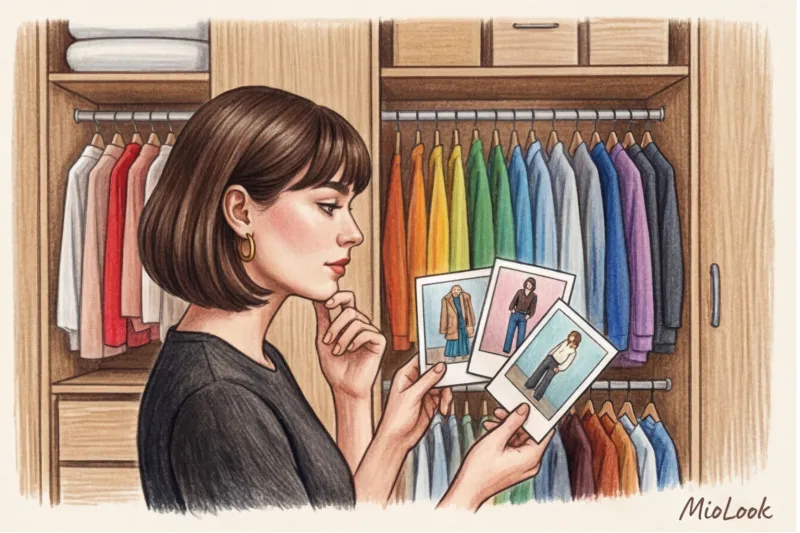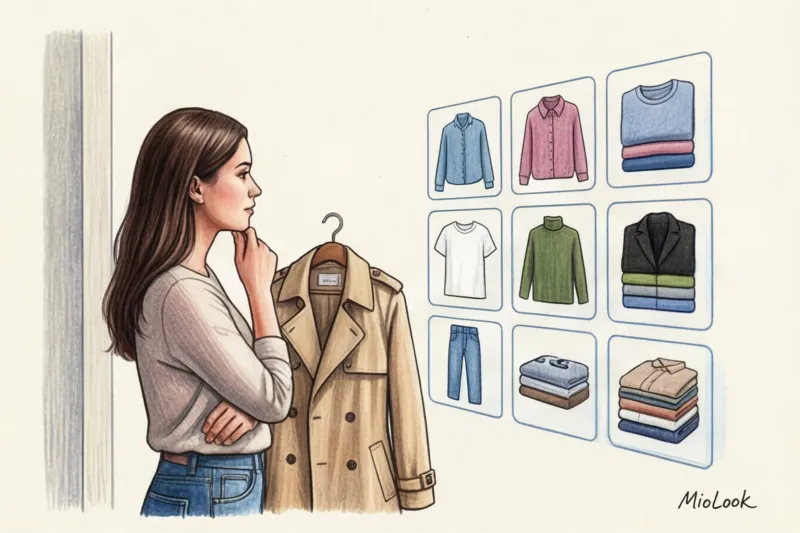
Remember the iconic scene from the 1995 film Clueless, where Cher Horowitz puts together an outfit using a computer monitor? For millennials, it was a cherished dream. Today, that magic is contained within a smartphone. You download the program, upload photos of your clothes, and voila— The app collects looks from my clothes. in a couple of seconds. But why, in practice, do the results often look like you were dressed in the dark by a three-year-old?
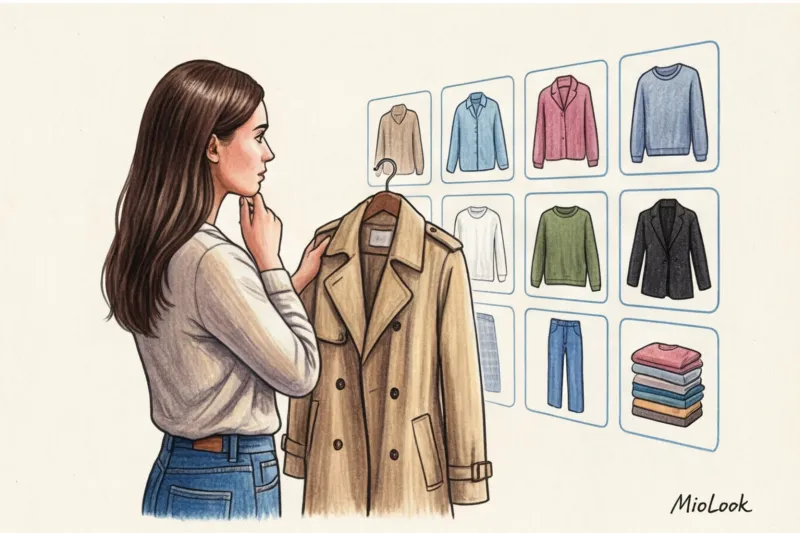
As a practicing stylist and colorist, I constantly hear from my clients: "Darina, this neural network doesn't understand anything! It's suggesting I wear sweatpants with a silk slip top!" We covered the technical underbelly of machine learning in more detail in our a complete guide to neural network stylists , and today we'll explore the practical part. I'll explain how to properly digitize your closet so that the algorithm becomes your personal assistant, not a generator of awkward combinations.
Expectation vs. Reality: How an App Creates Looks from My Clothes
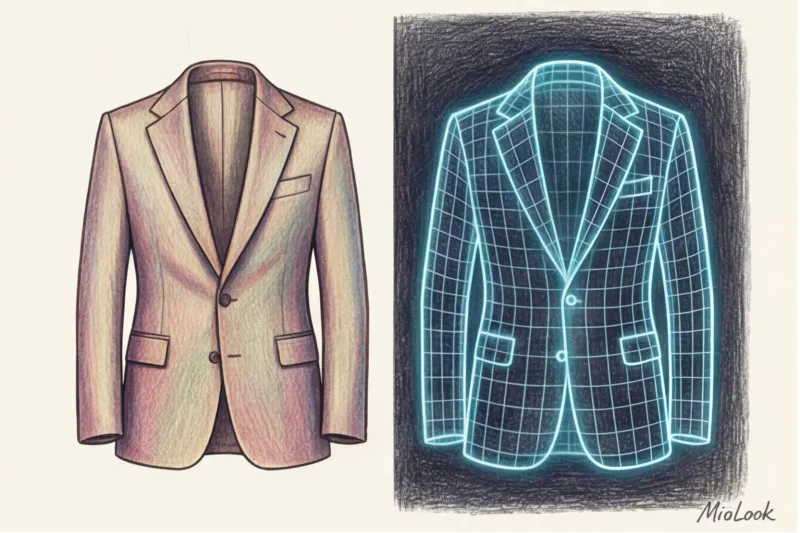
Let's get this straight: artificial intelligence doesn't understand "Parisian chic," "elegance," or "old money vibes." When you upload a photo of a jacket, Computer Vision algorithms don't see its status symbol. They see a set of pixels, a geometric shape (in programming, this is called bounding boxes — bounding boxes) and numeric color values (RGB or HEX codes).
The difference between a soulless clothing randomizer and a truly intelligent app lies in the underlying styling rules. But even the most advanced AI suffers from a lack of context. A neural network sees "lingerie-style top" and "drawstring trousers." From the perspective of bare geometry and Itten's color wheel, they may be a perfect match. But the algorithm is still unable to touch the fabric and understand that glossy silk looks odd next to loose fleece.
According to the McKinsey report "The State of Fashion 2024," algorithms misidentify fabric texture (for example, mistaking real silk for cheap polyester) 40% of the time if the photo is taken without good lighting. AI is about mathematics, not intuition.
The Biggest Mistake of Digitalization: The "Garbage In, Garbage Out" Rule
There's a golden rule in the IT industry: "Garbage in, garbage out." This applies equally to your virtual wardrobe. The most counterintuitive advice I can give you is this: Never start digitizing things immediately after downloading an app.
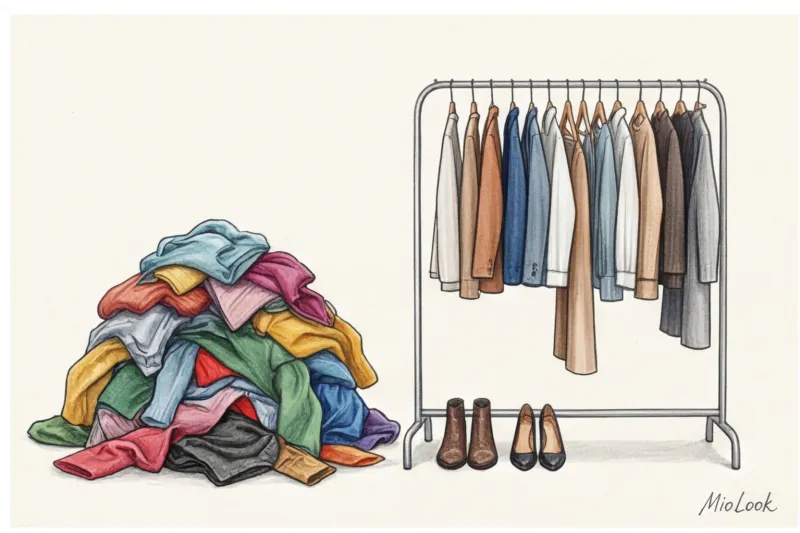
Many people believe in the myth that a neural network will magically save a wardrobe full of disparate, outdated, or ill-fitting items. Spoiler: it won't. If you feed a database of a jumble of stretched-out, pilling sweaters, low-rise jeans from the 2010s, and blouses that are waiting for you to lose 5 kilograms, you'll end up with perfectly organized chaos. The neural network will simply generate hundreds of outdated and ill-fitting looks.
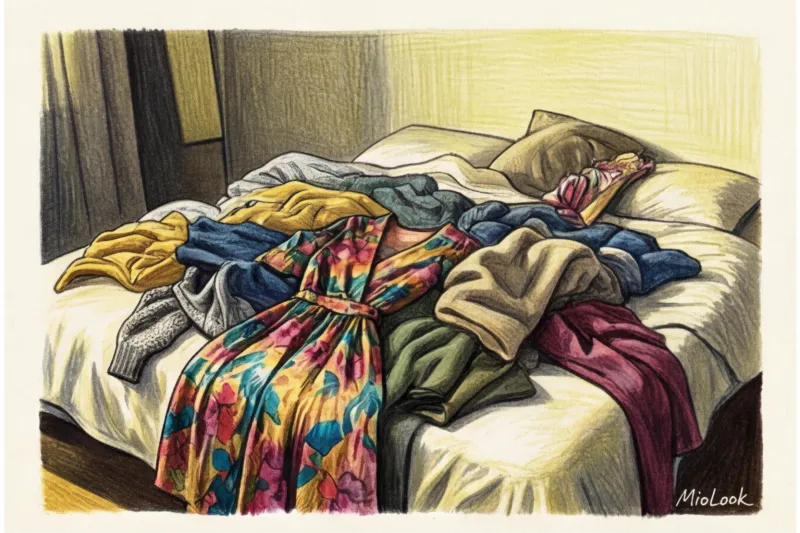
AI is a great navigator. But it won't take you to your destination if your car has flat tires. First, a thorough inspection and capsule formation , then the phone and camera.
Access to MioLook for €0.99 — one-time payment
A smart AI stylist will select the perfect look from your best items.
Get access — €0.99 onceColor and AI: Why Light Matters
As a certified colorist, I want to address the biggest pain point of digital colorization: color distortion. One of my clients, Marina, complained that the app persistently suggested "dirty" autumn palettes and combined incompatible colors, even though her natural coloring is a contrasting, clear winter. I asked to see the original photos.
It turned out Marina had photographed her entire wardrobe that evening, laying the items out on her bed under the light of an ordinary household chandelier with yellow incandescent bulbs. To the human eye, a white top appears white. But the camera's sensor and neural network read the actual color temperature. The yellow light transformed the crisp white cotton shirt into a warm beige, and the emerald skirt into a swampy olive green.
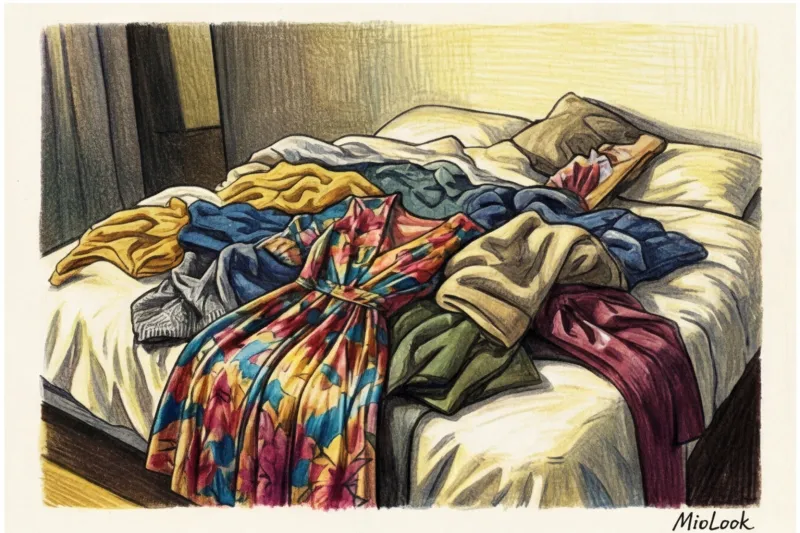
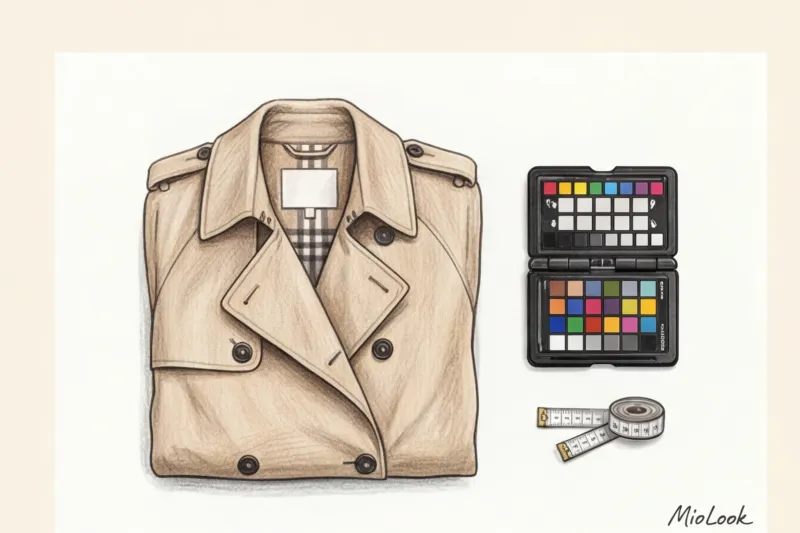
As a result, the white balance was broken, and the AI began to build images based on false HEX codes. My strict advice: Photograph clothes exclusively in daylight, preferably near a window, but avoid direct sunlight, which creates harsh black shadows.
A stylist's guide: how to properly photograph items for a neural network
So that the algorithms MioLook or any other application, they need high-quality source files to work 100%. Forget mirror selfies—neural networks need isolated objects.
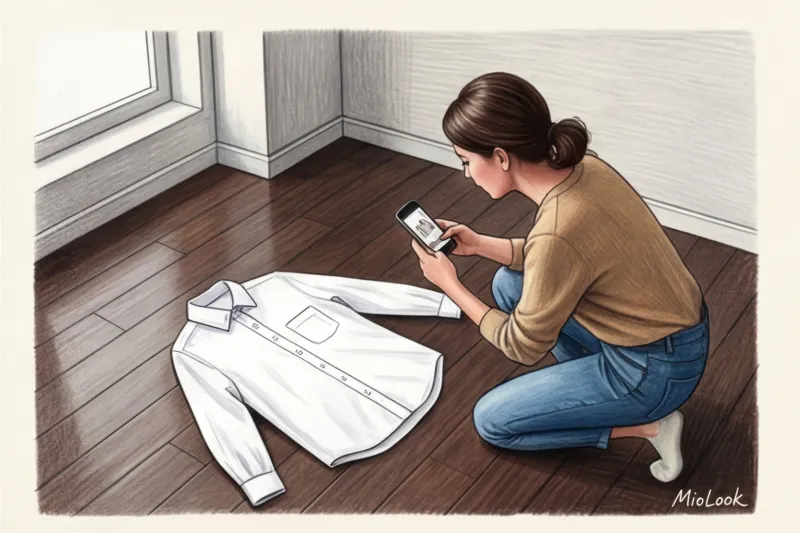
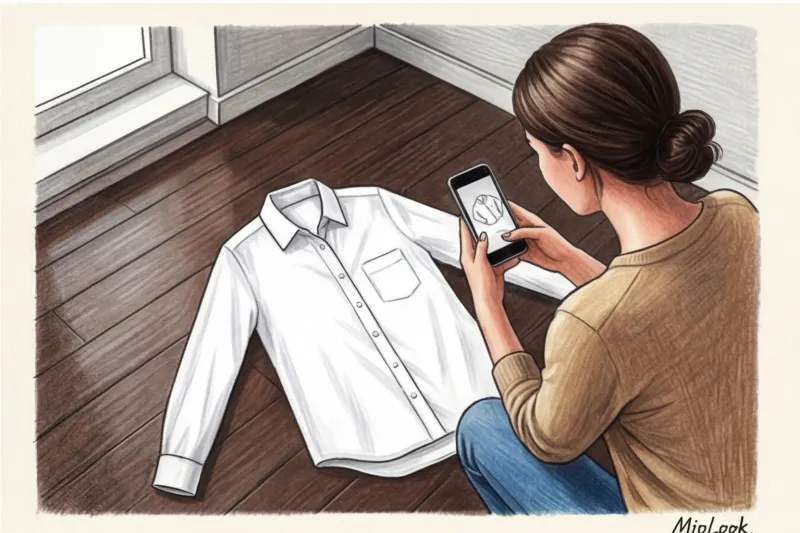
- Choice of background (contrast is everything). Photograph light-colored items against a dark background (for example, a dark wooden floor), and dark-colored items against a light background. This is critical for the background removal feature to work properly. If you photograph a gray cardigan on a gray carpet, the AI will inadvertently "nibble" off a piece of the sleeve.
- Flat lay versus hanger. In my experience, laying items flat produces the best results. Shooting on a hanger distorts the proportions of the shoulders, and the algorithm may misread the silhouette. Lay the item flat, just like you'd see it online. Hold the camera strictly parallel to the floor at a height of about a meter.
- Preparing the invoice. Ironing is a must! AI doesn't understand what "just wrinkled in the closet" means. It can algorithmically interpret deep folds in fabric as drapery, a complex design element, or even a print.
- Air in the frame. Always leave 15-20% free space around the garment. Don't cut off the edges of trousers or jacket sleeves—the app requires the full dimensions of the garment.
What to upload to your virtual wardrobe and what not to
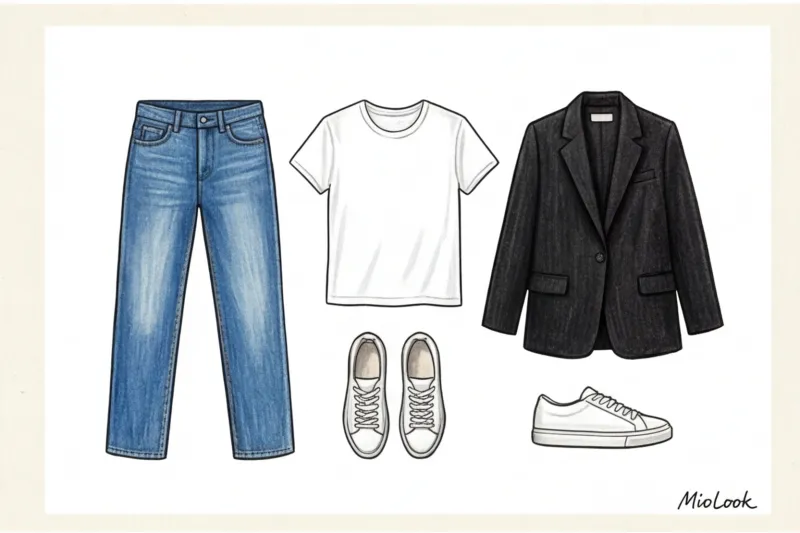
AI has its favorites. Straight-leg blue jeans, a white shirt made of heavy cotton (at least 180 g/m²), a classic beige trench coat, and black loafers are the perfect fuel for the algorithm. High-quality, clean-cut basics from brands like COS, Massimo Dutti, or Uniqlo are instantly recognized and paired flawlessly.
And now about when digitalization It doesn't work I had a fun experiment in my internship. I tried to digitally capture my complex, asymmetrical Rick Owens dress, replete with draping and unusual slits. Guess what the neural network did? It "misunderstood" the silhouette, cut it diagonally, and persistently suggested wearing it as a voluminous, avant-garde scarf.
If your style is built exclusively on Japanese deconstructivism (Yohji Yamamoto, Comme des Garçons) or you adore transformable items, the current generation of apps will struggle. AI thinks in categories ("skirt," "top," "jacket"). When a piece is hybrid, the system gets lost.
Also, don't waste time downloading:
- Home clothes and pajamas.
- Items with heavy wear (pilling and scuffs look like dirt in the photo).
- Ultra-specific outfits (like a bridesmaid dress you'll only wear once).
Your perfect look starts here
Join thousands of users who look flawless every day with MioLook.
Get access — €0.99 onceTagging: Teaching the algorithm to "feel" your style
Machine vision has successfully identified the dark blue jacket in front of you. Great! But now your job is to contextualize it. Without the right tags, the app will suggest a formal wool jacket for a Sunday stroll in 30°C.
To business capsule Don't mix it with relaxed casual, fill out the card for each item in as much detail as possible:
- Seasonality: Make a strict distinction. A cotton cardigan can be worn all seasons, but a cashmere sweater is only for fall and winter.
- Dress code: I recommend using tags: Office (formal), Smart Casual (Friday office/meetings), Weekend (relaxed), Evening (going out).
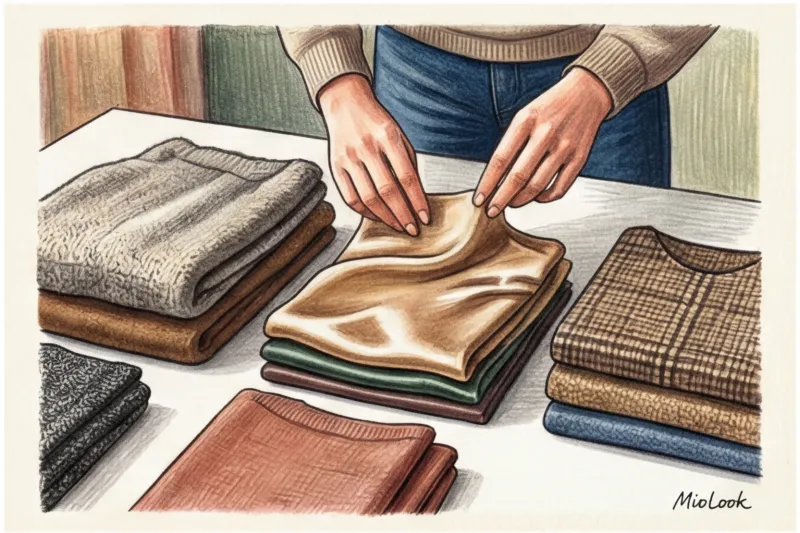
- Fit and texture: Note if the sweater has an oversized fit (then the algorithm will not suggest wearing a skinny jacket over it).
In the appendix MioLook This system has been taken to a new level. The app takes into account your personal preferences (body type, color type) and, with proper tagging, delivers results comparable to the work of a live stylist. After 12 years of working with clients, I can confidently say that with a high-quality digital database, you can save up to 15-20 minutes of time each day getting ready in the morning.
Checklist: 5 Steps to a Smart Digital Wardrobe with MioLook
So, let's recap the process. How do you turn a pile of clothes into a smart system that works for you?
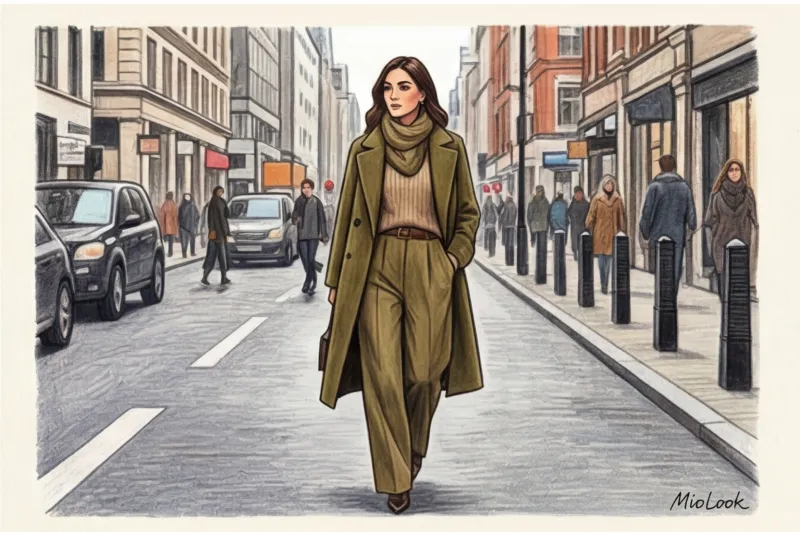
- Audit and strict selection. Don't try to upload all 150 items at once. Start with basic wardrobe skeleton: Select 30-40 current items that you actually wear.
- Light photo session. Set aside an hour on a weekend. Photograph items in natural light from a window, laying them out on the floor.
- Background cleaning. Upload your photos to the app—the built-in AI will carefully cut out the background, leaving only the item itself as a digital sticker.
- Detailed tag settings. Write down the season, style, and fit characteristics for each item. This will take time, but the investment will pay off a thousandfold.
- Algorithm training. The neural network learns from your actions. Generate looks daily and be sure to like or dislike the suggested options. Over time, the AI will learn your personal stylistic preferences.
A neural network isn't a magic wand that will create your style from scratch. It's a powerful analytical tool. Treat uploading your wardrobe as seriously as populating a working database. Set aside one day for high-quality digitalization, and you'll forever forget about the problem of "a full closet, but nothing to wear."
Ready to get started?
Try a free plan—no commitments. Organize your closet now.
Get access — €0.99 once