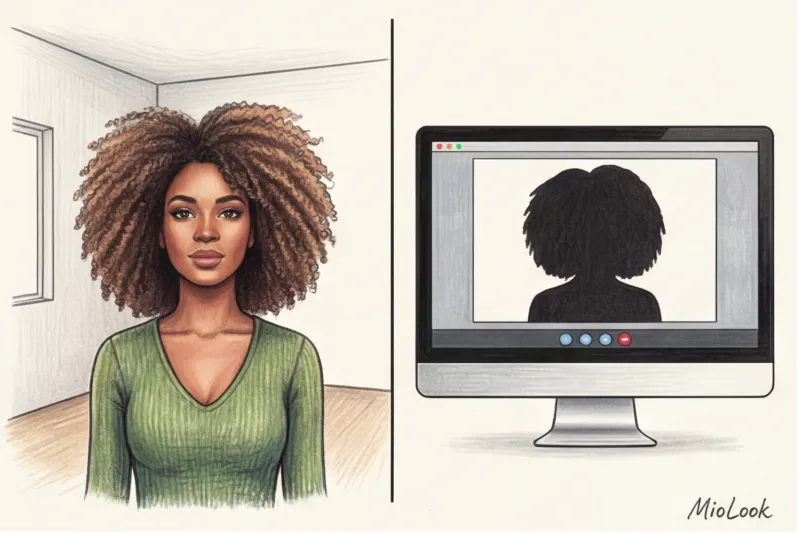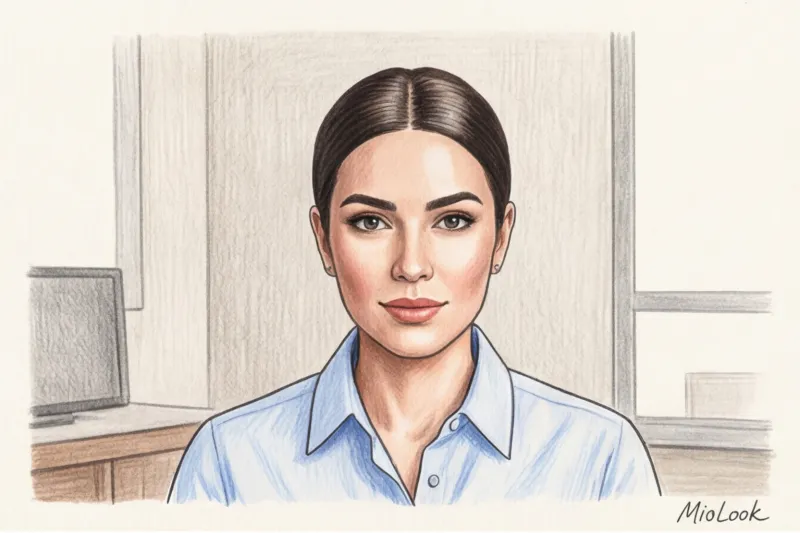
Have you ever noticed how you look like a Pinterest heroine in the mirror before starting the workday, but as soon as you turn on your laptop camera, a tired brownie appears on the screen? In my experience, this is the most common complaint from clients who have switched to remote work.
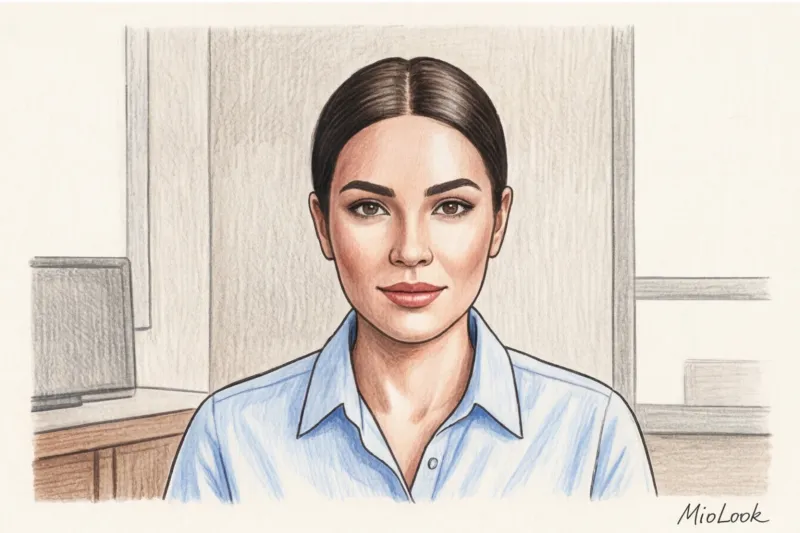
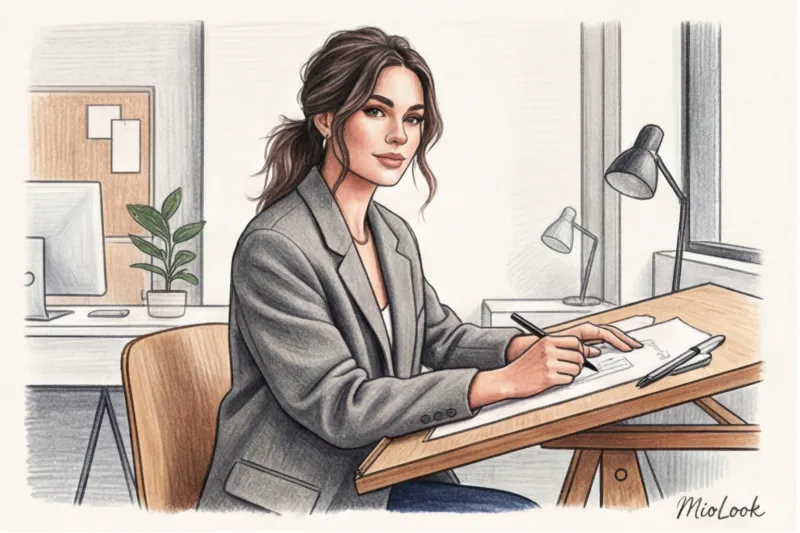
Anna, a Senior UX designer, recently contacted me. She'd invested a sizable sum in "homemade" cashmere, but during online presentations she continued to lose her cool and looked like she'd just woken up. The problem wasn't her clothes. The camera mercilessly distorted her signature "messy" bun, turning the stylish texture into a banal sloppiness. I wrote more about how clothing and appearance affect our work ethic (the so-called Enclothed Cognition Syndrome) in our The Complete Guide to the Freelancer Hybrid Pod.
In video format, there's a strict 7-second rule: that's how long it takes for the other person to judge your professional level. And the right ones hairstyles for Zoom These aren't complicated braids from tutorial videos. These are smart hairstyles that can be created in 60 seconds, taking into account your webcam's optics and whether you're wearing a headset.
Zoom Hairstyles: Why the Messy Bun Is Your Biggest Mistake
A favorite among freelancers messy bun (a messy bun with loose strands) looks dynamic and stylish in 3D life. But the flat 2D image of a 720p webcam kills all the depth. What appears to be a subtle texture in real life, the lens reads as "I haven't had time to wash my hair."
It's all about focal length. Most built-in laptop cameras have a focal length of around 28mm. This is a wide-angle lens, which optically widens the face and flattens hair. If you have unruly strands of hair sticking out at the sides, the camera will visually flatten them against the width of your cheeks.
"The rule of contrast applies to a webcam lens: the more relaxed your attire—even if it's a premium wool sweater for €150—the smoother and more composed your look should be. Otherwise, your image falls apart."
In addition, a Stanford University study (2021) on the phenomenon Zoom-fatigue A study showed that constantly looking at your own disheveled appearance on screen increases cognitive load and stress levels by 15%. You subconsciously become distracted by your hair instead of focusing on the negotiations.
Anatomy of a Frame: What a Webcam Does to Your Hair
To understand how to style your hair for a phone call, you need to know what visual enemies we encounter in the frame.
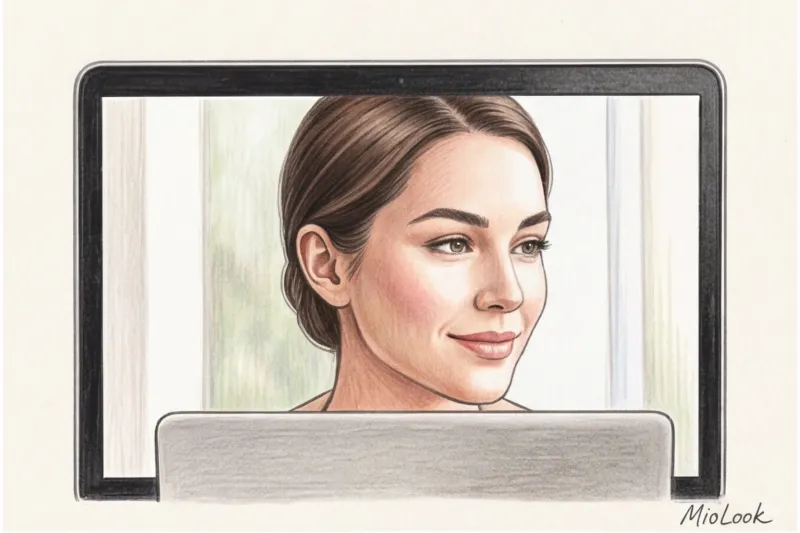
1. The "cut-off crown" effect. Have you ever noticed that your head sometimes looks disproportionately small on Zoom? This is due to the incorrect screen angle. In the frame, the volume at the roots (especially at the crown) is three times more important than the length of your hair. The camera will simply crop out the curls flowing over your shoulders, while the flat crown will remain at eye level with the person you're talking to.
2. Backlight from the monitor. Blue light from a screen acts like a merciless, inverted ring light. It reflects off the hair cuticle, highlighting even the slightest frizz and unevenness. Porous, slightly curly hair looks dry and dull in this light, even if you've applied an expensive oil this morning.
3. Focus on the portrait area. Colleagues' attention is focused exclusively on the "eyes-nose-chin" triangle and the strands of hair framing it. Anything at the back is irrelevant. That's why we need hairstyles that open up the face and create a clear geometric line at the front.
Access to MioLook for €0.99 — one-time payment
A smart AI stylist will select the perfect look and show you how different hairstyles change the proportions of your face.
Get access — €0.99 once7 Quick Hairstyles for Zoom (When You're 2 Minutes Before the Call)
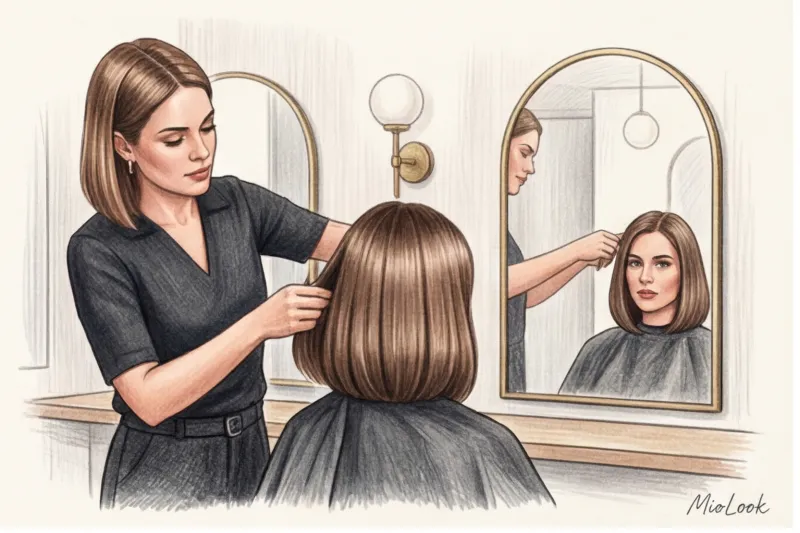
If you only have a couple of minutes before a sudden call with a client, forget about the blow dryer and flat iron. The general principle of a successful Zoom haircut is maximum smoothness, clean lines, and hair pulled back from the face. If you're unsure which style will suit you, I recommend testing options through MioLook - this will save time on experiments.
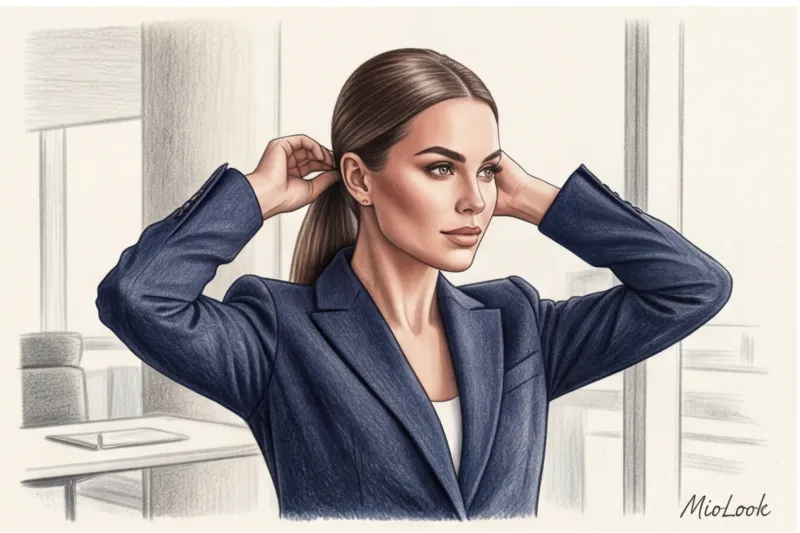
1. Sleek Low Bun
This is the perfect uniform for negotiating rate increases or challenging client calls. The severity of this hairstyle instantly pulls the look together, even if you're wearing a basic white T-shirt.
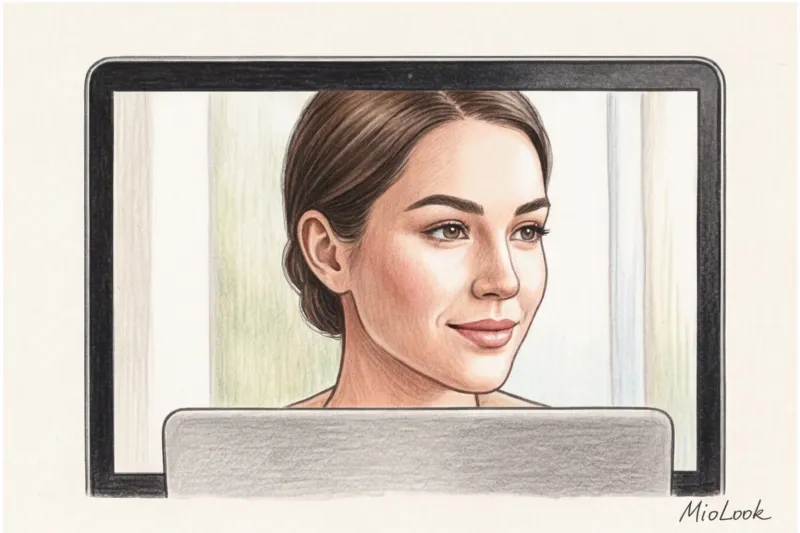
- Time: 60 seconds.
- Technique: Create a sharp, straight parting with a fine-tooth comb. Gather your hair into a low ponytail at the nape of your neck. Twist the ponytail and secure with bobby pins. The key is to smooth down any frizz with a stick or a drop of gel.
- Visual effect: It opens the collarbones and visually stretches the neck in the tight rectangle of the screen.
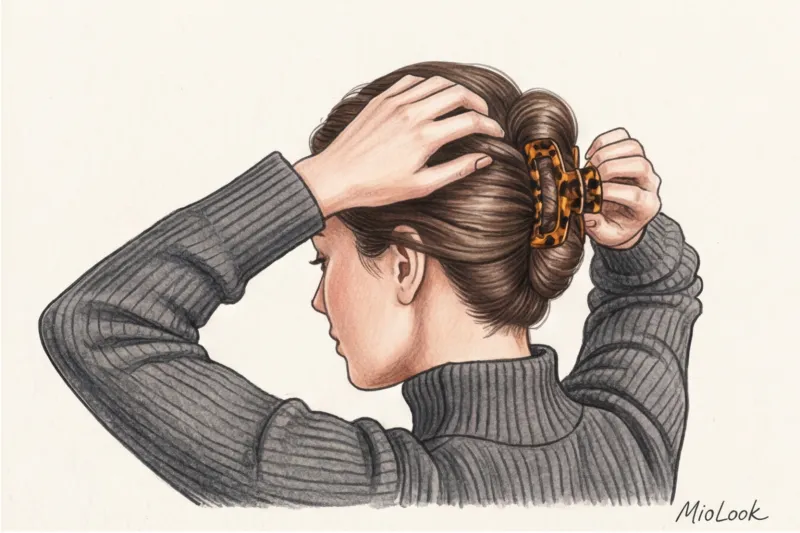
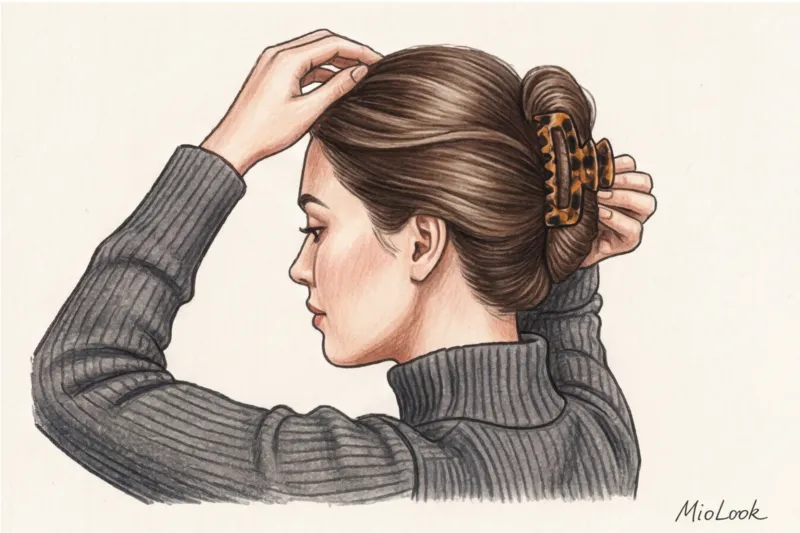
2. Fake shell with a massive crab
A real lifesaver when your roots aren't looking their best and you're out of dry shampoo. But there's a strict rule: the status of your hairstyle depends 100% on the material of the accessory.
- Material: No thin, shiny plastic with rhinestones. Choose thick tortoiseshell acetate or matte metal. Hairpins made of & Other Stories or Massimo Dutti in the range of 15–25 € look like luxury items in the frame.
- Technique: Gather your hair back, twist it tightly from the bottom up, tuck the ends under, and secure with a clip. Be sure to pull out a couple of thin strands from the temples to soften the contours of your face.
3. "Malvinka" with an accent hairpin (Half-Up)
The perfect compromise if you want to keep your hair down but away from your face. This is crucial: when strands get in your eyes, you reflexively move your hands to tuck them away. On screen, this constant flicking of your hands comes across as nervousness and insecurity.
Gather the top third of your hair at the crown and secure with a minimalist geometric clip (such as a metal arch from COS ). This will instantly create that very volume on top that the webcam “loves”.
4. Padded Headband
A 5-second trick that brings us back to the aesthetic of "quiet luxury." As the WGSN research institute notes, the trend for voluminous accessories for the portrait area is only accelerating thanks to the remote work culture.
- Materials: Velvet, smooth leather, thick cotton. Strictly no bows, sequins, or logos.
- Effect: The thick bezel acts as an architectural frame. It visually elongates the top of the head, making facial features appear more refined in the laptop's distorting lens.
Your perfect look starts here
Join thousands of users who look flawless every day with the MioLook smart wardrobe.
Get access — €0.99 once5. Low Textured Ponytail
If you have thick, heavy hair, buns can pull on your scalp and cause headaches by the end of the day. A low ponytail is your alternative.
The secret to an expensive look: the elastic shouldn't be visible. Take a thin strand of hair from your ponytail, wrap it around the elastic, and pin it under the base with a bobby pin. To prevent your hair from hanging limply, spray the lengths with a texturizing spray or dry shampoo and fluff them lightly with your fingers.
6. Side Part Flipped
An emergency way to add volume to straight, flat hair without using a blow dryer. If you usually wear a center parting, the roots will adjust to this position and become smoother.
Simply sweep the bulk of your hair to the opposite side, creating a deep asymmetrical parting. Comb the smaller part smoothly behind your ear and secure with a flat bobby pin. You'll get luxurious Hollywood volume at the roots, literally out of thin air.
7. Hidden micro-braid near the face
A life hack for those with overgrown curtain bangs that constantly fall into their eyes when leaning over the keyboard: Separate the offending strand, braid it into a tight, thin braid toward the back of the head, tuck it under the rest of the hair, and pin it up.
From the front, it looks like neatly combed hair, and from the side, it creates a beautiful profile—especially important if you often turn to the second monitor during a call.
Emergency kit: what should be on your desk?
Over 12 years of working as a stylist, I've come to the conclusion that a cosmetic bag next to your laptop is as essential a professional accessory as a charger or a notepad. I personally have a mini-arsenal hidden right behind my monitor stand, which saves me from unexpected phone calls.
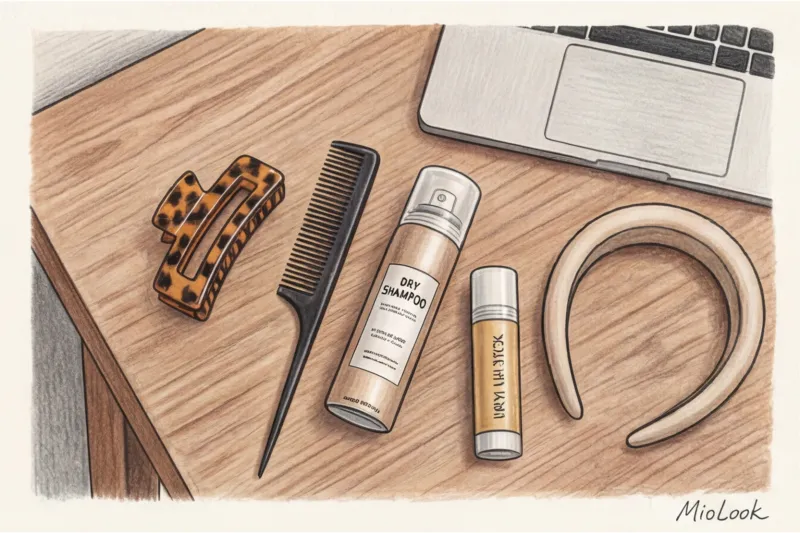
Here's what your desk set should include (budget under €50):
- Hair Wax Stick. My absolute favorite is - TIGI Bed Head Hair Stick (around €18) or similar. This is a must-have for Zoom: one sweep across the crown, and all the fuzz, illuminated by the monitor, is perfectly smoothed without looking dirty.
- Dry shampoo in travel format. Use it not only to cover up dull roots, but also to add volume to fine strands.
- A comb with fine teeth (tail). Ideal for creating a neat parting - the main marker of neatness.
- Status accessories. Keep two or three options on hand. For example, a minimalist metal pin and a high-quality acetate clip (€20–€25).
Headset and AirPods: How to Incorporate Headphones into Your Hairstyle
This is a huge technical pain point that stylists often forget to mention. Your headphones dictate the shape of your hairstyle, not the other way around.
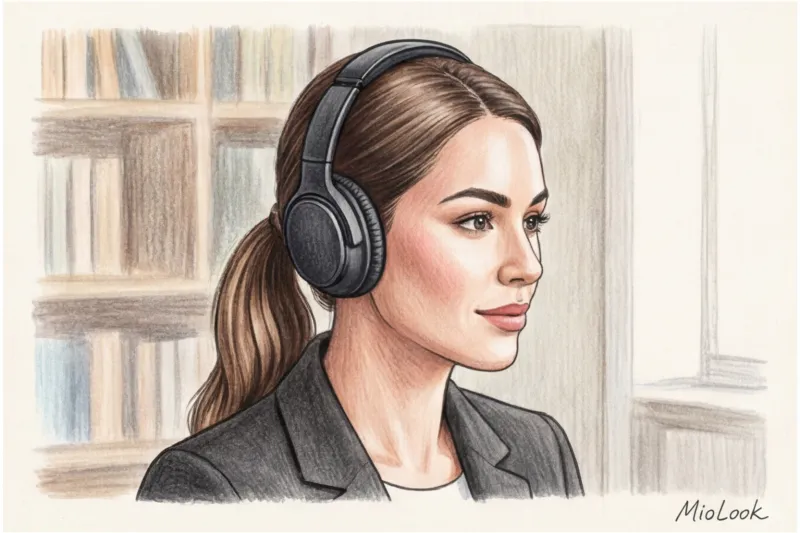
Over-ear headphones: Let's be honest—this is a fair limitation. If corporate standards require you to wear a massive gaming headset for six hours a day, no high bun or headband will survive. The headband crushes any volume on the crown and physically interferes with hairpins. Your only comfortable option is a low, sleek ponytail or a low bun that's perfectly level with your neck.
In-ear headphones (AirPods and similar): There's another problem here. If you wear your hair loose, it constantly rubs against the microphone stem of your earpiece with the slightest movement of your head. It's unnoticeable to you, but your colleagues hear a loud, unpleasant rustling sound in their speakers. The solution: hairstyles with your hair tucked behind your ears (like a ponytail, bobby pins, or a headband).
Checklist before clicking "Join Meeting"
Don't trust the bathroom mirror—it won't show you how you'll be seen on the other side of the screen. Your primary mirror is the preview window in your phone app.
- Turn on the camera in preview mode 1 minute before the start. Check if the camera has eaten up the volume.
- Remove the "halo". If you have fuzz around your head, smooth it down with a stick. Life hack: if you don't have a stick, rub a pea-sized amount of regular hand cream between your palms and lightly brush it across the crown of your head.
- Check the background. If you have dark hair and are sitting against a black leather chair or a dark wall, you'll appear floating in the video. In this case, it's best to pull your hair back to expose your neck and create contrast.
Your appearance while working remotely is as much a visual interface for your work as a PowerPoint presentation or neatly formatted code. Take 60 seconds to style it correctly so that it always conveys expertise and a premium approach.