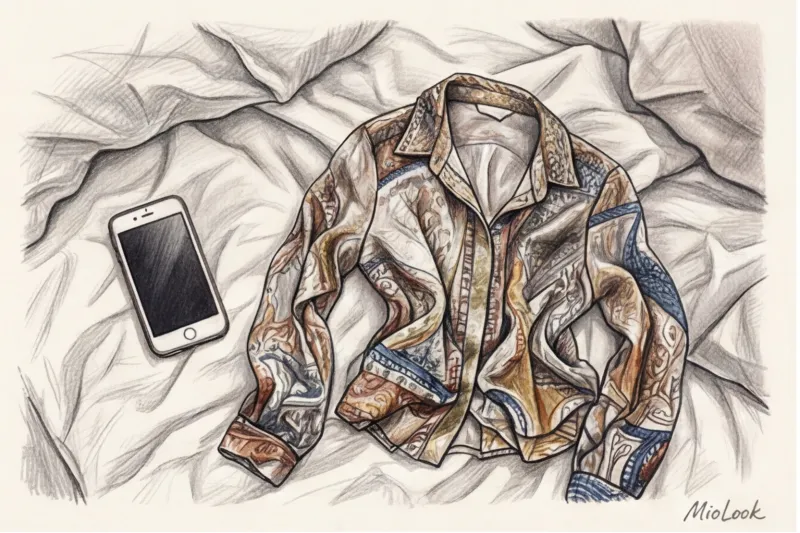
About a month ago, a client approached me with a stunning wardrobe: a meticulous Jil Sander collection, Loro Piana sweaters, and impeccably tailored palazzo pants. The total value of her wardrobe exceeded €15,000. She decided to digitize it in an app so I could create looks for her remotely. But when I opened her profile, instead of luxurious minimalism, I saw dozens of shapeless black and gray patches with cut edges. The luxurious cashmere looked like a doormat, and the pants seemed asymmetrical.
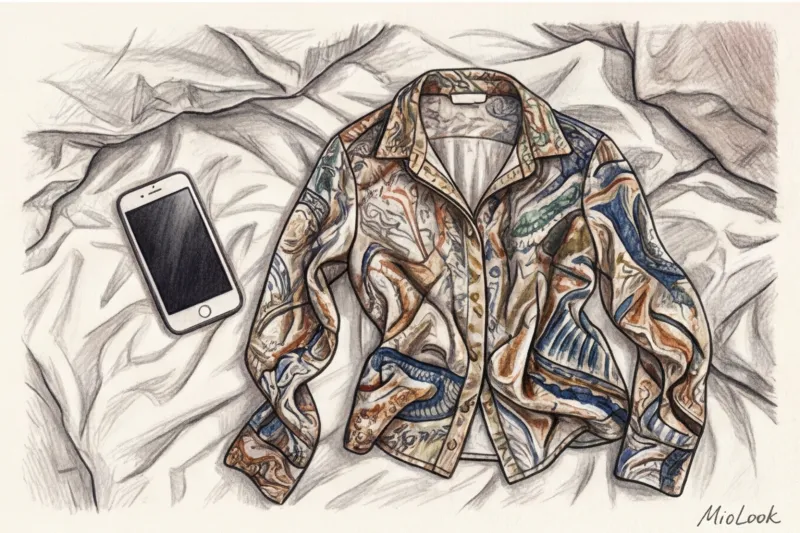
The reason? She simply threw things on the rumpled bed and photographed them at an angle under the light of the bedside lamp.
How you prepare an item for a photo shoot determines how smart your virtual closet will be. We covered this in more detail in our A complete guide on how to photograph clothes for a virtual wardrobe Today, I want to share the professional secrets of e-commerce stylists. Forget the banal advice from the internet. We'll break down the anatomy of a frame and find out... How to properly lay out clothes for photos so that Computer Vision algorithms can perfectly calculate the silhouette, texture and shade.
Why Artificial Intelligence Doesn't Understand Your Stuff
There's a golden rule in programming: "Garbage in, garbage out." This applies perfectly to wardrobe digitization.
When I talked to the engineers who develop the algorithms MioLook , they explained the mechanics in simple terms. A neural network doesn't see "a beautiful dress from Zara." It sees a pixel array and looks for contrasting edges (edge detection) to separate the object from the background. If you photograph a wrinkled sleeve, for the AI it's not a crease—it's a physical deformation of the cut. The algorithm will decide it's looking at an asymmetrical, oddly shaped garment, and in the future, the image generator will suggest absurd combinations.
Try MioLook for free
A smart AI stylist will select the perfect look based on your items.
Start for freeHanger vs. Layout: Which to Choose for Digitization?
There's no single right way to prepare an item. I often see girls trying to lay a flowing silk dress on the floor, ending up with a puddle of fabric. Or, conversely, hanging a heavy wool cardigan on a hanger, which instantly stretches under its own weight.
Professional merchandisers use the "drape test." Place the item on a table. If it holds its shape and its contours are easily readable, it needs to be laid. If the fabric spreads and bunches up in random folds (like viscose or silk with a density of less than 19 momme), hang it.
When a hanger saves the day
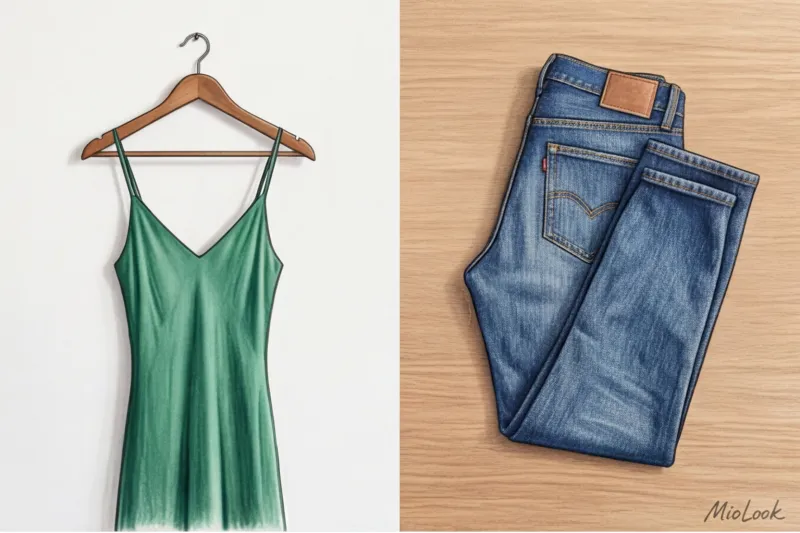
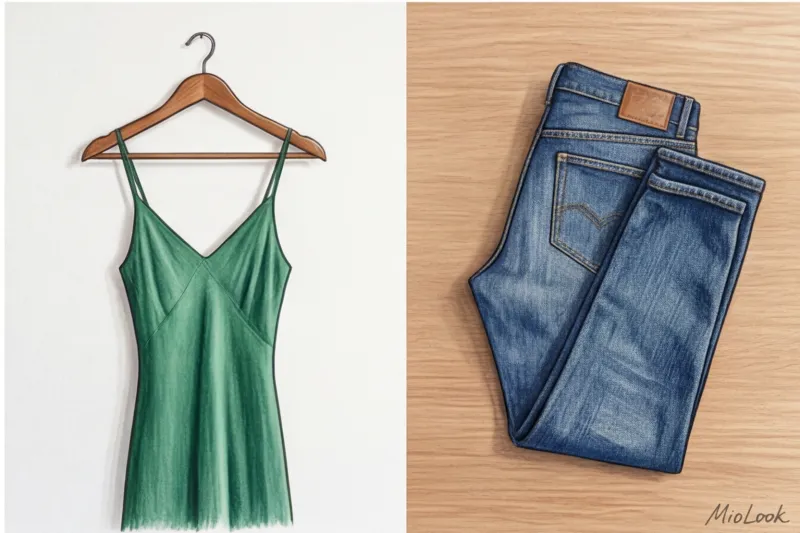
Vertical photography is a godsend for lightweight fabrics (silk, chiffon, fine viscose) and complex cuts. Slip dresses, bias-cut maxi skirts, and ruffled blouses lose their structure when viewed flat.
But there is a hard and fast rule here. Use only Sturdy, anatomically shaped wooden or plastic hangers are recommended. Thin, dry-cleaned wire hangers distort the shoulder line, making it appear sharp, and in the final collage, your jacket will look like it has sharp '80s shoulder pads sewn into it. Also, hangers shouldn't be transparent—algorithms often can't erase them correctly.
The perfect flatlay for a smart wardrobe
Jeans made of thick raw denim, structured trousers, T-shirts made of thick cotton (from 180 g/m²) and chunky knit sweaters - their place is strictly on the flat surface.
Laying gives you complete control over the shape. When laid vertically, heavy trousers often bunch up at the crotch or knees, creating deep shadows. Laying flat allows you to perfectly smooth the fabric, providing the neural network with a crystal-clear silhouette.
Your perfect look starts here
Join thousands of users who look flawless every day with MioLook.
Start for freeHow to Arrange Clothes for Photos: E-Commerce Secrets
If you've ever looked at Farfetch or Net-a-Porter catalogs, you've noticed the absolute sterility of the product photography. According to a 2023 study by WGSN, high-quality visualization improves the accuracy of clothing selection algorithms by 40%. How can you achieve this at home?
First, the rule of contrast. Artificial intelligence needs a contrasting background to accurately remove edges. Light-colored items should be photographed against a dark background, and dark items against a light background. If you don't have a professional photography background, a simple €2 piece of drawing paper or a perfectly ironed plain sheet will do the job.
Secondly, the 90-degree angle. Even the slightest tilt of a smartphone turns straight jeans into skinny jeans with a giant waistband and tiny legs. During catalog shoots, stylists literally climb onto a small stepladder to keep the camera perfectly parallel to the floor.
And one more insider trick: always leave some "air" around your subject. A minimum of 10% free background on each side of the frame. If the edge of the sleeve touches the edge of the photo, the background cropping algorithm won't work correctly.
Anatomy of a garment: sleeves, collars, and belts
Laying something out doesn't just mean throwing it on the floor. It requires subtle styling.
- Sleeves: Never press them tightly against your torso. Spread them outward by about 15–20 degrees. This is critical for the AI to "see" your waistline.
- Volume: My favorite pro tip: If your jacket sleeves look flat and lifeless, stuff them with tissue paper or some rolled-up socks. This will restore their natural 3D volume.
- Fittings: Collars should be straightened symmetrically, and buttons should be fastened (at least every other one).
- Belts: If your trench coat has a belt, tie it in a neat loop next to it or tie it at the back. Don't tie it too tightly at the front, otherwise you'll disrupt the neural network's understanding of a straight silhouette.
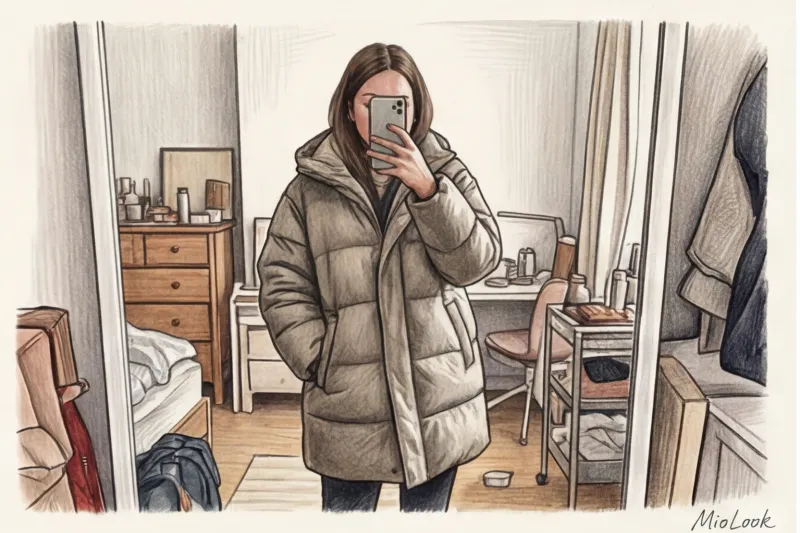
The biggest mistake: why you shouldn't take photos of clothes on yourself
The most paradoxical and counterintuitive point: Nine out of ten of my new clients believe that if they photograph the item on themselves (or on a mannequin), the AI will better understand the fit. This is a colossal mistake.
Mirror selfies are the worst enemy of the virtual world. capsule wardrobe What's really going on? You're covering part of the garment with your phone and hands. The curves of your body and your posture (leg forward) distort the actual proportions of the cut. And the background, such as an open closet door or colorful wallpaper, completely confuses the background extraction algorithm.
One of my clients spent a weekend uploading her looks from the Zara and Massimo Dutti fitting rooms into the app. Ultimately, the system couldn't generate a single decent outfit because, instead of the garment's geometry, she got a jumble of shadows, mirrors, and glare from the fitting room lamps. The only exception is specialized apps where you create your 3D avatar, but for basic inventory, you need a clean garment.
Light and color: how to avoid turning a navy blue sweater into a black stain
Color rendering is a pain point for any smartphone. As the PANTONE Color Institute (2024) notes, color perception is critically dependent on the color rendering index (CRI) of the light source. A typical yellow household incandescent bulb (around 2700K) literally "eats" cool pigments. Under it, dark blue, emerald, and cool burgundy turn into a dull black.
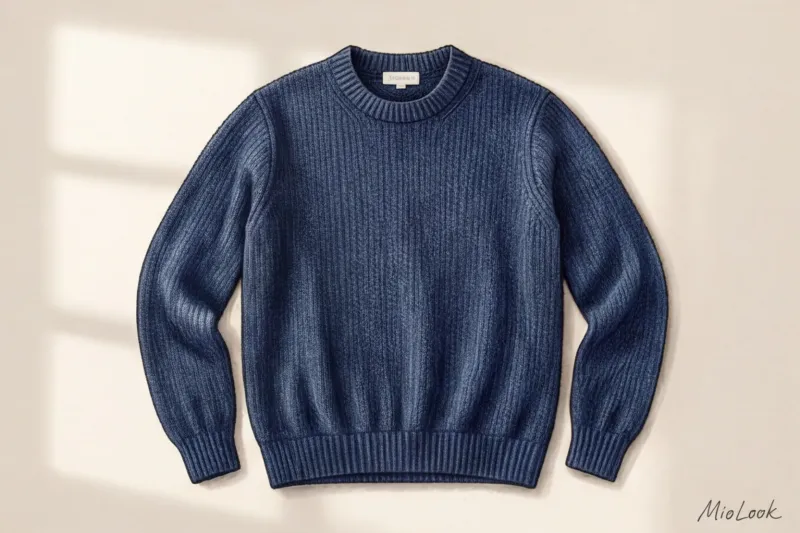
I already mentioned the story of the dark blue COS sweater, which the client persistently tried to pair with black trousers until the algorithm pointed out a color clash. The phone's sensor was trying to adjust the white balance due to the yellow chandelier and distorted the actual color.
How can you avoid this? The simplest and most free life hack is to move your makeshift backdrop (a sheet or poster board) close to a window on a cloudy day. Diffused daylight through the clouds produces an ideal temperature of around 5500K. It doesn't create harsh shadows and perfectly captures the texture of the fabric, whether it's loose cashmere or smooth satin.
Shoes and bags: the specifics of photographing accessories
Accessories require a special approach, as they are three-dimensional objects with a strict architecture. Naturally, a flat layout won't work here.
If you simply photograph an empty tote bag, it will look like a shapeless sack. Be sure to stuff it inside with craft paper, bubble wrap, or old T-shirts. It should look completely full. To beautifully hold a long strap in place in the frame, stylists use thin, clear fishing line tied to a tripod or simply place small, invisible supports (like erasers) under the strap.
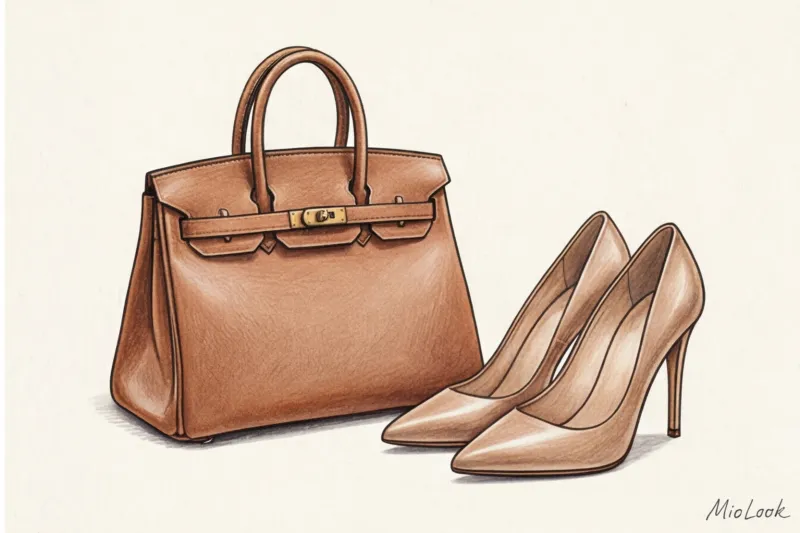
Shoes are a different story. Never take your shoes off from the top down (the "toe-on" view). From that angle, the AI (and you yourself, too) won't be able to tell whether they're flats or 10cm stilettos. Take your shoes off from the side or at a 45-degree angle from above. This is the only way to show both the shape of the toe and the height of the heel at the same time.
Ready to get started?
Try a free plan with no commitment and organize your accessories with ease.
Start for freeChecklist: Preparing for a large-scale wardrobe digitalization
The prospect of photographing 100 items seems daunting. But in practice, if you structure the process correctly, it takes minimal time. As a practicing stylist, I regularly digitally analyze my clients' wardrobes. My personal timeline: 20 items can be photographed perfectly in one hour.
Here's how to turn this process into a pipeline:
- Grouping: Don't jump from dresses to jeans. Divide your wardrobe. First, take pictures of all the items for hanging (set up the lighting, hang a hook on the wall). Then move on to laying out the clothes (laying out the backdrop on the floor). This saves up to 30% of the time spent re-setting the camera and backdrop.
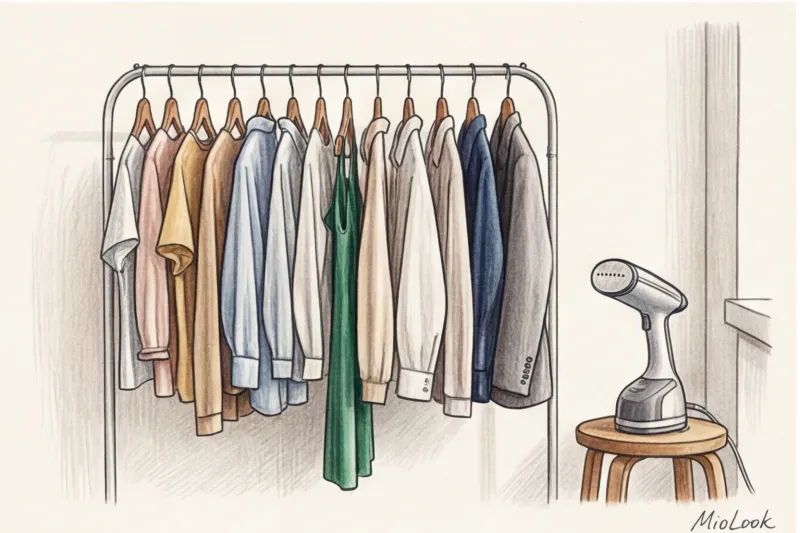
- Steaming: Your handheld steamer is your essential tool of the day. Yes, it's tedious, but a wrinkled item in your digital wardrobe will visually cheapen any well-put-together outfit. Spend two minutes steaming before you take the photo.
- Cleaning the lens: It sounds trivial, but fingerprints on a smartphone camera create a "fog" effect that reduces sharpness and prevents AI from recognizing fabric texture.
Your ultimate goal when digitizing isn't to create a highly artistic photo for social media. Your goal is to create a clear, technical "map" of the garment that both the algorithm and you can easily read on a small smartphone screen months after the photo is taken. Spend one evening on proper preparation, and your virtual wardrobe will serve you for years, flawlessly suggesting the perfect combinations for your figure.