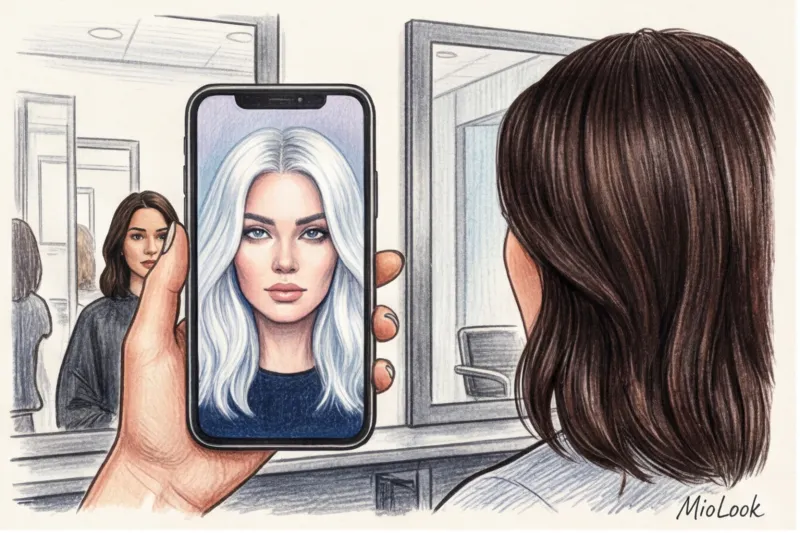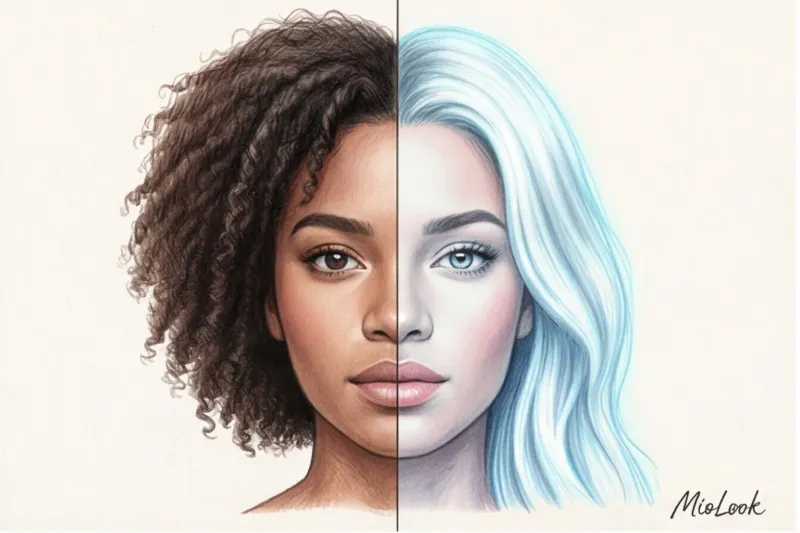
One of my clients, let's call her Anna, had been dyeing her hair with a mass-market household black dye for five long years. One day, she came to me for a consultation with an ecstatic look in her eyes and a smartphone screen, where an icy, platinum blonde stared back at me. "Look, Camilla!" she exclaimed. "I was able to pick out a hair color from a photo online in two minutes, and it's exactly the shade I want for spring." In the picture, she truly looked like a Nordic goddess: fresh, radiant, with a perfect complexion. I had to take a deep breath and break her heart.
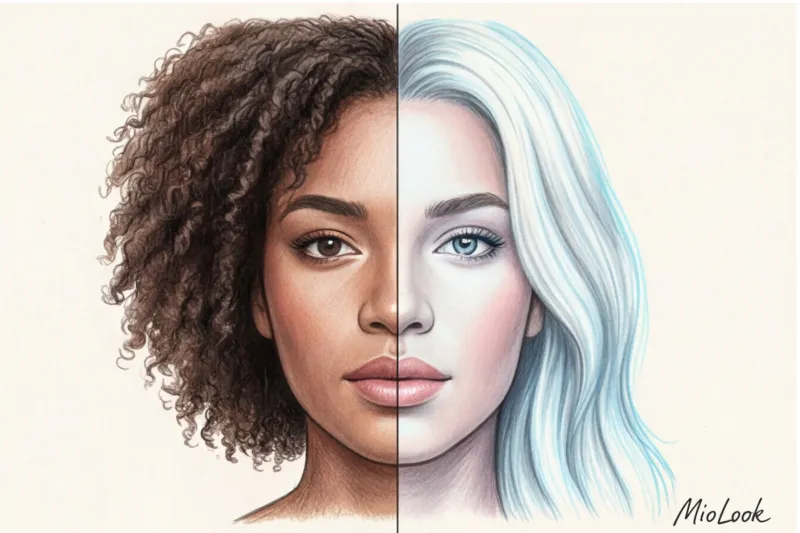
This generated photo was a flawless example of digital illusion. The algorithm didn't just change her hair color; it performed work that would be impossible in the physical world without loss. We discussed in more detail how technology distorts our perception of our own appearance in our The Complete Guide to Trying on Hairstyles Online: Why AI Lies to You.
The Illusion of the Perfect Shade: Why Choosing a Hair Color from a Photo Online is Just the First Step
Over 12 years of working in fashion journalism and styling, I've watched the industry evolve from Vogue magazine clippings to Pinterest boards, and now to generative neural networks. Today, trying on a new look takes three seconds. But it's precisely this speed that conceals the main pitfall. Neural networks create inflated expectations by subtly "beautifying" your source material.
The algorithms are trained so that the final image is I liked it They see color as a set of pixels (RGB or HEX codes) that can be replaced with a single click. But AI is completely unaware of your hair's structure, porosity, density, and, most importantly, its chemical history. To the app, your black hair is simply the code #000000. To a colorist, it's a layered cake of heavy metals, artificial pigment, and damaged cuticles.
How Neural Networks See Your Color (and Why They're Misleading)
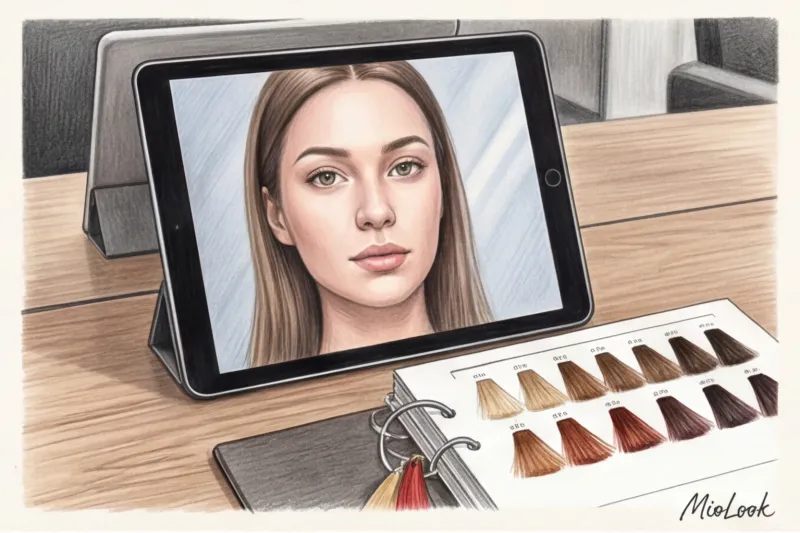
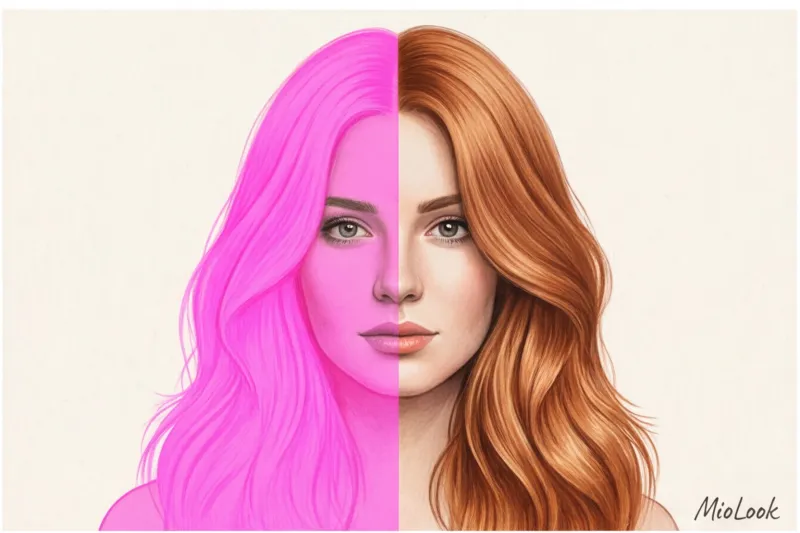
This is where the fun begins—the silent sabotage of algorithms. The main myth of virtual try-ons is: "If this shade looks good on me in the photo, it will look good in real life." In reality, to ensure a harmonious picture, most apps do something they don't warn you about. They change your skin temperature.
According to a WGSN study analyzing digital beauty trends (2024), up to 80% of popular AR masks and filters automatically adjust the user's undertone when radically changing their hair color. If you're a dark-skinned brunette with olive undertones and try on an ash blonde, the AI will slightly "whiten" your skin and add a cool glow. In real life, your skin will remain the same, but the icy hair color will make your face look sallow and sallow.
Base Blindness: Pixels vs. Chemistry
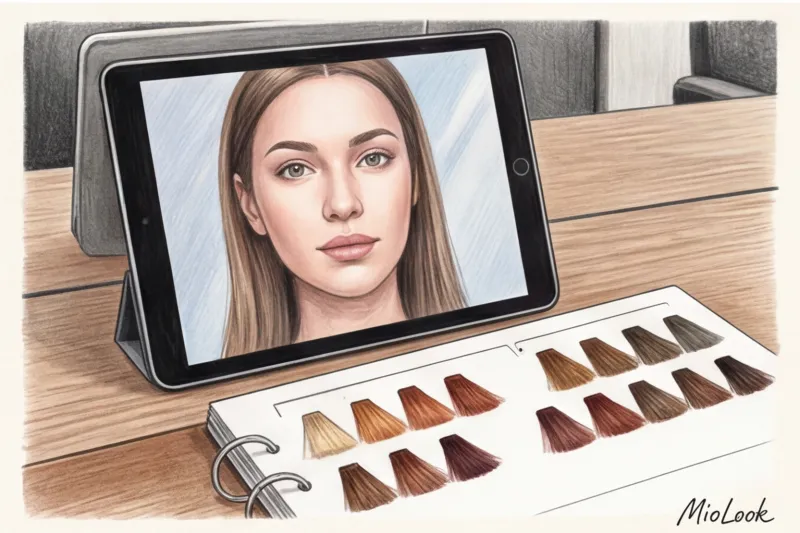
In professional circles, there's a concept called "Depth of Tone Level" (DTL). It's a scale of natural shades from 1 to 10. The neural network ignores your current DTL. It's also unaware of your makeup base. The algorithm doesn't know that you applied henna a month ago, which has permanently ingrained itself into the hair cortex.
Trichologists at Dr. Philip Kingsley's clinic emphasize the harsh physiological truth: a safe lightening effect in a single session is a maximum of 3-4 shades. Trying to take hair from a level 2 (dark brown) to a level 10 (platinum) in a single day destroys up to 60% of the disulfide bonds. Simply put, you'll go blonde, but your hair will remain in the hairdresser's sink.
Access to MioLook for €0.99 — one-time payment
A smart AI stylist will help you visualize looks that take into account your natural coloring and style.
Get access — €0.99 onceThe Laws of Coloristics: Translating the Results of a Virtual Fitting into Reality
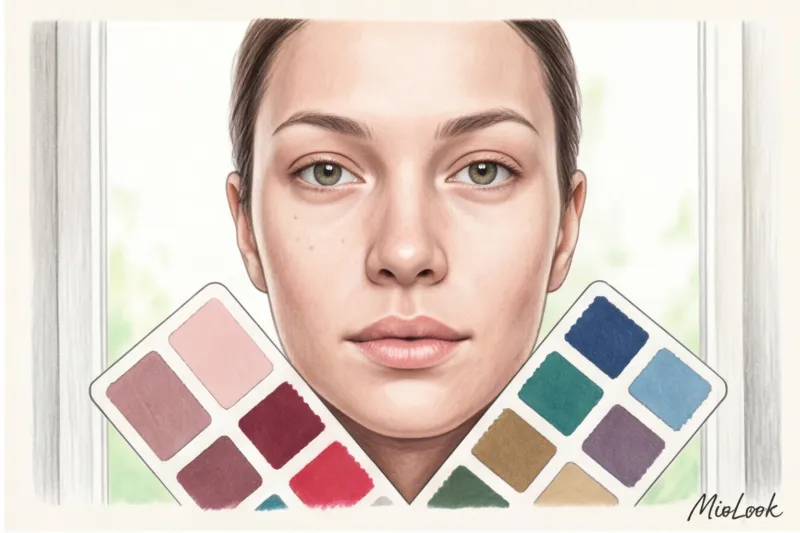
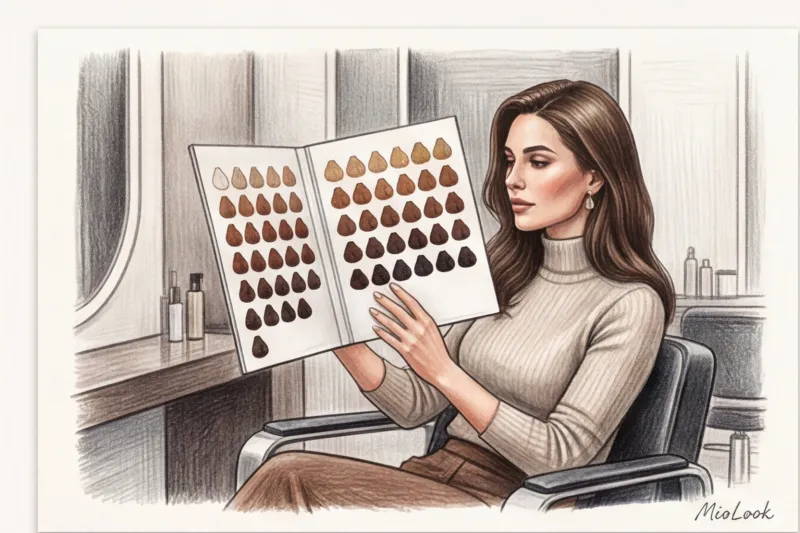
For the virtual try-on to be useful, its results must be filtered using the International Color Chart (ICC). On this scale, 1 represents jet black, and 10 represents very light blonde. Before opening the app, determine your current level. Most Slavic women have a natural base color of 6 (dark blond) or 7 (light brown).
A realistic try-on result follows the "safe step rule." Give the app a maximum of 2-3 shades lighter or darker than your current base color. This is the range a stylist can replicate in a salon without compromising hair quality. If you're at level 6, try on level 8 (light brown) instead of level 10.
Oswald's appearance temperature and star
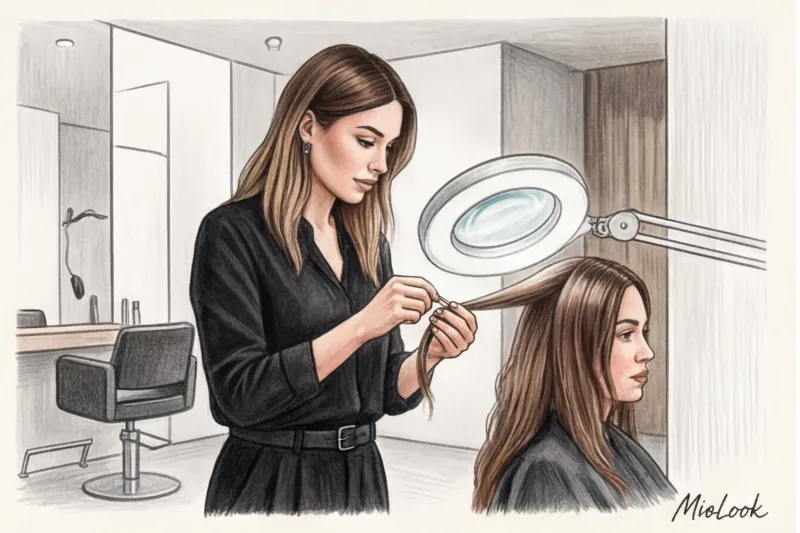
Colorists work according to the principles of the color wheel, known as "Oswald's Star." Colors opposite each other neutralize. If you want a cool blonde shade, the stylist will have to contend with your natural highlighting background (which is orange-yellow in blonde hair). The neural network simply overlays a gray filter. In reality, if you apply gray (blue pigment) to a yellow base, according to the laws of coloristics, you'll get a permanent green tint.
Another nuance: warm shades always appear visually lighter than cool ones at the same tone level. A copper level 7 will appear brighter and lighter than an ash level 7 because warm pigments reflect light better.
Your perfect look starts here
Join thousands of users who create stylish looks every day with MioLook.
Get access — €0.99 onceInstructions: How to choose the right hair color from a photo online
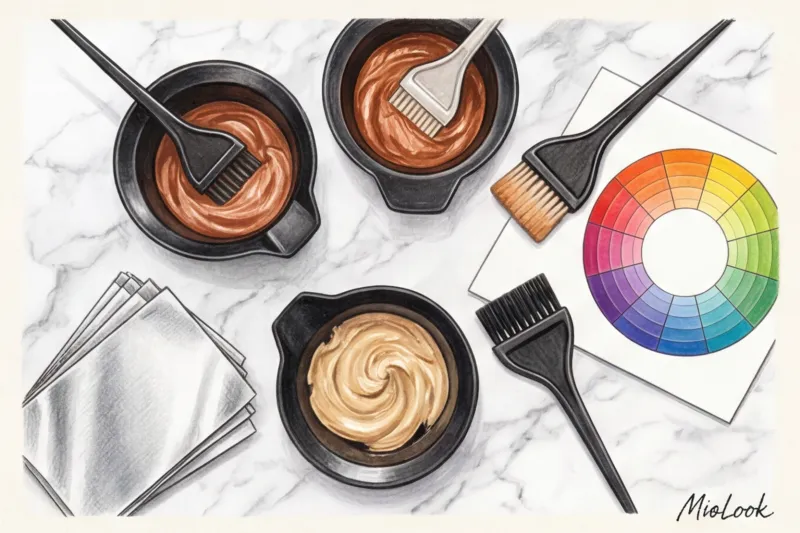
To get a realistic reference from AI, not a fantasy postcard, you need to properly prepare the source. Forget elevator selfies or evening photos from a restaurant. The ideal workflow looks like this:
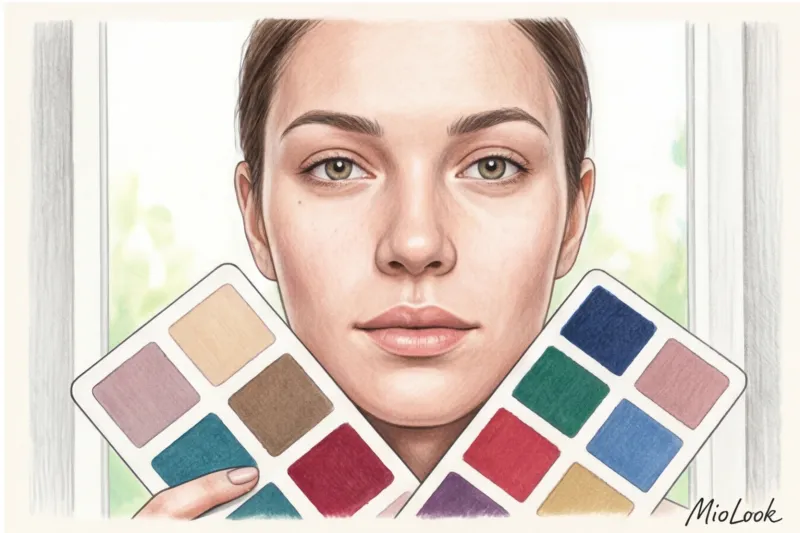
- Light and honesty: Stand facing a window in natural light (ideally, north-facing windows provide soft, diffused light without direct sunlight). Remove your makeup.
- No filters: It is strictly forbidden to use portrait mode (it blurs the hairline) and built-in beauty filters of the smartphone camera.
- Contrast test: When trying a new color, pay attention to your eyebrows and eyes. If your brown eyes seemed vibrant with dark hair, with blonde they might look like black holes without the support of active makeup.
- Wardrobe check: My favorite trick as a stylist: Created a new color? Immediately check how it pairs with your current wardrobe staples. A white COS shirt, a beige Zara trench coat, or your favorite navy Massimo Dutti jacket can look (or look) completely different with copper hair.
Important caveat: this method will NOT work if you have severe rosacea, couperose, or pigmentation. AI will smooth out these nuances in photos. But in real life, cool blondes or rich red tones will act like a magnifying glass, instantly highlighting every single vascular surface.
From visual to dialogue: how to show neuro-reference to a hairdresser
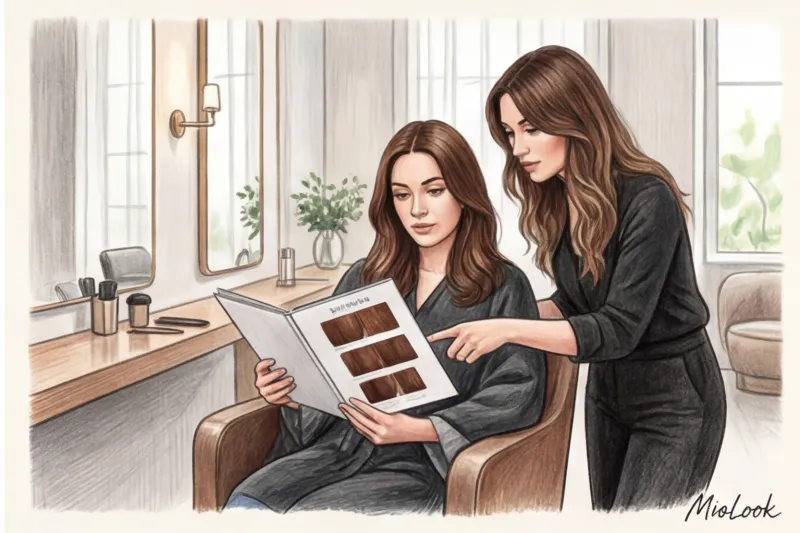
The phrase "Do it exactly like this picture" is the worst way to start a conversation in a salon chair. A professional colorist sees your AI photo not as the final result, but as a vector. In my experience, the best transformations have happened when clients changed their wording.
Instead of making demands, say, "I'm comfortable with this lightness," "I like that there's no red undertone," or "I want the same color density at the roots." This gives the stylist room to create a custom color recipe that works for you. yours skin.
And now comes the time for a "confession." You must tell your stylist about all chemical treatments you've had in the past three years. Keratin straightening, hair Botox, tonic, and basma—all are important. If you don't mention the keratin, the bleaching powder will simply "boil" your hair. A high-quality, complex coloring service in European salons costs between €150 and €350, while correcting a spotty blonde after concealing the chemical treatment will cost €600–€800 plus months of recovery.
Ready to start experimenting?
Try the MioLook plan for free—no commitment—and find your perfect style.
Get access — €0.99 onceConclusion: AI as a compass, not a promise
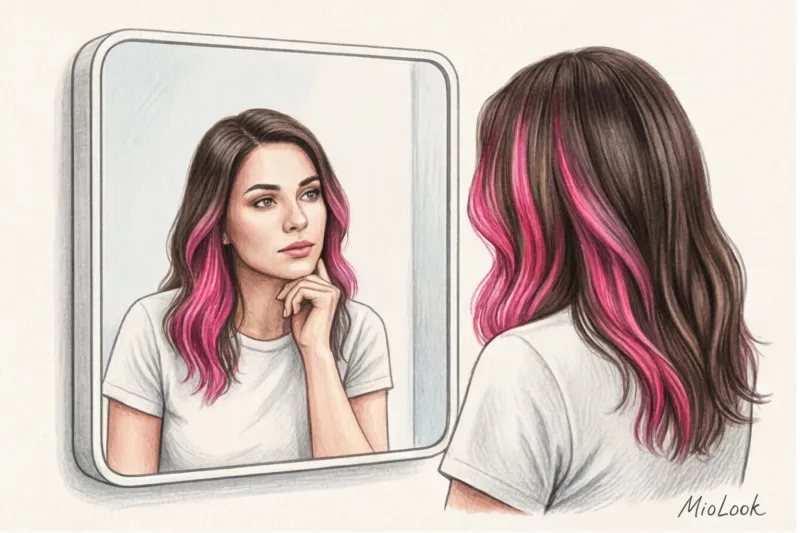
Virtual color try-ons are a great tool if you want to test out bold hypotheses. Will red hair suit you at all? Are you psychologically ready to see yourself as a blonde? Neural networks answer these questions faster and cheaper than any trial and error.
But remember: an algorithm draws pixels, while a colorist works with living matter. Use the generated photos as a compass to find the right direction before your consultation. The real magic happens not on a smartphone screen, but in a well-designed dialogue between your desires and the expertise of a professional colorist.