
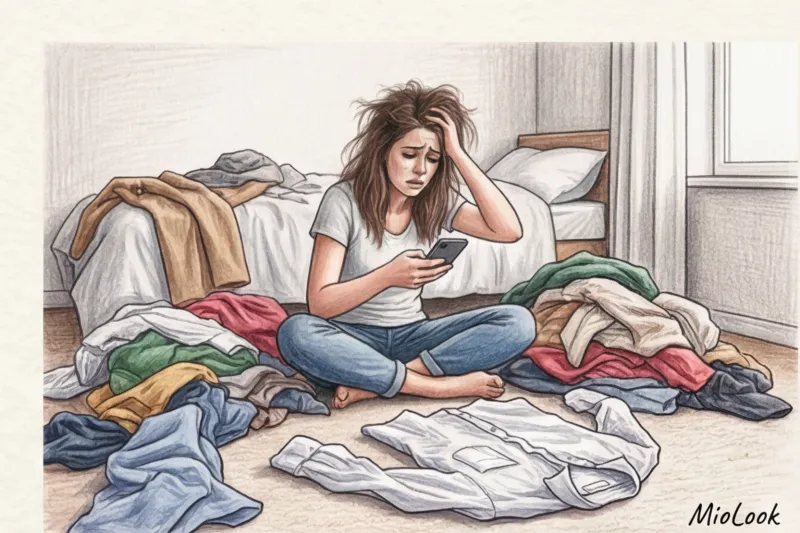
My client Lena called me in tears on Saturday evening. Around her on the bedroom floor lay ten wrinkled shirts, an iron, a ring light, and a cat stubbornly trying to lie down on the freshly ironed silk. She'd spent three hours photographing a tenth of her items for her digital wardrobe, and ended up hating her clothes even more.
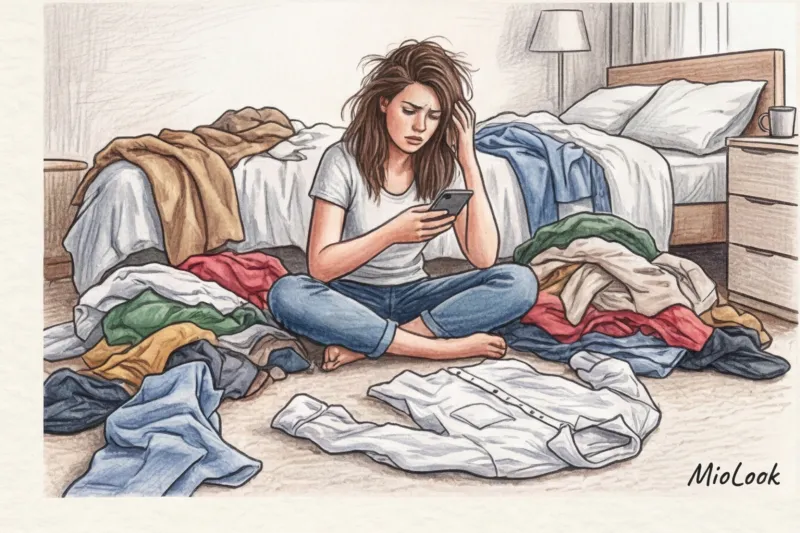
Let's face it: photographing your clothes is a waste of time. And it's the main reason why your virtual closet is still empty. As a stylist, I've digitized hundreds of wardrobes across Europe over 12 years of practice, and you know what? I never photograph my clients' clothes.
Instead of clichéd advice on how to position lighting near a window, I'll show you a hacker approach. We'll use brand catalogs, visual doppelgangers, and smart search to Add clothes from a photo to the app in just one evening without a single home photo. We've already covered smart storage architecture in more detail in our complete guide to digital wardrobe app and clothing database in MioLook , and today we will focus on pure practice.
The biggest mistake newbies make: why you shouldn't take photos of your belongings
According to a McKinsey study (2024) on the digitalization of fashion, 80% of users abandon their virtual wardrobe management precisely at the point of taking photos themselves. And the math behind this failure is extremely simple.
To take a high-quality photo at home, you need to: take out the item, iron it (otherwise the algorithm will interpret creases as texture), find a flat background, wait for daylight, photograph, and crop the shadows. This takes 5-7 minutes per item. A basic capsule of 50 items will require about 5 hours of continuous work.
But the problem isn't even about time. It's about how the apps' artificial intelligence interprets images. As the Baymard Institute's 2023 e-commerce standards show, it's much easier for algorithms and our brains to process studio photos with a white background. The yellow light from your chandelier distorts color rendition, and shadows on your bed break the silhouette of an item when the background is automatically cropped.
"The perfect digital wardrobe doesn't require studio lighting in your bedroom. It requires the ability to Google and understand what your clothes are made of."
How to add clothes from a photo to the app: the "visual doubles" method
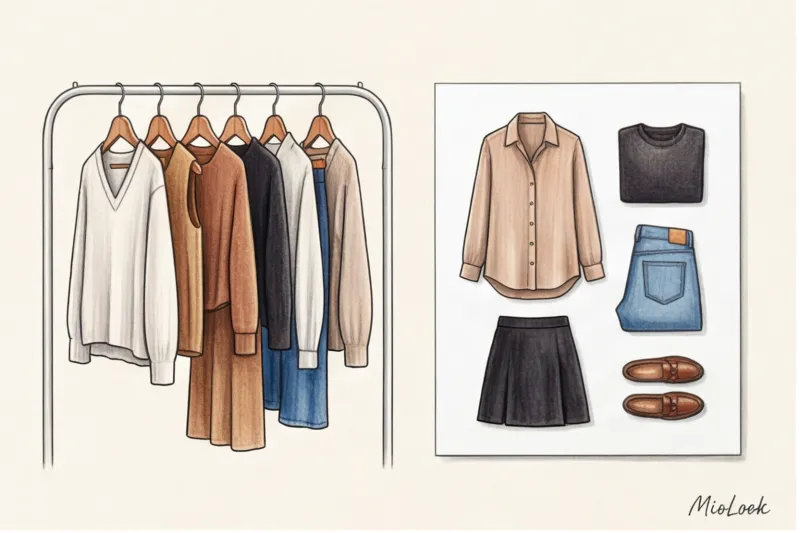
What is a Visual Twin? It's a studio photo of an item from an online store that looks just like yours. For the app to generate stylish looks for you, it doesn't matter what the photo is. exactly yours blouse.
Works here 90% rule If the cut, color, and fabric density in the catalog photo match your item 90% of the time, feel free to save it. Our top sources for perfect images are Massimo Dutti, COS, Zara, and &OtherStories. They have impeccable styling, excellent lighting, and clear silhouettes.
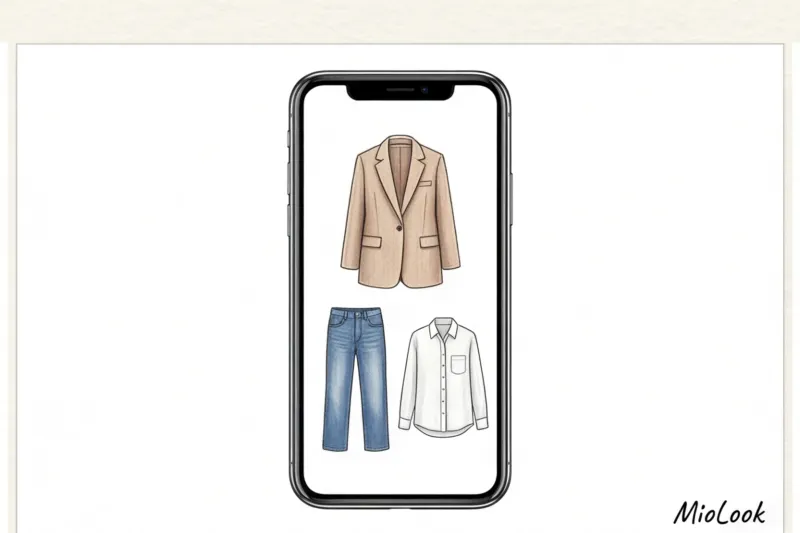
If you have a beige wool-polyester blend straight-cut blazer from a local boutique three years ago, don't give it up. Go to the COS website, find their classic beige blazer, and save the image. That's it.
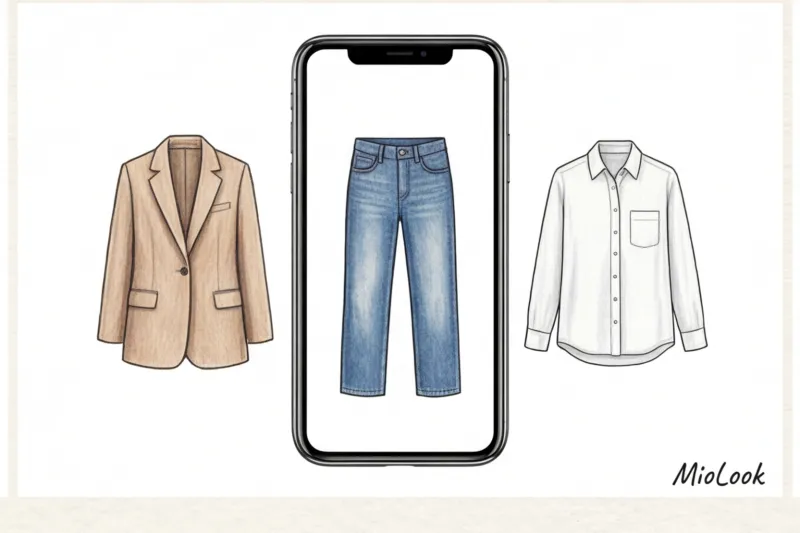
Instructions: Search for items from the current and previous seasons
How can you find that one item if you remember the brand? Mass-market clothing has an excellent digital memory. On the inside side tag of any Zara, H&M, or Mango item, there's a SKU number (usually designated as REF or ART, for example: 1234/567).
- Enter this number into Google Images along with the brand name.
- You'll instantly get professional studio shots of your shirt from the front, back, and details.
- To find the perfect reference for a versatile basic (like "gray cashmere turtleneck"), use Pinterest.
Google Lens Magic: Scan Your Closet in 15 Minutes
This is a technical lifehack that saves my clients dozens of hours. Modern visual search algorithms can even recognize mass-market items from five years ago, because these items are sold en masse on resale platforms like Vinted or Depop.
The step-by-step process looks like this:
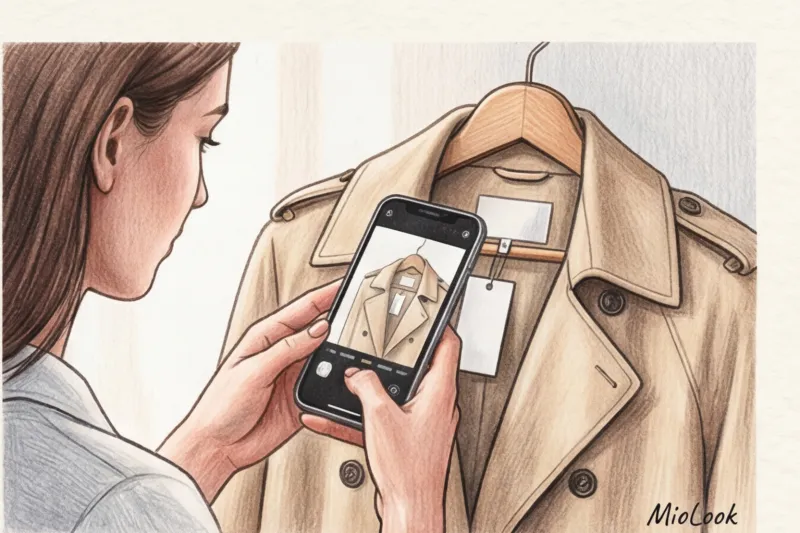
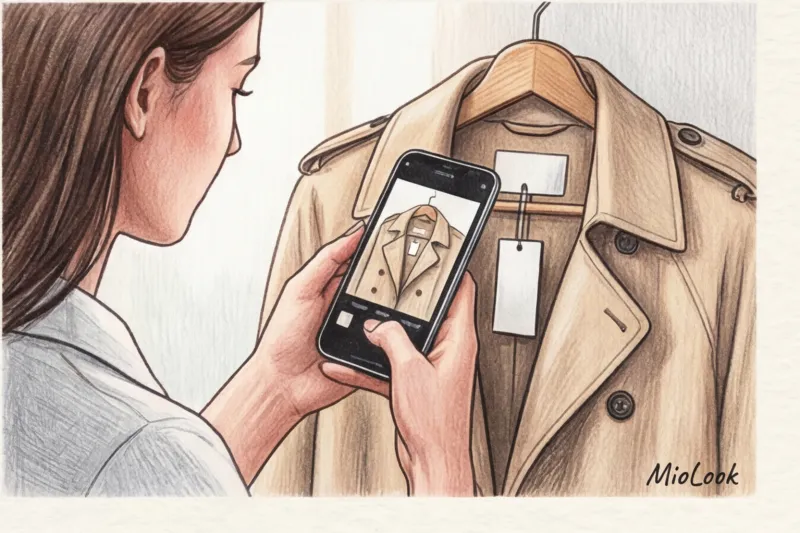
- Hang the item on a hanger (no need to iron).
- Open Google Lens on your smartphone.
- Point the camera at an item and highlight a distinctive detail (a print, an unusual collar, or the texture of the fabric).
- In the search results, you will see studio photos of your item from the brand's archives or from resale sites.
- Download a clean photo on a white background and send it to MioLook.
This method works brilliantly on dresses with vibrant prints, sneakers, and bags. Artificial intelligence matches patterns in a split second.
Access to MioLook for €0.99 — one-time payment
A smart AI stylist will select the perfect look for you based on your digital wardrobe.
Get access — €0.99 onceWhat to do with no-name items and basic knitwear?
A common question: "What if I bought black straight-leg trousers at an unnamed market in Italy?" For such cases, we use a stylist's search dictionary. Remember: for basic items, the brand in the picture is completely unimportant; only the correct fit and texture are crucial.
Use references from Uniqlo. They're a global leader in basic clothing, and their catalog photos are as neutral and technically perfect as possible. To find the right replacement, be specific in your search.
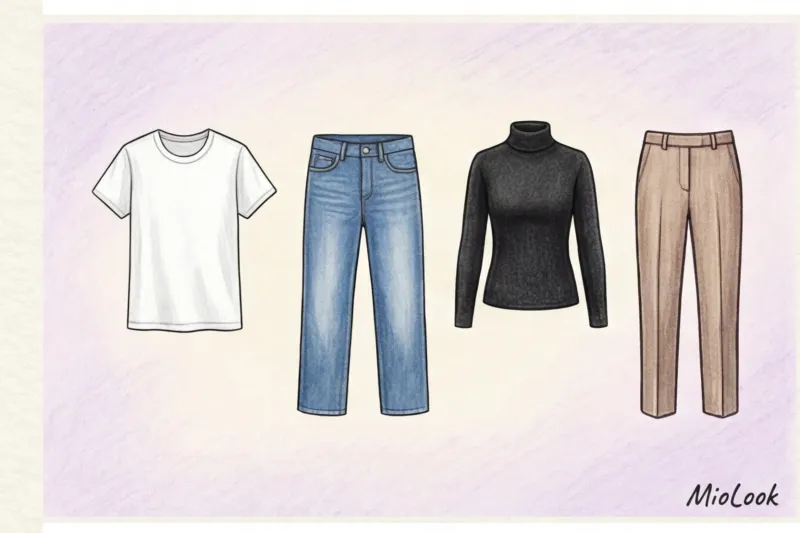
Don't just search for "white t-shirt." Search for "oversized white t-shirt, heavyweight cotton, 180 g/m²." Not "blue jeans," but "straight leg jeans, mid-rise, no fading." The app's AI should understand your clothing volume to suggest appropriate layering looks.
Exceptions to the Rule: When You Can't Do Without Your Own Photo
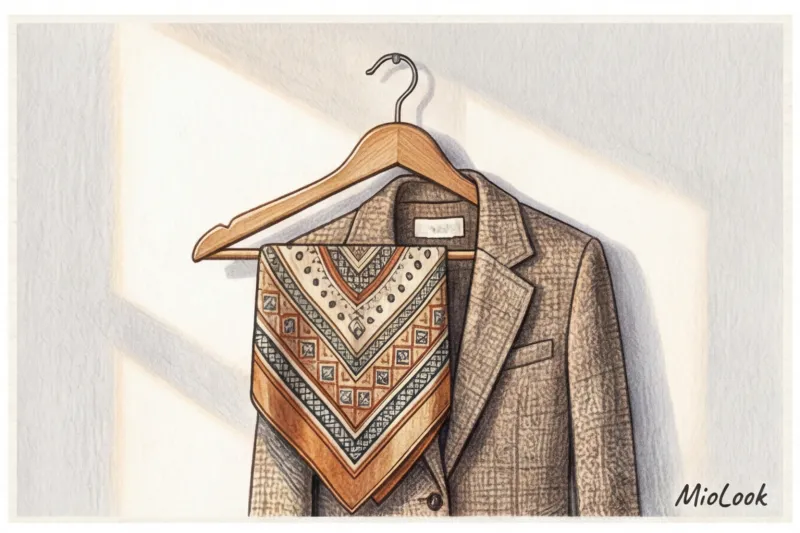
I promised to be honest, so here is the limitation of the method: catalog search doesn't work For intricate vintage pieces, hand-knitted items, and custom-made clothing. If your grandfather brought back a unique silk scarf from Japan in the 1970s, you'll have to take a photo of it.
But even here, there's a lazy way. Forget about trendy "flat lays" on the sofa—they distort the proportions. A coat rack against a solid-colored interior door is your best friend.
Professional insight into fabric behavior: flowing materials (silk, fine viscose, satin) Necessarily Hang them to show off their drape. However, heavy textured knits or stiff tweeds are best photographed horizontally to prevent them from stretching under their own weight. The app's built-in background removal tool (eraser) easily removes a door frame or piece of laminate, leaving only the garment itself.
Stylist Checklist: Digitize Your 40-Item Wardrobe in One Evening
Enough theory, let's get down to business. Over 12 years, I've developed the perfect formula for digitizing your wardrobe without causing a nervous breakdown. Turn on your favorite podcast and follow this schedule.
- Preparatory stage (5 minutes). Don't dump everything on the bed. Open the closet and work by category: tops first, then bottoms.
- Stage 1: Visual Doubles (20 minutes). We search Pinterest or our favorite brands' websites for descriptions of all our basic items (plain t-shirts, classic jeans, basic sweaters). Save the images.
- Step 2: Google Lens (20 minutes) We take statement pieces with prints, designer dresses, and shoes off the hangers. We scan them through the lens and download original studio photos.
- Step 3: Quick Shoot (15 minutes). We take pictures of those 3-5 unique things on the door that the Internet couldn’t find.
Your perfect look starts here
Join thousands of users who look flawless every day with MioLook. Upload your visual doubles now.
Get access — €0.99 onceIn just an hour, you'll have a perfect gallery of 40 clean, professional photos of your clothes on your phone. All that's left to do is upload them to the app and let the algorithms do their work.
Your style should save you time in the morning, not waste it during the prep stage. Stop trying to become a professional product photographer for your closet. Delegate this work to brand catalogs, and you'll finally see your digital wardrobe start working for you.