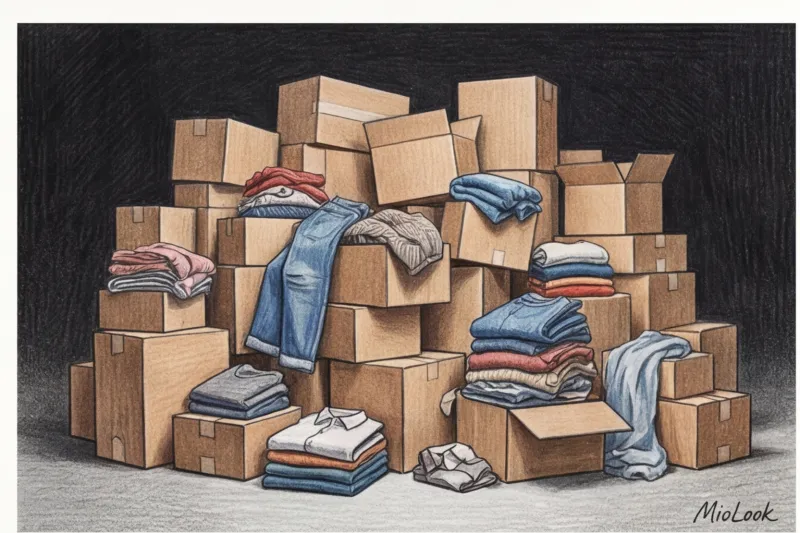

Recently, the owner of a premium boutique complained to me over an espresso: "Julia, we sell luxurious silk blouses. But when a customer orders three sizes and then returns two of them with foundation stains on the collar, the item goes to the dry cleaner and then to the discount store. My margins are simply wiped out." This is the harsh reality of modern fashion e-commerce.
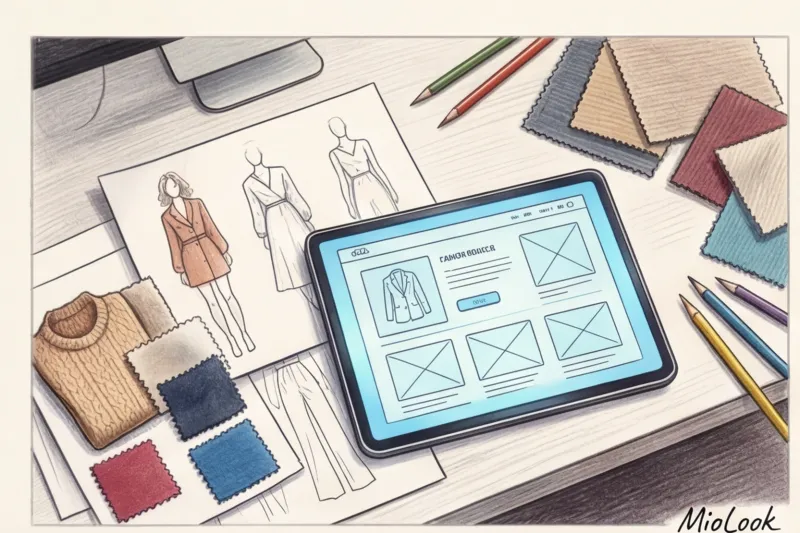
Most of the articles are about how to install virtual fitting room widget for the website , written by programmers for programmers. They're replete with jargon and API documentation, and can be intimidating for business owners. As a fashion consultant working with the premium segment, I see it differently. For me, technology isn't about lines of code, but a tool for increasing conversion, maintaining brand prestige, and caring for customers.
We have described in more detail the basic principles of operation of such algorithms in our A complete guide to integrating virtual fitting rooms for e-commerce In this article, I'll share practical experience: how to seamlessly integrate a widget into the customer journey on Shopify, 1C-Bitrix, and Tilda platforms so it brings in revenue, not headaches.
Why your business needs a virtual fitting room widget for its website: economics versus stereotypes
Let's look at the numbers. According to the report McKinsey State of Fashion (2024) The return rate in online clothing retail reaches a catastrophic 30-50%. Each returned item costs businesses an average of $10-20 for logistics, repackaging, and quality control.
The main enemy of your profit is the so-called bracketing (When a customer takes sizes S, M, and L to try on at home and return the one that doesn't fit.) Why does this happen? Because shoppers, especially in the premium segment, hate size charts. No one wants to stand in front of a mirror with a tape measure, calculating their chest size before buying a cashmere sweater.
"A VIP client isn't just buying a thing; they're buying stress-free living. Being able to see how a jacket will fit with the push of a button is a new standard of luxury."
In my experience, implementing AR try-on solves three problems at once:
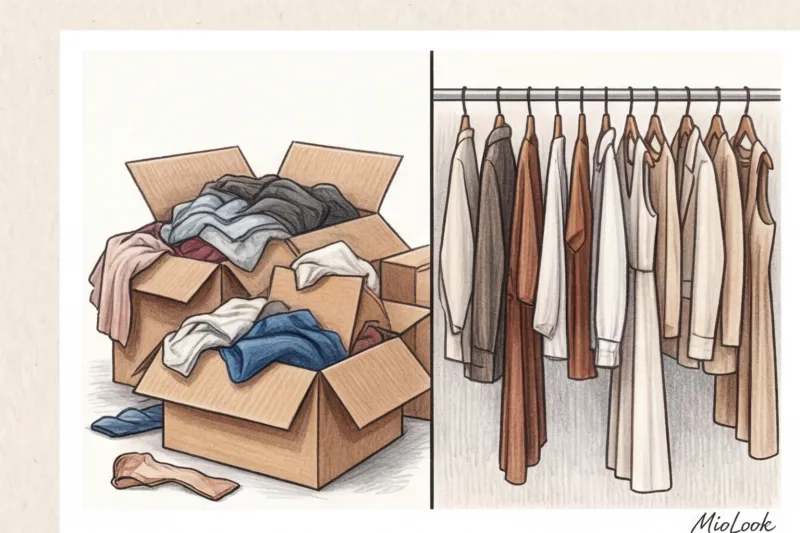
- Reducing returns: The client sees the actual landing before paying.
- Average check growth: shoppers are collecting more boldly business capsule wardrobe , when you are sure that the items match not only on the model, but also on their body type.
- Emotional attachment: The process of image generation turns routine shopping into an exciting experience.
Try MioLook for your business
Integrate smart AI solutions to help your customers create perfect looks right on your website.
Get access — €0.99 onceThe technical side: why integration no longer requires a staff of programmers
Fashion brand owners often believe that a virtual fitting room requires a custom development that costs millions of euro and months of work from the IT department. This was true just five years ago. Today, the market has shifted to ready-made SaaS (Software as a Service) solutions.
The implementation of modern AI widgets can be compared to buying the perfect pattern instead of having a suit tailored. bespoke From scratch. The core algorithms have already been trained on millions of images; you just need to "try them on" your website.
Depending on your platform, integration takes anywhere from 15 minutes to a couple of hours and can be accomplished in three ways:
- Installing the plugin: downloading the module from the official store (App Store, Marketplace).
- Inserting JavaScript code (iframe): Adding one line of code to a website template works everywhere, from Tilda to custom platforms.
- API integration: for complex enterprise projects with non-standard logic.
An important point that marketers constantly ask me about: "Won't this slow down the catalog loading?" No. Modern widgets load asynchronously. This means that the customer sees your beautiful photos first, while the fitting room script loads in the background.
How to Install a Widget on Shopify: A Step-by-Step Guide
According to Shopify Commerce Trends Report (2023) Brands using AR and 3D technologies are seeing conversion rates increase by up to 40%. The Shopify ecosystem is perhaps the most convenient environment for fashion innovation.
A case study from my consulting practice: last year, we integrated a widget for a niche minimalist clothing brand on Shopify. Returns decreased by 35% in the first quarter.
The process itself looks frighteningly simple:
- Step 1: In the Shopify App Store, find the AI app you need and click "Add app."
- Step 2: Authorize the application, giving it access to read the catalog (Products) and themes (Themes).
- Step 3: Go to the Theme Editor. In the Product Information block, add an App Block with a fitting room button.
Secret from a stylist consultant: Button placement is everything. In that case, we initially placed the button in the product description—conversion remained almost unchanged. Once we moved the "Try it on Online" button directly below the main "Add to Cart" button, widget conversion jumped by 18%. Don't force your customers to innovate.
Your perfect catalog starts here
Join thousands of brands improving customer experience and visibility with MioLook.
Get access — €0.99 onceIntegration of a virtual fitting room into 1C-Bitrix: local specifics
If Shopify is a lightweight and maneuverable sports car, then 1C-Bitrix is a heavy, reliable armored vehicle, used by most major fashion retailers in the CIS. It has its own architectural peculiarities.
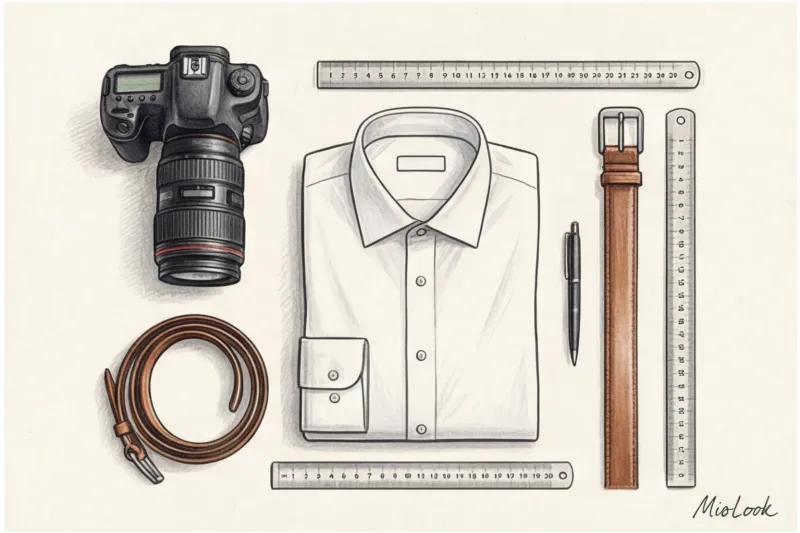
The main challenge of Bitrix is working with stock keeping units (SKUs). The widget must clearly understand: is the customer currently looking at a beige trench coat in size M or an olive green one in size L? Otherwise, the neural network will generate an incorrect image.
How we usually solve this with our clients' technical teams:
- Using ready-made modules: If the service developer provides a module in the Bitrix Marketplace, installation is as simple as clicking the "Install" button and entering the API key.
- Connection via DataLayer: If there is no ready-made module, we set up the transfer of data about color, size, and photo link via Google Tag Manager.
A technical detail that is often forgotten: Custom Bitrix themes and aggressive caching (composite site). My own bitter experience has shown that if you simply insert a widget script into a product template, the button state for the first user will be cached in composite mode. Be sure to require contractors to insert the fitting room call through non-cacheable areas (e.g. component_epilog.php ).
Installation on WordPress (WooCommerce), Tilda, and custom solutions
For young designers and capsule brands, virtual try-ons are a powerful tool for distinguishing themselves from the mass market. You demonstrate that your service is on par with global luxury houses.
If your site is built on Tilda Integration takes exactly three minutes. Simply add the "T123" block (HTML code) to the product page or catalog template and insert the generated script (iframe). This is the ideal solution for launching drops and limited collections.
In the case of WooCommerce (WordPress) The widget code is usually added via a file functions.php child theme, linking to the hook woocommerce_single_product_summary so that the button is displayed just below the price.
Stylist's Checklist: How to Prepare a Clothing Catalog for a Virtual Fitting
Now, about what programmers don't tell you. A widget is just an algorithm. It won't perform miracles if your clothing database is a mess.
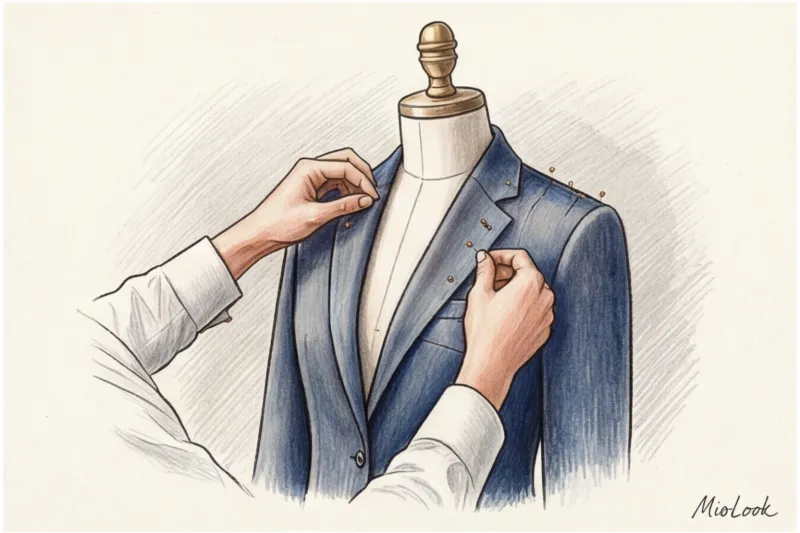
I often see brands spend their IT budgets but then upload photos to the system where the model is sitting in a complex pose with a bulky scarf draped over the dress. The AI fitting room won't be able to correctly "remove" this garment from the model and put it on the customer.
Here's my catalog preparation checklist:
- Angle: The first (main) product photo should be taken from the front, without any complex styling that interferes with the cut. Bags and belts are photographed separately.
- Digitization of fabric properties: This is critical! Wool with a density of 300 g/m² holds its shape, while viscose flows. Modern algorithms can simulate drape, but they need to convey the fabric composition in the product metadata.
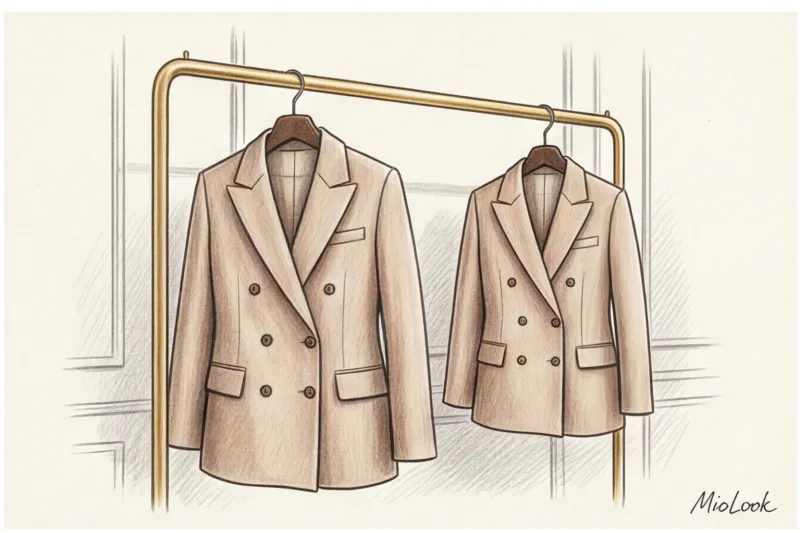
- Fair limitation of technology: Let's be honest. AI fitting rooms are currently working amazingly well with structured pieces like jackets, pencil skirts, and classic trousers. But if you're selling complex, deconstructed avant-garde pieces with lots of asymmetrical pleats, the results can be unpredictable. Keep this in mind when choosing what to try on.
Digitize your style with MioLook
Use advanced technology to perfectly visualize fabric fit and texture.
Get access — €0.99 onceUI/UX Implementation Mistakes That Kill Sales
Technology should simplify, not complicate, the customer journey. A couple of months ago, I conducted a UX audit of an online store. premium business clothing They bought an expensive widget but hid the "Try It On" button at the very bottom of the page, under the "Delivery and Returns" section, arguing that the flashy button "ruins the minimalist design."
As a result, less than 1% of visitors used the innovation. We moved the button, made it contrasting, and sales increased.

Avoid these three mistakes:
- Invisible button: A call to virtual try-on should be more engaging than a boring link to a size chart.
- Lack of mobile adaptation: 80% of fashion traffic today comes from smartphones. Make sure the widget window doesn't extend beyond the screen's borders and can be easily closed with a swipe.
- Complex onboarding: If a client needs to manually enter 20 body measurements (from wrist circumference to knee height) for a fitting, they'll close the tab. The process should require minimal steps: upload a photo and enter your height.
Integrating a virtual fitting room is no longer a geek's toy, but a basic requirement for a premium service. Once you combine high-quality catalog photos with a smart algorithm and the right button placement on your website, you'll see customer loyalty soar and profits saved from endless returns.