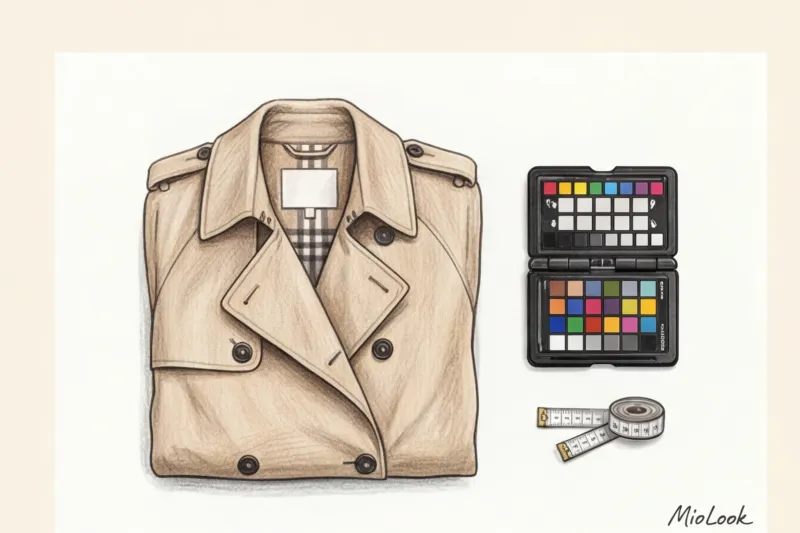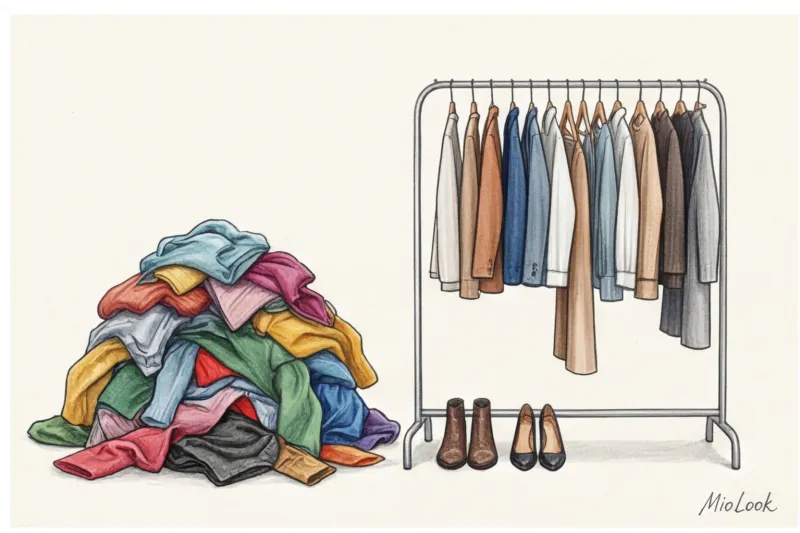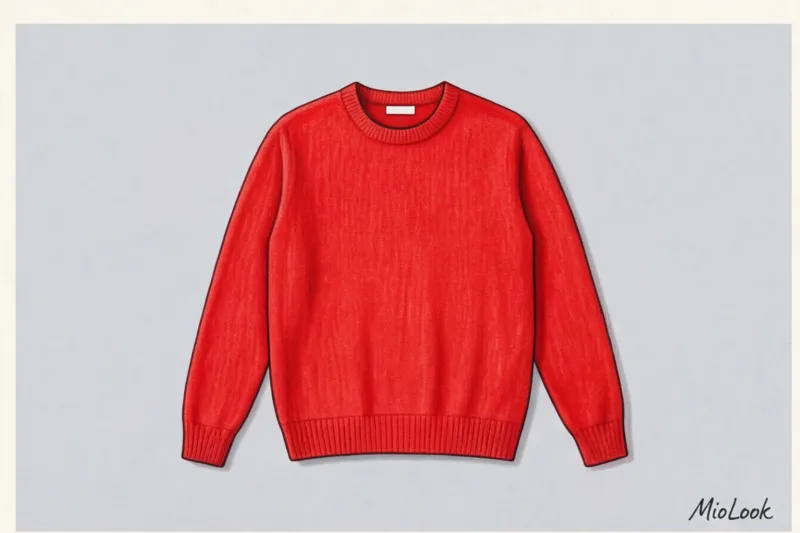
One of my clients, a top executive with impeccable taste, spent an entire Sunday perfecting her wardrobe layout. She laid out cashmere sweaters on a fluffy rug, adding eucalyptus sprigs, glossy magazines, and a cup of coffee. The photos turned out worthy of a Vogue spread. But when she uploaded them to the app, disaster struck. The neural network cut out the sweater, along with a piece of the rug and half the cup. All her efforts were wasted.
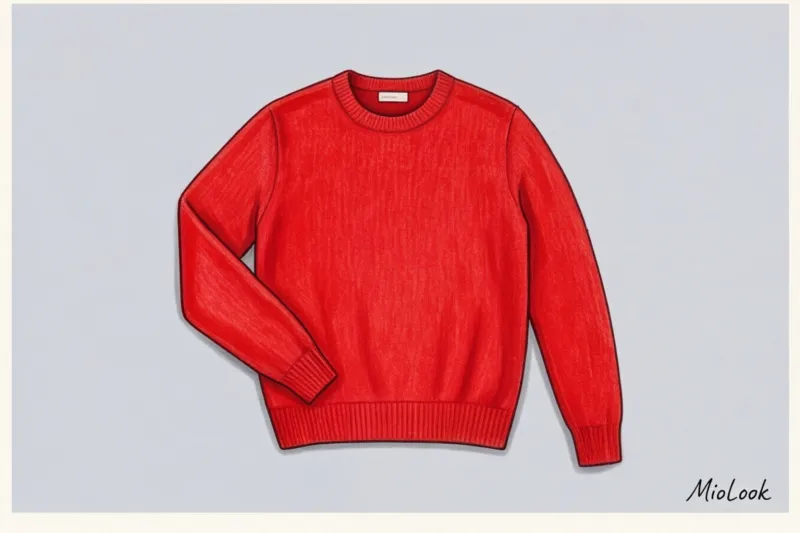
As a stylist with 12 years of experience, I see this mistake all the time. We're used to photographing clothes for social media, where aesthetics and atmosphere are important. But what How to photograph clothes for an app , requires a completely different approach. The neural network doesn't care about your eucalyptus. It wants the most boring, flat, and contrasting shots possible. I discussed in more detail why a virtual database is needed and how it changes your approach to style in our complete guide: Digital wardrobe app: MioLook's clothing database.
In this article, I'll show you how to take technically perfect photos that algorithms can recognize with your eyes closed, saving you hours of routine work.
Why bother: How AI "sees" your clothes
To understand the rules of photography, you need to become an algorithm for a second. Computer vision and image segmentation technologies (they are what work under the hood) MioLook ) don't understand the concept of "beautiful." They look for pixel boundaries. The algorithm scans the photo, trying to find sharp changes in color and light to separate the foreground object from the background.
According to a 2023 study of computer vision algorithms at the Massachusetts Institute of Technology (MIT), the success rate of automatic background removal drops by 60% if there is an active pattern in the background (such as a wallpaper pattern) or sharp shadows from the object.
"Paradoxically, the more boring and sterile your original photograph looks, the more beautiful and neat your images will look in digital collages."
A perfect shot takes 5-7 seconds. Trying to manually erase a complex background from a shirt collar on a smartphone screen would take 2-3 minutes per item. Multiply that by 100 items. A great photo saves up to 95% of the time spent on digital processing.
Access to MioLook for €0.99 — one-time payment
A smart AI stylist will select the perfect look based on your correctly digitized items.
Get access — €0.99 oncePreparation: 3 Steps to Photographing Clothes for Apps
Many people skip this step, hoping it won't be visible on the phone. It will. Algorithms interpret deep creases in fabric as structural elements (such as seams or darts) or as strong shadows, which distort the garment's true silhouette.
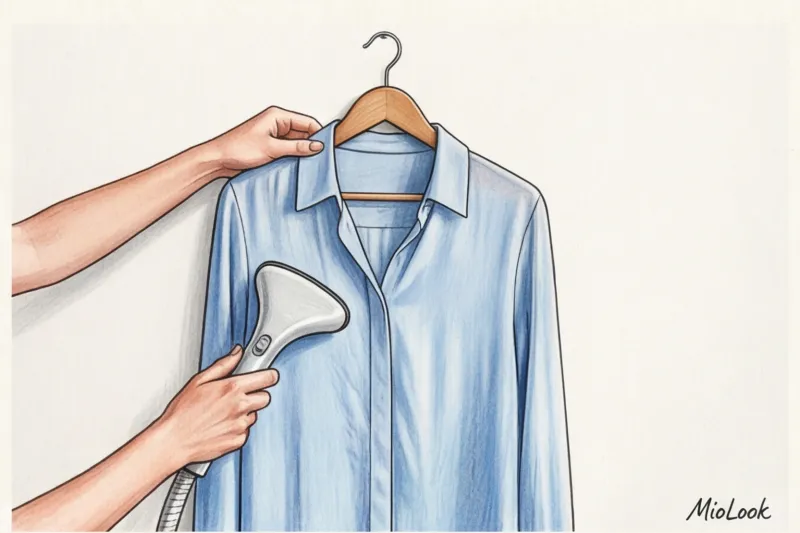
Sorting and Ironing: Why Creases Are the Enemy of Neural Networks
You don't need to iron your clothes to perfect creases like you would before going out, but you should use a handheld steamer on any creases. This is especially true for 100% cotton shirts up to 120 g/m² and linen, which wrinkle easily.
For dark items, be sure to use a lint roller. Dust, cat hair, or small lint on black cashmere are often detected by a phone camera as digital noise. This can cause jagged edges when cropping.
Choosing a Background: The Contrast Rule
The main rule of digital photography: the subject must contrast with the background in tone (light/dark). No white T-shirts on a white sheet. No dark blue jeans on a dark parquet floor.
The ideal backdrop is a plain, light-colored wall without textured plaster or a tightly tucked sheet in a basic color (light gray, beige, or pale blue) on the bed. Colorful rugs, monogrammed bedspreads, and textured wood are strictly prohibited.
Light and Angle: Secrets to Perfect Digital Imaging Without a Studio
You don't need ring lights or professional softboxes. In fact, they often do more harm than good, creating harsh glare on the fittings.
Natural light vs. artificial light
My main secret: an overcast day is your best friend. Clouds act as a giant natural diffuser, producing soft, even light without shadows. Shoot during the day, placing your subjects on the floor or bed 1-2 meters from the window.
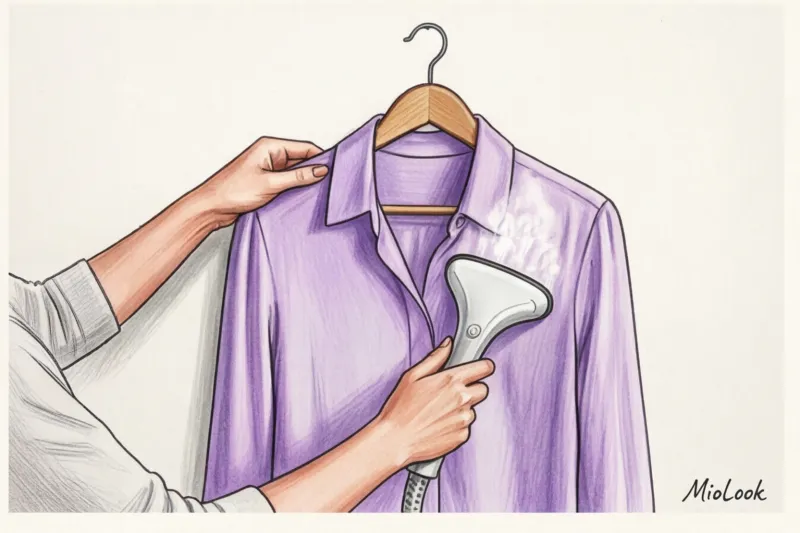
Never photograph your wardrobe in the evening under a room light. Standard incandescent bulbs have a color temperature of around 2700K (warm yellow). This light hopelessly distorts the true color of the fabric. A crisp white shirt will take on a yellowish tint, and a cool emerald green will turn a dirty olive green. In the app, colors are important for automatic pairing.
If an object is in shadow on one side of the window, take a regular piece of white cardboard from an office supply store and place it on the shadow side – it will act as a reflector.
How to avoid distortion of proportions
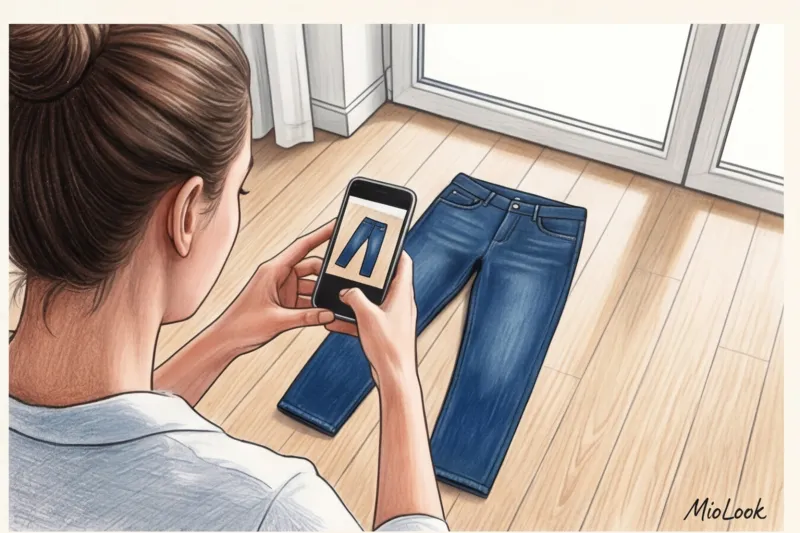
The camera lens should be strictly parallel to the surface on which the item is placed. If you photograph the trousers standing at their base and tilting the phone away from you, the perspective will be distorted. The top (waistband) will appear enormous, while the legs will narrow and appear short. In a digital collage, such palazzo pants will look like breeches.
Your perfect look starts here
Join thousands of users who look flawless every day with MioLook. Upload your first items today.
Get access — €0.99 onceThe Specifics of Complex Things: How to Photograph Black, White, and Prints
This is where the most common problem lies. Once, a client and I digitized eight of her perfect black jackets, photographing them directly on a hanger against the light. In the app, they all turned into identical black blobs. Not the lapels, buttons, or texture of the wool were visible.
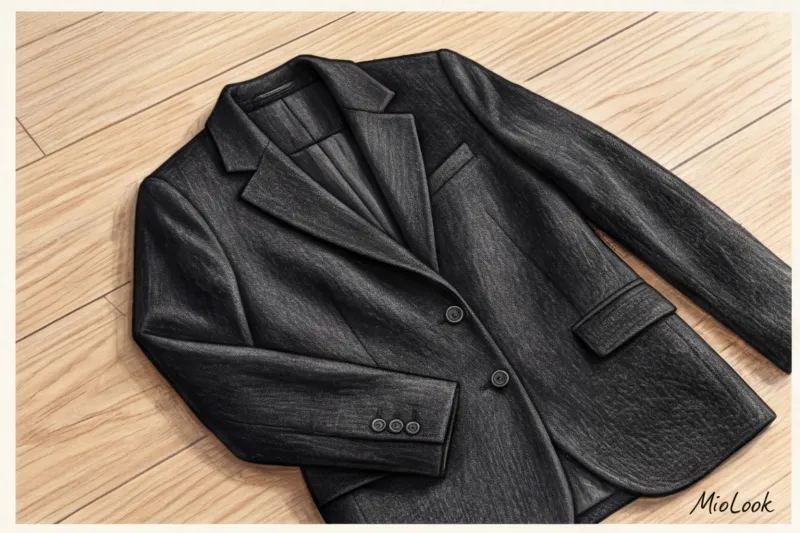
How to shoot black: The risk of turning into a "black hole" is enormous. Shoot dark objects with indirect, side-lit lighting to bring out the texture of the fabric. Before taking a photo, tap the item on your smartphone screen and slightly raise the exposure slider (the sun icon).
How to shoot white: The opposite problem is bleached details. On a white shirt, buttons and the collar may be missing. Here, the exposure should be slightly lowered and be sure to use a background a couple of shades darker (for example, a medium gray).
Neon colors and complex prints: The camera often goes crazy with fuchsia or neon, trying to "calm" the color with auto white balance. Place something neutral gray (even a book with a gray cover) next to the bright object, focus, lock the focus (by holding your finger on the screen), remove the extraneous object, and take the photo.
How to photograph clothing in different categories: from shoes to accessories
Commercial photography standards, updated by e-commerce giants like Net-a-Porter in 2024, clearly regulate how garments are presented. App algorithms also need to understand how a garment fits.
Tops, Dresses, and Outerwear: Hang or Lay?
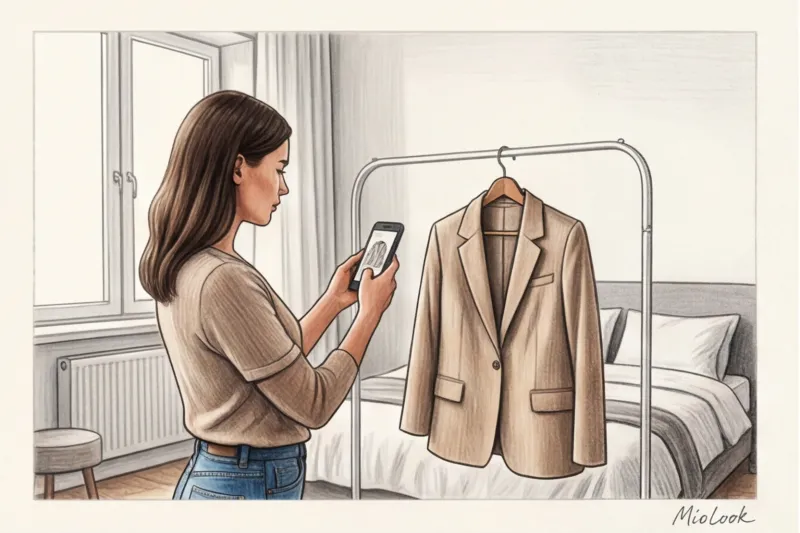
Structured items (jackets, coats, heavy shirts) are best hung on hangers (preferably thin metal or wooden ones that don't extend beyond the shoulder seam) on a nail on a blank wall. Soft items (knitwear, silk slip dresses) are best laid flat. Gently adjust the sides of the garment with your hands, mimicking the curves of the body—this will prevent them from looking like a shapeless square.
Trousers and jeans: to show off the rise
Folding pants in half is completely useless for styling—you won't be able to tell their width. Lay them out completely. Straighten the waistband so the neural network (and you) can tell whether they're high-rise, mid-rise, or low-rise. Fasten the zipper and button.
Shoes, bags and jewelry: the right angle
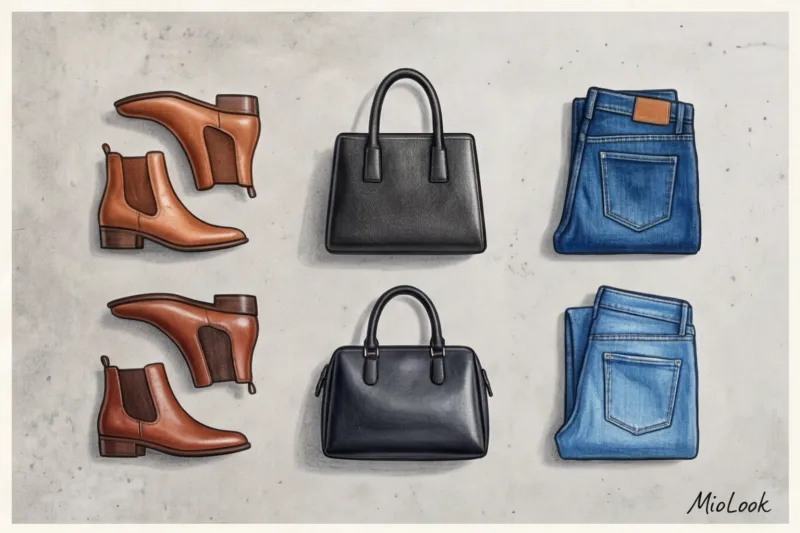
- Shoes: Shoot strictly in profile or at a slight 45-degree angle. A top-down view doesn't provide information about heel height or toe shape.
- Bags: Never remove empty, sagging bags. Stuff them tightly with craft paper or old T-shirts to maintain their original shape.
- Decorations: Use macro mode. Shoot against a completely matte background to avoid metal reflections.
By the way, if you're still looking for your own unique visual code before creating a digital base, I recommend reading our material: How to choose a style based on archetype: MioLook neural network.
Checklist: 5 Common Mistakes Beginners Make When Digitizing
After analyzing hundreds of user profiles, I compiled a list of the main mistakes that ruin the magic of a digital wardrobe.
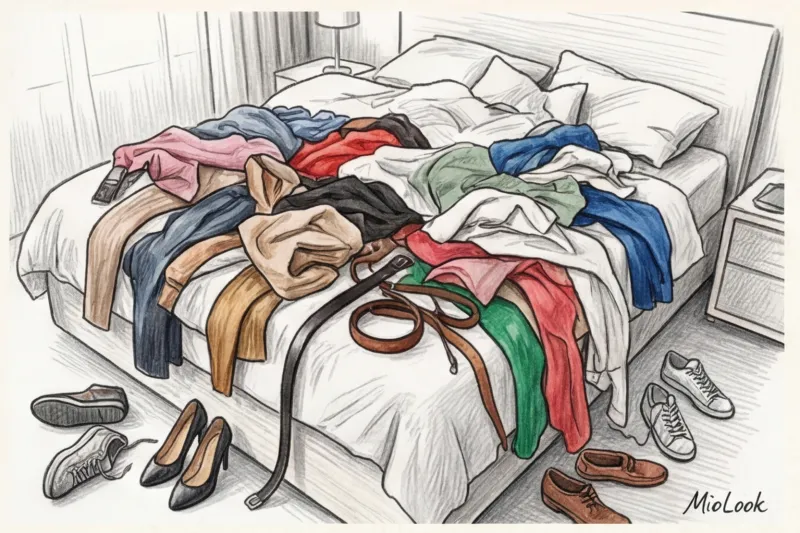
- Several things in the frame. If you put a pair of jeans next to a T-shirt, the AI will stitch them together into a single outfit. One photo, one piece.
- Foreign objects. Your fingers, your feet, the nose of a curious dog, or the edge of a slipper—all of these will be cut out and preserved along with your favorite dress.
- Crumpled sheet as a background. I've already mentioned this, but I'll repeat it: the AI mistakes the hard folds of the background for a continuation of the hem of the skirt.
- Filming myself in a dirty mirror. This is the worst case scenario. The mirror creates glare, the smartphone obscures part of the item, and the background of the room interferes with silhouette recognition.
- Excessive styling. Don't photograph a dress with a belt over it if you wear that belt with other items. Photograph them separately. The only exception is when the belt or waistband is sewn on permanently by the manufacturer.
Ready to get started?
Try the free plan—no commitments. Create your first 10-piece capsule today.
Get access — €0.99 onceFrom Photos to Images: Uploading a Database to MioLook
Once you have 10-15 technically correct photos on your phone – flat, contrasty, well-lit – the fun begins.
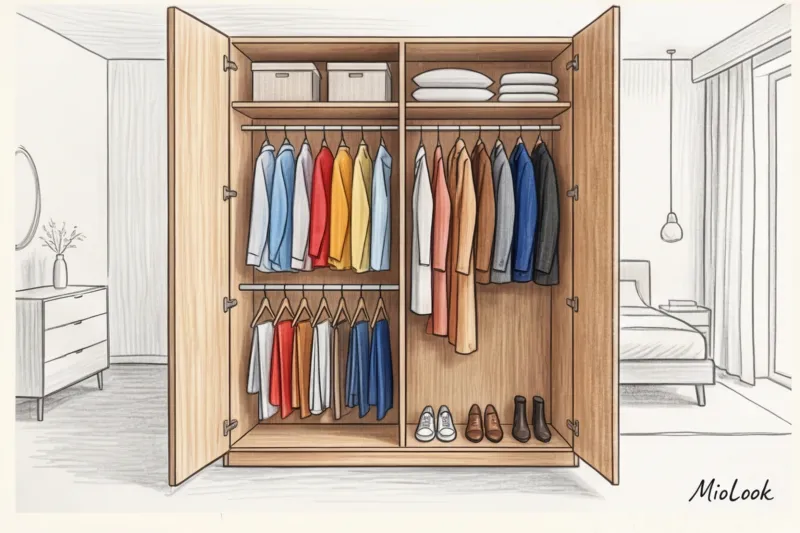
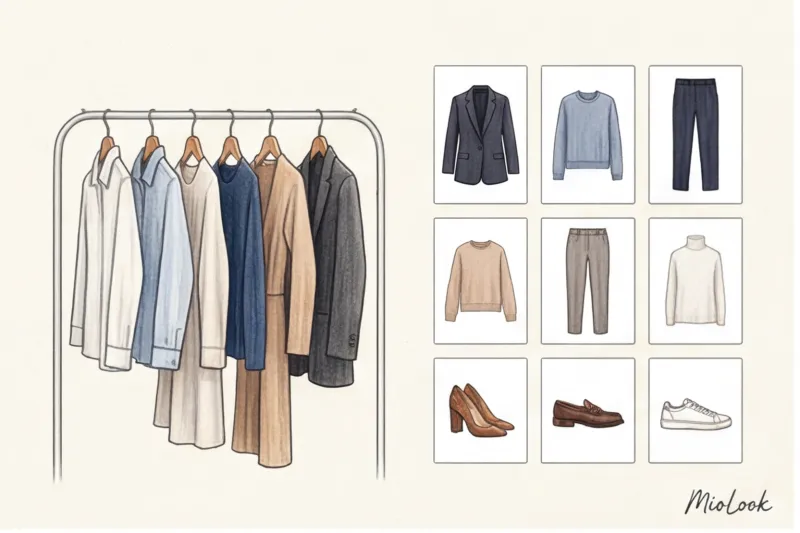
You upload them to MioLook In a split second, the algorithm cleanly removes the background, identifies the item's category, primary color, and seasonality. You see your clothes as neat, floating objects against a white background. This creates a powerful psychological shift: instead of the perpetual "I have nothing to wear" problem in front of an open closet, you get a clean, structured database on your smartphone screen.
You don't have to digitize your entire wardrobe in one day. Start small. Take photos of your five favorite tops, three bottoms, and two pairs of shoes. Spend 15 minutes this weekend (in the morning, while there's good window light!). A well-taken photo is the foundation upon which AI will build your flawless everyday looks. Take boring photos today to get compliments on your style every day.