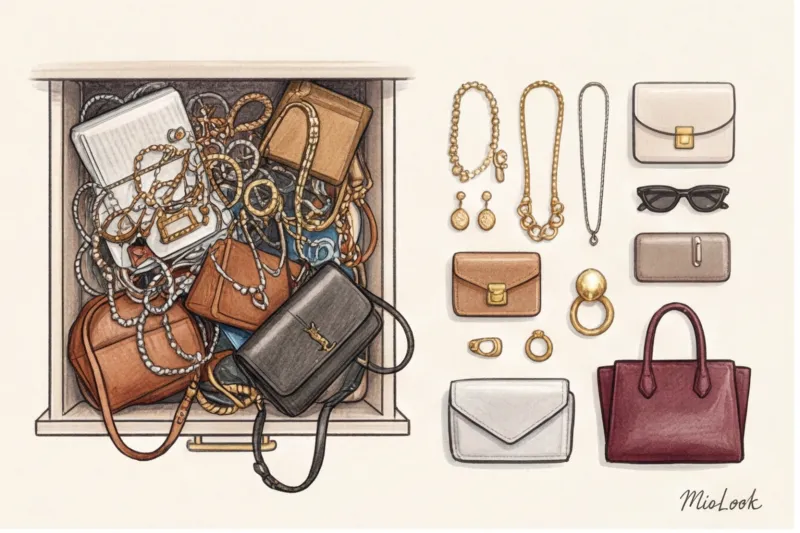
In 12 years of working as a fashion journalist and stylist at Fashion Weeks from Paris to New York, I've realized something counterintuitive. Women are willing to spend hours choosing the perfect jacket or perfectly fitting trousers, but 90% of the time they grab the first bag they see as they leave their apartment. Why? Because our brains are incredibly lazy under the stress of mornings.
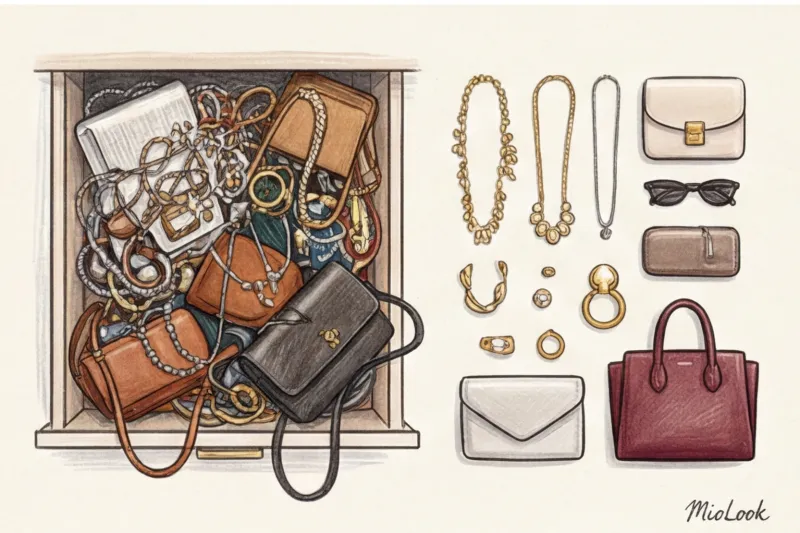
That's why virtual wardrobe of bags and jewelry isn't a control freak's whim, but the only effective way to make your accessory investments pay off. We've covered which models are worth buying for decades in our The complete guide to choosing essential bags , but today we'll talk about something else: how to make what you already have work.
The "nothing to wear" syndrome is in the details: why do you need a virtual wardrobe of bags and jewelry?
A basic outfit often looks dull not because of a lack of striking pieces, but because of "invisible" accessories. The psychological effect of visualization is unshakable: what we don't see in our jewelry box every day simply doesn't exist for our brain.
A 2023 study by the analytical agency WGSN confirms a frightening statistic: women wear only 20% of their jewelry 80% of the time. The remaining 80% sits as "dead weight" due to a simple lack of accessories amid overflowing jewelry boxes. Necklaces get tangled, rings tarnish in the far corner of a drawer, and you find yourself wearing the same stud earrings you left on the nightstand yesterday.
This is where the rule from fashion financial analysis comes into play: Cost Per Wear (CPW) or the cost of one outing. If you bought a hard tote for 80,000 € and wore it twice a year, its CPW is 40,000 €. If, however, thanks to the app MioLook If you start incorporating it into images three times a week, the cost per image drops to a mere fraction of what it used to be. Digitization literally increases your return on investment.
Access to MioLook for €0.99 — one-time payment
A smart AI stylist will select the perfect look based on your accessories.
Get access — €0.99 onceThe 80/20 Rule: Where to Start Digitizing in the MioLook App
The biggest myth that stops 90% of my clients is: "I need to set aside an entire weekend to photograph all my rings, brooches, and bags." This is a huge mistake. Trying to digitize everything at once is a surefire way to burn out after just a dozen earrings.
You need to start exclusively with "active core" Choose 5 bags and 10 pieces of jewelry you've worn in the last month. That's it. That's your base. You'll add the rest as needed.
In my practice, the most effective method is quarantining items. I have my clients put away from sight all accessories that haven't been worn for more than a year and put them in opaque cases. Only then do we begin digitizing the remaining "live" wardrobe.
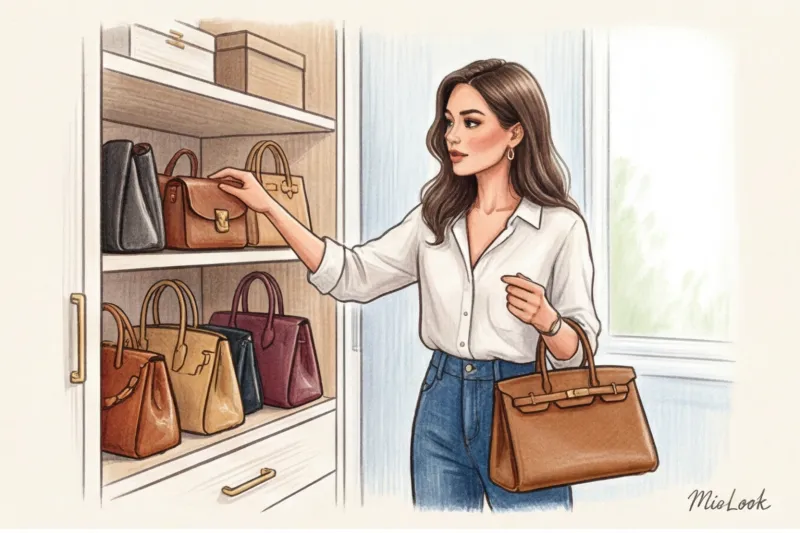
Conduct a rigorous seasonal sorting process right away. In winter, you don't need Loewe straw baskets or childish shell chokers in your app. File them away until spring so they don't create visual clutter when compiling your February capsule collection.
Windowsill Studio: How to Photograph Accessories Properly
Photographing accessories is fundamentally different from photographing clothing. Here, the focus shifts to macro details. A typical mirror selfie won't capture the texture of the metal, and the yellow light from a chandelier will turn fine white gold into cheap jewelry.
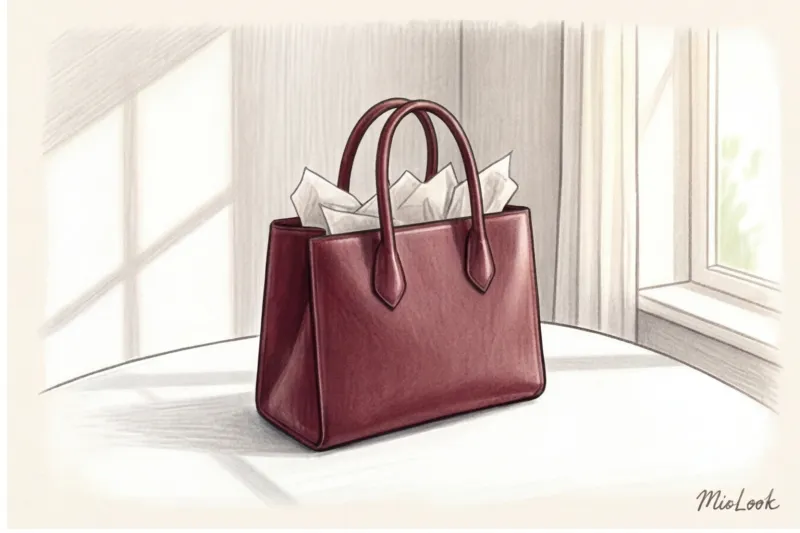
You need soft, diffused natural light. A windowsill on a cloudy day is your ideal photo studio. The right photo can convey the status of an item even on a smartphone screen, which is crucial when AI is creating looks for you.
Bags: Maintaining Shape and Capturing Texture
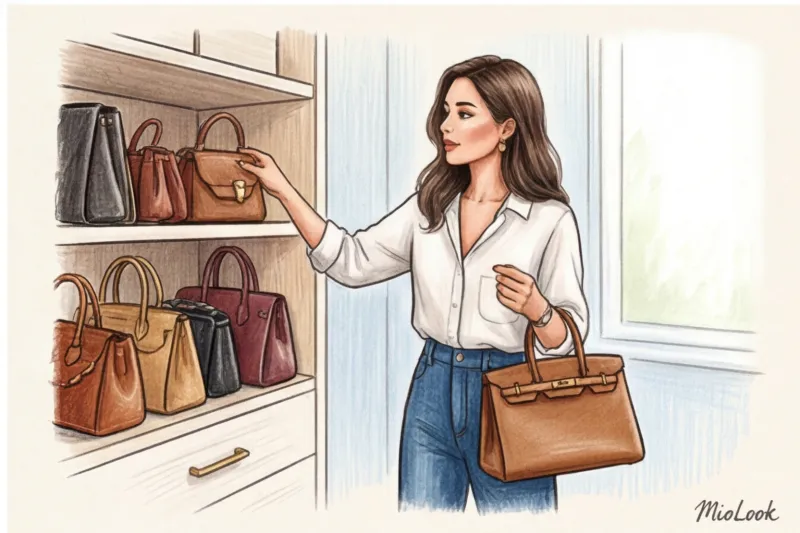
Stylists have a rule of thumb: never take your bag off empty. Be sure to stuff it tightly with craft paper, tissue paper, or clean fabric (but not bubble wrap, as it stretches the leather unevenly). The bag should showcase its intended design.
- 45 degree angle: Shoot from slightly above and to the side. This angle allows you to simultaneously capture the front surface, the quality of the hardware, and the edge finish (edge paint).
- Focus on material: For investment bags, it is important to convey the grain of full-grain leather or the matte finish of smooth calfskin.
Jewelry: How to Avoid Glare and Visual Noise
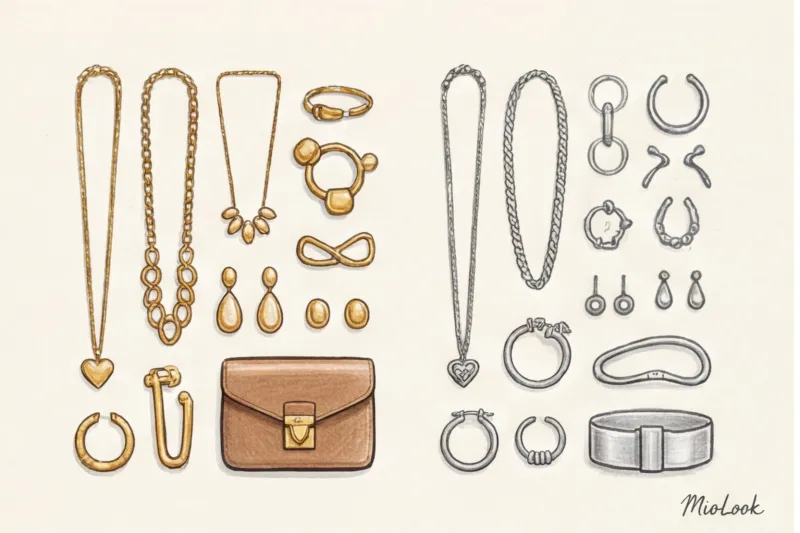
Glossy surfaces are the enemy of a smartphone camera. Use a completely matte background: a sheet of thick white watercolor paper or light gray cardstock. They will absorb excess glare and prevent the camera from focusing on the texture of the table instead of the ring itself.
It's logical to photograph small rings and studs in groups of 4-5, and then simply crop them within MioLook. However, there's a trick to using chains: arrange the necklaces in an elongated "U" shape so that the artificial intelligence (and you) can easily understand the length of the necklace and its depth at the neckline.
Your perfect look starts here
Join thousands of users who look flawless every day with MioLook.
Get access — €0.99 onceTags and Categorization: Creating a Smart Database Structure
Adding photos to the app is only 30% of the success. The real magic begins at the tagging stage. Without the right tags, your virtual collection will become as much of a junkyard as your physical box.
The most critical tag for accessories is color of fittings (Gold, Silver, Bronze, Mixed). As a stylist, I often say that mixing metals is possible and appropriate. But to make it look like a well-thought-out styling choice rather than a mistake, you need to understand the proportions (for example, 80% gold and 20% silver in one outfit). Tags in the app help you instantly filter the elements you need.
Separate accessories according to the dress code: from strict Business Formal to relaxed Weekend casual I also highly recommend adding the tags "Investment" and "Trendy Item." This will help you analyze where your budget is going in the future: on short-lived items or on wardrobe staples.
MioLook Image Builder: How Accessories Change the DNA of an Outfit
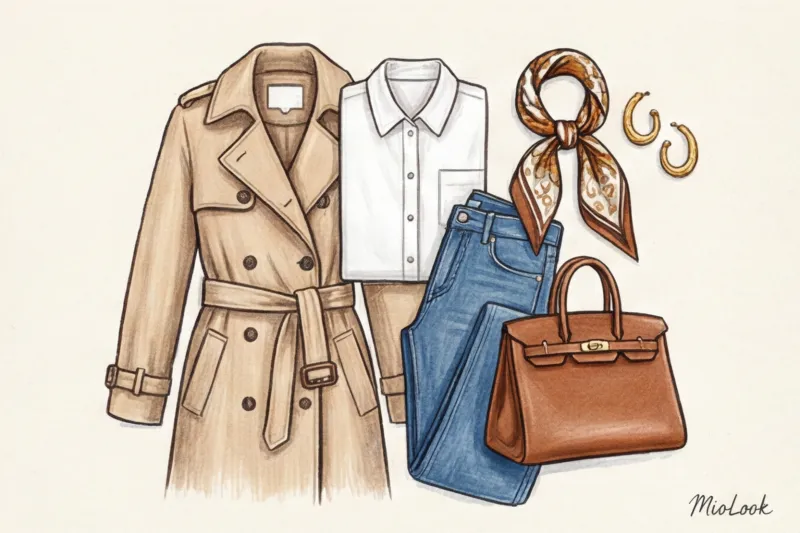
Have you heard of the "Three Pieces" rule? Basic trousers and a shirt are just two pieces. They're not a look, they're a uniform. An outfit only becomes a stylistic statement when a third, accent piece is added. And most often, that's a structured bag or a sculptural necklace.
MioLook's virtual try-on lets you work magic with the same basic outfit. Take a classic gray heavy wool pantsuit. Layer it in the app with a crisp A4 leather tote bag and a minimalist watch—you get the perfect business formal look. In one click, swap the tote bag for a soft, voluminous cloud clutch (in the style of Bottega Veneta), add chunky gold earrings—the formality level drops, and you're ready for dinner.
Luggage weight is always limited at Fashion Week. My personal life hack: I pack four basic outfits and eight different sets of accessories. Using virtual capsules in MioLook, I pre-plan which belt, bag, and sunglasses will go with each look. No more morning rushing before shows.
Ready to get started?
Try a free plan—no commitment. Organize your boxes today.
Get access — €0.99 onceWardrobe Analytics: How an App Saves You from Unnecessary Purchases
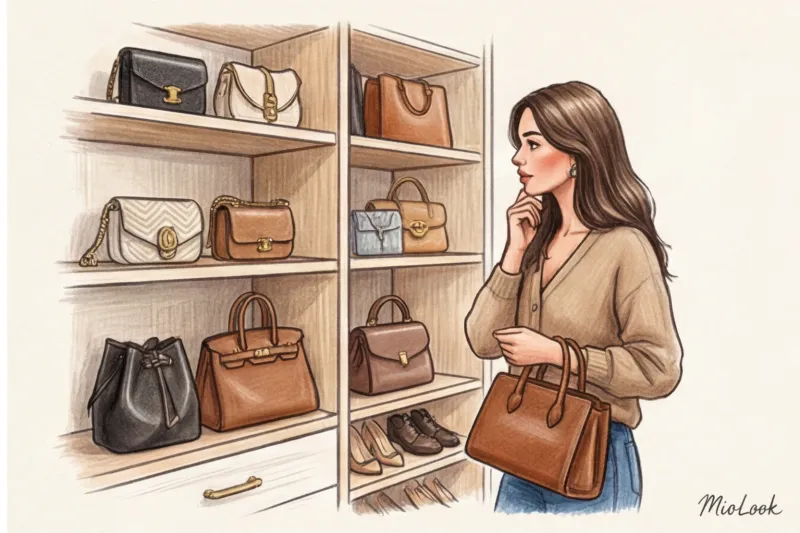
The most valuable thing about digitization is the ruthless diagnosis of your "blind spots." Once, a client of mine, convinced she had "absolutely nothing to wear," discovered during digitization that she had 14 (!) identical black totes. 14 practically identical items, and not a single weekend crossbody bag or dressy theater handbag.
According to McKinsey's consumer behavior analysis (2024), visualizing your wardrobe reduces impulse purchases of duplicate items by 40%. You simply open the app while standing in the store, look at your bag shelf, and realize you need a bright burgundy accent, not your standard black item.
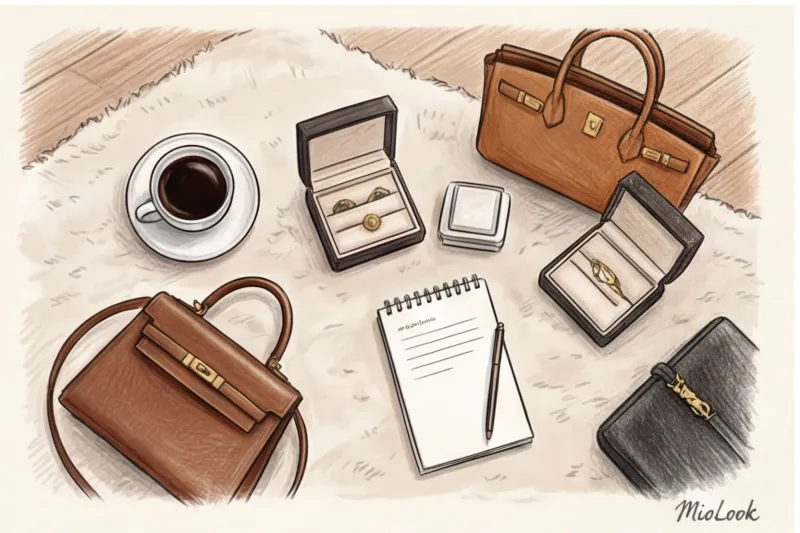
Of course, it's worth acknowledging: app analytics WON'T work if you're adding items but forgetting to track the looks they're worn with. The system needs to track how often you wear them. This allows you to track wear and tear: you'll know exactly when it's time to send that basic bag to the bag spa for a corner repair, and which trendy sunglasses are time to sell on a resale platform before they go out of style.
Checklist: Your Weekend Plan for Sorting Out Bags and Jewelry
To prevent the scale of the task from causing procrastination, I've put together a step-by-step action plan for you. It takes no more than two hours:
- Step 1: Take absolutely everything out of boxes, drawers, and dust bags. Lay it out on the bed. You should be able to see the scale of the disaster.
- Step 2: Select the top 20% of your favorite and most frequently worn items. Put the rest back for now.
- Step 3: Set up a matte, light-colored background near a window. Be sure to wipe the hardware of your bags and the stones of your jewelry with a microfiber cloth—smartphone cameras are tough on fingerprints.
- Step 4: Take product photos and upload them to MioLook , immediately putting in the basic tags (metal color, season, formality).
- Step 5: Play stylist. Create three completely new looks in the app using accessories you've long forgotten about, but now they're right before your eyes.
Digitizing your accessories isn't about strict control and tedious inventory. It's about freeing yourself from morning panic. When every element of your style is just a swipe away on your smartphone, you start managing your wardrobe, not your wardrobe managing you.